
Suggested tools for you
Choosing the top ai coding assistant is less about finding the tool with the loudest autocomplete demo and more about matching assistance to the way you actually build software. We compared 99 tools, then shortlisted 10 for closer review across code generation, debugging, refactoring, codebase context, deployment workflows, privacy, and price transparency. The result is a practical starting point for developers who want the best ai coding assistant without spending a week testing every option.
Quick trust line
Tools reviewed: 99 AI coding tools, with 10 featured in depth
Last checked: August 1, 2026
Reviewed by: aitop10.ai software rankings editor
What we checked: Coding workflows, codebase context, generation, debugging, refactoring, collaboration, free access, pricing signals, and audience fit
Use AI

- Researchers comparing models for coding work
- $1 trial; access to 25+ AI models
- Starts at From $29.99/month
- Usage signal: 22.5M
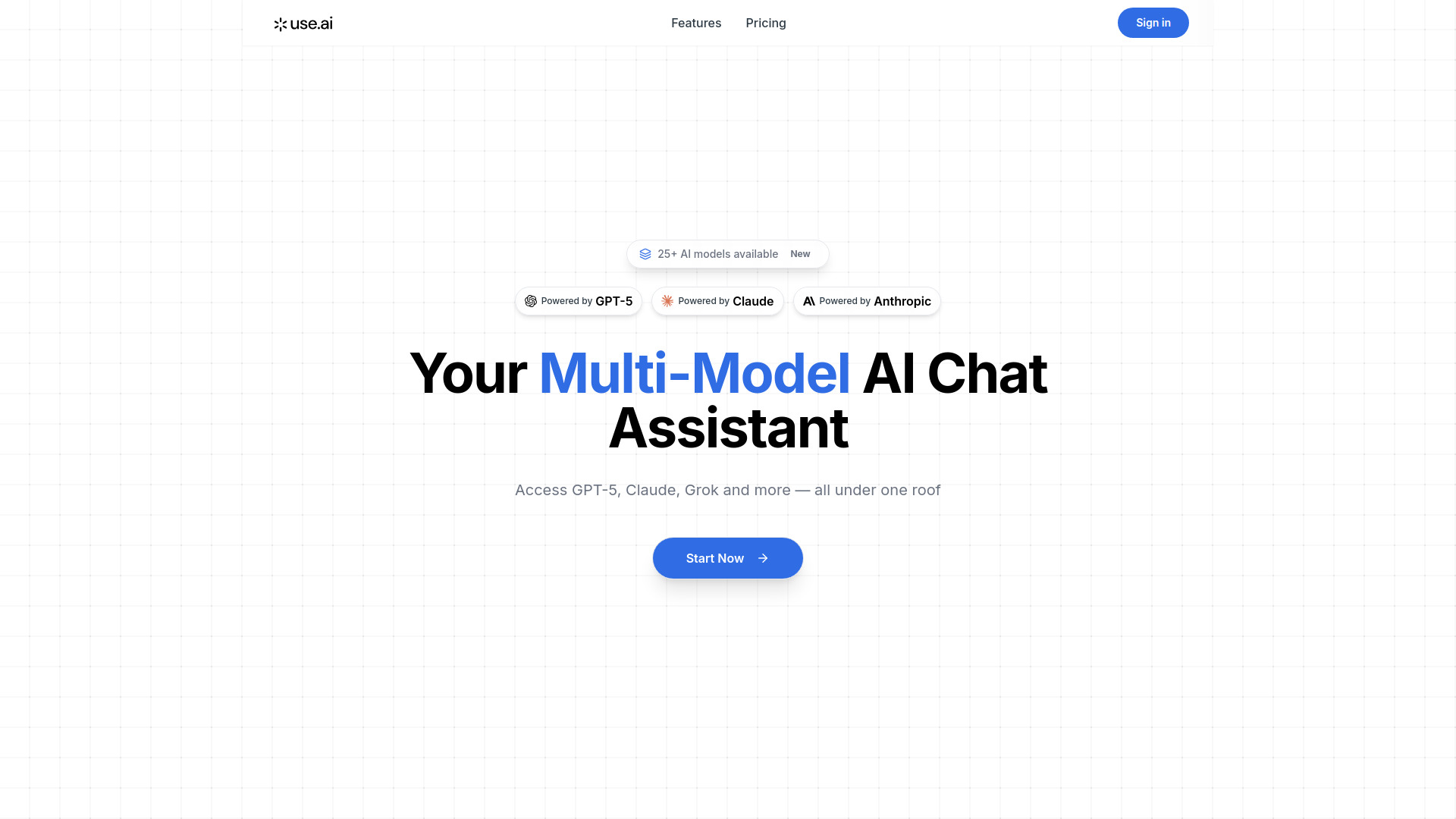
Use AI takes a broader route than a conventional editor plugin: it puts 25+ language models behind one subscription, including GPT-5 and Claude. That matters when coding tasks vary from quick implementation to research-heavy debugging. Instead of rebuilding your workflow around one model, you can choose a model by task, with coding listed alongside research, writing, and image generation.
The trade-off is equally clear. This is a multi-model chat assistant rather than a narrowly focused terminal or IDE agent, so developers who want automatic repository edits may prefer Aider or a dedicated coding environment. Still, its model breadth and 22.5M monthly-visit signal make it the strongest general recommendation in this shortlist.
Why it ranks first
| Scoring area | Editorial read |
|---|---|
| Model access | 25+ LLMs in one subscription, including GPT-5 and Claude |
| Task flexibility | Model selection is organized around tasks such as coding and research |
| Accessibility | Voice-enabled commands add another way to interact |
| Value fit | Strongest for people who need several models, not one fixed assistant |
Best fit
Researchers and technical users who compare model responses.
Developers moving between coding, documentation, and research questions.
Anyone who values broad model choice more than a deeply integrated repository agent.
Limitations
The primary service model is a paid subscription.
The homepage does not detail precise performance differences between models.
It may feel broader than necessary for a developer who only wants inline completion.
Aider

- Software developers working in a terminal and local Git repository
- Terminal pair programming with cloud or local LLMs
- Starts at Check vendor pricing
- Usage signal: 440K
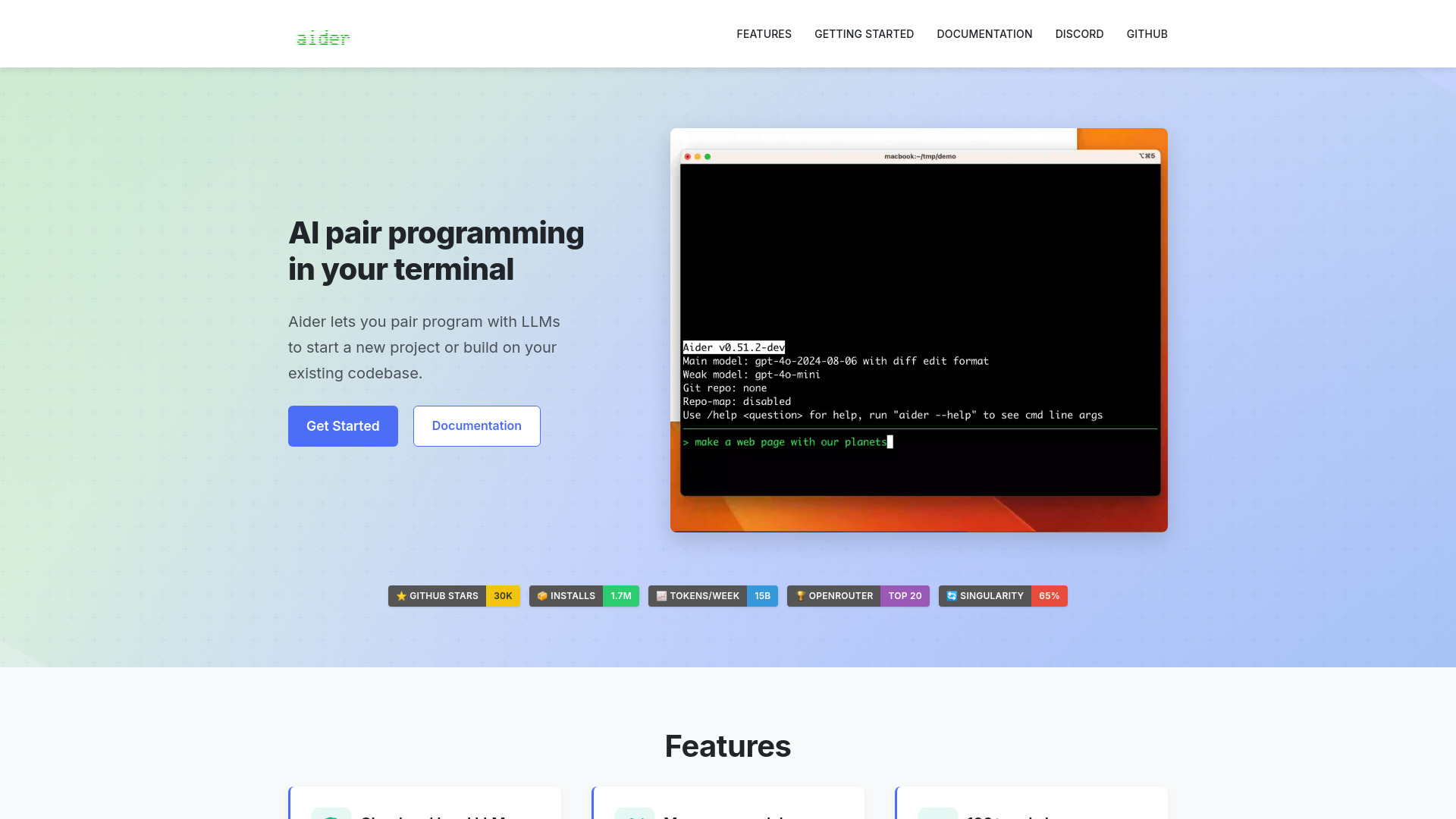
Aider earns its near-top position by staying close to the code. It works as an AI pair programmer in the terminal, edits code in a local Git repository, and maps the codebase so its suggestions can account for more than the file currently open. That makes it a particularly compelling best ai code assistant for developers who already live in Git and the command line.
Cloud and local LLM support gives Aider an important flexibility advantage. You are not locked into one model or one hosting approach, although that flexibility can create setup work. Certain models require API keys, and configuring providers is less immediately approachable than opening a browser-based assistant.
Why it is near the top
| Scoring area | Editorial read |
|---|---|
| Repository context | Codebase mapping helps the assistant reason across a project |
| Workflow fit | Terminal-based pair programming suits Git-centered development |
| Model choice | Supports both cloud and local LLMs |
| Friction | API keys and configuration can slow the first session |
Best fit
Software developers comfortable with terminals and Git.
Teams that want to use cloud or local language models.
Developers making multi-file changes where repository context matters.
Limitations
Certain LLMs require API keys.
Initial setup may take more effort than a hosted editor assistant.
It is not the obvious choice for users who prefer a visual, no-configuration interface.
BlackBox AI

- Software developers who want generation, extraction, and autocomplete
- 5-day free trial; video code extraction
- Starts at Check vendor pricing
- Usage signal: 35.9K
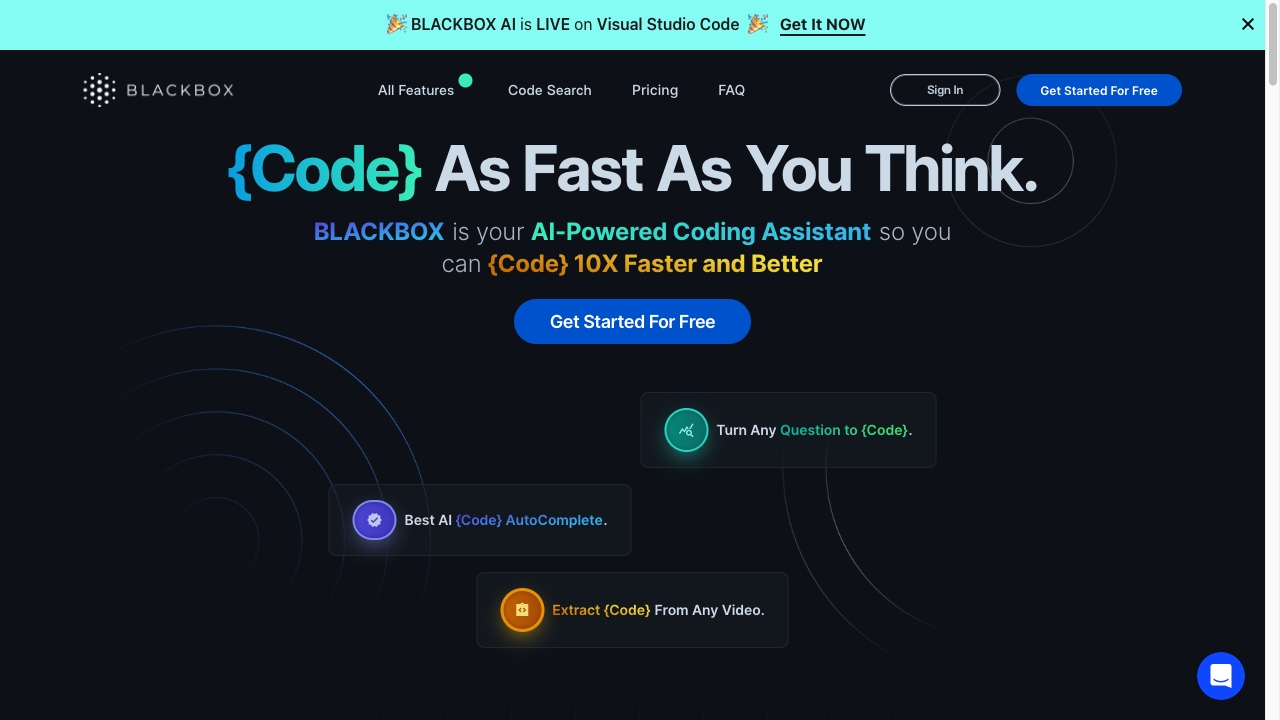
BlackBox AI stands out by combining familiar coding assistance with a less common workflow: extracting code from videos. Natural-language code generation and autocompletion cover the everyday use case, while video extraction can help when a tutorial, recorded walkthrough, or presentation contains code you need to inspect.
That breadth makes it useful for speed, but it also raises the importance of verification. Generated code accuracy can vary, and the tool's own limits list reliance on AI as a potential drag on independent problem-solving. Treat its output as a draft to review, not a substitute for tests, security checks, or understanding the implementation.
Best fit
Developers who want natural-language generation and autocomplete together.
Learners or builders capturing code from technical videos.
Fast prototyping where output can be reviewed before production use.
Limitations
Generated code may not always be accurate.
Heavy reliance on AI can weaken manual problem-solving habits.
Pricing beyond the free trial is not clearly presented here.
CodeAI

- Freelancers building and testing full-stack applications
- 2 public projects; 60 AI calls; 40,960 tokens
- Starts at Code Explorer: Free
- Usage signal: 9.2K
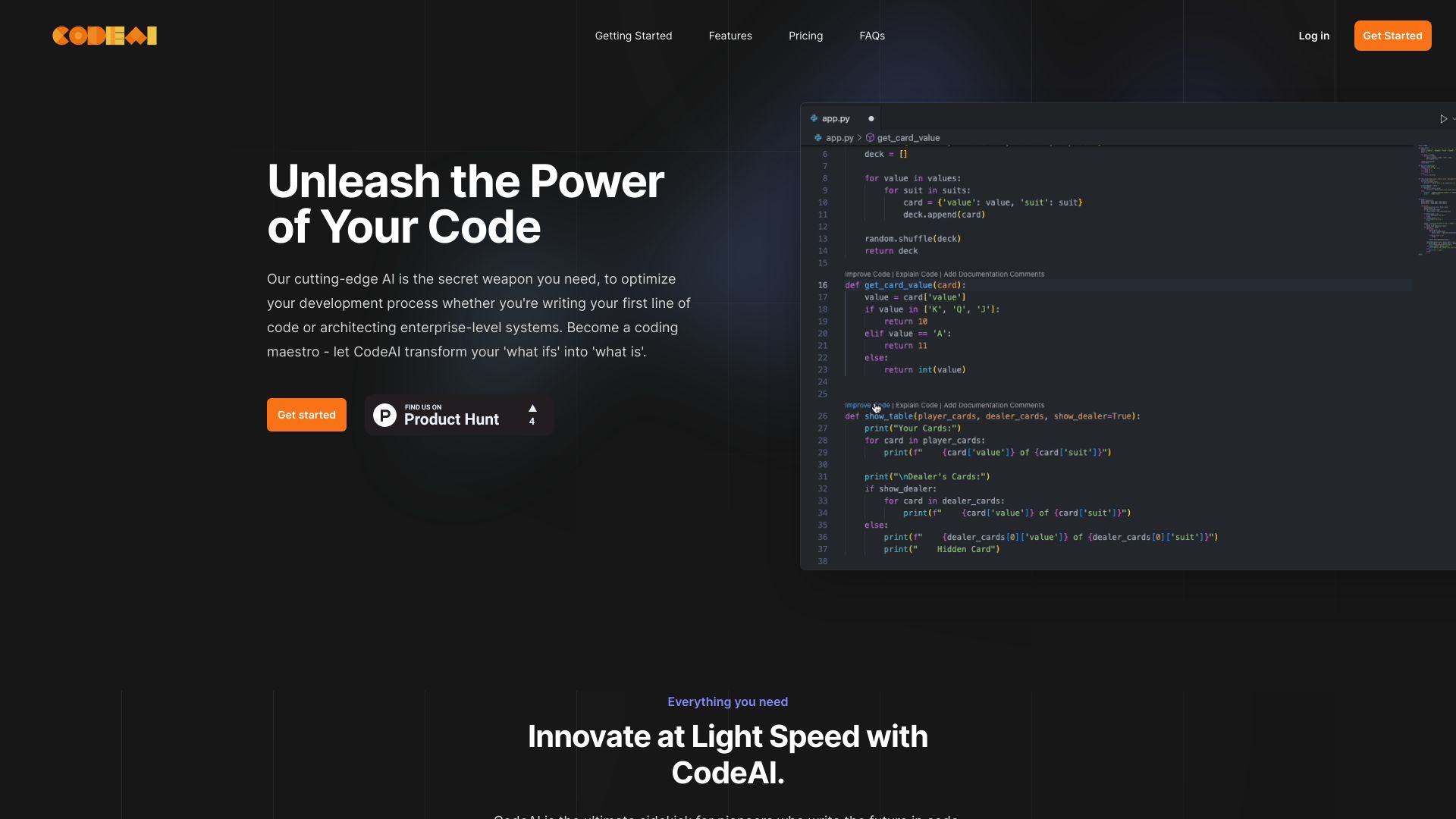
CodeAI is aimed at more than isolated snippets. Its feature set includes AI code generation, full-stack application generation, and unit test creation, giving freelancers a way to move from an idea toward a working project inside one development environment. The privacy-first positioning is also relevant when code security is a deciding factor.
The free allowance is concrete but finite: two public projects, 60 AI generation calls, and 40,960 tokens. That is enough to explore the workflow, not an unlimited development plan. Higher-tier plans hold some features, so frequent users should check how quickly their project and token limits become restrictive.
Best fit
Freelancers prototyping full-stack applications.
Developers who want unit-test creation alongside generation.
Users who prefer a broader development environment over a single autocomplete feature.
Limitations
Some capabilities are limited to higher-tier plans.
The free plan restricts AI calls and token usage.
Public project limits may not suit private client work without checking plan details.
Refact.ai

- Software developers improving existing code in an IDE
- 5,000 coins; completion, refactoring, and AI chat
- Starts at Free: $0/month
- Usage signal: 71.2K
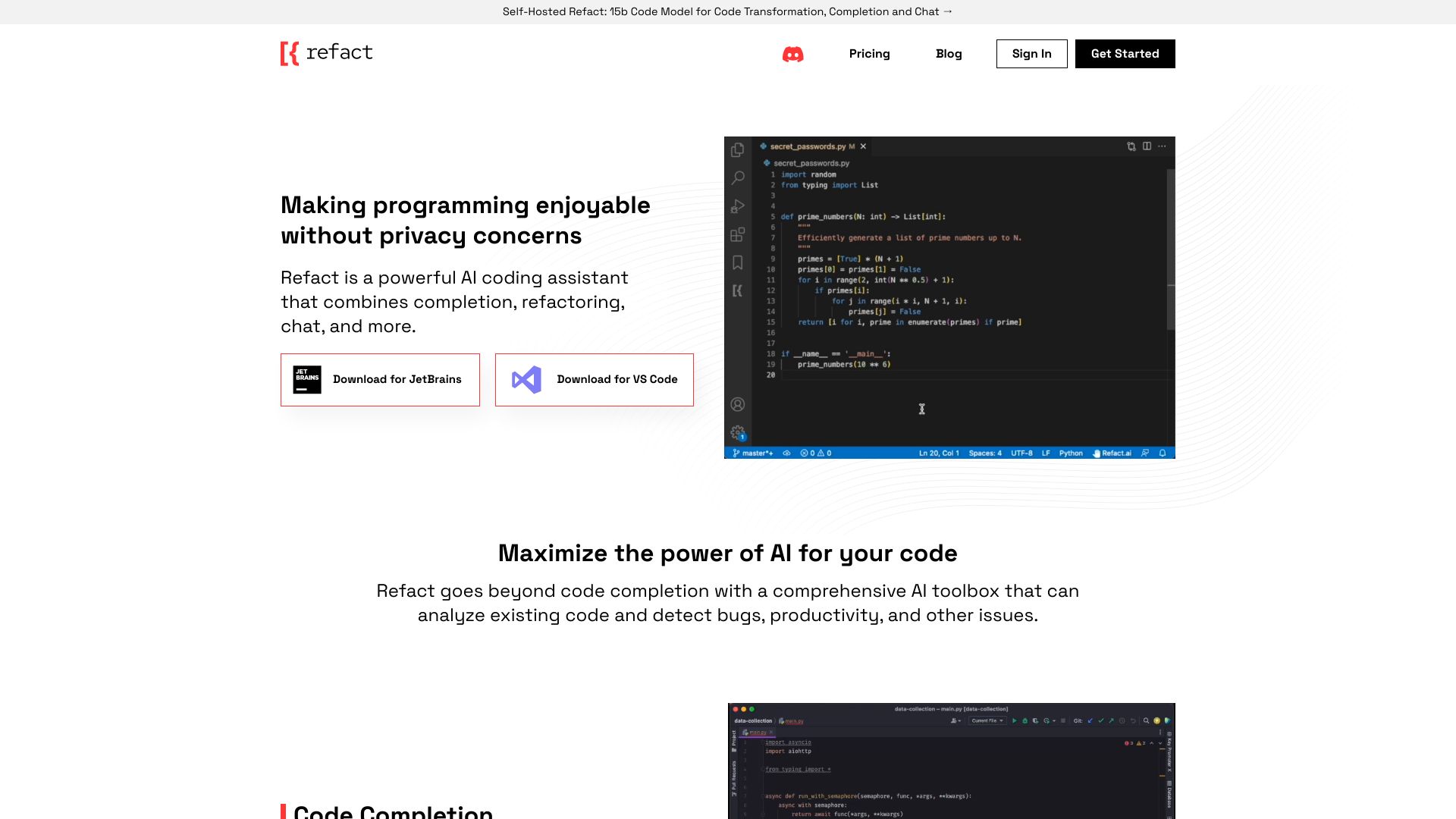
Refact.ai is strongest when the job is not simply "write something new." Code completion, refactoring, and AI chat form a practical toolbox for developers cleaning up an existing codebase, exploring unfamiliar logic, or improving an implementation without leaving the IDE. Support for multiple machine-learning models and major programming languages adds flexibility.
Its free entry point is unusually specific: 5,000 coins, with completion, refactoring, and AI chat listed among the available features. Full access may require a paid plan, and results still depend on the quality of the underlying models. For maintenance-heavy work, though, its refactoring emphasis gives it a sharper identity than a generic code generator.
Best fit
Developers maintaining or modernizing existing codebases.
Teams that want chat and refactoring near the coding workflow.
Users who need support across multiple languages or models.
Limitations
Full feature access may require a paid plan.
Model quality affects the usefulness of suggestions.
The coin system may require monitoring during heavier usage.
AskCodi

- Software developers automating generation, refactoring, and tests
- 7-day free trial; generator and unit-test writer
- Starts at Premium: $149.99/year
- Usage signal: 45.2K
AskCodi focuses on the repetitive parts of development: AI-powered code generation, refactoring, bug detection, fixing, and unit-test writing. That combination gives it a clear practical angle for developers who want assistance across the full edit-and-check loop rather than only autocomplete.
The seven-day trial is useful for validating that workflow, but the listed Premium price of $149.99 per year means buyers should test their actual language and framework needs before committing. Its effectiveness depends on the quality of the input code and prompts, so vague requests will not produce consistently useful results.
Best fit
Developers who regularly generate tests and refactor existing code.
Teams looking to reduce repetitive implementation work.
Users comfortable giving precise descriptions of the desired change.
Limitations
Full use may require a paid plan.
Output quality depends heavily on prompts and input code.
AI assistance can gradually displace manual coding practice if used uncritically.
CodeMate

- Individual developers debugging and reviewing code
- Debug, review, and refactor code
- Starts at Pro Plan: $8/month
- Usage signal: 18.0K
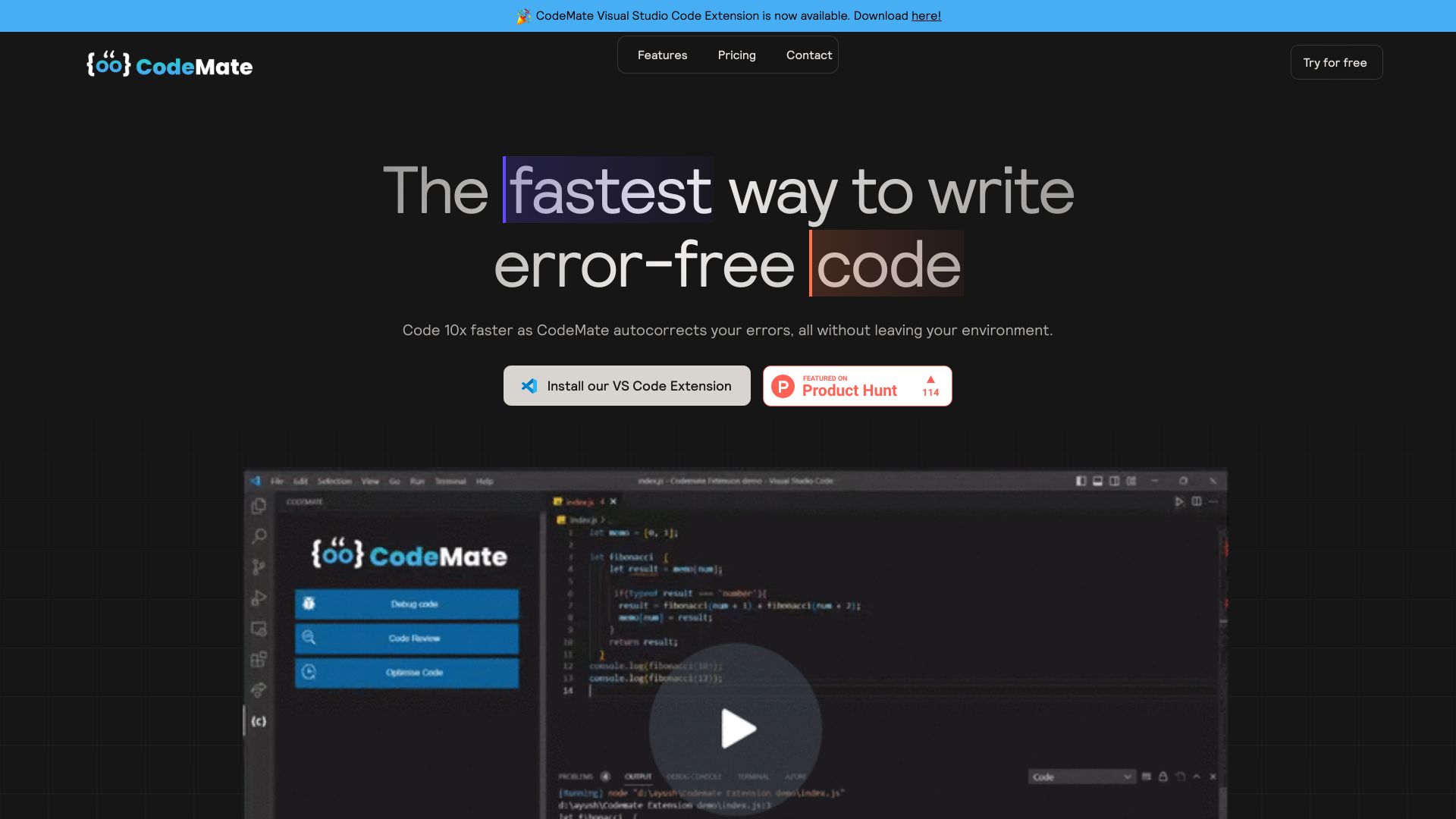
CodeMate is built around the correction loop: autocorrection, debugging, and code review. That makes it a sensible choice for individual developers who already know what they want to build but need help finding issues, improving quality, or refactoring an implementation. At $8 per month for the listed Pro Plan, it is also one of the clearer low-cost entries here.
The main caveat is input quality. CodeMate's accuracy depends on how clearly the code and its problem are described, and some features may require a subscription. It is best treated as a review partner, not an automatic guarantee that code is correct.
Best fit
Individual developers who want a second pass on code.
Debugging and refactoring tasks where the problem can be described clearly.
Buyers seeking a straightforward paid entry point.
Limitations
Ambiguous code descriptions can produce weaker results.
Some capabilities may require a paid subscription.
Review suggestions still need human validation and testing.
Code Snippets AI

- Developers organizing and sharing reusable code snippets
- Save 5 snippets; AI snippet management and codebase chats
- Starts at Basic: Free
- Usage signal: 4.7K
Code Snippets AI takes a library-first approach. It can generate and manage snippets, add contextual AI chats to the collection, index a codebase, and support team sharing. That is a useful distinction for developers whose productivity depends on finding and adapting proven patterns rather than generating every function from scratch.
The free Basic plan allows five snippets, which is enough to test whether a managed library fits your habits. The learning curve and dependence on model quality are real limitations, especially if a team has not agreed on how snippets should be reviewed, named, and maintained.
Best fit
Developers building a reusable internal snippet library.
Teams that share and optimize common implementation patterns.
Users who want codebase-aware chat alongside saved examples.
Limitations
The free plan is limited to five saved snippets.
New users may need time to learn the library workflow.
AI output may require model tuning and careful review.
Aide

- Software engineers working in GitHub-centered teams
- Parallel agents; SWE-Bench #1 agent
- Starts at Standard: $49/month
- Usage signal: 9.0K

Aide is the workflow-oriented option in this group. Parallel agents, GitHub-native integration, and an automated pull-request workflow point toward teams that want to move from coding assistance into reviewable repository work. It is a more specialized pick than a general chat assistant, but that specialization can be valuable when GitHub is already the center of development.
The $49 monthly Standard price makes the buying decision more deliberate, and reliance on GitHub narrows its audience. Teams outside that ecosystem, or solo developers wanting inexpensive autocomplete, should look elsewhere before paying for its workflow focus.
Best fit
Software engineering teams using GitHub as their source of truth.
Projects where parallel agents and PR workflow matter.
Developers who want assistance beyond single-file generation.
Limitations
The listed price may be high for casual or individual users.
GitHub reliance limits its fit for other repository workflows.
It may be more process-heavy than needed for small coding tasks.
CodeComplete

- Enterprise software developers needing self-hosted assistance
- Self-hosted, fine-tuned, enterprise-ready functionality
- Starts at Check vendor pricing
- Usage signal: 1.5K
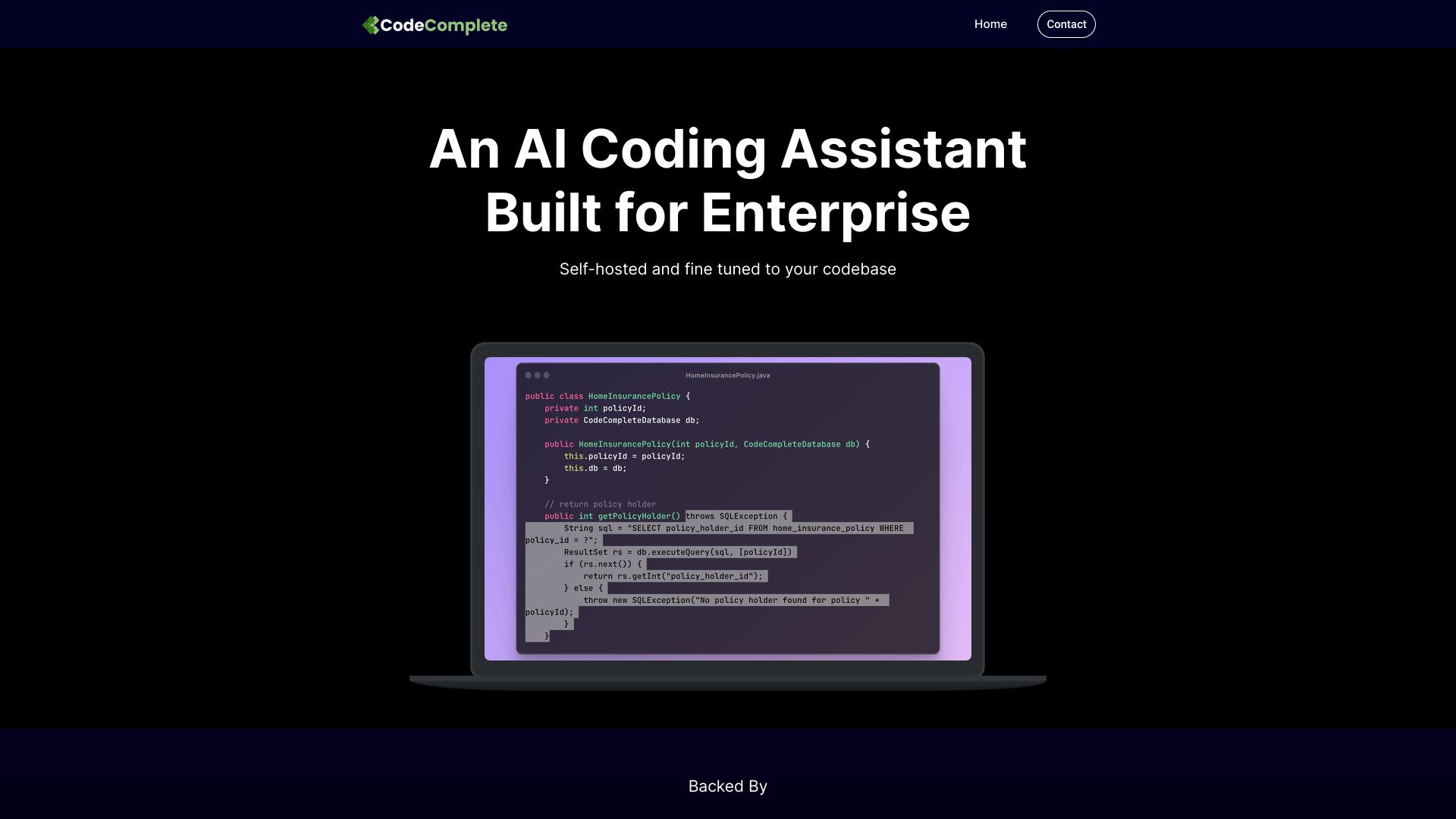
For organizations that cannot casually send source code to a hosted service, CodeComplete's self-hosted option is the headline feature. Fine-tuned models, code generation, code chat, and automated unit-test generation give enterprise teams a path to tailor assistance around existing codebases and internal requirements.
This is not the easiest choice for a quick personal trial. Pricing requires contact, and the initial setup may involve significant configuration. Those hurdles are acceptable when security, deployment control, and codebase integration outweigh convenience; they are excessive for a developer seeking instant autocomplete.
Best fit
Enterprise development teams with security or deployment requirements.
Organizations interested in self-hosting and fine-tuning.
Teams that need code chat and automated unit-test generation.
Limitations
Pricing is hidden behind a sales process.
Initial setup and configuration may be substantial.
The lower usage signal suggests it is a specialized enterprise choice, not a default consumer pick.
More tools to compare
McAnswers
- Coding error diagnosis and prompt-based programming help
- Starts at Check vendor pricing
- Usage signal: 1.1K
Codeace

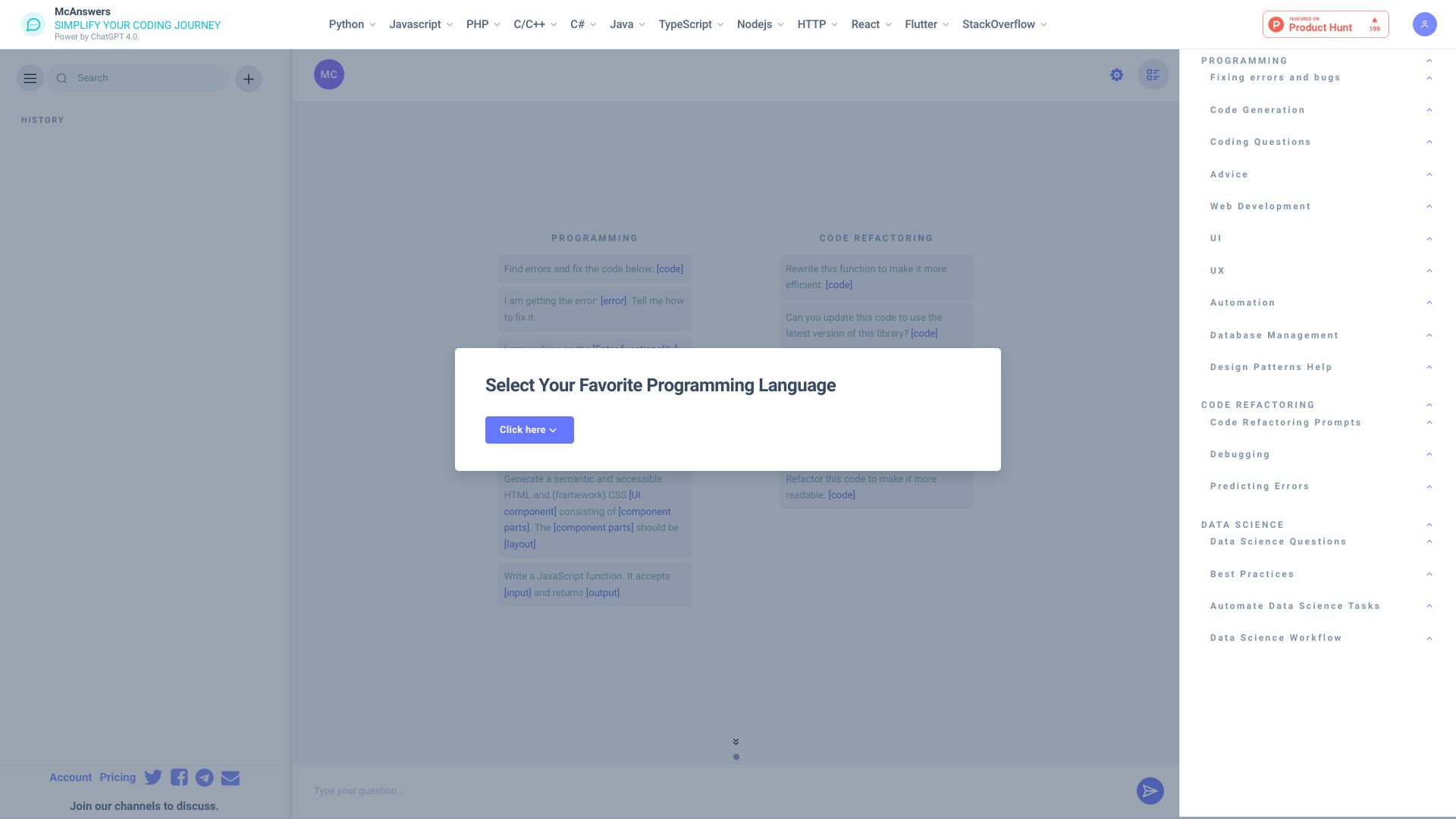
- Real-time coding interview assistance
- 3 free problem solutions
- Starts at $199/month
- Usage signal: 843
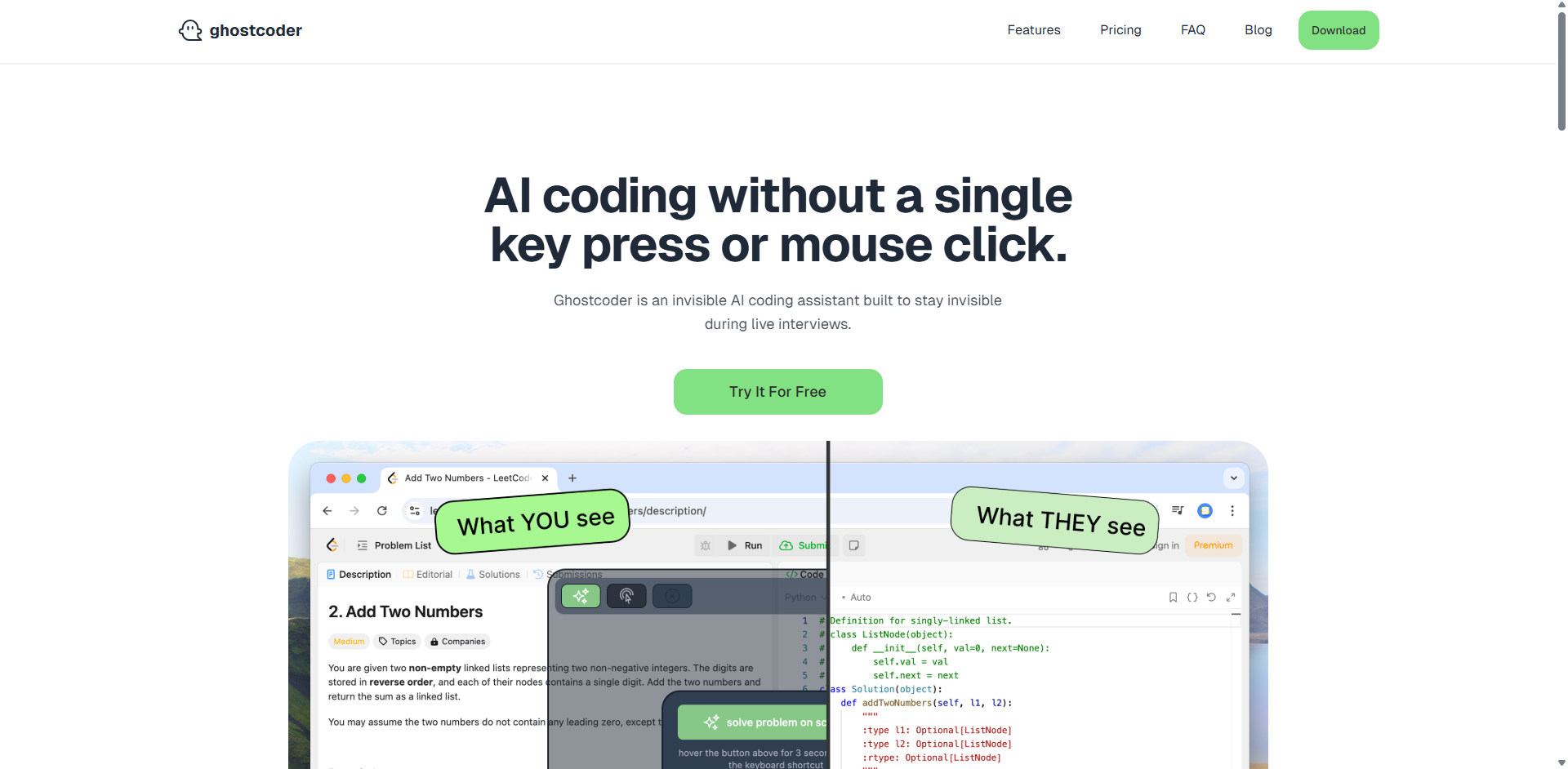
ghostcoder

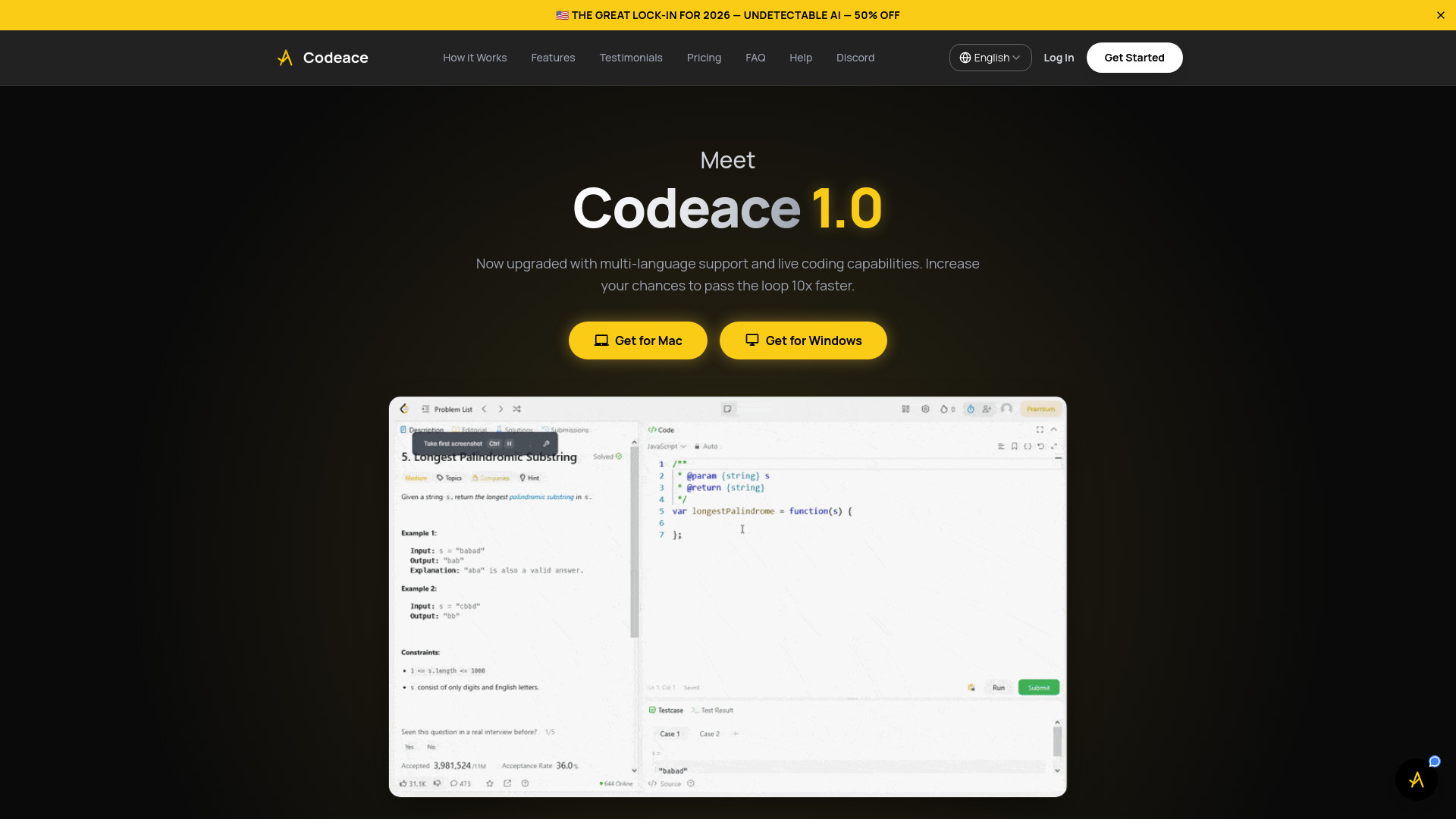
- Stealth coding help for live technical interviews
- Free trial available
- Starts at $40 USD/license
- Usage signal: 4.1K
CodeWiz

- Instant code explanations
- Starts at Check vendor pricing
- Usage signal: 802
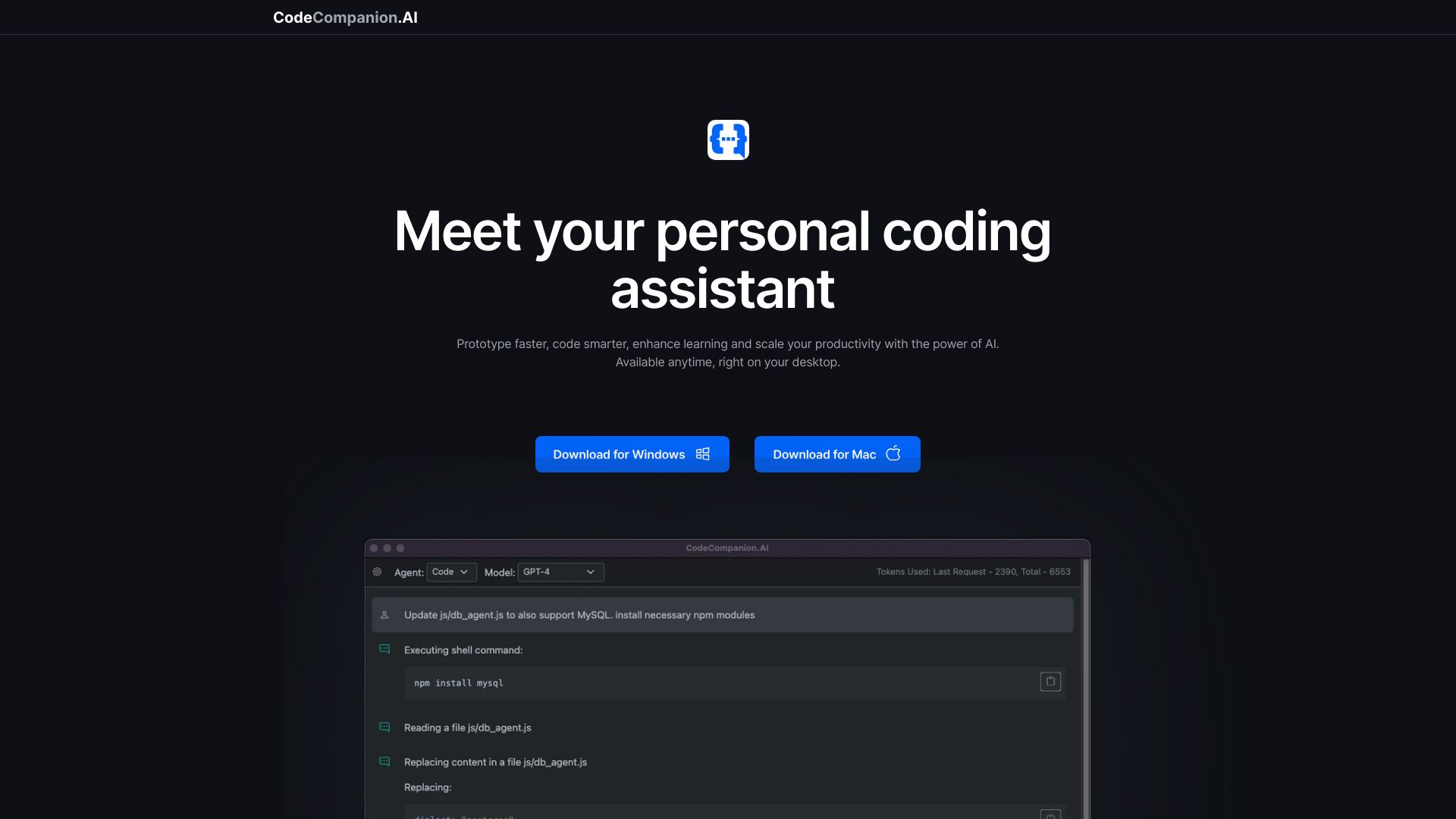
CodeCompanion.AI

- Desktop coding automation
- Free plan available
- Starts at Check vendor pricing
- Usage signal: 395
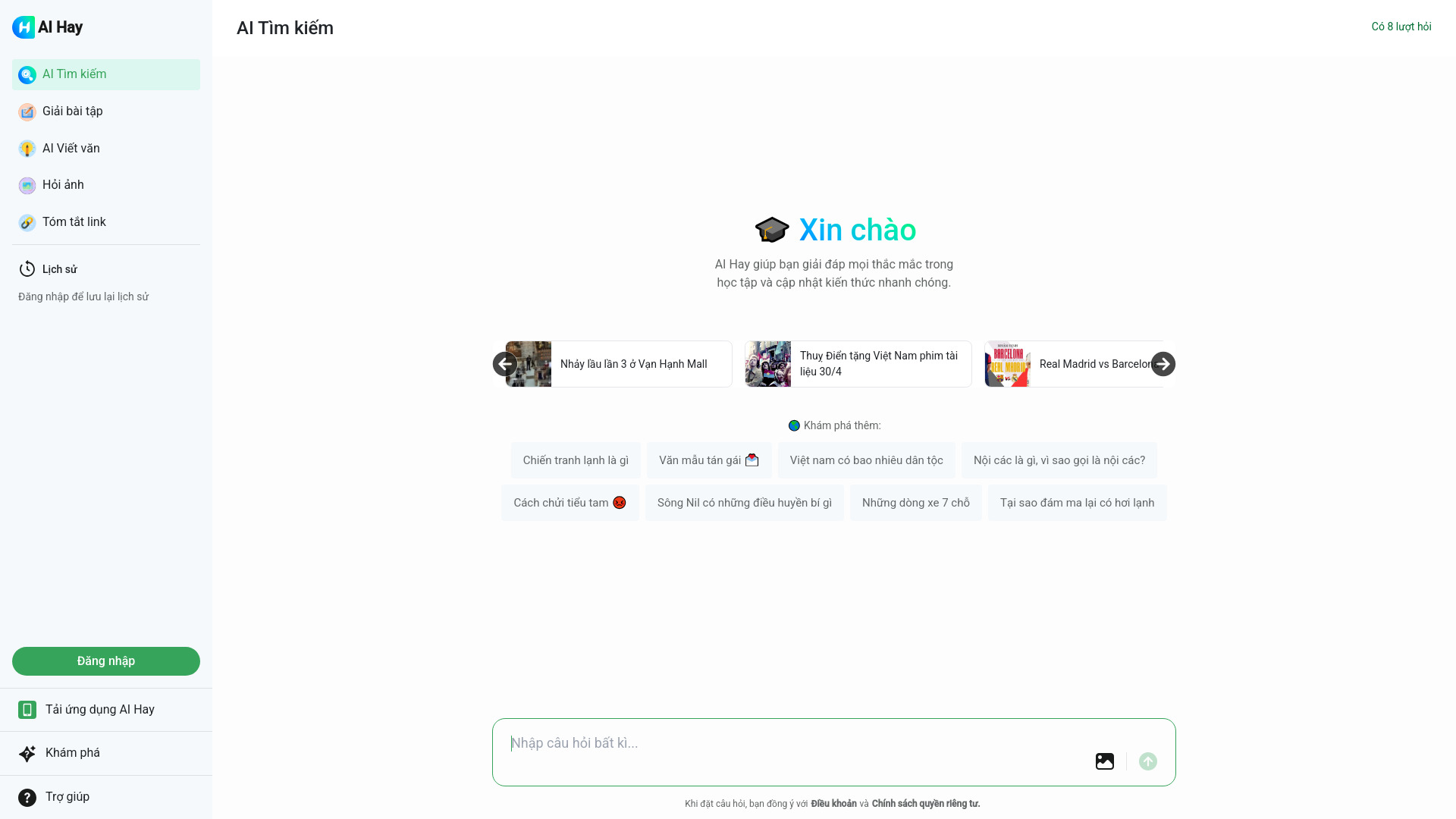
Hỏi đáp AI Hay

- Vietnamese study help and homework
- 8 free questions
- Starts at Check vendor pricing
- Usage signal: 3.5M
Ara AI

- Product development with autonomous AI agents
- Starts at Check vendor pricing
- Usage signal: 28K

Chat & Ask AI

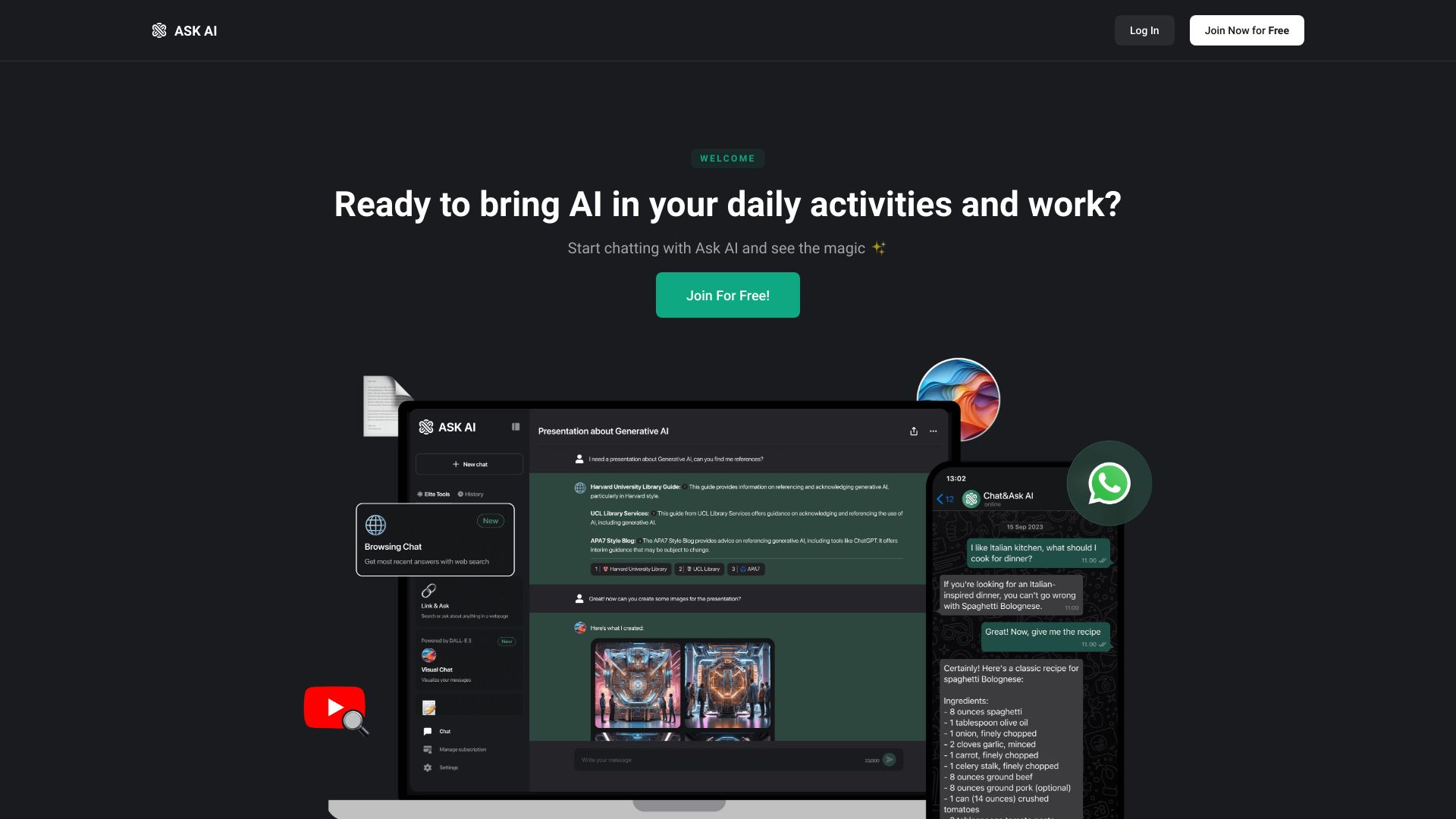
- AI chat, research, and content analysis
- Free plan available
- Starts at Check vendor pricing
- Usage signal: 1.1M
Type.ai

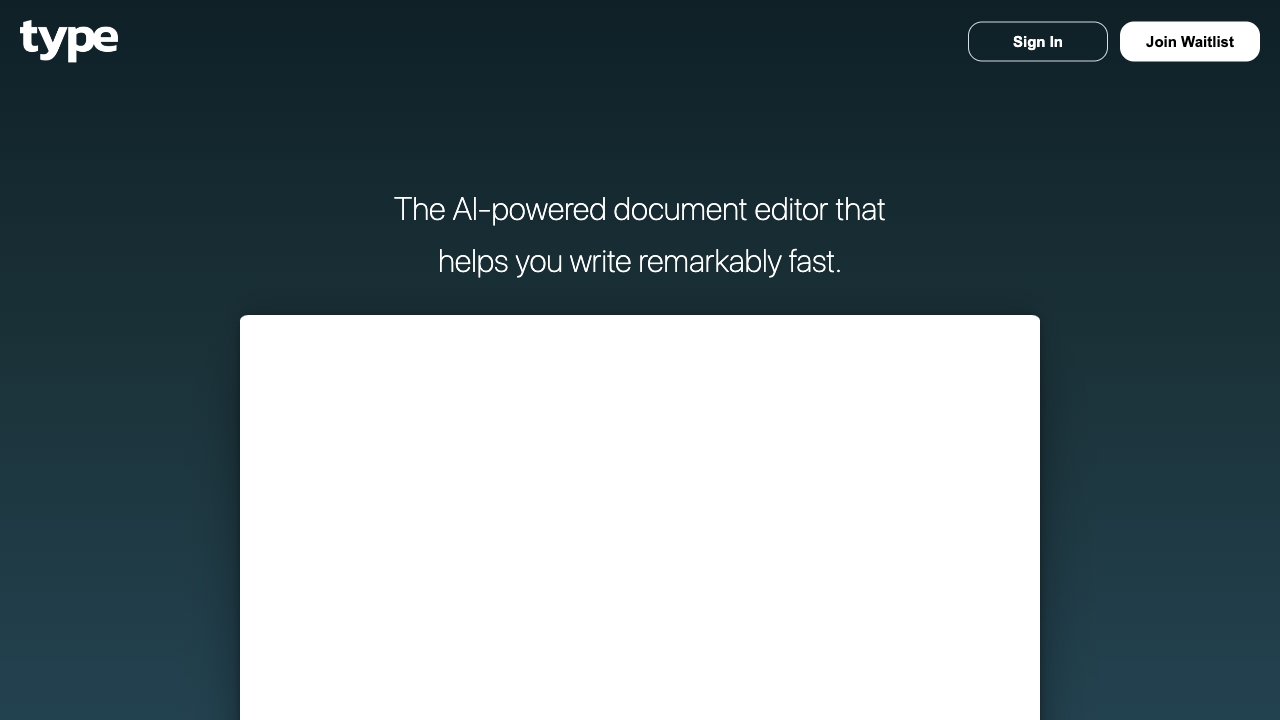
- Professionals writing and editing documents
- Free plan available
- Starts at Check vendor pricing
- Usage signal: 429.1K
Answer.AI

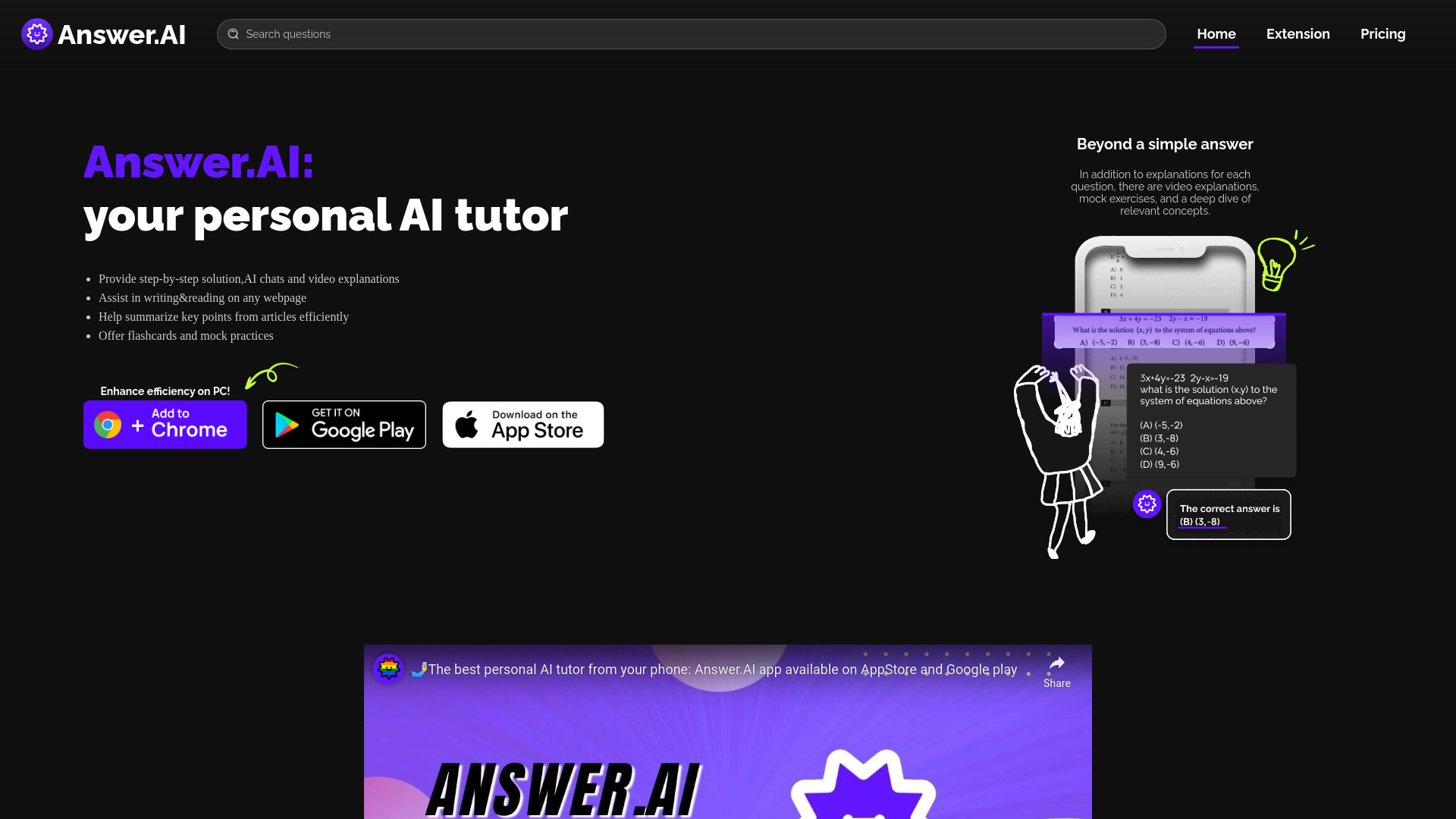
- Students needing 24/7 tutoring
- Starts at Check vendor pricing
- Usage signal: 153.4K
Asksia

- Students organizing lectures and study materials
- Free trial available
- Starts at Check vendor pricing
- Usage signal: 140.1K

Interview Coder

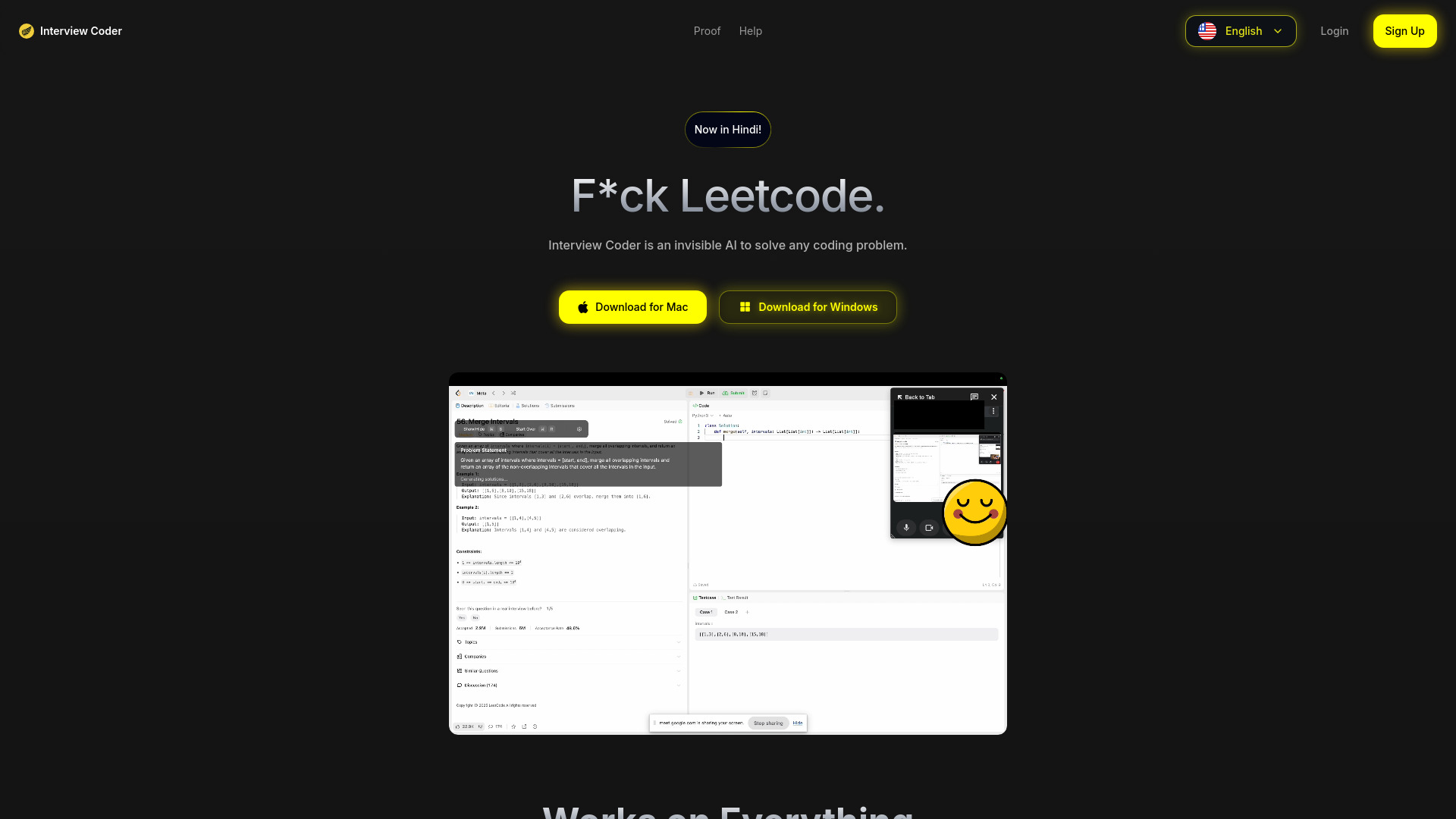
- LeetCode technical interviews
- Free plan available
- Starts at $0/month
- Usage signal: 153.1K
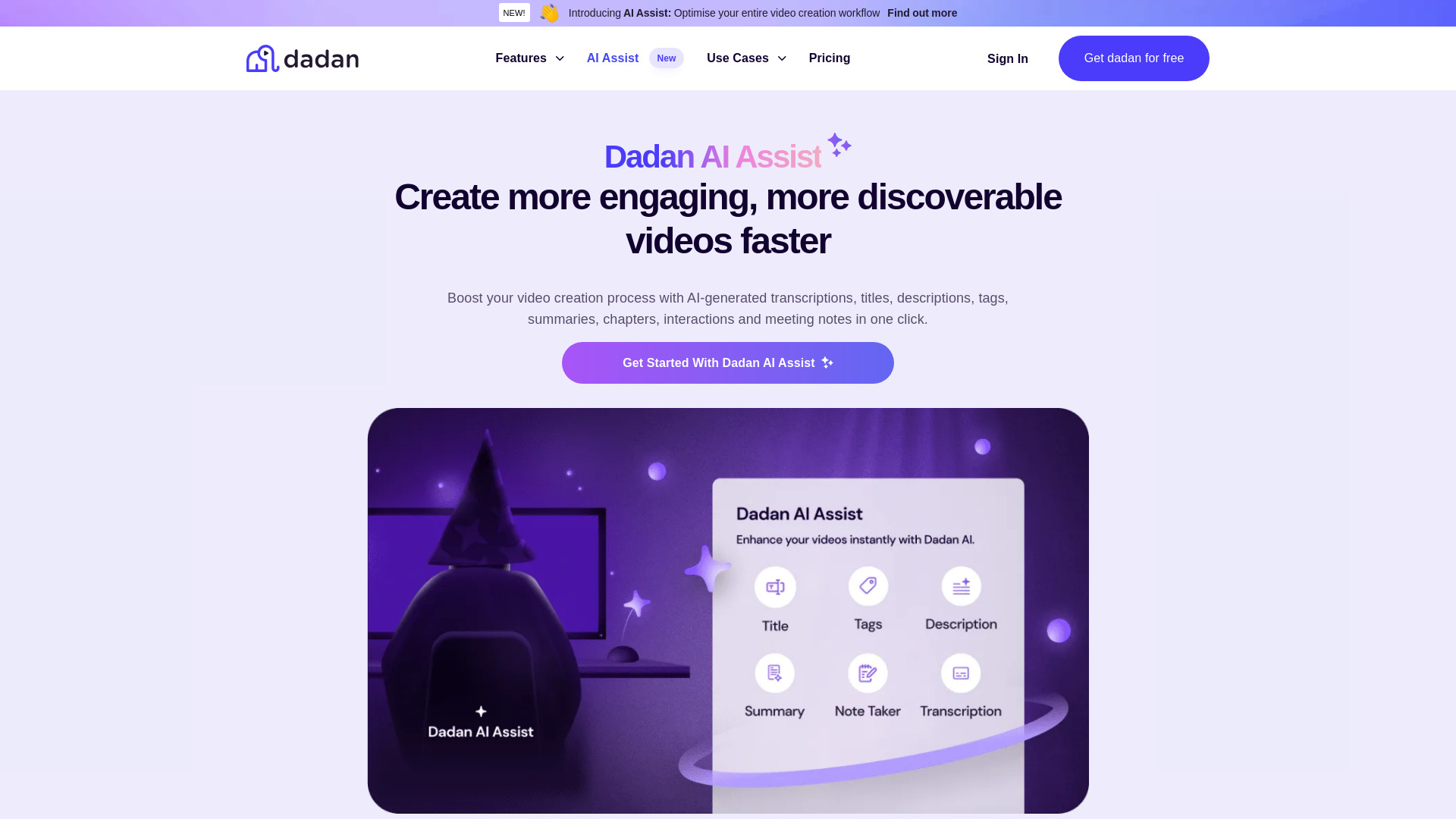
Dadan AI Assist

- AI video content creators
- 2-week free trial
- Starts at Check vendor pricing
- Usage signal: 100.6K
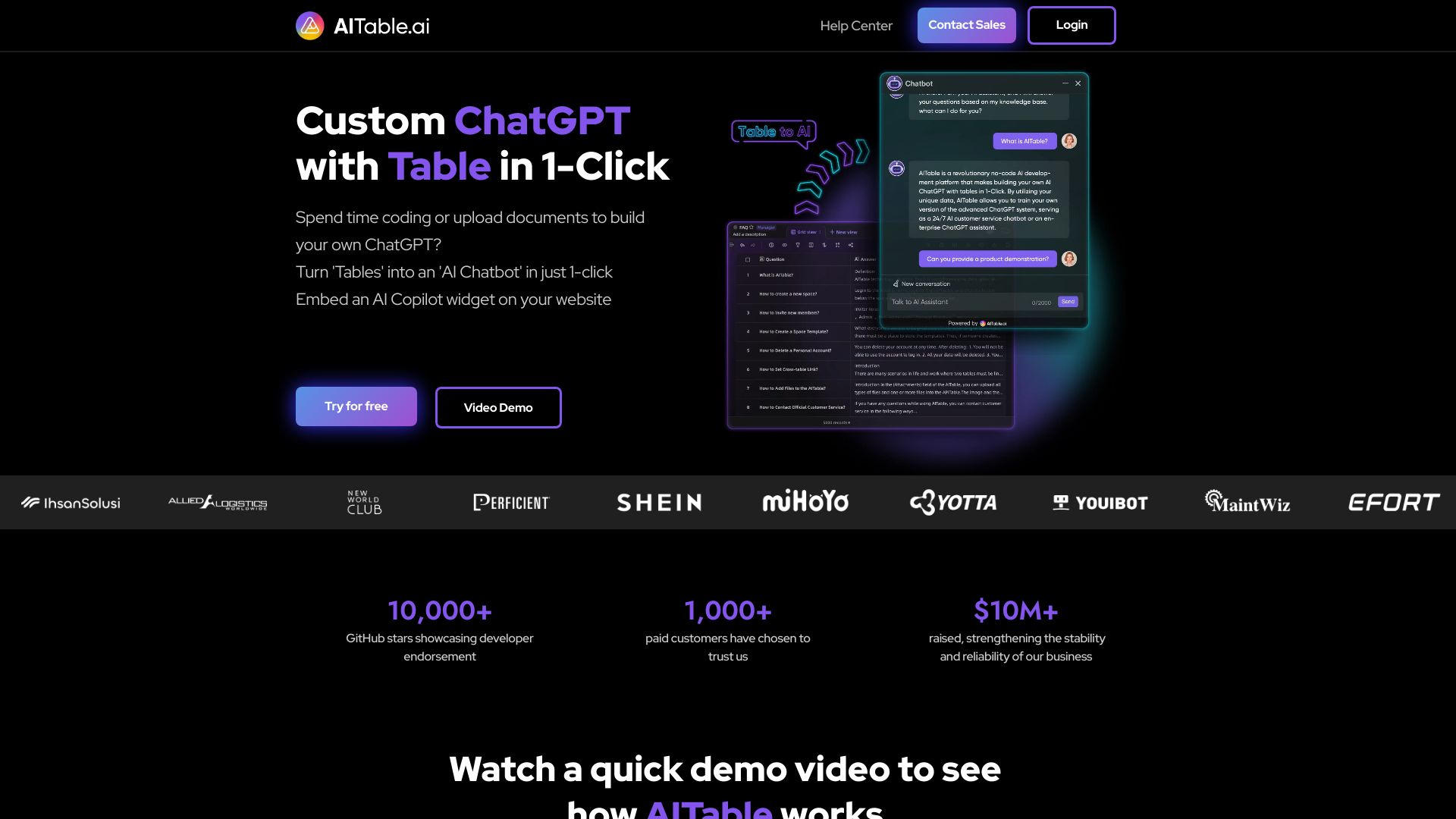
AITable.ai

- No-code data and workflow automation
- Free plan available
- Starts at Check vendor pricing
- Usage signal: 82.2K
Eddie AI

- Prompt-based video editing
- Starts at Check vendor pricing
- Usage signal: 81.1K
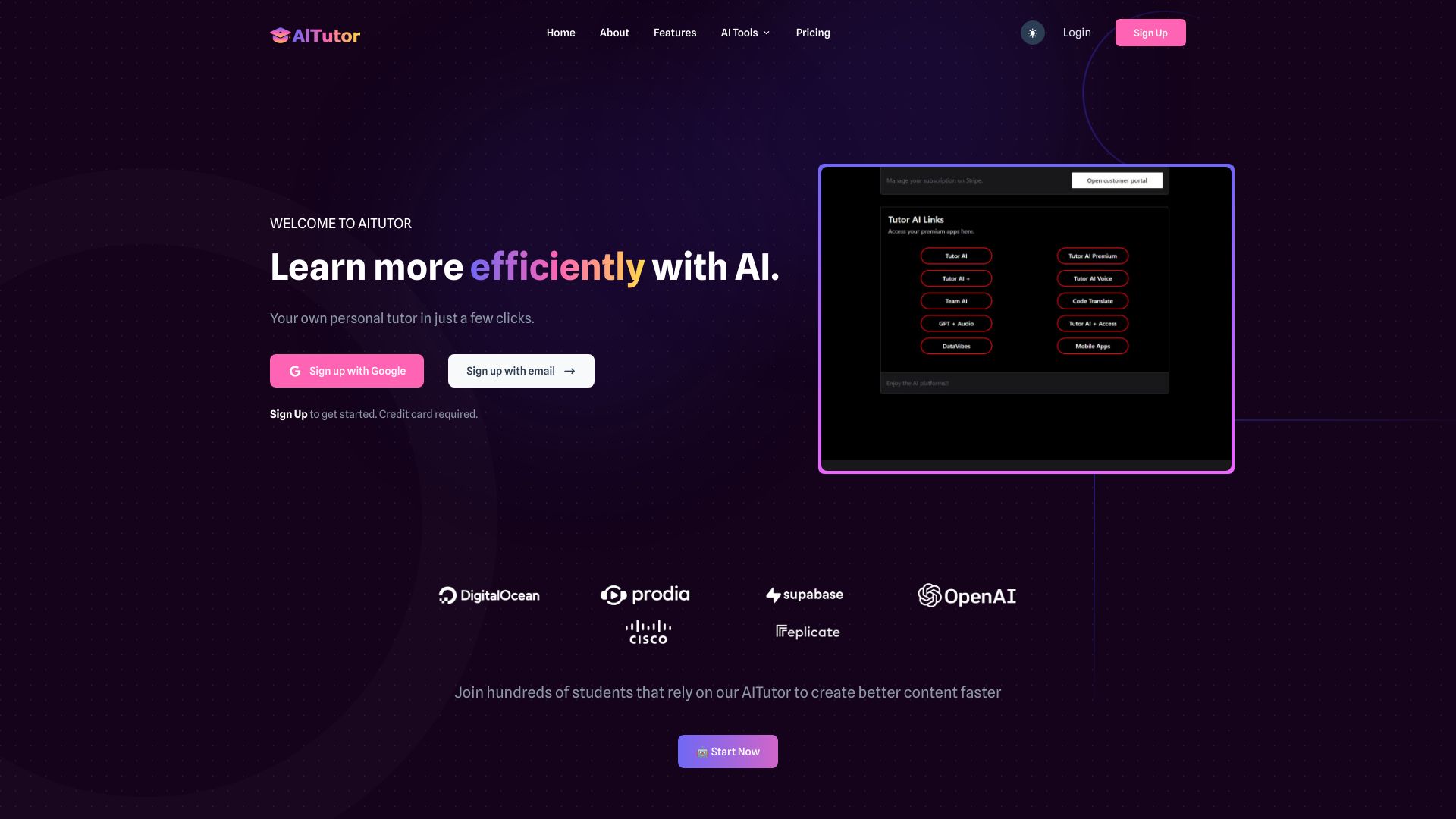
AI Tutor

- Multi-model coding and app building
- 10+ free models, unlimited messages
- Starts at $14.99/month
- Usage signal: 11.2K
brAIneous

- Voice- and chat-driven web development
- Starts at Check vendor pricing
- Usage signal: 0

AskCodeBuddy.ai
- Conversational coding help
- Starts at Check vendor pricing
- Usage signal: 0
Command AI

- Product, growth, and support teams
- Starts at Check vendor pricing
- Usage signal: 28.2K
11.ai

- Custom voice assistants and workflows
- Starts at Check vendor pricing
- Usage signal: 44.9K
Student AI

- Students writing essays and managing academic tasks
- 2,000 credits/month
- Starts at $4.99/month
- Usage signal: 41.6K
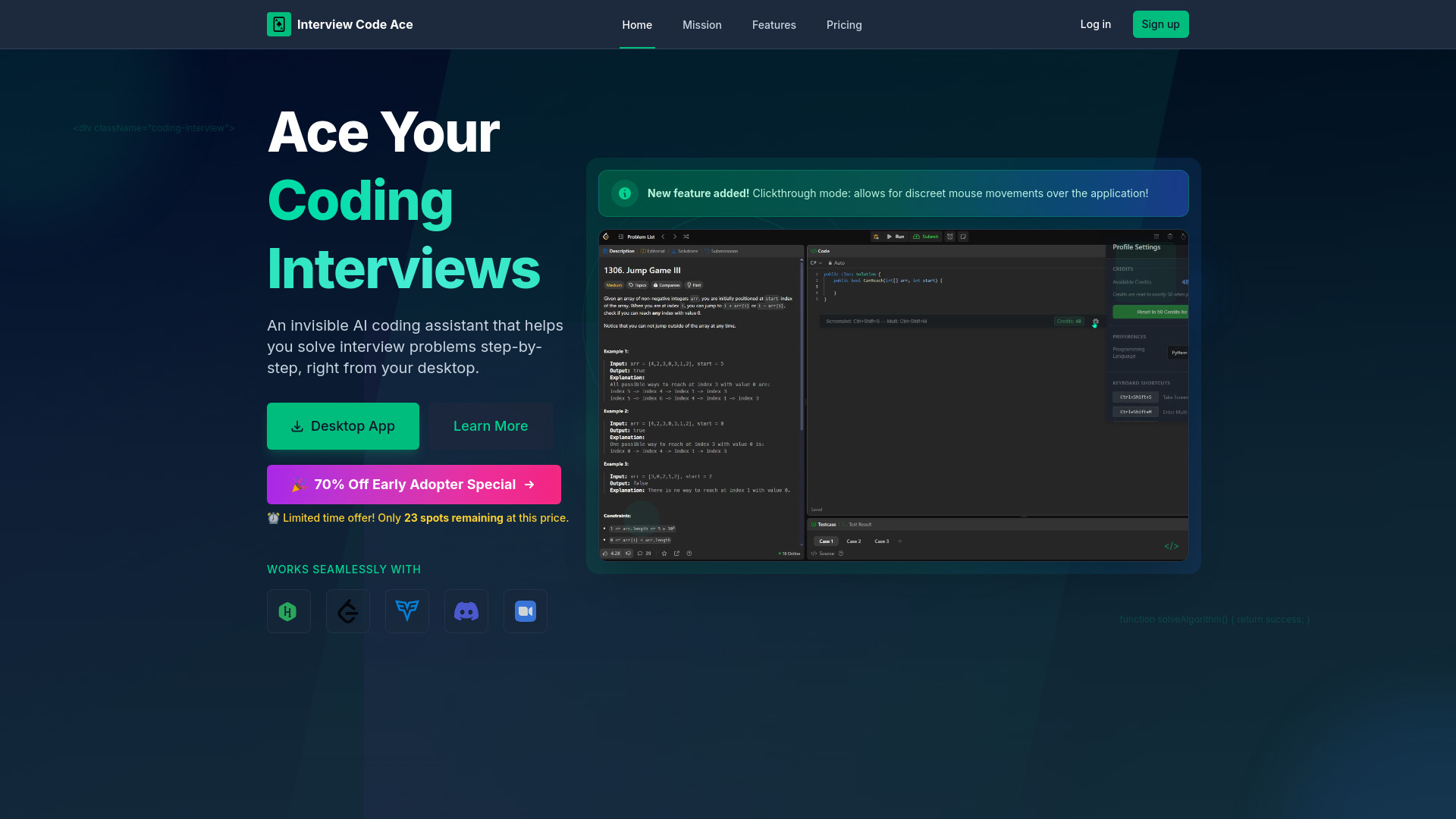
Interview Code Ace

- Discreet technical interview coding assistance
- Starts at $7/month
- Usage signal: 0
Alice - Your Personal AI Assistant App

- Desktop AI assistants and automations
- 3-week free trial
- Starts at $149 lifetime
- Usage signal: 19.4K

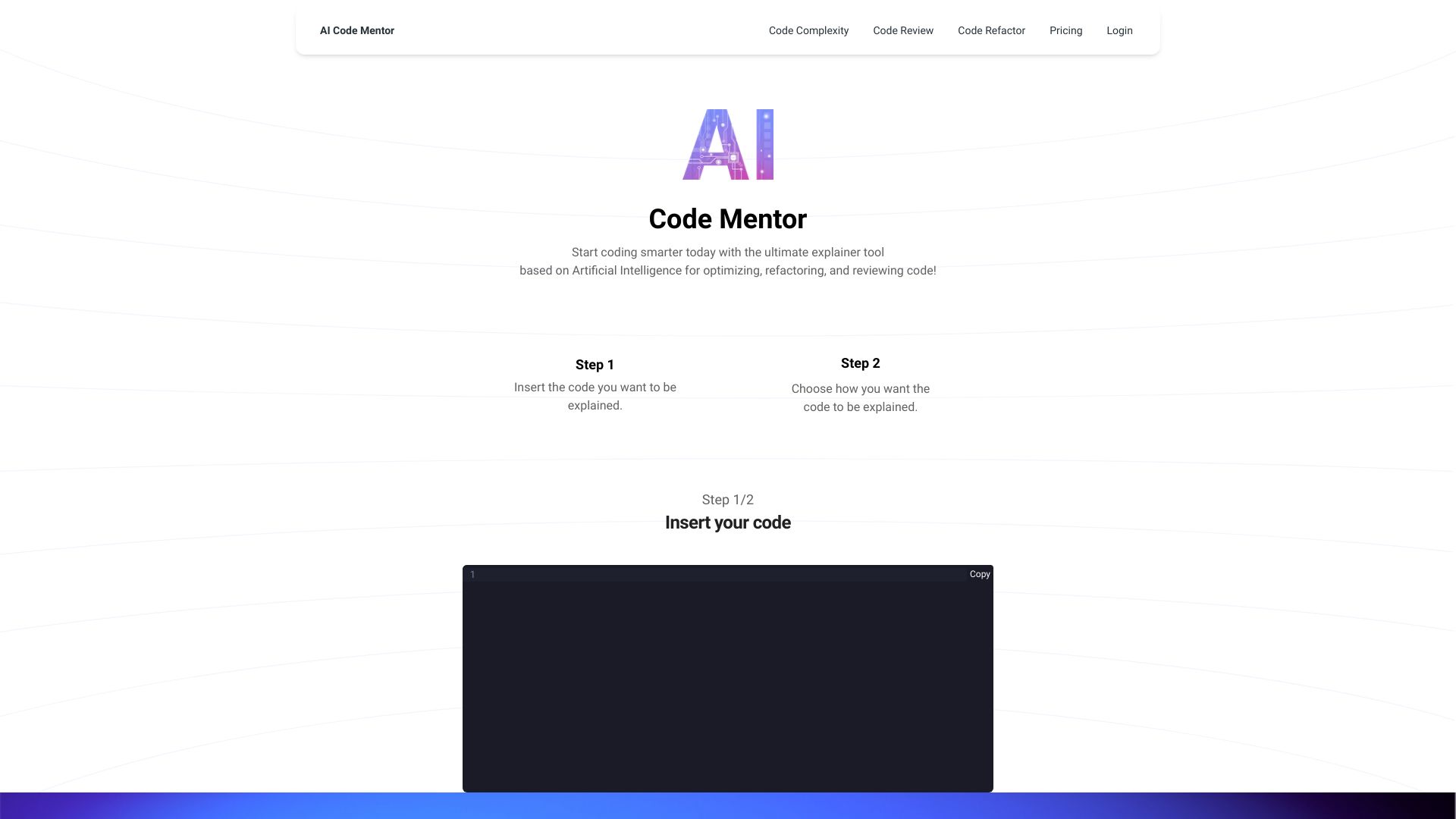
AI Code Mentor

- Beginner-friendly code explanations
- 500 characters and 5 explainer models
- Starts at From $7/month
- Usage signal: 3.3K
Codey AI

- Coding-focused daily AI assistance
- Free trial available
- Starts at $6.99/month
- Usage signal: 0
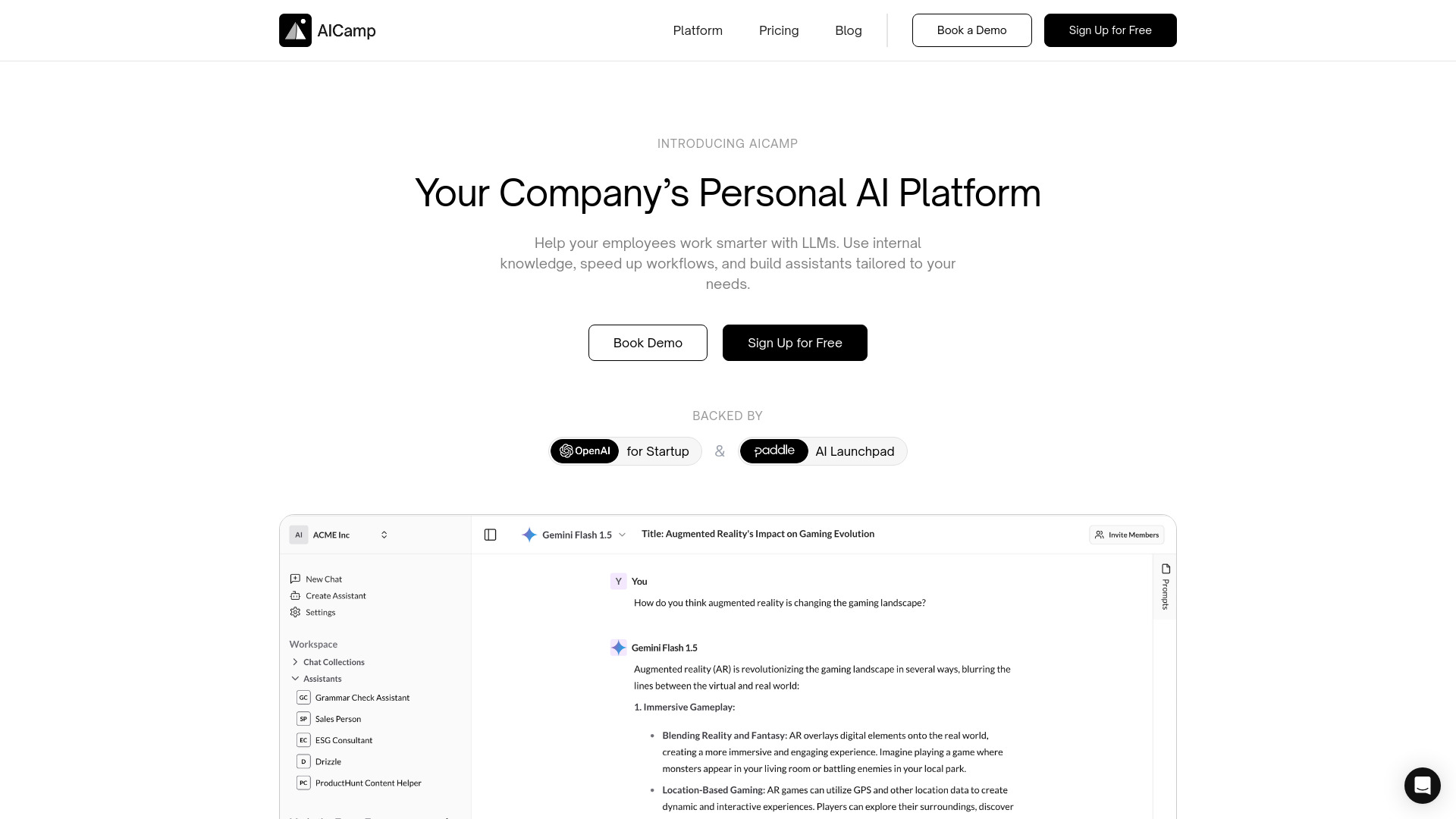
AICamp

- Collaborative AI platform for teams
- Starts at $10/month billed annually
- Usage signal: 15.5K
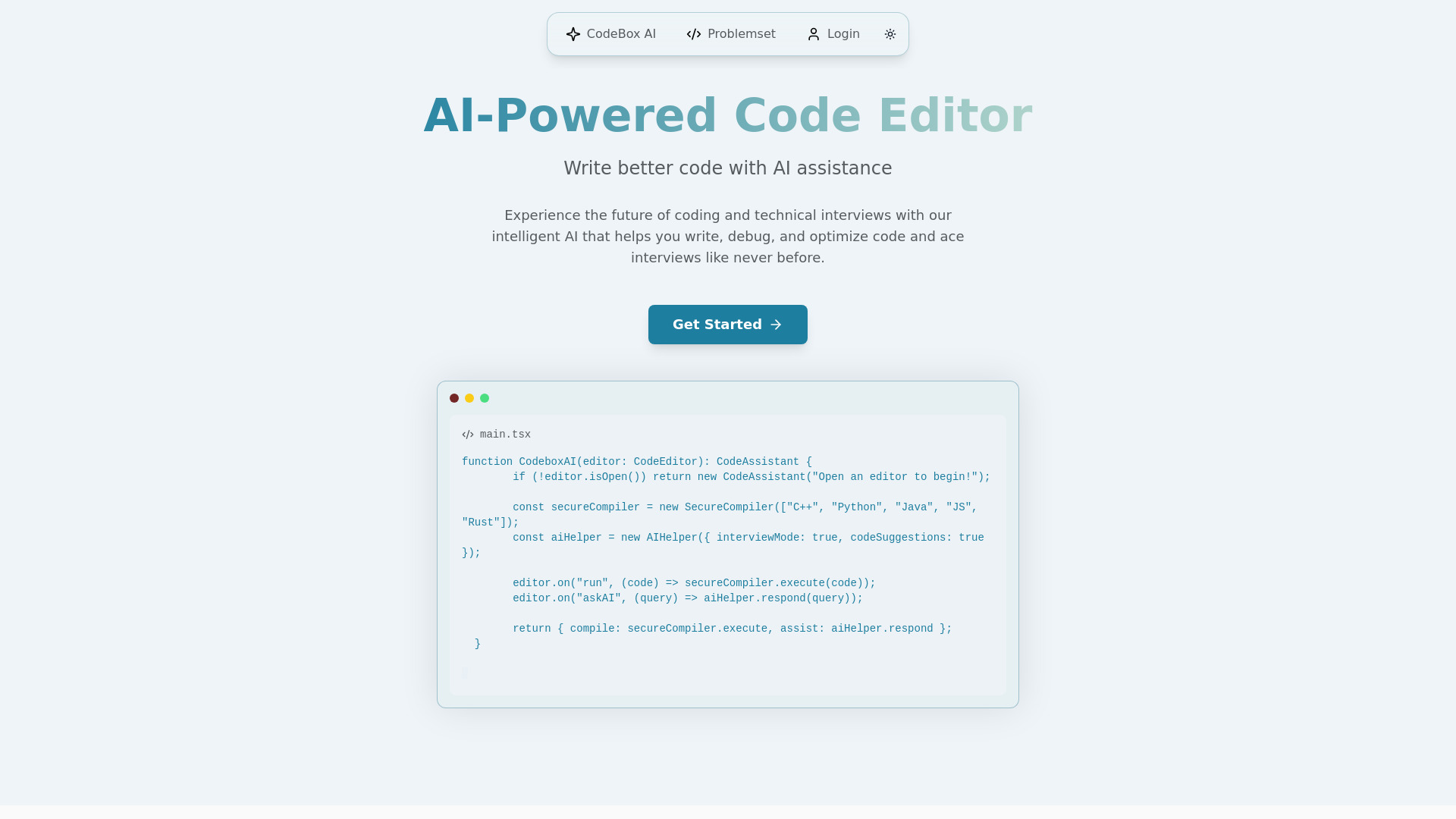
CodeBox AI

- Technical interview practice
- Starts at Check vendor pricing
- Usage signal: 0
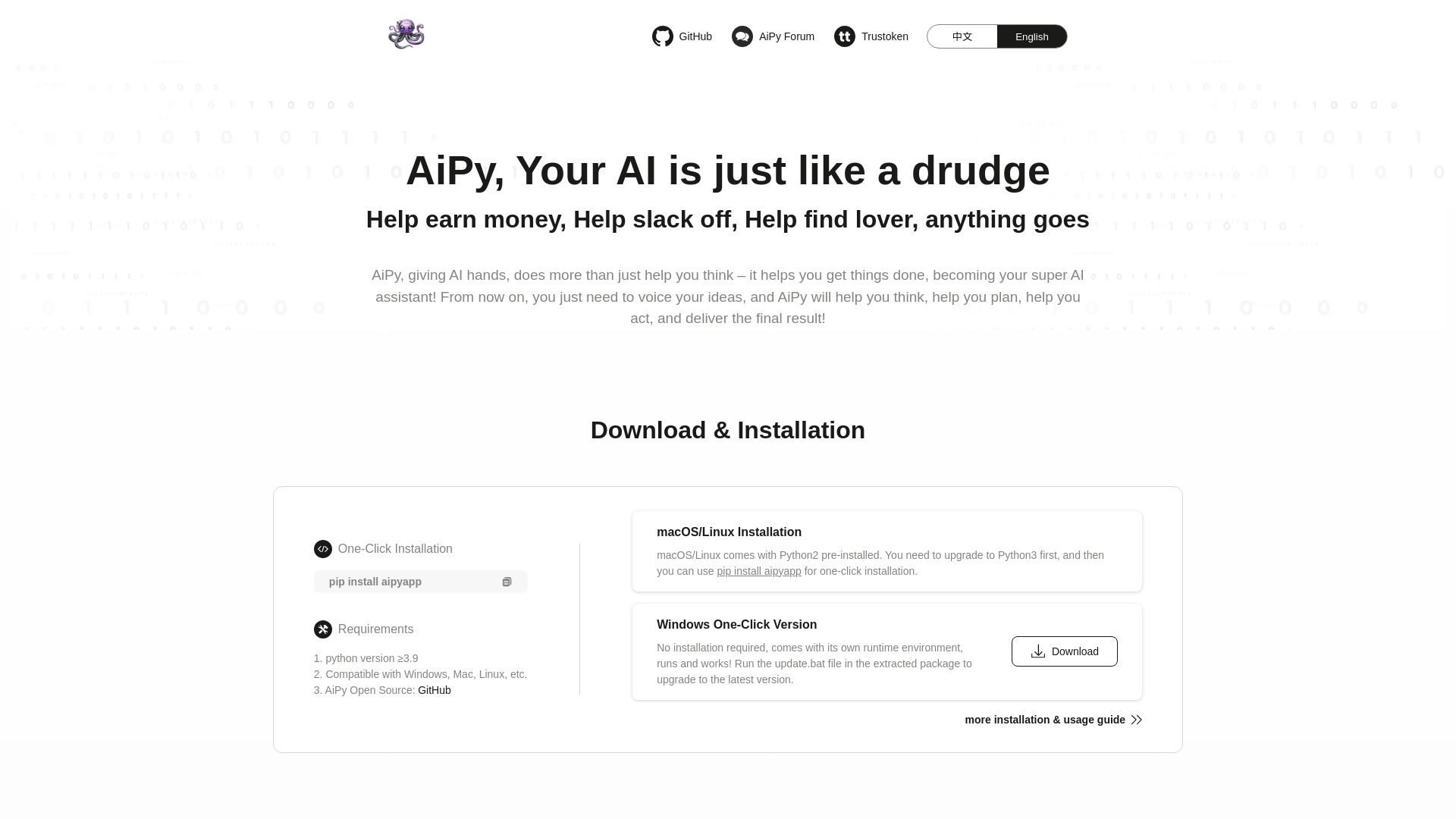
AiPy

- Local Python task automation
- Free plan available
- Starts at Check vendor pricing
- Usage signal: 4.9K
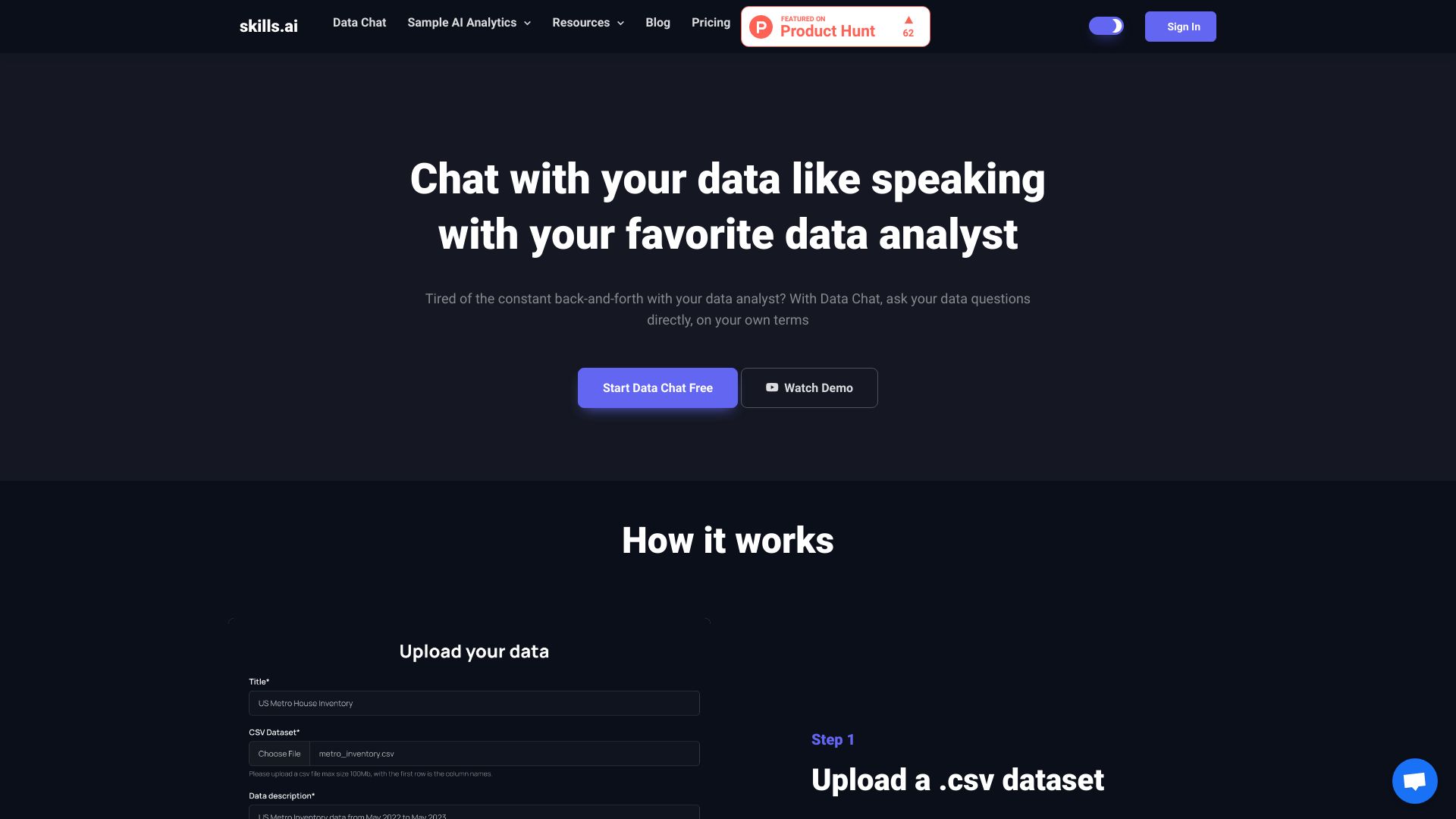
skills.ai

- No-code data analytics and reporting
- 20 free questions
- Starts at $19/month
- Usage signal: 15.7K
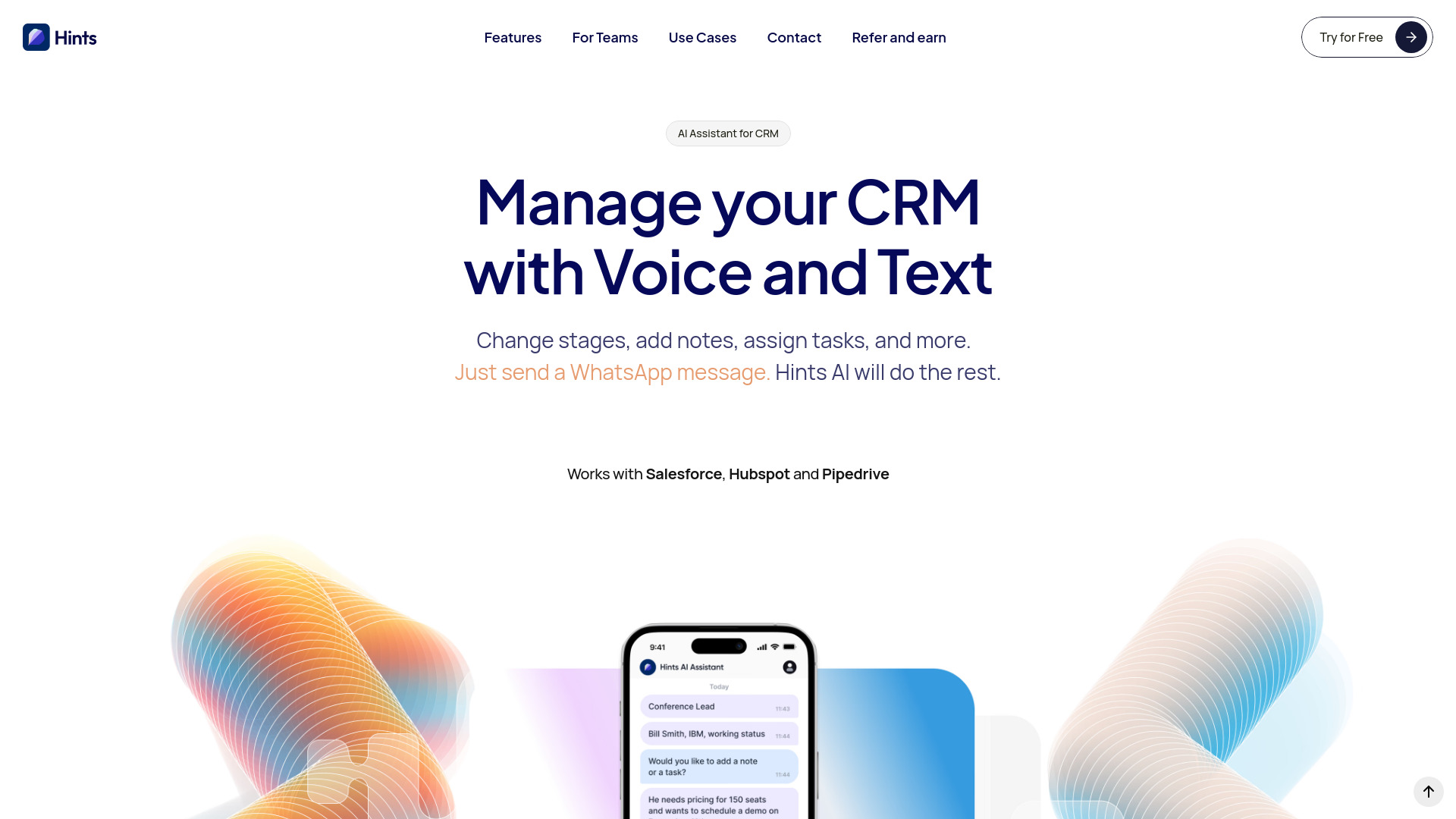
Hints: CRM AI Assistant

- Voice and text CRM updates
- 50 free trial messages
- Starts at $10/month
- Usage signal: 7.9K
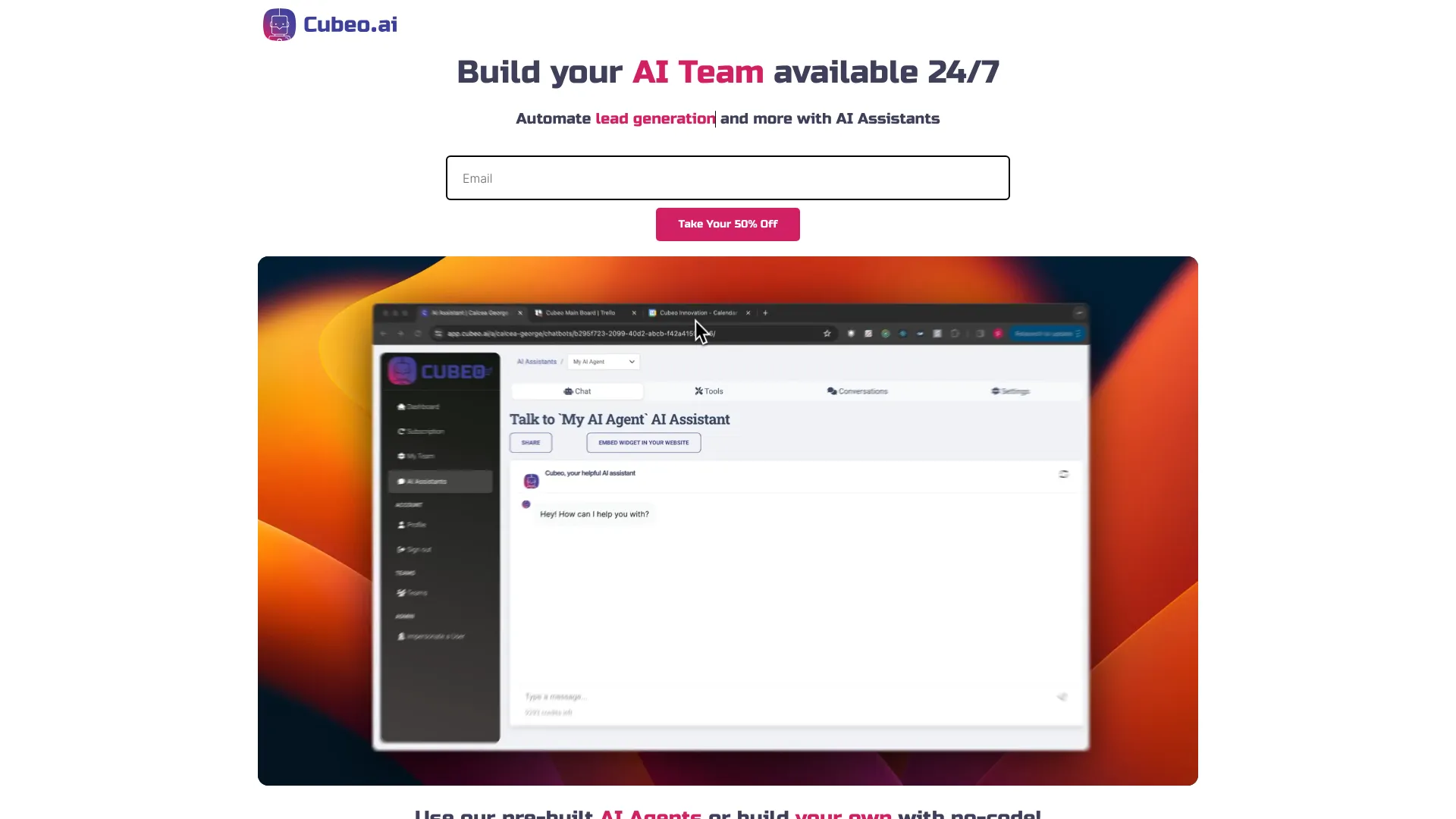
Cubeo AI

- No-code AI teams for business workflows
- Free plan available
- Starts at Check vendor pricing
- Usage signal: 5.2K
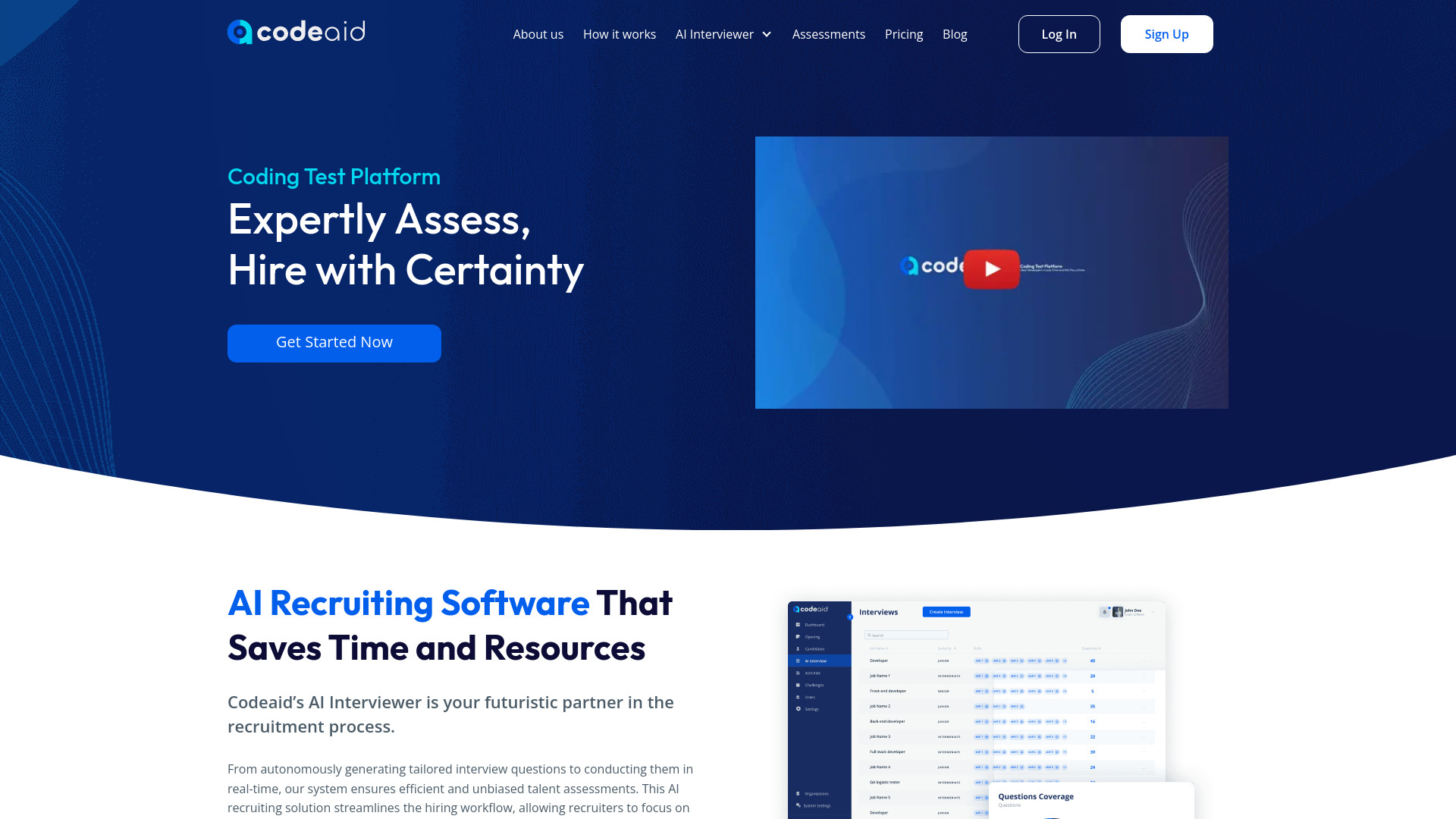
Codeaid

- Real-world developer assessments
- 5 candidate invites/month
- Starts at Starting at $99/month
- Usage signal: 3.7K
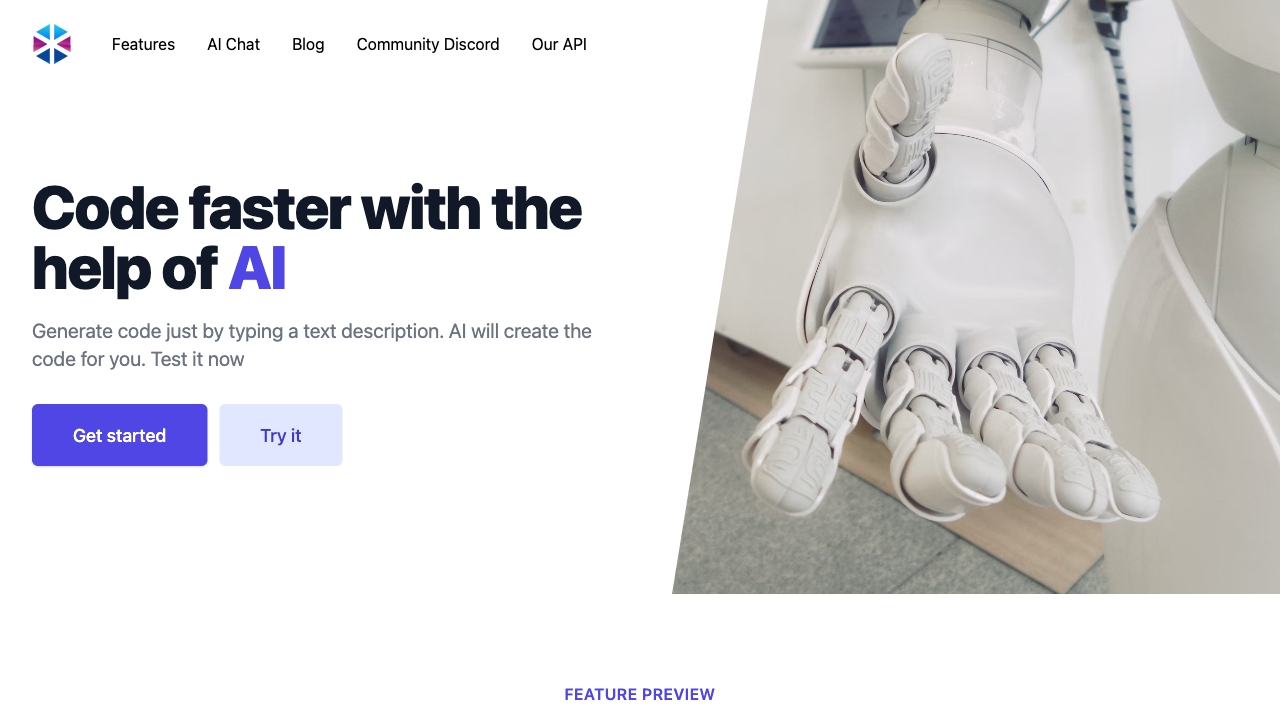
Programming Helper

- Text-to-code generation
- Free plan available
- Starts at Check vendor pricing
- Usage signal: 4.8K
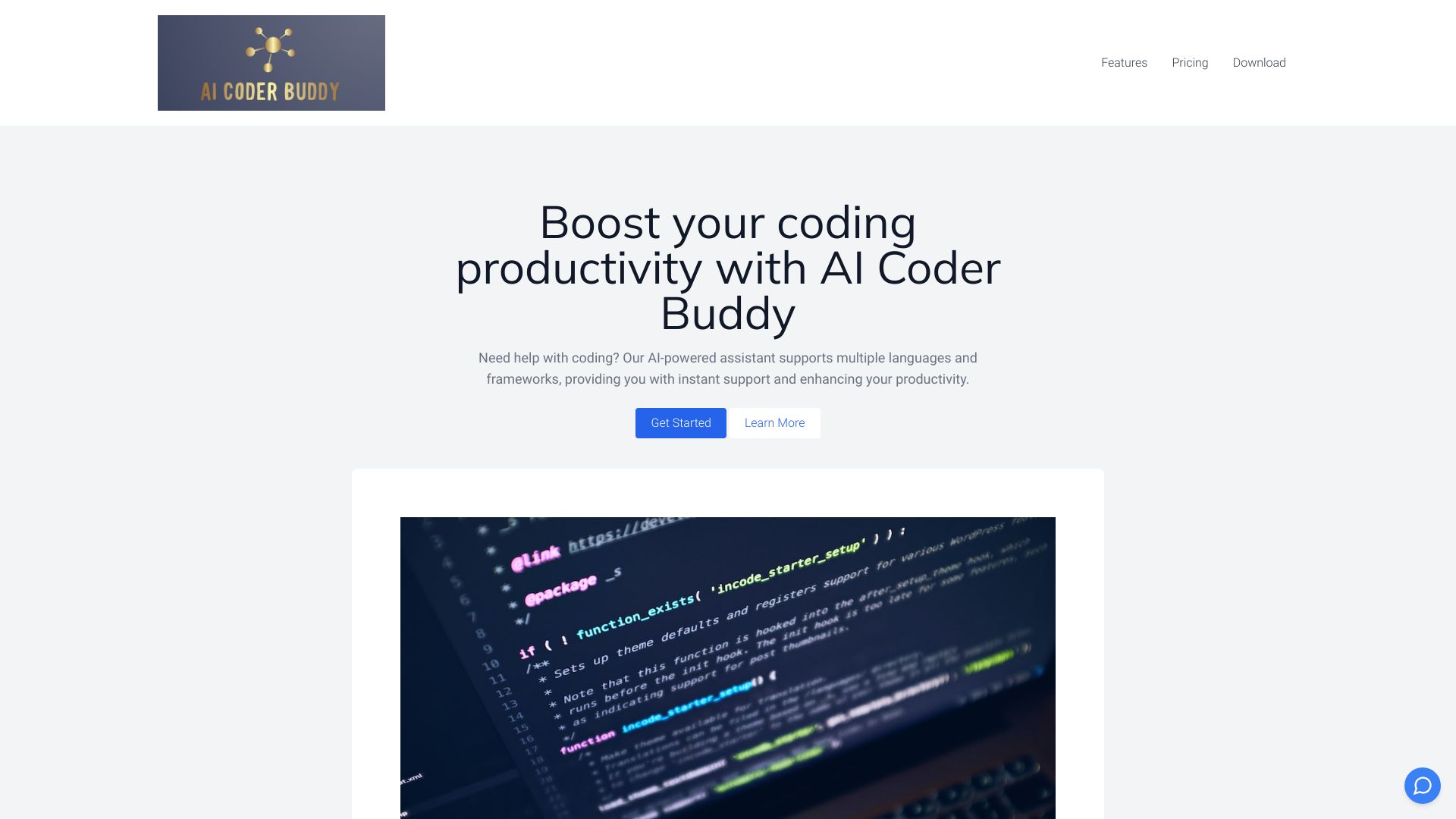
AI Coder Buddy

- Offline, private coding assistance
- Free trial available
- Starts at $7.99/month
- Usage signal: 128
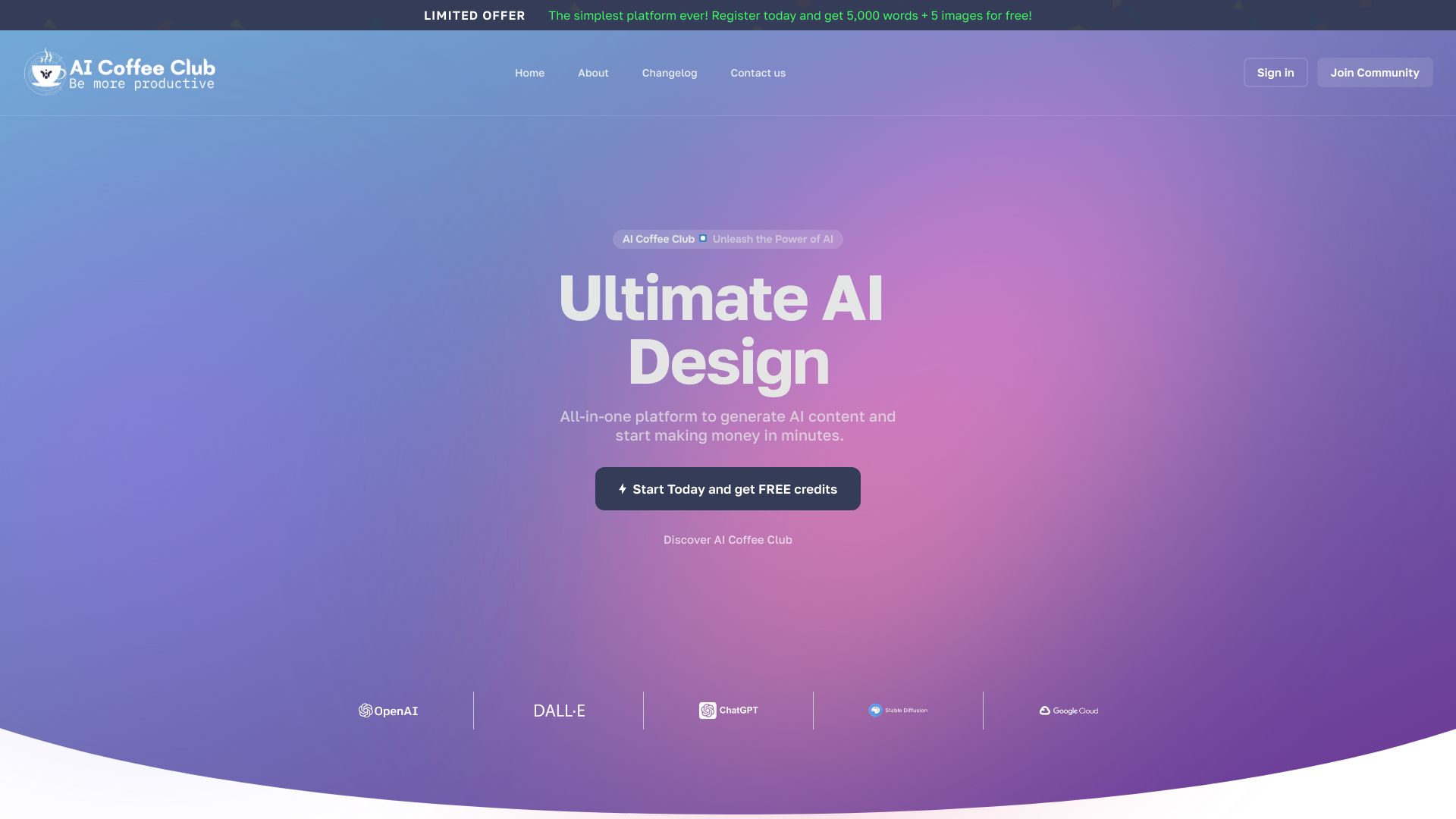
AI Coffee Club

- Developers needing an all-in-one AI toolkit
- 2,500 words + 5 images
- Starts at $8/month
- Usage signal: 1.7K
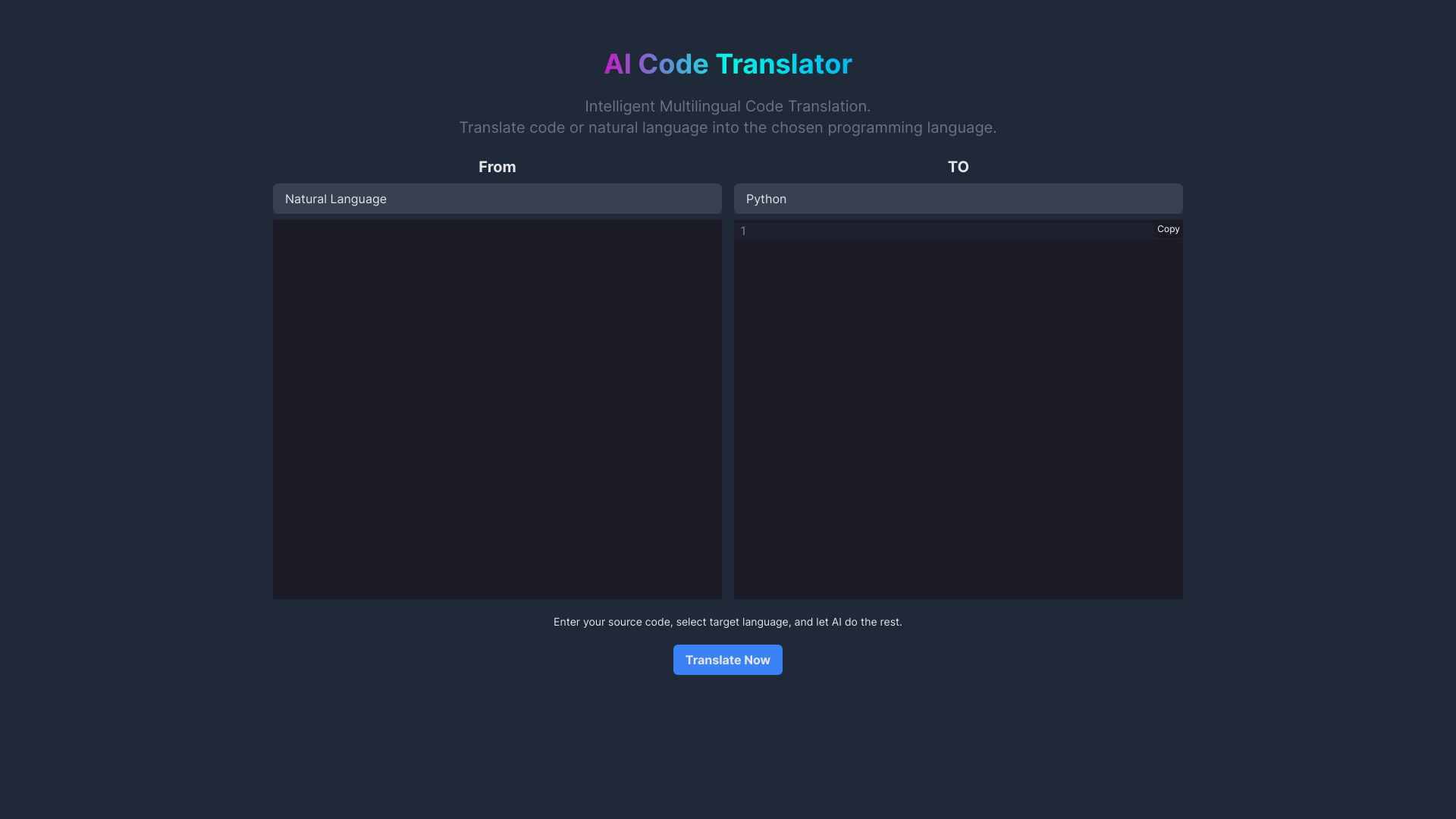
AI Code Translator

- Multilingual code translation
- Free plan available
- Starts at Check vendor pricing
- Usage signal: 1.7K
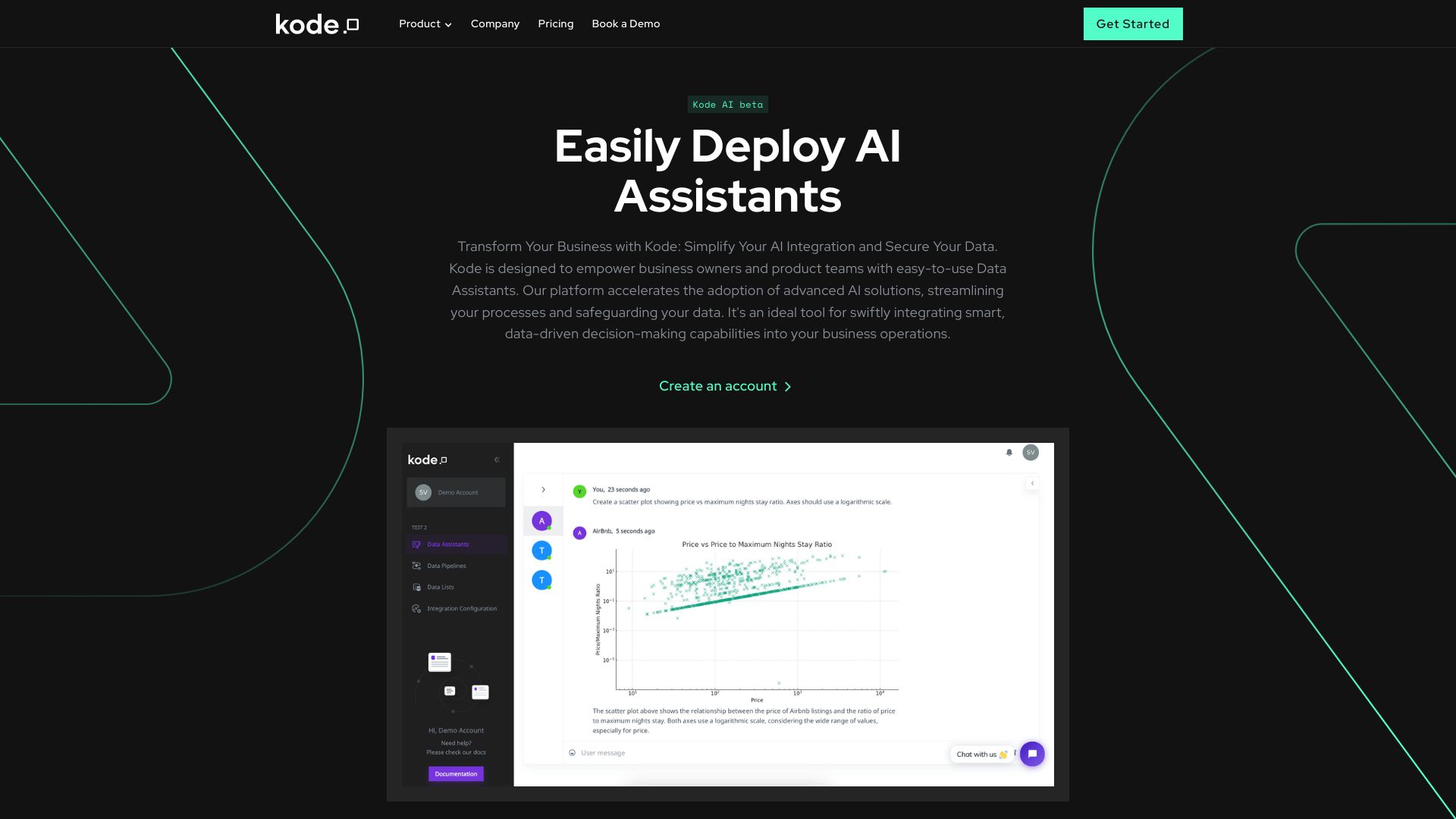
Kode AI

- Product teams automating workflows
- 7-day free trial
- Starts at Check vendor pricing
- Usage signal: 2.5K
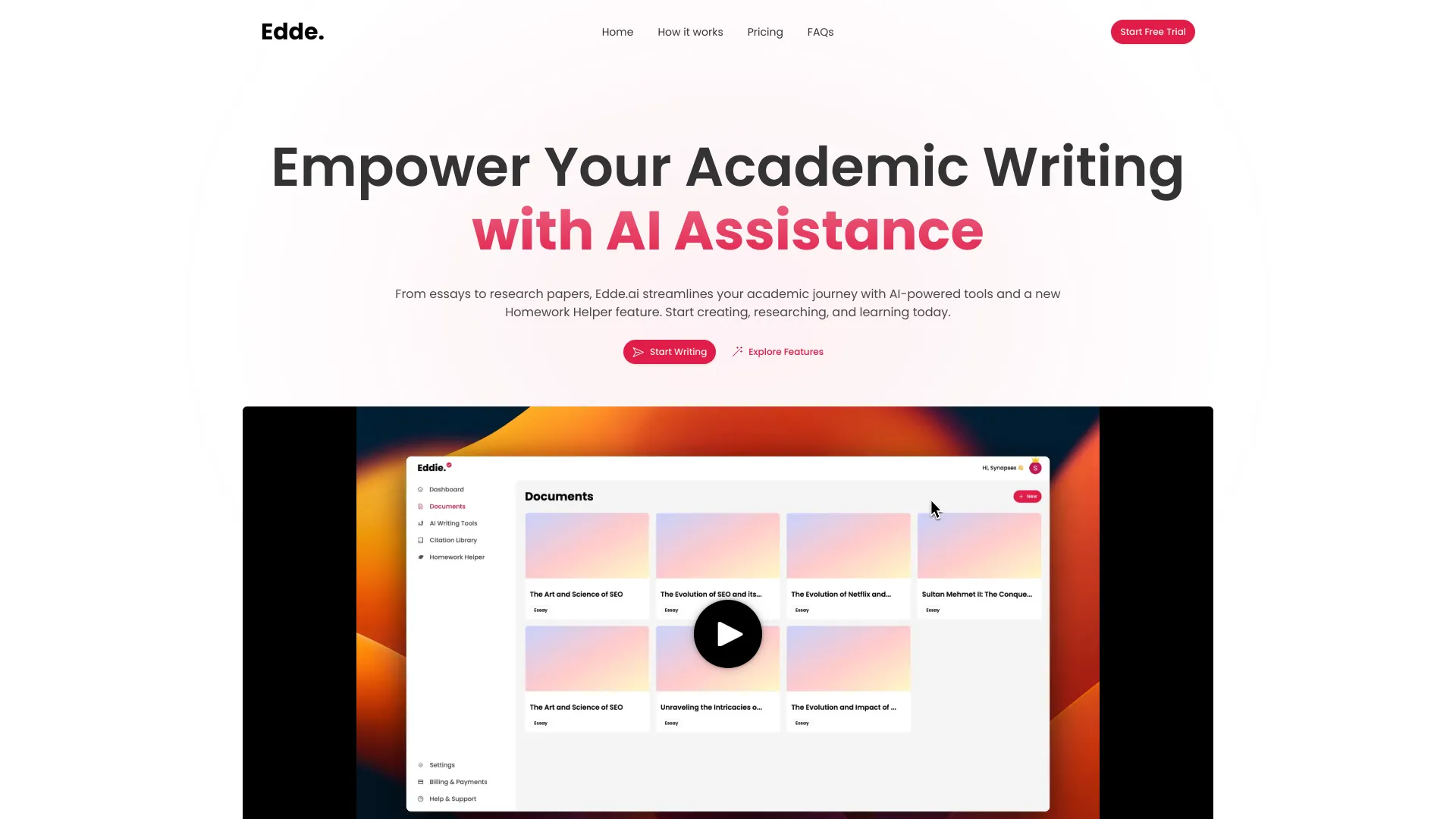
Edde AI

- Academic writing and research
- Up to 2 documents
- Starts at $20/mo
- Usage signal: 3.0K
Ace Interview

- Software engineering interview candidates
- Starts at From $49
- Usage signal: 579

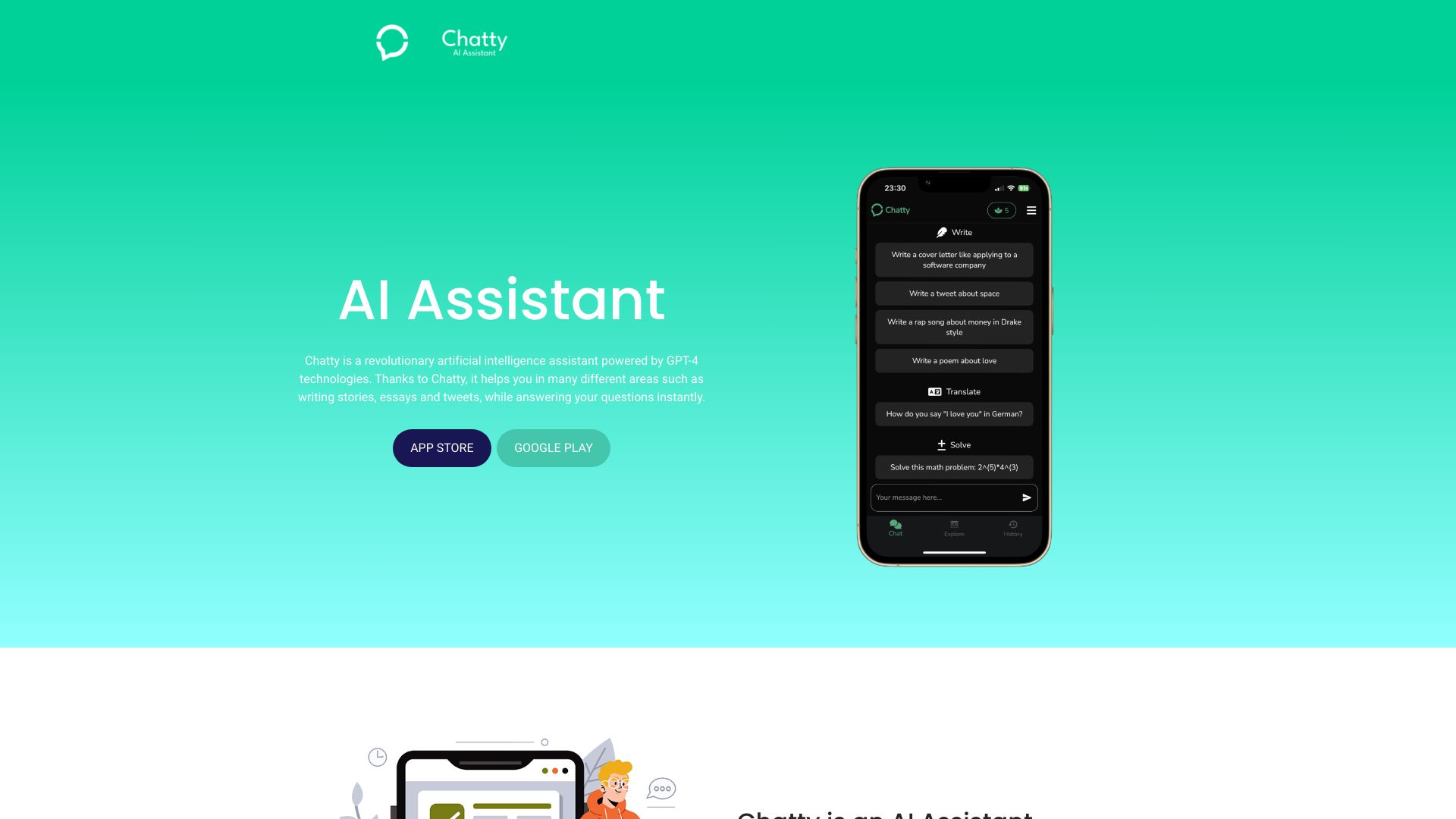
Chatty

- Content writing and expert Q&A
- 5 free trials daily
- Starts at From $4.99/week
- Usage signal: 3.3K
RapiLearn AI

- Breaking down course materials for structured learning
- Free plan available
- Starts at Check vendor pricing
- Usage signal: 3.1K

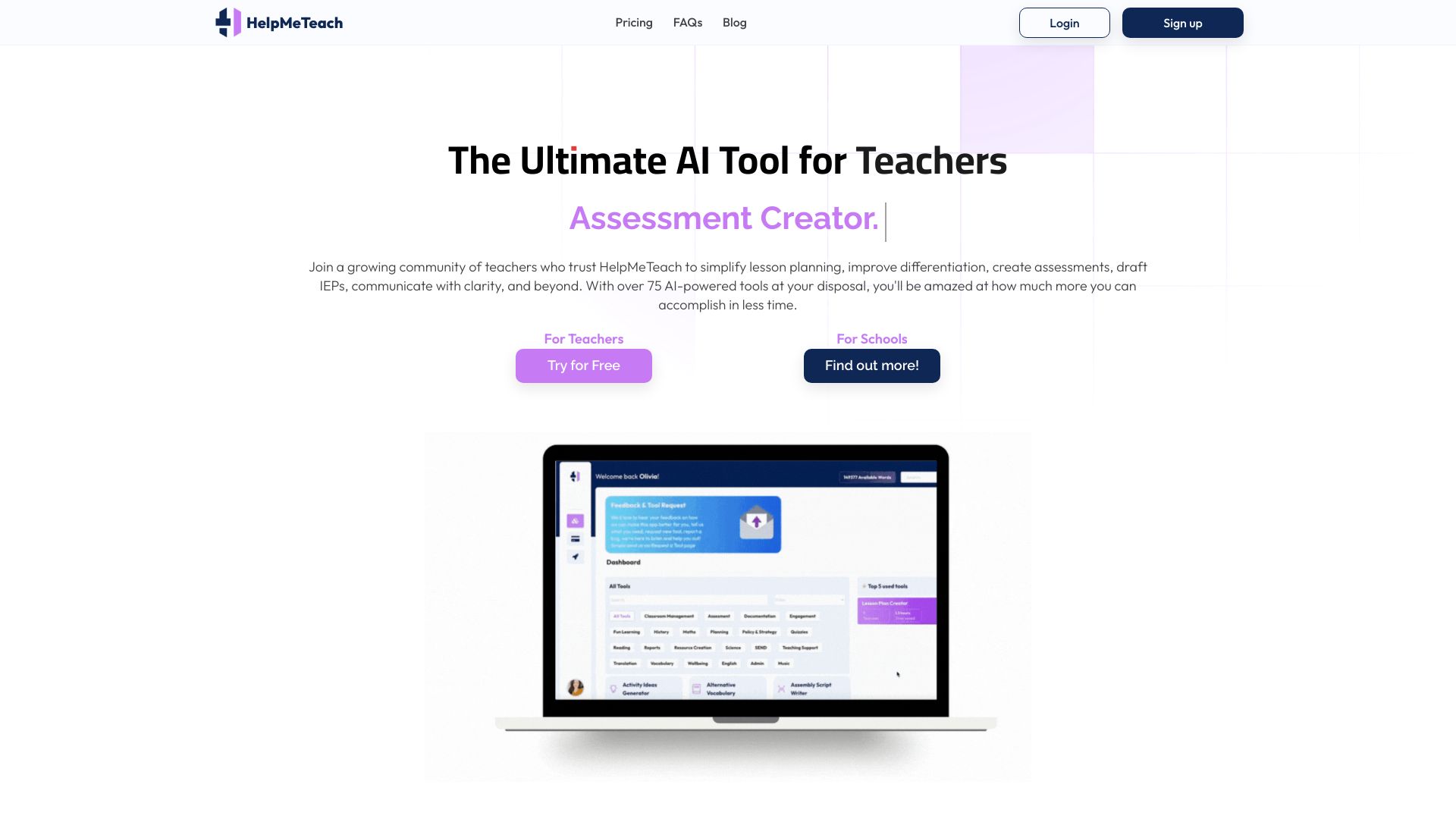
HelpMeTeach

- Teachers creating lesson plans and assessments
- 5 free AI generations
- Starts at $8.25/month billed annually
- Usage signal: 1.3K
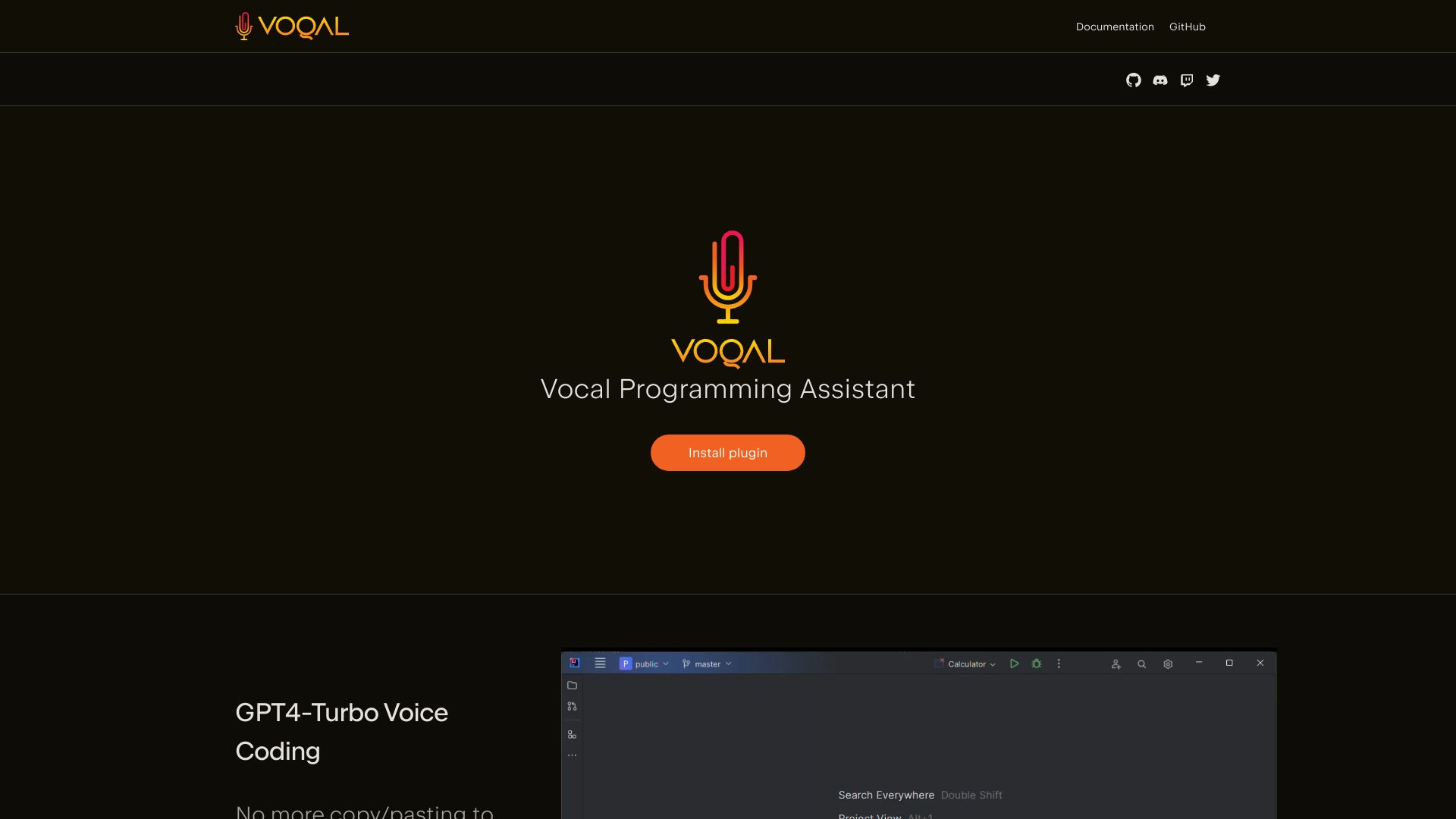
Voqal

- Voice-first coding in IntelliJ
- Free plan available
- Starts at Check vendor pricing
- Usage signal: 930
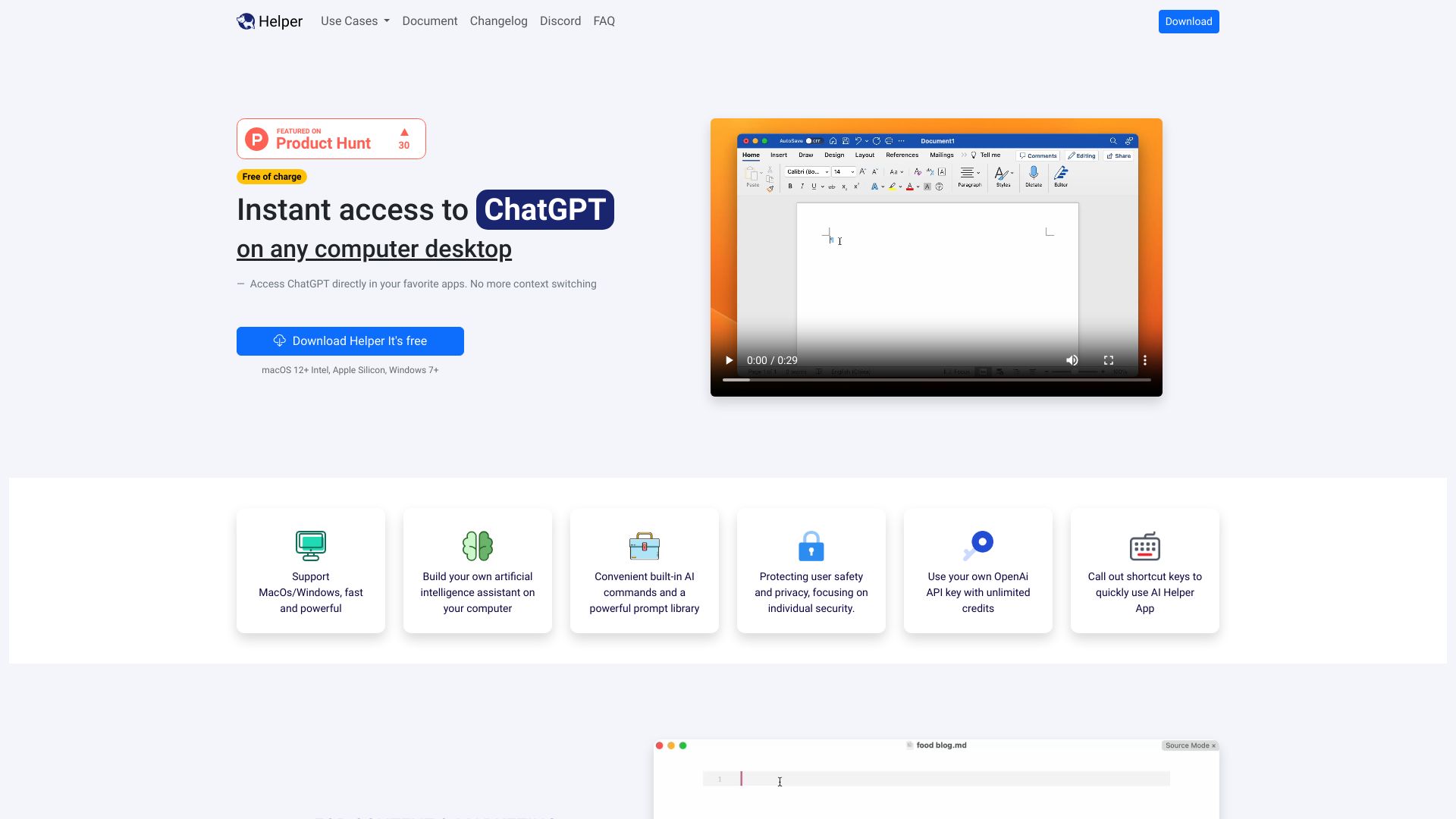
Ai Helper

- Developers needing desktop ChatGPT access
- Free plan available
- Starts at $29 one-time
- Usage signal: 674
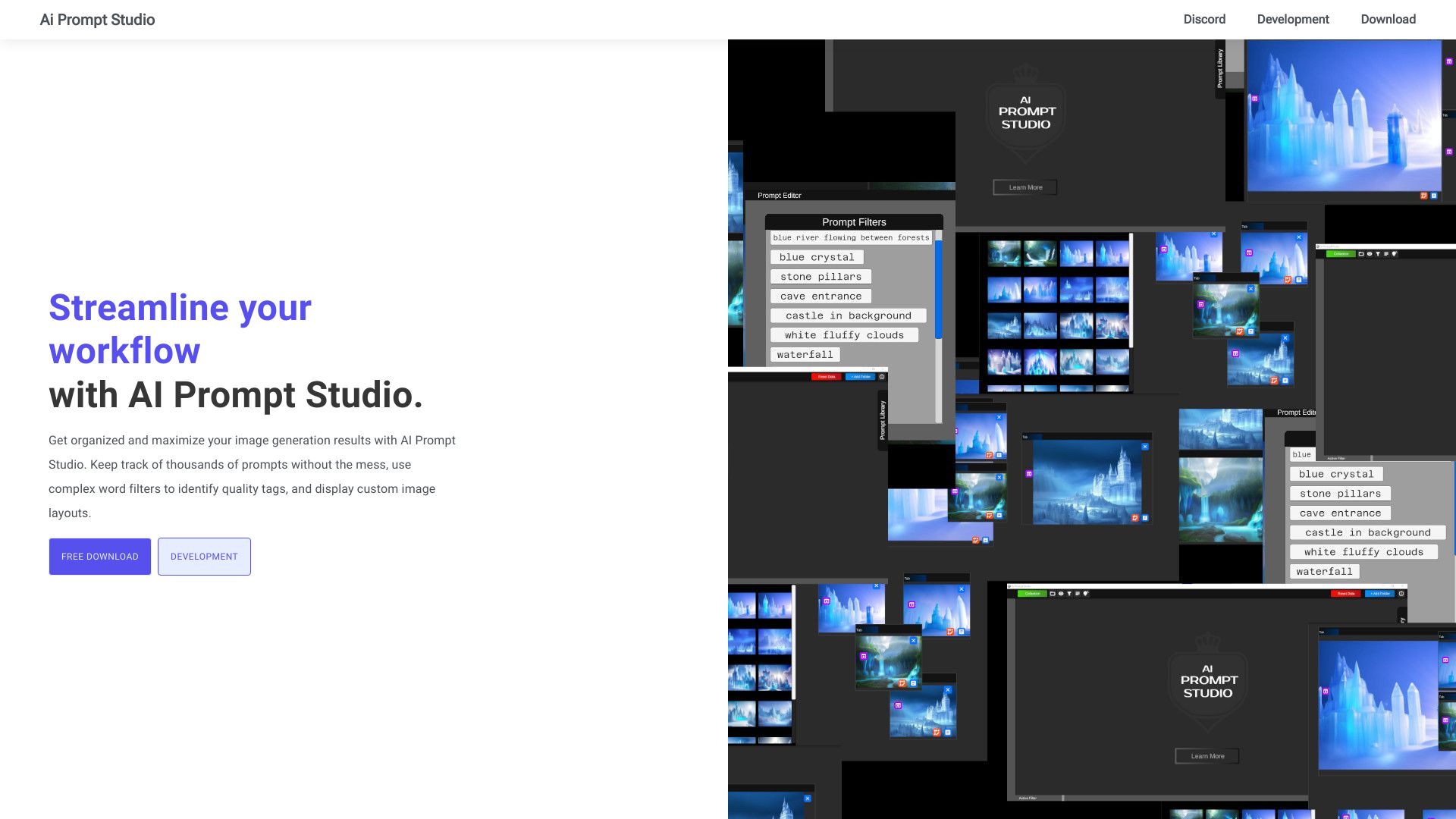
AI Prompt Studio
- Organizing diffusion image-generation prompts
- Starts at Check vendor pricing
- Usage signal: 653
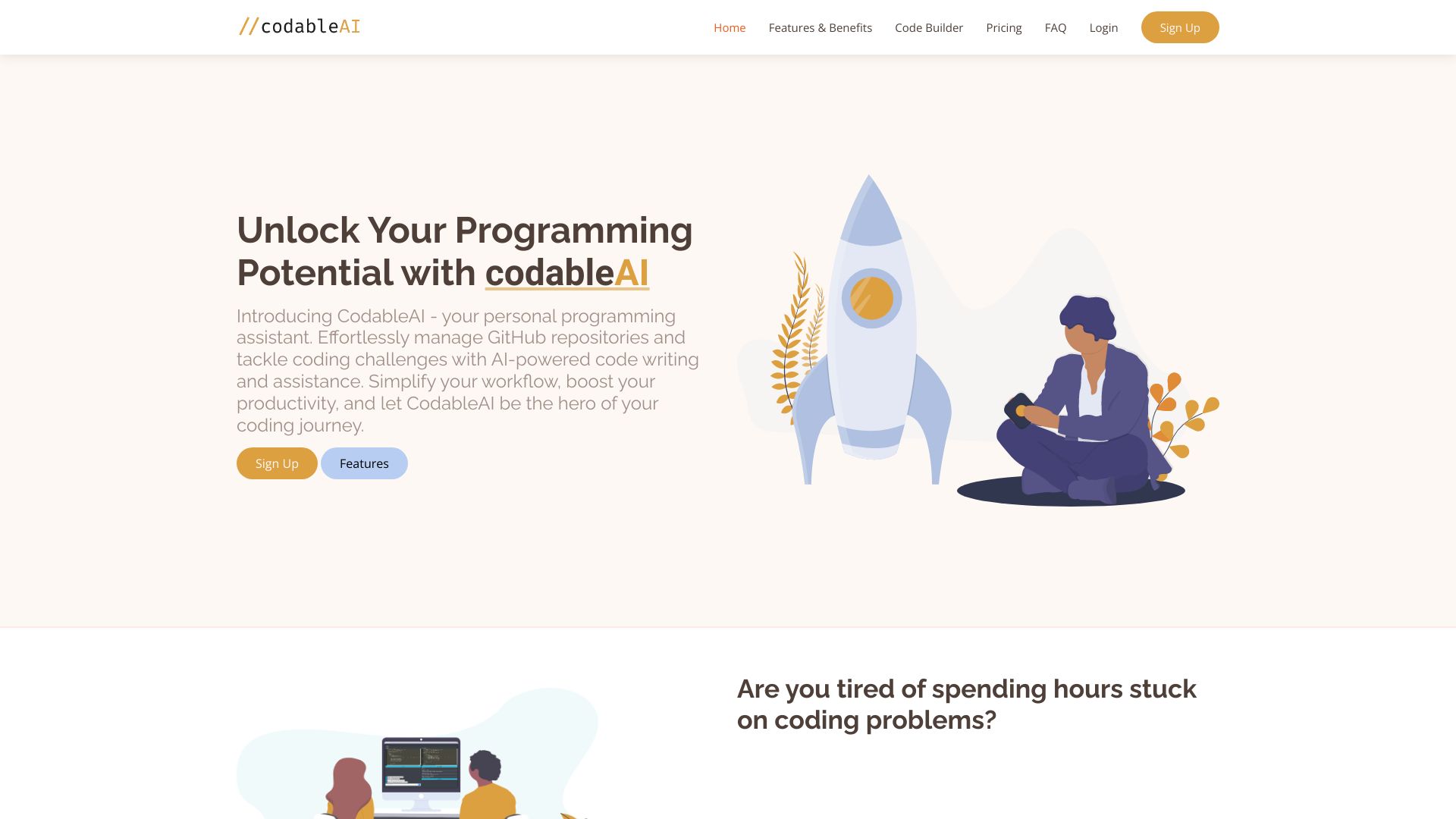
CodableAI
- AI coding and debugging
- Starts at Check vendor pricing
- Usage signal: 0
DAKAEi

- Multimodal content creation
- Starts at Check vendor pricing
- Usage signal: 358
AI Application Assistant

- Job seekers and recruiters
- Free trial available
- Starts at Check vendor pricing
- Usage signal: 213

AiCogni

- Voice AI assistance on WearOS
- Free trial available
- Starts at $0.99
- Usage signal: 333
Assistante.app

- AI content creation and expert advice
- Free plan available
- Starts at Check vendor pricing
- Usage signal: 210

Language Coach AI

- AI speaking and pronunciation practice
- Free plan available
- Starts at Check vendor pricing
- Usage signal: 229

CodeMaker AI

- IDE-integrated code generation
- 200,000 tokens for 30 days
- Starts at $7.50/month
- Usage signal: 0
AndyAi

- AI-assisted system administration
- Free plan available
- Starts at $15/mo
- Usage signal: 204
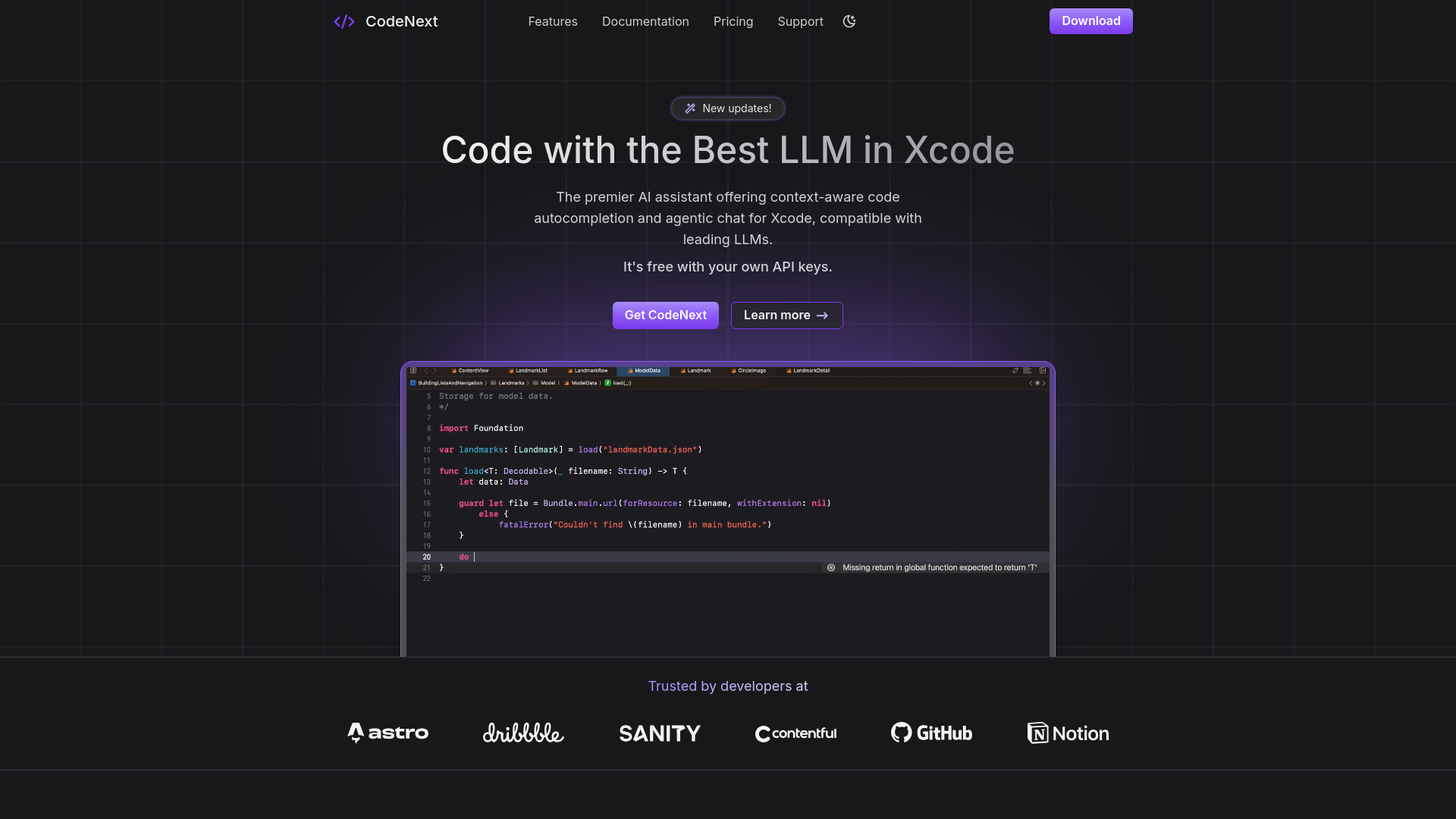
CodeNext.ai

- iOS and Mac developers using Xcode
- $5 free credits
- Starts at $0/mo
- Usage signal: 0
AssistED AI

- Competitive exam preparation
- Free trial available
- Starts at Check vendor pricing
- Usage signal: 0

Ag1 Labs

- AI-assisted essays and structured documents
- Free plan available
- Starts at Check vendor pricing
- Usage signal: 0
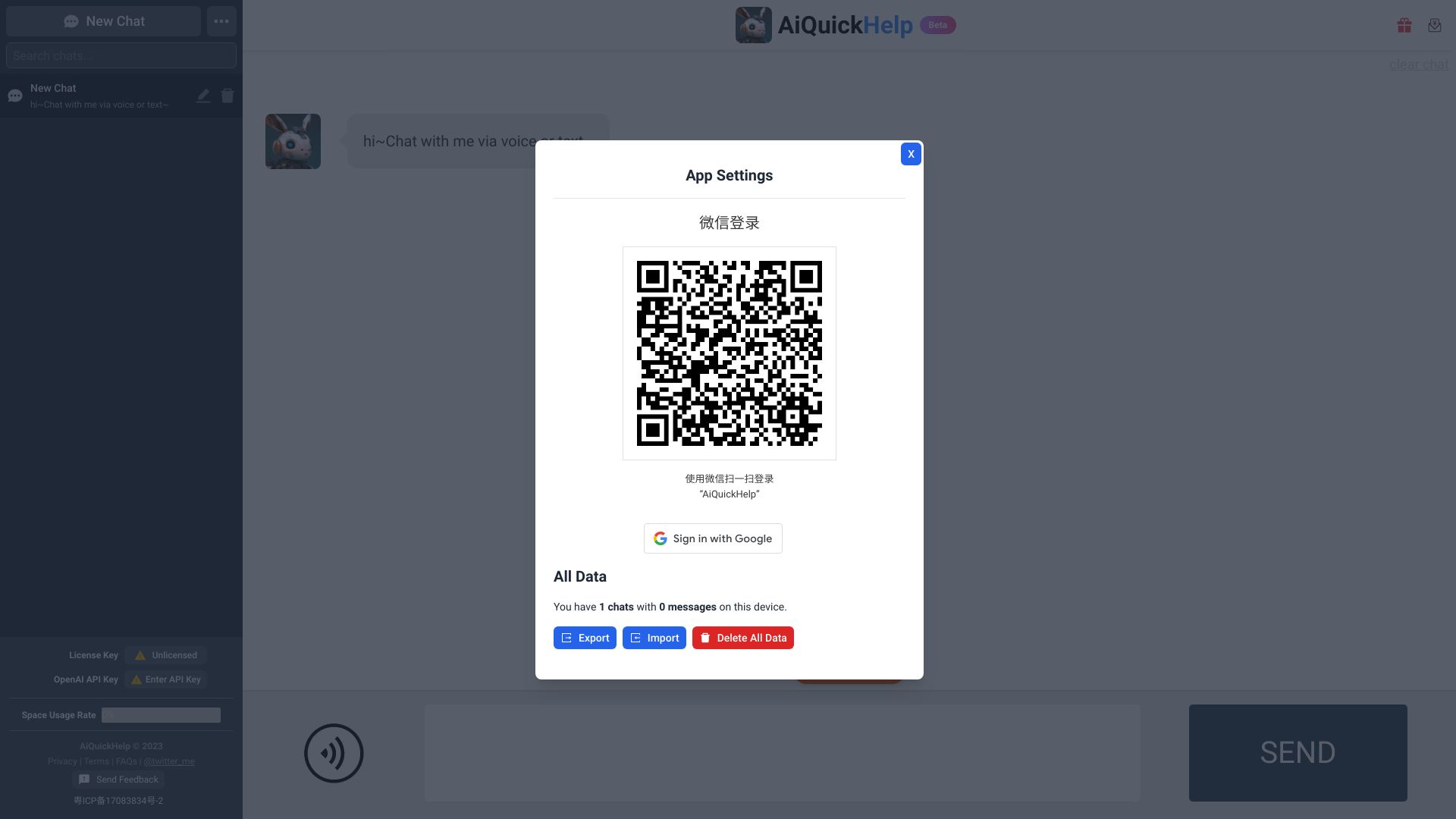
AiQuickHelp

- Chat-based coding help
- Starts at From $5 one-time
- Usage signal: 0
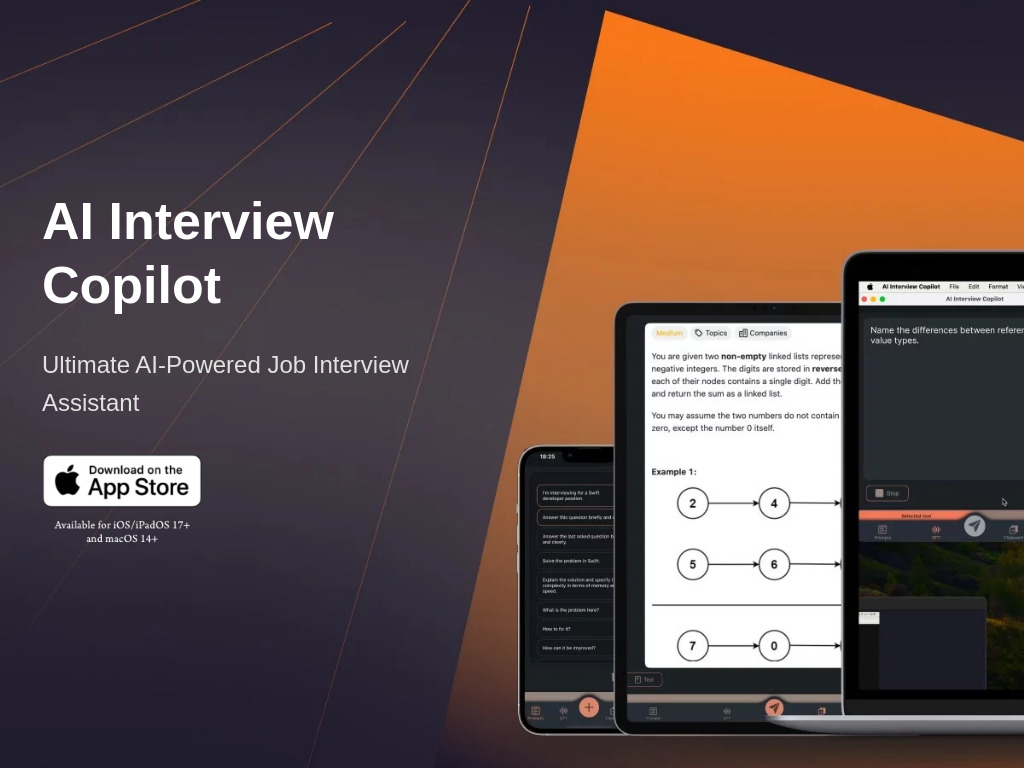
AI Interview Copilot

- Real-time coding interview assistance
- Free trial available
- Starts at Check vendor pricing
- Usage signal: 0
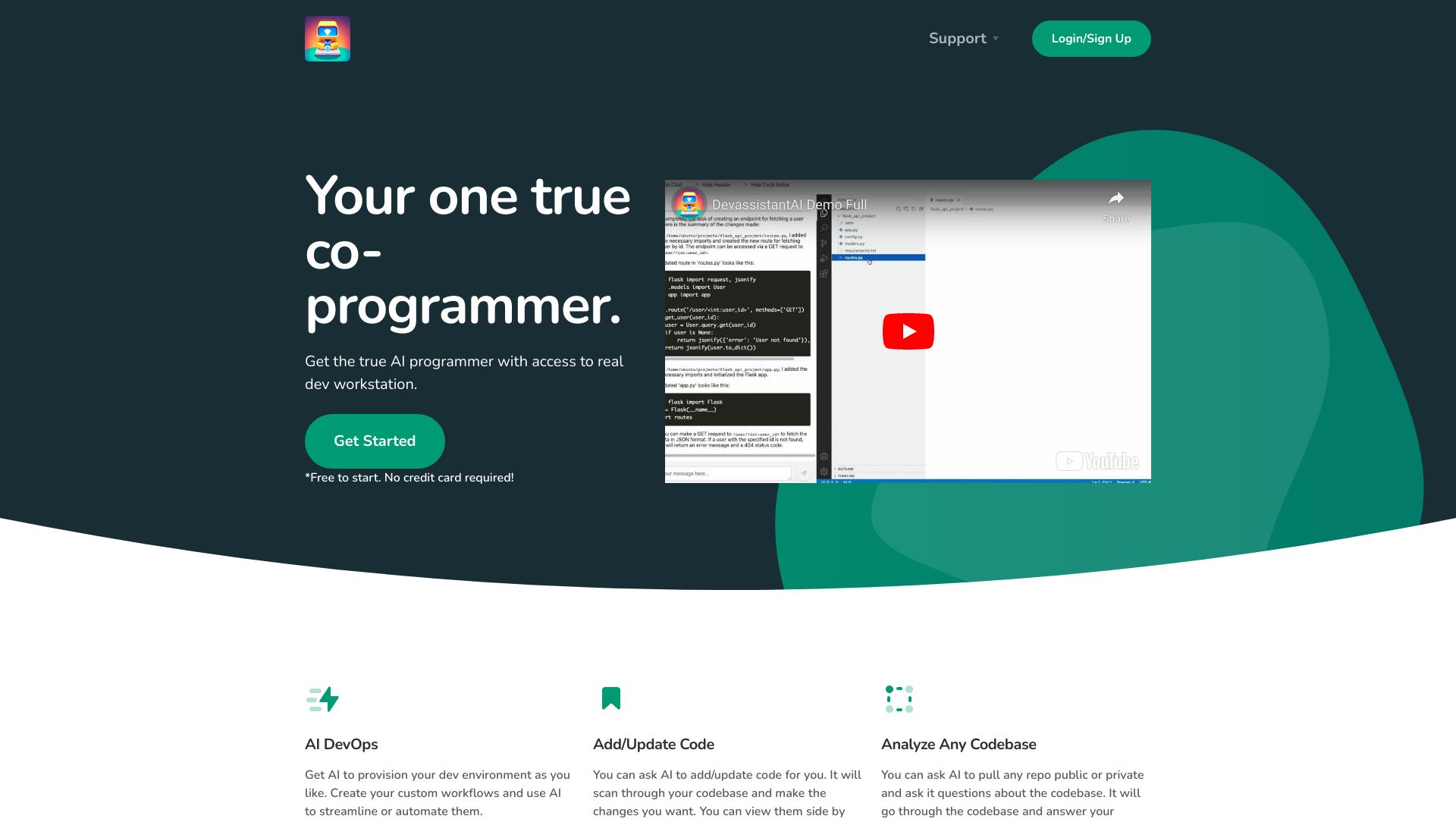
Devassistant.ai

- AI-assisted cloud coding
- Free trial available
- Starts at Check vendor pricing
- Usage signal: 0
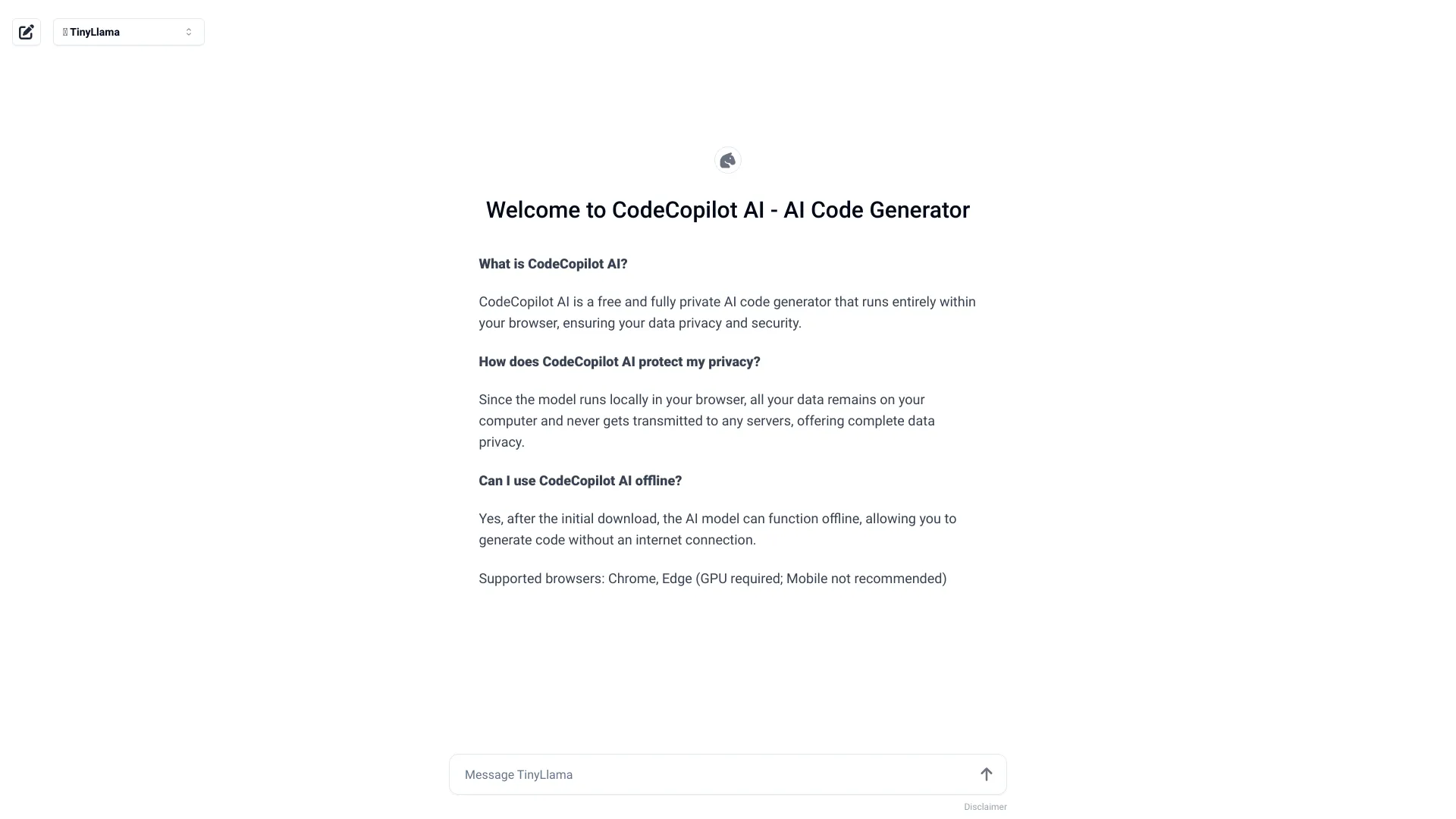
CodeCopilot AI
- Private, offline code generation
- Free plan available
- Starts at Check vendor pricing
- Usage signal: 0
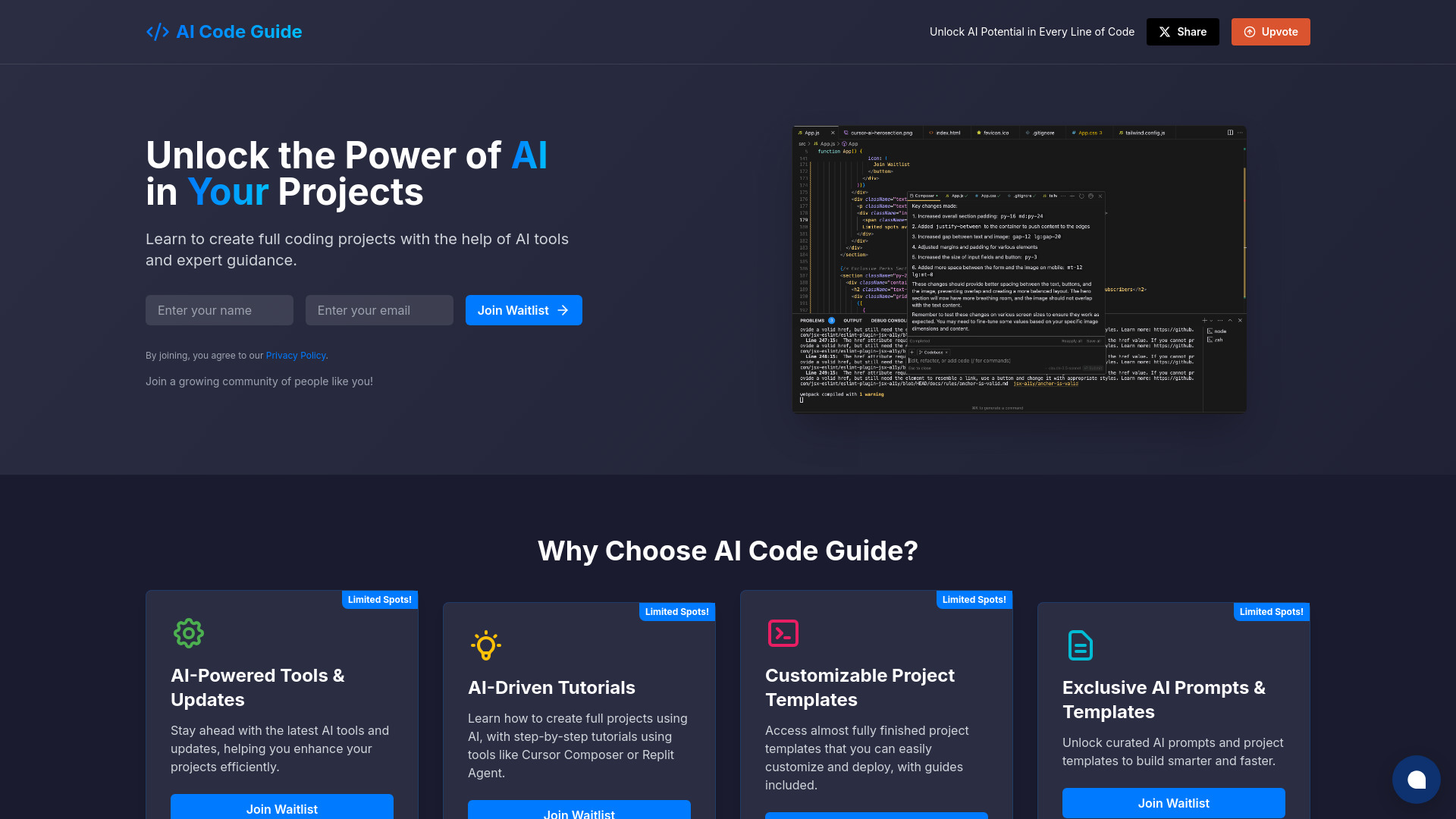
AI Code Guide

- Beginners building AI-assisted projects
- Starts at Check vendor pricing
- Usage signal: 0
Text/Code Util.AI
- AI text and code utilities
- Free plan available
- Starts at Check vendor pricing
- Usage signal: 0
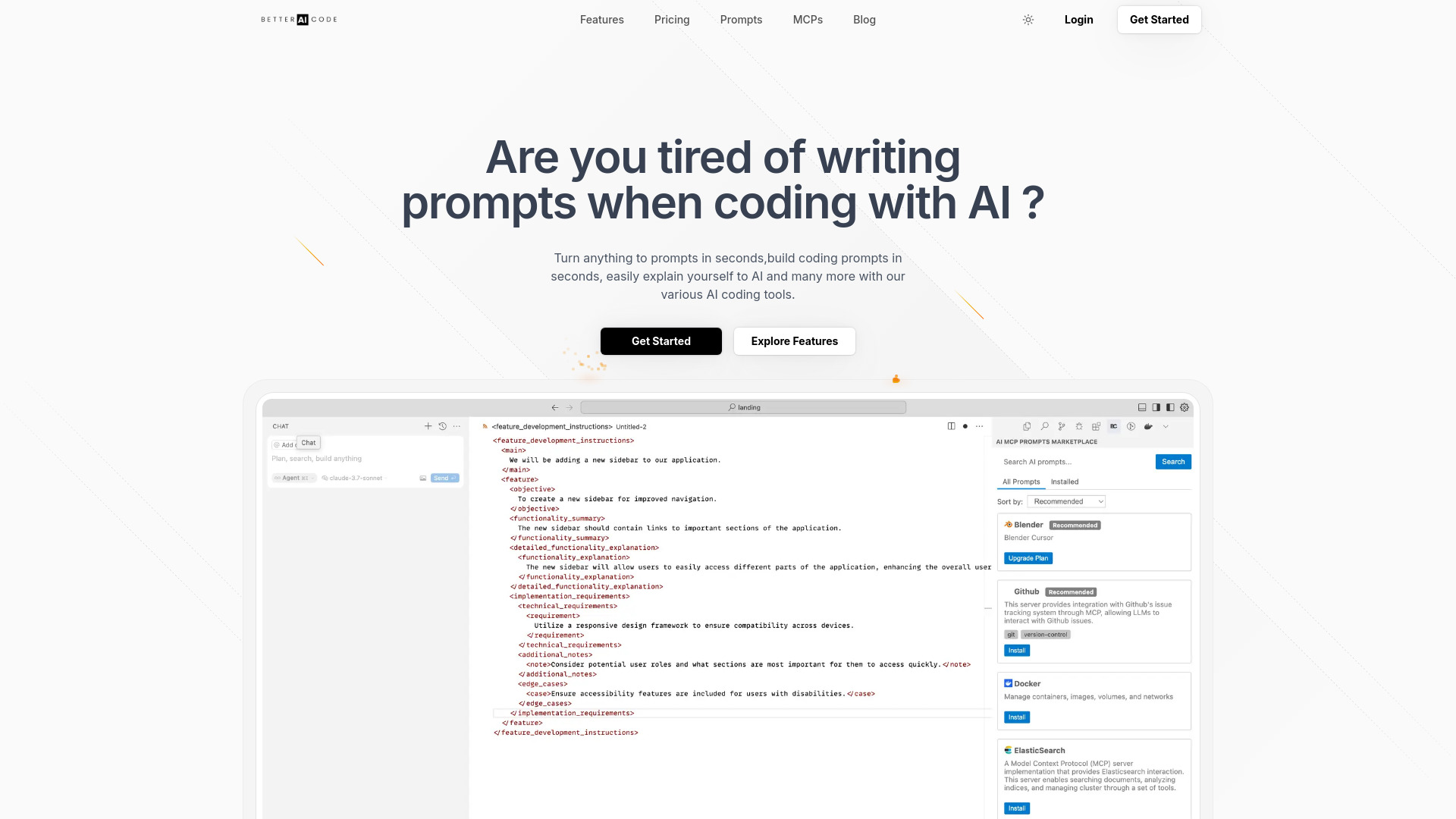
Better AI Code

- Building prompts for AI coding tools
- 1 structured template usage
- Starts at $5.90/month
- Usage signal: 0
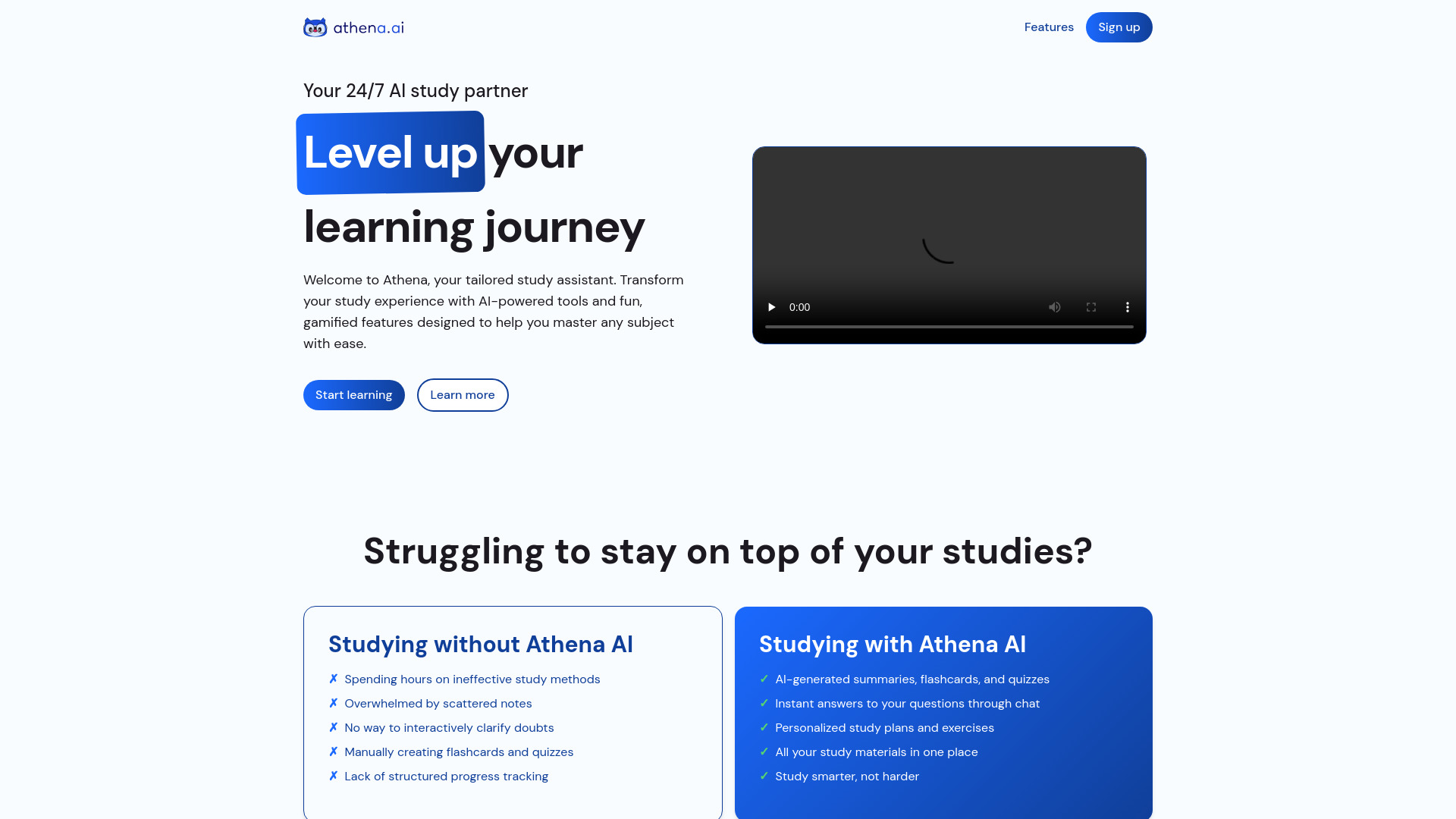
Athena AI

- Students studying from uploaded documents
- 3 upload credits
- Starts at $13.99 Premium plan
- Usage signal: 0
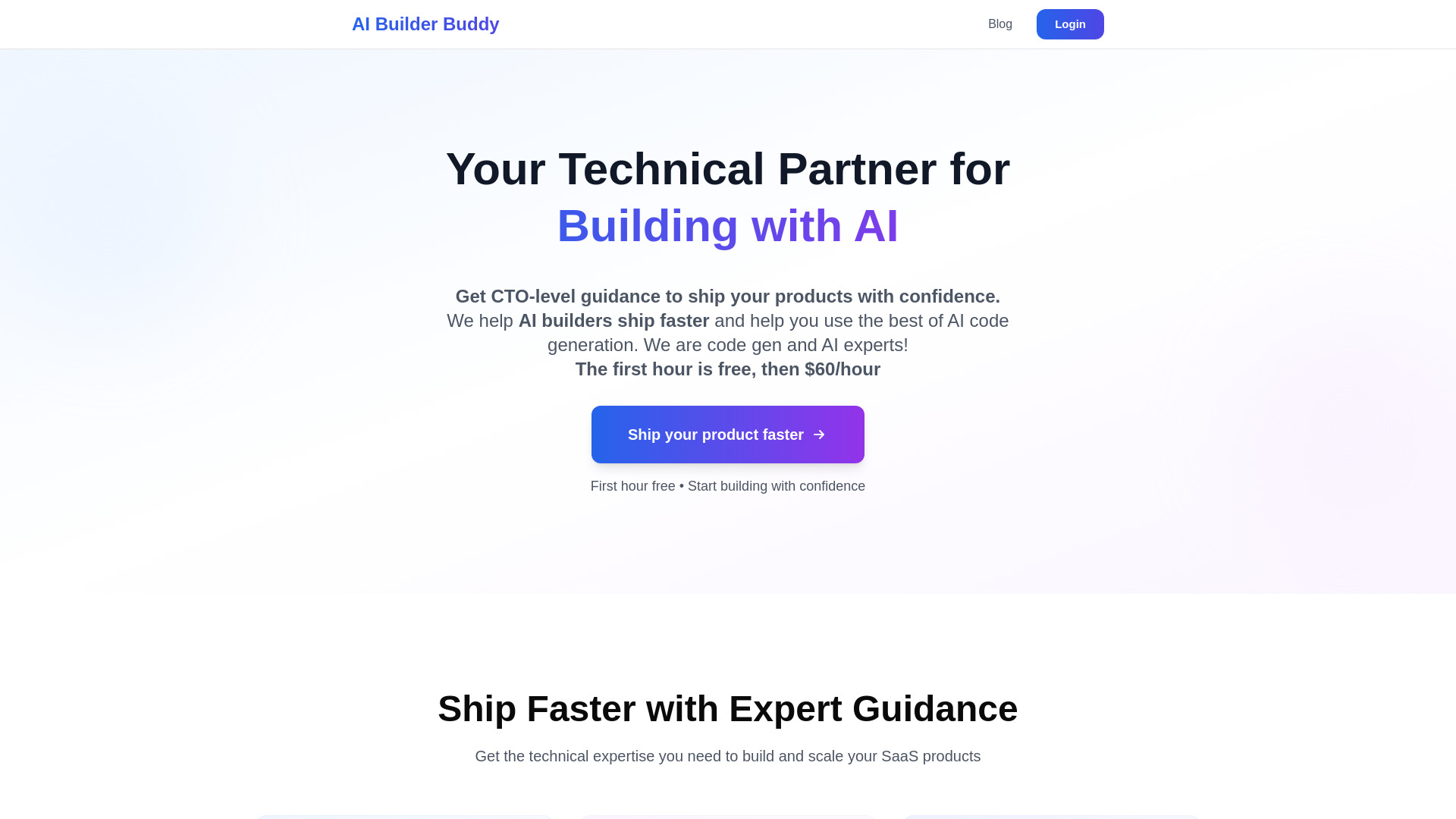
AI Builder Buddy

- Vibe coders needing technical guidance
- First hour free
- Starts at Check vendor pricing
- Usage signal: 0
AlgForce Copilot
- Natural-language database querying
- Starts at Check vendor pricing
- Usage signal: 0

Aria - AI Chat&Speak Assistant

- Hands-free language practice
- Starts at Check vendor pricing
- Usage signal: 0
AI Homework Helper
- AI-powered homework help
- Starts at $1.99/month
- Usage signal: 0

Codei

- Technical interview preparation
- Free plan available
- Starts at Check vendor pricing
- Usage signal: 0

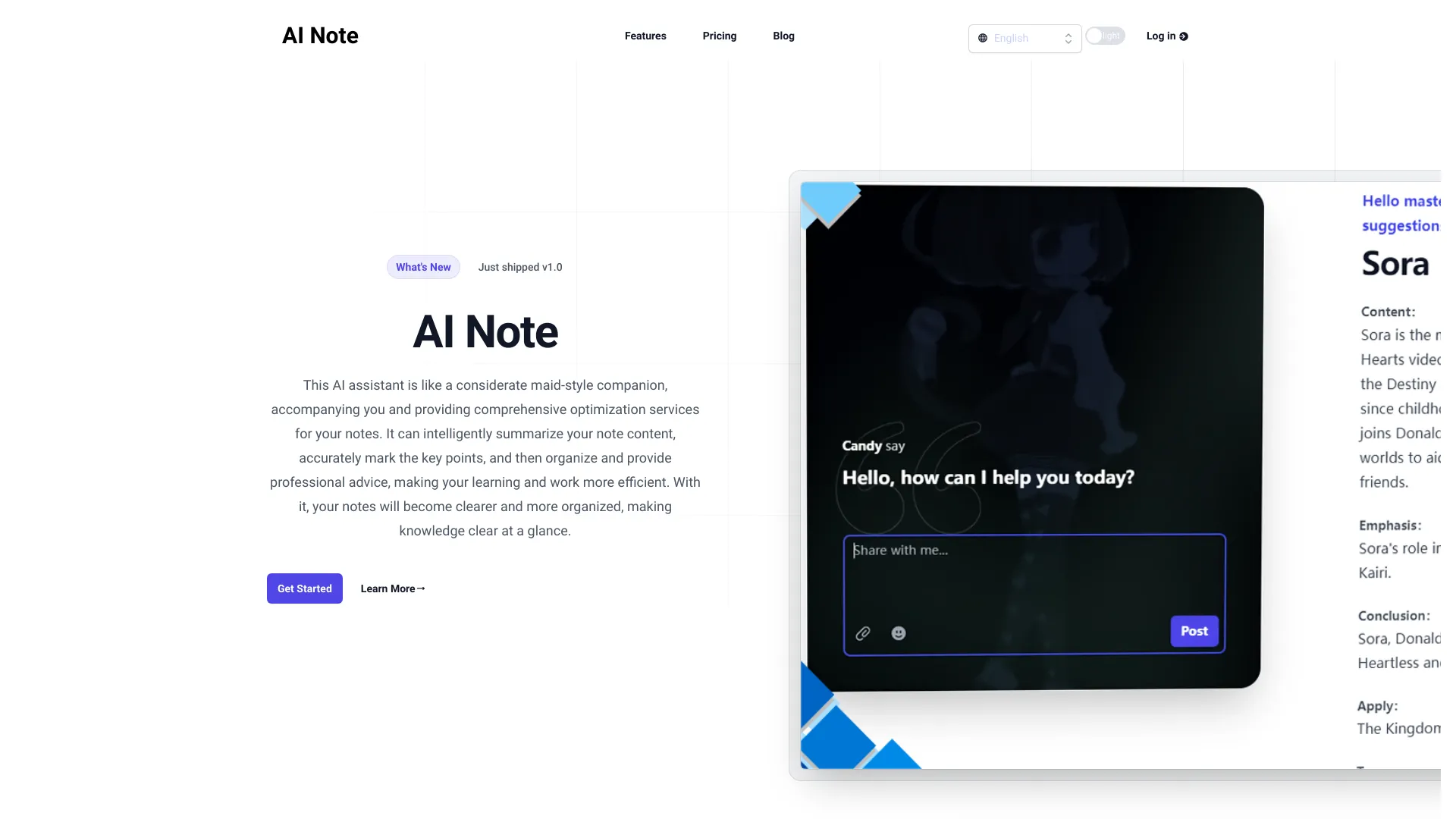
AI Note
- AI-powered note organization
- Starts at CN¥9/month
- Usage signal: 0
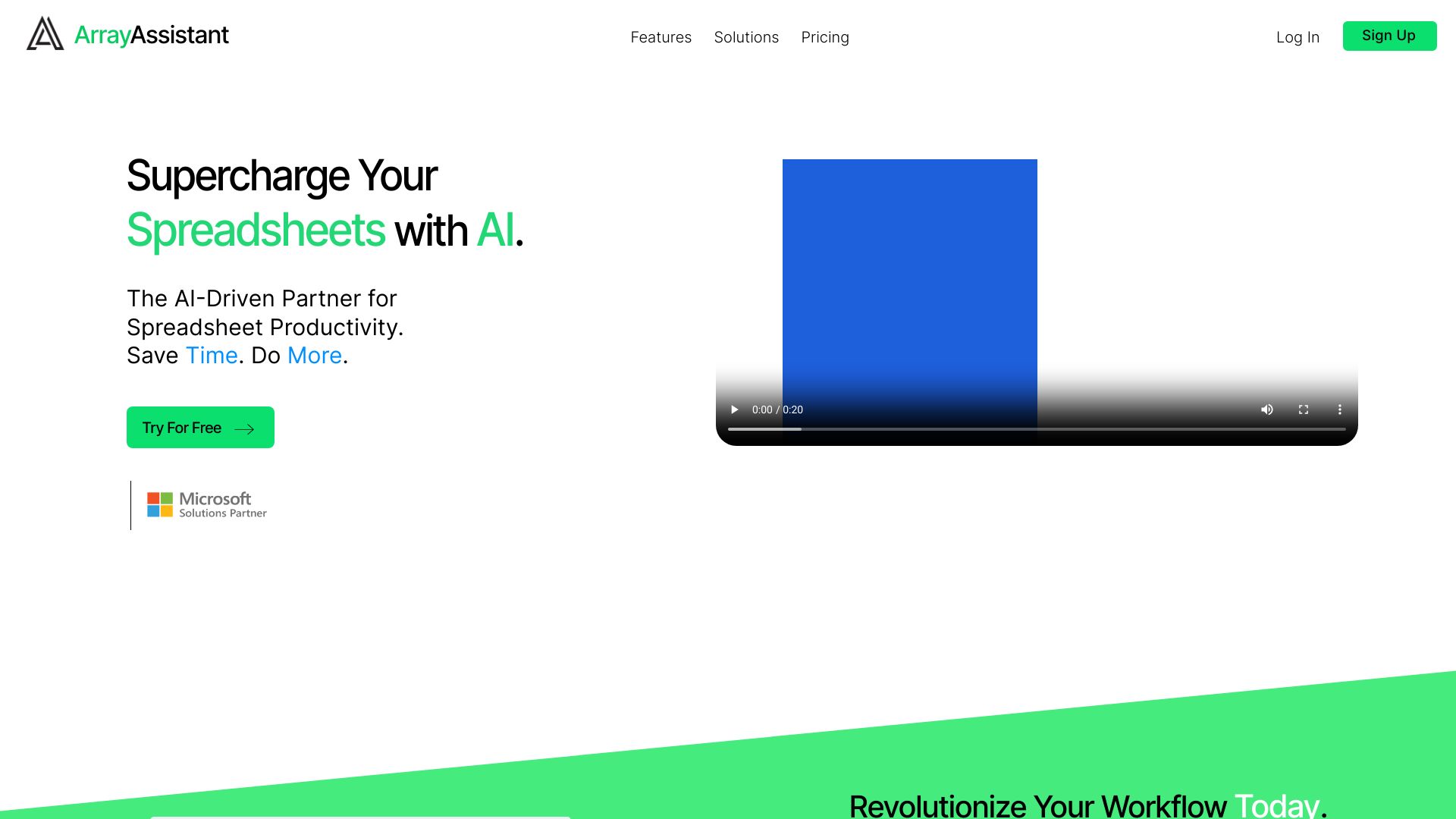
Array Assistant

- AI-powered Excel spreadsheet tasks
- 200 requests/month
- Starts at Free
- Usage signal: 0
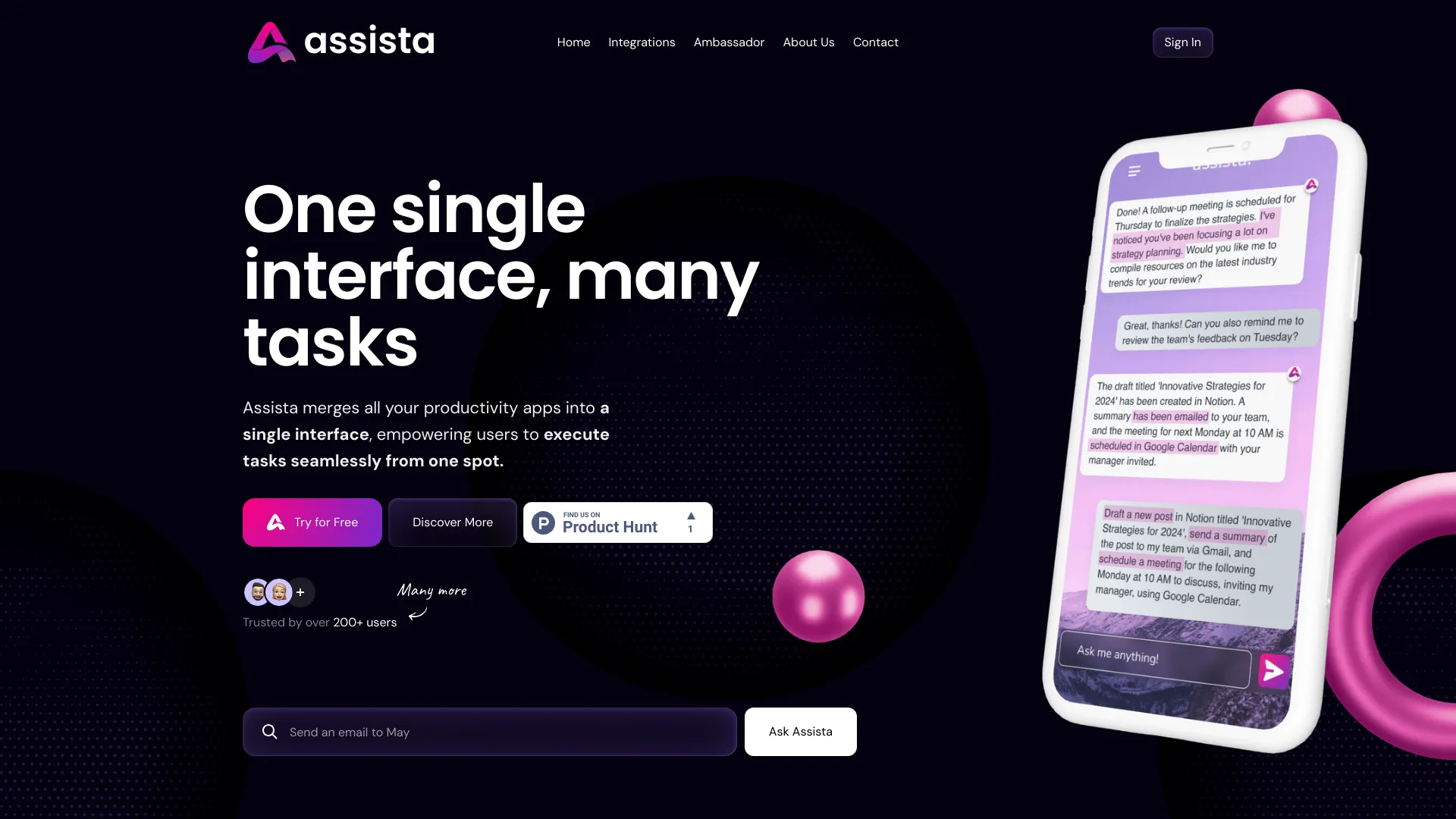
Assista AI

- Cross-app workflow automation
- 1M tokens free
- Starts at From $20/mo
- Usage signal: 0
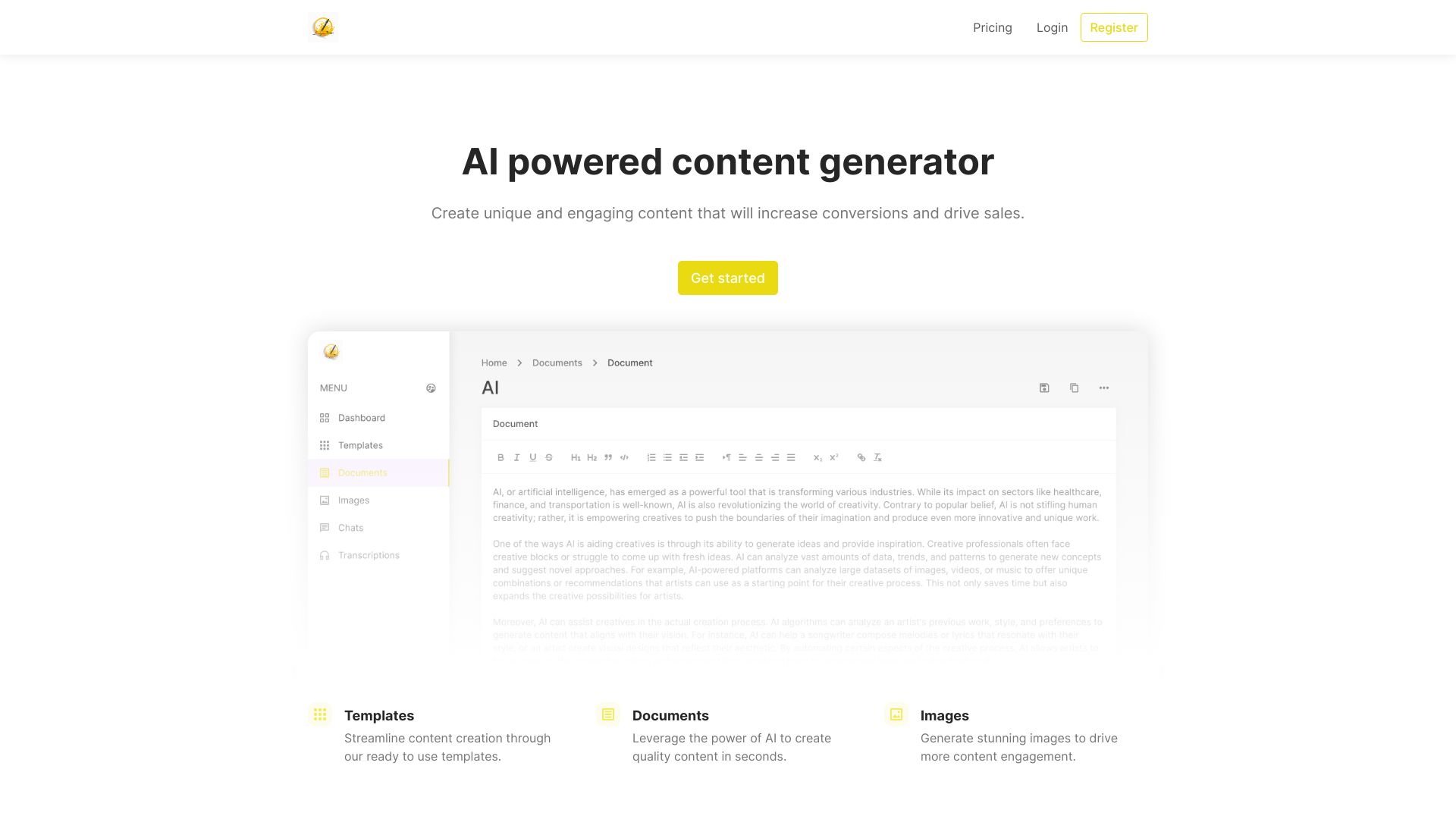
Jotters Pad
- AI content creation
- 500 words/month
- Starts at $10/month
- Usage signal: 0
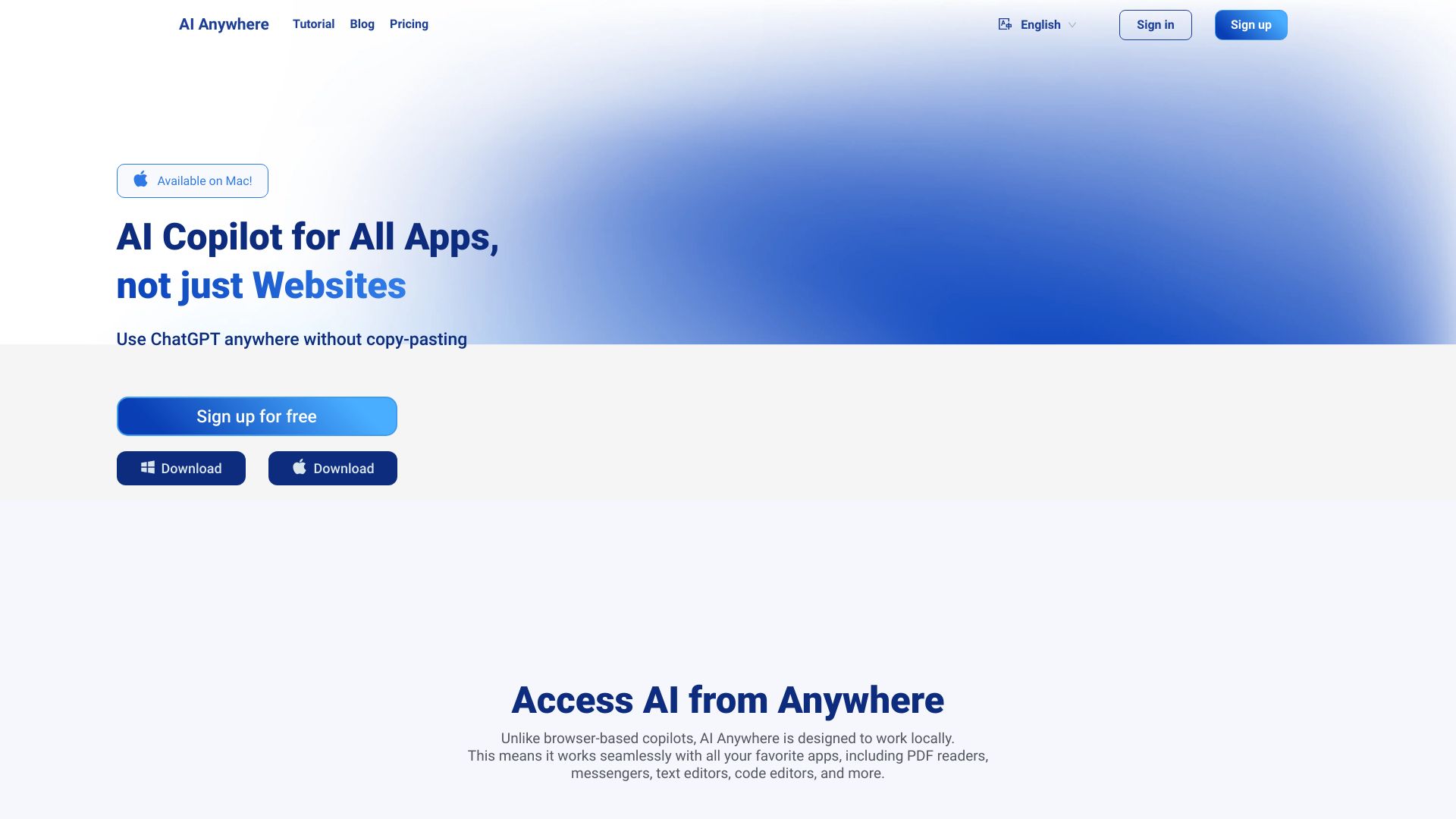
AI Anywhere

- AI assistance across desktop apps
- Starts at $5.90/month
- Usage signal: 0
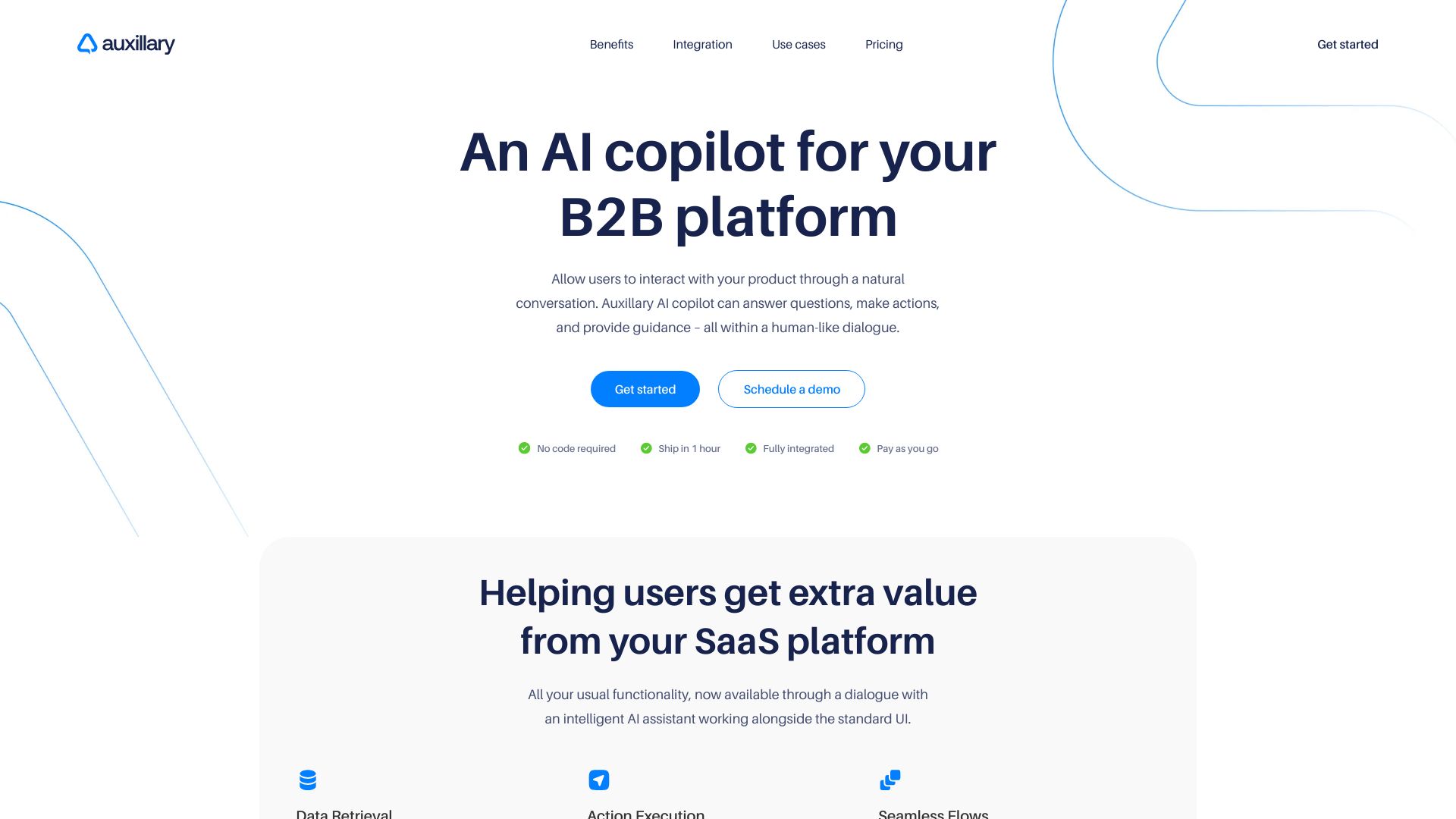
Auxillary AI

- Embedded B2B SaaS copilots
- 10 free messages
- Starts at Starting at $20/month
- Usage signal: 0
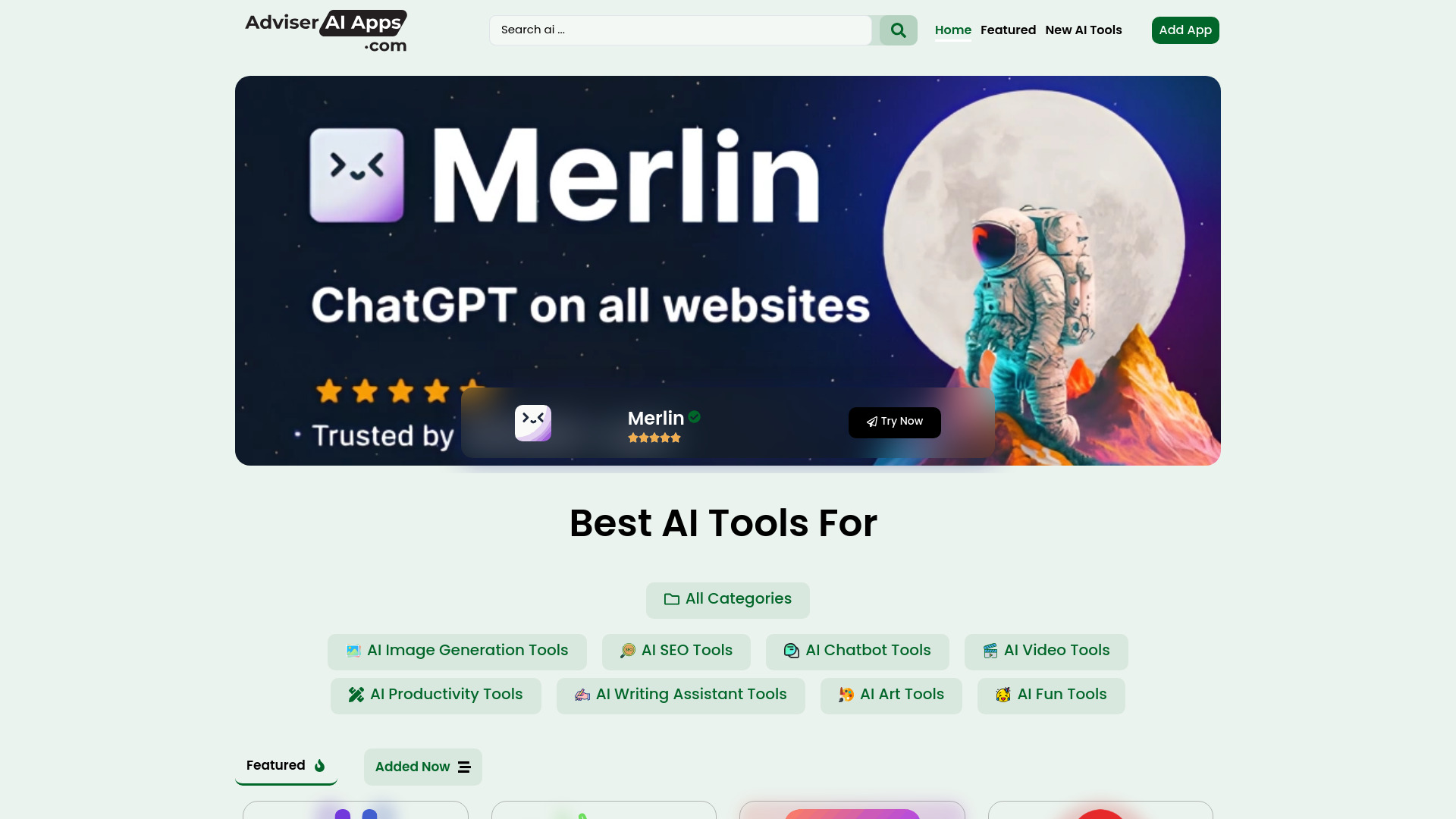
Adviser AI Apps

- Discovering AI tools and apps
- Free plan available
- Starts at Check vendor pricing
- Usage signal: 0
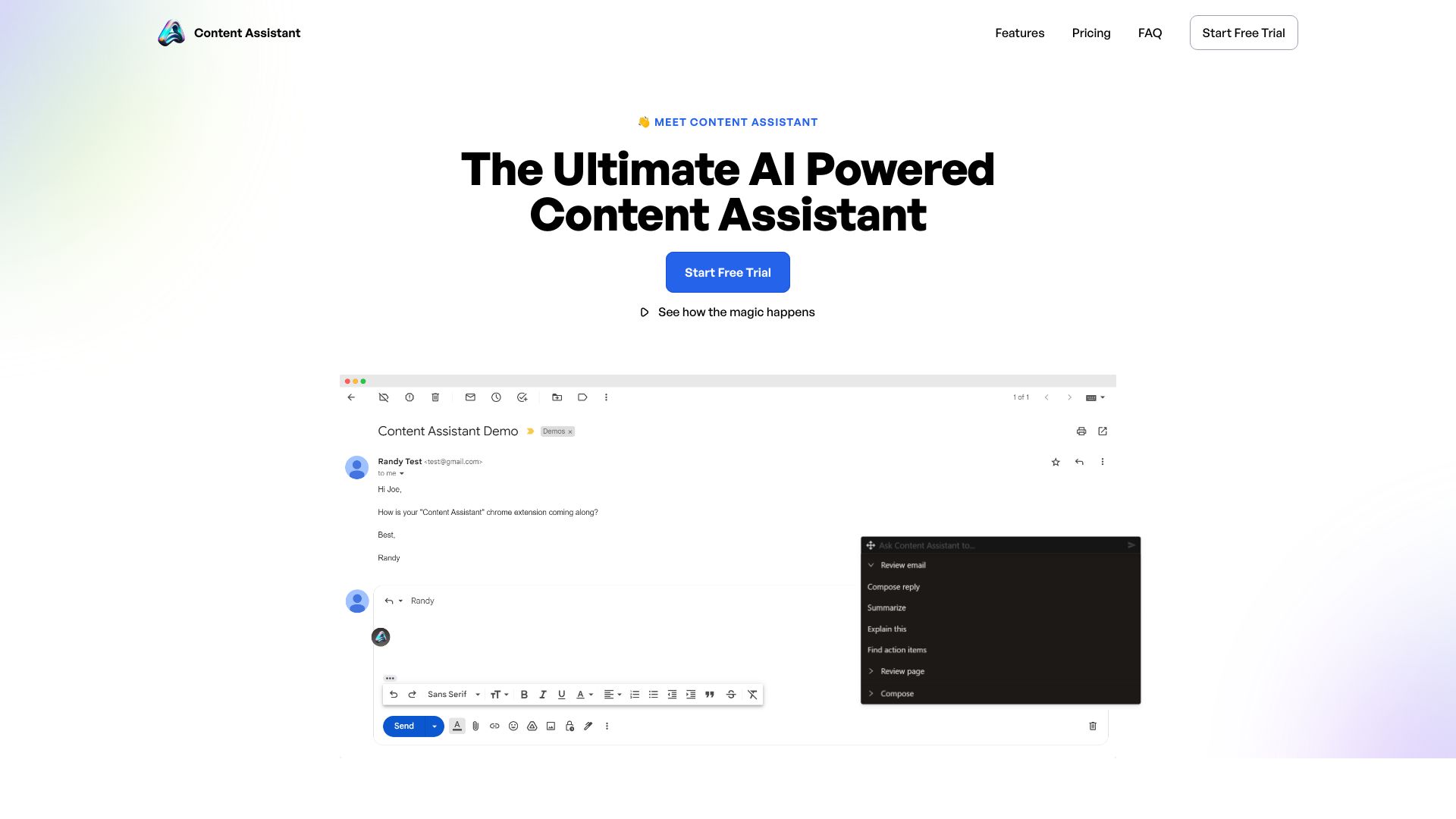
Content Assistant

- Browser-based content writing and editing
- Free trial available
- Starts at $10/month
- Usage signal: 0
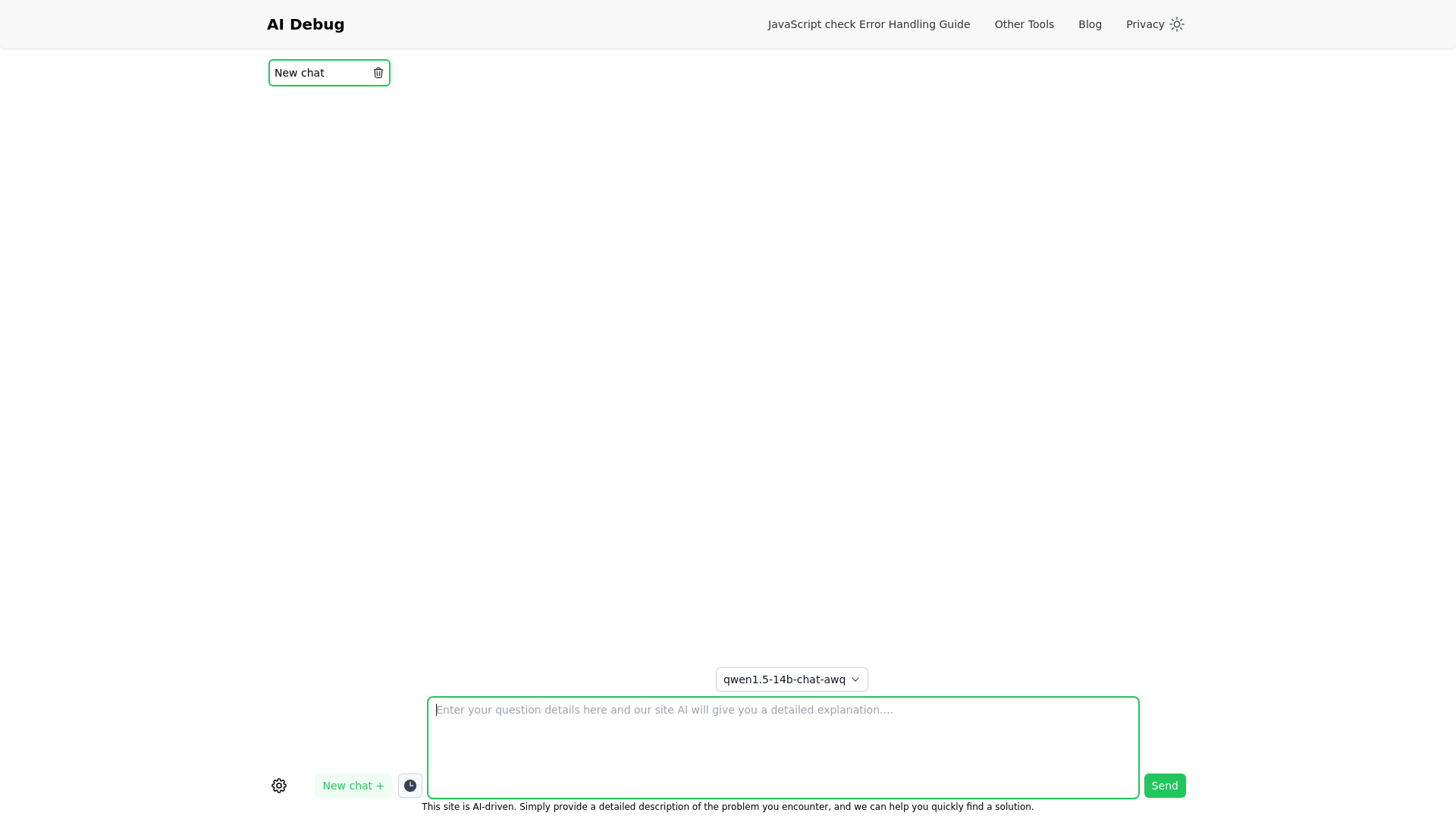
AI Debug

- JavaScript coding help
- Free plan available
- Starts at Check vendor pricing
- Usage signal: 0
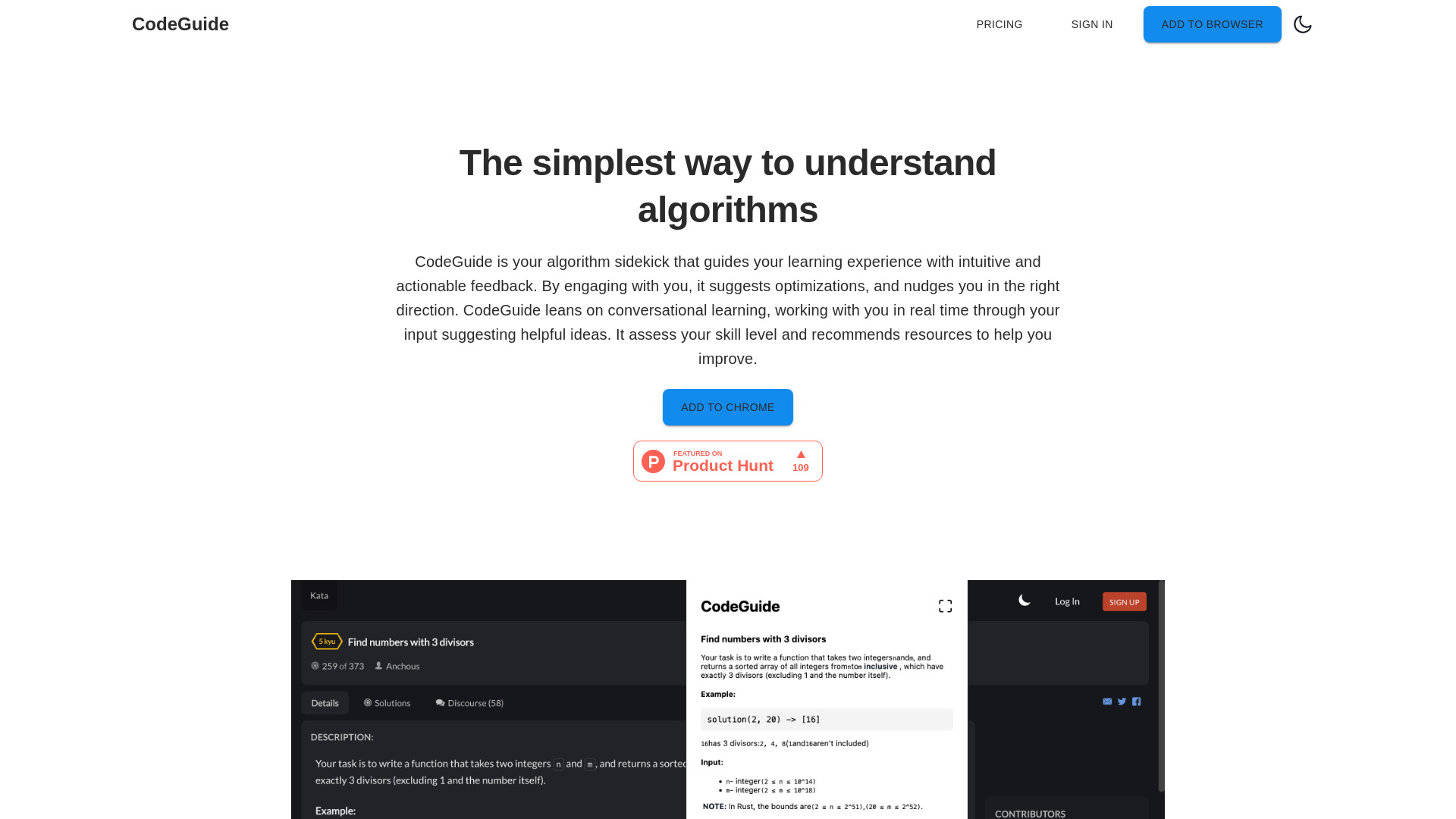
CodeGuide

- Algorithm learners
- Starts at Check vendor pricing
- Usage signal: 0
AskAiden AI
- Students seeking an AI tutor
- Starts at Check vendor pricing
- Usage signal: 0
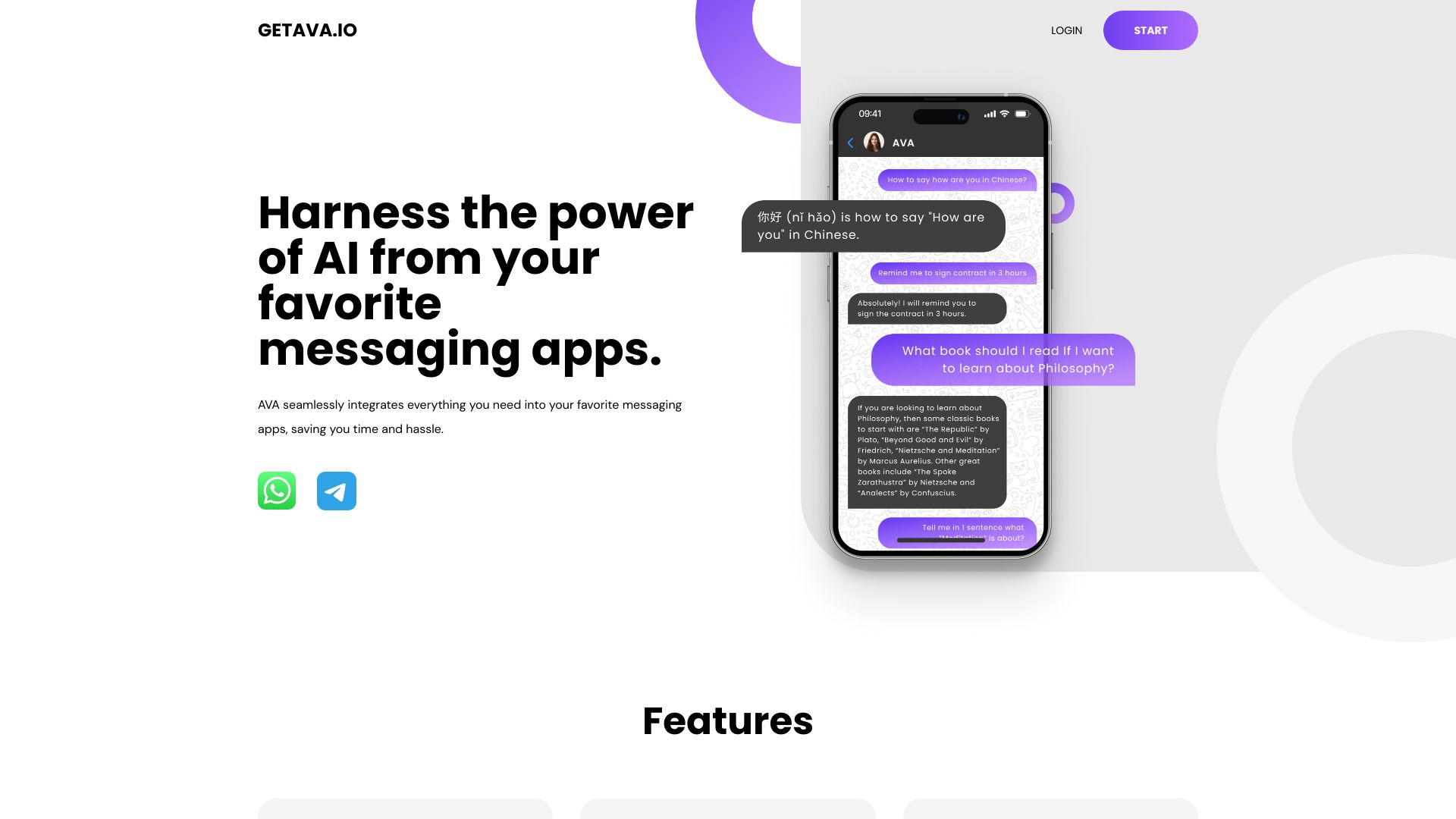
AVA | AI

- Messaging-app productivity assistance
- 5-day free trial
- Starts at $19/month
- Usage signal: 0
AI OFFICE BOT

- AI spreadsheet formula generation
- Starts at Check vendor pricing
- Usage signal: 0

Assisterr AI

- Decentralized AI model creation
- Starts at Check vendor pricing
- Usage signal: 0

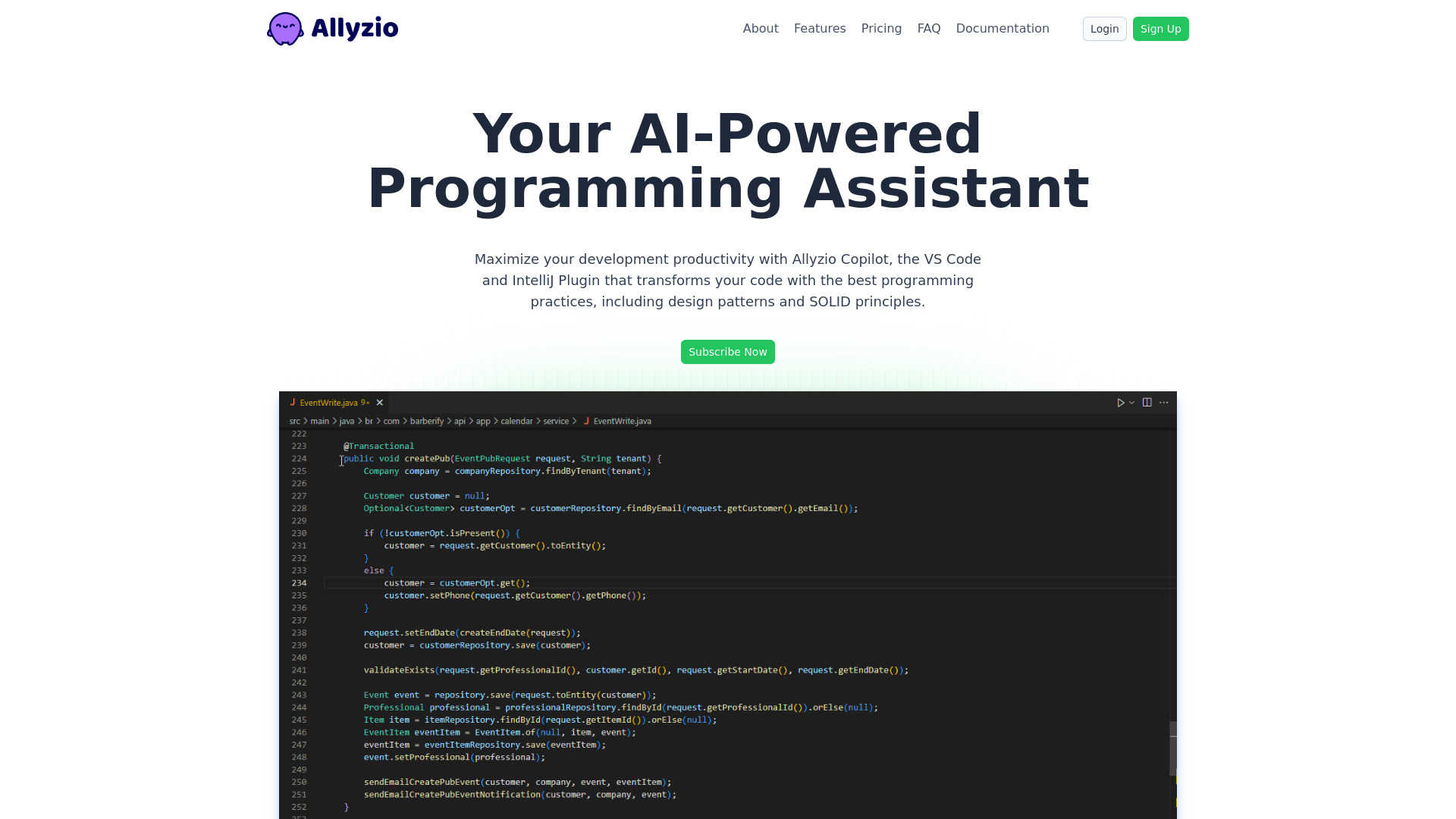
Allyzio Copilot

- AI-assisted code refactoring
- 5 requests/day
- Starts at $4.90/month
- Usage signal: 0
My AskAI

- Email customer support automation
- Free plan available
- Starts at From $13.30/mo
- Usage signal: 0
Aili

- Web research and multi-model AI access
- 20 messages/day; 70 AI summaries
- Starts at From $14.99/month
- Usage signal: 0
IELTS Champ

- IELTS writing and speaking practice
- Free trial available
- Starts at Check vendor pricing
- Usage signal: 0

AI Book Writer

- AI video and movie scripts
- 10 credits for new users
- Starts at $4.96/month
- Usage signal: 0
Helper-AI

- AI access across websites
- Starts at Check vendor pricing
- Usage signal: 0
Which tool should you try first?
Start with the workflow, not the score. Use AI is the broadest recommendation when model choice and mixed research tasks matter. Choose Aider when you work in a terminal and want repository-aware edits. BlackBox AI is the quickest fit for generation, autocomplete, and code extraction. For a private or enterprise deployment conversation, CodeComplete deserves attention even though it asks for more setup.
| Your priority | First tool to test | Why |
|---|---|---|
| Compare several AI models | Use AI | 25+ LLMs with task-based model selection |
| Work locally in Git | Aider | Terminal pair programming and codebase mapping |
| Generate and extract code quickly | BlackBox AI | Natural-language generation, autocomplete, and video extraction |
| Build full-stack prototypes | CodeAI | Full-stack generation and unit-test creation |
| Refactor an existing project | Refact.ai | Completion, refactoring, and IDE chat |
| Enterprise control | CodeComplete | Self-hosting and fine-tuned models |
Full comparison table
| Rank | Tool | Score | Best for | Free access | Starting price |
|---|---|---|---|---|---|
| #1 | Use AI | 96 | Researchers | $1 trial; 25+ models | From $29.99/month |
| #2 | Aider | 95 | Software developers | Cloud and local LLM support | Check vendor pricing |
| #3 | BlackBox AI | 94 | Software developers | 5-day free trial | Check vendor pricing |
| #4 | CodeAI | 94 | Freelancers | 2 projects; 60 calls; 40,960 tokens | Code Explorer: Free |
| #5 | Refact.ai | 94 | Software developers | 5,000 coins free | Free: $0/month |
| #6 | AskCodi | 94 | Software developers | 7-day free trial | Premium: $149.99/year |
| #7 | CodeMate | 94 | Individual developers | Debug, review, refactor | Pro: $8/month |
| #8 | Code Snippets AI | 94 | Software developers | 5 snippets free | Basic: Free |
| #9 | Aide | 94 | Software engineers | Parallel agents | Standard: $49/month |
| #10 | CodeComplete | 94 | Enterprise developers | Self-hosted option | Check vendor pricing |
Best by use case
| Use case | Best pick | What makes it fit |
|---|---|---|
| Model experimentation | Use AI | Access to 25+ LLMs and task-based selection |
| Terminal-first development | Aider | Local Git editing, codebase mapping, and local-model support |
| Code maintenance | Refact.ai | Refactoring, completion, and IDE chat |
| Enterprise deployment | CodeComplete | Self-hosting and fine-tuning |
Use AI vs Aider vs BlackBox AI
Use AI wins on model breadth and mixed research-to-coding work; Aider wins on terminal-native repository editing; BlackBox AI wins on fast generation, autocomplete, and video code extraction. The right choice depends on where context lives: across multiple models, inside a Git repository, or in quick prompts and captured examples.
| Tool | Strongest angle | Main friction | Listed price signal |
|---|---|---|---|
| Use AI | 25+ model access | Paid subscription | From $29.99/month |
| Aider | Terminal pair programming | API keys and setup | Check vendor pricing |
| BlackBox AI | Generation plus video extraction | Output accuracy can vary | Check vendor pricing |
Best free AI coding assistant
Refact.ai has the clearest quantified free allowance for an ongoing coding workflow: 5,000 coins plus completion, refactoring, and AI chat. CodeAI is appealing for a bounded project experiment with two public projects, 60 AI calls, and 40,960 tokens. Code Snippets AI is worth trying if your main need is a small reusable snippet library. Verify current limits before committing, since plan allowances can change.
Pricing: what you actually pay for
| Tool group | Price signal | What to watch |
|---|---|---|
| Broad model access | Use AI from $29.99/month | Subscription cost buys model breadth |
| Clear low-cost entry | CodeMate from $8/month | Some features may require Pro |
| Free or usage-limited | Refact.ai, CodeAI, Code Snippets AI | Coins, calls, tokens, projects, or snippets are capped |
| Annual plan | AskCodi at $149.99/year | Test the seven-day trial and credit needs |
| Workflow or enterprise | Aide at $49/month; CodeComplete quote required | Confirm team, deployment, and integration requirements |
Prices and allowances should be checked on the vendor site before purchase. Several tools use usage limits rather than a simple unlimited-features promise, and CodeComplete requires an enterprise conversation.
When to skip these tools
Skip an AI coding assistant when your code cannot leave a controlled environment and the product does not offer a deployment model you can approve. Also skip one when you need guaranteed correctness, fully automated production changes without review, or a workflow that your team will not maintain. AI-generated code still needs testing, security review, and human ownership.
How we scored the list
We scored the 99 candidates against practical coding criteria: breadth of coding assistance, repository or code context, generation and debugging depth, workflow fit, free access, pricing clarity, audience specificity, and market usage signals. Scores guide the shortlist; they are not a substitute for testing a tool with your own languages, repository, and security requirements.
Who reviewed this guide
FAQ
Use AI ranks first for its access to 25+ LLMs and task-based model selection. Aider is the stronger choice for terminal-based repository work, while CodeComplete is more suitable for enterprise teams considering self-hosting.