
Suggested tools for you
Choosing top rated ai text to video software is less about finding one magic prompt box and more about matching the workflow to the job: some tools turn text into scenes, while others combine text, images, avatars, voices, and editing. We compared 88 tools and shortlisted 10 for closer review, prioritizing practical generation options, audience fit, access, and the trade-offs that matter before you commit.
Quick trust line
Tools reviewed: 88 candidates, with 10 featured in detailed reviews
Last checked: September 25, 2026
Reviewed by: aitop10.ai software rankings editor
What we checked: Generation workflows, model or media options, free access, pricing signals, audience fit, and stated limitations
Vidgo AI

- Content creators making videos from text or images
- 20 free credits
- Starts at Free: $0
- Usage signal: 58.1K
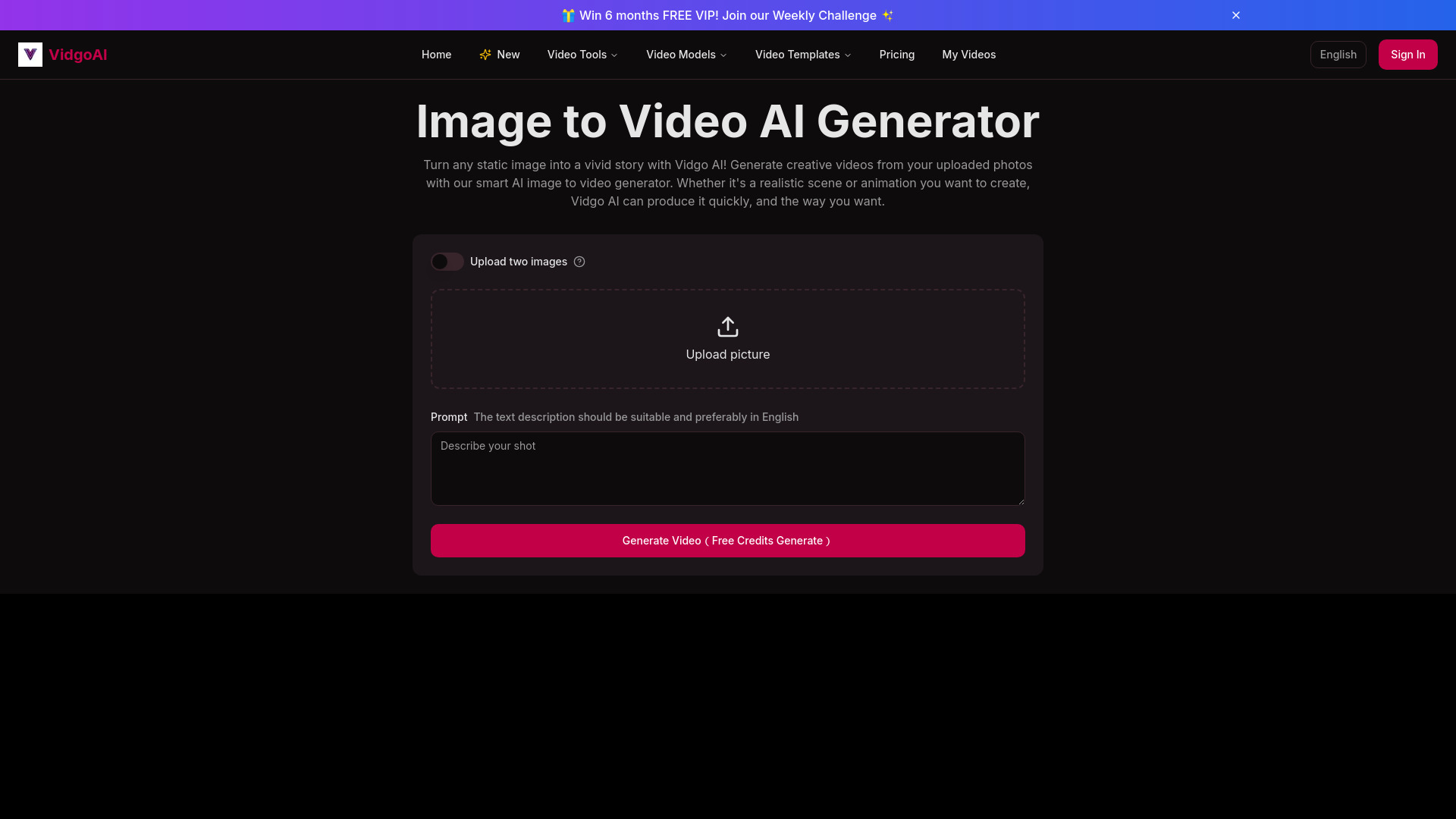
Vidgo AI earns the top spot by covering the two core workflows most people mean when they search for text-to-video software: generating a video from a text prompt and animating an image. That flexibility makes it a useful first stop for creators who want to try different starting points instead of building their whole process around a single input type.
Its model selection is another practical advantage. Vidgo lists options including Kling AI, Runway AI, Luma AI, and Hailuo AI, alongside templates and effects. In other words, it brings several generation routes into one platform rather than asking you to begin with a fixed model or a single narrow workflow. The free allowance is 20 credits, so it is a sensible way to test the experience before paying, though credits make sustained use something to monitor.
Why it ranks first
| Scoring area | Score | Why it matters |
|---|---|---|
| Text-to-video workflow | 25/25 | Text-to-video is explicitly supported |
| Input flexibility | 24/25 | Image-to-video is available alongside text generation |
| Model choice | 24/25 | Multiple named AI models are offered |
| Accessibility and trade-offs | 22/25 | Free credits help evaluation; credit-based use can constrain volume |
Best fit
Creators who want both text-prompt and image-based video generation.
People who value access to several AI models and creative effects in one place.
Users who want to test a platform with free credits before considering a subscription.
Limitations
Credit-based generation can make regular usage harder to predict.
Some features may require a paid subscription.
The free allowance is finite, so it is better for evaluation than assuming unlimited production.
AI STUDIOS

- Educators creating avatar-led lessons and explainers
- 3 video exports per month
- Starts at Free: $0/month
- Usage signal: 706.9K
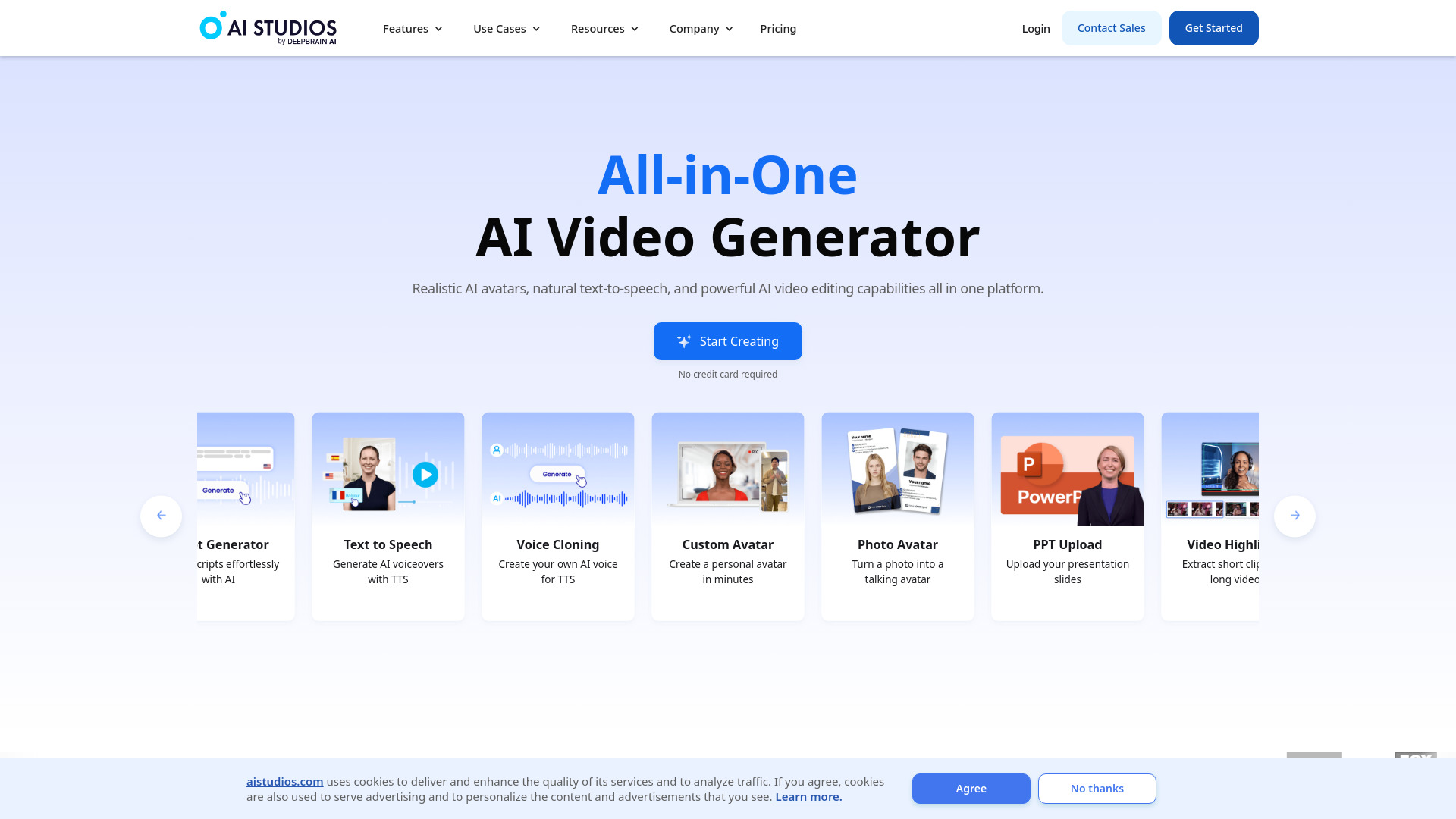
For a script that should be delivered by a presenter rather than rendered as an abstract sequence of generated shots, AI STUDIOS has a clearer point of view. Its offer centers on realistic AI avatars, text-to-speech, and an all-in-one video creation and editing workflow. The listed library includes more than 150 avatars and voices in over 80 languages, which gives educators and teams concrete options for producing narrated material.
That makes it a different kind of contender from a pure prompt-to-scene generator. The platform also includes teams and workspaces for collaboration, which can suit repeatable instructional or business video work. The catch is the free plan's three monthly exports; treat it as a limited trial of the workflow, not a promise of high-volume publishing.
Why it is near the top
| Scoring area | Score | Why it matters |
|---|---|---|
| Script-to-video fit | 25/25 | Built around AI video creation from text |
| Voice and avatar options | 25/25 | 150+ avatars and voices in 80+ languages are listed |
| Team workflow | 23/25 | Teams and workspaces support collaboration |
| Free-plan practicality | 22/25 | Free access is available, but exports are limited to three monthly |
Best fit
Educators producing narrated lessons or training explainers.
Teams that want avatar presentation and text-to-speech in one workflow.
Organizations creating recurring, presenter-led videos in multiple languages.
Limitations
Three free video exports per month can be restrictive for frequent publishing.
Some advanced features are reserved for higher-tier plans.
If you want cinematic text-prompt scenes rather than a presenter format, another pick may fit better.
See Video AI

- Content creators exploring multi-model video generation
- 40 credits for new users
- Starts at Plans listed at $9.99/month
- Usage signal: 29.0K
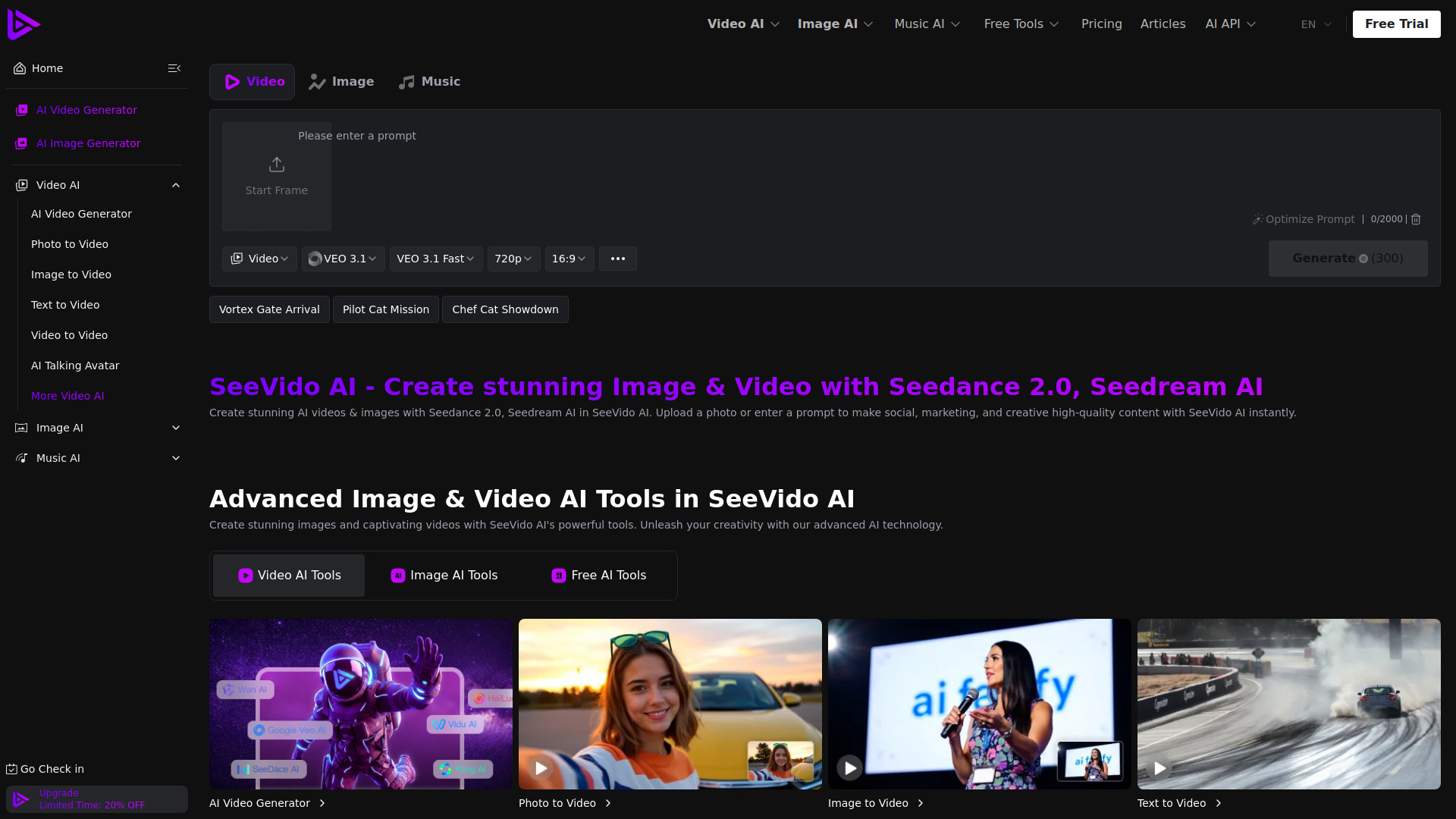
See Video AI pairs text-to-video with image-to-video and positions itself as a multi-model generation workspace. Its listed features include Seedance 2.0 video generation and creative AI effects, so it is worth considering when you want to experiment with more than one style of input or model rather than settle immediately on one route.
The initial 40 credits and daily free check-in credits give casual users a way to explore. But credits do not translate neatly into a fixed number of videos when different models can have different costs. The free tier also has a shared generation queue and limited history, so it is less compelling for a time-sensitive production pipeline.
Best fit
Creators who want to compare text and image inputs in one service.
Casual users interested in exploring multiple video models and effects.
People willing to learn a credit system as they test generation options.
Limitations
Credit costs vary significantly by model, complicating usage estimates.
The free tier uses a shared generation queue.
Free history is limited, which may be inconvenient when revisiting experiments.
Veo3 AI

- Content creators comparing text-to-video models
- Free to start
- Starts at Mini plan: $15/month
- Usage signal: 565.1K
Veo3 AI supports text-to-video and image-to-video, with access to multiple models listed as Sora 2, Veo3, and Seedance. That combination makes it a flexible option for creators who want to explore different generation approaches without restricting themselves to text prompts alone. The product also advertises 4K output, a claim worth checking carefully against the plan details before choosing it for a resolution-sensitive project.
There is a notable mismatch to investigate: the homepage claim refers to 4K videos, while paid-plan information specifies 1080p output. Free-tier restrictions are also not clearly detailed. We would verify the current export resolution and included credits directly with the vendor before basing a paid workflow on either assumption.
Best fit
Creators who want both text and image inputs.
Users interested in access to several named video models in one service.
Experimenters who can confirm output resolution before relying on a specific deliverable.
Limitations
The 4K marketing claim conflicts with paid-plan details specifying 1080p.
Free-tier limits are not clearly spelled out.
Confirm the plan's actual resolution and credit terms before purchase.
AI Image to Video

- Beginners animating still images into video
- Daily credits
- Starts at Standard: $5.99/month
- Usage signal: 339.0K
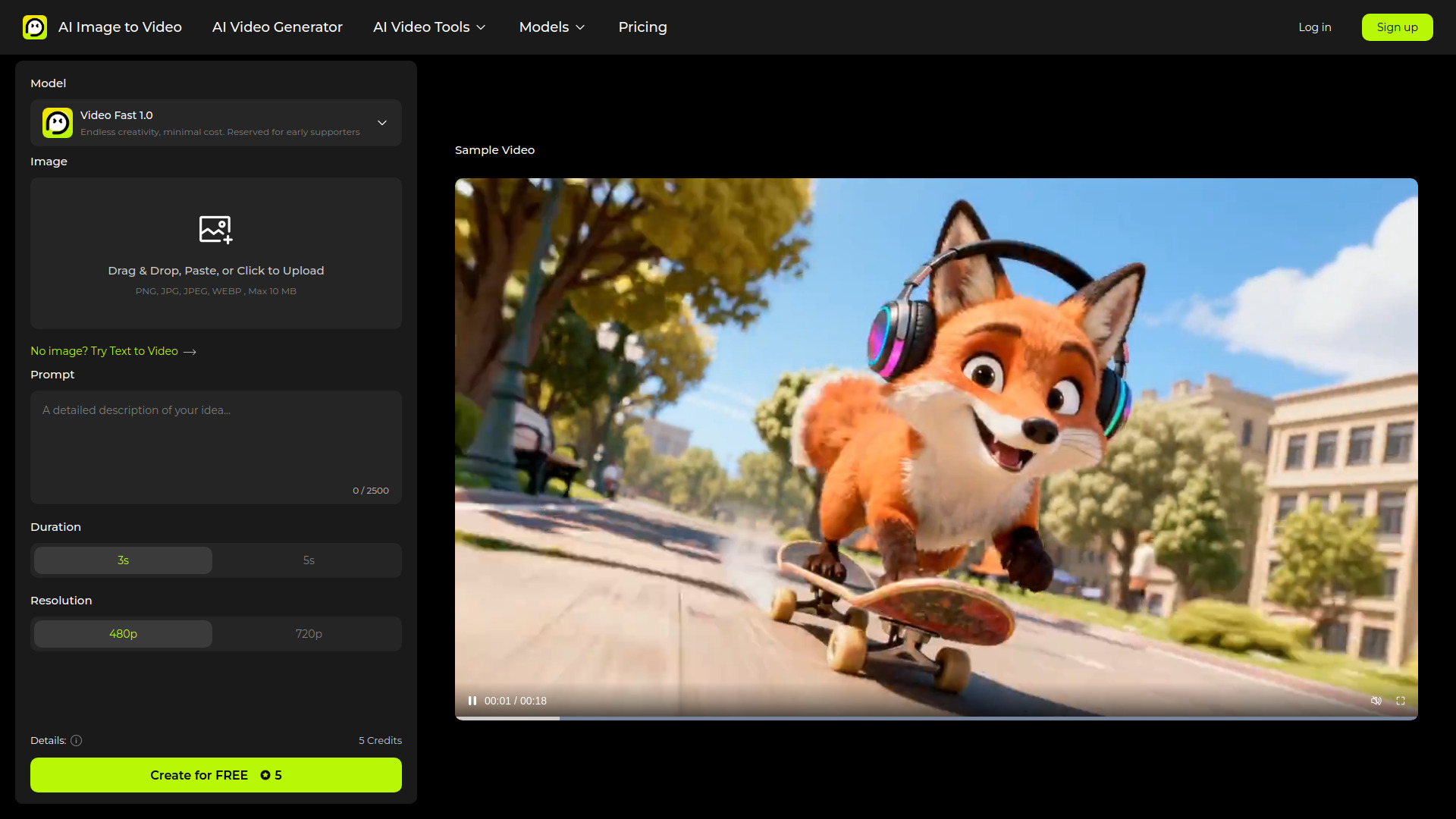
When you already have a still image and want to turn it into motion, this tool makes that starting point its central workflow. It offers daily credits for image-to-video generation and supports multi-input prompts that combine an image with text. That is a straightforward setup for beginners who have a visual reference but are not sure how to write a prompt from scratch.
The service also lists HD exports without watermarks on paid plans. Free use requires account registration, and unused Standard and Pro credits expire at the end of the billing cycle. Those terms matter if you generate in bursts rather than on a steady schedule: compare the monthly price with how often you expect to use the credits.
Best fit
Beginners who want to animate existing images using a text prompt.
Creators who value daily credits for trying image-to-video generation.
Users who need paid-plan HD exports without watermarks.
Limitations
You must register to use the free features.
Unused Standard and Pro credits expire at the billing-cycle boundary.
It is a more natural choice for image-led creation than for a purely text-first workflow.
Flow AI

- Content creators building multi-shot video concepts
- Free trial credits
- Starts at Basic: $19.90/month
- Usage signal: 464.8K
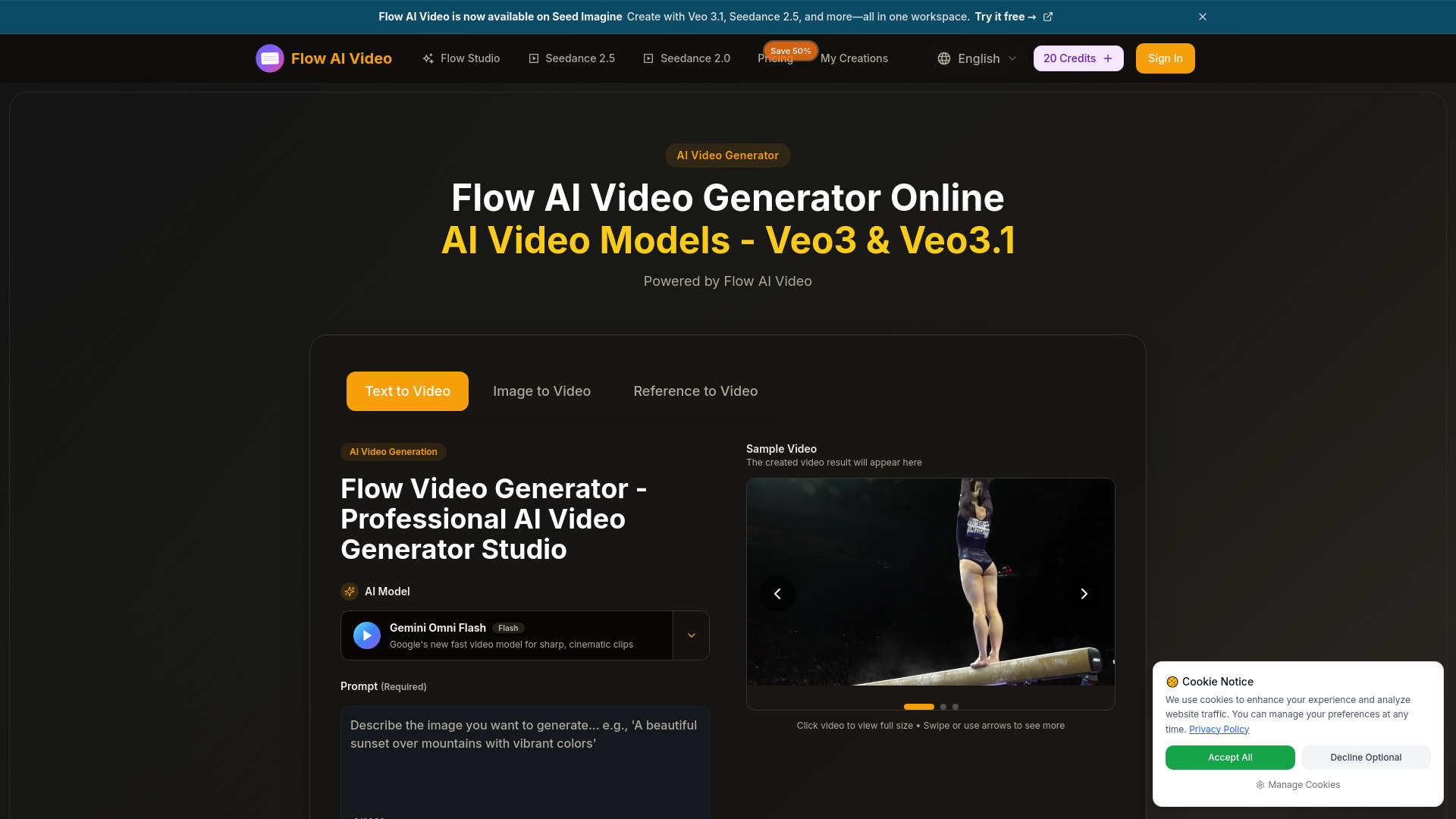
Flow AI combines text-to-video, image-to-video, and reference-to-video creation. Its listed support for cinematic multi-shot storytelling makes it a candidate for creators who want to start with a prompt or visual reference and develop a more connected sequence of shots. The service also lists multiple AI video models in one workspace, which gives the workflow some room to experiment.
The trade-off is a credit-dependent service with monthly subscription credits that do not roll over. A free trial can help you judge the generation experience, but it will not tell you how sustainable the paid workflow feels until you understand how quickly your chosen models consume credits. Its starting price is higher than several picks on this list.
Best fit
Creators interested in cinematic, multi-shot concepts.
Users who want text, image, and reference inputs in one workspace.
Projects where experimentation matters more than keeping the lowest possible monthly cost.
Limitations
Video generation requires credits.
Monthly subscription credits do not roll over.
At $19.90 per month for the listed Basic plan, it is not the cheapest entry point here.
JXP AI Video Generator

- Content creators combining video and image generation
- Limited free credits
- Starts at Starter one-time purchase: $10
- Usage signal: 233.2K
JXP AI Video Generator puts text-to-video and image-to-video alongside an AI image generator and image-editing tools. That broader kit is useful if your creative workflow moves between making a visual, editing it, and animating it. It is not just a prompt box for video; there are adjacent image tools to explore in the same service.
A limitation to plan around is content retention: free-plan content is saved for only 15 days, while paid plans save it indefinitely. The service also does not support NSFW content, and generation may fail if it detects it. Check those boundaries if your work depends on keeping old experiments accessible or involves content likely to trigger the restriction.
Best fit
Creators who want image generation and editing alongside AI video tools.
Users who prefer a broader creative toolkit over a video-only workspace.
People comfortable with the stated content rules and free-plan retention period.
Limitations
Free-plan content is retained for only 15 days.
NSFW content is not supported and may cause generation to fail.
Confirm the one-time Starter purchase details against the specific features you need.
VideoAny

- Individual creators exploring video, image, and audio generation
- 3 daily credits
- Starts at Starter: $8/month
- Usage signal: 239.2K
VideoAny brings an AI video generator together with image and audio generation, giving individual creators a broader studio to test than a standalone text-to-video tool. The free tier includes daily login credit bonuses, which can be useful for occasional experiments. It is also described as an uncensored AI video studio, a distinction some users may specifically value.
Do not treat free access as a green light for commercial work. Free users are limited to personal, non-commercial use, and commercial rights depend on the plan. The free tier also has limitations around resolution, batch processing, and priority queues, so it may not be the right production setup when throughput or predictable output matters.
Best fit
Individual creators who want video, image, and audio tools together.
Occasional users who can make use of daily credits.
People who have checked that their intended use fits the plan's content and rights terms.
Limitations
Free users are restricted to personal, non-commercial use.
Resolution, batch processing, and queue priority are limited on the free tier.
Check the selected plan's commercial rights before publishing client or business work.
Lanta AI

- Content creators repurposing text, images, or existing video
- 40 credits
- Starts at Standard: $6/month
- Usage signal: 181.6K
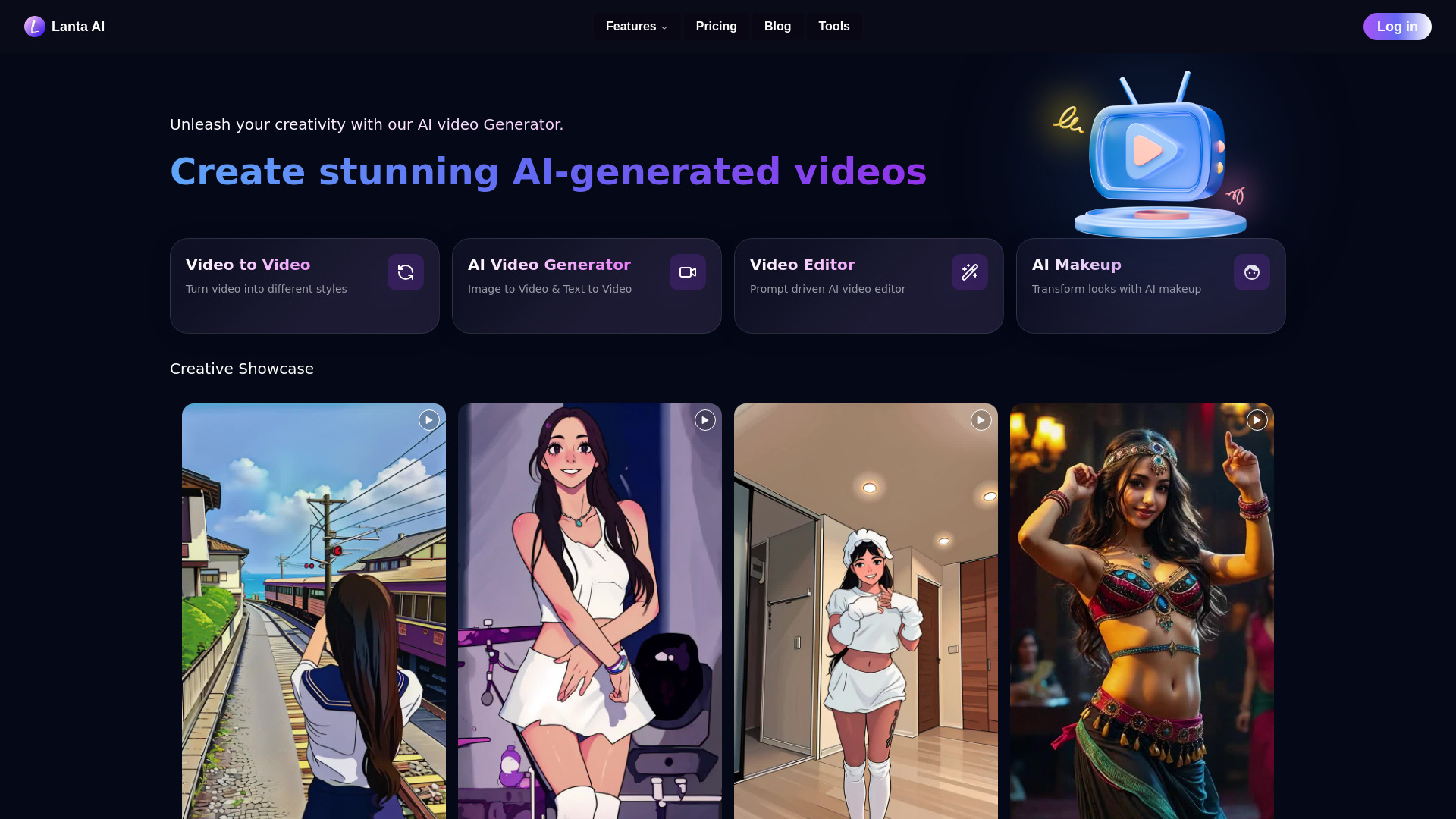
Lanta AI covers three useful starting points: text-to-video, image-to-video, and video-to-video conversion. That range is a plus for creators who want to generate from a written idea one day and transform existing visual material another. It also provides a free credit upon login, with 40 credits listed for access, making it possible to try the workflows before committing to a plan.
The free credits are limited, and the service notes that support response time can reach 48 hours on some plans. That response window is worth factoring in if you expect to need quick help during a deadline-driven project. The listed starting-price signals differ across the product information, so verify the current plan and billing terms on the vendor site.
Best fit
Creators who want to try text-, image-, and video-based generation.
Users interested in repurposing or transforming existing video.
Experimenters looking for a free credit to evaluate several workflows.
Limitations
The free credit allowance is limited.
Support response can take up to 48 hours for some plans.
Verify current pricing and included credits before subscribing.
V03AI

- Individual creators making short video clips with sound
- 50 one-time credits
- Starts at Trial: $2.90
- Usage signal: 74.5K
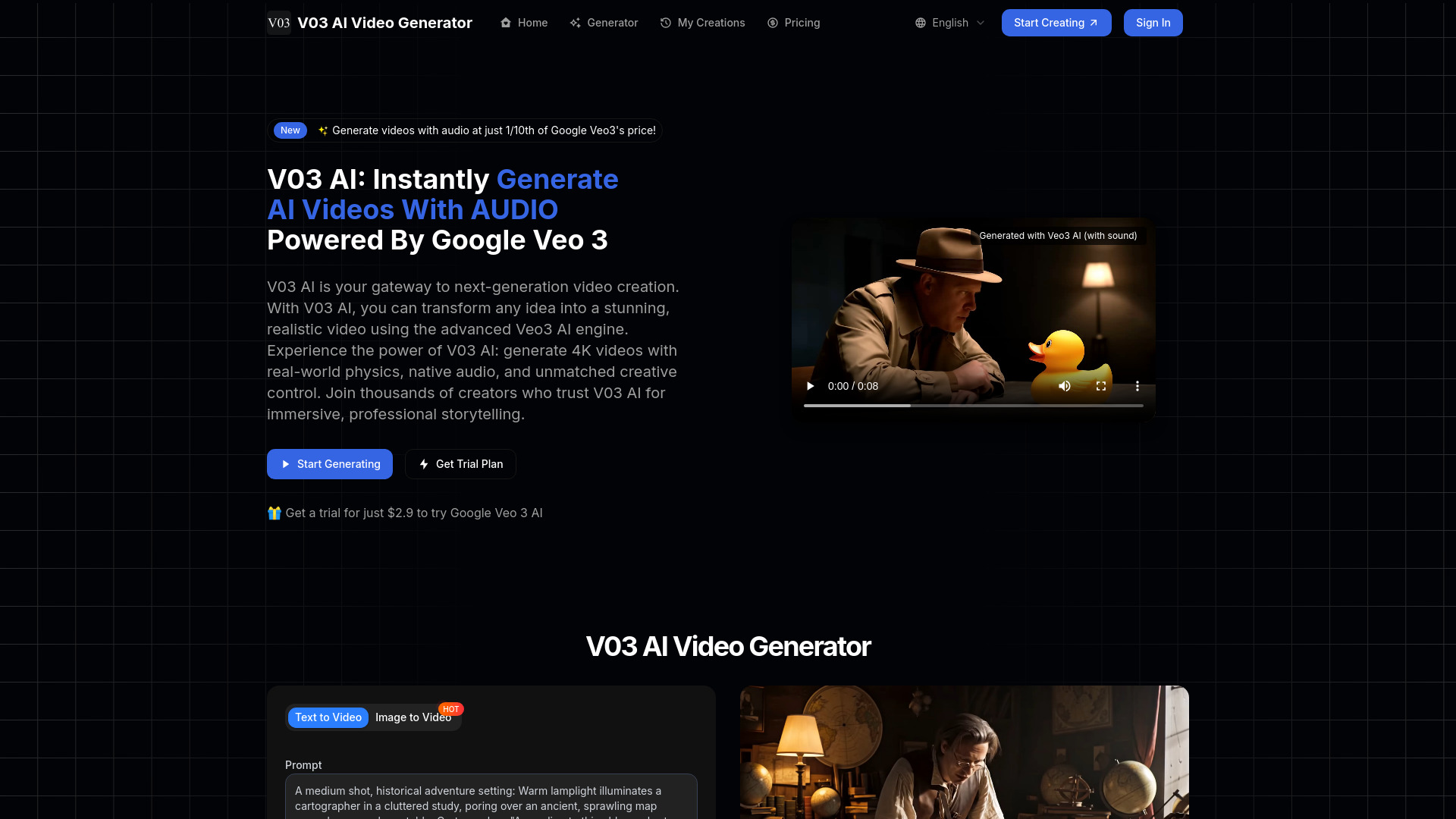
V03AI is aimed at creators who want generated video and sound together. Its listed capabilities include text-to-video, image-to-video, and native audio with synchronized sound effects, ambient effects, and dialogue. That makes it an interesting option for short concepts where sound is part of the idea rather than an afterthought.
Keep expectations grounded: audio generation is still experimental, and sound may not be included every time, particularly in fast mode. Videos are limited to a maximum duration of eight seconds. Those constraints make V03AI better suited to short-form experiments than longer sequences or a workflow that depends on reliably rendered audio in every output.
Best fit
Individual creators testing short clips with generated dialogue or sound effects.
Users who want both text and image inputs.
Projects where an eight-second maximum is sufficient.
Limitations
Audio generation is experimental and is not guaranteed in every output.
Fast mode may omit sound.
Maximum video duration is eight seconds.
More tools to compare
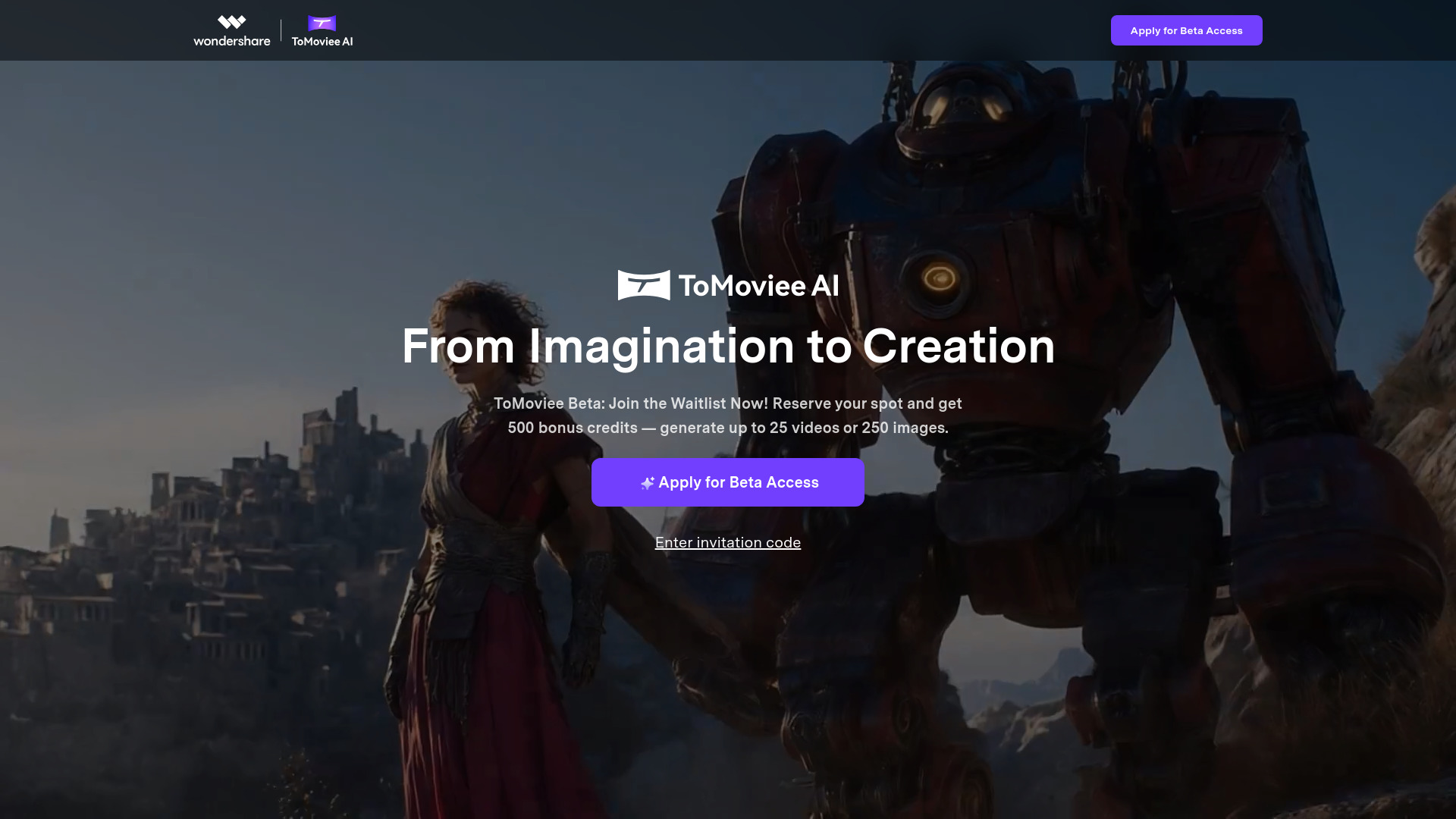
WonderShare ToMoviee AI

- Creators making video, images, music, and sound in one suite
- 500 free credits + 30 daily login credits
- Starts at From $89/year
- Usage signal: 87.1K
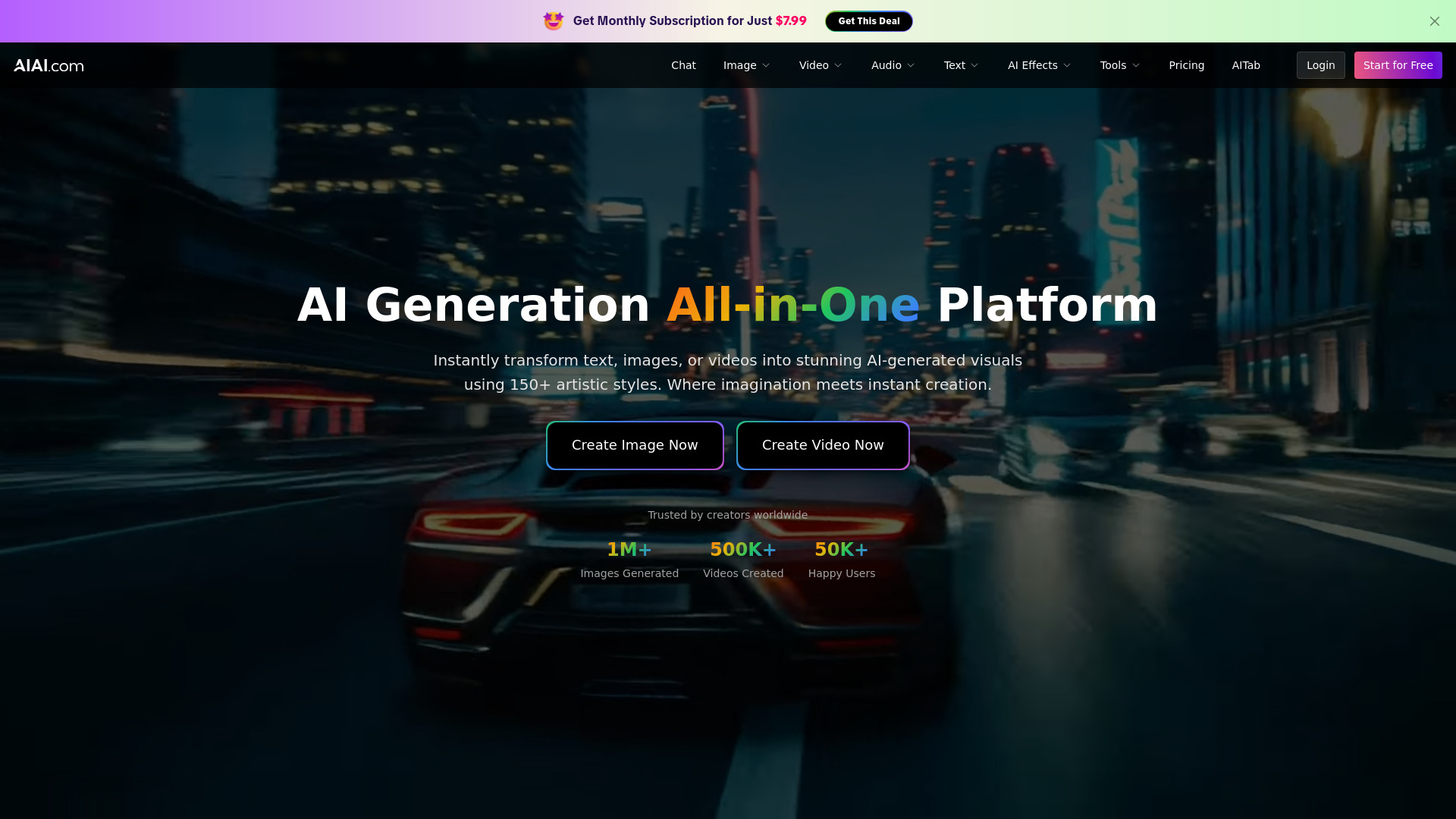
AIAI.com
- Text-to-video and multi-format creators
- 20 credits/month
- Starts at $7.99/month
- Usage signal: 126.9K
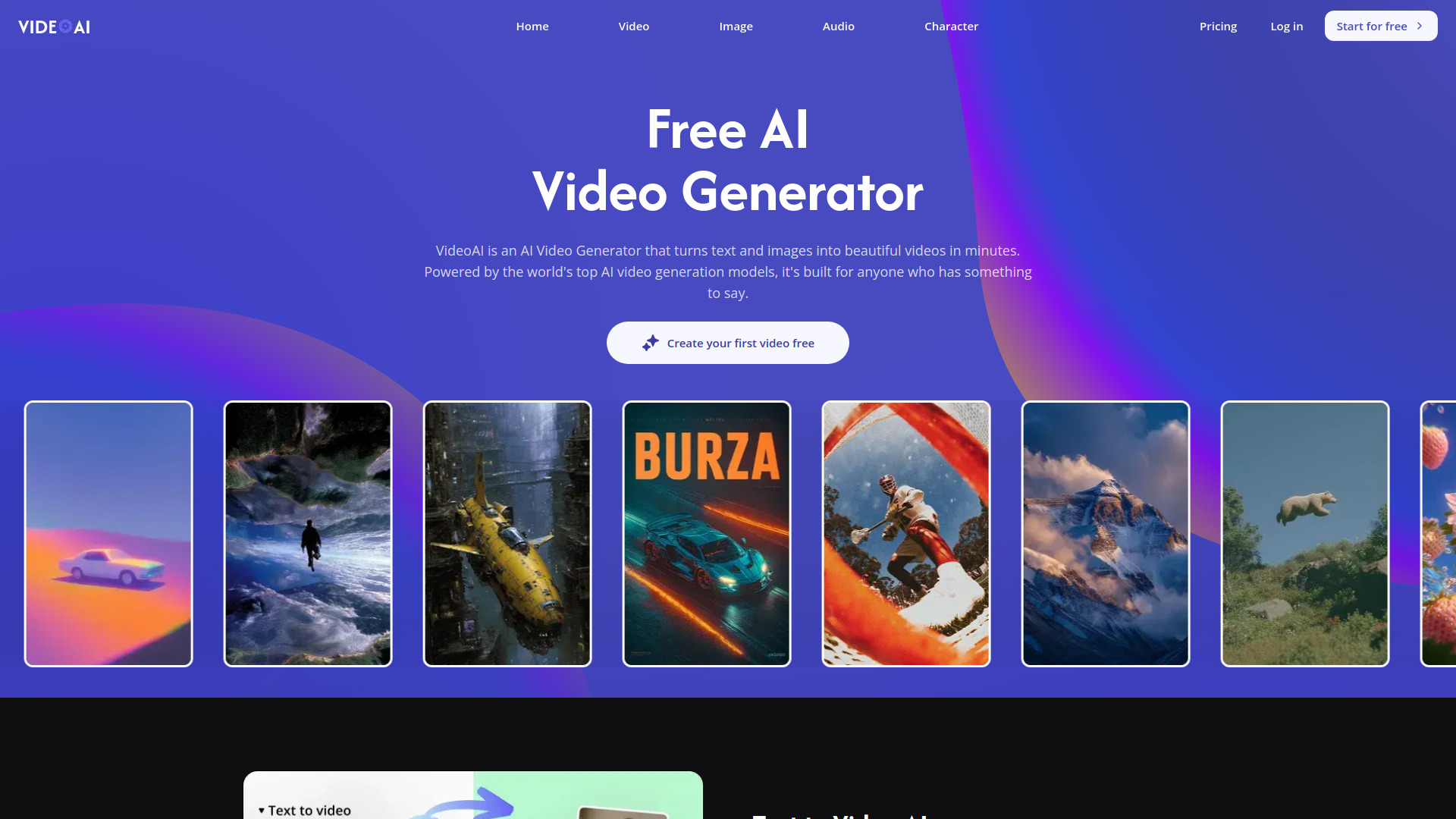
VideoAI

- Multi-model AI video creation
- 10 credits/month
- Starts at $8.3/mo billed annually
- Usage signal: 148.2K
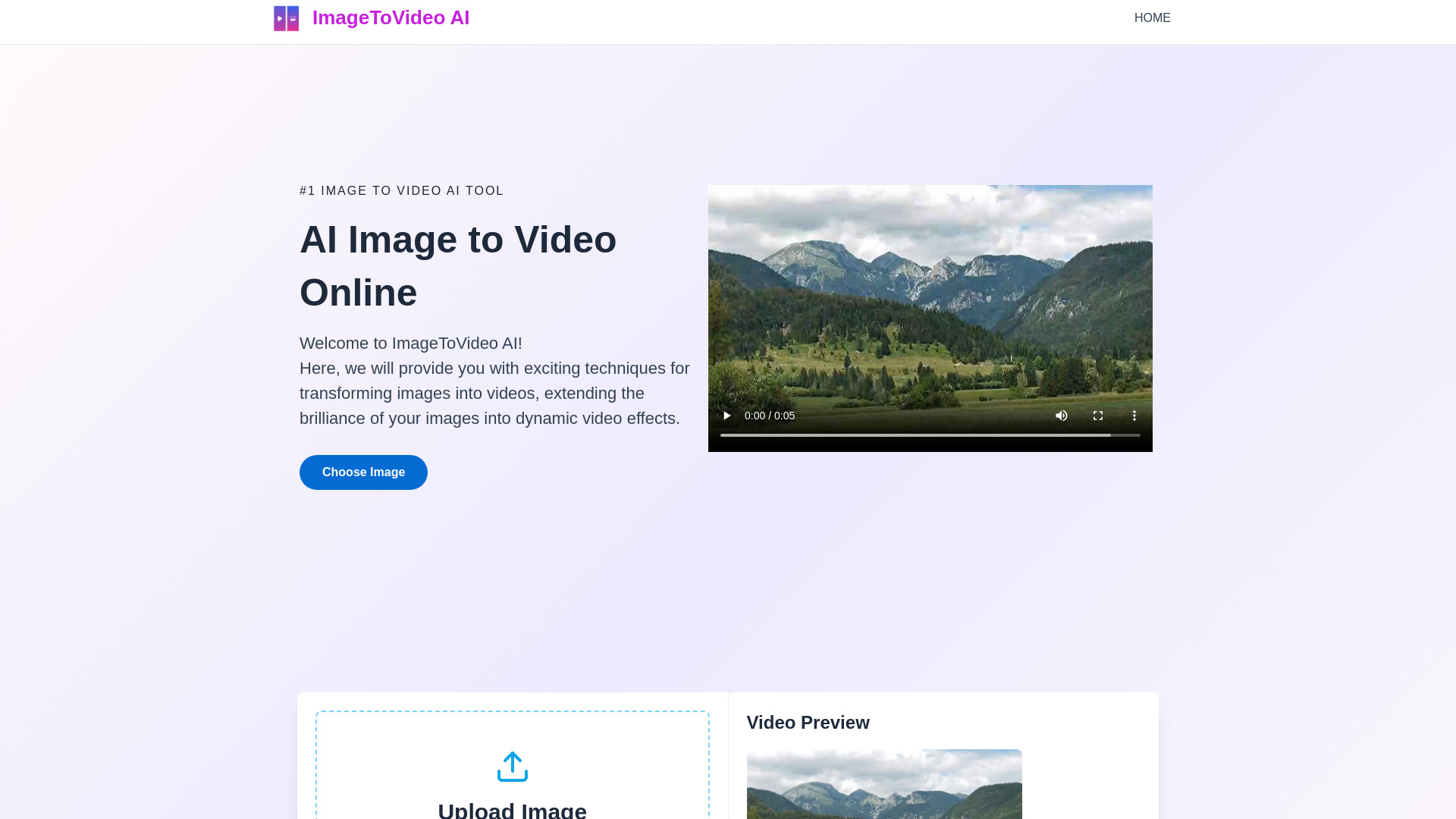
ImageToVideo AI

- Watermark-free image-to-video creation
- Free plan available
- Starts at Check vendor pricing
- Usage signal: 48.8K
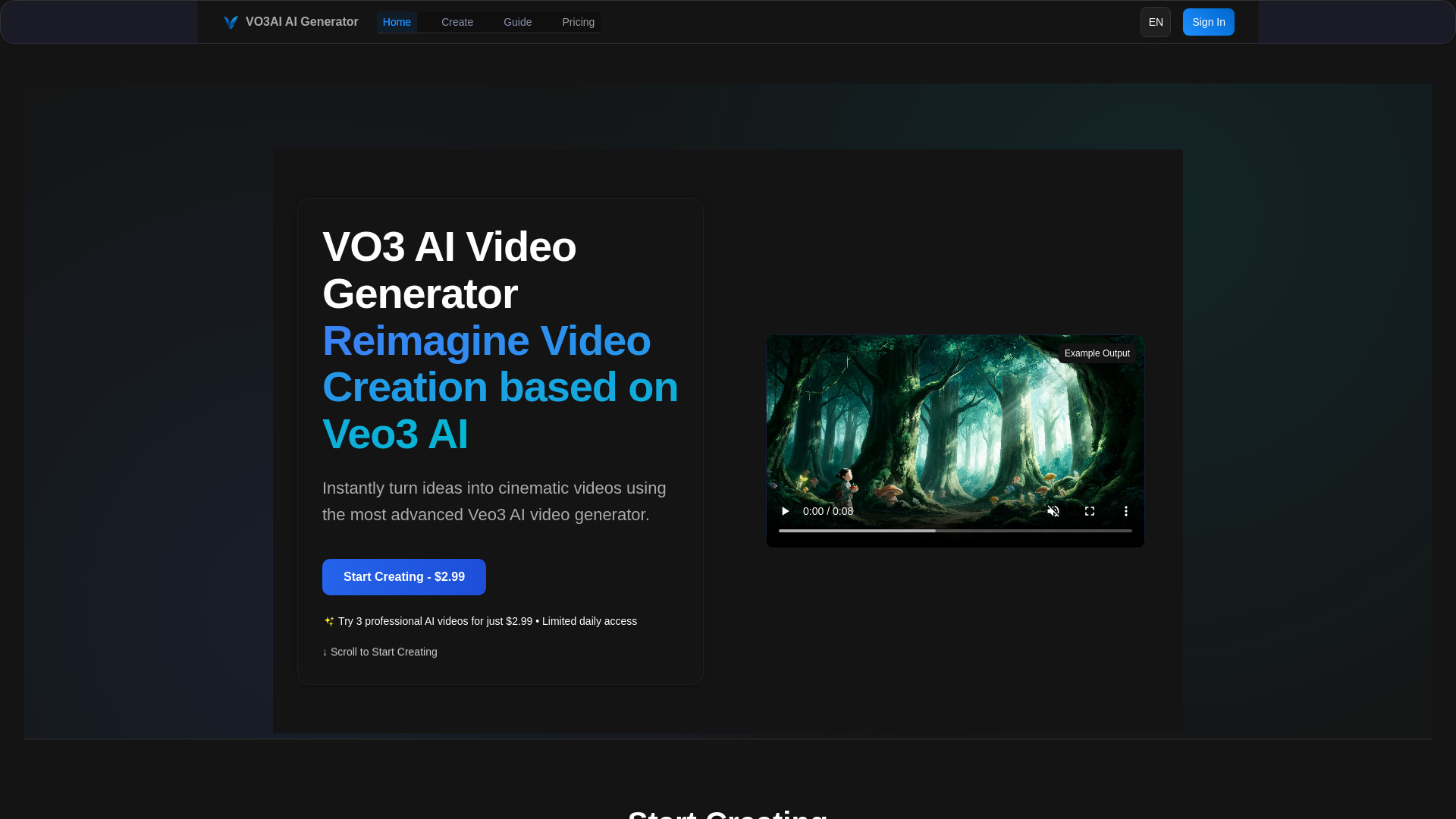
VO3 AI

- Creators seeking Veo 3 video generation
- Starts at From $2.99 for 3 videos
- Usage signal: 74.6K
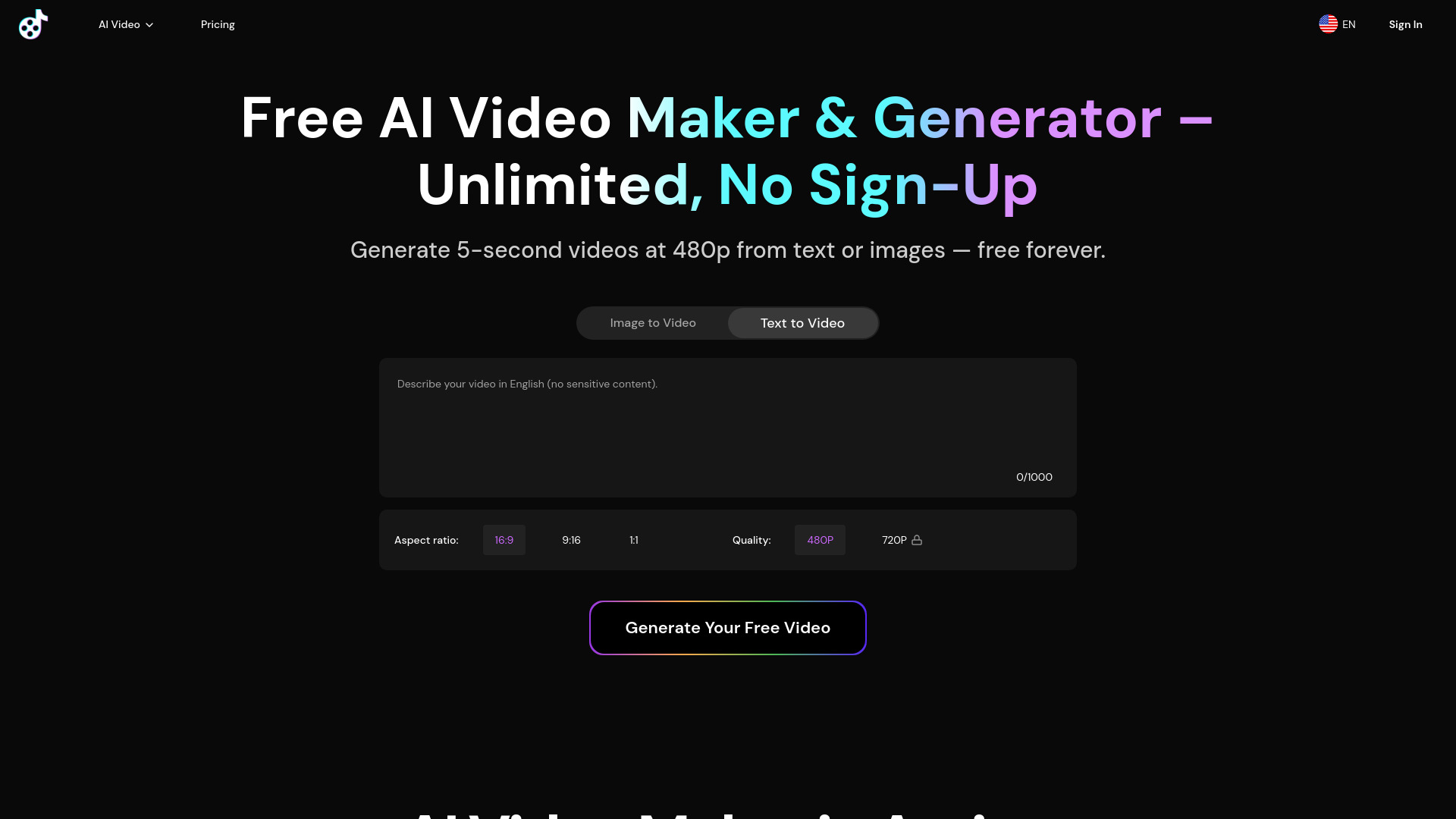
Free AI Video Maker & Generator

- Short text-to-video clips
- Unlimited 5-second videos
- Starts at From $10/mo
- Usage signal: 86.8K
Free MiniMax H3 Video AI

- Short text-to-video shot experiments
- Unlimited generations
- Starts at Free
- Usage signal: 169.5K
Viw AI

- Multi-model AI video and image generation
- 5 free credits
- Starts at $9.9/month
- Usage signal: 37K
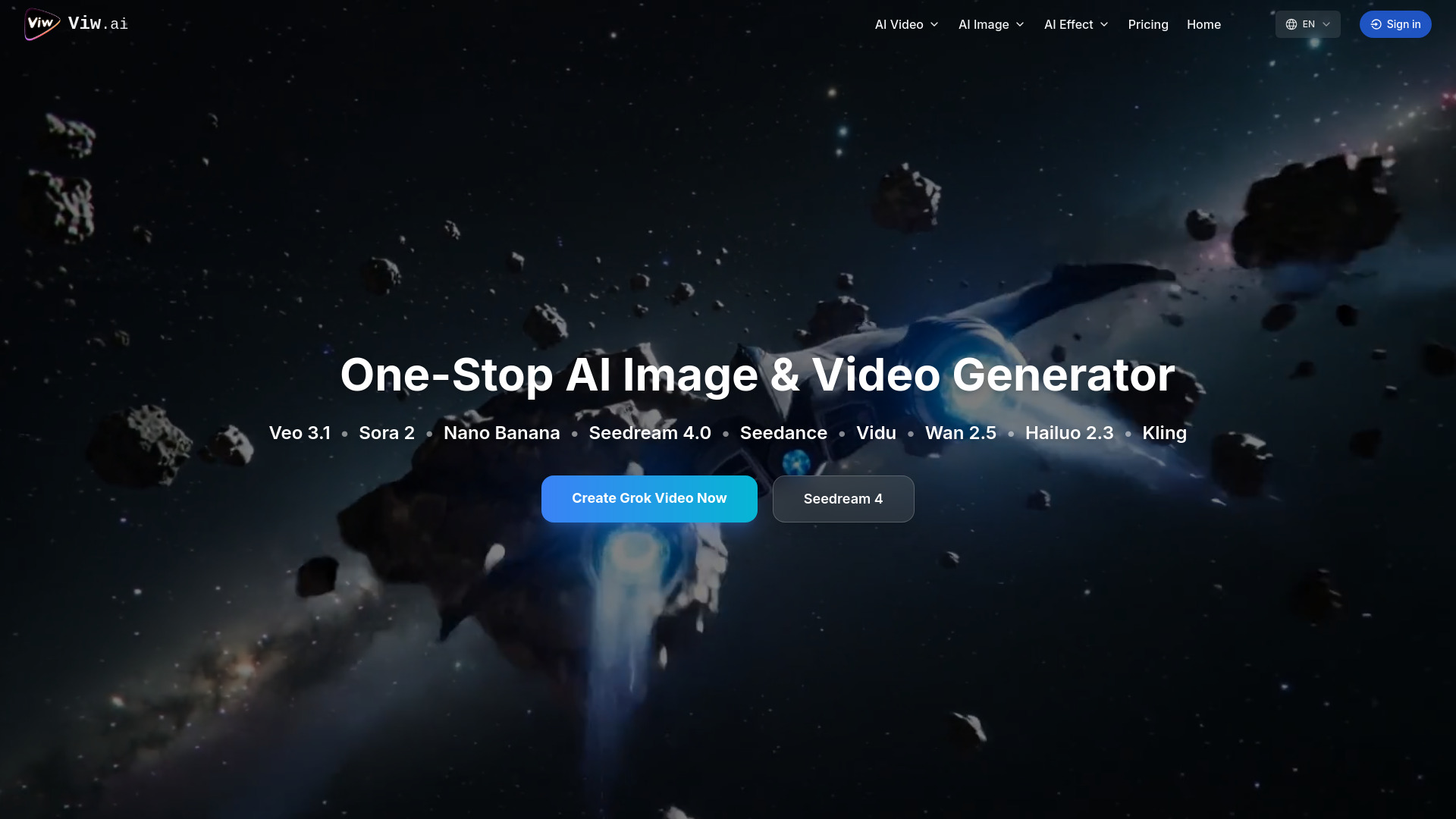
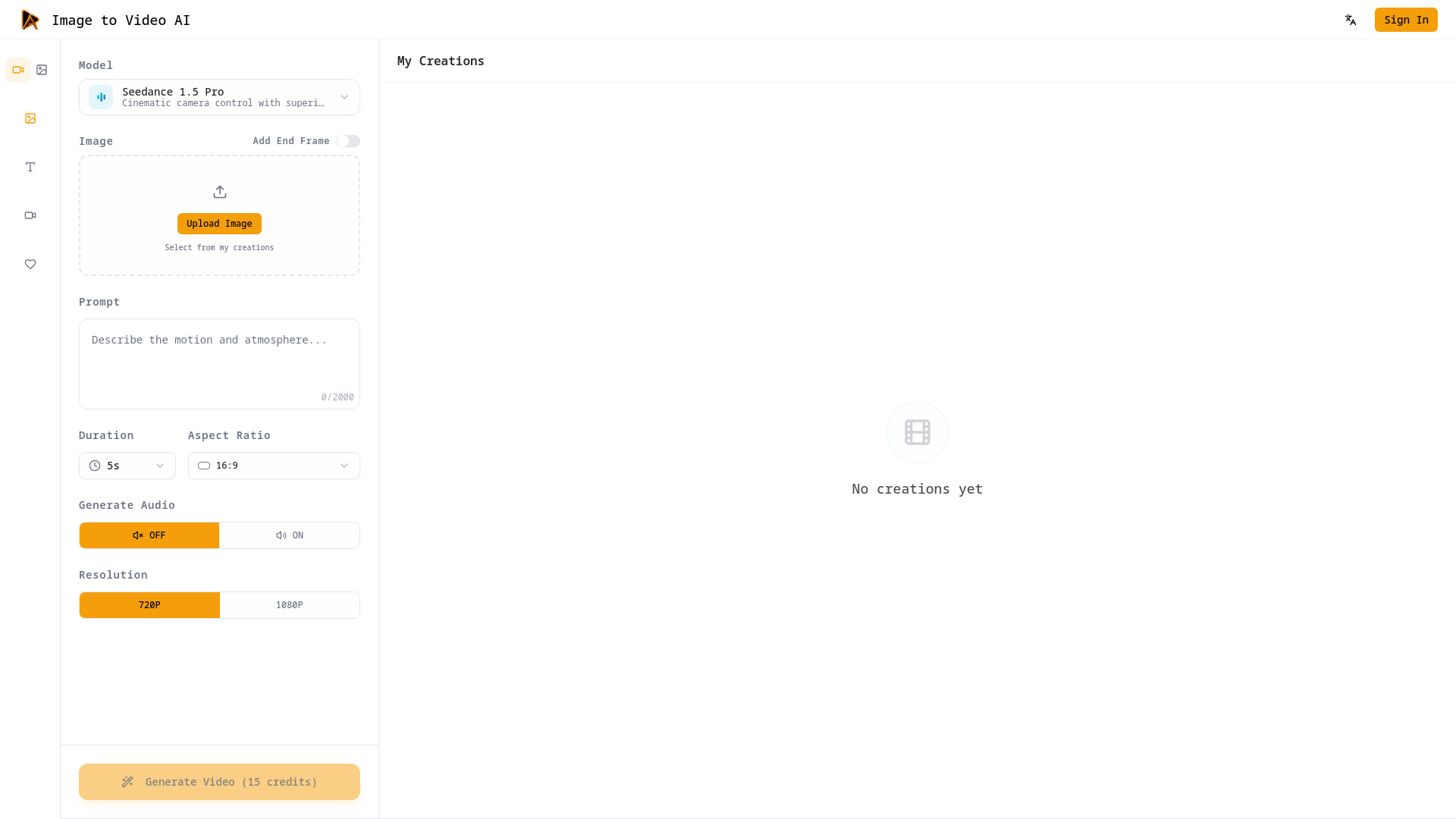
Image to Video AI

- Cinematic image-to-video production
- Free plan available
- Starts at $15/month
- Usage signal: 12.4K
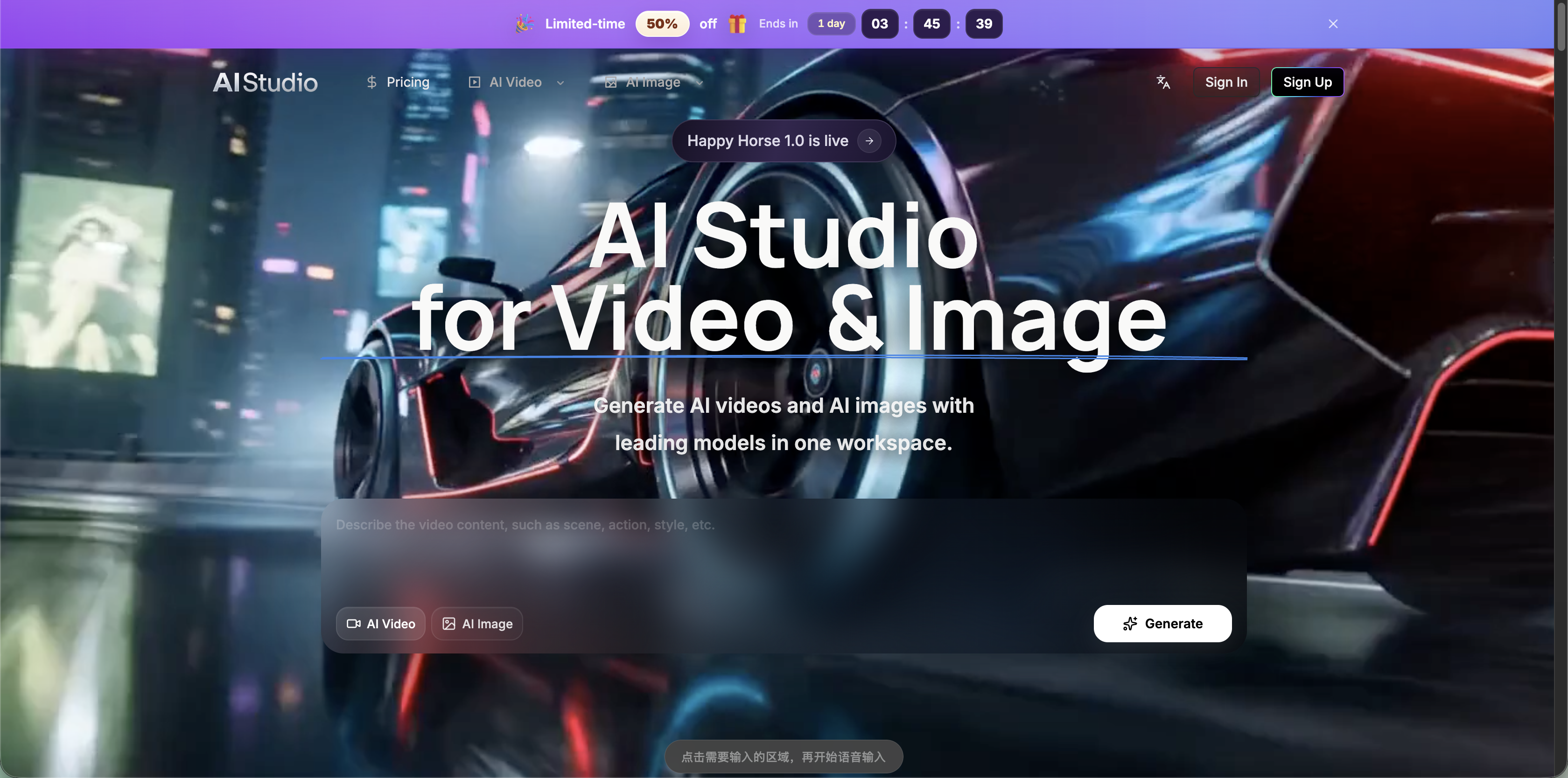
AI Studio for Video

- Multi-model video and image production
- Starts at From $14.20/month annually
- Usage signal: 10.6K
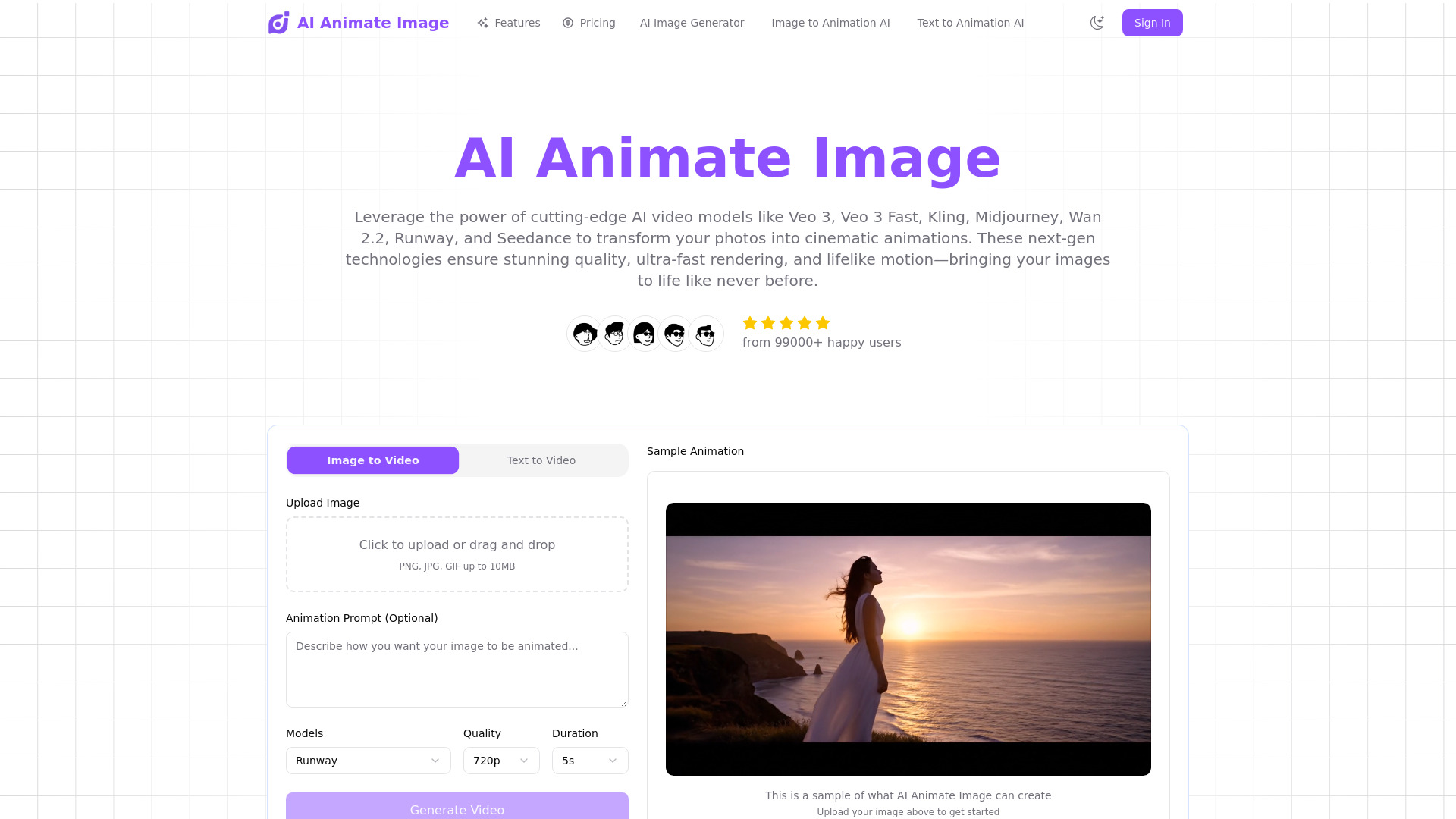
AI Animate Image

- Photo-to-video animation
- 30 free credits
- Starts at $4.90 one-time
- Usage signal: 16.7K
AI Video Summarizer: Convert Any Video to Text Online

- Free video transcription and summaries
- Free plan available
- Starts at Check vendor pricing
- Usage signal: 482.1K
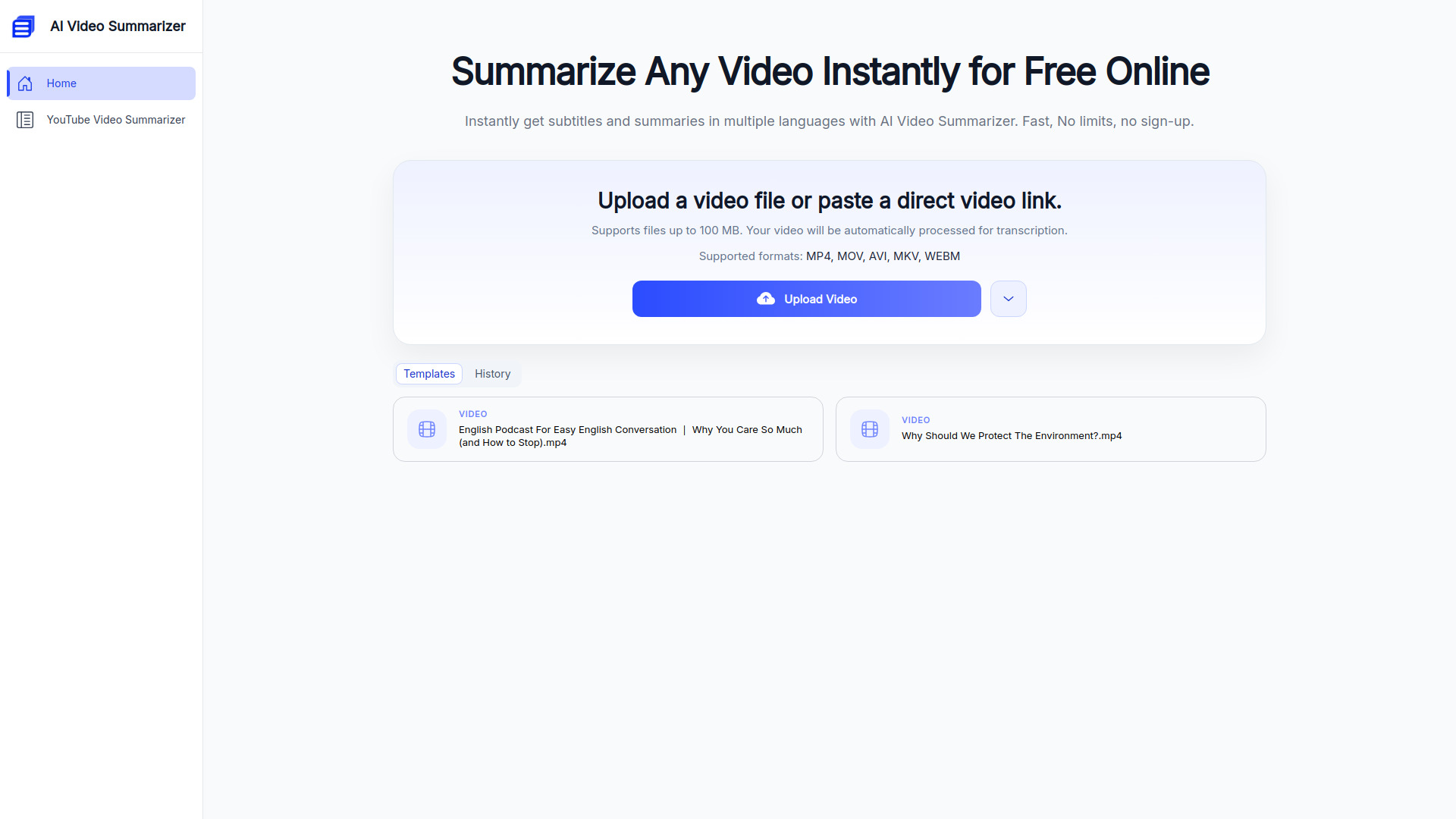
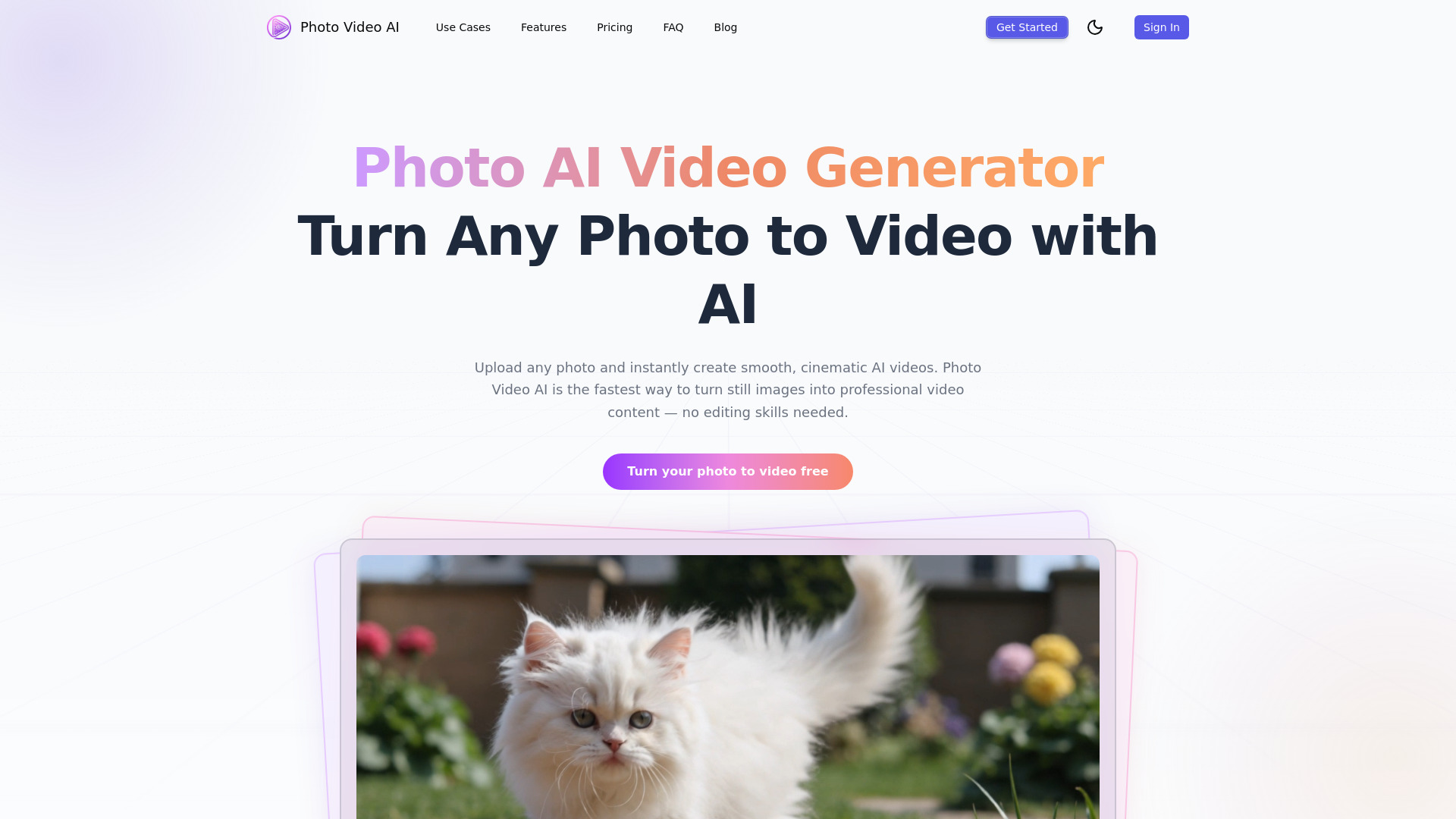
Photo Video AI

- Turning photos into cinematic videos
- 20 free credits
- Starts at $16.58/month (billed annually)
- Usage signal: 6.1K
yesTool AI

- All-in-one AI video and media creation
- 10 free credits/month
- Starts at From $7.45/month
- Usage signal: 3.2K
VideoToTextAI

- Video transcription and multilingual subtitles
- Free plan available
- Starts at Check vendor pricing
- Usage signal: 155.6K
AIVideoFree

- Creators making videos from text or images
- Free plan available
- Starts at $6.90 one-time
- Usage signal: 3.2K
Veo 5 AI

- No-login AI video creation
- Free plan available
- Starts at $0
- Usage signal: 3.2K
AI Video API

- AI video generation APIs for app developers
- Starts at Check vendor pricing
- Usage signal: 2.8K
AI Video Cut

- Repurposing long videos into captioned social clips
- 50 minutes one-time
- Starts at $9/month
- Usage signal: 189.6K
Veo Ai

- Cinematic text-to-video creation
- Starts at $4.99/week
- Usage signal: 1.4K
ImageToVideoAI

- Creators turning images into AI videos
- Free plan available
- Starts at From $14.90/month
- Usage signal: 675
ClipVideo AI

- Product marketers and social content creators
- Starts at €49/month
- Usage signal: 905
VideoToWords AI

- Transcribing video and audio into text
- Free online transcription; quota not specified
- Starts at $19.90 for unlimited transcription
- Usage signal: 44.9K
Kling 2.6 AI

- Text-to-video with synchronized native audio
- Free plan available
- Starts at $10/month
- Usage signal: 1.5K
Veo3 AI
- Short-form AI video creators
- Up to 5 seconds at 360p
- Starts at Check vendor pricing
- Usage signal: 600
Flux Video AI

- Cinematic short-form video creation
- Free plan available
- Starts at $0/month
- Usage signal: 677
Ray 3 AI Video

- HDR AI video creation
- Free plan available
- Starts at $9.99 one-time
- Usage signal: 842
Veo 3.1

- Cinematic multi-shot video creators
- Free trial available
- Starts at $24.9/month
- Usage signal: 603
Nova A.I.
- Online video editing and subtitle generation
- Free trial available
- Starts at Check vendor pricing
- Usage signal: 19.0K
AI Image to Video
- Turning photos into short AI videos
- 5 free credits
- Starts at $7.99/month
- Usage signal: 4.5K
ImageToVideoAI
- Animating photos with multiple AI video models
- 5 daily login credits
- Starts at $23.90/month
- Usage signal: 4.2K
Veo 4

- Cinematic AI video concepts
- Starts at $29.99/month
- Usage signal: 0
H3 Max AI

- Prompt-to-video with synced audio
- 15 starter credits
- Starts at $19.90/month
- Usage signal: 83
image to video ai
- Turning still images into videos
- Free plan available
- Starts at $13.90 one-time
- Usage signal: 485
Transcribe Video AI: Transcribe Video to Text Online

- Video transcription and subtitle creation
- Free plan available
- Starts at Check vendor pricing
- Usage signal: 936
Recastia

- Repurposing PDFs into AI videos
- 100+ free video generations
- Starts at $8/month
- Usage signal: 7.8K
LandingHero.AI

- AI landing pages and business websites
- Free plan available
- Starts at $9/month
- Usage signal: 21.1K
ImagetoVideoAI
- Product ads and multi-model video creation
- 1 free credit daily
- Starts at $29.9/month
- Usage signal: 0
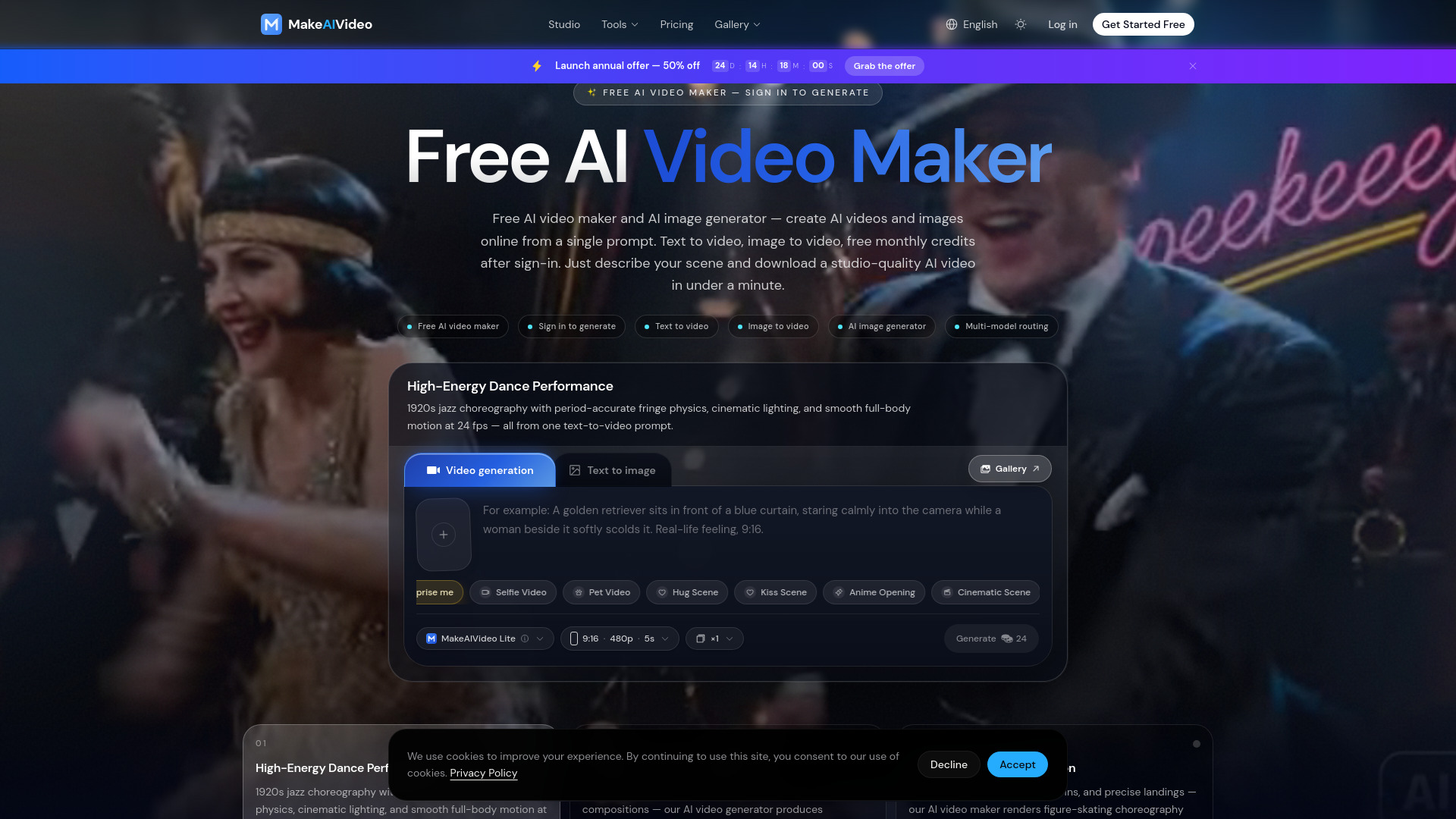
MakeAIVideo

- Creators making AI videos and images
- 50 credits/month
- Starts at $10/month billed yearly
- Usage signal: 0
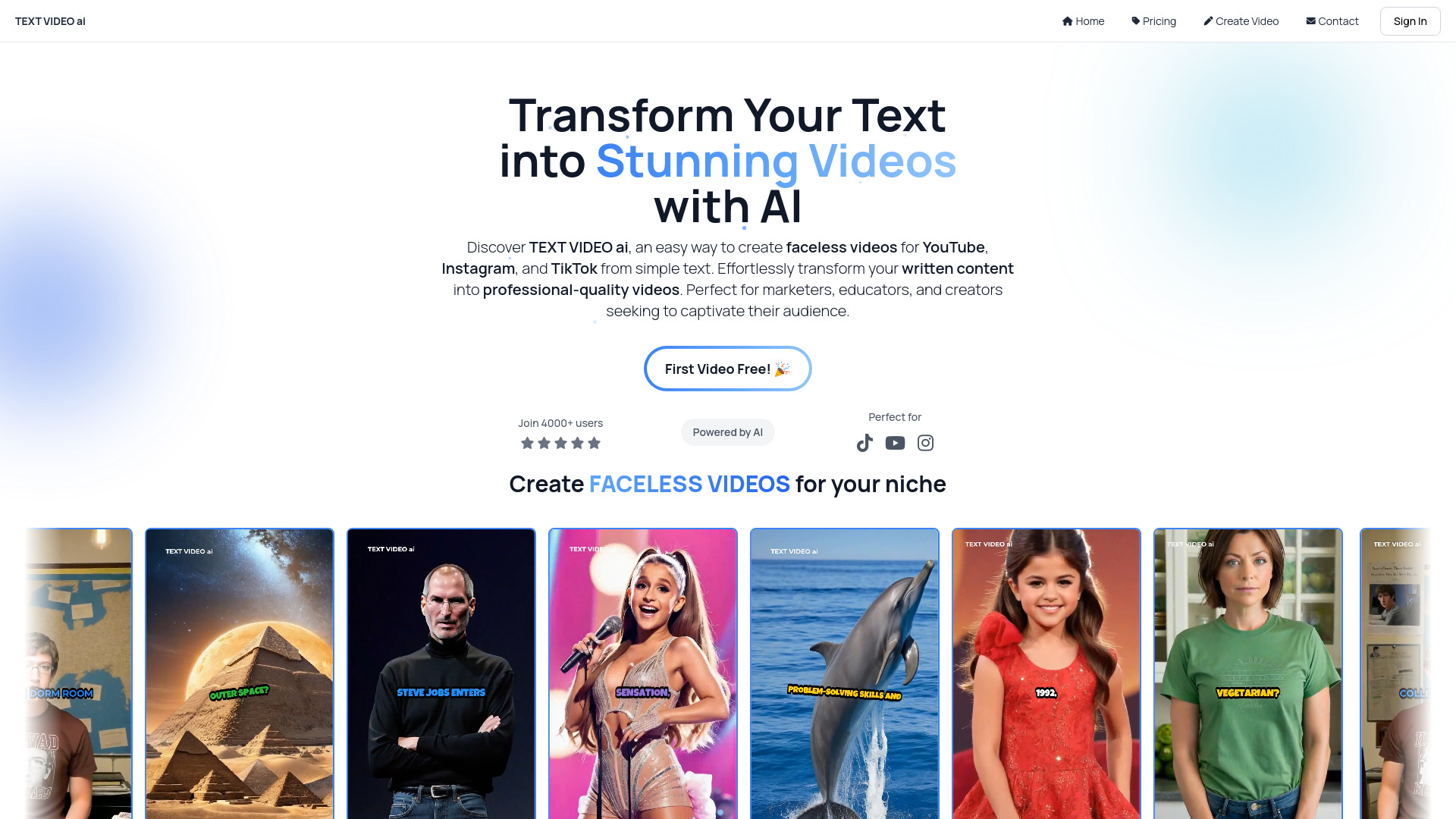
TEXT VIDEO ai

- Faceless social video creators
- Starts at $19/month
- Usage signal: 0
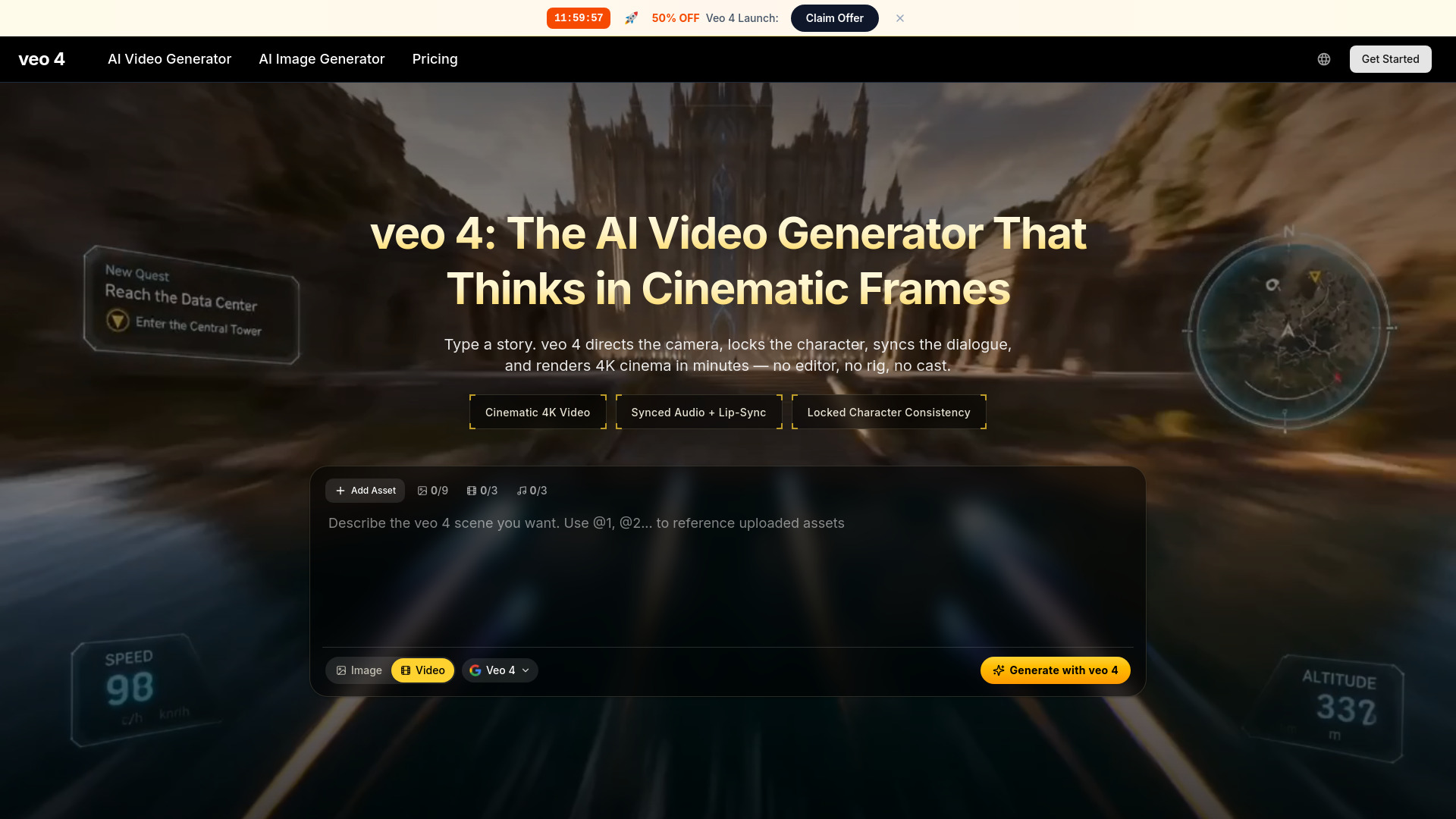
Veo 4 AI Video

- Cinematic text-to-video creators
- Free plan available
- Starts at From $7.90/month, billed yearly
- Usage signal: 0
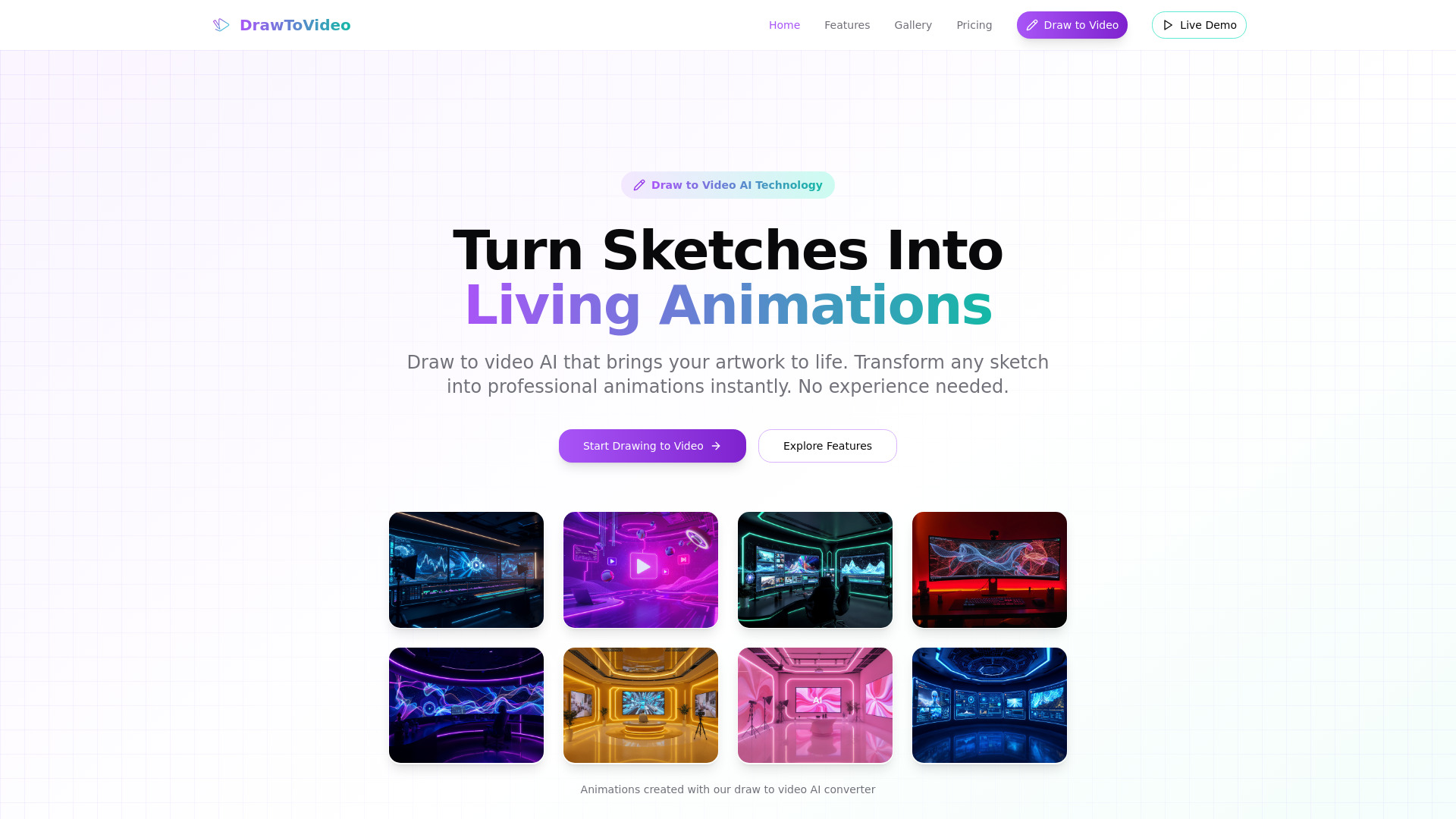
Draw to Video

- Sketch animation creators
- Free plan available
- Starts at $0
- Usage signal: 0
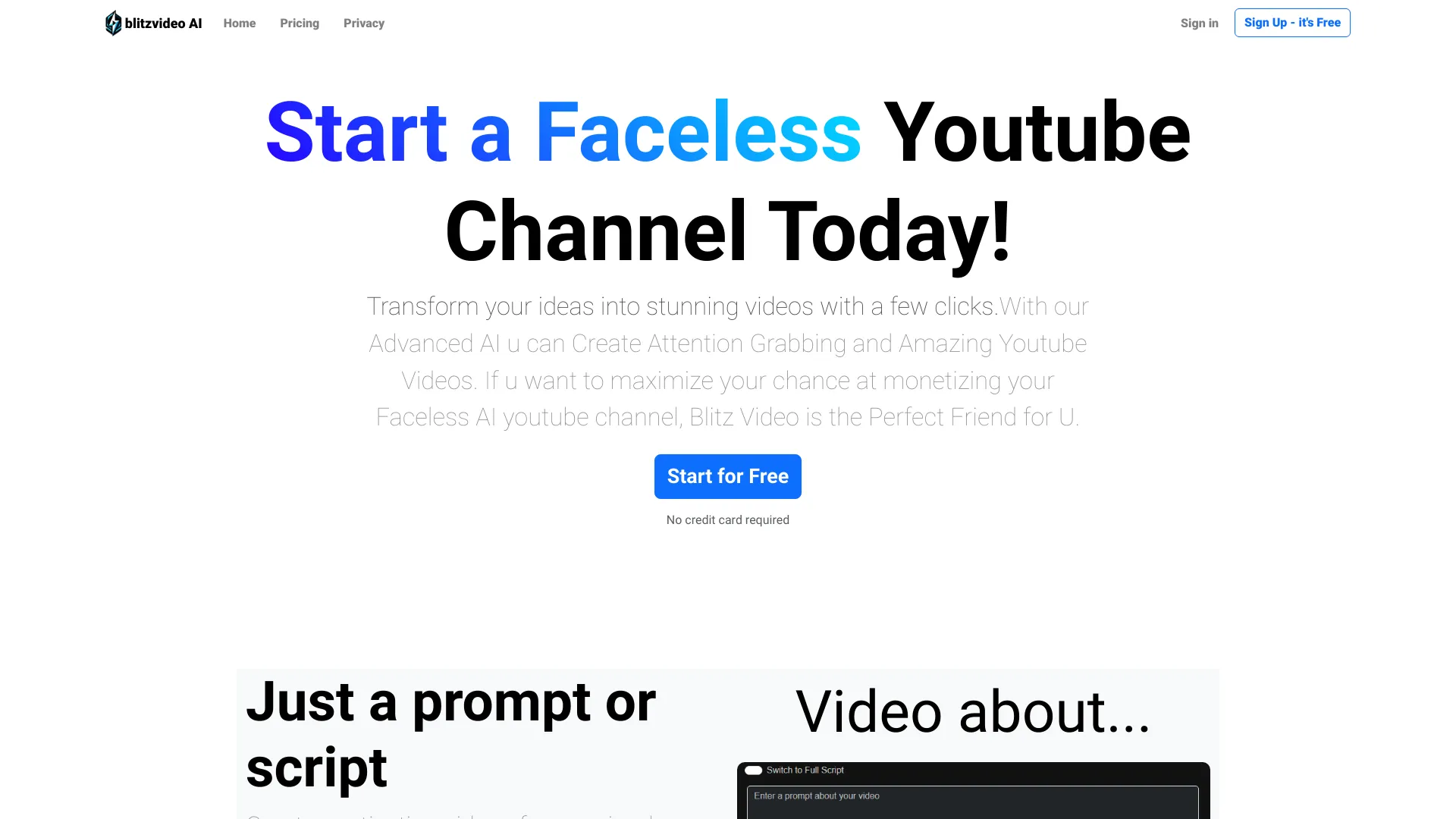
BlitzVideo

- Faceless YouTube video creation
- Starts at Check vendor pricing
- Usage signal: 0
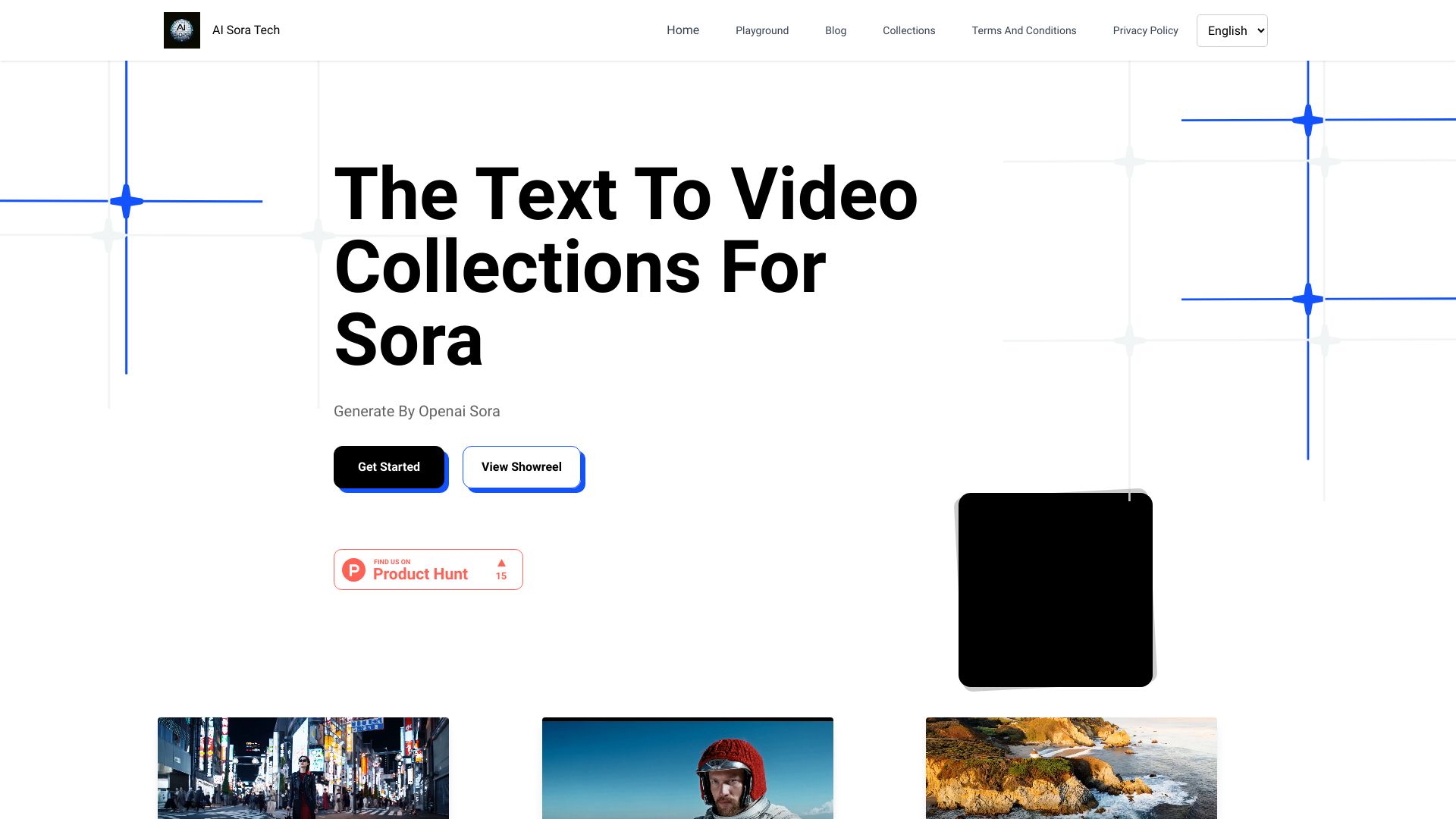
AI Sora Tech
- Text-to-video creators
- Starts at Check vendor pricing
- Usage signal: 0
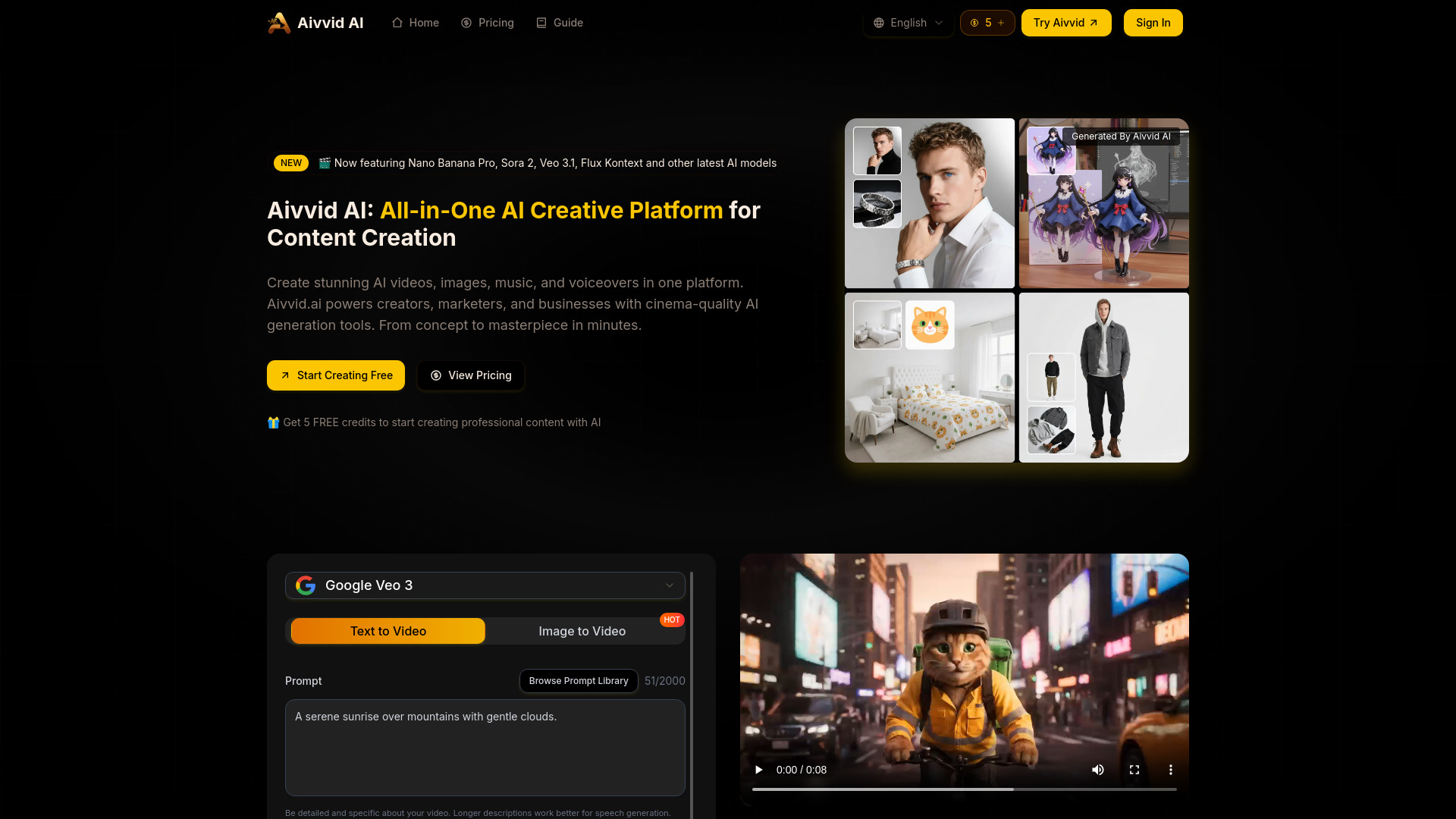
Aivvid AI

- Multi-model AI video creation
- 5 free credits
- Starts at $6.90/month
- Usage signal: 0
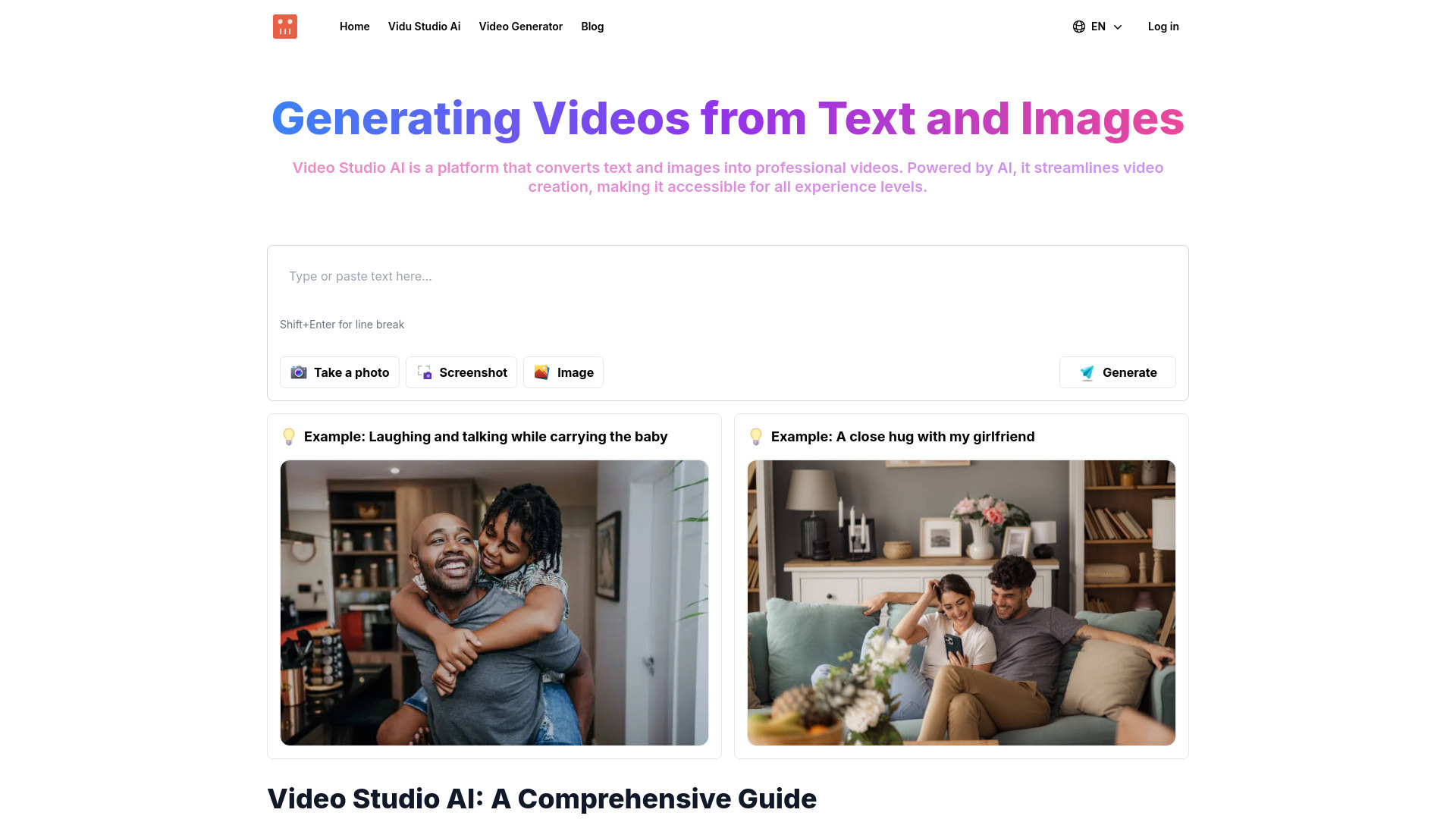
Video Studio AI

- Text and image video creation
- Starts at Check vendor pricing
- Usage signal: 0
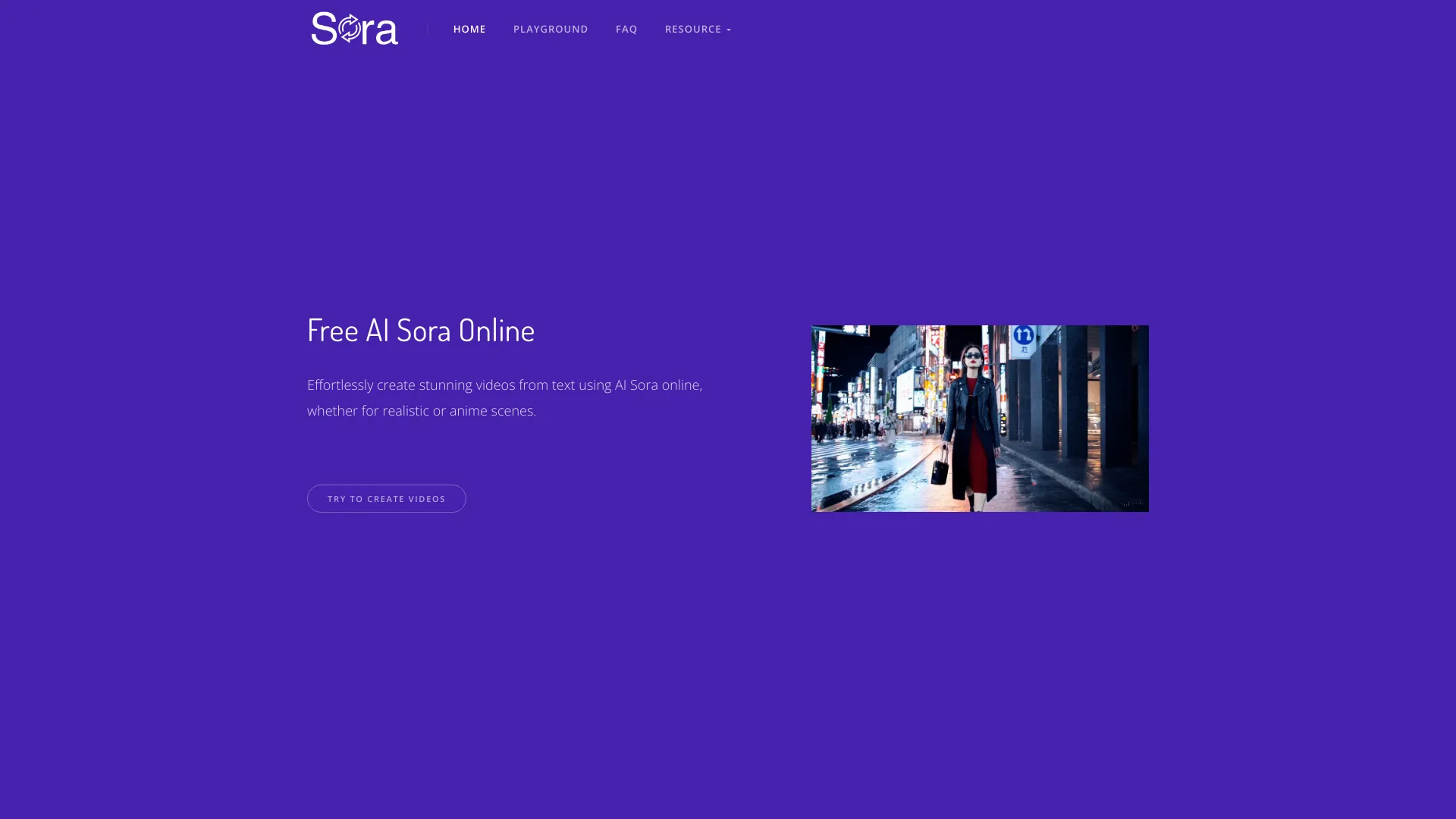
AI Sora Online
- Quick text-to-video experiments
- Free plan available
- Starts at Check vendor pricing
- Usage signal: 0
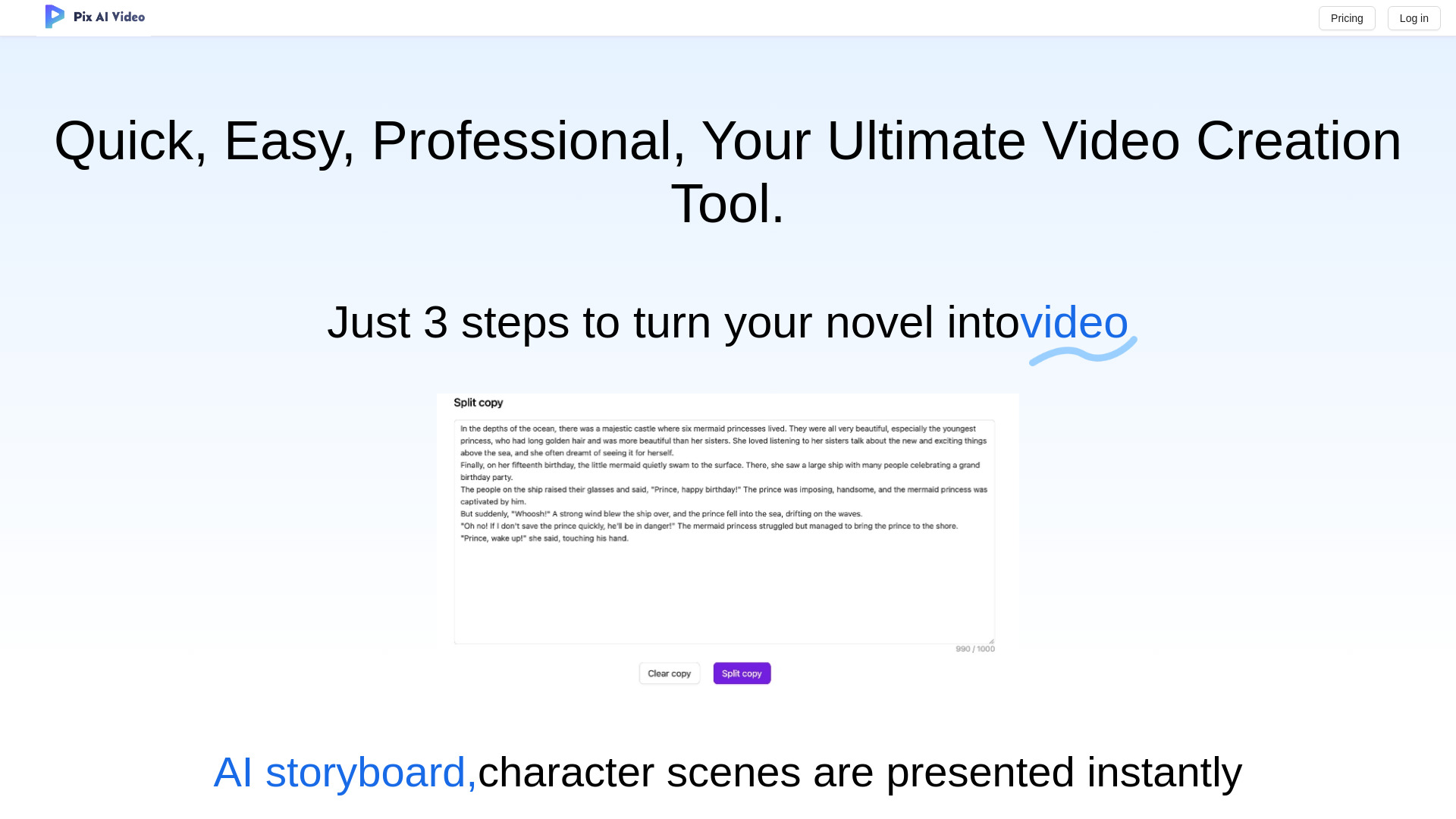
PixAIVideo
- Story-driven animated video creation
- Starts at Check vendor pricing
- Usage signal: 0
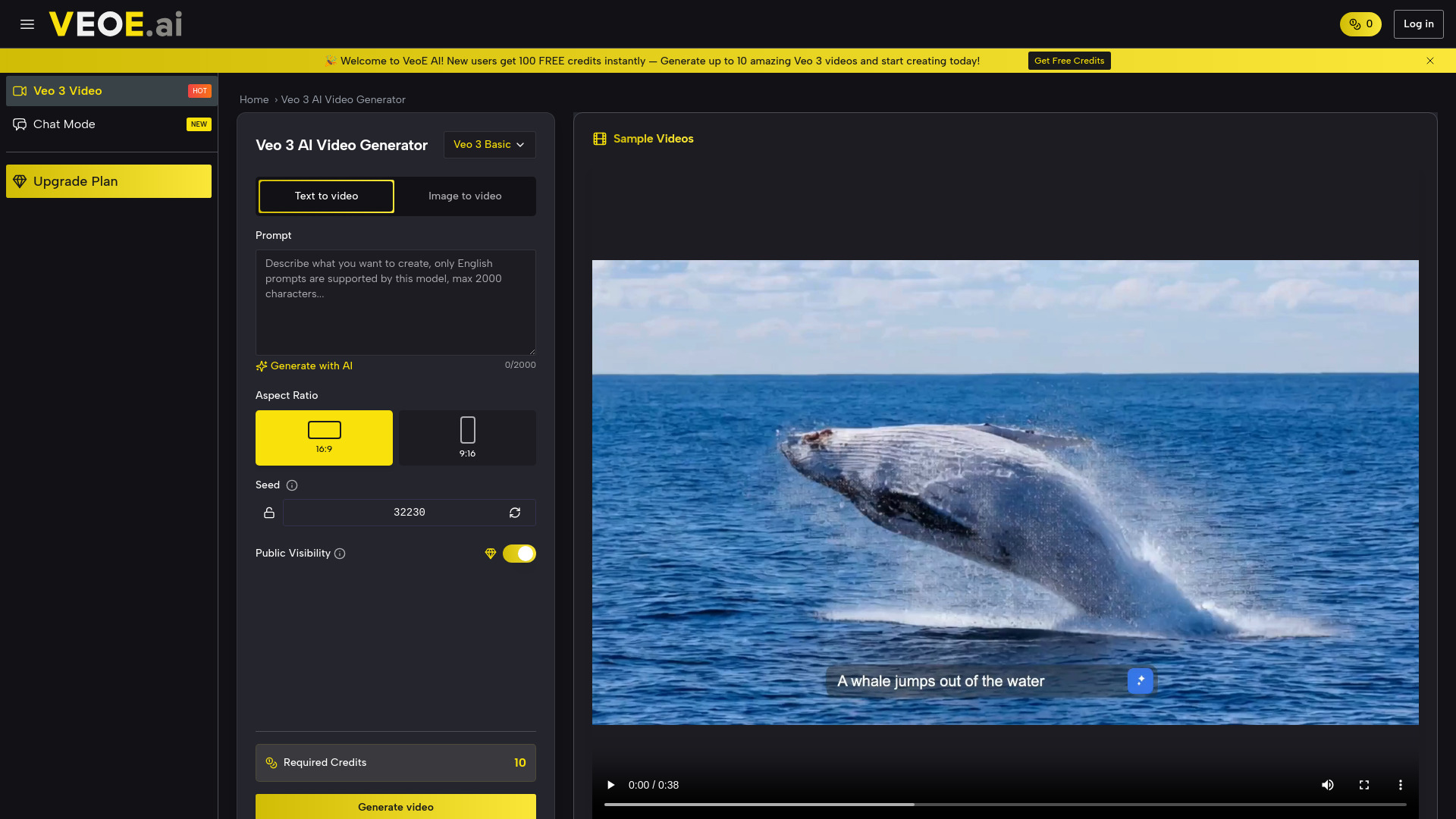
VeoE AI Video Agent

- Creators needing audio-enabled AI video
- 100 free credits
- Starts at $8.3/month
- Usage signal: 0
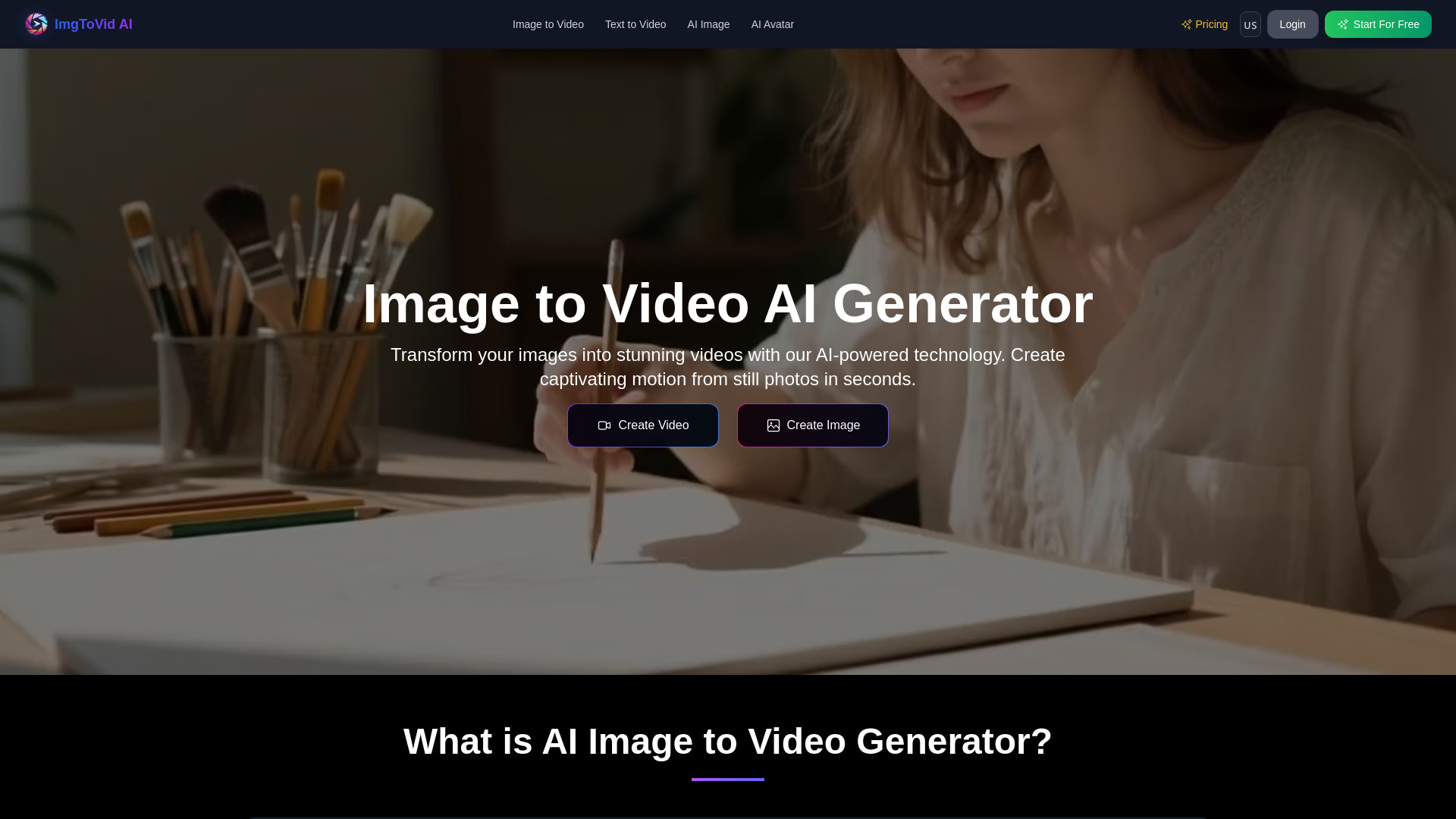
ImgToVid AI

- Turning images into AI videos
- 50 free credits
- Starts at From $11.1/month
- Usage signal: 0
VideoArtAI

- Faceless YouTube and TikTok video creation
- 3 free videos/month
- Starts at $19/month
- Usage signal: 0
Veo2.ai

- Text-to-video marketing content
- Free plan available
- Starts at Check vendor pricing
- Usage signal: 0
VideoAI
- Image-to-video creators
- 1 free credit
- Starts at Check vendor pricing
- Usage signal: 0
S02AI

- Text-to-video creators
- 5 free credits
- Starts at $9.90/month
- Usage signal: 0
Video Maker AI - Video generation

- Creators needing multi-model video generation
- Free plan available
- Starts at $10/month
- Usage signal: 0
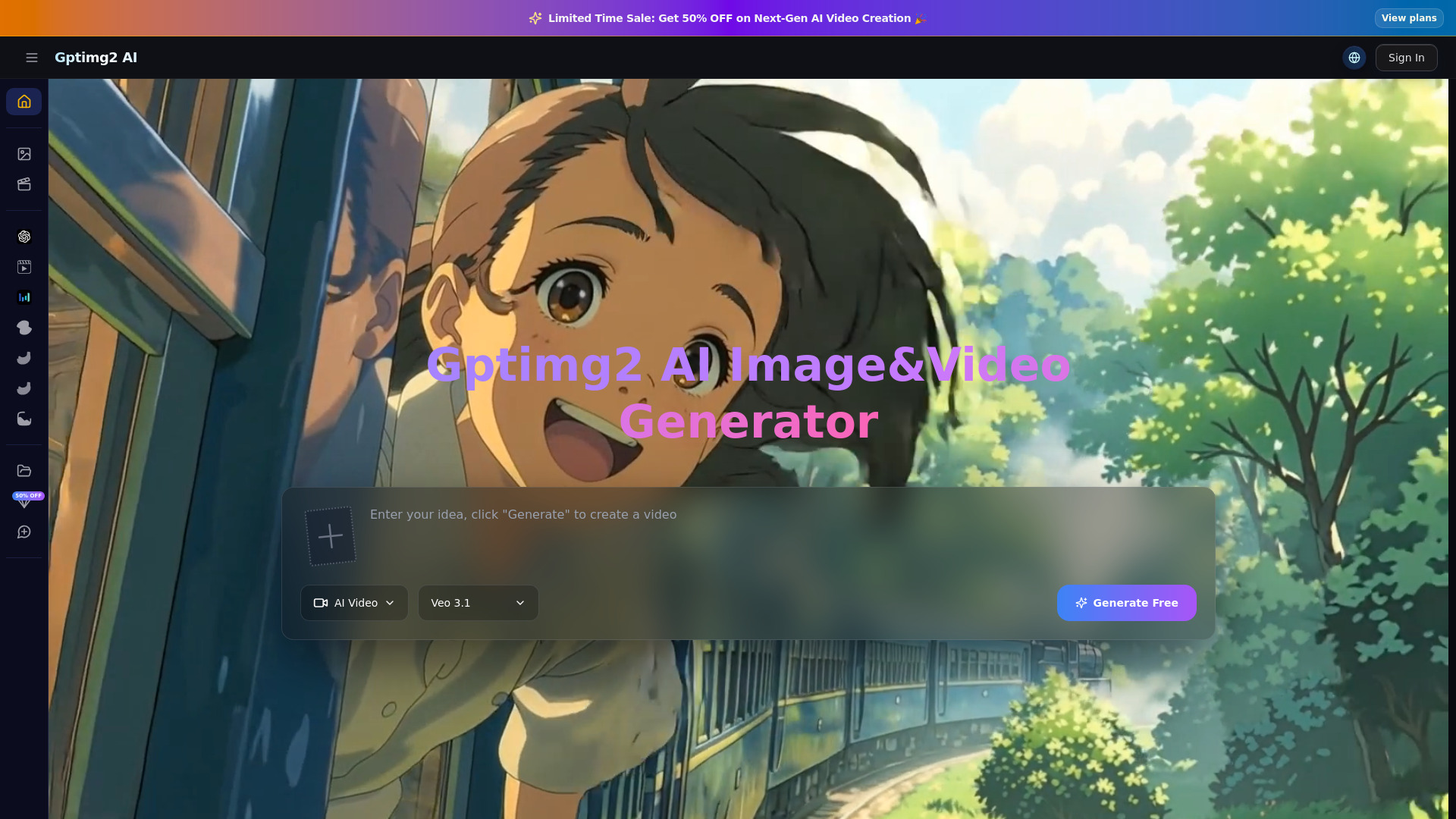
Gptimg2 AI
- Creators and marketing teams
- Free trial available
- Starts at $29.90/month
- Usage signal: 0
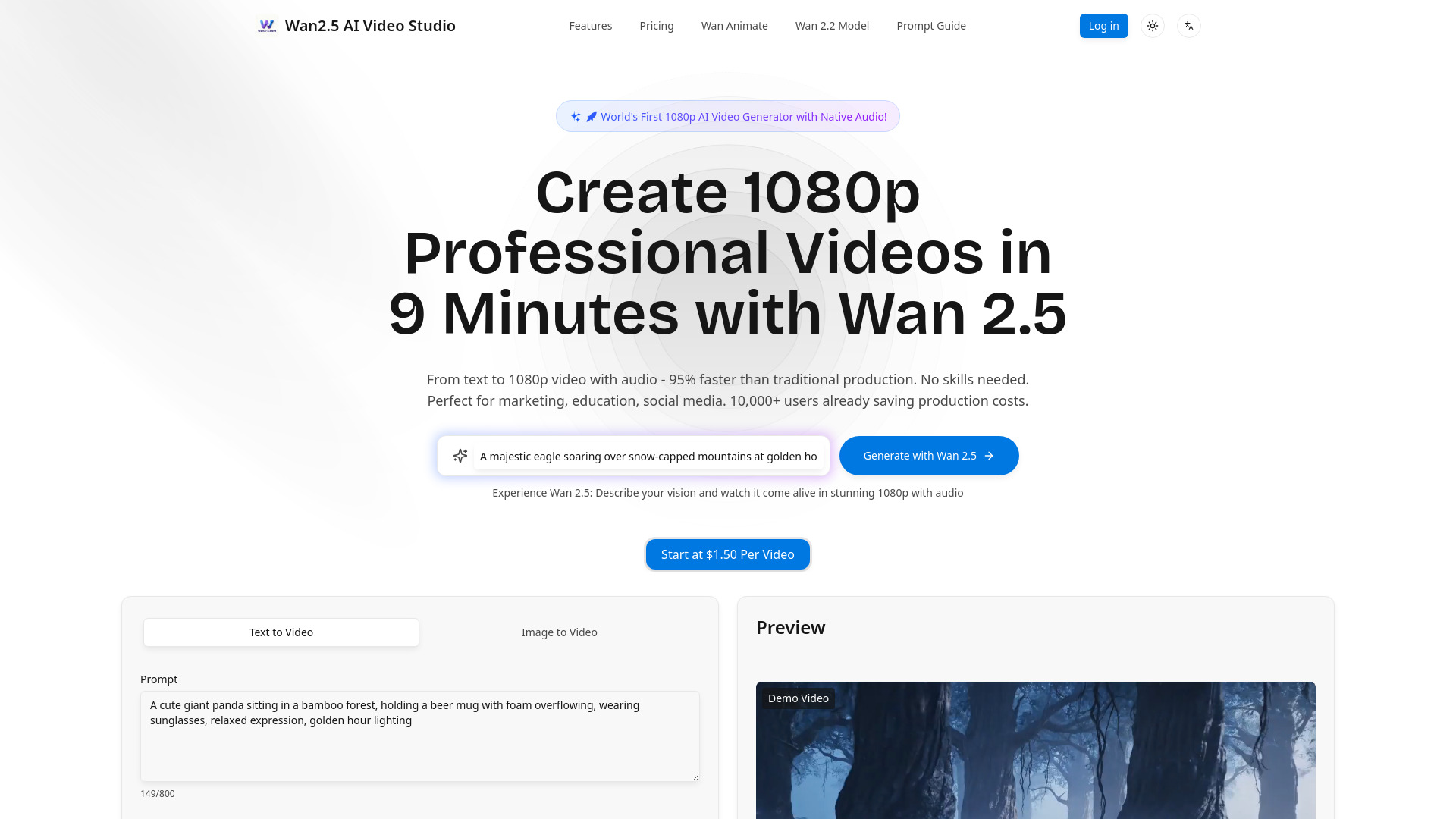
Wan2.5 AI Video Studio

- 1080p videos with native audio
- Starts at $9.5/month
- Usage signal: 0
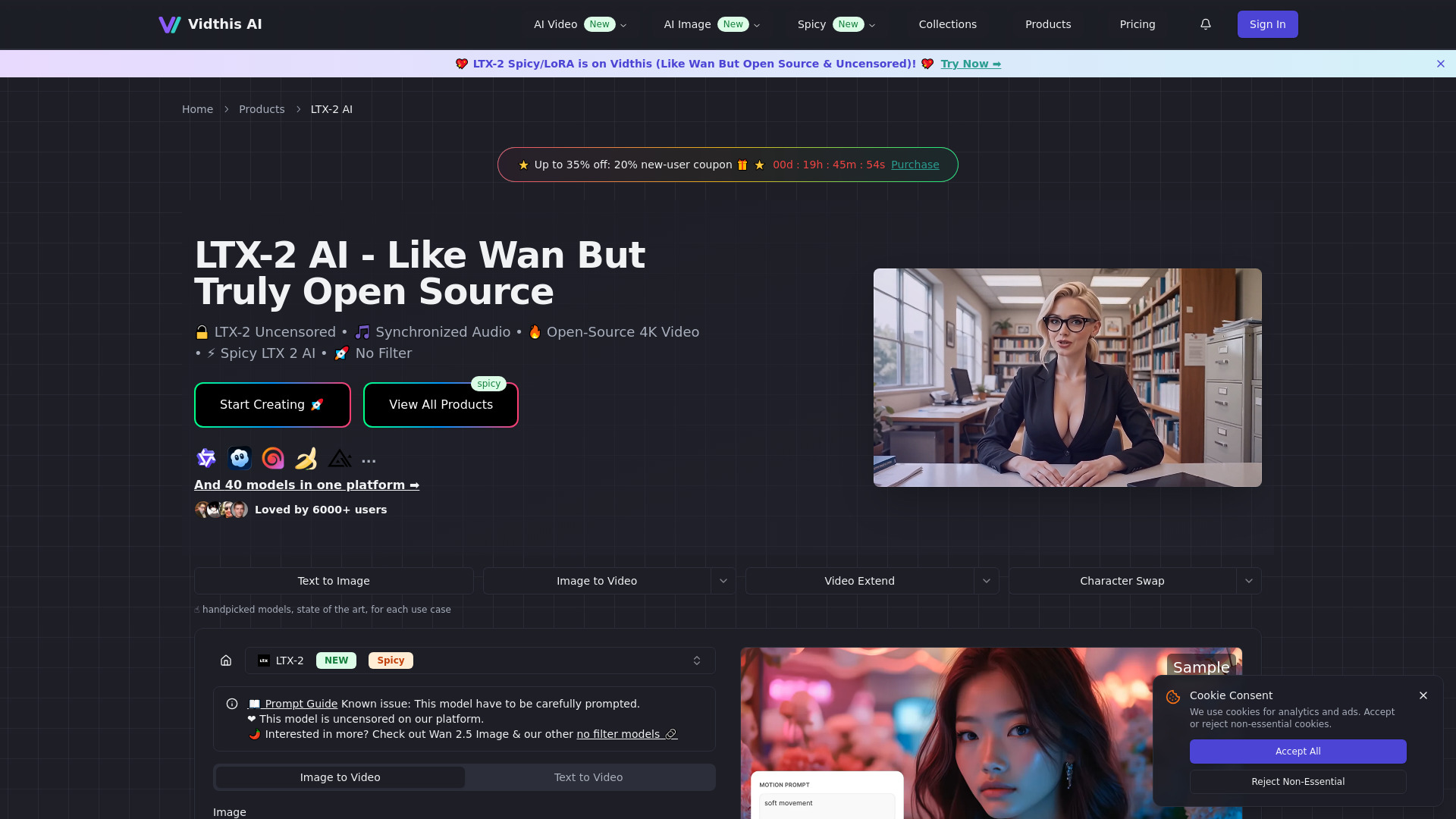
Vidthis AI

- Open-source AI video creators
- Starts at From $7.60/month (annual)
- Usage signal: 0
Veozon AI Video Generator
- Cinematic text-to-video creation
- Free plan available
- Starts at $9.75/mo billed annually
- Usage signal: 0
VEO 3.1
- Cinematic 1080p video creation
- Starts at $31.99/month
- Usage signal: 0
AIGPTS

- All-in-one AI video and media creation
- Free trial available
- Starts at From $9.90/week
- Usage signal: 0
Hyrax

- Engineering teams needing verified code fixes
- Up to 100 PR reviews/month
- Starts at $0/month
- Usage signal: 24K
Seenia AI

- Multi-shot AI video storytelling
- Starts at Check vendor pricing
- Usage signal: 0
Wavo – Wan 3.0 AI Video Generator

- Cinematic text-to-video with reference control
- 20 trial credits for 7 days
- Starts at From $19.90/month
- Usage signal: 0
Video to Text AI

- Video and audio transcription
- 3 transcriptions/day
- Starts at $10/month (billed annually)
- Usage signal: 0
HeyRik

- Businesses automating phone support and sales
- 30 free phone minutes/month
- Starts at From $15/month
- Usage signal: 432
Vibit

- Short-form video ads for marketers
- 50 free credits
- Starts at $7/month
- Usage signal: 79
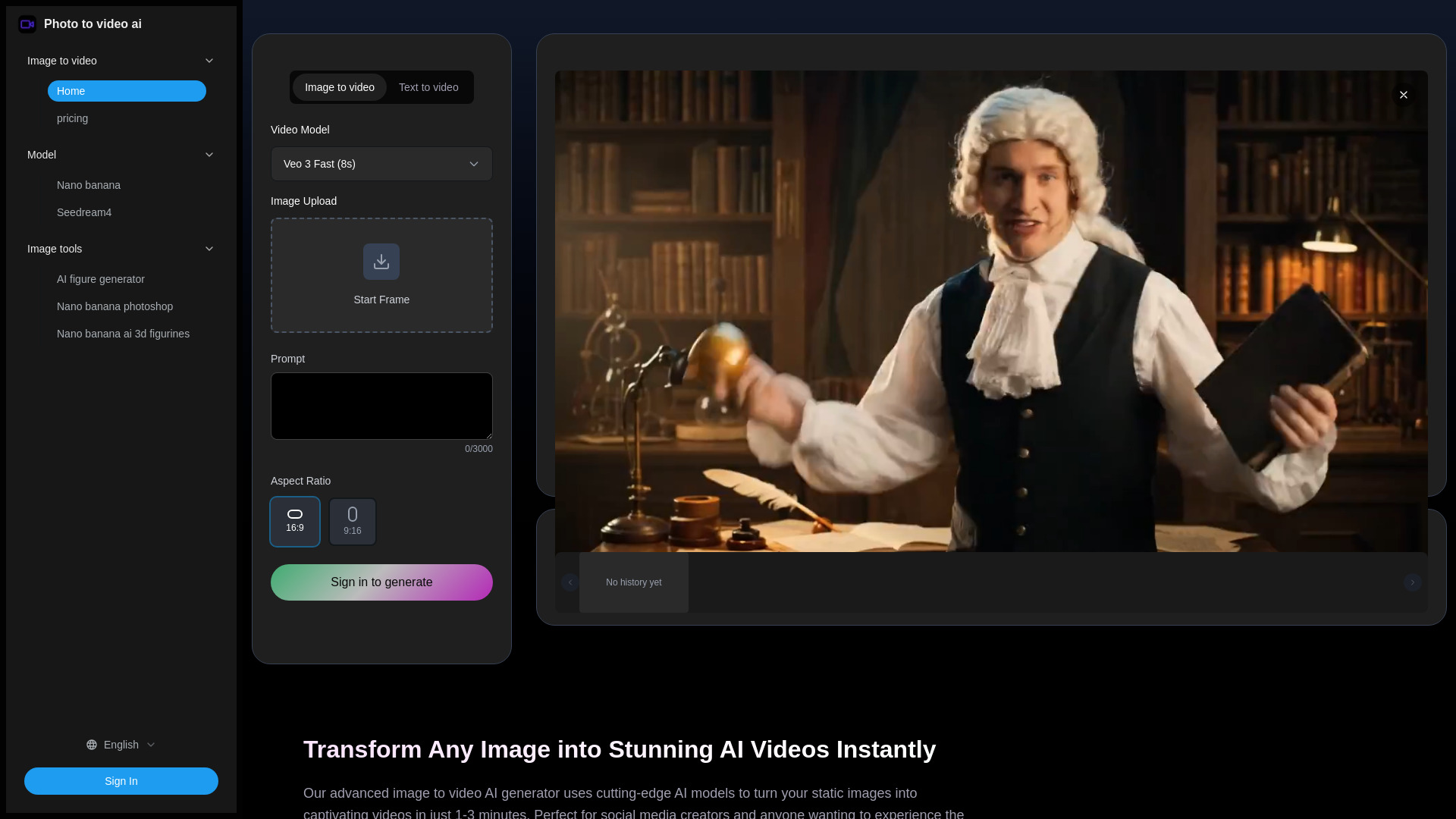
Photo to video ai

- Turning photos into social media videos
- Free trial available
- Starts at $9.90
- Usage signal: Not listed
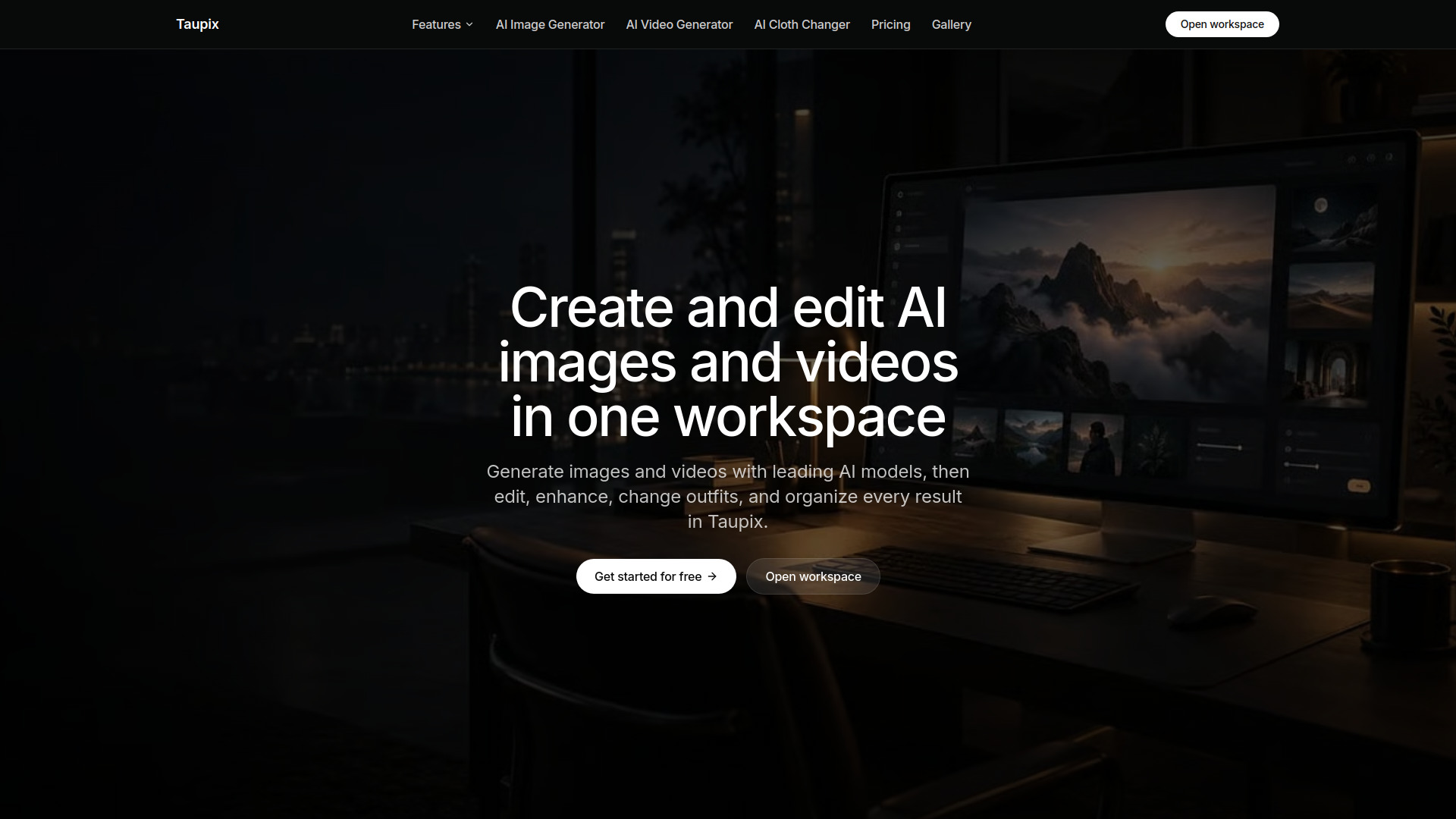
Tuapix

- AI image and video creation in one workspace
- Free plan available
- Starts at From $7.90/month (annual billing)
- Usage signal: 0
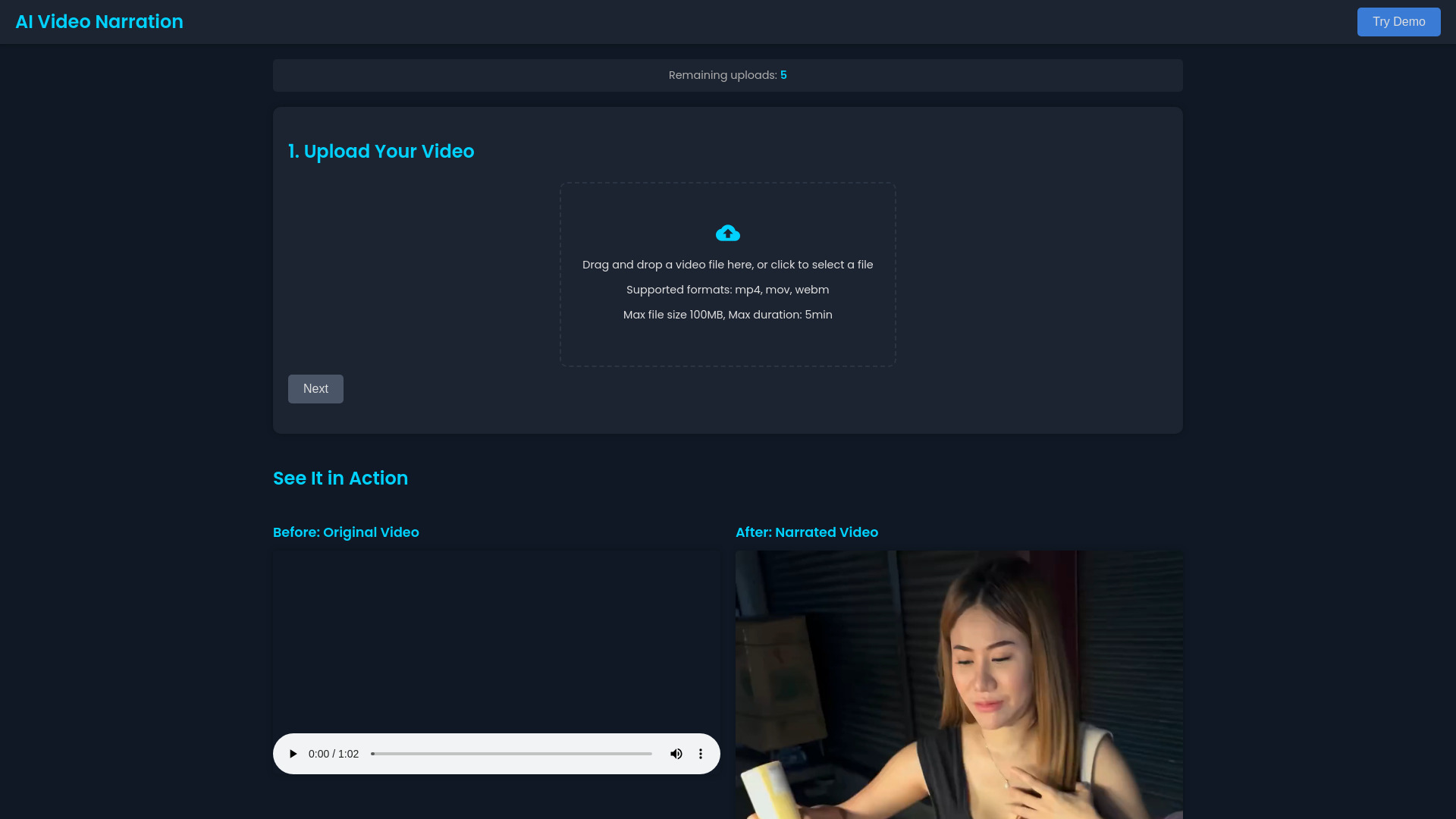
NarrateVideoAI

- Multilingual video voice-overs
- 3 free credits
- Starts at $5 one-time
- Usage signal: 0
Video AIditor

- AI video platforms
- Free plan available
- Starts at Check vendor pricing
- Usage signal: 0
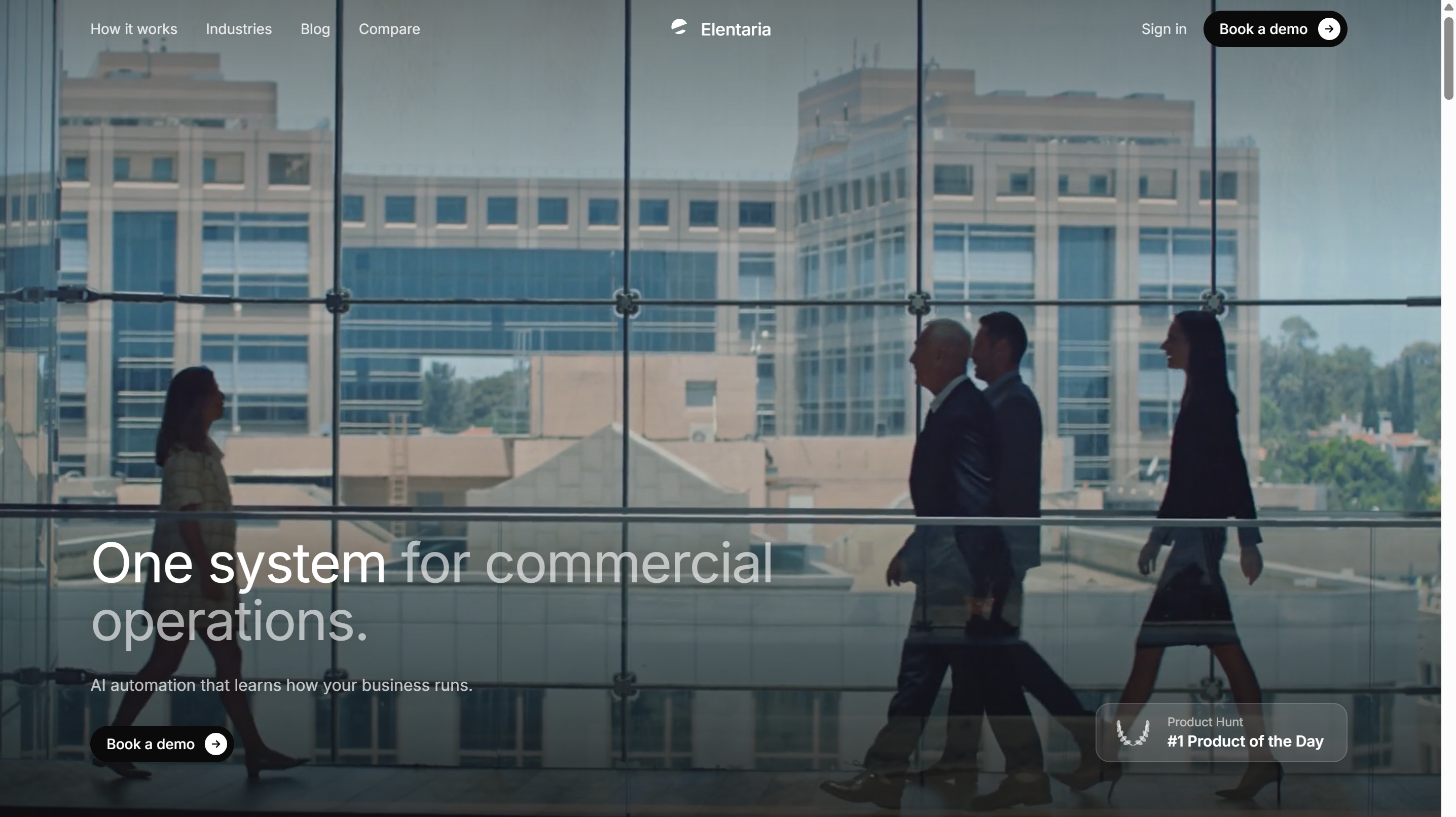
Elentaria

- B2B go-to-market teams
- Starts at From $890/month
- Usage signal: 326
Creads

- Automated UGC video ads
- 3-day free trial
- Starts at Check vendor pricing
- Usage signal: 415
Jev AI
- Probability-backed decision support
- Free plan available
- Starts at Check vendor pricing
- Usage signal: 0
HeyAIBuddy
- Voice and text AI companion chat
- Free plan available
- Starts at $0/month
- Usage signal: 0
AI Chatbot by Elfsight

- Small businesses needing autonomous website support
- 50 messages/month
- Starts at $5/mo
- Usage signal: 0
Professional Headshot Generator
- Professional headshots from selfies
- 1 free headshot preview
- Starts at $59 one-time
- Usage signal: 0
ilove3d

- Browser-based 3D model tools and print preparation
- Free plan available
- Starts at Check vendor pricing
- Usage signal: 0
Which tool should you try first?
Start with Vidgo AI if you want a straightforward comparison point: it supports text-to-video and image-to-video, lists several models, and offers 20 free credits. Choose AI STUDIOS instead when your script needs a presenter, multilingual voices, or a collaborative workspace. For broader model experimentation, try See Video AI, but pay attention to how credits and its shared free queue affect your workflow.
The right first test is a representative one, not an elaborate prompt designed to impress. Use the same short concept across your finalists, note how each handles the input you actually have, and check export terms before building a repeatable process around a free allowance.
Full comparison table
| Rank | Tool | Score | Best for | Free access | Starting price |
|---|---|---|---|---|---|
| #1 | Vidgo AI | 95/100 | Text and image-to-video creation | 20 free credits | Free: $0 |
| #2 | AI STUDIOS | 95/100 | Avatar-led educational videos | 3 exports/month | Free: $0/month |
| #3 | See Video AI | 94/100 | Multi-model generation | 40 new-user credits | Plans listed at $9.99/month |
| #4 | Veo3 AI | 94/100 | Comparing video models | Free to start | Mini plan: $15/month |
| #5 | AI Image to Video | 94/100 | Animating still images | Daily credits | Standard: $5.99/month |
| #6 | Flow AI | 94/100 | Multi-shot creative concepts | Free trial credits | Basic: $19.90/month |
| #7 | JXP AI Video Generator | 94/100 | Video and image creation | Limited free credits | Starter one-time purchase: $10 |
| #8 | VideoAny | 94/100 | Video, image, and audio tools | 3 daily credits | Starter: $8/month |
| #9 | Lanta AI | 94/100 | Text, image, and video inputs | 40 credits | Standard: $6/month |
| #10 | V03AI | 94/100 | Short clips with generated audio | 50 one-time credits | Trial: $2.90 |
Prices and free allowances can change. Check the vendor's current plan page, especially when credits, export limits, resolution, or commercial rights affect your project.
Best by use case
| Need | Pick | Why it stands out |
|---|---|---|
| General text- and image-to-video work | Vidgo AI | Covers both inputs and offers multiple named models |
| Narrated lessons or presenter-led explainers | AI STUDIOS | Combines avatars, voices in 80+ languages, and team workspaces |
| Animating an existing still image | AI Image to Video | Daily credits and image-plus-text prompts support an image-led start |
| Short video concepts with sound | V03AI | Lists synchronized audio options, with an eight-second limit to consider |
Vidgo AI vs AI STUDIOS vs See Video AI
Vidgo AI is the most balanced first test for text and image inputs, while AI STUDIOS is the stronger match for narrated, avatar-led content and collaborative work. See Video AI is appealing when model variety is the point, but its variable credit costs and shared free queue add friction. Match the pick to your format before comparing headline prices.
| Vidgo AI | AI STUDIOS | See Video AI | |
|---|---|---|---|
| Strongest angle | Text and image-to-video | Avatars and multilingual voices | Multi-model exploration |
| Free access | 20 credits | 3 exports/month | 40 new-user credits |
| Main caution | Credit-based limits | Limited free exports | Variable credit costs and shared queue |
| Starting price signal | Free: $0 | Free: $0/month | Plans listed at $9.99/month |
Best free AI text to video software
For a first hands-on trial, Vidgo AI offers 20 free credits, while See Video AI lists 40 credits for new users and daily check-in credits. AI STUDIOS is a better free test for avatar-led work, but it limits free exports to three per month. These are evaluation allowances, not equivalent measures of how many finished videos you can make; generation costs and export rules vary.
Pricing: what you actually pay for
Entry points range from free plans or credits to listed prices of $19.90 per month for Flow AI. The headline amount is only part of the decision: check how credits are consumed, whether they expire, how many exports are included, and whether resolution or commercial rights depend on plan. Veo3 AI's resolution details and Lanta AI's price signals deserve direct vendor verification before purchase.
When to skip these tools
Skip a credit-led generator if you need predictable, high-volume output but cannot estimate consumption before subscribing. Avoid building a production process around a free tier when you need commercial rights, reliable priority, long retention, or a confirmed resolution. And if you need videos longer than eight seconds with dependable generated audio, V03AI's stated limits make it a poor fit for that particular job.
How we scored the list
We ranked 88 candidates and selected 10 for detailed review, weighing text-to-video capability, input flexibility, model or media options, audience fit, access, pricing signals, and stated limitations. Scores guide comparison; they do not guarantee identical output quality for every prompt. Always test your own use case and confirm current plan terms with the vendor.
Who reviewed this guide
FAQ
Vidgo AI is our top overall match because it supports both text-to-video and image-to-video, offers multiple model options, and has 20 free credits for an initial test.