
Suggested tools for you
The top ai design tools now cover much more than prompt-to-picture generation. They can turn floor plans into 3D spaces, produce consistent illustrations, render architecture, build websites, and organize visual collaboration. We compared 100 tools and shortlisted the 10 most useful starting points for different design workflows, budgets, and levels of technical confidence.
Quick trust line
Tools reviewed: 100 candidates, with 10 featured in the podium shortlist
Last checked: November 19, 2026
Reviewed by: aitop10.ai software rankings editor
What we checked: AI capabilities, practical workflows, free access, pricing signals, audience fit, limitations, and usage signals
Planner 5D

- Homeowners planning rooms and renovations
- Unlimited projects free; AI plan recognition
- Starts at Free: $0
- Usage signal: 3.1M
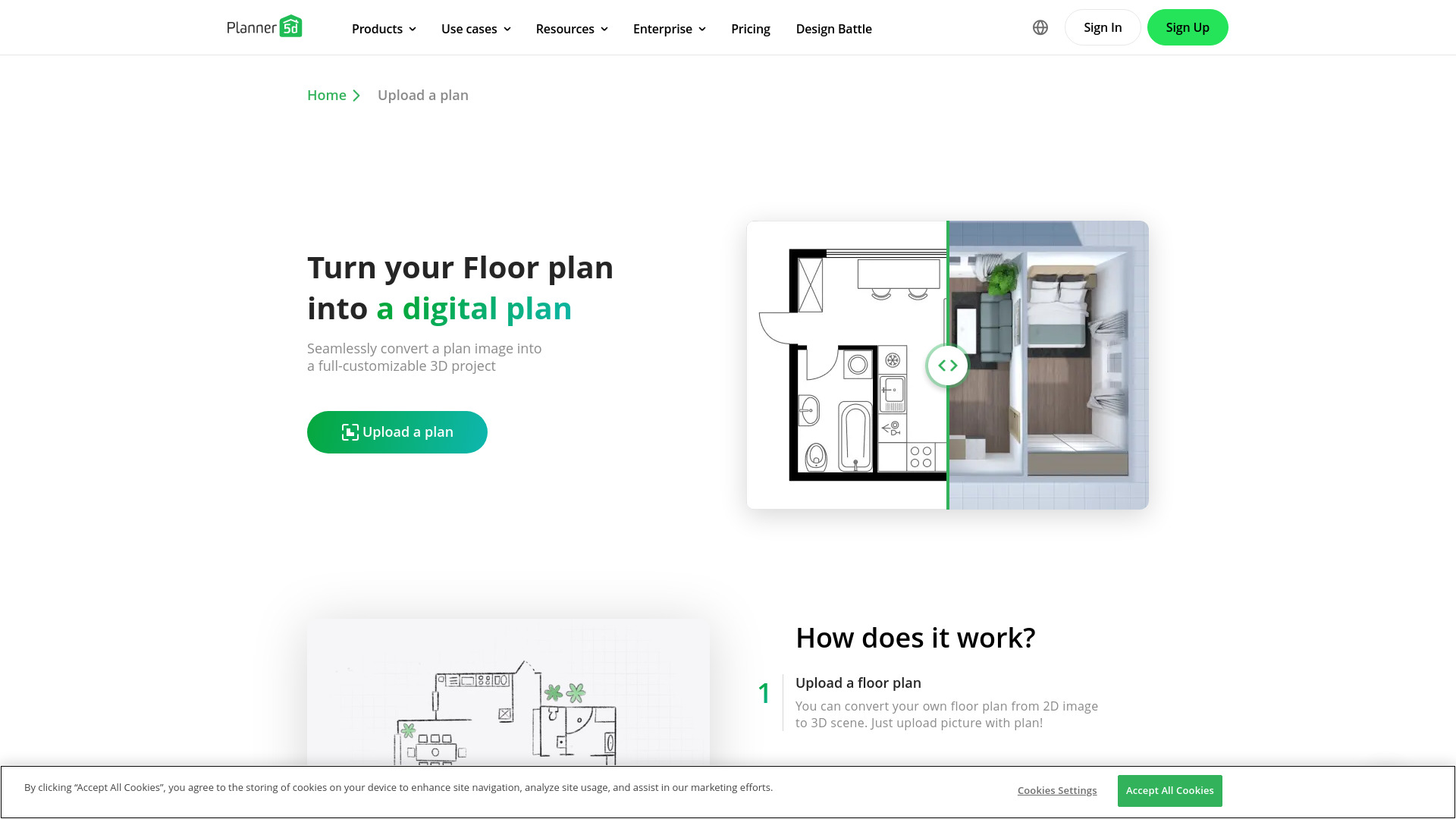
Planner 5D takes the most immediately useful route into AI design: upload or work from a plan, then move between a 2D layout and a 3D model. That makes it more practical for homeowners than a general image generator, because the output stays connected to a real room-planning workflow.
The combination of AI Plan Recognition, 2D-to-3D Floor Plan Conversion, and interior design tools gives it the broadest fit in this shortlist. It also supports iOS, Android, Windows, macOS, and the web, so the workflow does not depend on one device.
Why it ranks first
| Criterion | Evidence | Editorial contribution |
|---|---|---|
| Workflow depth | AI plan recognition and 2D-to-3D conversion | 40/40 |
| Audience fit | Clear homeowner use case | 30/30 |
| Accessibility | Free projects and broad platform support | 25/25 |
| Total | Overall score | 95/100 |
Best fit
Homeowners testing layouts before a renovation
People who want a visual 3D result from an existing 2D plan
Users who need access across desktop, mobile, and web
Limitations
Advanced features may require a paid subscription.
Conversion quality depends on the quality of the uploaded image.
It is more focused on spatial design than general-purpose graphic design.
AI Illustration Generator

- Designers creating consistent commercial illustrations
- Free illustrations available; watermarks may apply
- Starts at Check vendor pricing
- Usage signal: 2.2M
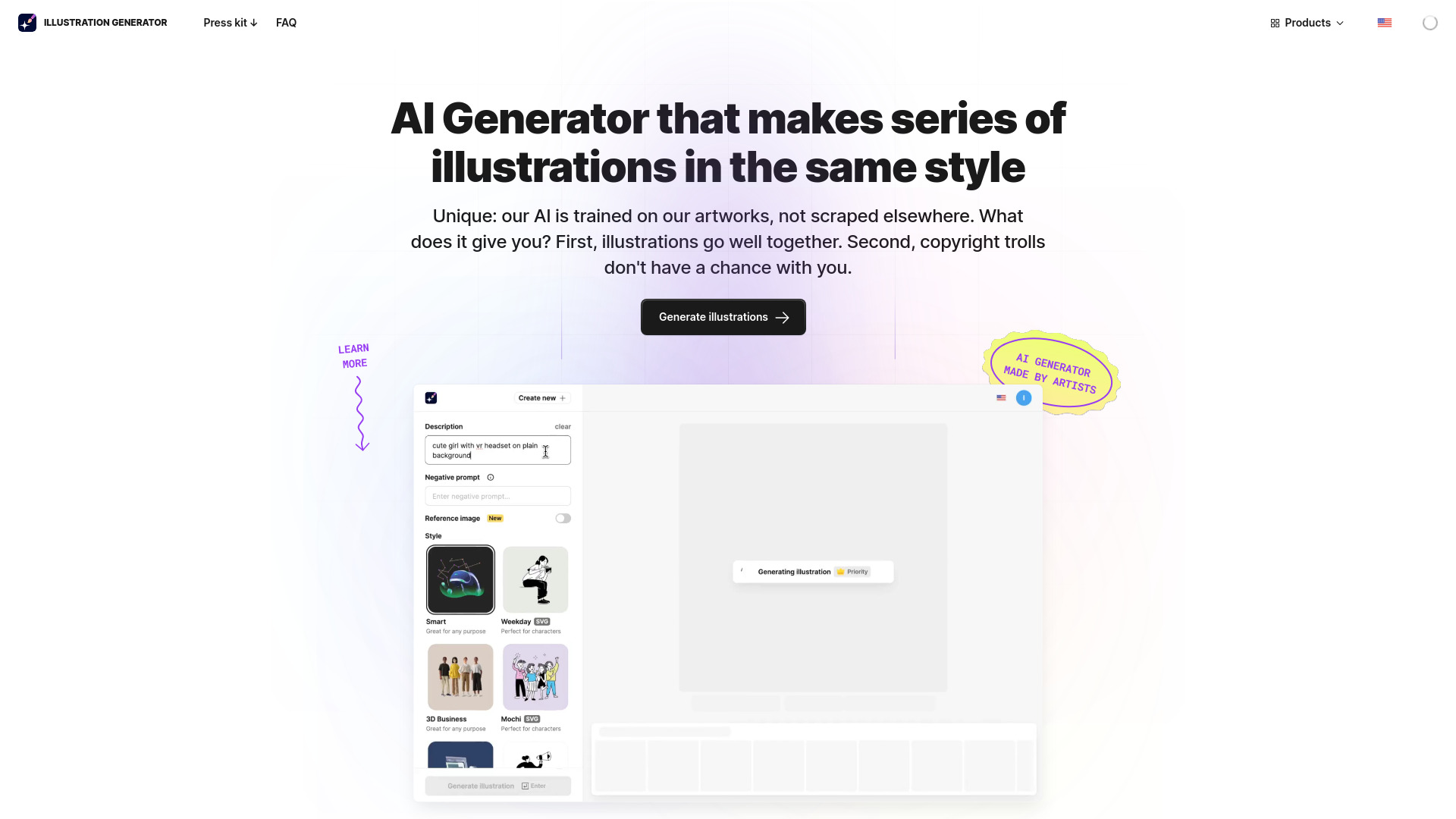
Consistency is the reason this tool lands so high. The AI Illustration Generator is designed around repeatable art direction rather than one-off novelty images, with text-to-image and image-to-image capabilities plus predefined visual styles. That is a much better match for a campaign, product family, or content system than a tool that produces a different aesthetic every time.
The commercial-use positioning is another practical advantage for designers who need illustrations beyond personal experiments. The tradeoff is visible in the free workflow: free images carry watermarks, and full access requires a subscription.
Why it is near the top
| Criterion | Evidence | Editorial contribution |
|---|---|---|
| Style consistency | Consistent art styles and predefined visual direction | 35/35 |
| Input flexibility | Text-to-image and image-to-image workflows | 30/30 |
| Commercial usefulness | Copyright-safe positioning for commercial use | 30/30 |
| Total | Overall score | 95/100 |
Best fit
Designers building a repeatable illustration language
Commercial projects that need image-to-image variation
Teams that prefer a focused illustration workflow
Limitations
Watermarks appear on free images.
Removing watermarks and accessing full features requires a paid subscription.
Vendor pricing should be checked before planning a production budget.
Dzine AI

- Graphic designers controlling composition and style
- 32 regular image credits per day
- Starts at Check vendor pricing
- Usage signal: 582K
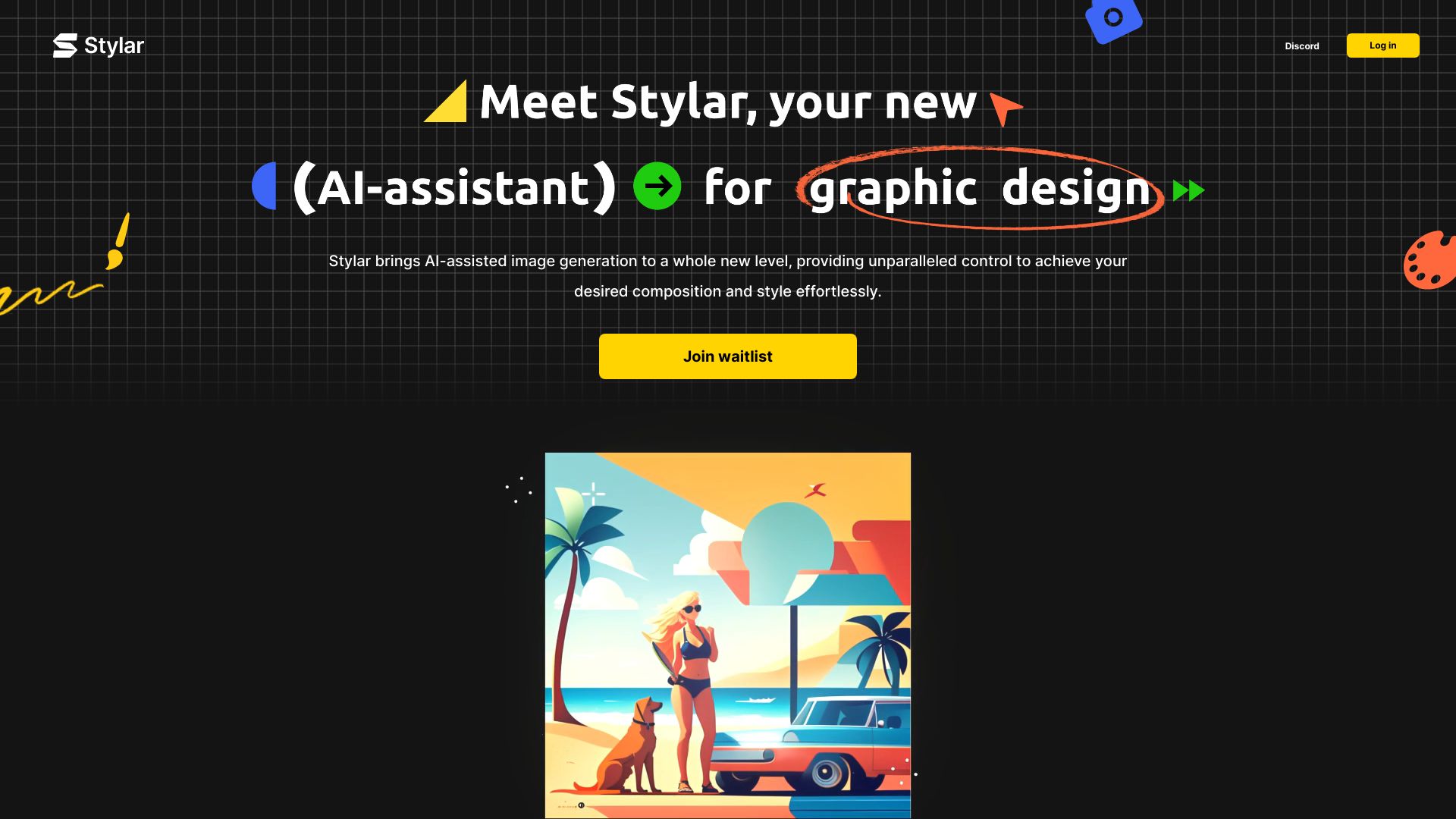
Dzine AI is the strongest choice here for designers who do not want to hand over every creative decision to a prompt. Its visual controls cover composition, positioning, layering, and sketching, while predefined styles speed up the first pass. That balance makes it feel closer to an active design workspace than a simple image-generation box.
The free allowance of 32 regular image credits per day gives curious users a meaningful way to test the workflow. High-volume creation is a different story: premium access is required, and non-premium users may encounter waiting times.
Best fit
Graphic designers who want composition controls alongside generation
Users moving from sketches or visual references into polished concepts
Projects where style and placement matter as much as the prompt
Limitations
High-volume image creation requires a premium subscription.
Waiting times may occur without premium access.
Its broader control set may take longer to learn than a basic generator.
STUDIO AI

- Web designers creating responsive websites
- 2,000 visitors per month
- Starts at Check vendor pricing
- Usage signal: 995K
STUDIO AI shifts the conversation from making visual assets to making a live web experience. It offers AI-powered design suggestions, automated task completion, and responsive design adaptation, with a workflow aimed at understanding designs and turning them into websites.
That is a useful distinction for web designers: the output is not merely a mockup. Still, AI-assisted automation can introduce a learning curve, and some designers may find that delegated decisions reduce their sense of creative control.
Best fit
Web designers moving quickly from design concepts to live sites
Projects that need responsive adaptation
Users who value automated task completion for repetitive work
Limitations
The AI feature set may take time to learn fully.
Reliance on automation may feel restrictive to designers who want granular control.
The free access signal is tied to 2,000 visitors per month rather than unlimited publishing.
MyArchitectAI

- Architects producing fast photorealistic renders
- 10 renders per month
- Starts at Free
- Usage signal: 451K
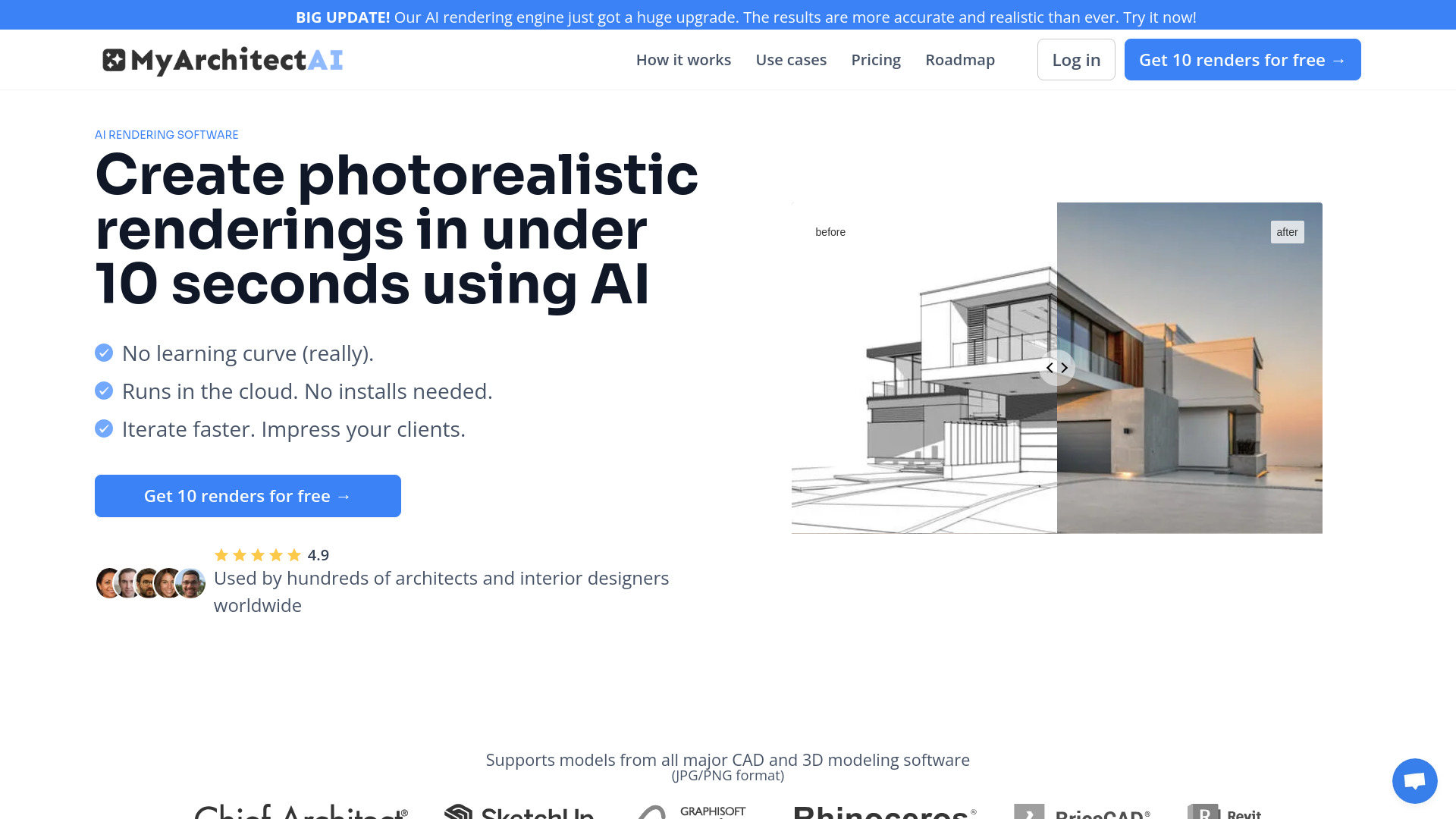
MyArchitectAI is built for the moment when a CAD or design concept needs a convincing visual quickly. It offers photorealistic AI rendering, style transfer, and an enhancer, with renders advertised as taking under 10 seconds and no installation or learning curve required.
That speed is compelling for early client conversations and concept exploration. The important caveat is quality positioning: it aims for roughly 90% of the result of traditional rendering tools, while commercial use and highest-quality downloads require a subscription.
Best fit
Architects creating quick visual studies
Teams that already work with CAD software
Users who value speed over maximum traditional-rendering detail
Limitations
Results may not match the detail of traditional rendering tools.
Commercial use and highest-quality downloads require a subscription.
The free allowance is limited to 10 renders per month.
Design Arena

- AI researchers comparing design models
- Free benchmark and Elo-rated leaderboards
- Starts at Check vendor pricing
- Usage signal: 950K
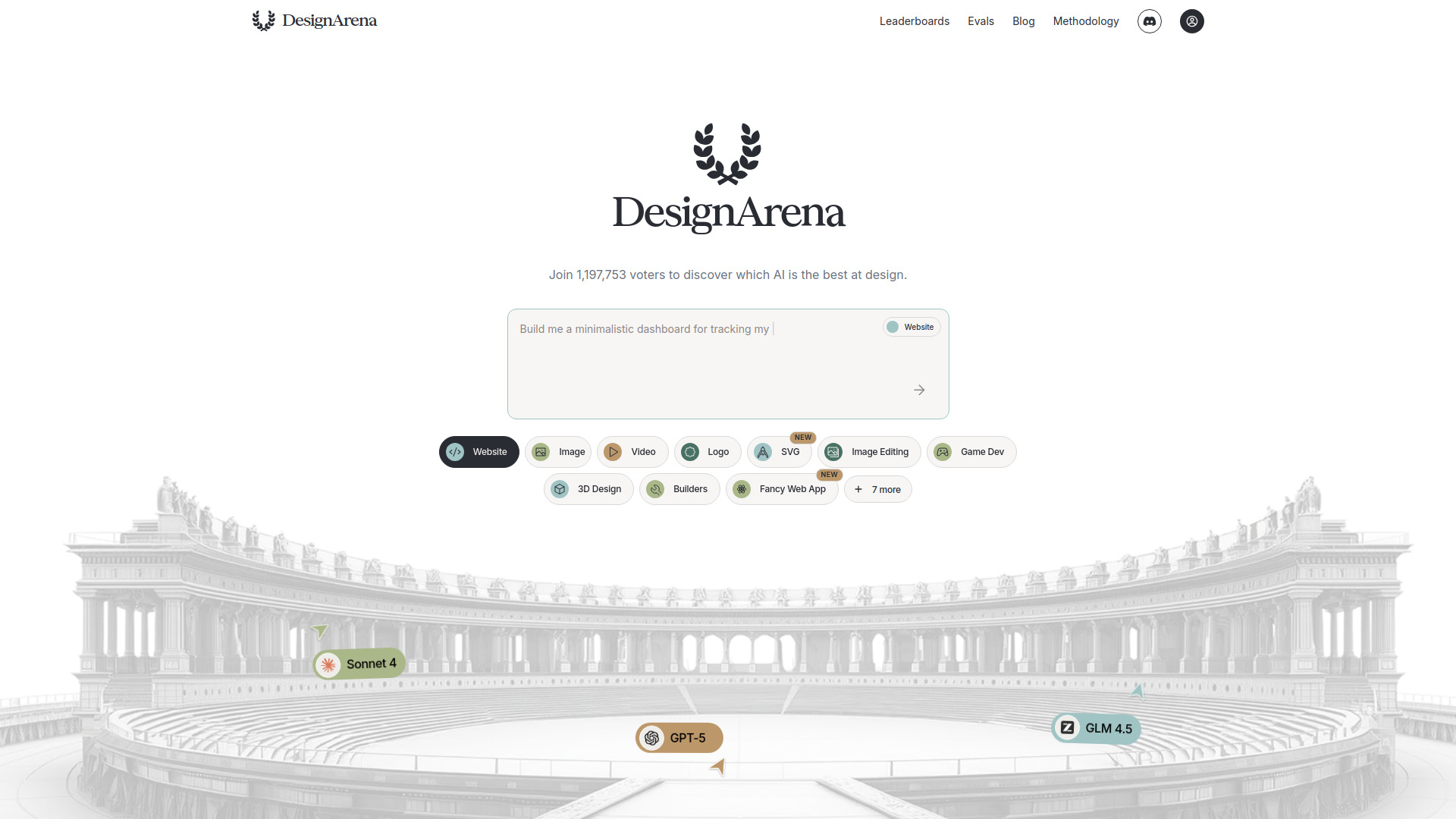
Design Arena is an unexpected but valuable inclusion for anyone choosing AI design software based on evidence rather than screenshots. Its global crowdsourced benchmark uses head-to-head voting and a Bradley-Terry/Elo rating system, drawing on 1,197,753 voters.
This is not a conventional creation studio. It is a discovery and evaluation layer, useful when you want to compare model performance or challenge rankings. Rankings marked with an asterisk can change, so treat the leaderboard as a moving signal rather than a permanent verdict.
Best fit
AI researchers comparing model performance
Buyers who want crowdsourced evidence before choosing a generator
Teams tracking how design models perform against one another
Limitations
Rankings can change over time.
It does not replace a hands-on design production workflow.
Pricing and detailed feature limitations are not clearly presented.
Home Design AI

- Interior designers exploring room concepts
- Unlimited designs; no signup required
- Starts at Free
- Usage signal: 287K
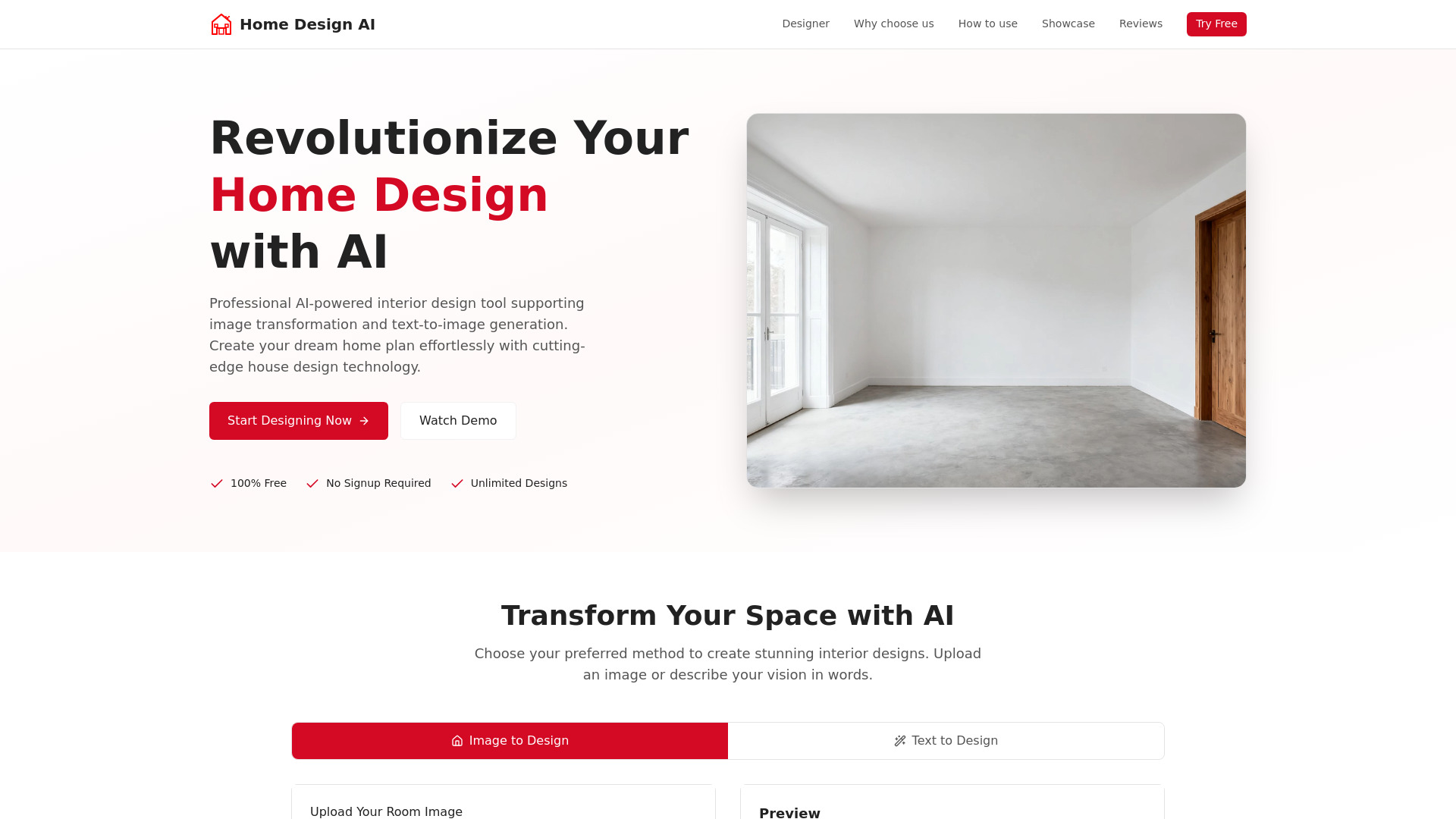
Home Design AI removes much of the usual friction: it is free, offers unlimited designs, and does not require signup. Its workflow covers AI-powered interior design, image-to-image transformation, and text-to-image creation, making it an easy place to test visual directions for a room.
The product is more of a fast ideation tool than a complete renovation planning environment. That makes it excellent for exploring possibilities, but users should confirm current workflow limits and fit before relying on it for a more demanding project.
Best fit
Interior designers producing early visual concepts
Homeowners who want no-signup experimentation
Users comparing image-to-image and text-to-image room ideas
Limitations
Check current product fit and workflow limits before committing.
It is less clearly positioned for detailed project planning than Planner 5D.
Free access does not necessarily mean every downstream design need is covered.
Rendair

- Architects turning source material into renders
- Text, elevation, and 3D-base rendering
- Starts at Check vendor pricing
- Usage signal: 496K
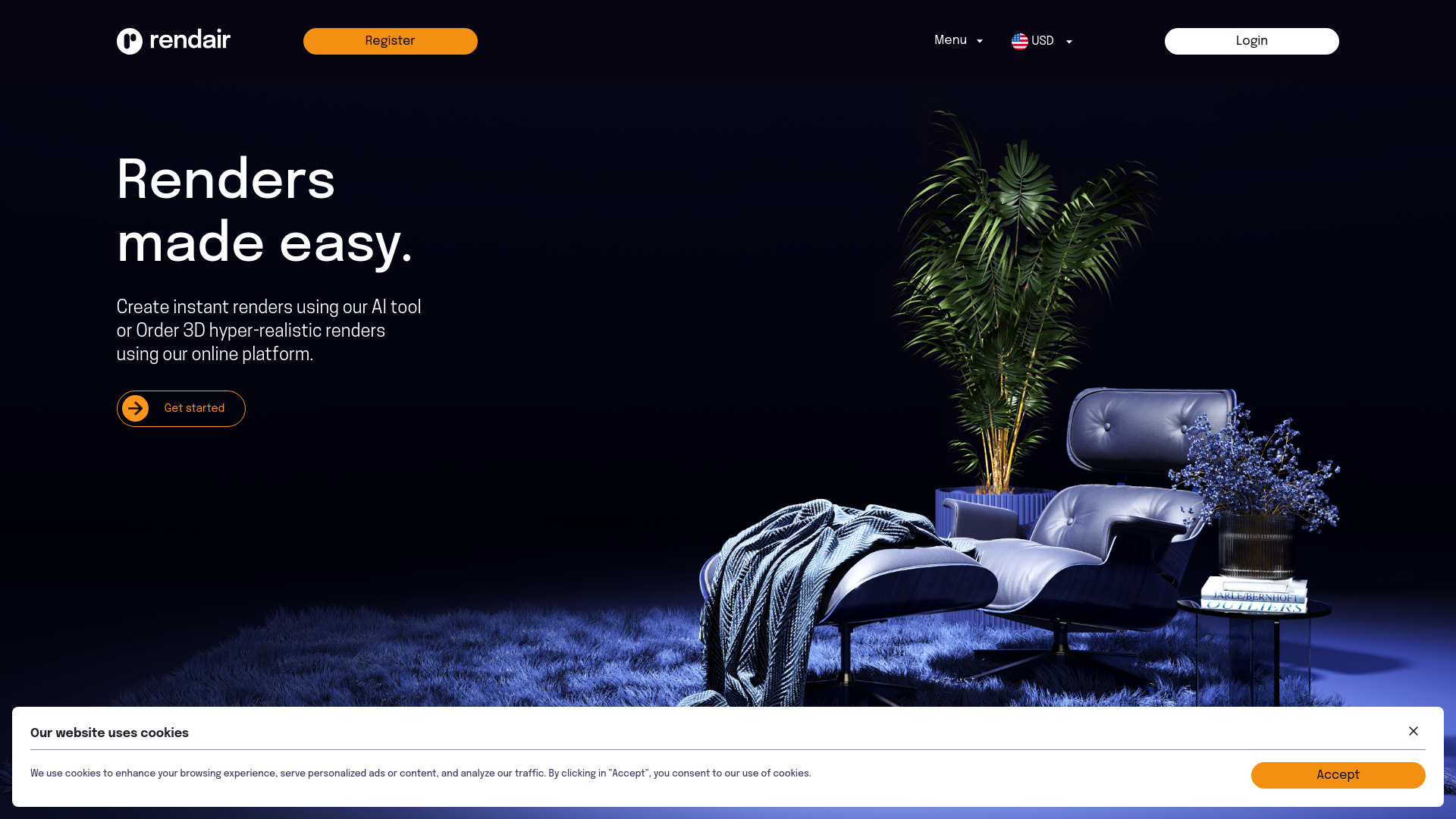
Rendair earns its place through input flexibility. Architects can work from text, elevations, or a 3D base, rather than forcing every project into one prompt-driven format. That makes it a practical adjacent option for quick architectural visualizations.
The workflow still rewards users who know how to prompt effectively. It also has a small usability distraction in cookie-consent requirements, which some users may find intrusive.
Best fit
Architects working from elevations or 3D bases
Teams needing several routes into an architectural render
Users who want an all-in-one visualization platform
Limitations
Strong results may require specific prompting skills.
Cookie consent requirements may feel intrusive.
Pricing details should be verified before a commercial rollout.
Edraw.AI

- IT teams building diagrams and mind maps
- 500 AI tokens
- Starts at Free plan available
- Usage signal: 216K

For teams, design often means explaining systems clearly. Edraw.AI addresses that need with AI flowchart generation, AI mind map creation, AI diagramming, and real-time collaboration. It is a better fit for process visuals and shared project thinking than for illustration or image generation.
The free plan includes 500 AI tokens, which gives teams a concrete starting point. Mobile readiness is not complete, and pricing can vary with features and usage, so larger teams should check the plan details carefully.
Best fit
IT teams documenting systems and processes
Collaborators building flowcharts and mind maps
Projects that need shared visual workspaces
Limitations
The product is not fully ready for mobile devices.
Pricing plans may vary by features and usage.
It is a diagramming choice, not a general illustration studio.
Design Bundles

- Crafters sourcing assets and templates
- 7-day free trial with 30 products
- Starts at Hobbyist: $11.99 USD
- Usage signal: 419K
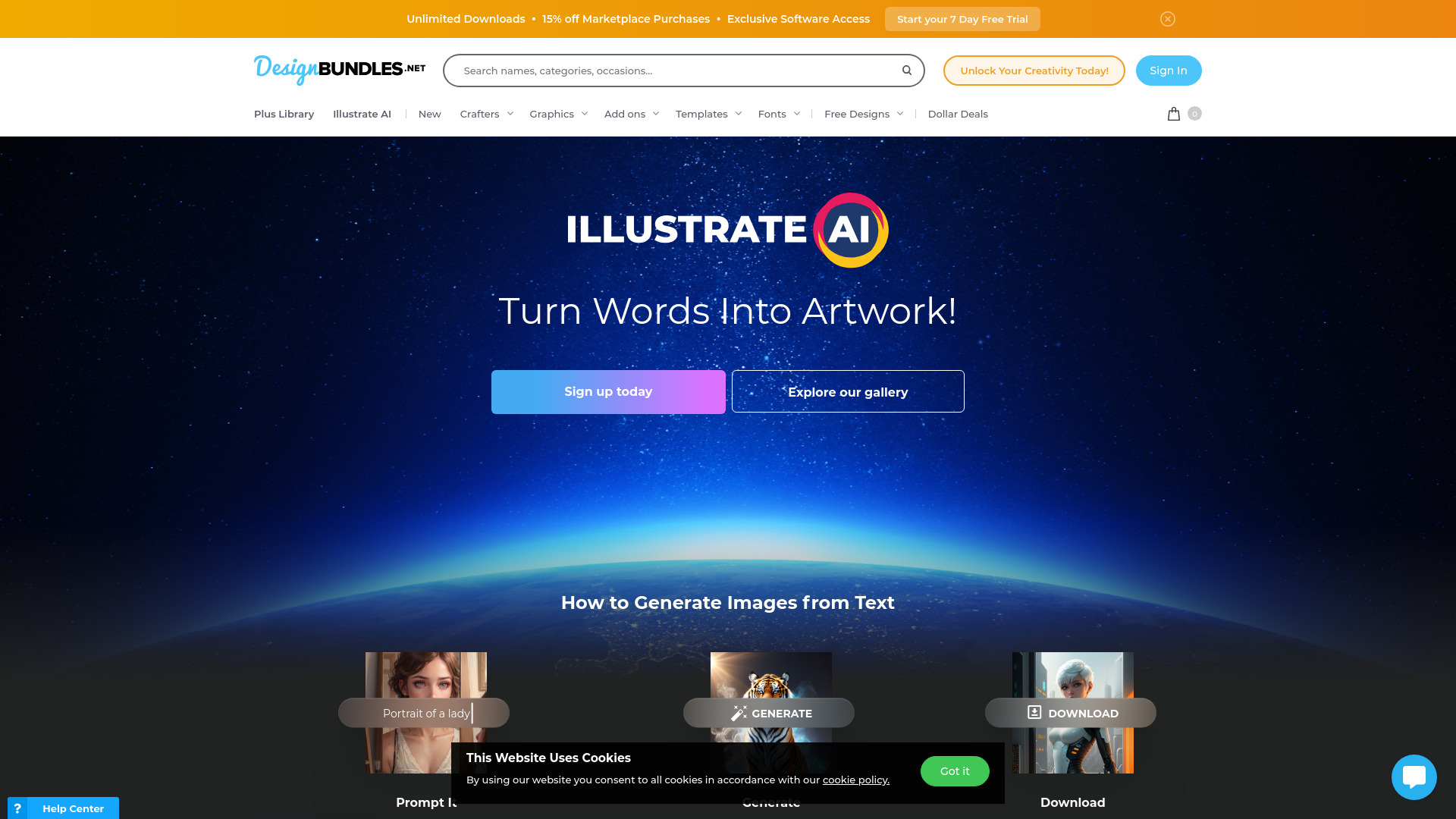
Design Bundles takes a marketplace-first approach. Its value comes from a wide library of design resources, alongside Illustrate AI for image generation and DesignScape as an online image editor. For crafters, the combination can be more useful than a standalone generator because it connects creation with ready-to-use assets.
The breadth is also the main friction point: a large library can be overwhelming. Unlimited downloads are limited to Plus members, so the attractive resource depth needs to be weighed against the membership level required for frequent use.
Best fit
Crafters looking for fonts, graphics, and templates
Users who want an asset library plus AI generation
Hobbyists testing the marketplace through a free trial
Limitations
Unlimited downloads are limited to Plus members.
The large library can make discovery overwhelming.
The trial and membership terms should be checked before regular purchasing.
More tools to compare
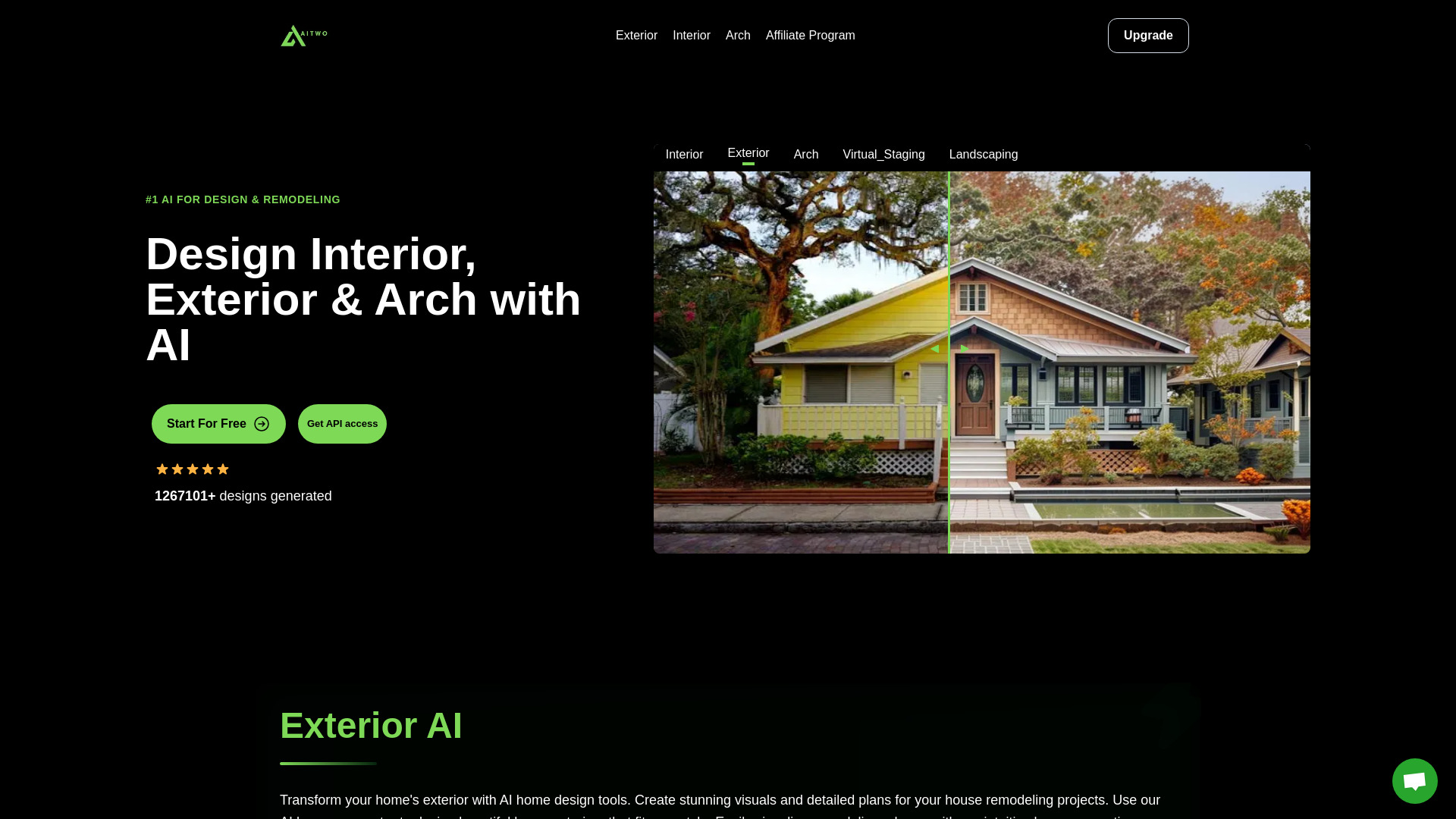
AI Two

- AI home remodeling and architectural visualization
- 1 free design
- Starts at $14.99/month
- Usage signal: 141.9K
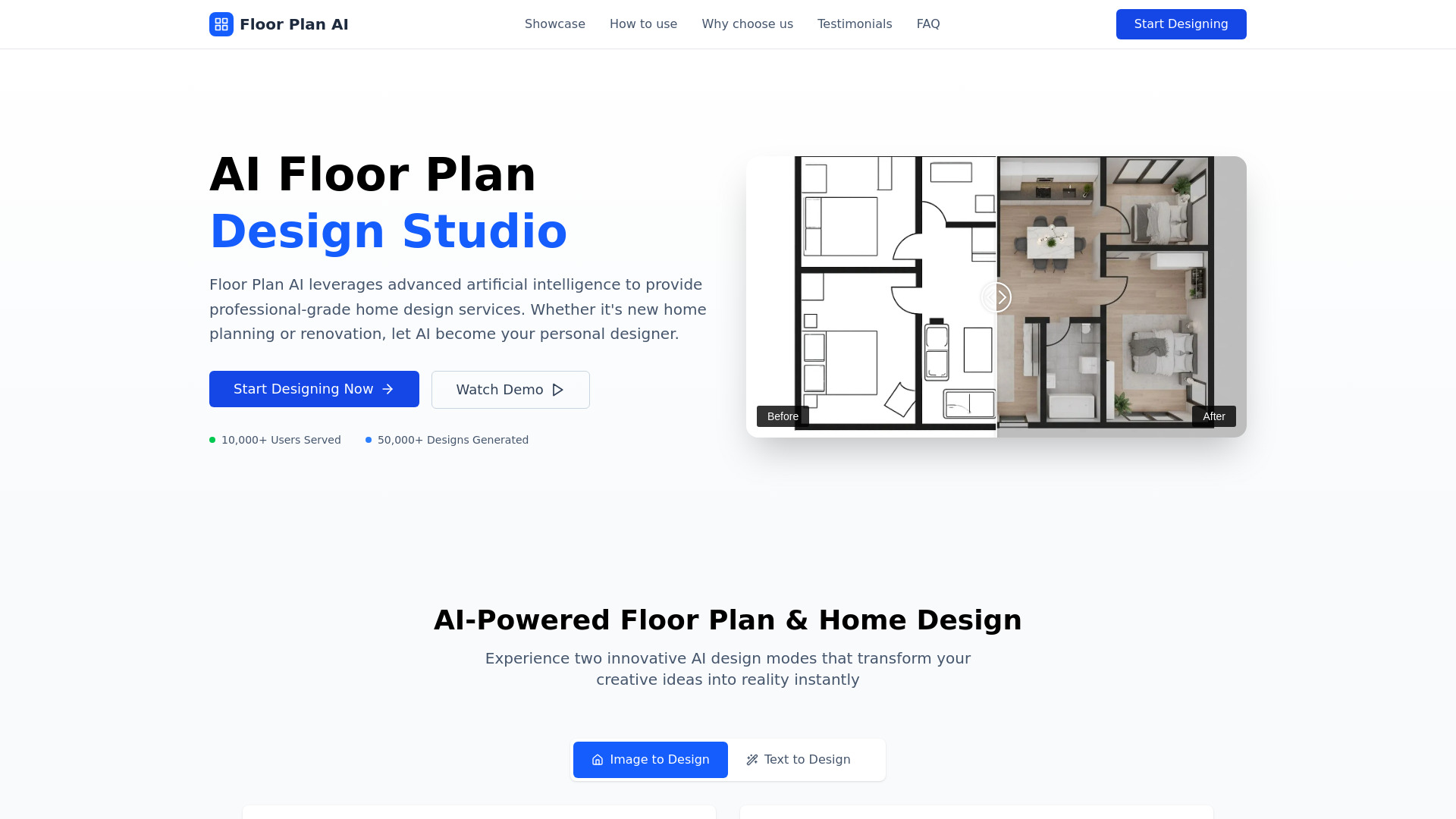
Floor Plan AI

- AI floor plans and room redesigns
- Free plan available
- Starts at Check vendor pricing
- Usage signal: 325.3K
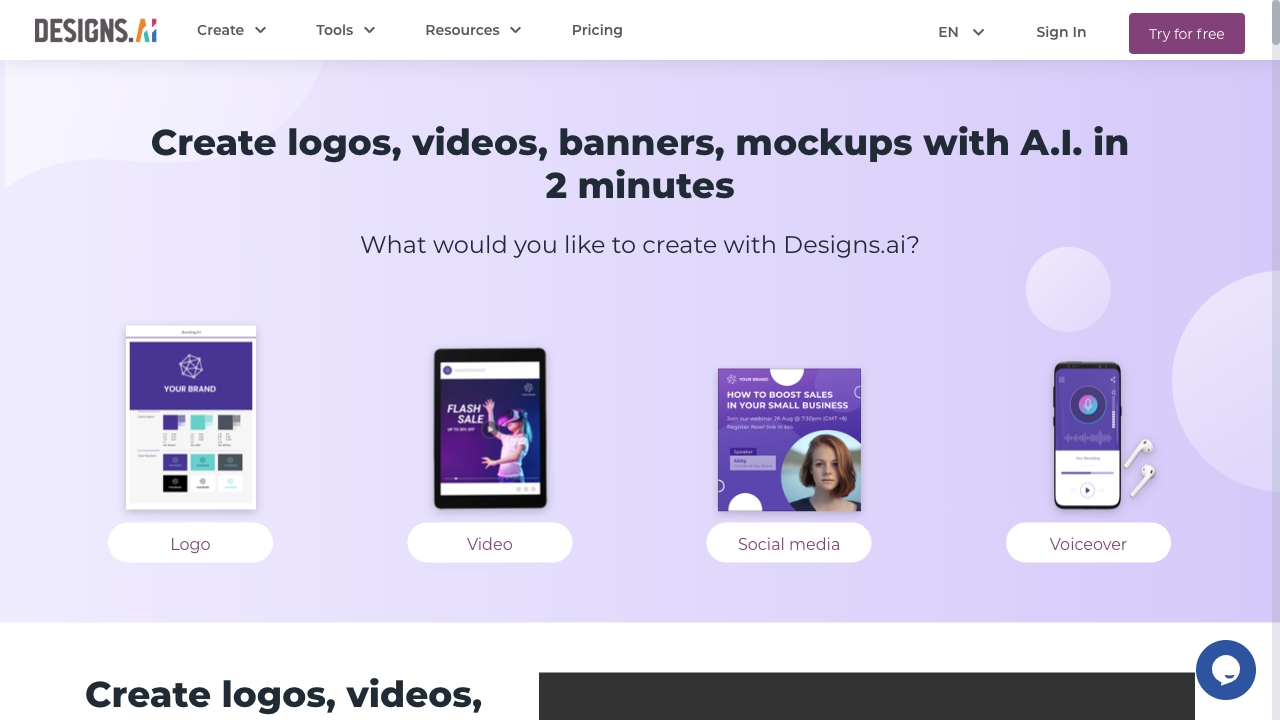
Designs AI

- All-in-one AI marketing design
- 50 free credits
- Starts at Check vendor pricing
- Usage signal: 144.9K
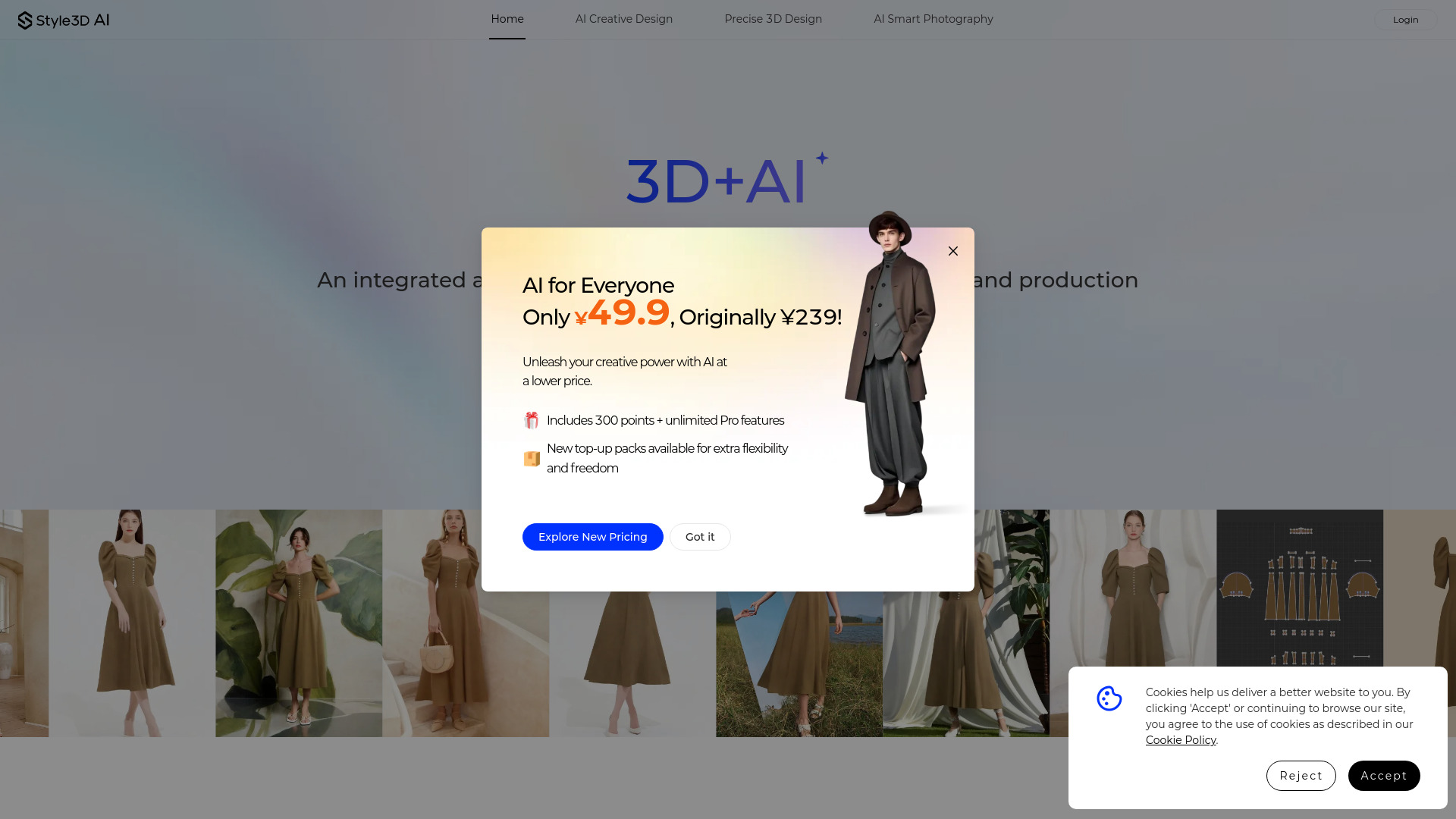
Style3D AI

- Fashion design and 3D modeling
- Starts at Check vendor pricing
- Usage signal: 98.6K
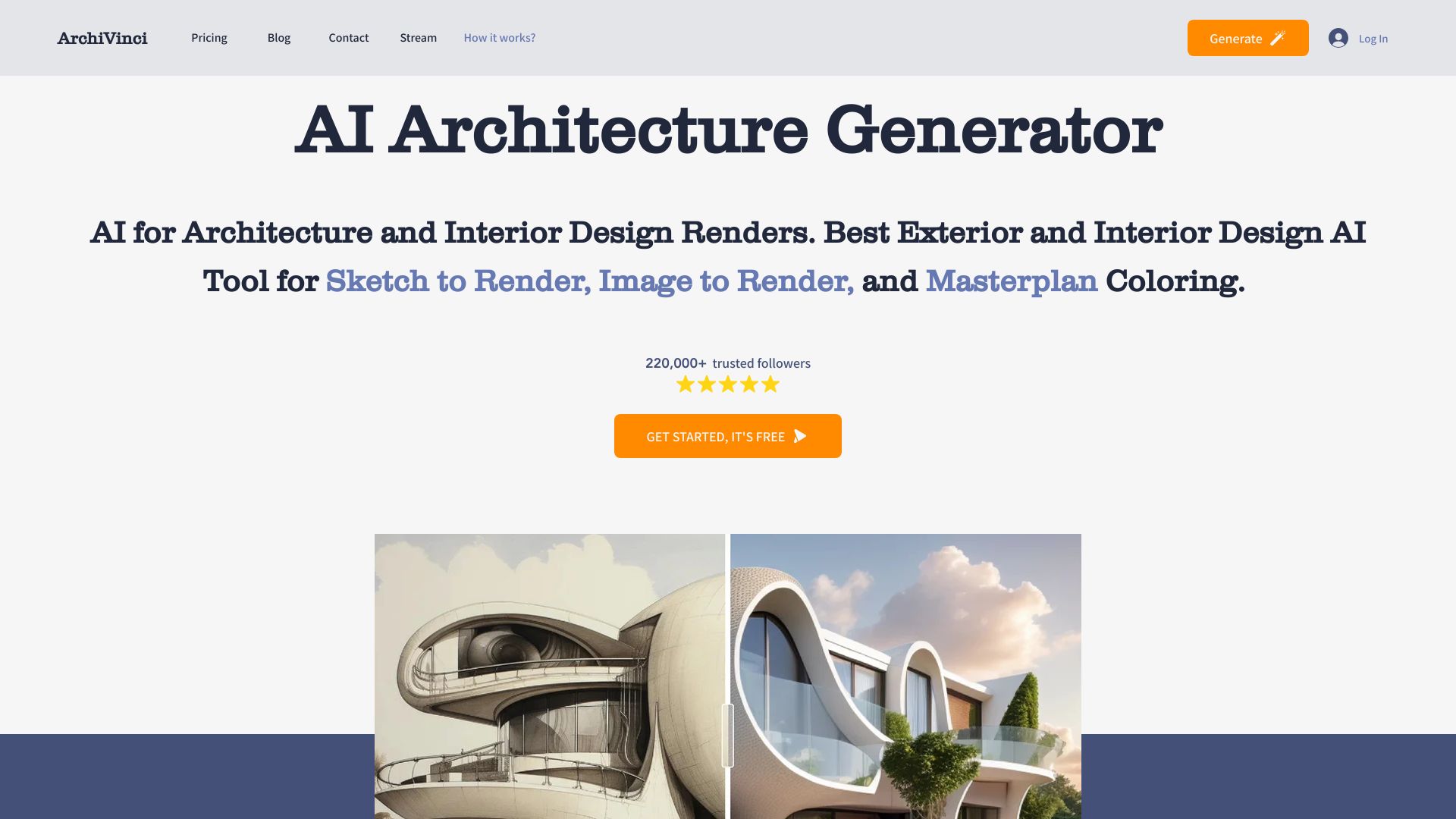
ArchiVinci

- AI architectural sketch-to-render design
- Free plan available
- Starts at Check vendor pricing
- Usage signal: 192.8K
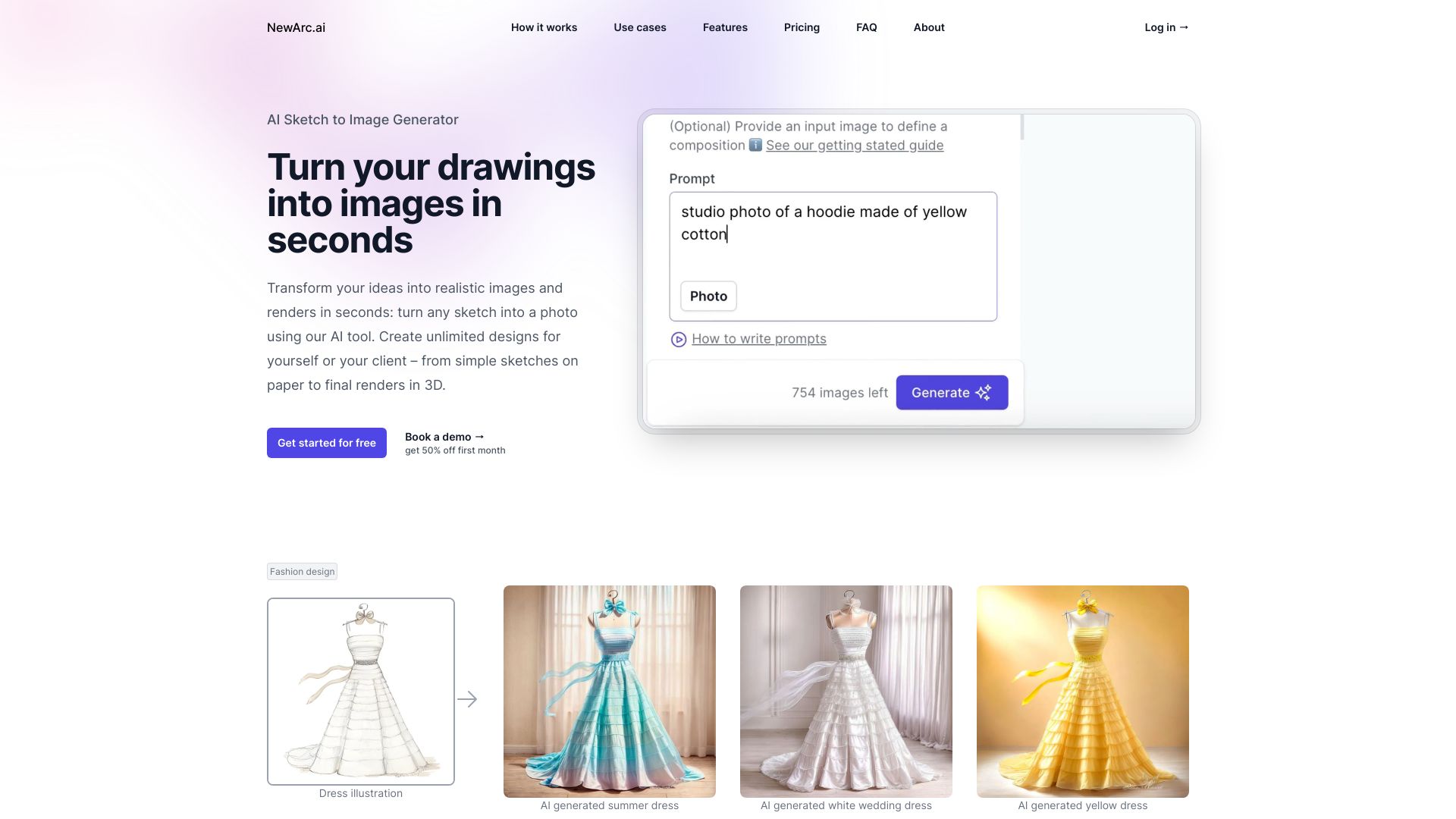
NewArc.ai

- Designers turning sketches into realistic product renders
- 10 free credits/month
- Starts at $9/month
- Usage signal: 50.2K
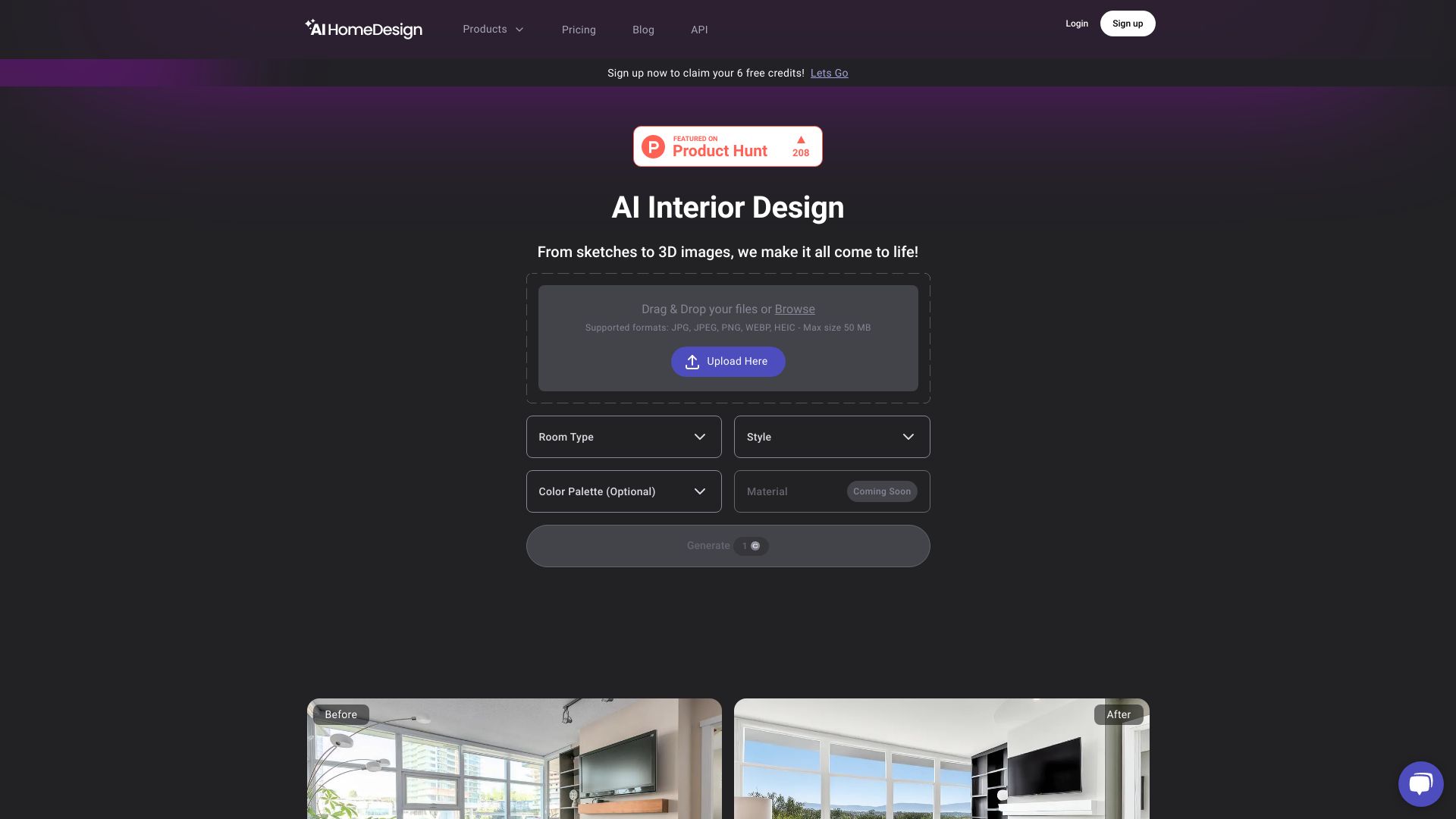
AI HomeDesign

- AI staging and real estate photo editing
- Free plan available
- Starts at $19/month
- Usage signal: 32.0K
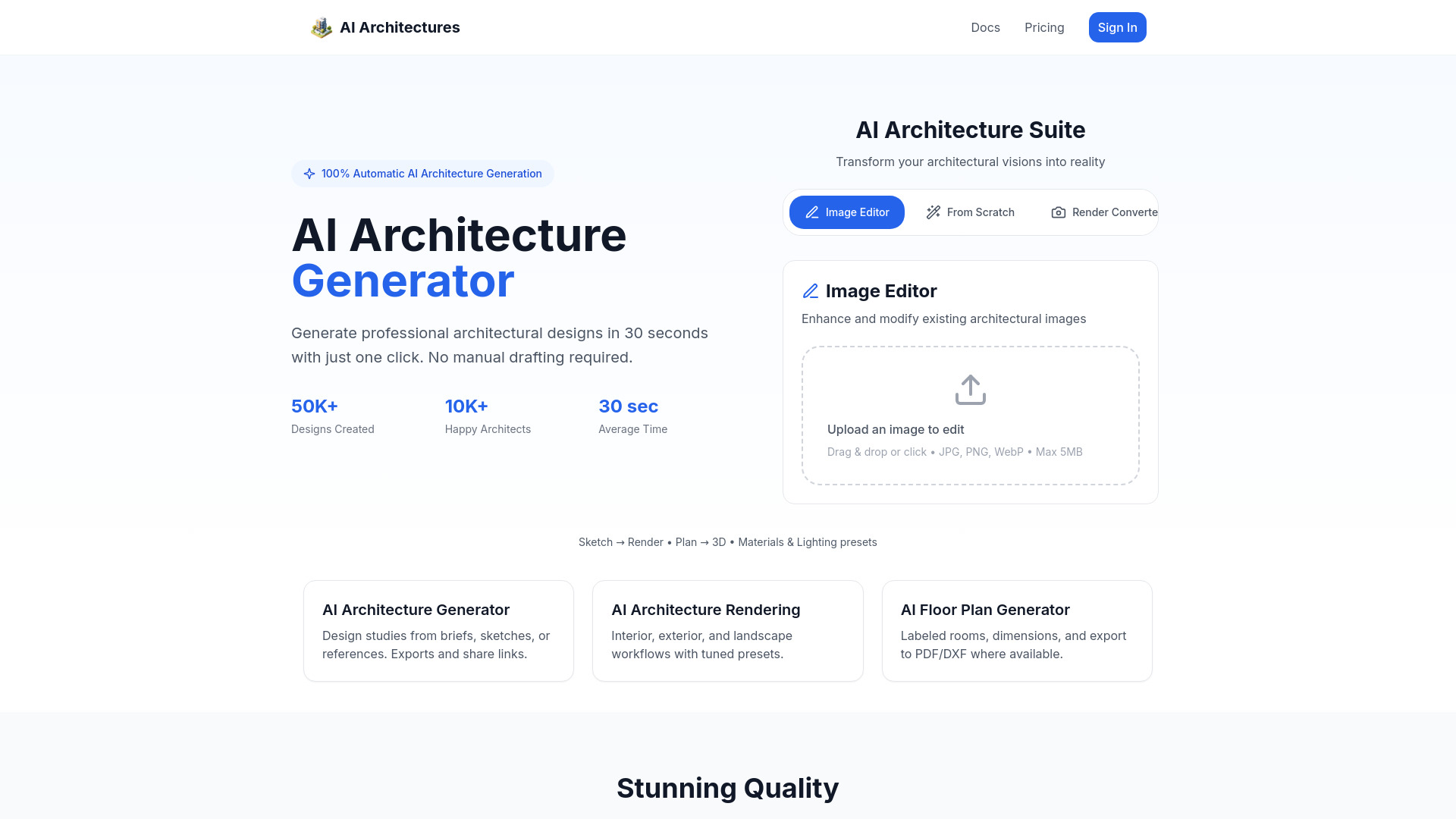
AI Architectures

- Architectural concepts and photorealistic renders
- Starts at $1/month
- Usage signal: 10.8K
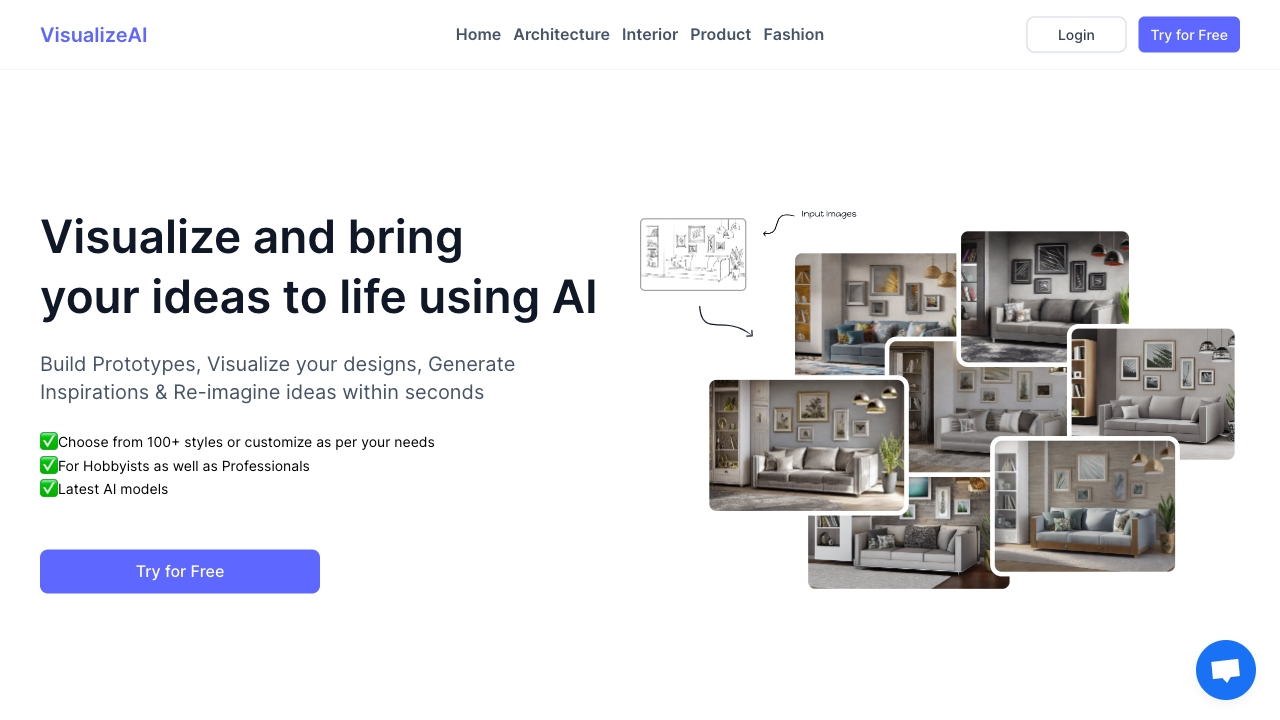
VisualizeAI

- Interior designers and architects
- 3 free designs
- Starts at $21/mo billed annually
- Usage signal: 17.7K
ArchitectAI

- AI architecture, interior, and landscape concepts
- Starts at Check vendor pricing
- Usage signal: 8.7K
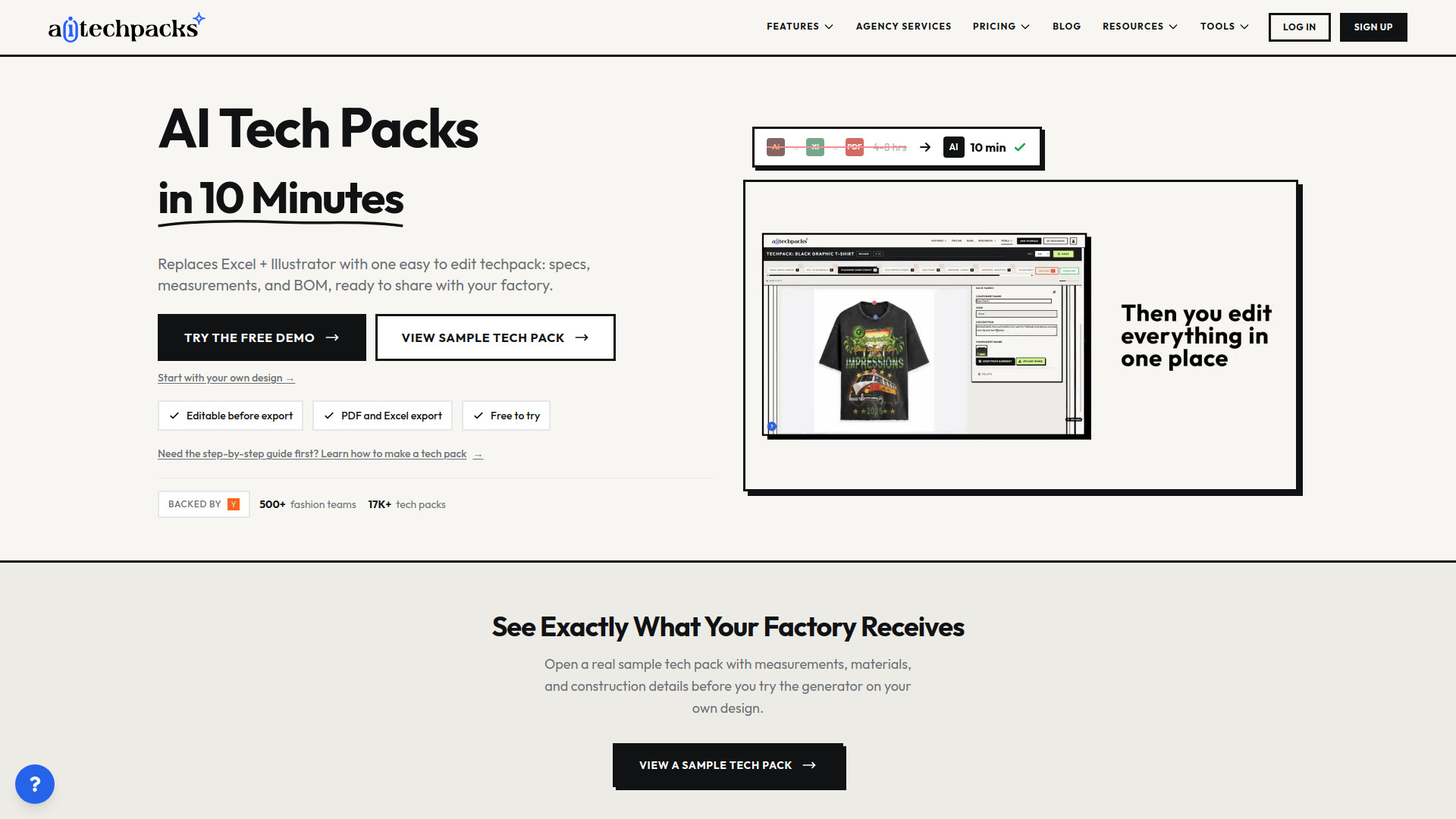
AI Tech Packs

- Fashion designers creating factory-ready tech packs
- 1 free tech pack draft
- Starts at $18 one-time
- Usage signal: 48.5K
DraftAid

- Automating engineering CAD drawings
- Starts at Check vendor pricing
- Usage signal: 28.5K

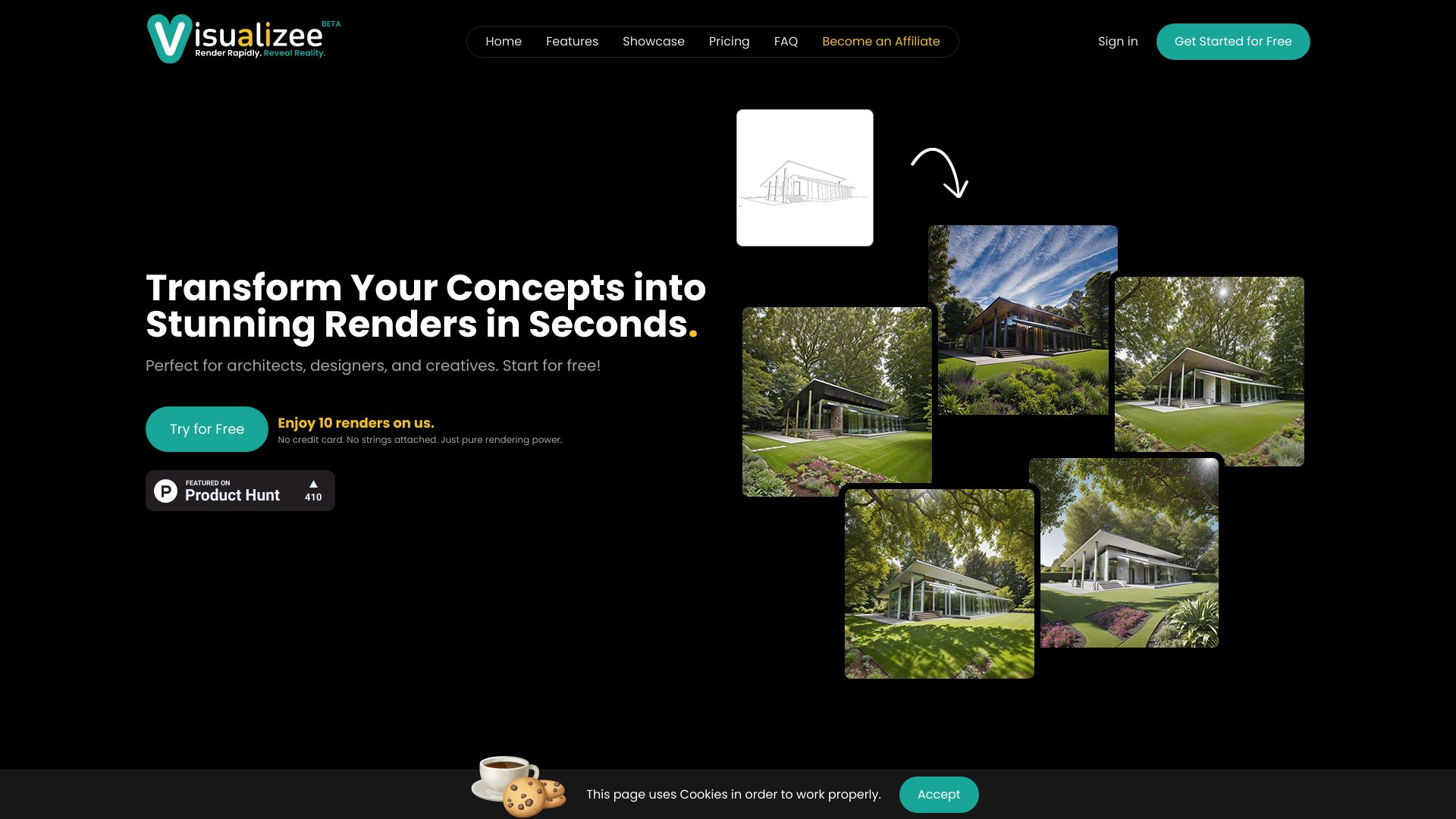
Visualizee.ai

- Fast architectural concept renders
- 3 free renders
- Starts at From $9
- Usage signal: 31.7K
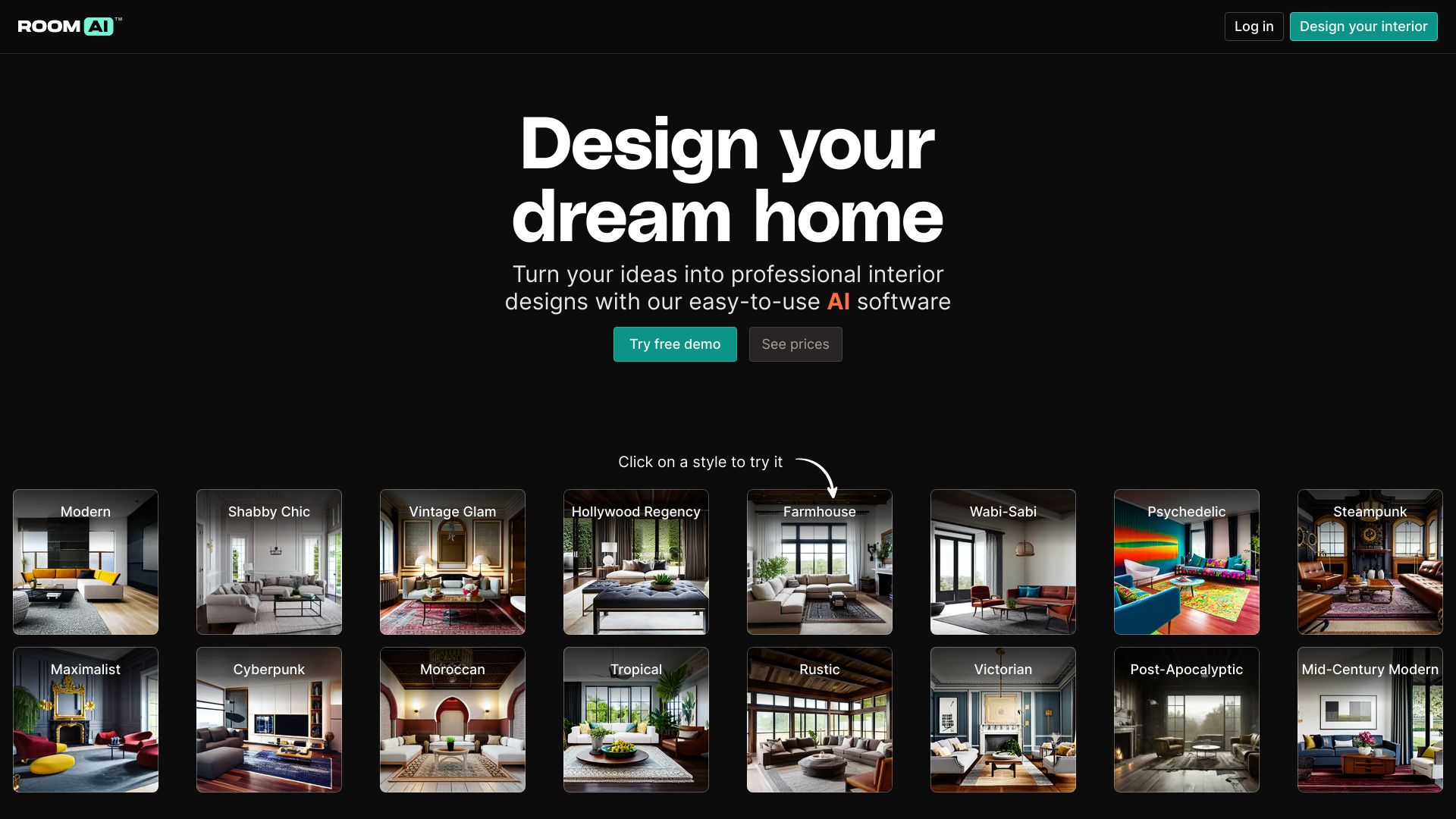
Room AI

- AI-powered interior redesign
- Free trial available
- Starts at Check vendor pricing
- Usage signal: 26.2K
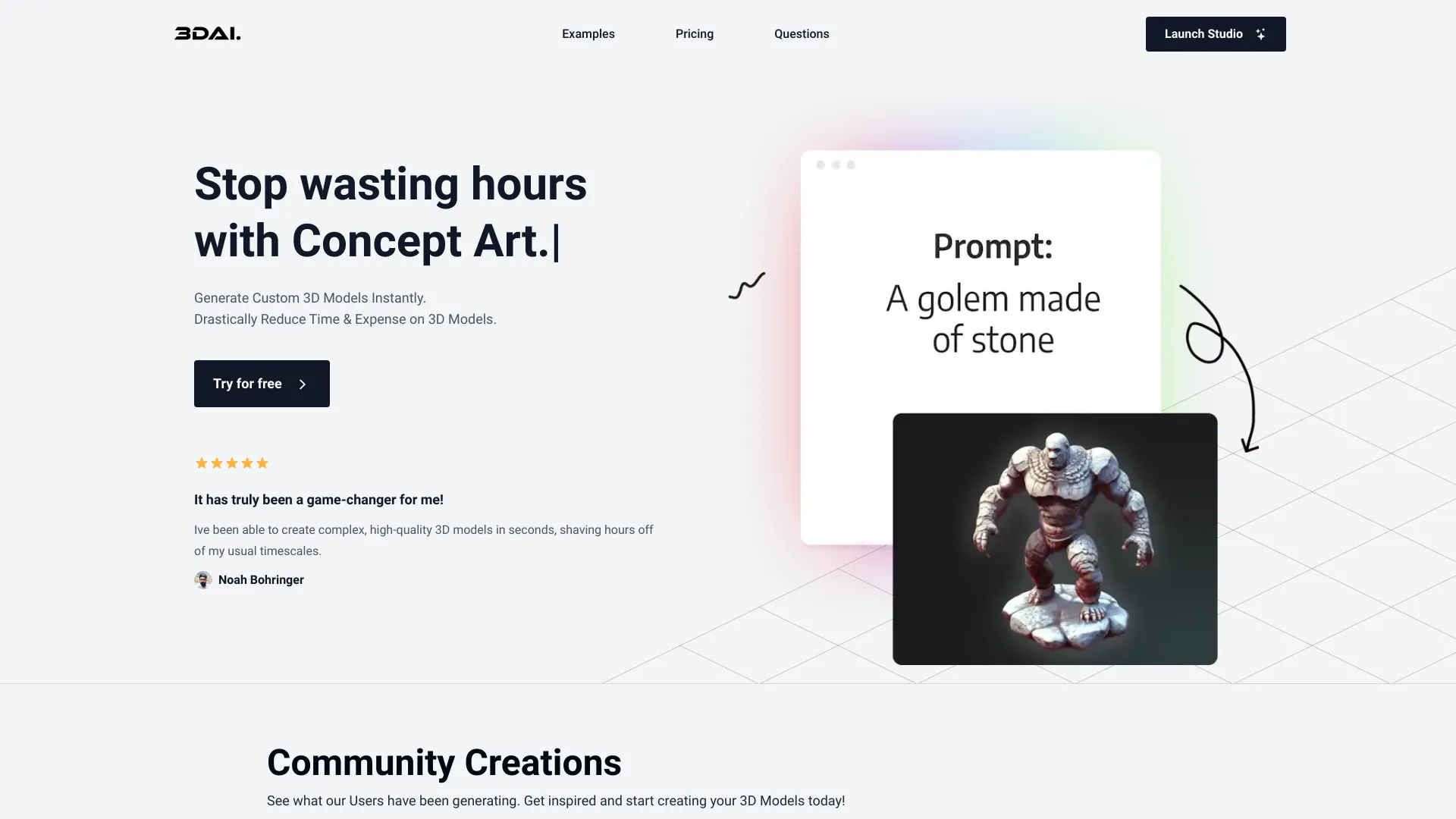
3D AI Studio

- Fast text-to-3D and image-to-3D asset creation
- Starts at Check vendor pricing
- Usage signal: 615.9K
DecorAI

- AI room redesign ideas from photos
- Starts at $24/month
- Usage signal: 18.7K
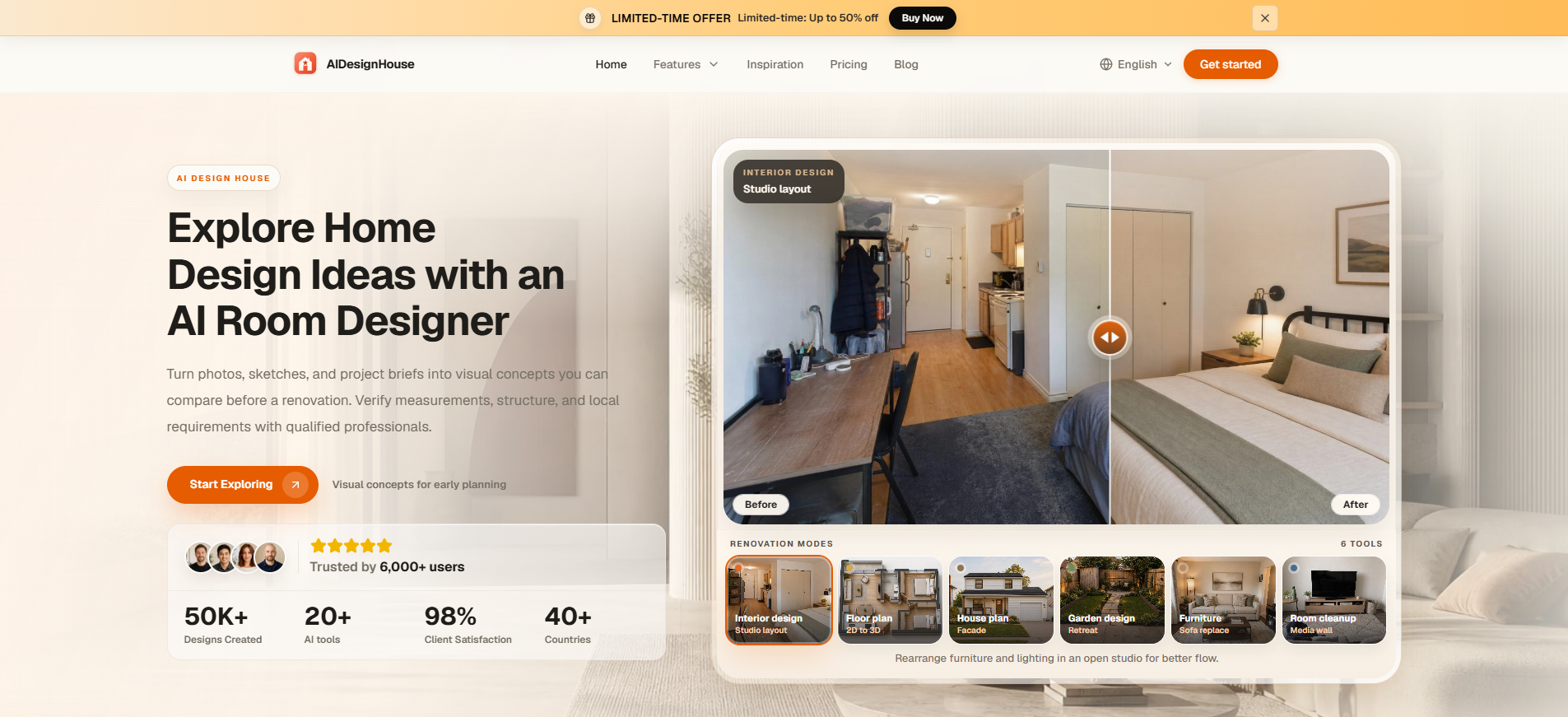
AIDesignHouse

- Early home design concepts
- Free plan available
- Starts at $9.99/month
- Usage signal: 4.2K
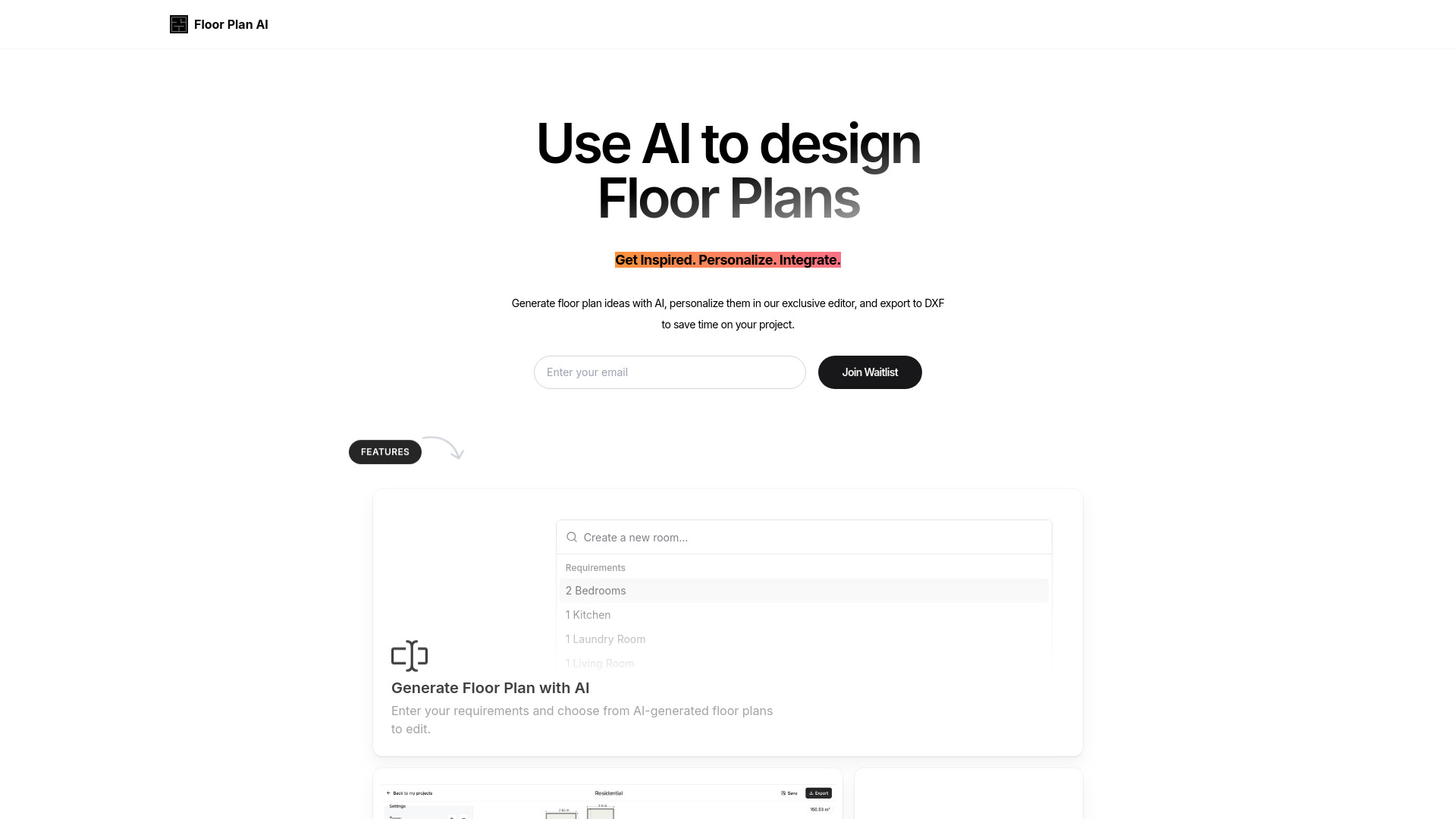
Floorplan AI

- AI-generated floor plan concepts
- 12 credits
- Starts at $0
- Usage signal: 8.2K
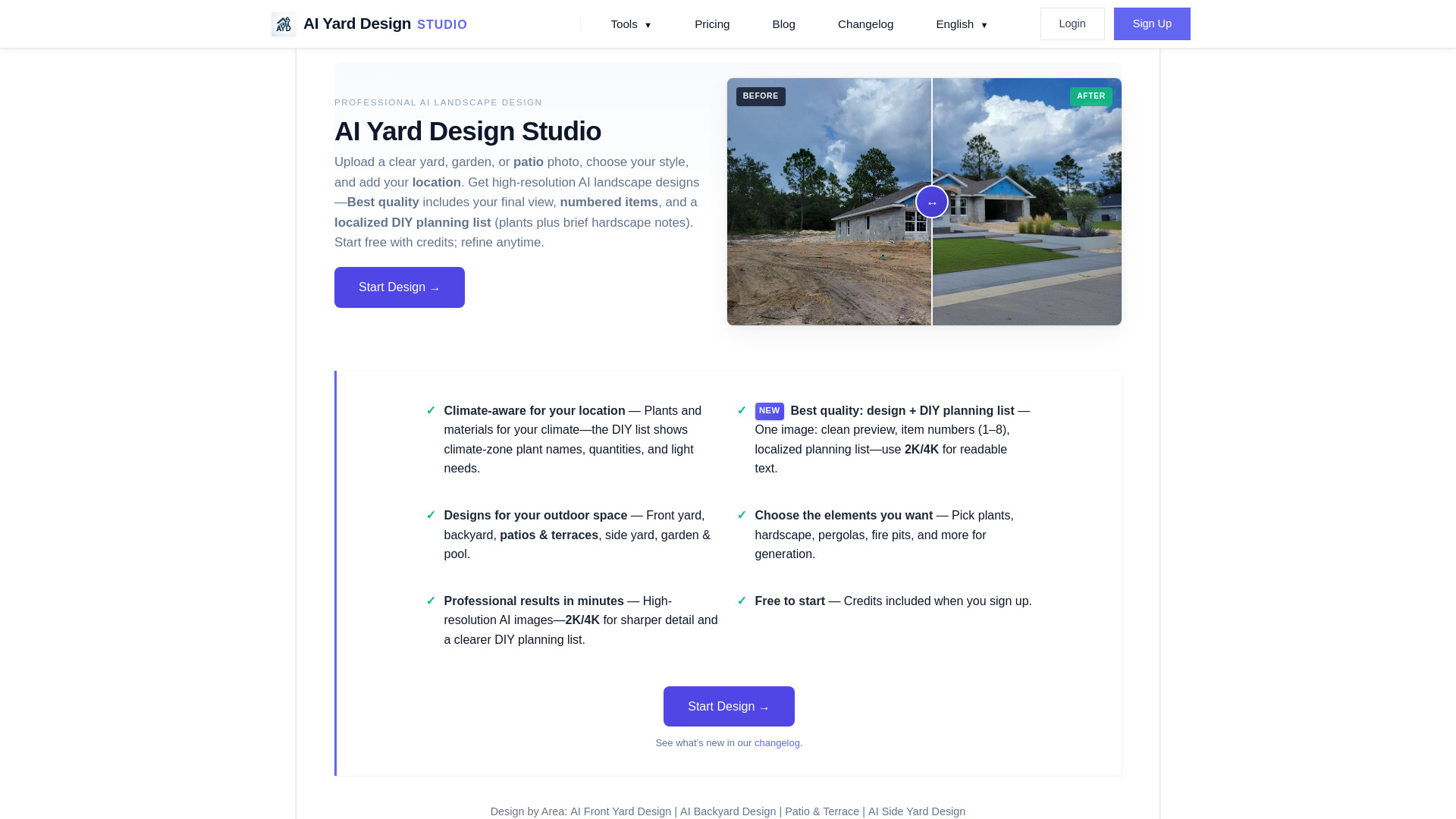
AI Yard Design Studio

- AI yard and patio design
- 2 free Quick preview credits
- Starts at $9.90 one-time purchase
- Usage signal: 6.9K
floor plan AI
- Homeowners and real estate teams
- 1 free plan
- Starts at $19/month
- Usage signal: 7.9K
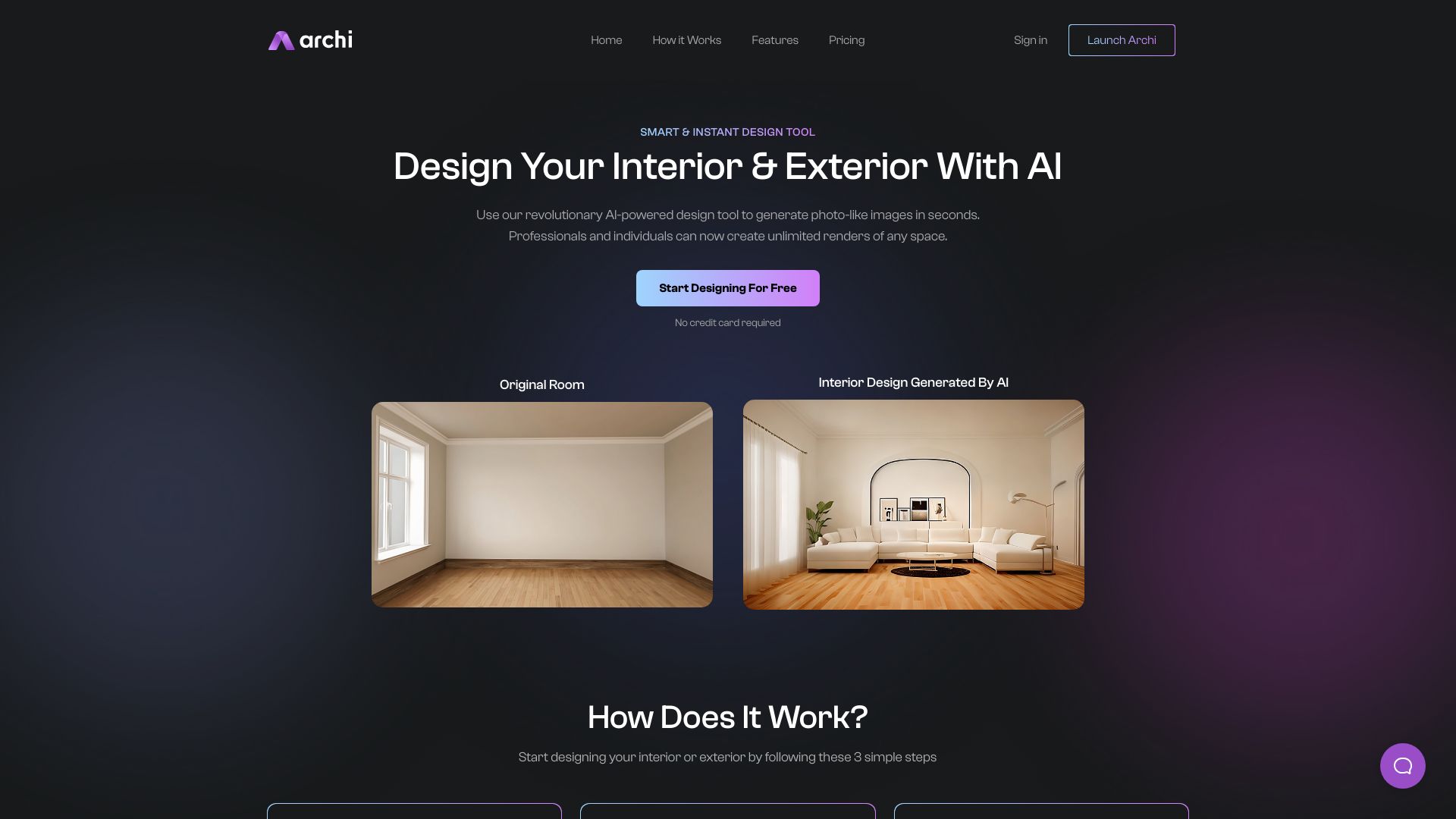
Archi AI

- AI room redesign previews
- Free plan available
- Starts at $19/month
- Usage signal: 7.2K
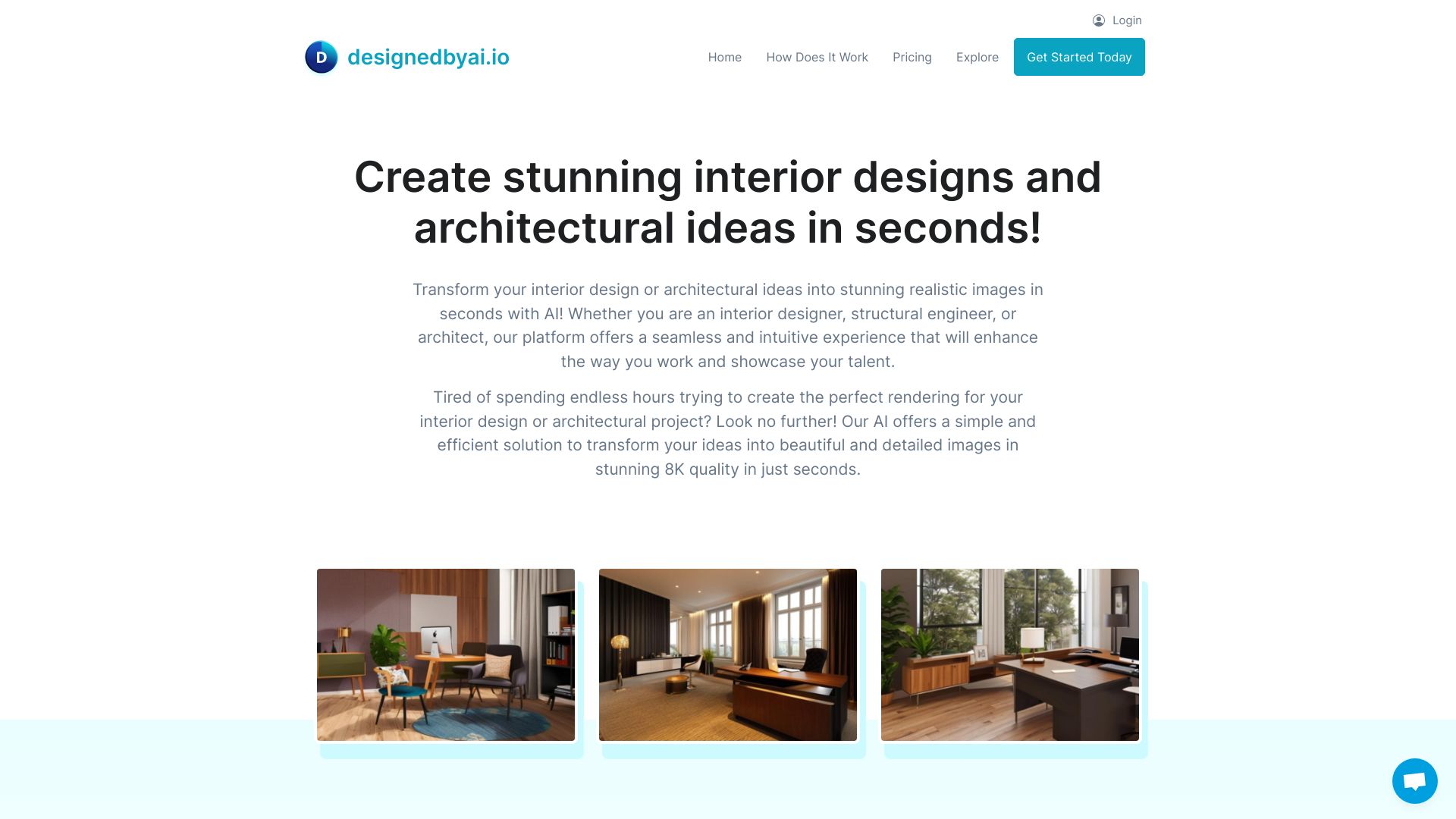
designedbyai.io

- AI interior and architectural design renders
- 7-day free trial
- Starts at $99.99/month
- Usage signal: 2.8K
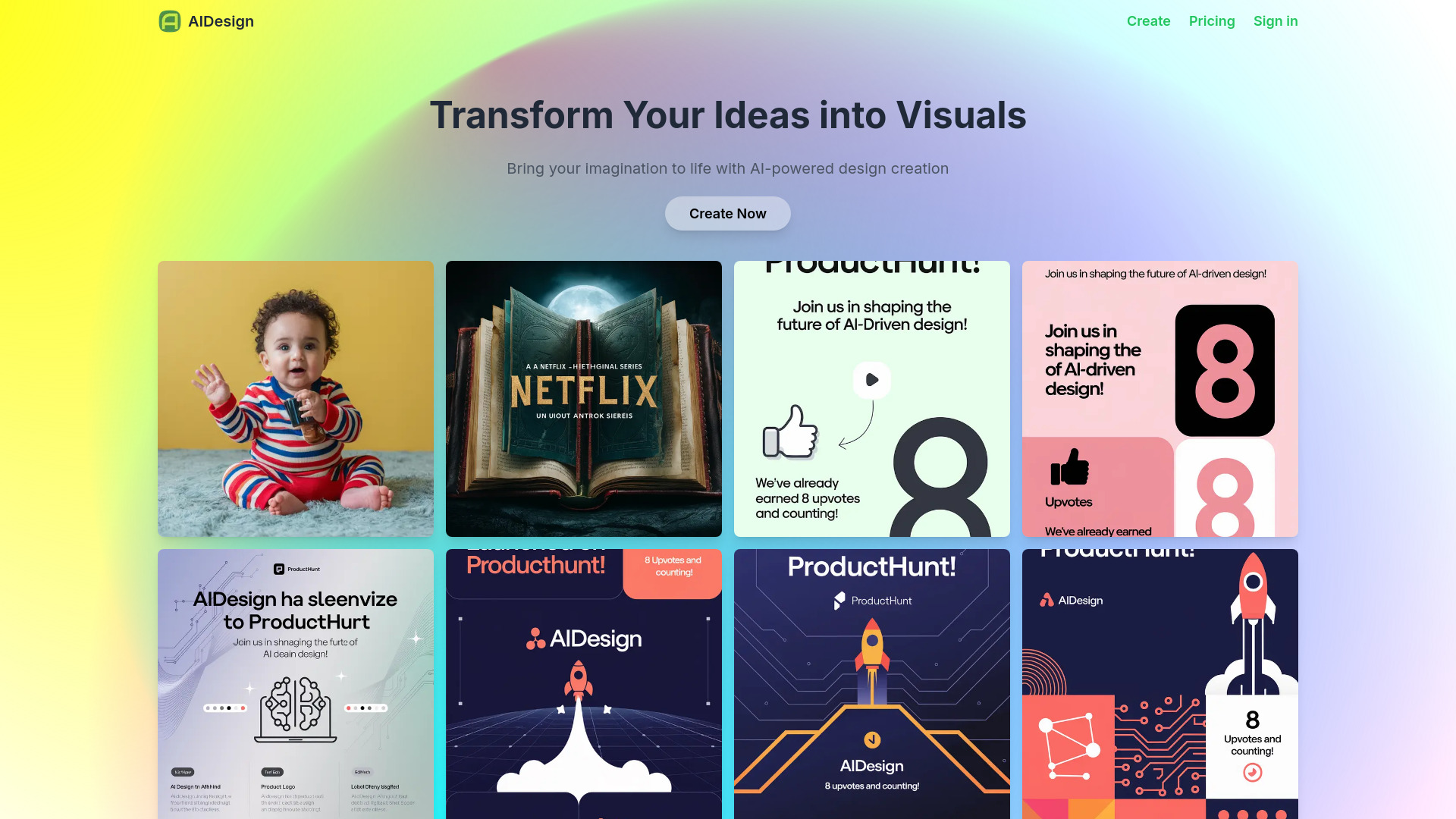
AIDesign

- Quick text-to-image creation
- Free plan available
- Starts at Check vendor pricing
- Usage signal: 3.2K
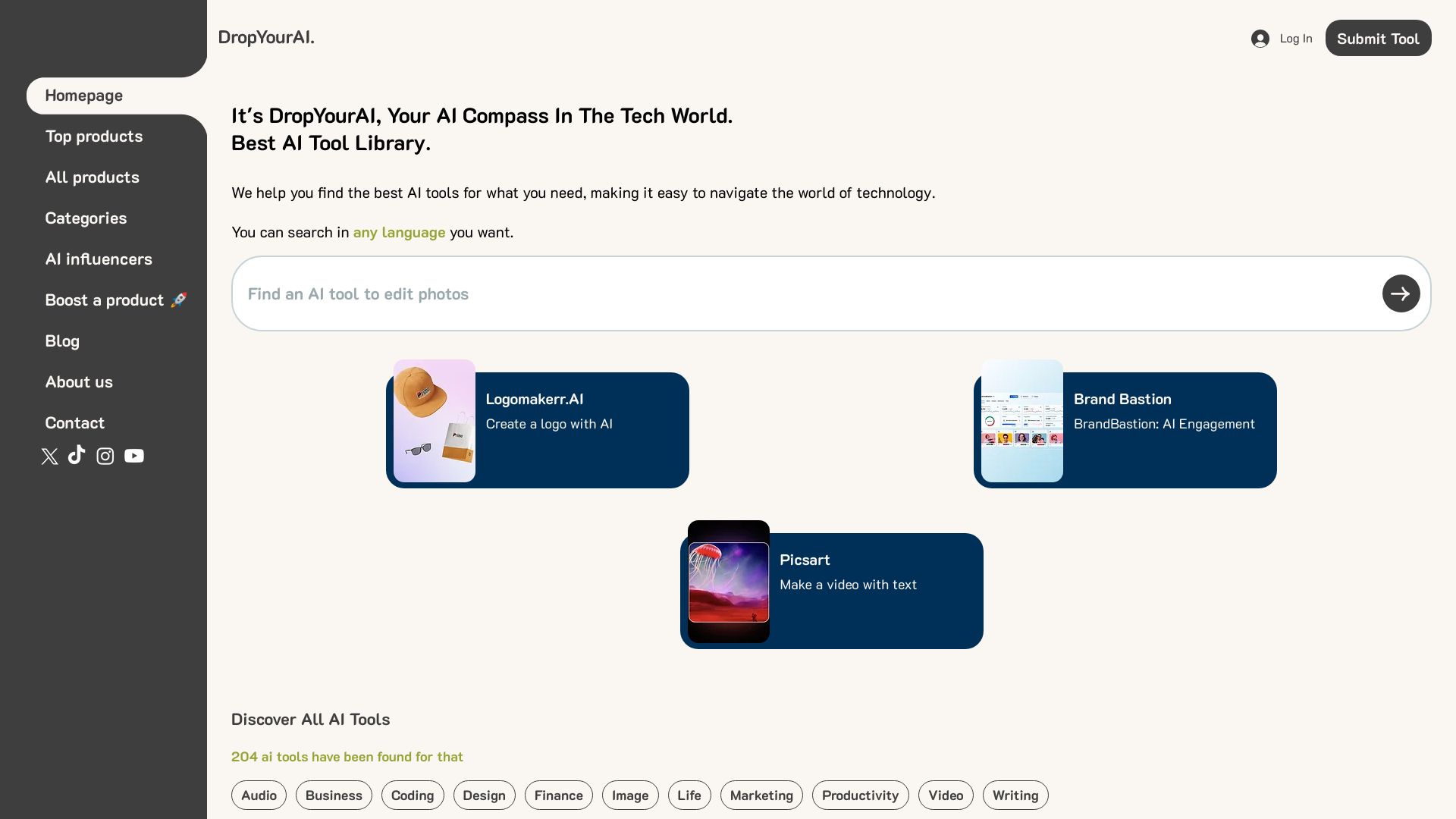
DropYourAI

- Discovering AI design tools
- Starts at Check vendor pricing
- Usage signal: 6.4K
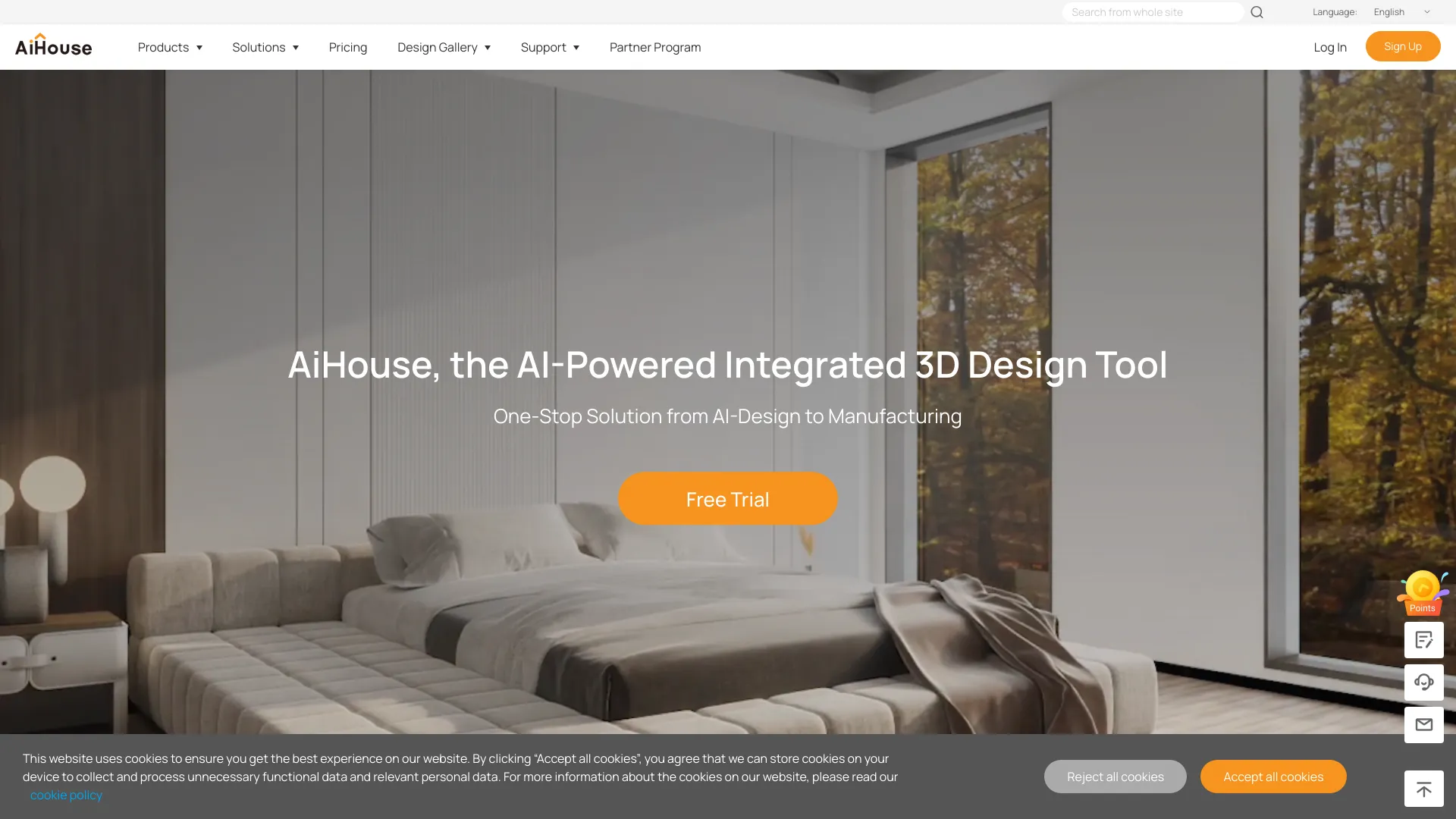
AiHouse

- Interior designers and furniture manufacturers
- 7-day free trial
- Starts at Check vendor pricing
- Usage signal: 48.9K
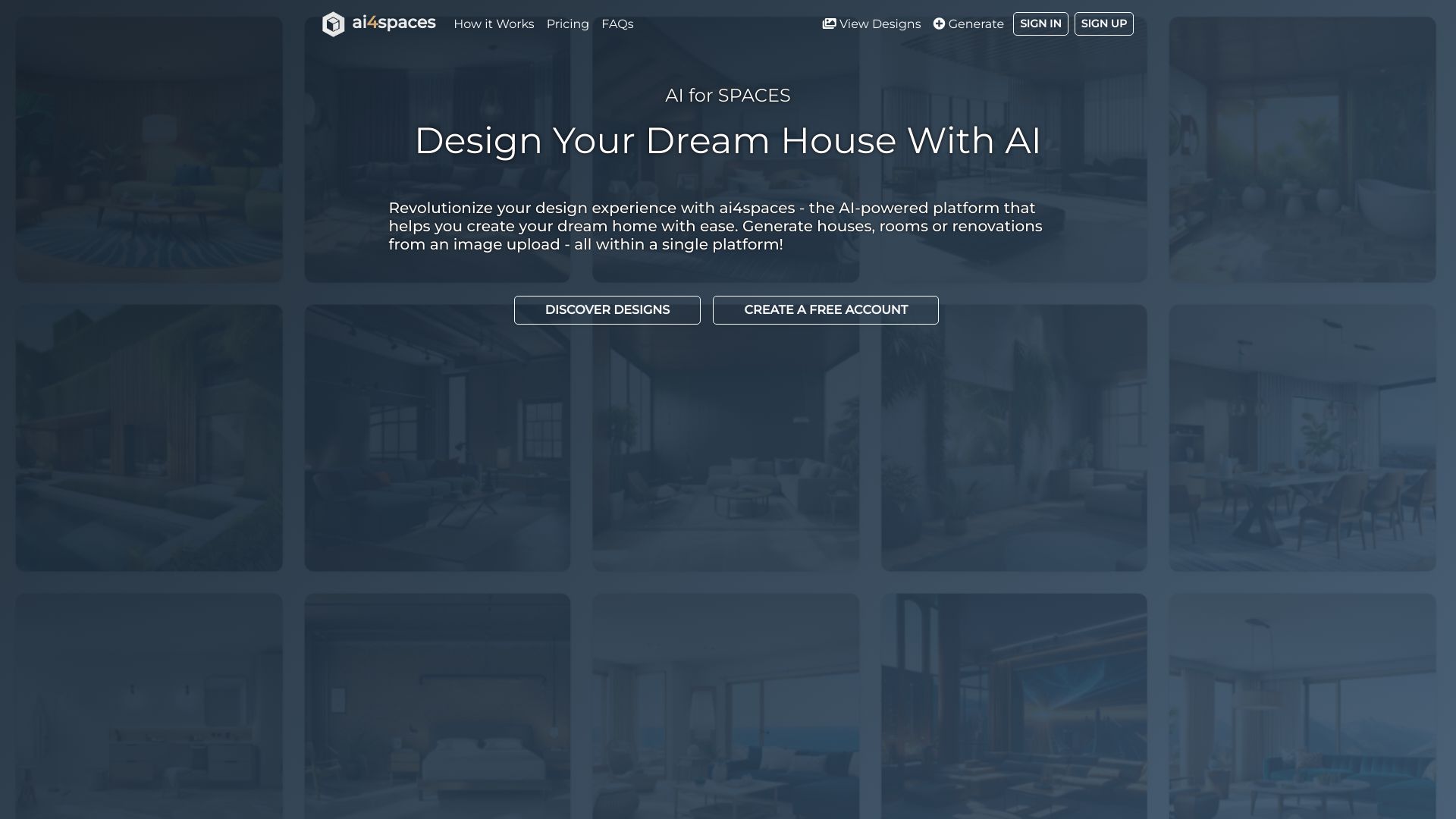
ai4spaces

- AI interior design and home renovation
- 10 free credits
- Starts at $12/month
- Usage signal: 2.4K
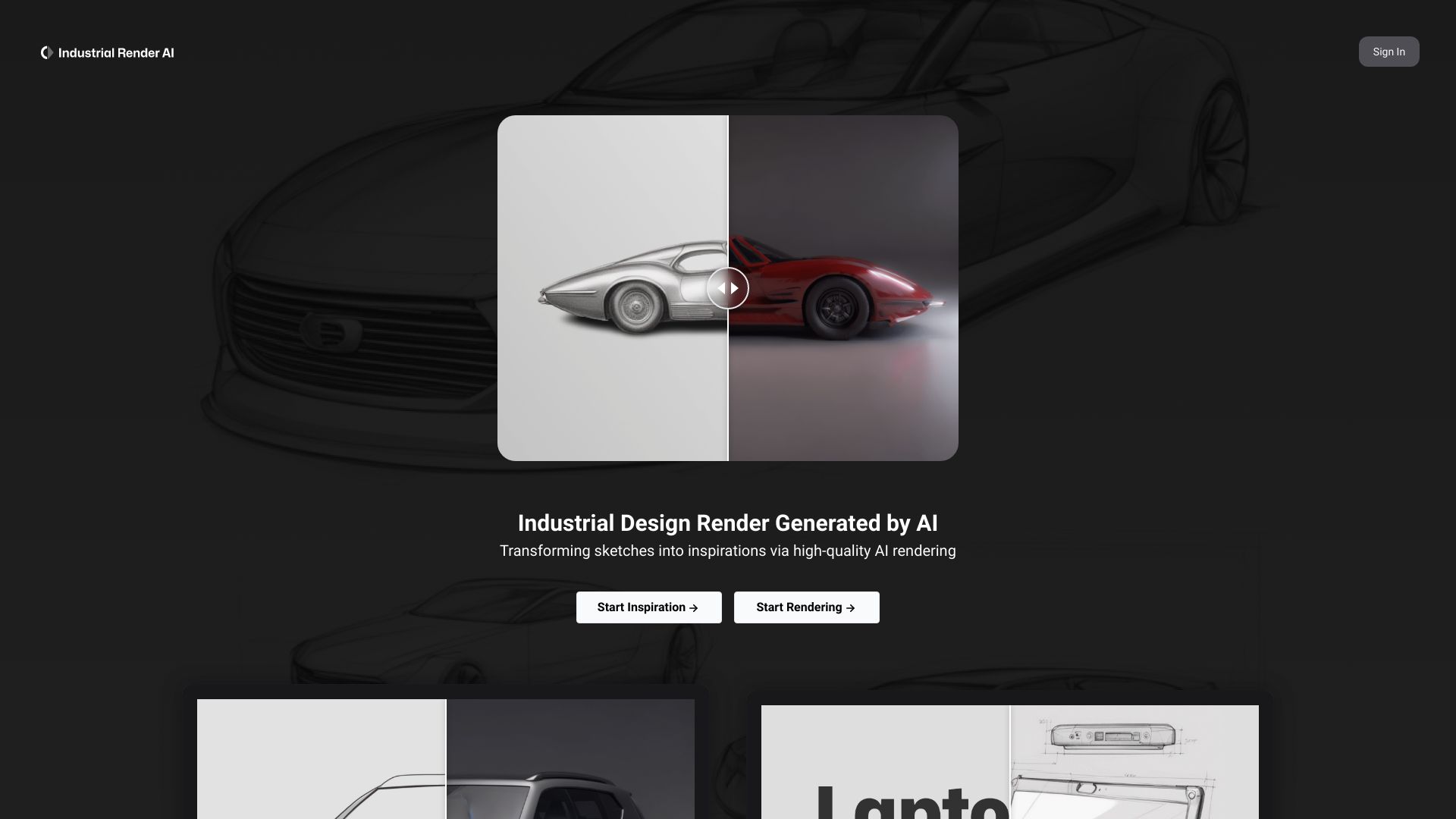
Industrial Render AI

- Rendering industrial design sketches
- Starts at Check vendor pricing
- Usage signal: 2.7K
SciDraw AI

- Publication-ready scientific figures and data charts
- 10 signup credits + 5 free credits daily
- Starts at From $10/month (annual billing)
- Usage signal: 146.5K

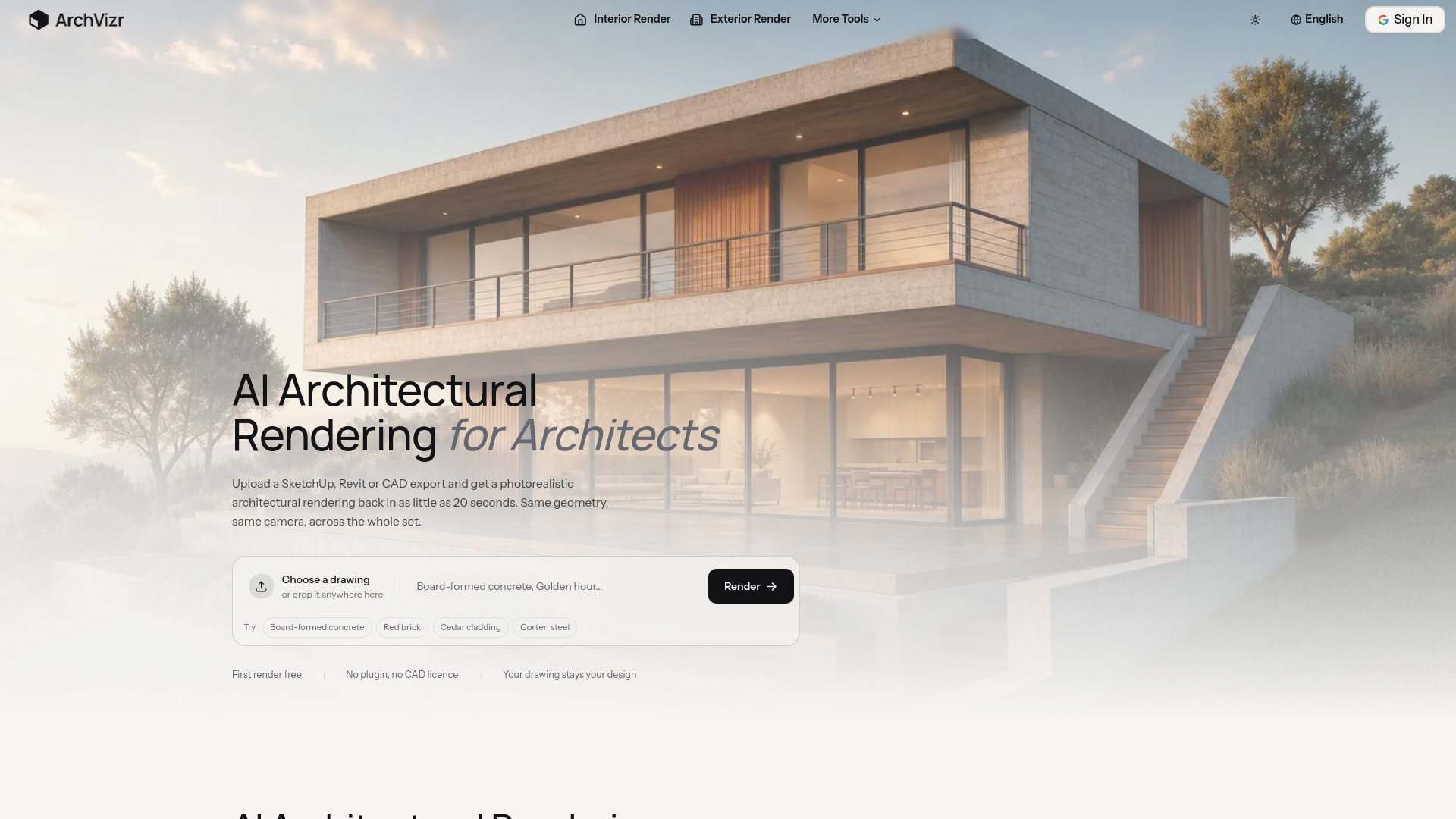
ArchVizr

- Photoreal architectural renders from existing drawings
- 4 free AI design generations
- Starts at $14.99/month
- Usage signal: 1.9K
Atlas

- AI-generated game-ready 3D assets
- Starts at Check vendor pricing
- Usage signal: 62.1K
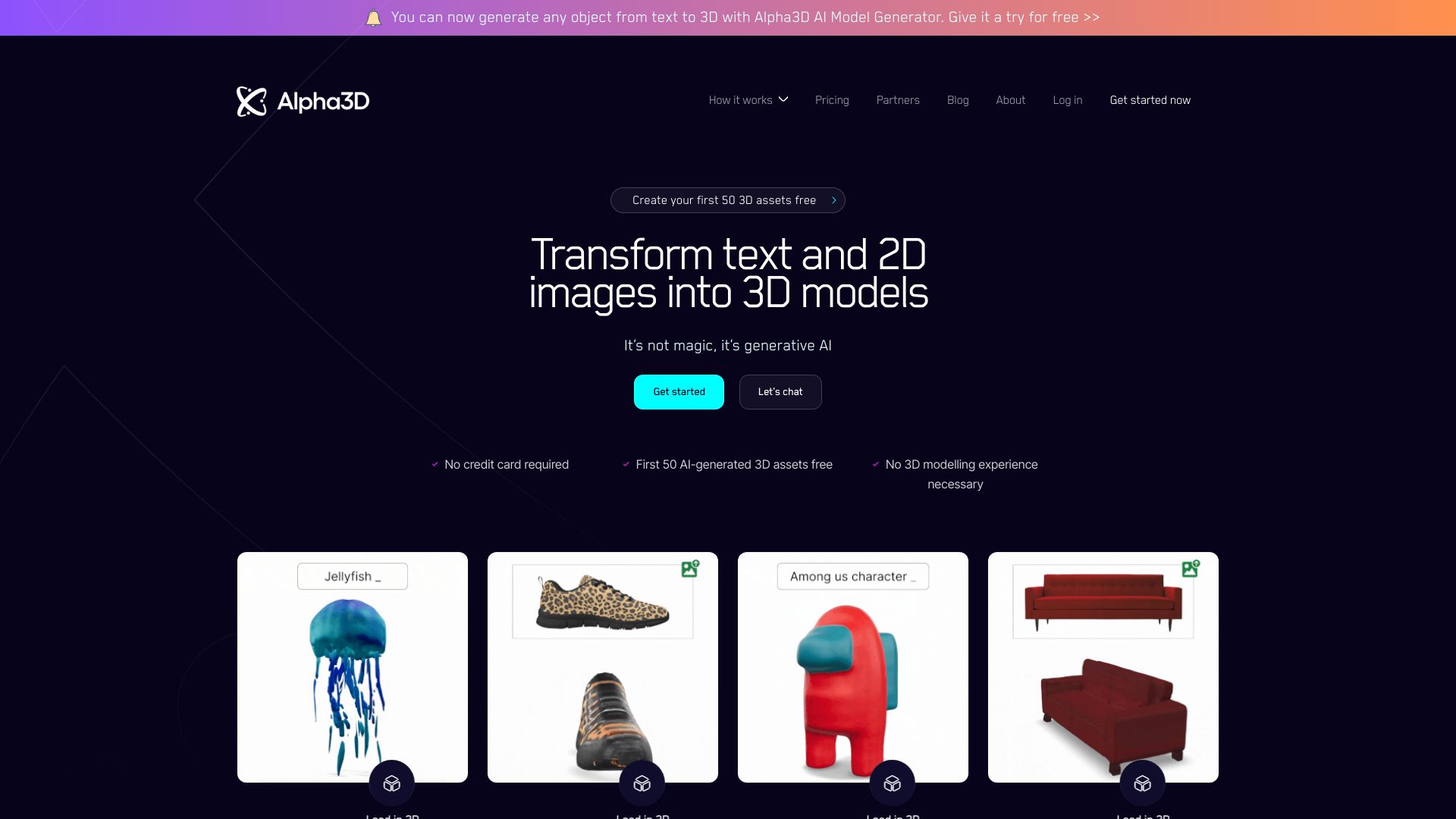
Alpha3D

- Text-to-3D game asset creation
- 50 free 3D assets
- Starts at $0.99/month
- Usage signal: 107.5K
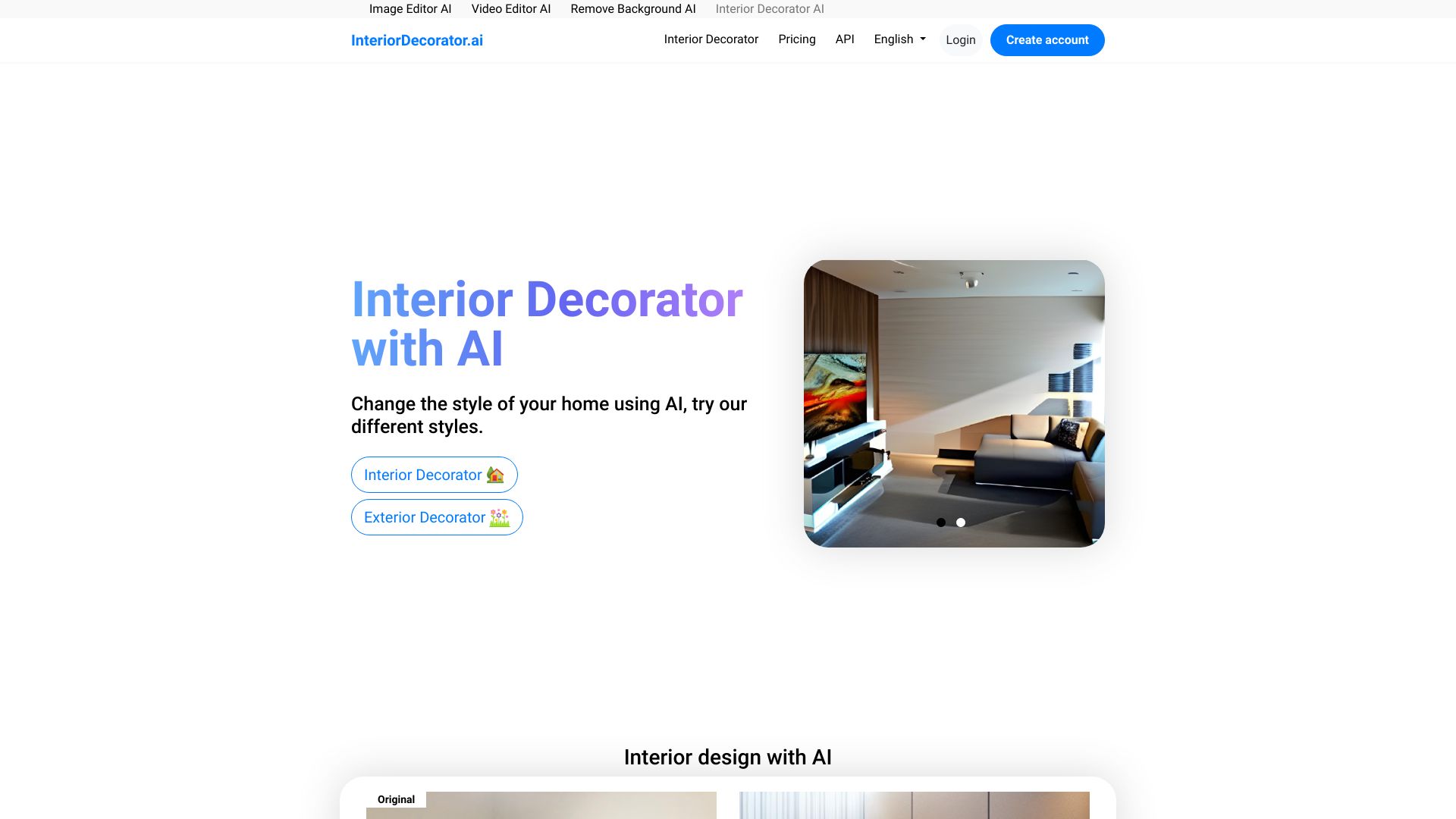
InteriorDecorator.ai

- AI interior and exterior design ideas
- Starts at $12/user/month
- Usage signal: 939
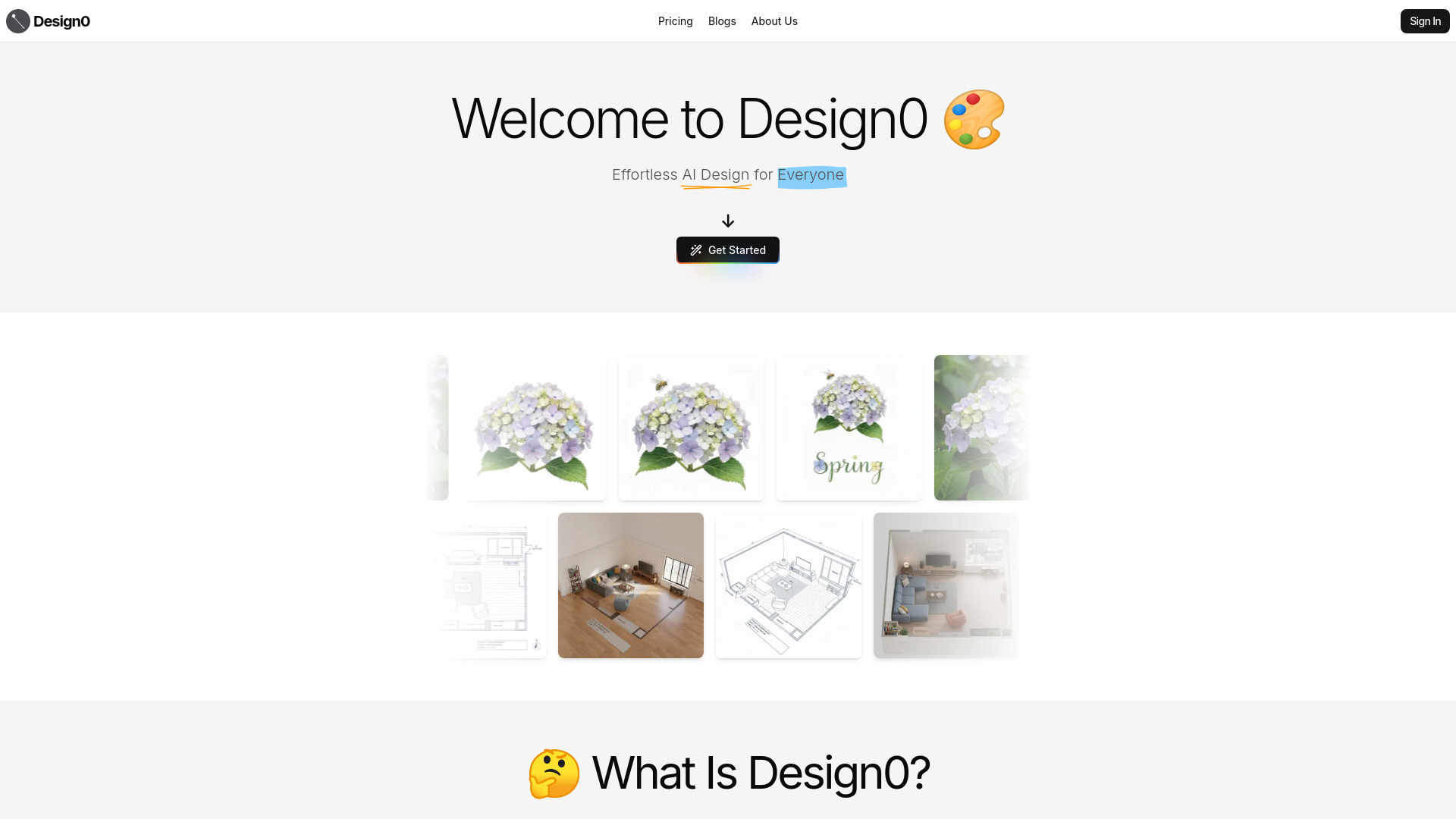
Design0

- AI-assisted visual design
- 25 free credits
- Starts at 100 credits for $1
- Usage signal: 983
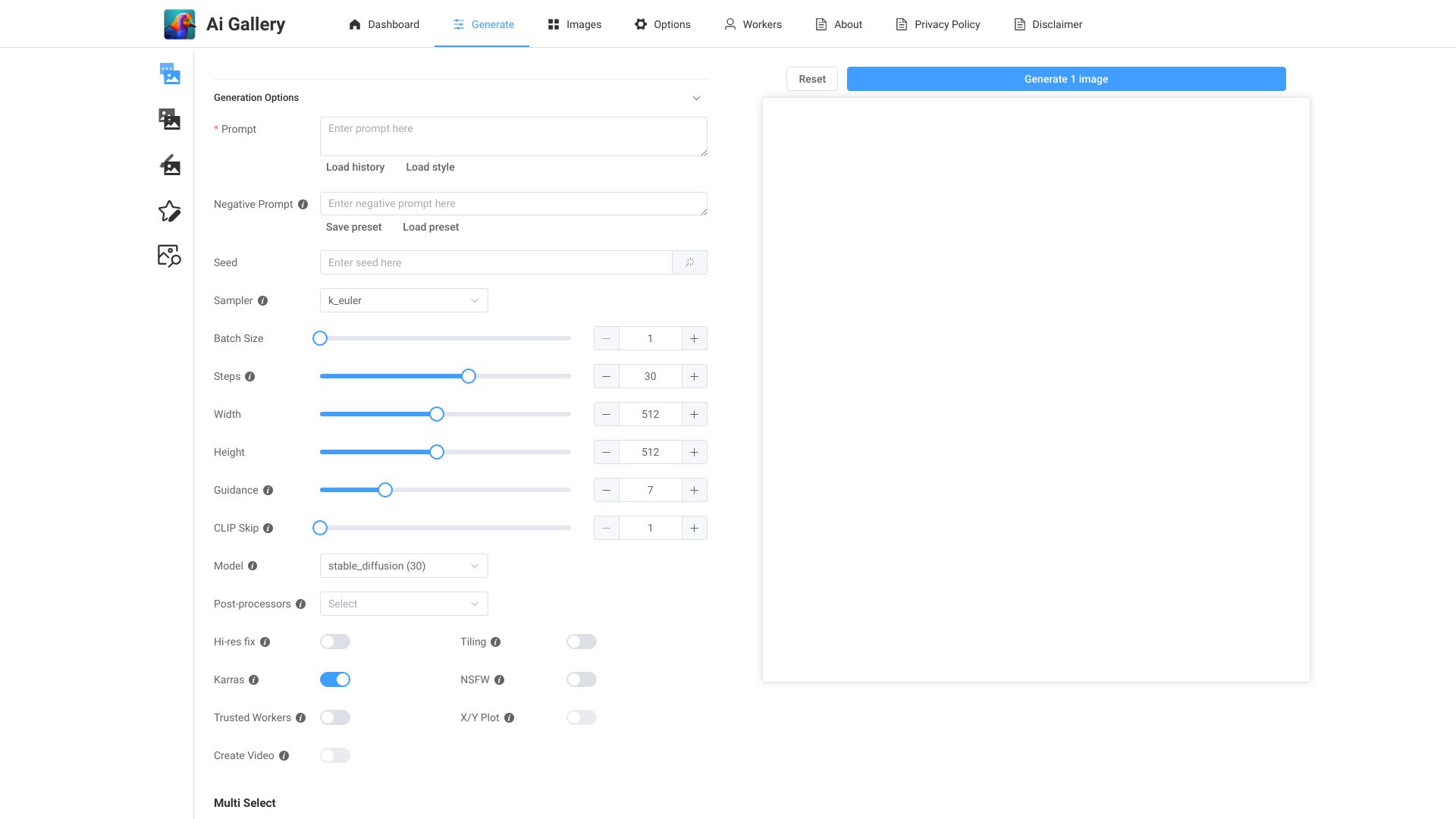
AI Gallery

- Quick AI artwork from images
- Starts at Check vendor pricing
- Usage signal: 47.5K
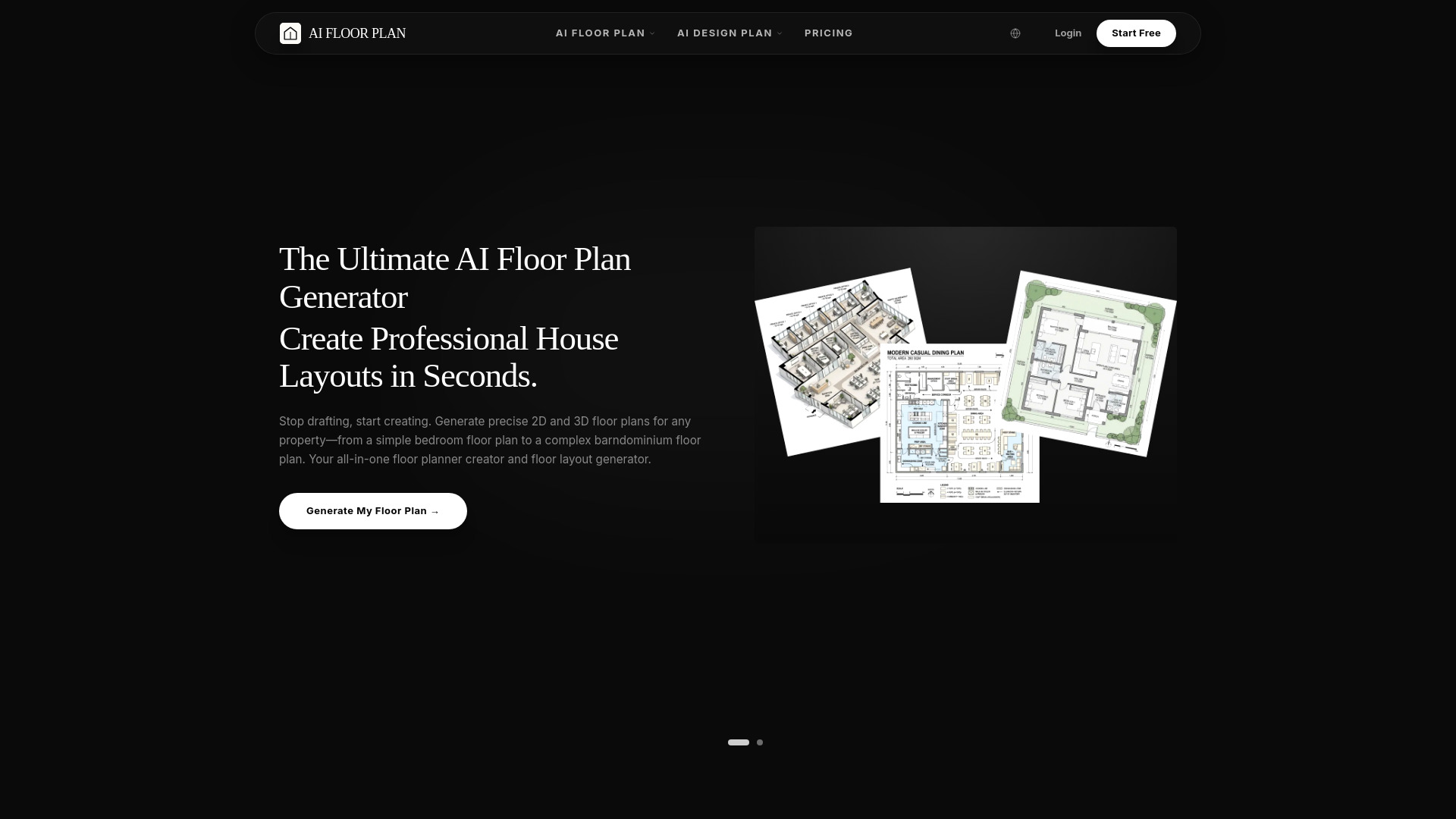
AI Floor Plan Generator

- AI-generated floor plans and room visualizations
- 20 sign-up credits
- Starts at $7.99/month
- Usage signal: 232
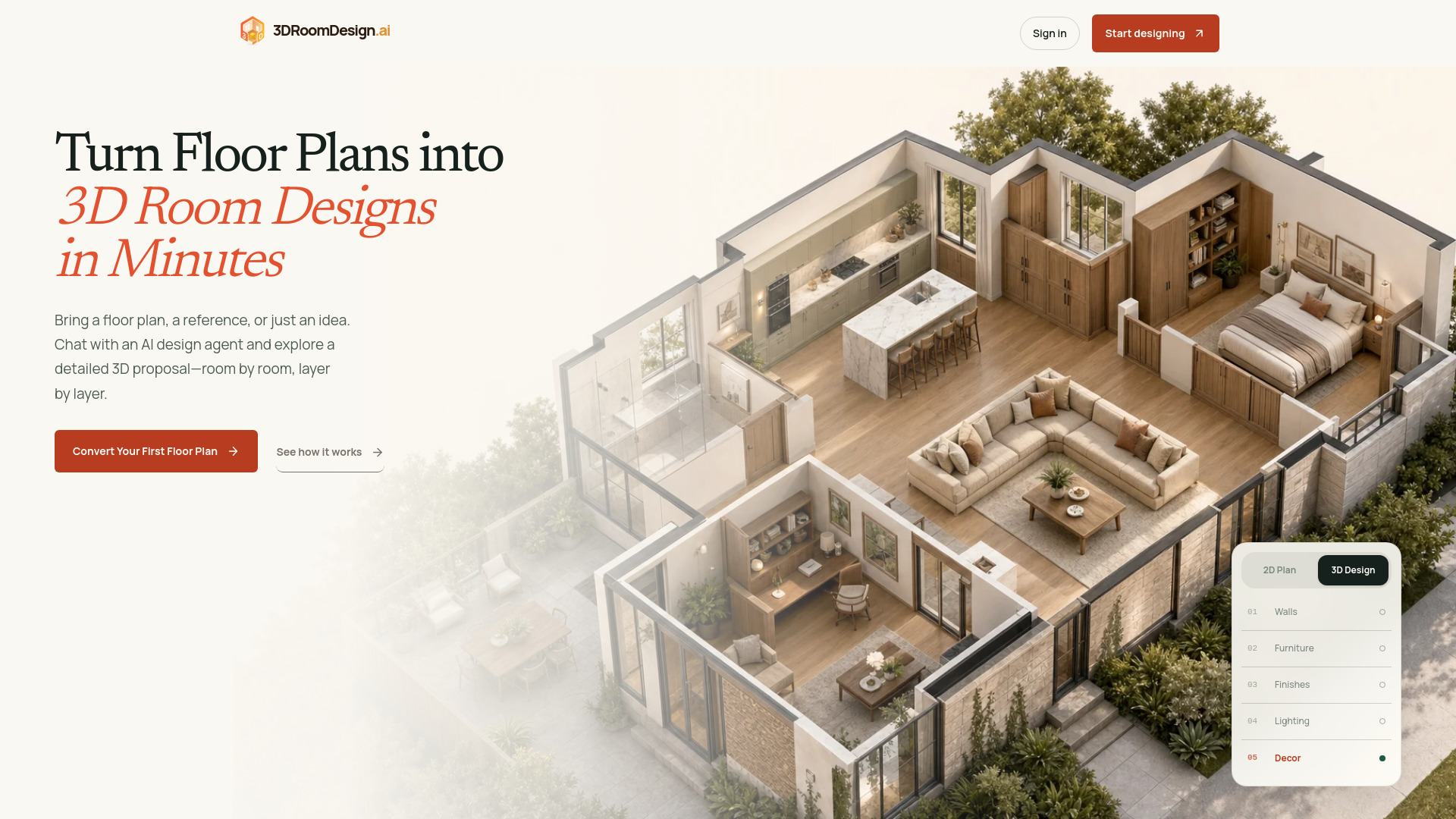
3D Room Design

- Floor plan to 3D room conversion
- 300 free credits
- Starts at Check vendor pricing
- Usage signal: 711
AI Create

- Creators seeking private, browser-based design tools
- 68 free tools
- Starts at Free
- Usage signal: 30.6K

SketchPro

- AI visualization for architects
- Starts at Check vendor pricing
- Usage signal: 433
Ezier AI
- All-in-one AI image and video creation
- Starts at Check vendor pricing
- Usage signal: 14.2K
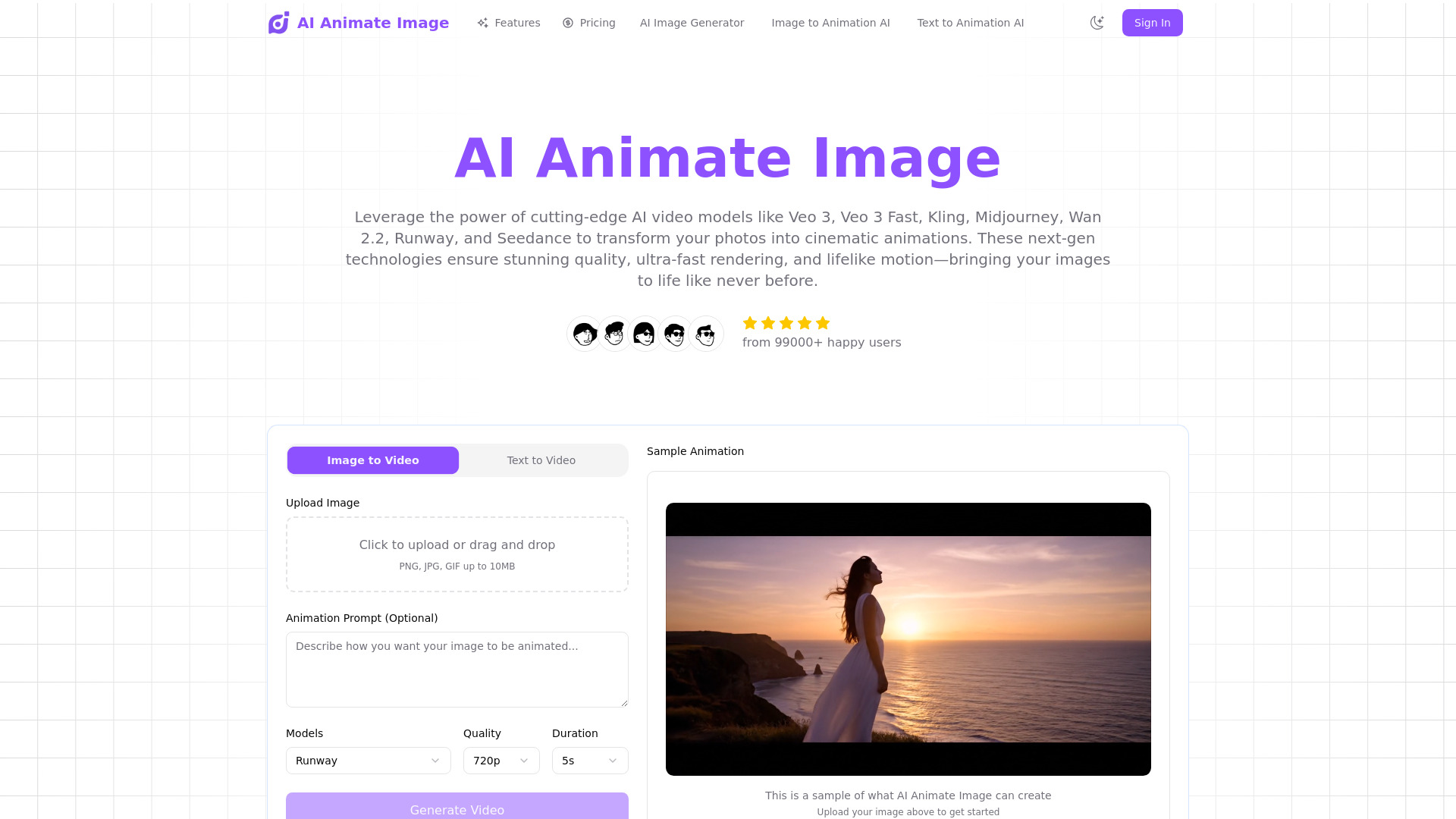
AI Animate Image

- Animating photos into short videos
- 30 free credits
- Starts at $4.90
- Usage signal: 12.5K
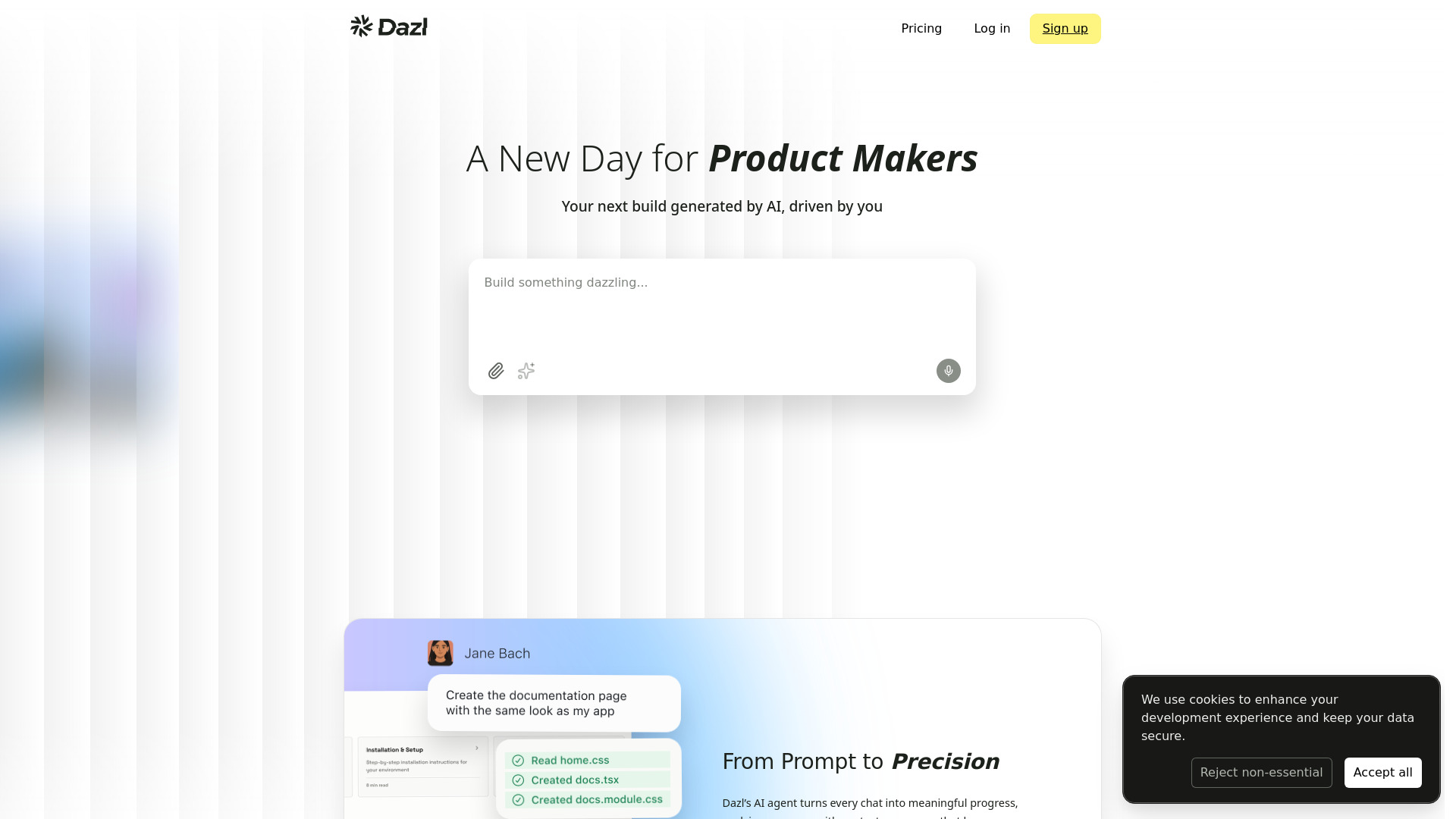
Dazl

- AI app builders seeking hands-on control
- 5 daily credits (up to 150/month)
- Starts at $25/month
- Usage signal: 6.6K
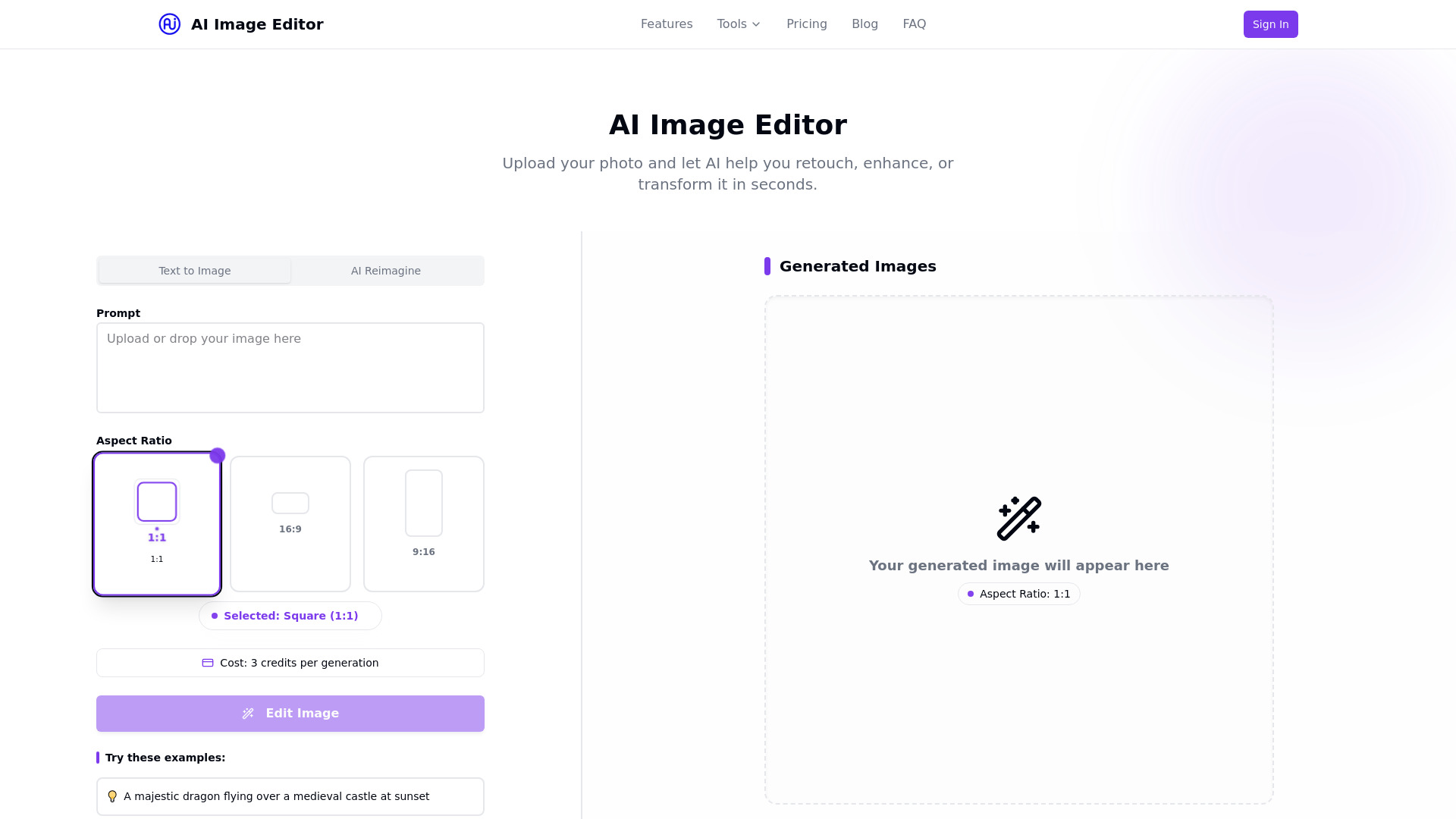
ai image editor

- Quick photo enhancement
- 5 free edits/month
- Starts at $19.99/month
- Usage signal: 5.1K
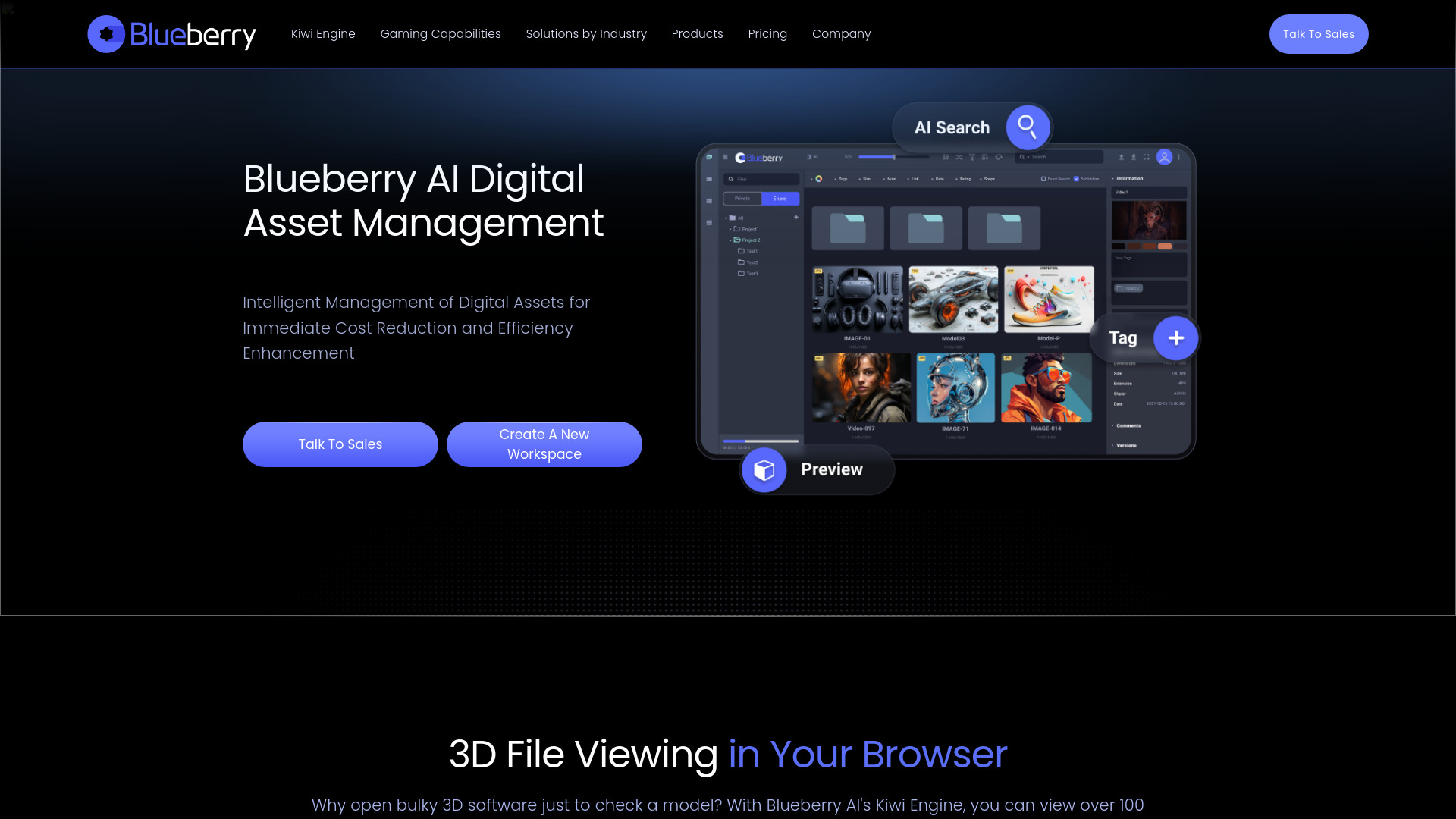
Blueberry AI

- Managing collaborative 3D design assets
- Free trial available
- Starts at Check vendor pricing
- Usage signal: 5.8K
AIAI.com

- All-in-one AI image and video creation
- 40 basic-model accesses and 20 generation credits per day
- Starts at $7.99/month
- Usage signal: 147.1K

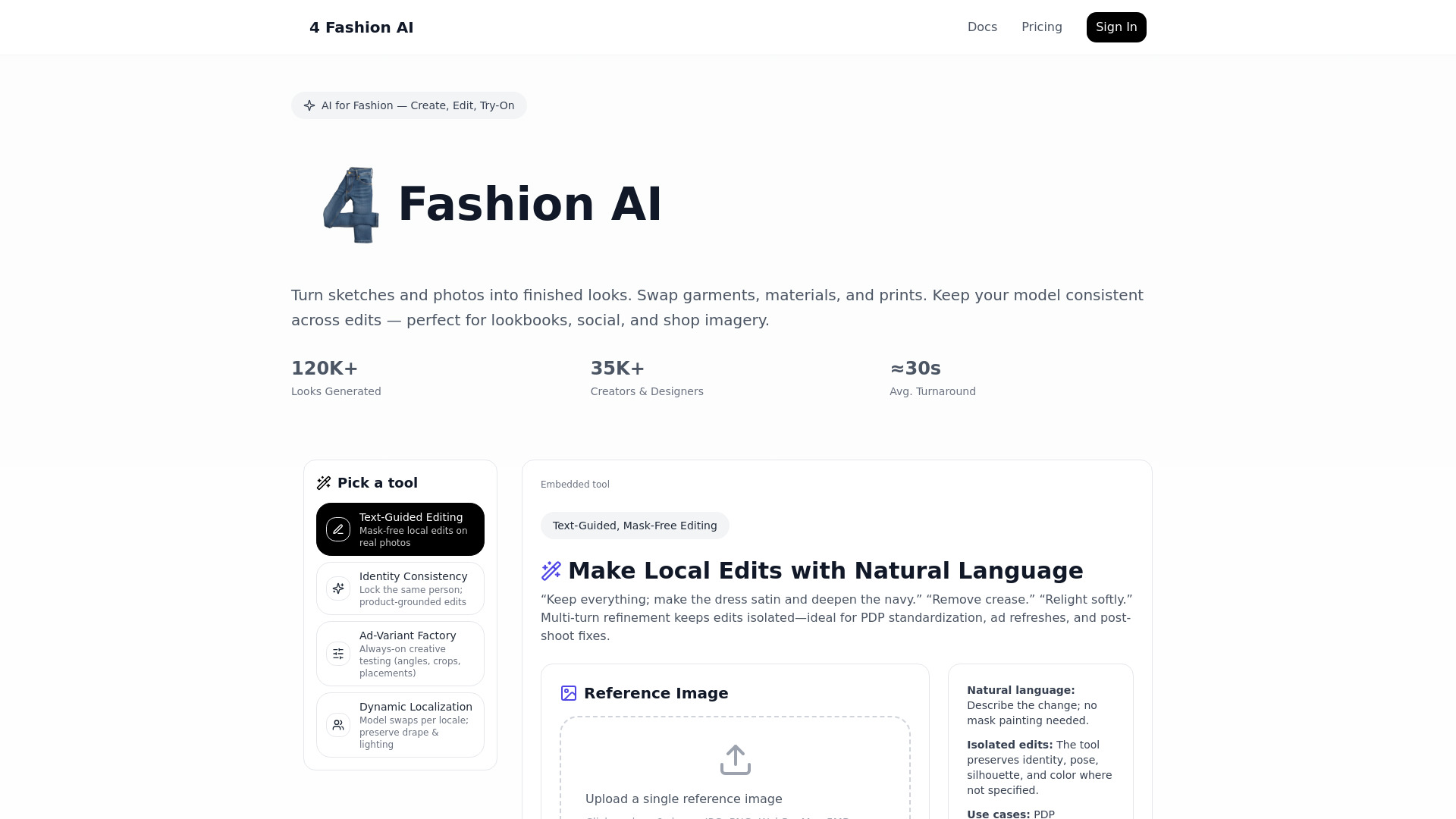
4 Fashion AI

- Fashion outfit design and virtual try-ons
- Starts at $1/month introductory offer
- Usage signal: 2.1K
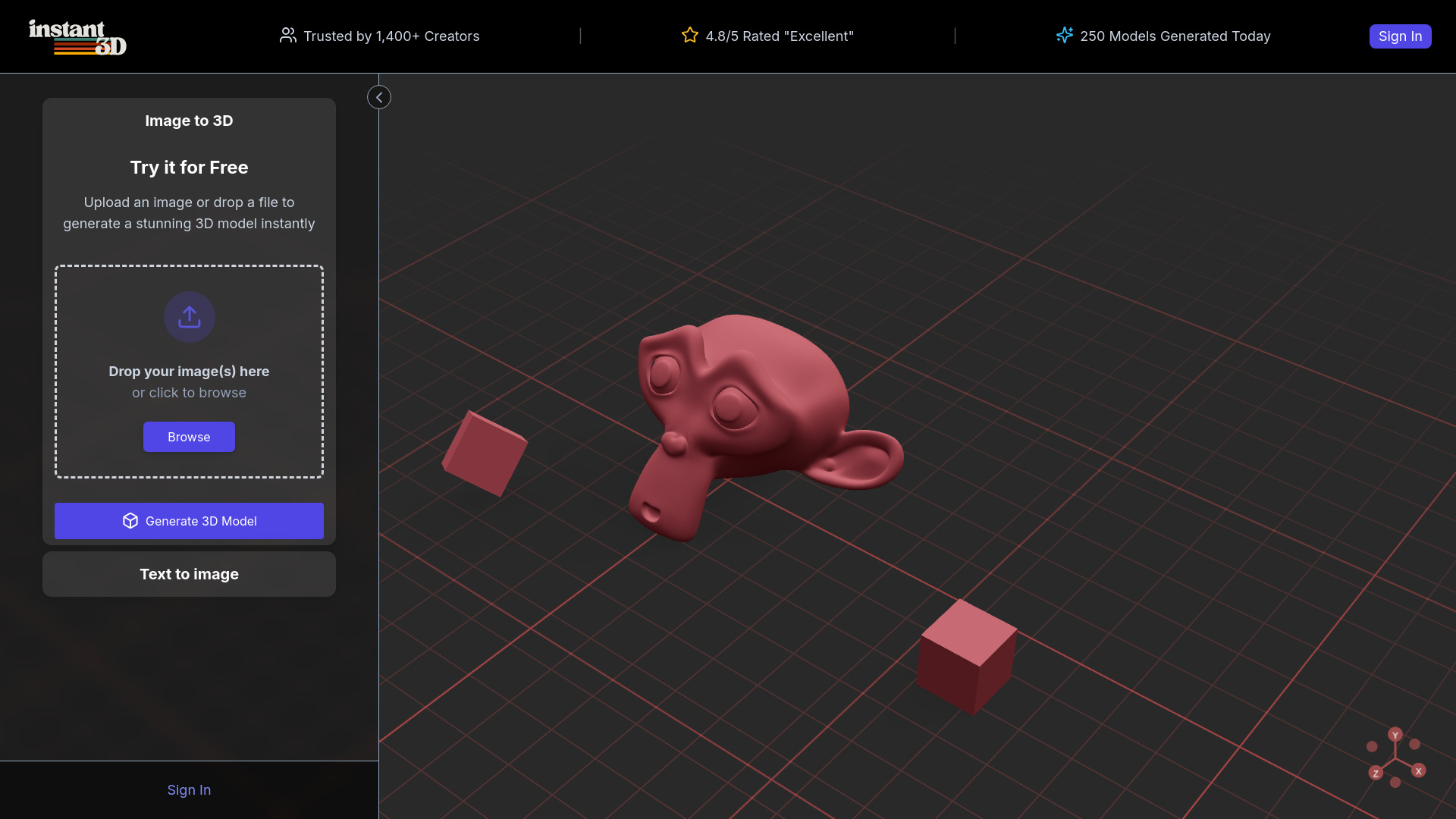
Instant 3D AI

- Beginners creating 3D models
- 3 free image generations
- Starts at $10/month
- Usage signal: 3.1K
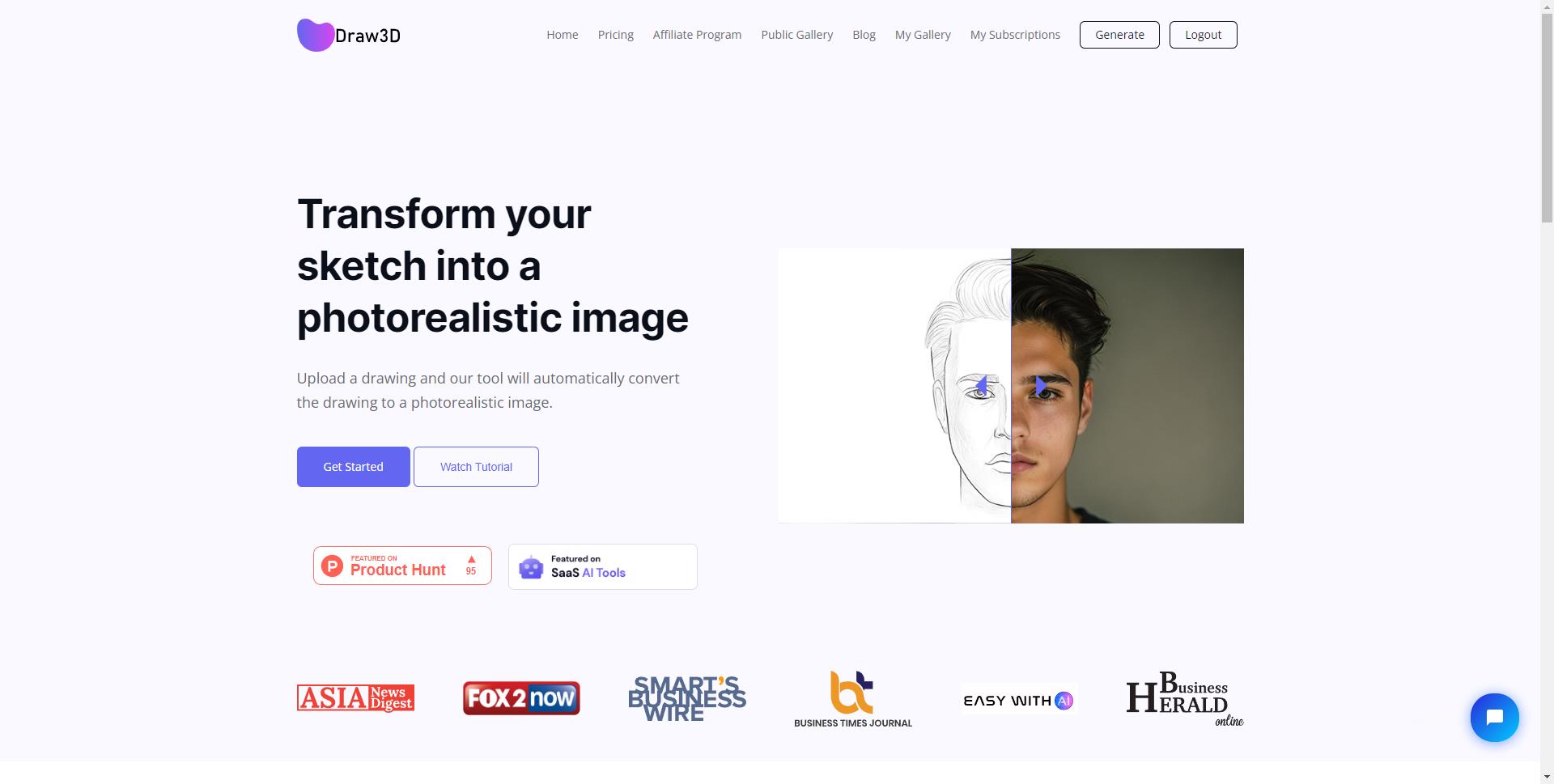
Draw3D

- Turning sketches into photorealistic images
- Free plan available
- Starts at Check vendor pricing
- Usage signal: 1.9K
AI Designs

- Custom branding and packaging design
- Starts at Check vendor pricing
- Usage signal: 0

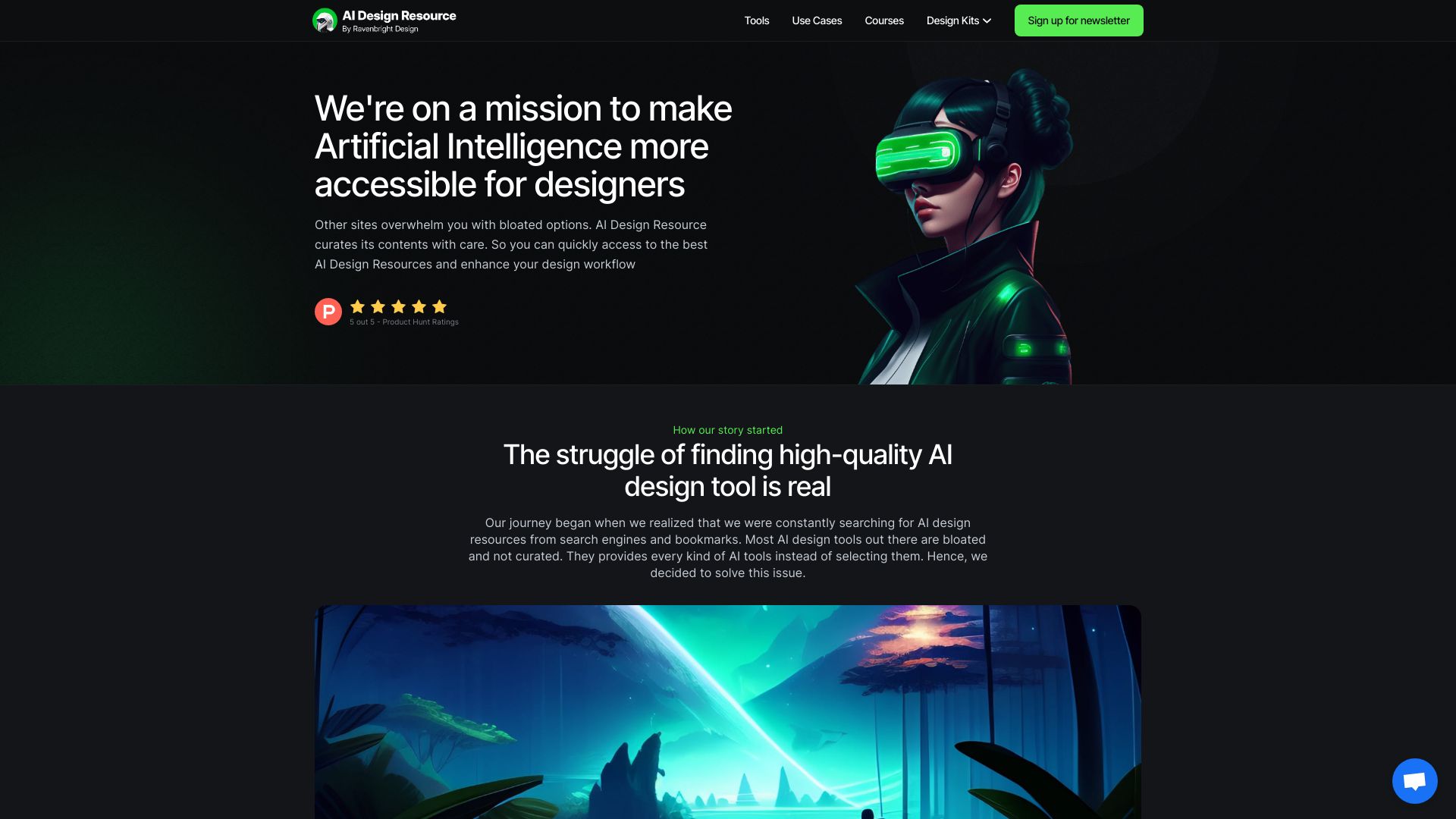
AI Design Resource
- Curated AI resources for product designers
- Starts at Check vendor pricing
- Usage signal: 0
zCAD

- AI-generated parametric CAD
- 200 credits/month
- Starts at $0/month
- Usage signal: 657

Audio AI Dynamics - AAID

- Musicians and audio producers
- Free plan available
- Starts at Check vendor pricing
- Usage signal: 61.5K
AI Dezigner
- AI-assisted room redesign
- Free plan available
- Starts at Check vendor pricing
- Usage signal: 0

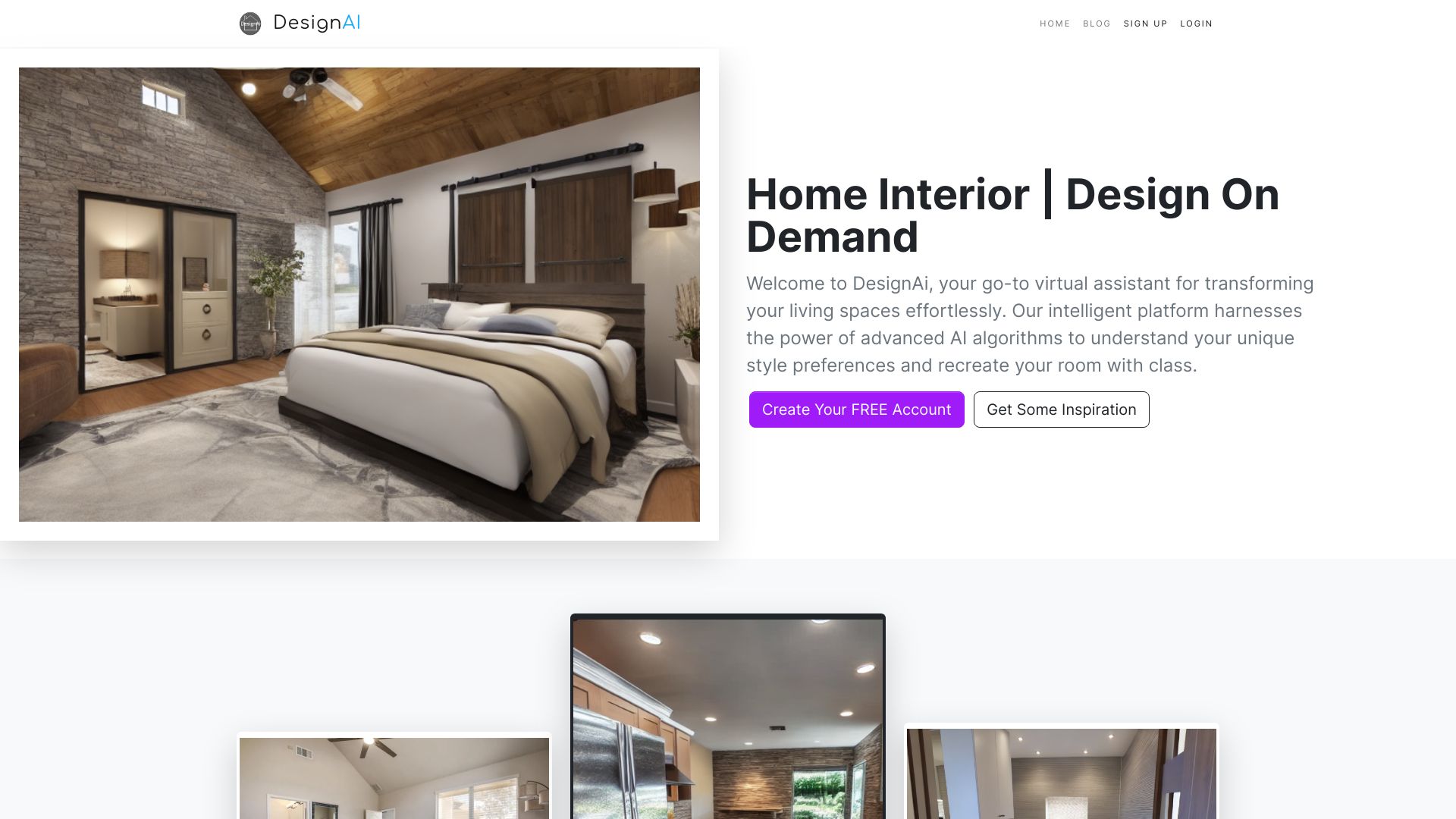
DesignAi
- AI-powered home interior visualization
- Starts at Check vendor pricing
- Usage signal: 0
AiCanvas

- AI-generated image and video editing on a canvas
- Free plan available
- Starts at $19
- Usage signal: 497

AI Design Training

- Interior designers learning AI workflows
- Starts at $149
- Usage signal: 0

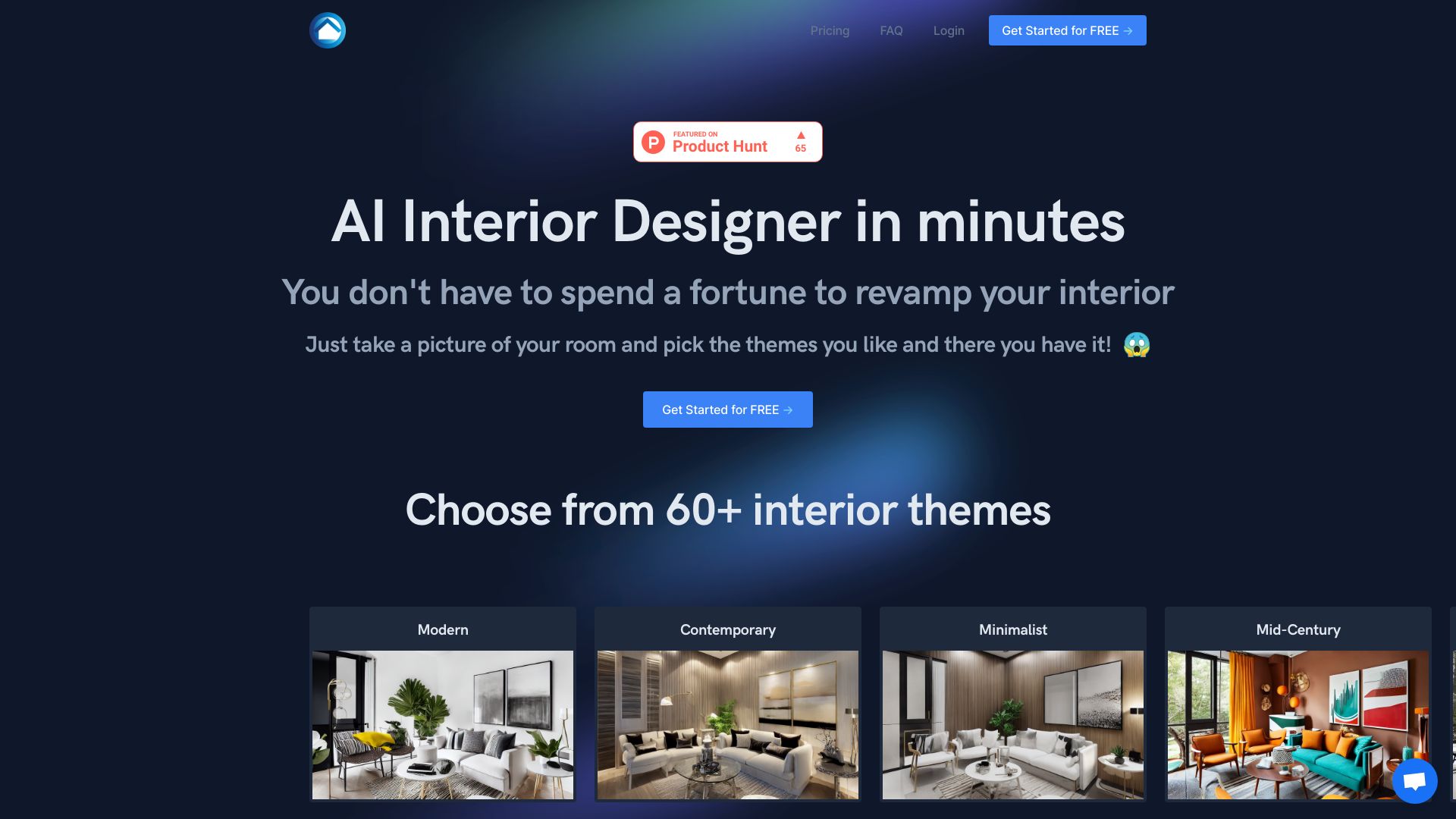
AI Interior Designer

- Quick AI-powered room redesigns
- 1 free room, 5 themes, 12 renders
- Starts at $10 one-time
- Usage signal: 0
AI Architect
- Cloud architecture design
- 2 free designs for new users
- Starts at $10/month
- Usage signal: 0

Home Design AI
- Photo-based home redesign
- 8 free credits
- Starts at From $12.90 one-time
- Usage signal: 0
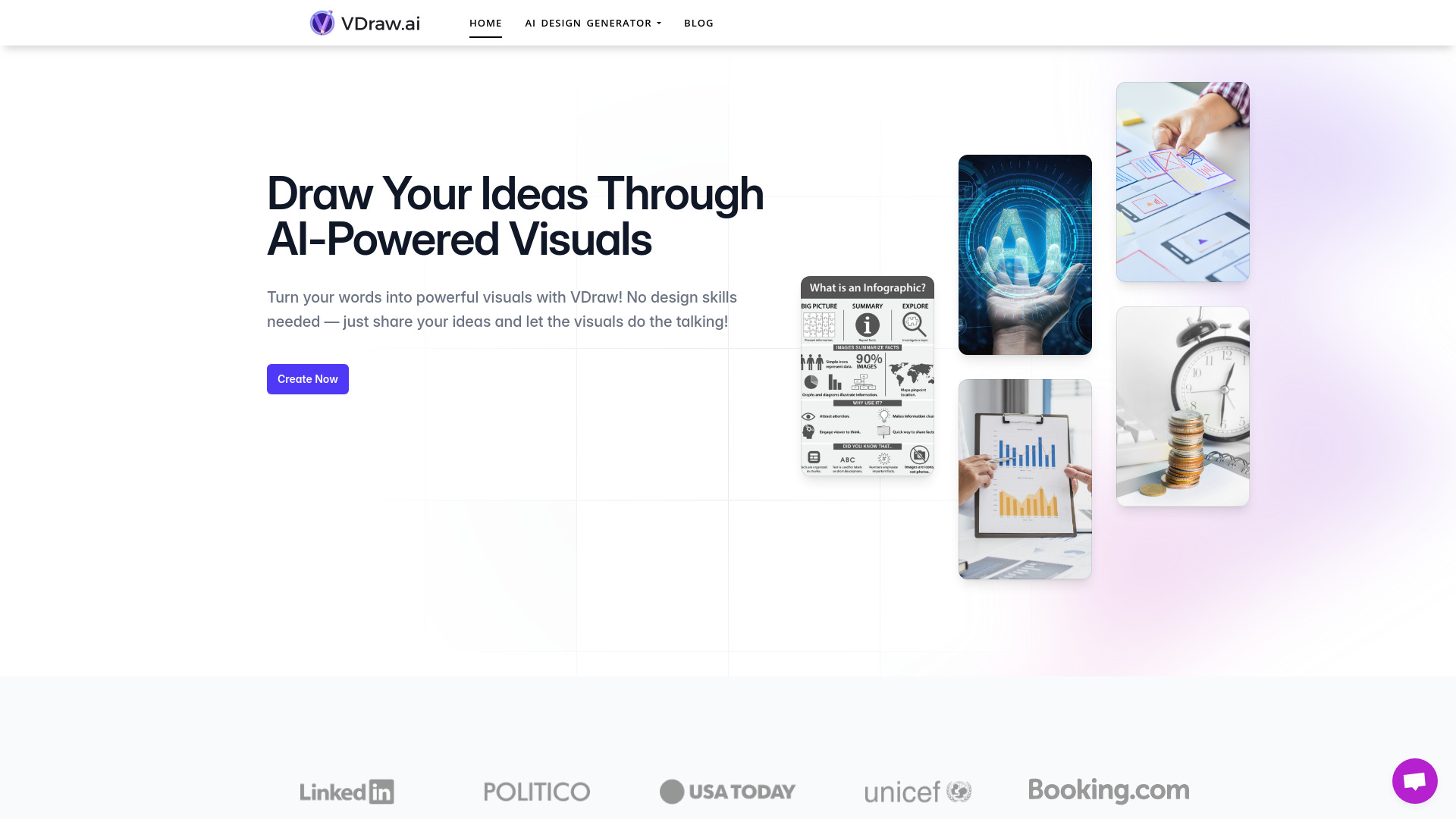
VDraw AI

- Turning text and documents into infographics
- Free plan available
- Starts at Free
- Usage signal: 0
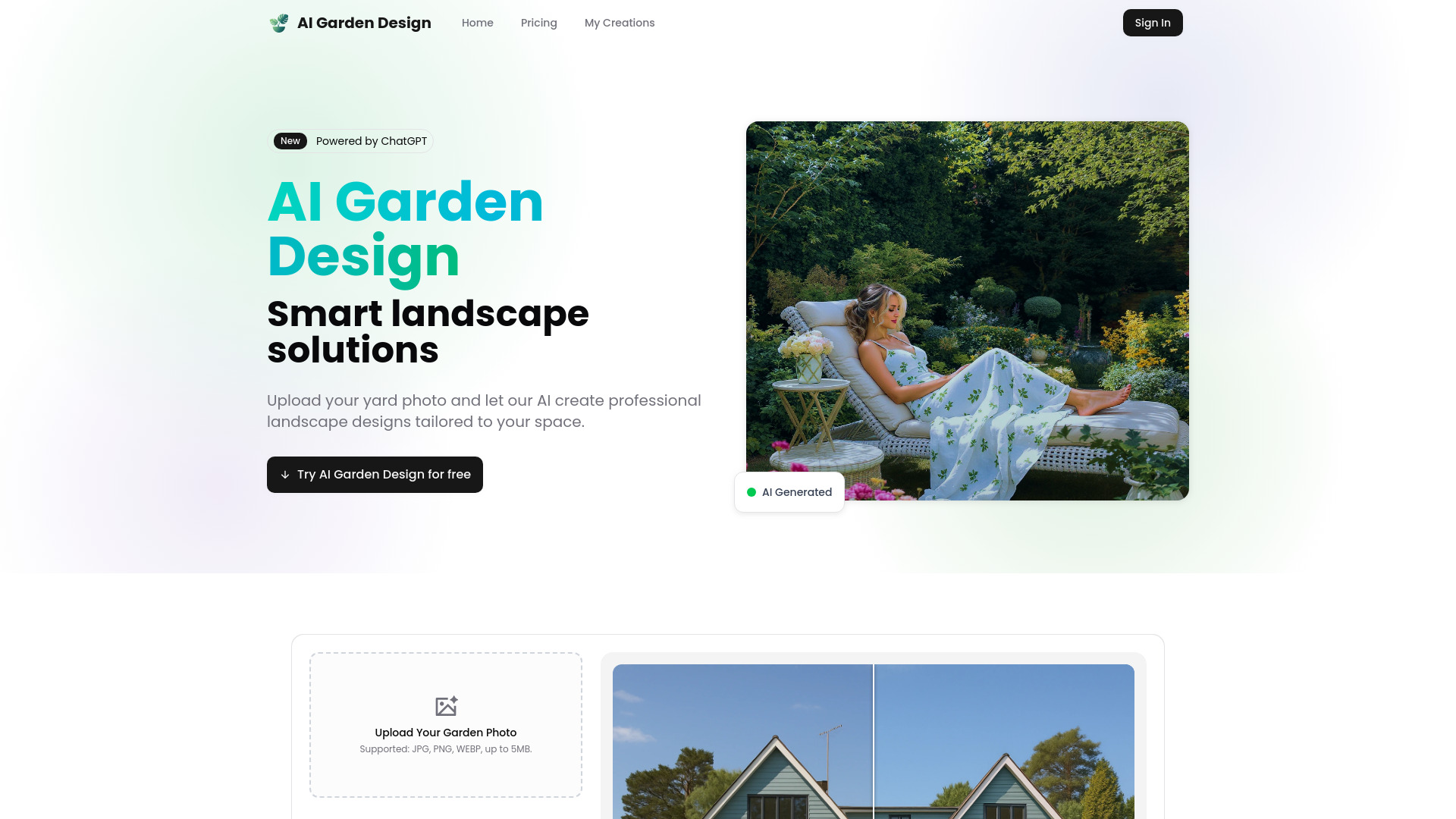
AI Garden Design

- Visualizing garden designs from yard photos
- 3 free designs
- Starts at $9.90 one-time
- Usage signal: 0
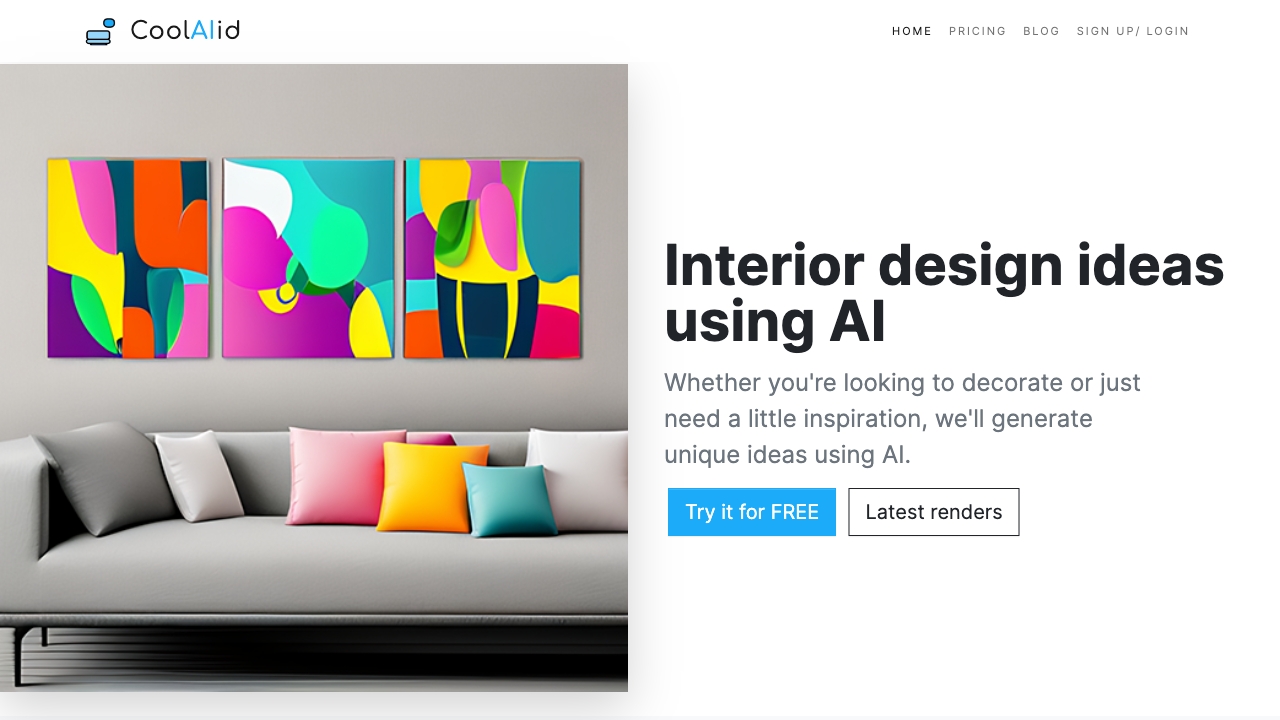
CoolAIid

- AI interior design ideas
- Starts at Check vendor pricing
- Usage signal: 0
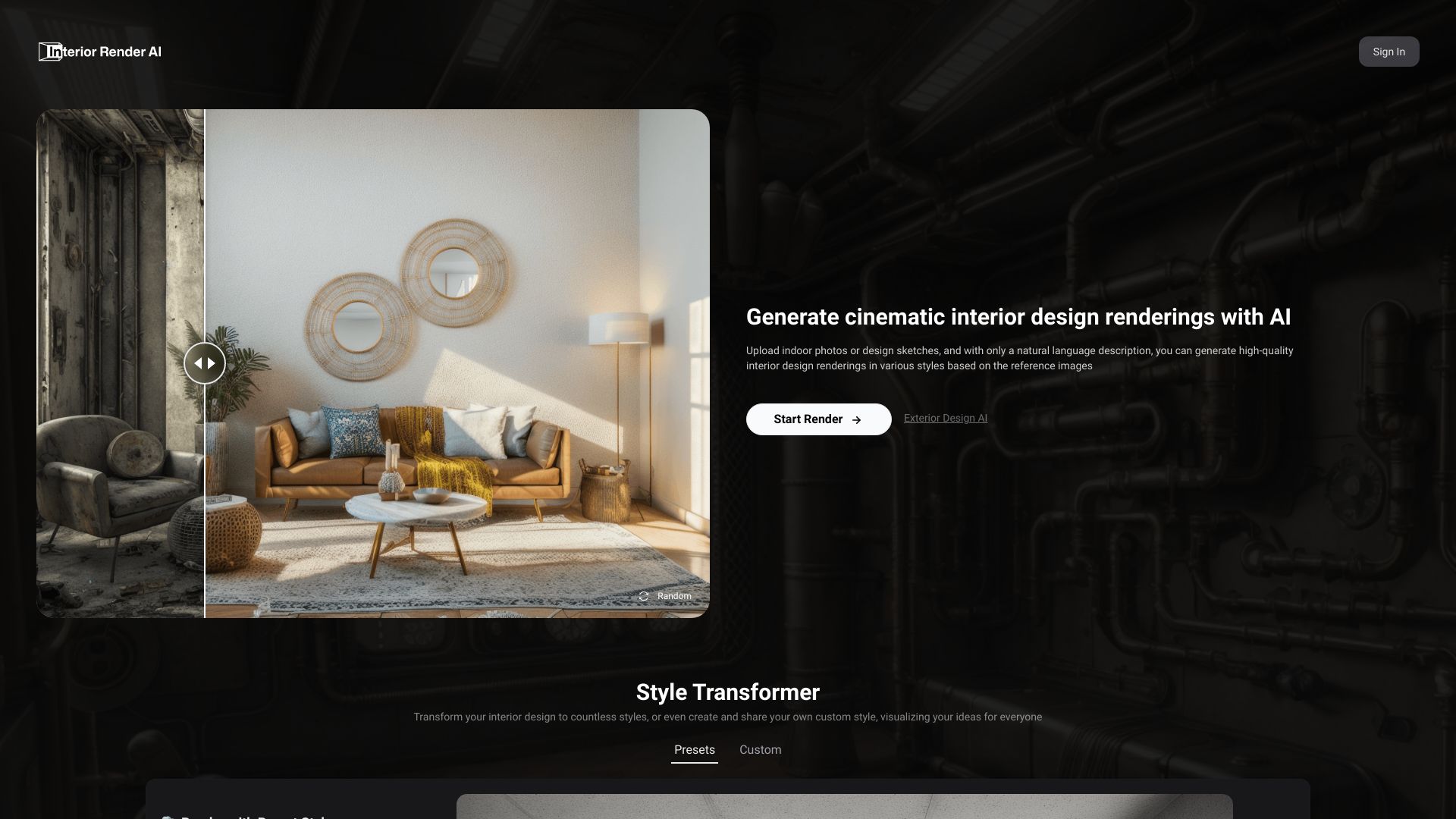
Interior Render AI

- AI interior room renders
- Free trial available
- Starts at $1.99 for 10 credits
- Usage signal: 0
AI Mockup Studio
- AI-generated UI/UX mockups
- Free plan available
- Starts at Check vendor pricing
- Usage signal: 0

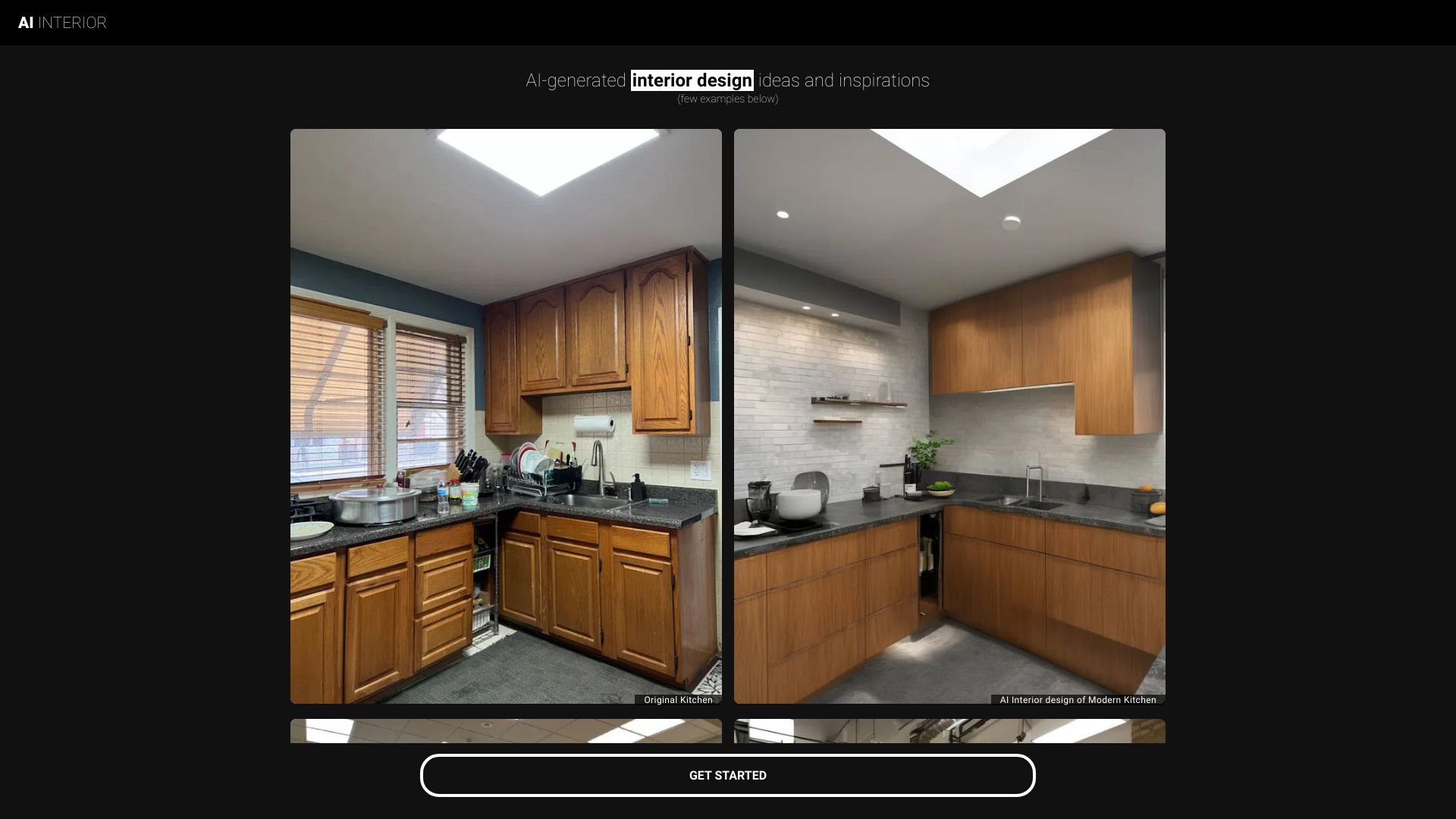
AI Interior

- AI room redesign ideas
- Starts at Check vendor pricing
- Usage signal: 0
Interior AI Designs

- AI room redesign visualizations
- Free trial available
- Starts at Check vendor pricing
- Usage signal: 0
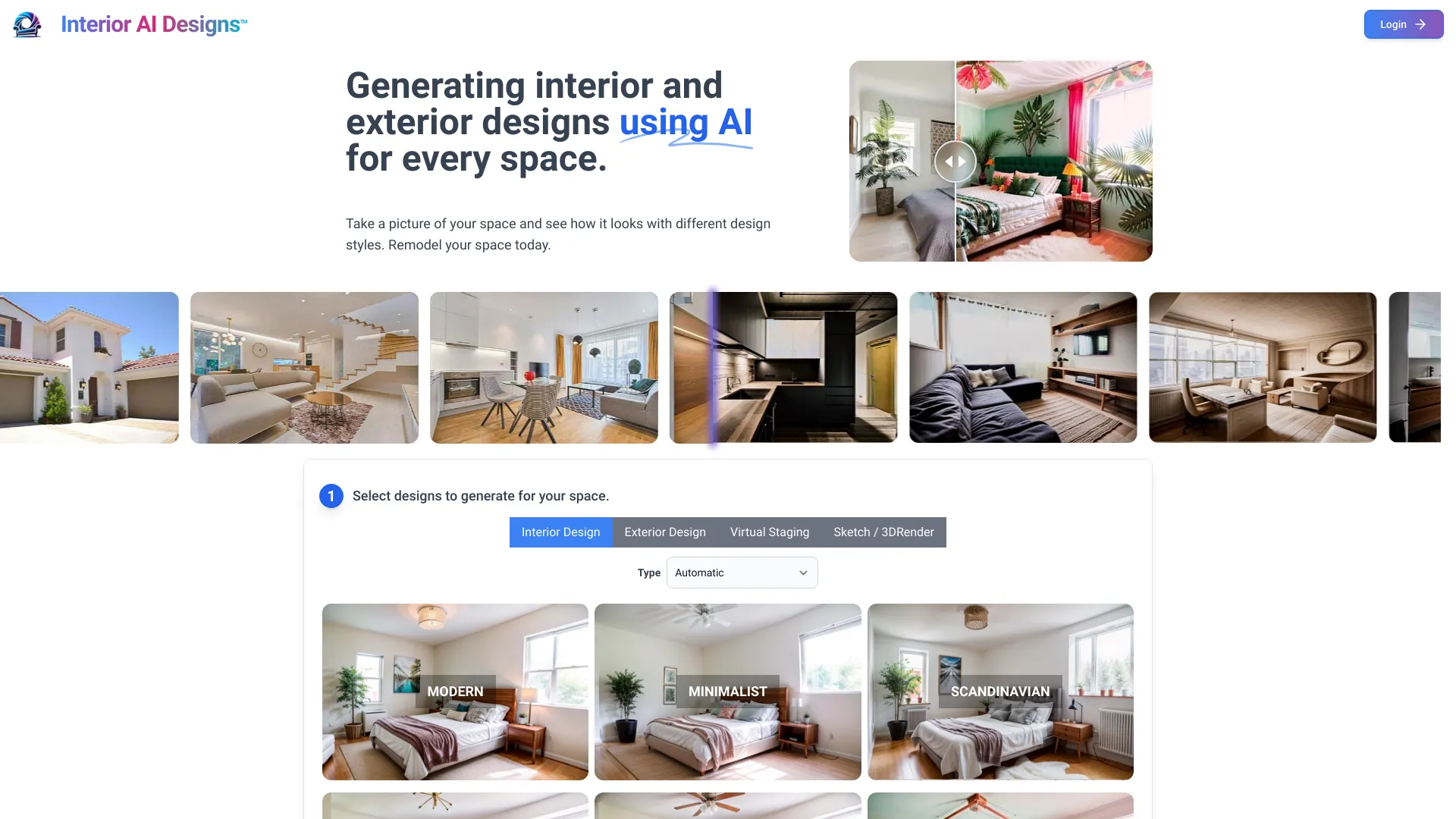
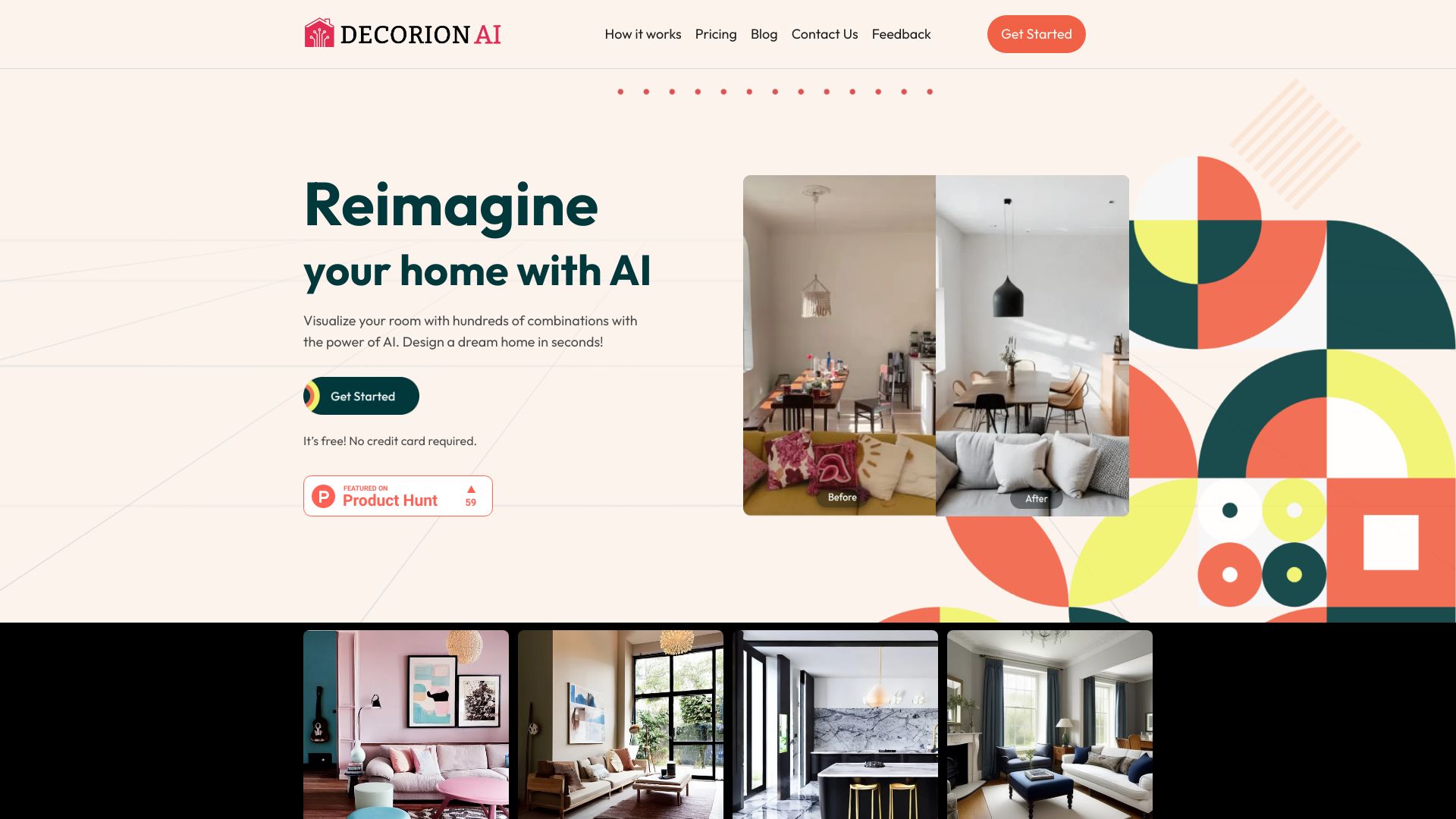
Decorion AI

- Visualizing interior redesigns
- Free plan available
- Starts at From $15
- Usage signal: 0
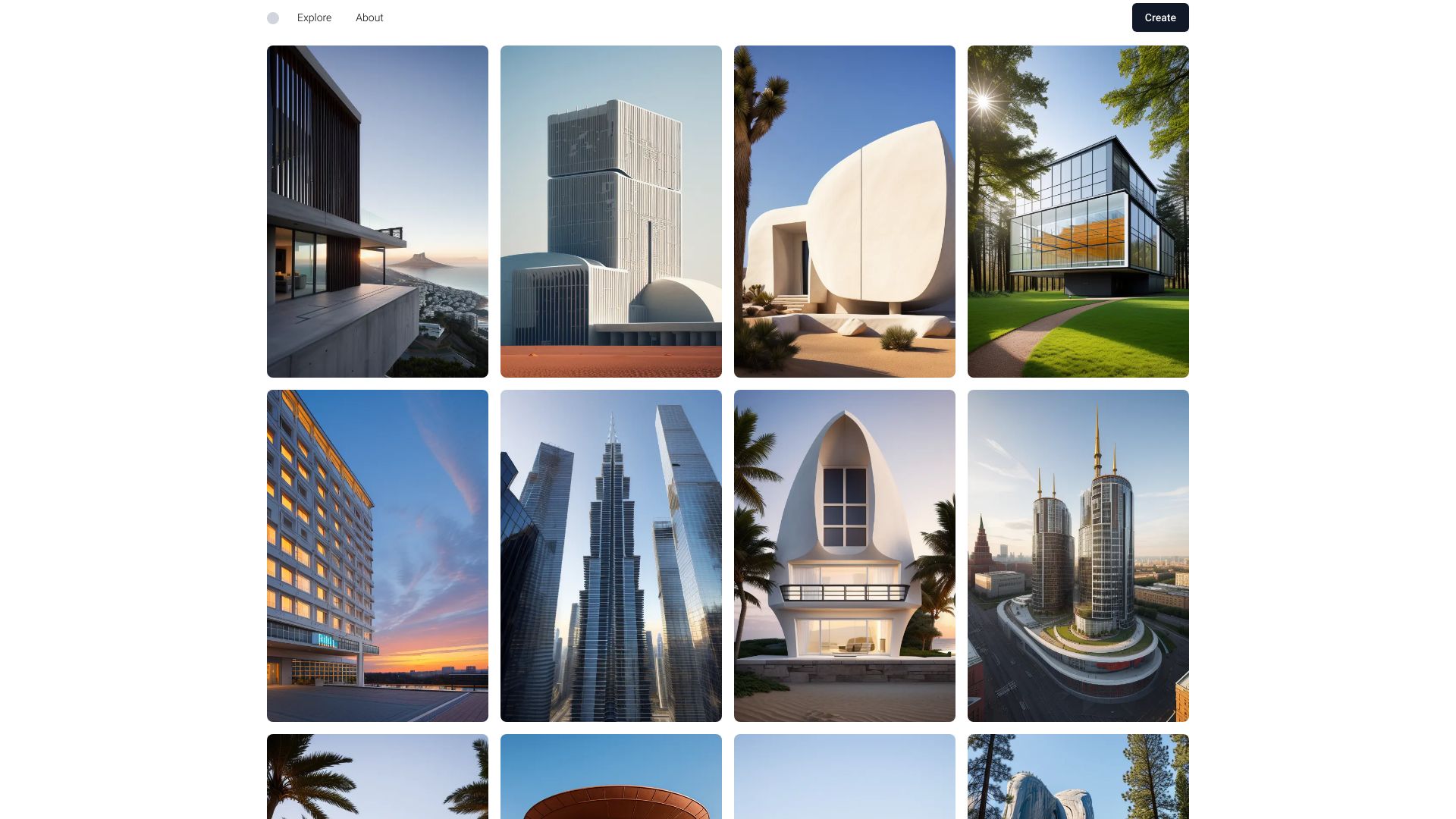
Arch-E

- Architectural image generation
- Free trial available
- Starts at Check vendor pricing
- Usage signal: 0
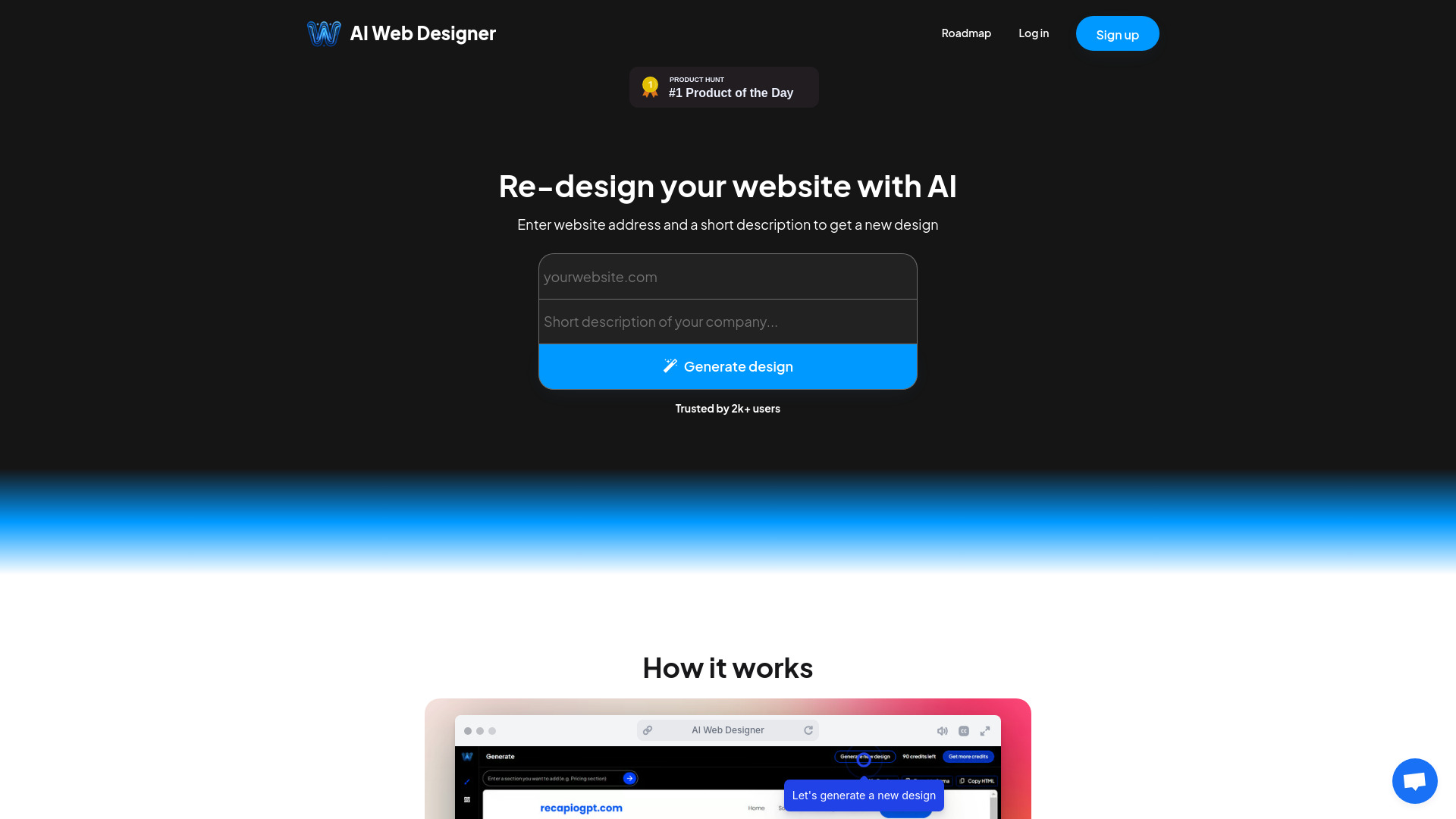
AI Web Designer

- AI website builders and landing pages
- Free plan available
- Starts at $9/month
- Usage signal: 0
AI Art Apps

- AI art tools and resources
- Starts at Check vendor pricing
- Usage signal: 0

InteriorAI Room Planner

- AI room redesign from photos
- Starts at Check vendor pricing
- Usage signal: 0

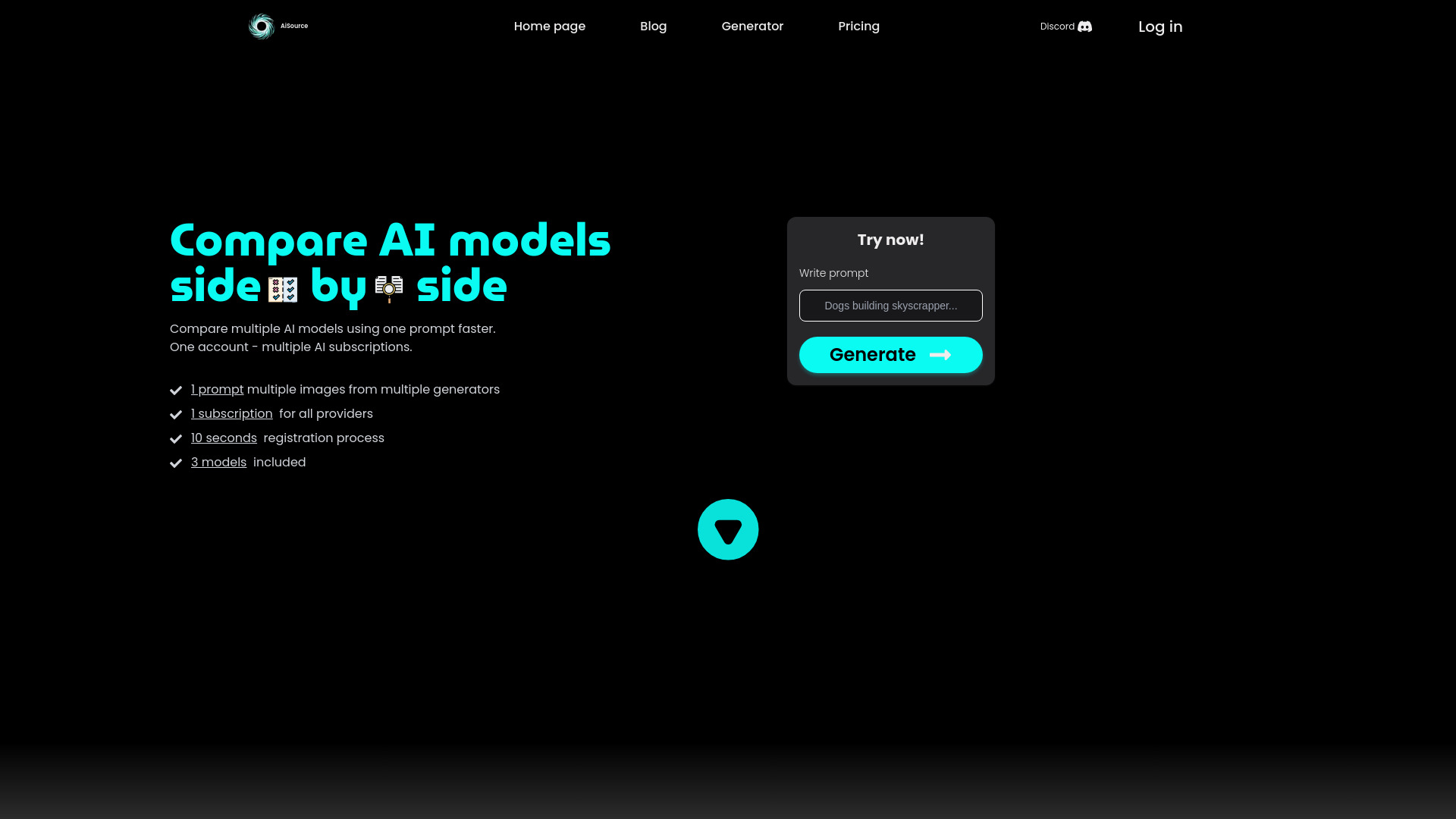
AiSource

- Comparing AI image generators
- Starts at Check vendor pricing
- Usage signal: 0
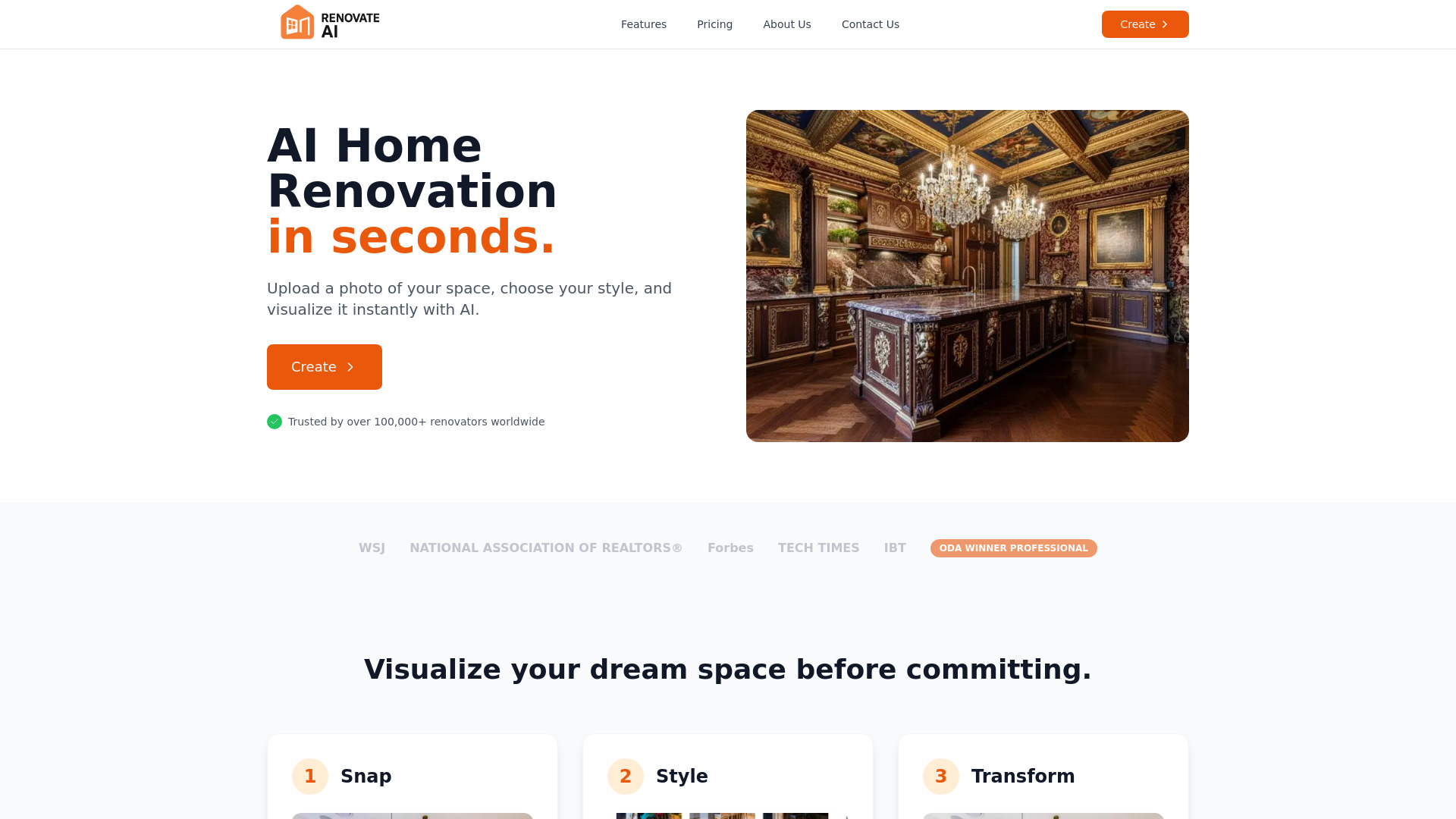
Renovate AI

- AI-powered home renovation visualization
- Free plan available
- Starts at $13/month, billed annually
- Usage signal: 0
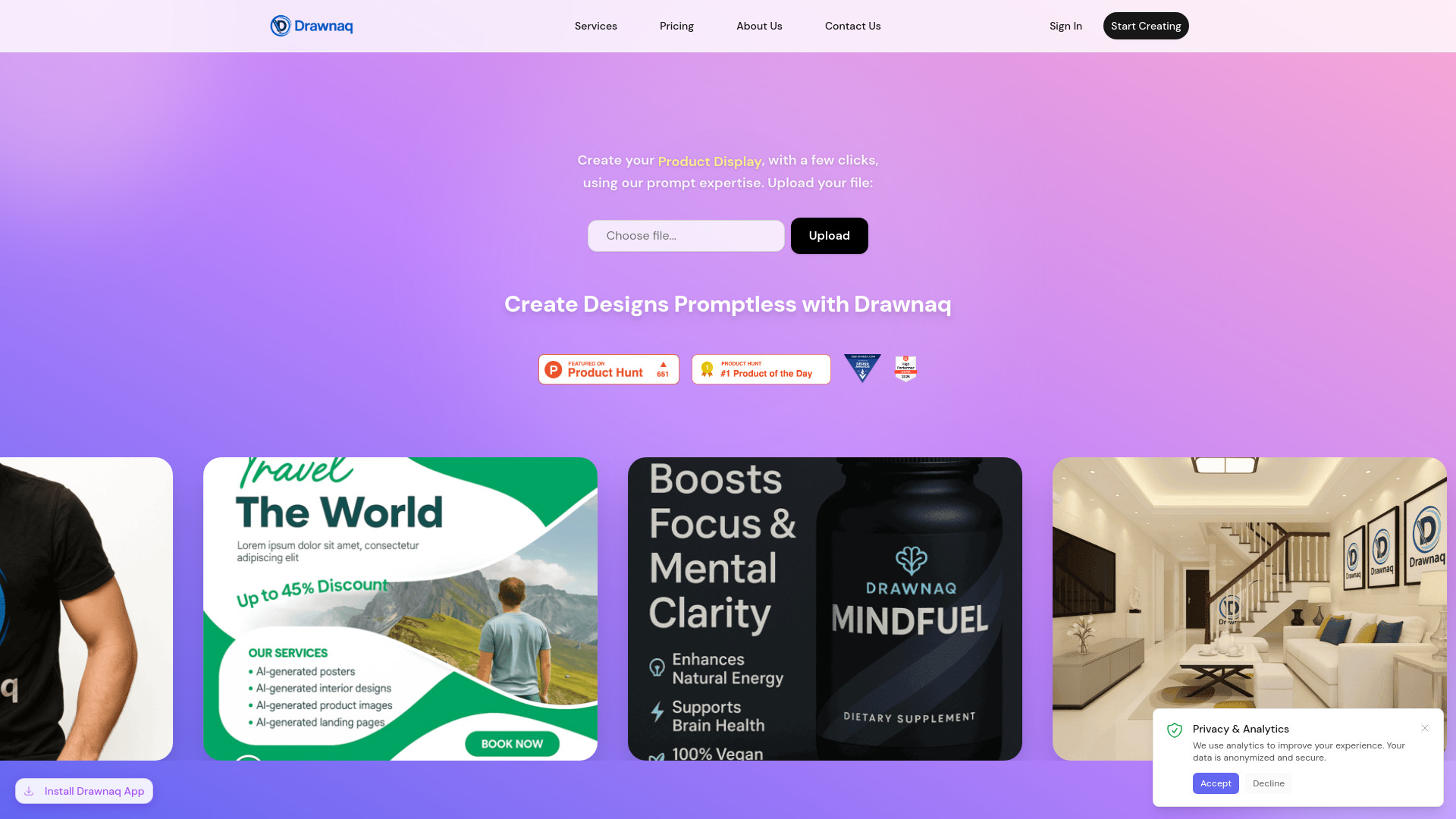
Drawnaq

- AI product and marketing visuals
- Free plan available
- Starts at Check vendor pricing
- Usage signal: 0
Interior Render AI
- Interior design concept renders
- Free plan available
- Starts at Check vendor pricing
- Usage signal: 0
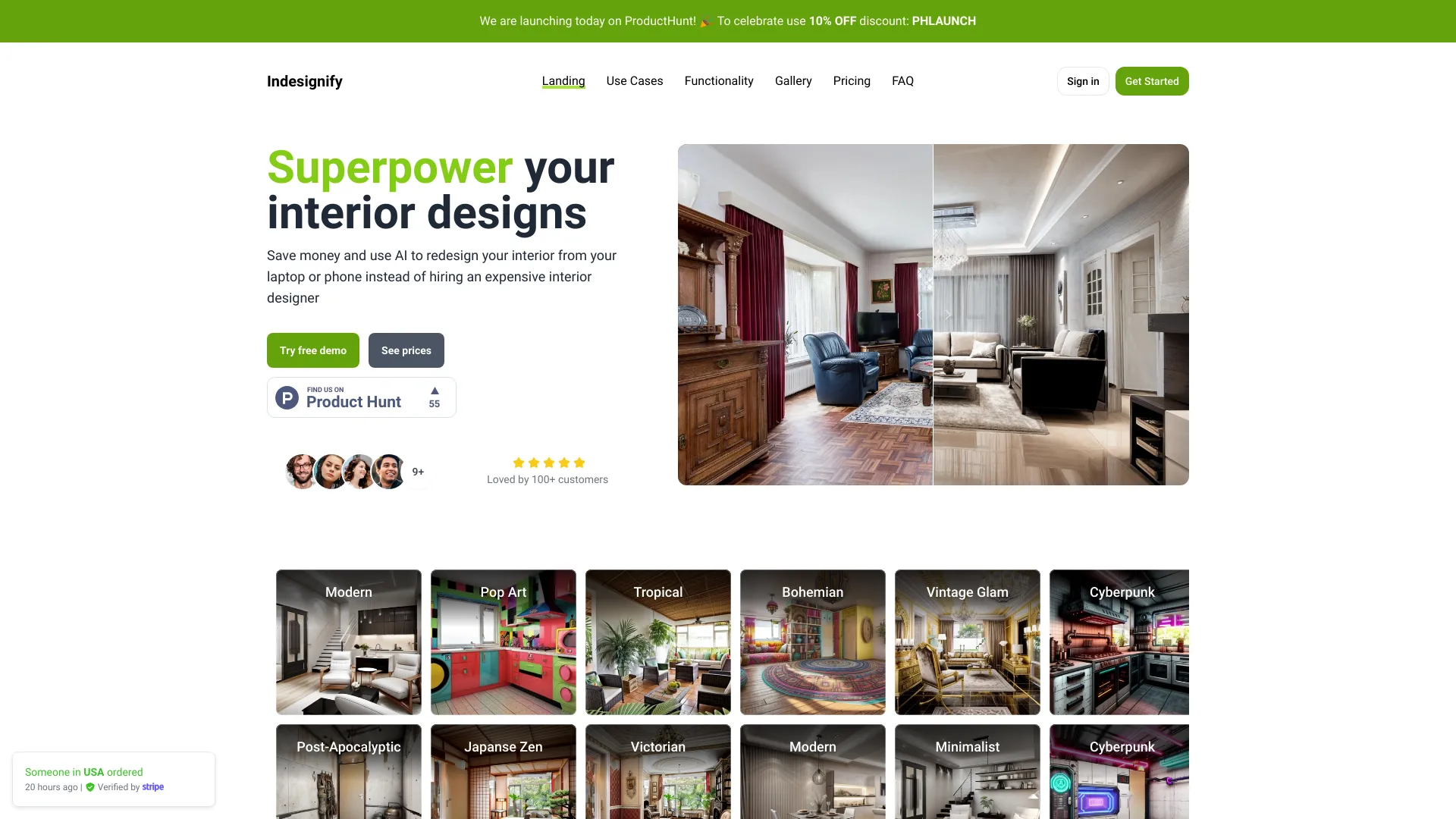
Indesignify

- AI-powered interior redesigns
- 30 free transformations
- Starts at €0.070 per generation
- Usage signal: 0
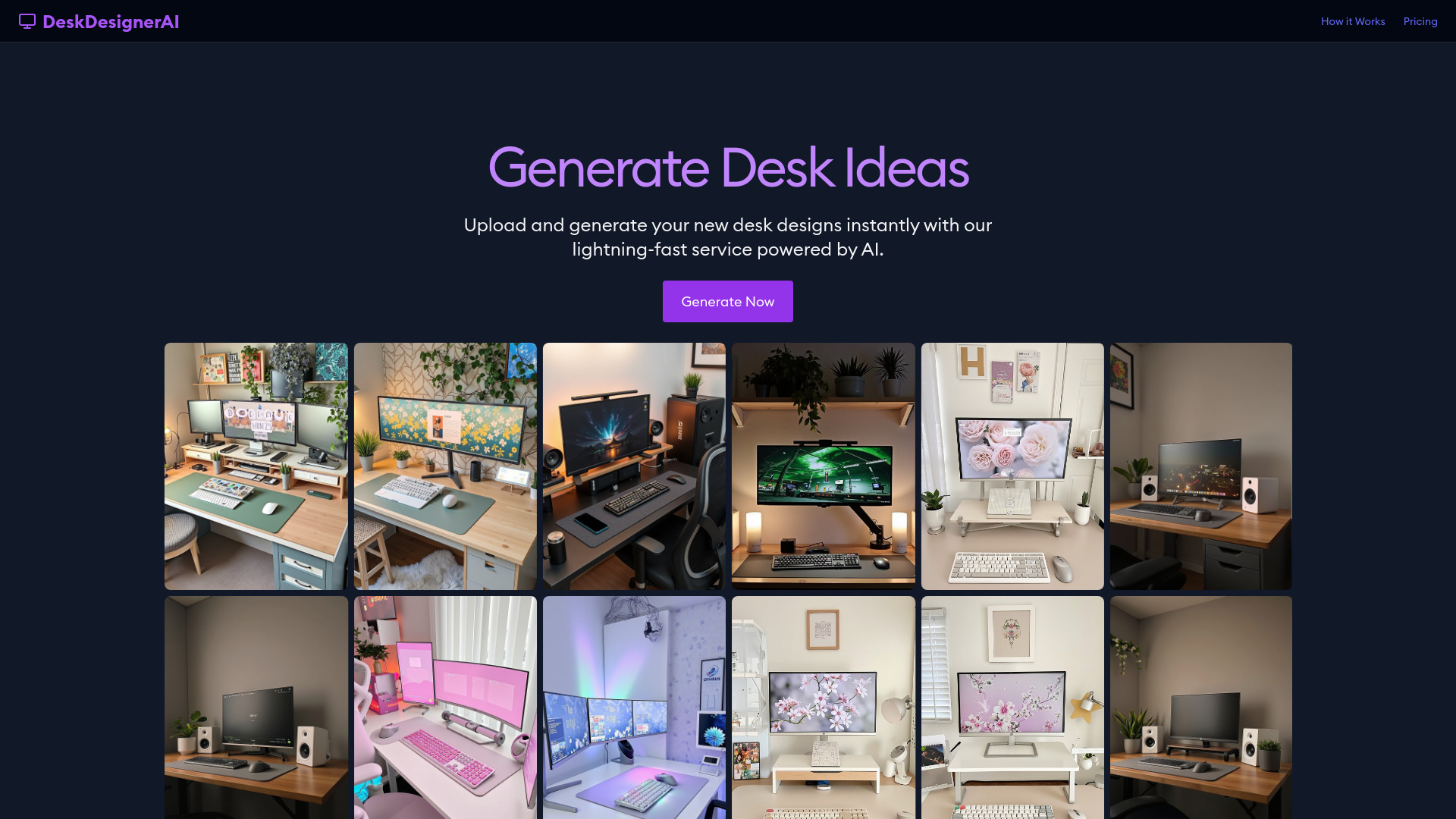
DeskDesignerAI
- AI-generated desk setup concepts
- Starts at $9.99
- Usage signal: 0
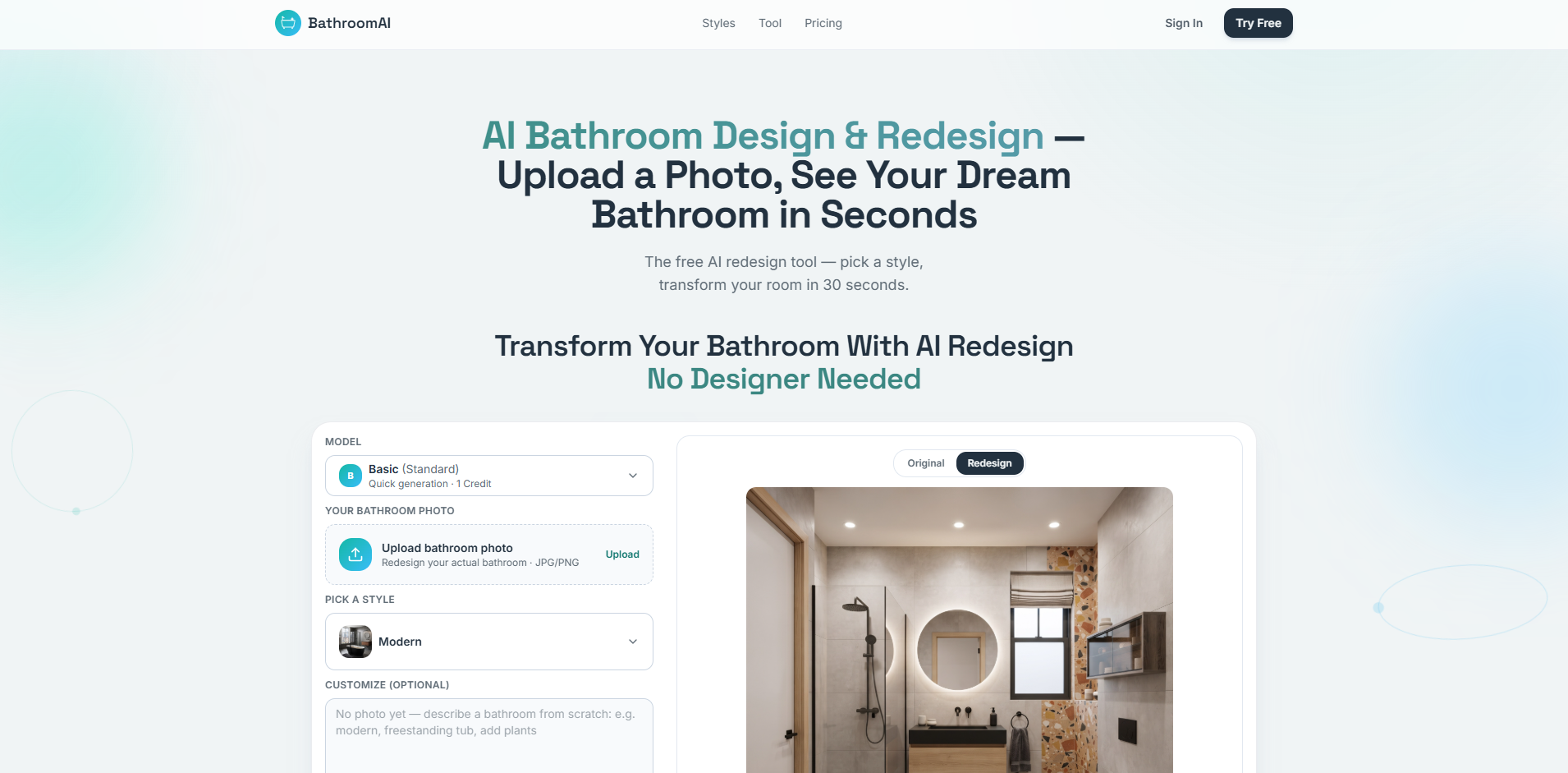
AI Bathroom Design

- Bathroom redesign visualization
- 3 free redesigns/day
- Starts at From $9.99/mo billed annually
- Usage signal: 0
Figma AI

- Designers using Figma
- Free plan available
- Starts at Check vendor pricing
- Usage signal: 0

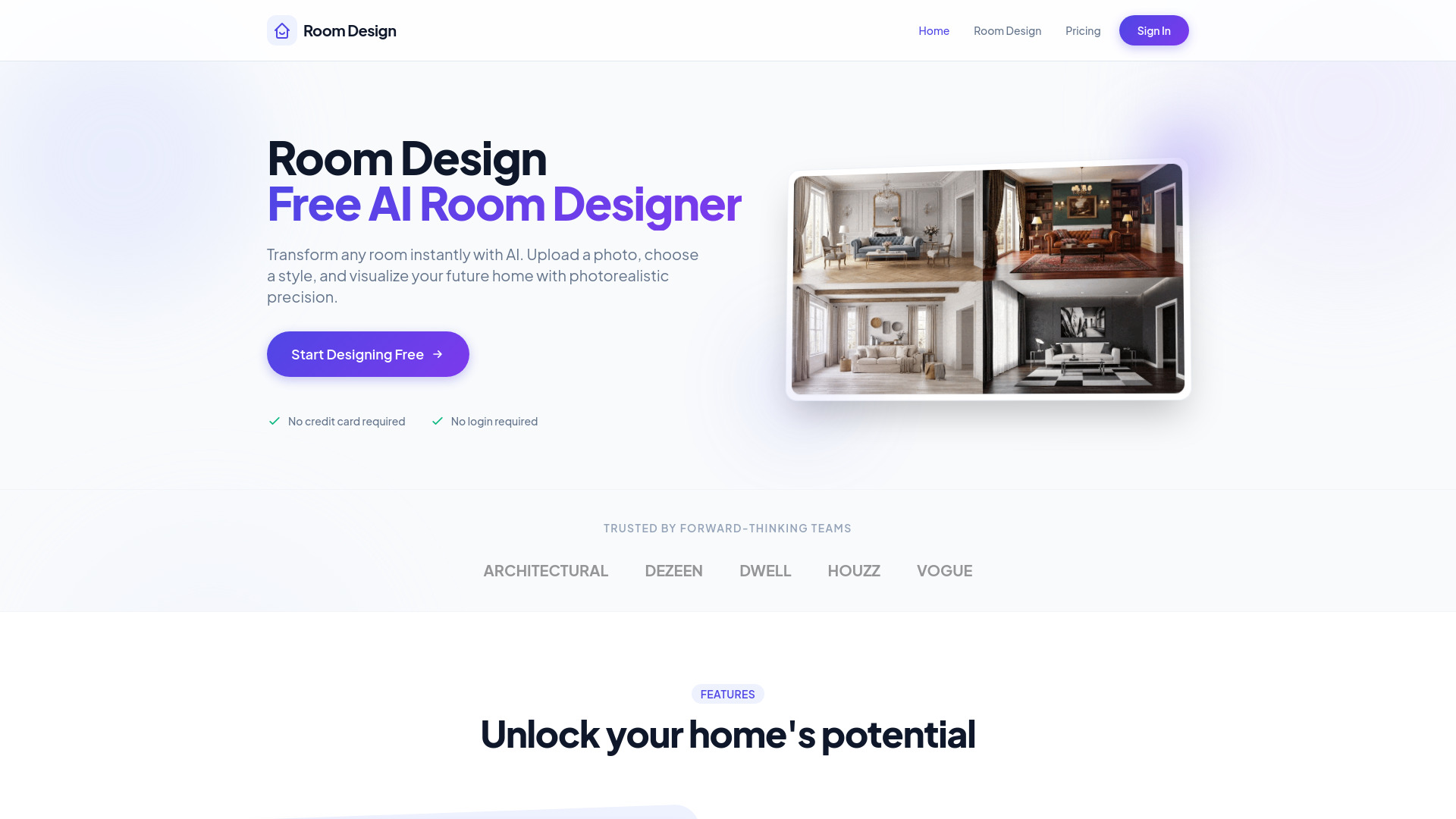
Room Design

- AI room redesign and virtual staging
- 5 free generations daily
- Starts at $12/month billed annually
- Usage signal: 0
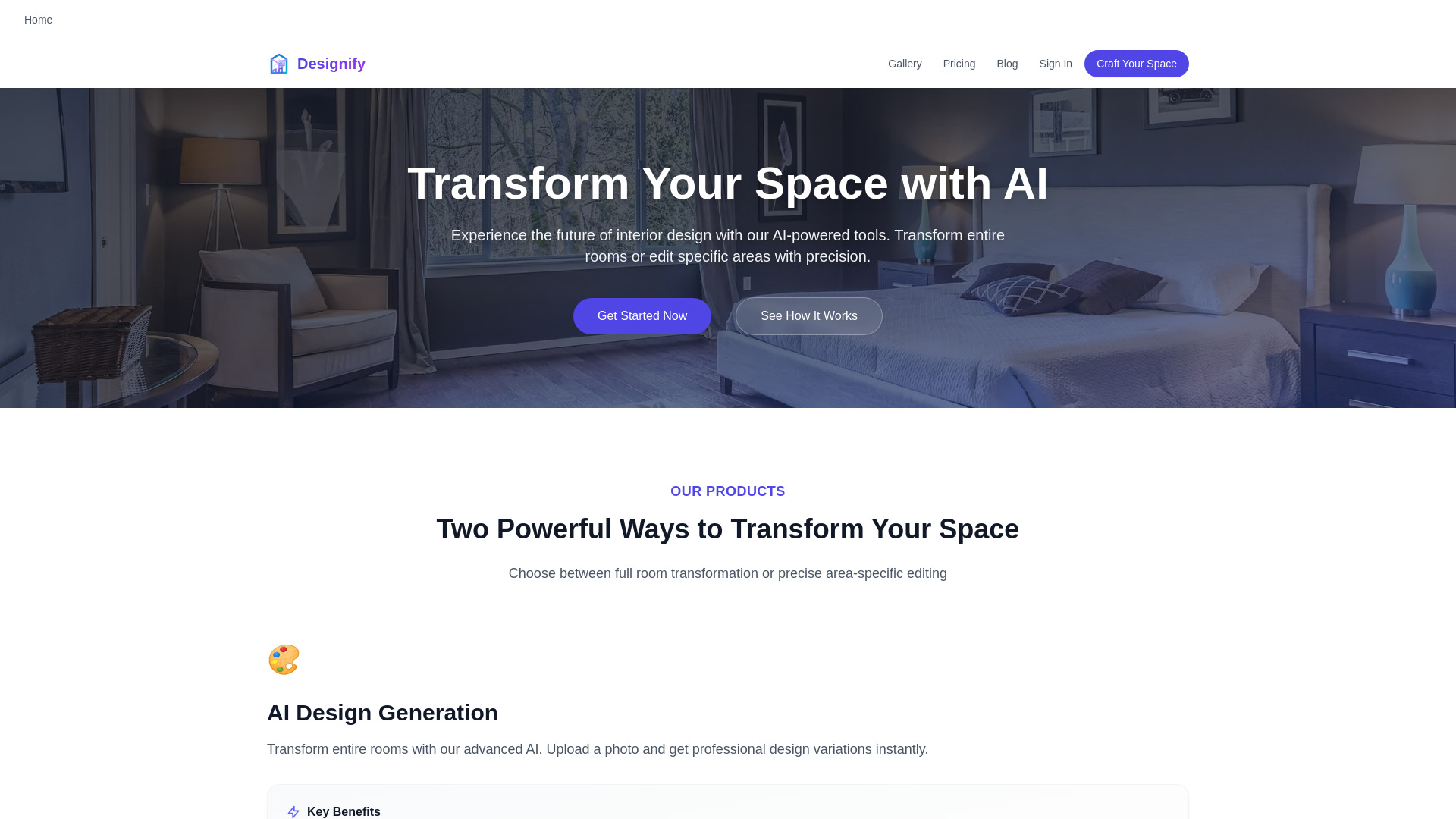
Designify

- AI room visualization
- Free plan available
- Starts at From $4.99
- Usage signal: 0
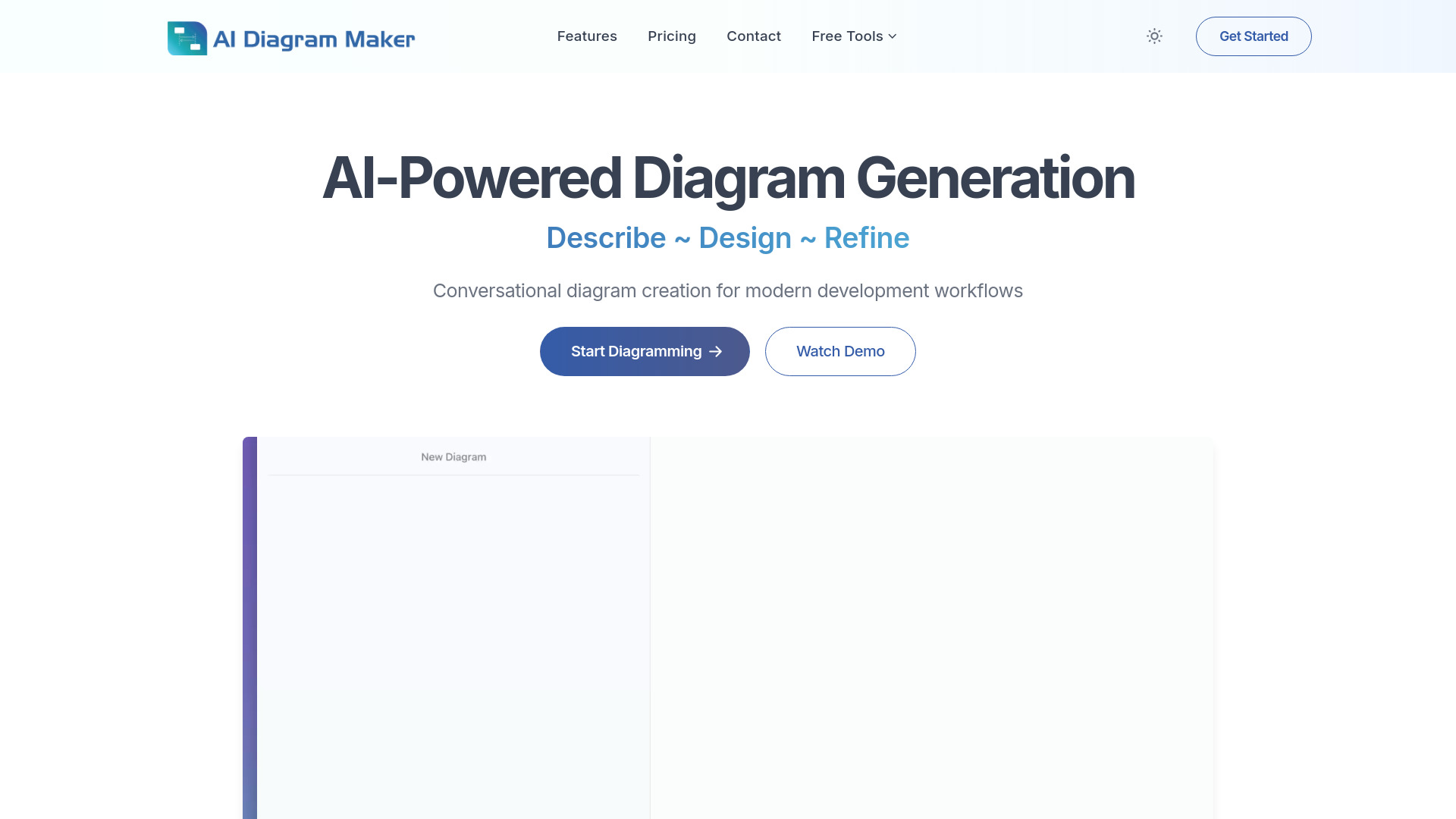
AI Diagram Maker
- Conversational software architecture diagrams
- 10 AI credits/month
- Starts at Free; paid plans from $5/month
- Usage signal: 0
AI Garden Design
- Photo-based garden concepts
- 3 free generations
- Starts at Check vendor pricing
- Usage signal: 0
Animated Diagrams

- Editable animated system diagrams
- Free plan available
- Starts at Check vendor pricing
- Usage signal: 99

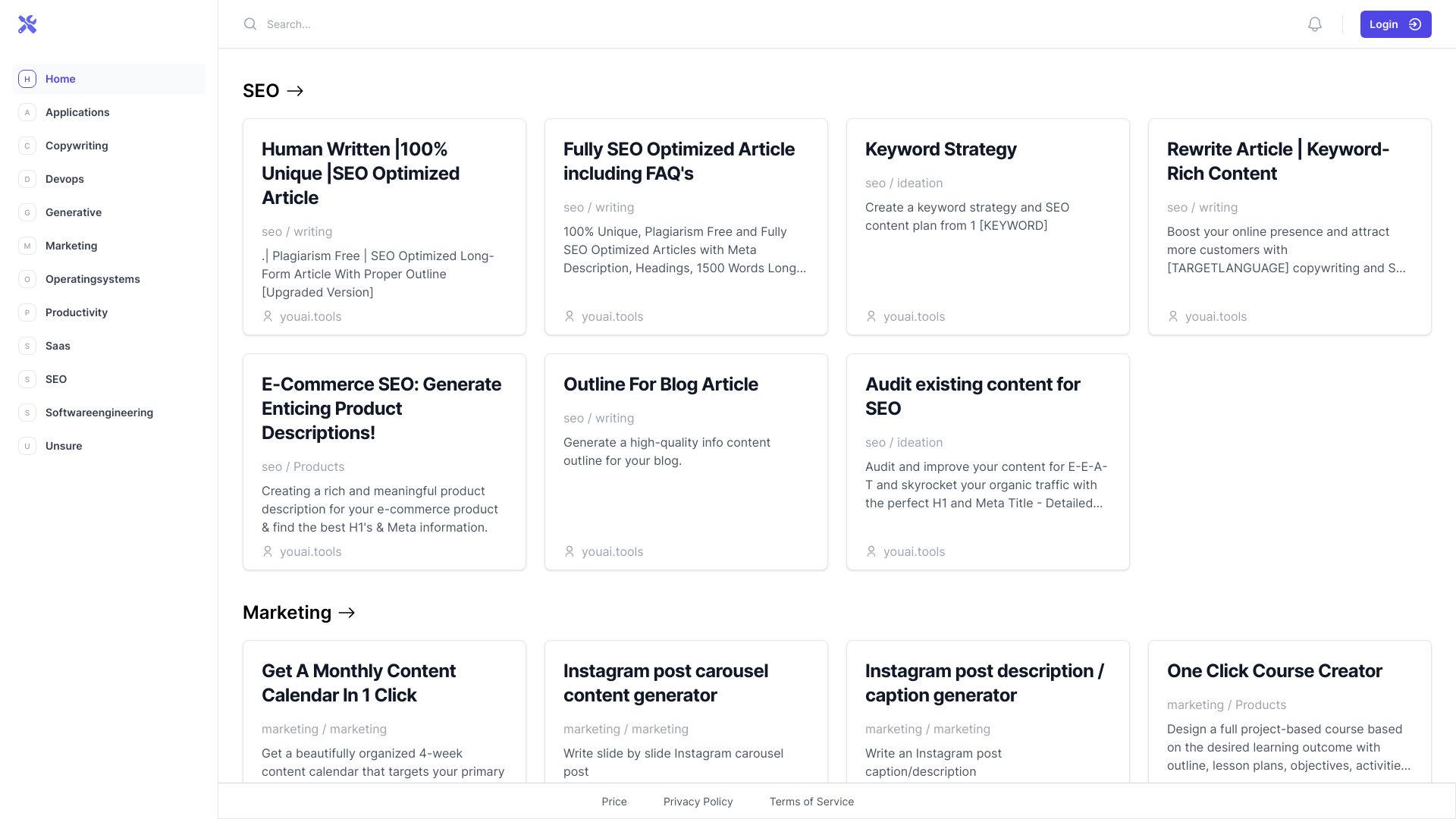
You AI Tools

- ChatGPT-based productivity widgets
- Free plan available
- Starts at Check vendor pricing
- Usage signal: 0
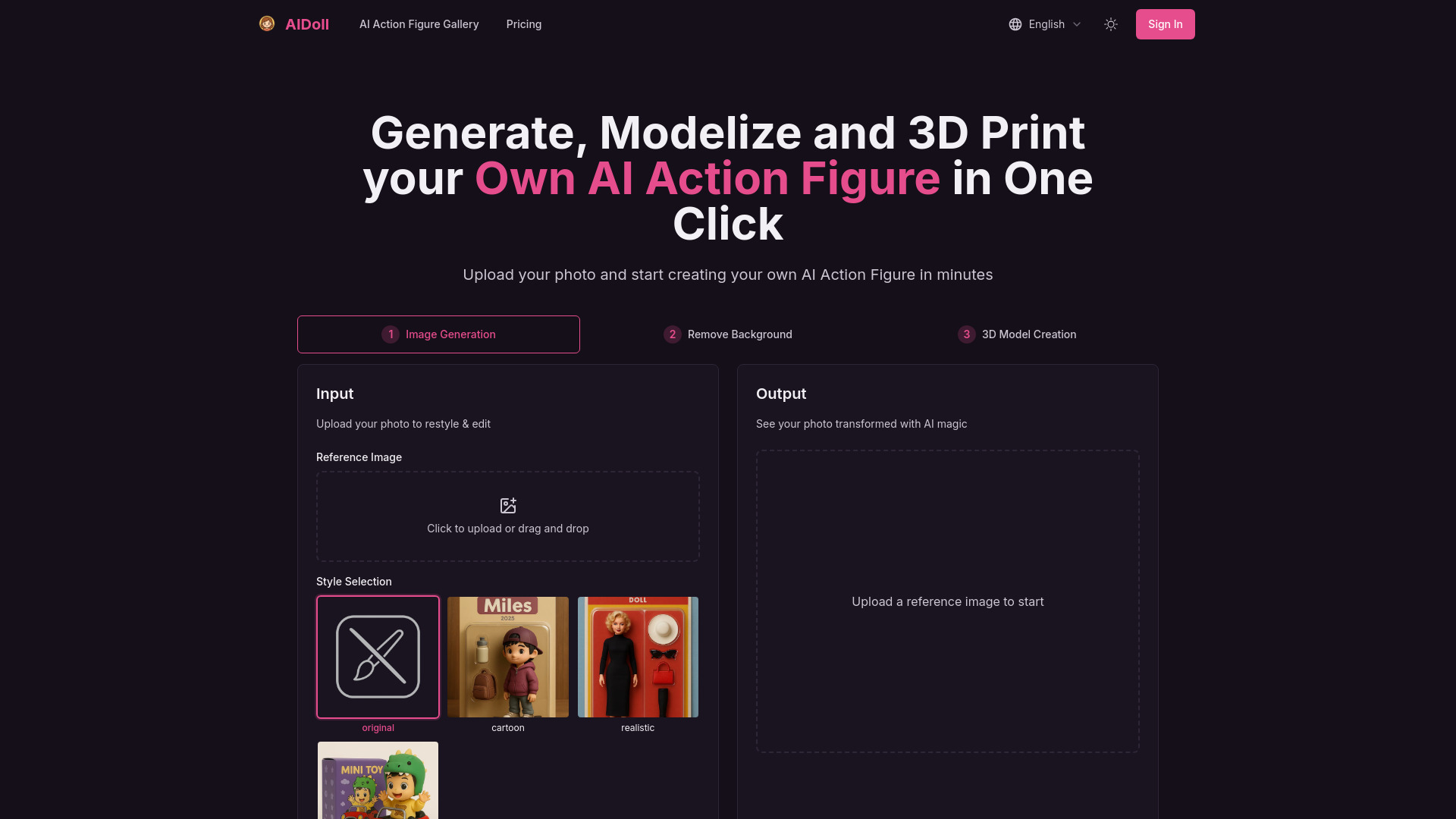
AI Doll

- Custom AI-generated 3D action figures
- Starts at From $1.99
- Usage signal: 0
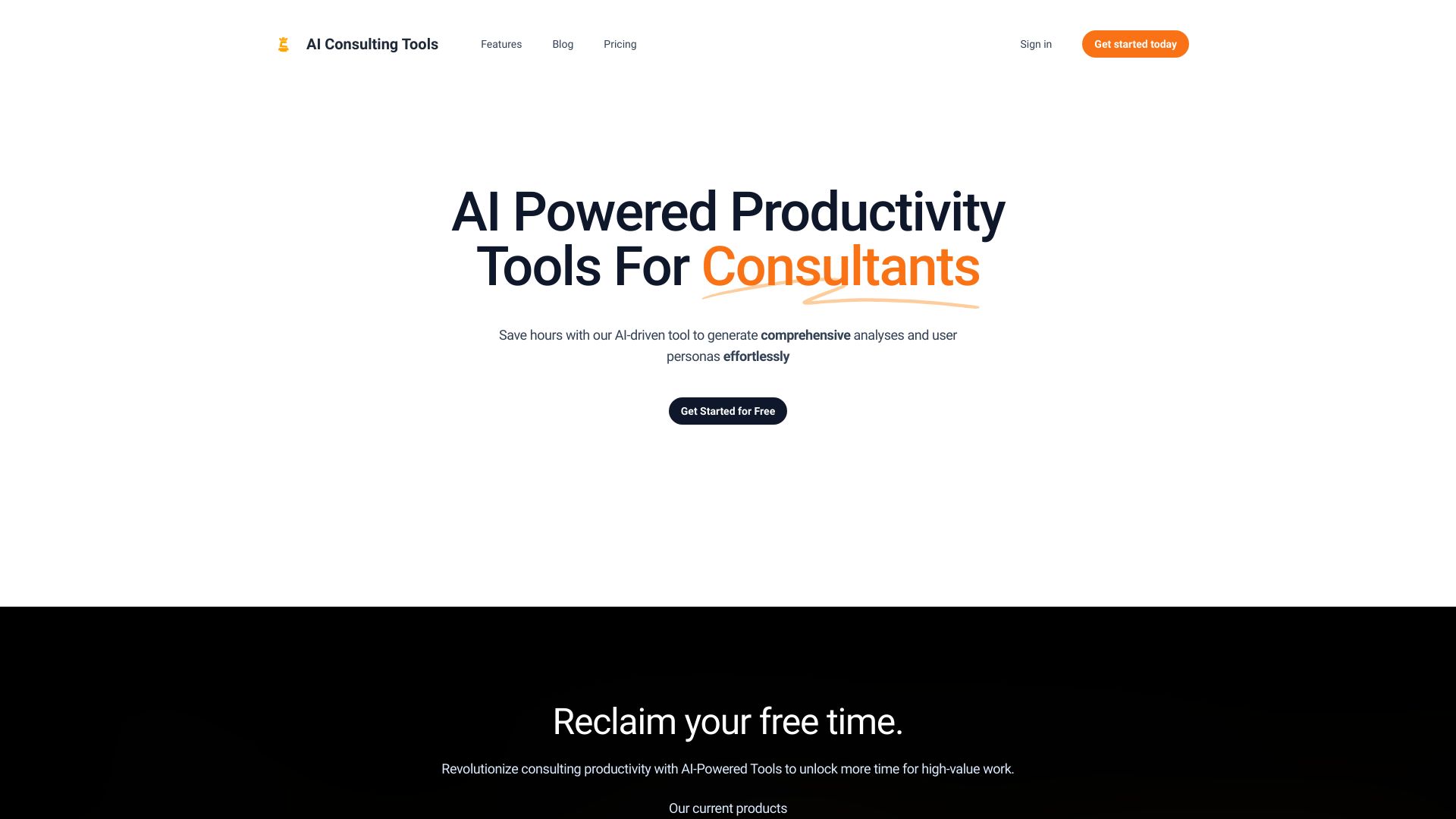
AI Consulting Tools

- AI-generated business analysis templates
- Starts at Check vendor pricing
- Usage signal: 0
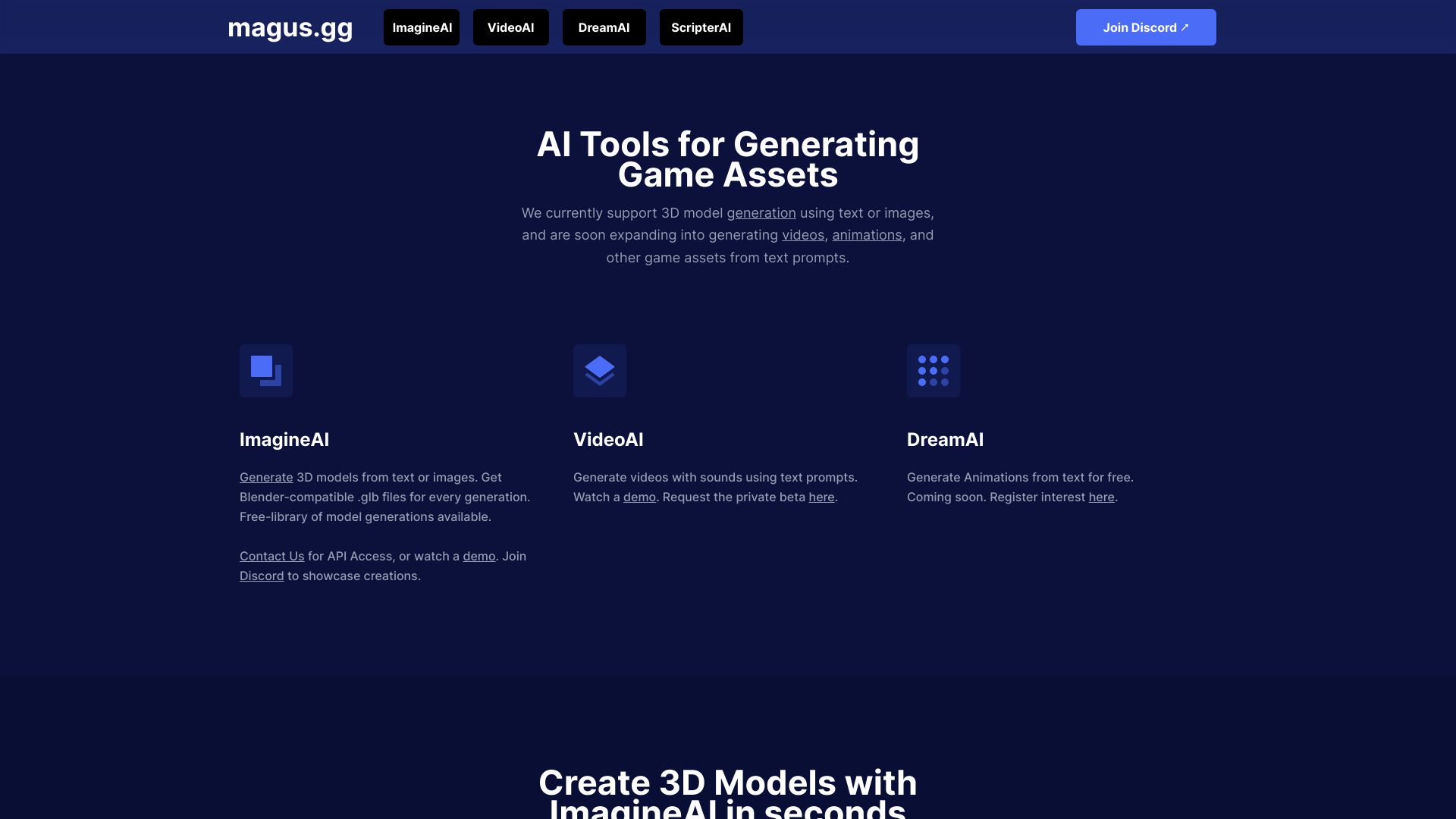
magus.gg
- Text-to-3D game asset generation
- 15 free generations
- Starts at $7.99 per 100 generations
- Usage signal: 0
AI Filter

- Stylized photo transformations
- 20 free credits
- Starts at $4.99 one-time purchase
- Usage signal: 0

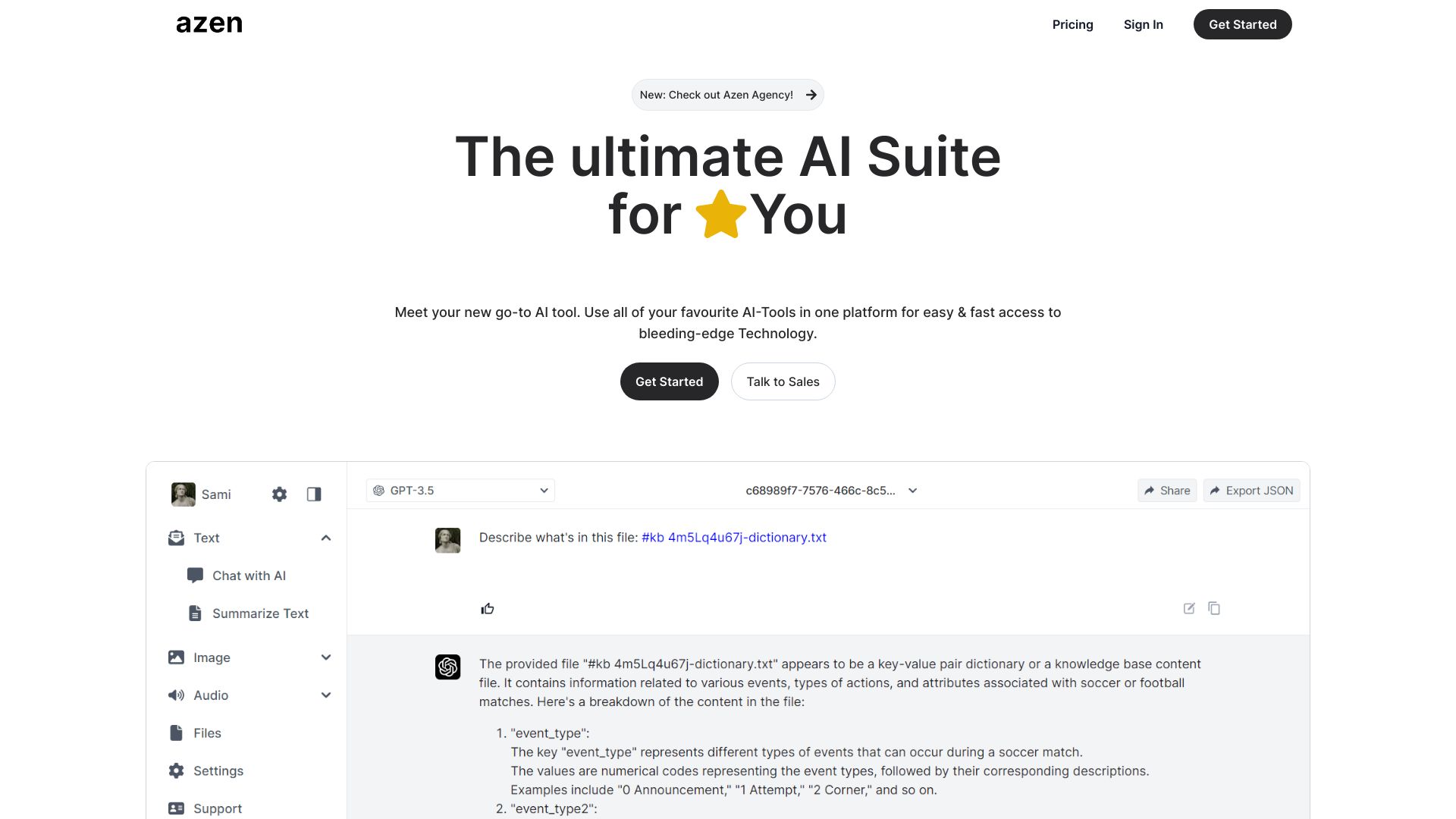
Azen

- All-in-one AI creation
- 5,000 free messages/month
- Starts at Check vendor pricing
- Usage signal: 0
AIRADAR

- Discovering AI tools
- Starts at Check vendor pricing
- Usage signal: 0

Which tool should you try first?
Start with the output you need, not the word AI. For floor plans and room layouts, Planner 5D is the clearest first test. Choose AI Illustration Generator when consistent illustration style matters. Dzine AI is the better starting point for hands-on composition control.
Web designers should test STUDIO AI, while architects can compare MyArchitectAI and Rendair based on whether speed or input flexibility matters more. Home Design AI is the lowest-friction option for free interior ideation. For diagrams, use Edraw.AI; for assets and templates, look at Design Bundles.
Full comparison table
| Rank | Tool | Best for | Standout capability | Free access | Starting price |
|---|---|---|---|---|---|
| #1 | Planner 5D | Homeowners | 2D plans to 3D models | Unlimited projects; AI plan recognition | Free: $0 |
| #2 | AI Illustration Generator | Designers | Consistent illustration styles | Free illustrations; watermarks may apply | Check vendor pricing |
| #3 | Dzine AI | Graphic designers | Composition and style controls | 32 regular image credits/day | Check vendor pricing |
| #4 | STUDIO AI | Web designers | AI web design and automation | 2,000 visitors/month | Check vendor pricing |
| #5 | MyArchitectAI | Architects | Fast photorealistic renders | 10 renders/month | Free |
| #6 | Design Arena | AI researchers | Crowdsourced model rankings | Free benchmark | Check vendor pricing |
| #7 | Home Design AI | Interior designers | Image-to-image room concepts | Unlimited designs; no signup | Free |
| #8 | Rendair | Architects | Text, elevation, and 3D-base rendering | Free access signal available | Check vendor pricing |
| #9 | Edraw.AI | IT teams | AI flowcharts and mind maps | 500 AI tokens | Free plan available |
| #10 | Design Bundles | Crafters | Assets, editor, and AI generation | 7-day trial; 30 products | Hobbyist: $11.99 USD |
Best by use case
| Need | Best pick | Why it fits |
|---|---|---|
| Home layouts | Planner 5D | Converts 2D plans into 3D models and works across platforms. |
| Consistent illustrations | AI Illustration Generator | Focuses on repeatable styles and text/image inputs. |
| Web design | STUDIO AI | Adds AI suggestions, task automation, and responsive adaptation. |
| Architecture visualization | MyArchitectAI | Produces photorealistic renders quickly with style transfer. |
Planner 5D vs AI Illustration Generator vs Dzine AI
| Tool | Best reason to choose it | Main tradeoff |
|---|---|---|
| Planner 5D | Spatial planning and 3D conversion | Focused on home design rather than broad graphics |
| AI Illustration Generator | Consistent, commercially oriented illustrations | Watermarks and subscription limits |
| Dzine AI | Detailed composition and visual controls | Premium access matters for volume |
Planner 5D wins for physical spaces, AI Illustration Generator for repeatable illustration systems, and Dzine AI for designers who want to steer composition themselves. None is universally superior; the right pick depends on whether your source is a floor plan, a visual brief, or an active design composition.
Best free AI design tools
Home Design AI is the cleanest free starting point because it offers unlimited designs without signup. Planner 5D also offers unlimited projects free, while Dzine AI provides 32 regular image credits per day. MyArchitectAI includes 10 renders per month, and Edraw.AI offers 500 AI tokens. Free access varies by workflow, so compare the quota to your actual output needs.
Pricing: what you actually pay for
| Budget signal | Tools |
|---|---|
| Free access stated | Planner 5D, MyArchitectAI, Home Design AI, Edraw.AI |
| Free quota or trial | Dzine AI, AI Illustration Generator, Design Bundles |
| Vendor pricing to verify | STUDIO AI, Design Arena, Rendair |
The clearest listed starting prices are Planner 5D at $0, Design Bundles at $11.99 for Hobbyist, and the Edraw.AI free plan. Some feature descriptions reference paid access without presenting a clean starting price, so verify live pricing, commercial rights, quotas, and download limits with the vendor before committing.
When to skip these tools
Skip AI design software when the project requires exact production specifications, guaranteed brand consistency, or a fully controlled manual workflow that AI cannot reliably preserve. Also be cautious with commercial work if licensing, watermark removal, or high-resolution downloads are unclear. For architectural decisions, use AI renders as visual aids rather than substitutes for professional plans and review.
How we scored the list
We compared 100 candidates and shortlisted 10 featured tools. Rankings combine capability depth, audience fit, workflow usefulness, free access, pricing clarity, limitations, and market usage signals. The score is a buying aid, not a guarantee of output quality for every prompt or project.
Who reviewed this guide
FAQ
Planner 5D and Home Design AI are the easiest starting points for spatial concepts. AI Illustration Generator offers a focused path for illustration, while Dzine AI is better for beginners who want to learn hands-on visual controls.