
Suggested tools for you
Finding the right logo workflow is less about generating a pretty symbol and more about getting something you can actually use: editable artwork, repeatable variations, clean exports, and a sensible path from idea to finished brand asset. We compared 92 tools across logo creation, visual design, image generation, vector work, and adjacent creative production. These are the top ai logo design tools worth putting on your shortlist, with the first three leading the podium.
Quick trust line
Tools reviewed: 92
Last checked: November 20, 2026
Reviewed by: aitop10.ai software rankings editor
What we checked: Logo-adjacent creation features, vector and export workflows, free access, pricing signals, audience fit, and practical workflow limits.
ArtCraft

- Graphic designers
- Free open-source apps; AI generation is separate
- Starts at Free and Open Source: Free
- Usage signal: 26.6M
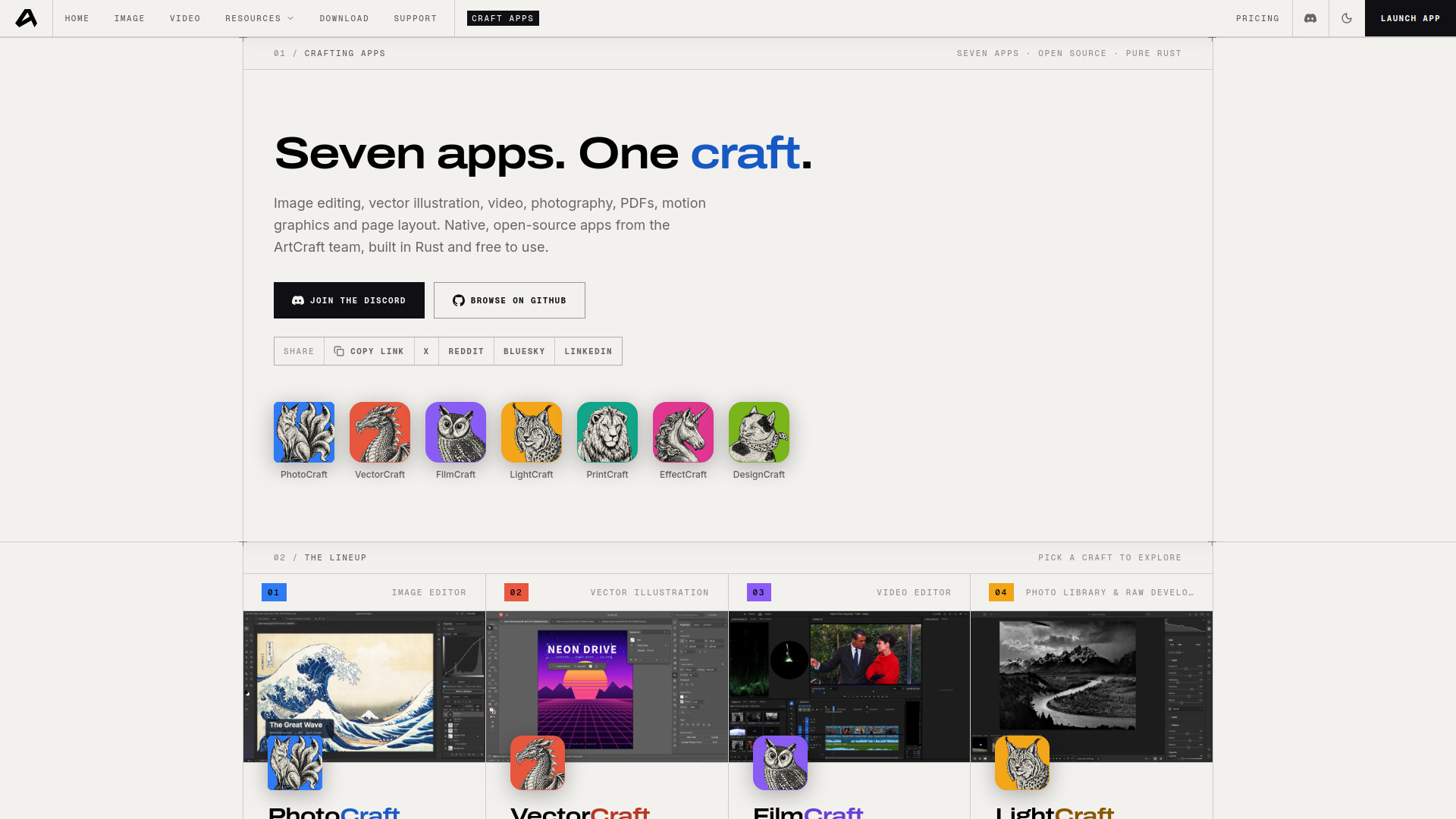
ArtCraft takes the most compelling overall position because it treats AI creation as part of a broader desktop design workflow rather than a disposable logo prompt box. Its seven native open-source applications are built in pure Rust, covering local image, vector, video, photo, PDF, motion graphics, and page-layout work. That makes it a particularly interesting option for designers who need to move from concept to production without hopping between unrelated browser tabs.
The logo fit is indirect but meaningful. A brand mark can start as an AI-generated image or visual direction, then move into vector and layout work locally. That is a stronger production story than a generator that stops at a raster preview.
Why it ranks first
| Scoring factor | Weight | Score |
|---|---|---|
| Breadth of creative workflow | 30% | 28/30 |
| Vector and production usefulness | 25% | 23/25 |
| Accessibility and cost | 25% | 24/25 |
| Workflow maturity | 20% | 17/20 |
| Total | 100% | 92/100 |
Best fit
Graphic designers who want local image and vector workflows.
Brand projects that need more than one generated concept.
Open-source users who value native desktop performance.
Limitations
Several applications are still in development or early alpha.
The AI generation subscription is separate from the free creative apps.
It is broader than a dedicated logo maker, so the workflow may feel more hands-on.
Designeer

- Design engineers
- Free resource discovery, galleries, and component libraries
- Starts at Check vendor pricing
- Usage signal: 154K
Designeer earns its podium spot from the other side of the logo problem: not by promising one-click artwork, but by helping you find the references, systems, and building blocks that shape a stronger identity. It curates design, development, and building resources, with design galleries, interface inspiration, component libraries, and design-system resources in one place.
That makes it better suited to a design engineer or product team developing a visual language than to someone who simply wants five instant logo options. The catch is discovery overload. A large resource directory can accelerate research, but it can also make the first decision harder.
Why it is near the top
| Scoring factor | Weight | Score |
|---|---|---|
| Design research value | 30% | 28/30 |
| Resource breadth | 25% | 24/25 |
| Relevance to identity systems | 25% | 22/25 |
| Focus and workflow clarity | 20% | 17/20 |
| Total | 100% | 91/100 |
Best fit
Design engineers building a visual system around a new brand.
Teams that need inspiration before committing to a logo direction.
Builders who want component and design-system references nearby.
Limitations
The number of listed resources may feel overwhelming.
Resource quality and availability vary between external websites.
Pricing is hidden behind a sales or vendor-pricing check rather than presented cleanly.
Media.io CLI

- AI agent users
- Free unlimited AI image creation
- Starts at Free AI Image Generation: Free
- Usage signal: 3.3M
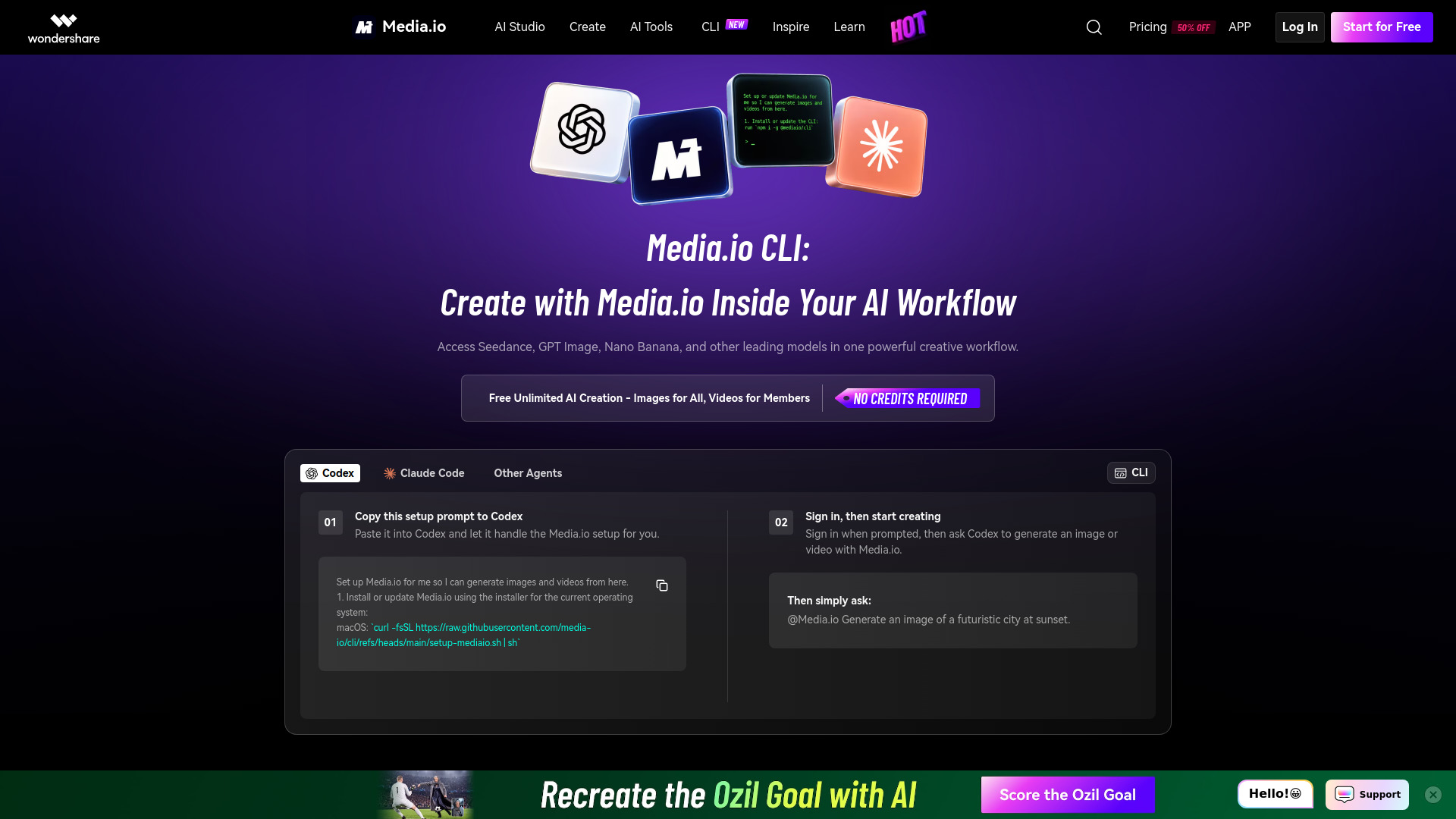
Media.io CLI is an unexpected but useful alternative for people who want logo ideation inside an AI-agent workflow. It brings image and video generation into environments such as Codex and Claude Code, giving users access to multiple creative models through one setup. For a developer building a brand kit, landing page, or automated content pipeline, that context matters.
It is not the friendliest choice for a casual founder who wants a guided logo wizard. The value appears when image generation is one step in a larger command-line or agent-driven process. You can generate visual directions and variations without leaving the environment where the rest of the project is being assembled.
Best fit
AI agent users who already work in a CLI environment.
Developers generating visual directions alongside product work.
Teams that want several supported image models behind one setup.
Limitations
CLI setup requires installation and account authentication.
Some setup steps may require browser sign-in or permission approval.
It is an agent-oriented image workflow, not a dedicated logo editor.
Syncraft

- Apparel designers
- Logo creation, SVG tracing, removal, and upscaling
- Starts at Check vendor pricing
- Usage signal: 3.1K
Syncraft is the most focused pick for a logo that has to end up on clothing or printed merchandise. Its workspace combines garment and sublimation artwork extraction, recovery of artwork from photographed printed surfaces, AI logo creation from text, photos, or sketches, vector tracing, background removal, and upscaling.
That combination solves a very real production headache: reconstructing usable artwork from a shirt, sign, or low-quality reference. The tool is more specialized than the top podium picks, but apparel teams may prefer that specialization over a general image generator.
Best fit
Apparel designers recovering marks from photographed garments.
Print workflows that need SVG tracing and multiple export formats.
Users starting from text, photos, sketches, or printed references.
Limitations
The site does not specify a general free trial or free credit allowance.
Output quality depends on the source image.
Fine details, text, and paths may need manual review after tracing.
PixelDojo

- Marketers
- Free plan available
- Starts at Free: $0
- Usage signal: 174K
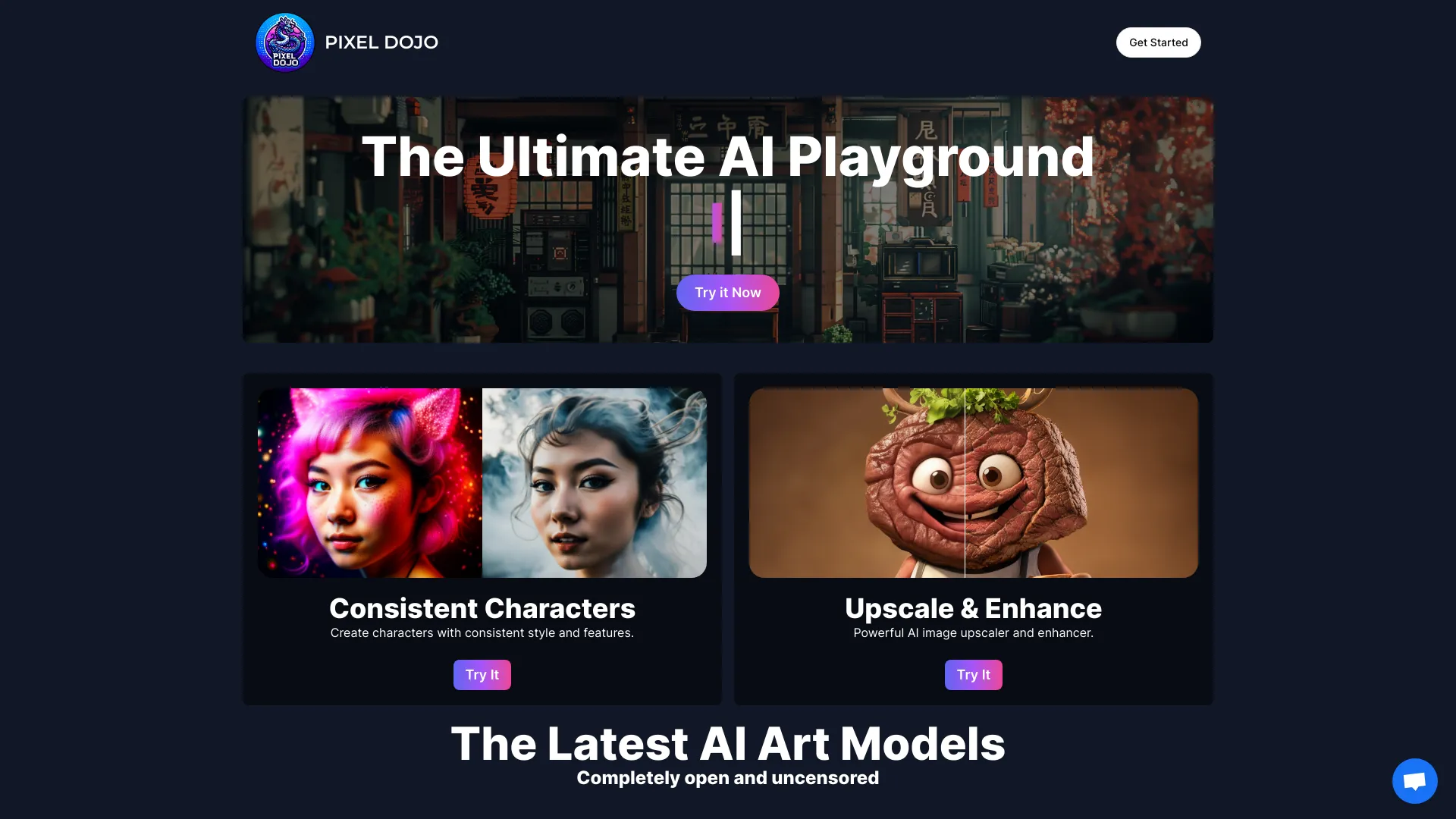
PixelDojo is a broad visual studio rather than a logo-specific product. Its 80-plus image and video models, unlimited generations, and Sensei AI creative director give marketers plenty of room to explore visual directions. That is useful when the logo is only one part of a wider campaign or brand launch.
The tradeoff is cost control. Premium features use a credit system, and the current pricing has limited spots. It is a good experimentation surface, but teams should understand how model usage affects the eventual bill before turning a logo exploration into a large batch-generation project.
Best fit
Marketers exploring several visual identities at once.
Campaign teams that need images and video alongside logo concepts.
Users who prefer a guided interface over a command-line setup.
Limitations
Limited spots are available at the current pricing.
Premium features use credits.
The broad model catalog can be more than a simple logo task requires.
AppLaunchFlow

- Indie developers
- Free 1 project; preview-only export
- Starts at Free: EUR9/mo starter tier
- Usage signal: 55.9K
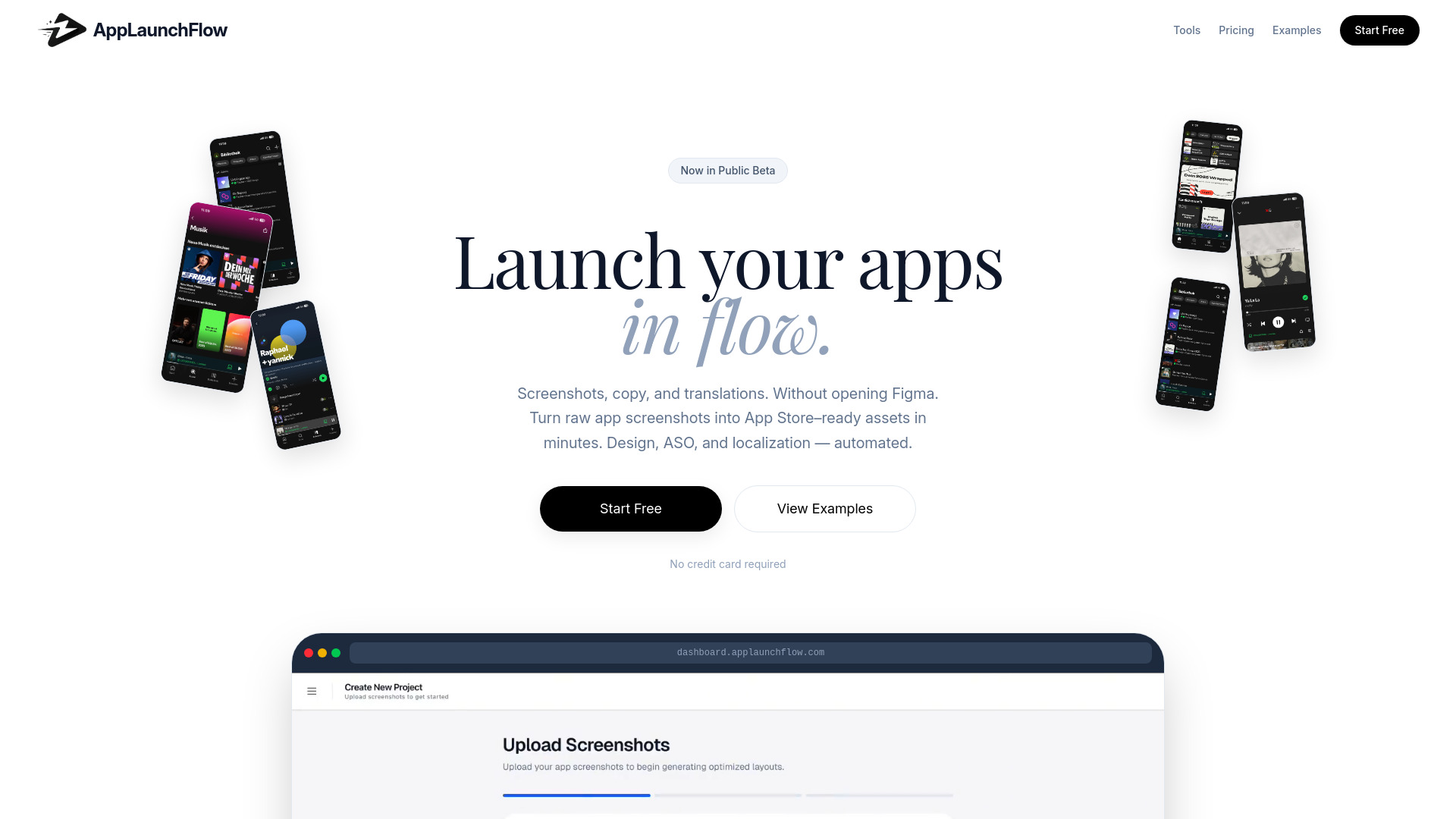
AppLaunchFlow belongs on this list for founders whose logo work happens inside an app launch. It automates store-ready screenshots for mobile and tablet products, generates and optimizes ASO copy, and localizes materials into more than 20 major languages. A logo may be part of that launch package rather than the central deliverable.
The practical benefit is speed for an indie developer who does not want to learn Figma just to prepare a store presence. The free plan is useful for trying one project, but preview-only screenshot export limits how far you can take the free workflow.
Best fit
Indie developers preparing a complete app-store launch.
Founders who need brand visuals alongside screenshots and ASO copy.
Teams that want localization without a separate design workflow.
Limitations
Free-plan screenshot export is limited to preview only.
The Starter plan limits illustrations and languages.
It is an app-marketing workflow, not a dedicated logo maker.
ImageHub

- Content creators
- Free image generation, editing, and enhancement; no sign-up
- Starts at Free
- Usage signal: 181K
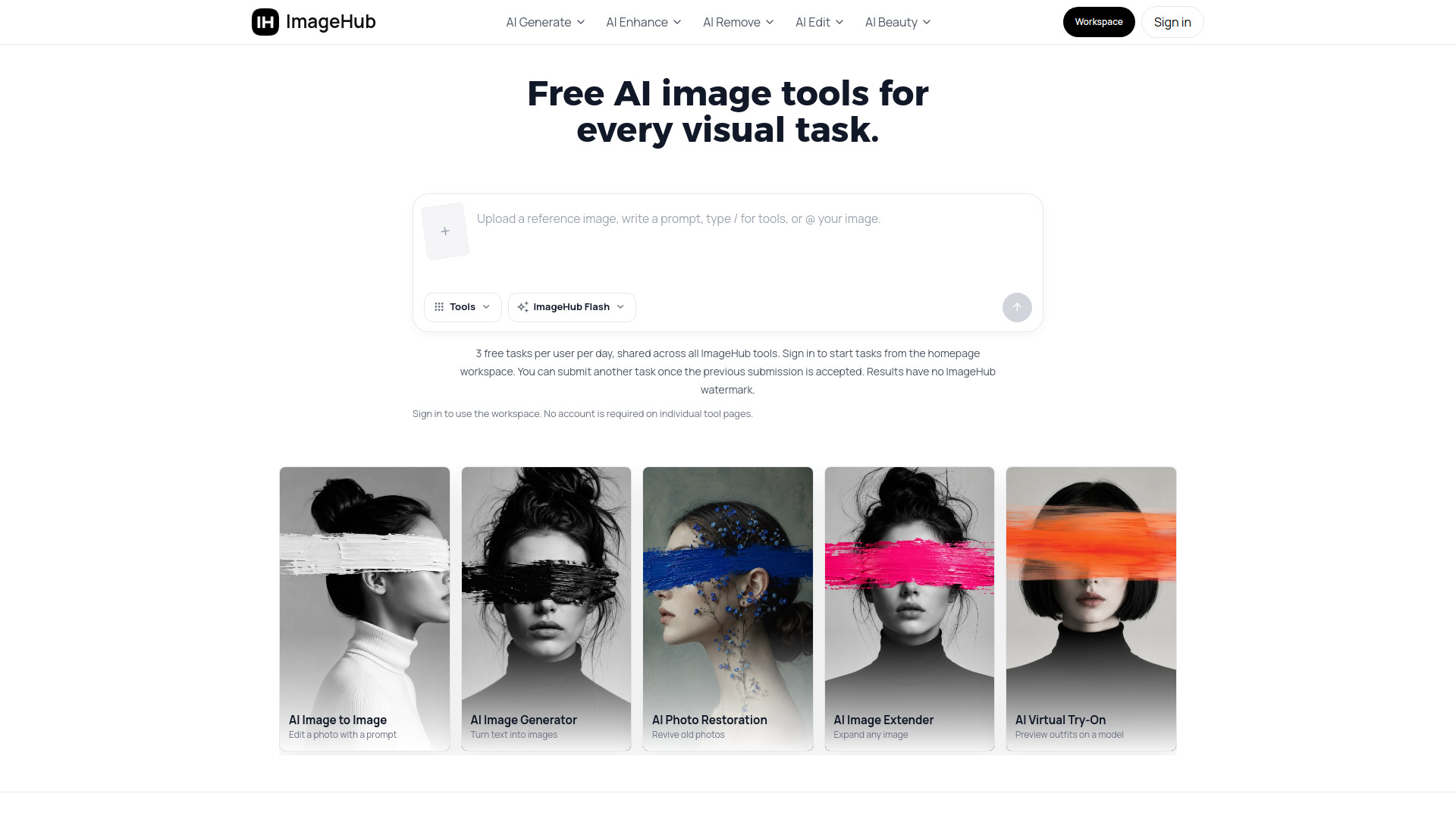
ImageHub makes the shortlist because it puts more than 20 AI image tools in one browser-based toolkit. You can generate from text, transform existing images with prompts, remove backgrounds, erase objects and clutter, and enhance photos. For quick logo-adjacent edits, that broad utility is more useful than a narrow generator that cannot clean up the result.
Individual tool pages can be used without signing up, although the all-in-one homepage workspace requires sign-in. That distinction makes ImageHub especially appealing for quick experiments and rough cleanup, while more involved sessions may require a fuller account workflow.
Best fit
Content creators making quick visual assets around a brand.
Users who need background removal or image cleanup after generation.
Anyone testing image workflows without signing up immediately.
Limitations
The all-in-one homepage workspace requires sign-in.
Results depend on the quality and resolution of the uploaded image.
It does not present the focused identity-system workflow of a logo specialist.
Tapedit AI

- Ecommerce sellers
- Daily free credits for standard image edits
- Starts at Creator 300: $15 one-time
- Usage signal: 480K
Tapedit AI is a practical adjacent tool for sellers who need a logo or product image cleaned up quickly. It handles background removal and replacement, object, text, and watermark erasing, photo enhancement, and image upscaling. Those tools are particularly useful when a brand mark appears in a product photo and needs isolating or polishing.
Daily free credits make it easy to test standard edits, though the exact allowance is not specified. Higher-quality output and additional usage may require credits or sign-in, so it is better for targeted cleanup than unlimited exploration.
Best fit
Ecommerce sellers cleaning product and brand imagery.
Users removing backgrounds, text, or unwanted marks from references.
Small teams that want a one-time paid credit option.
Limitations
The number of daily free credits is not specified.
Higher-quality output and additional usage may require credits or sign-in.
It is primarily an image editor, not a brand identity workspace.
FLORA

- Creative teams
- 1,000 starter credits
- Starts at Free starter credits; plans from $18/month
- Usage signal: 493K
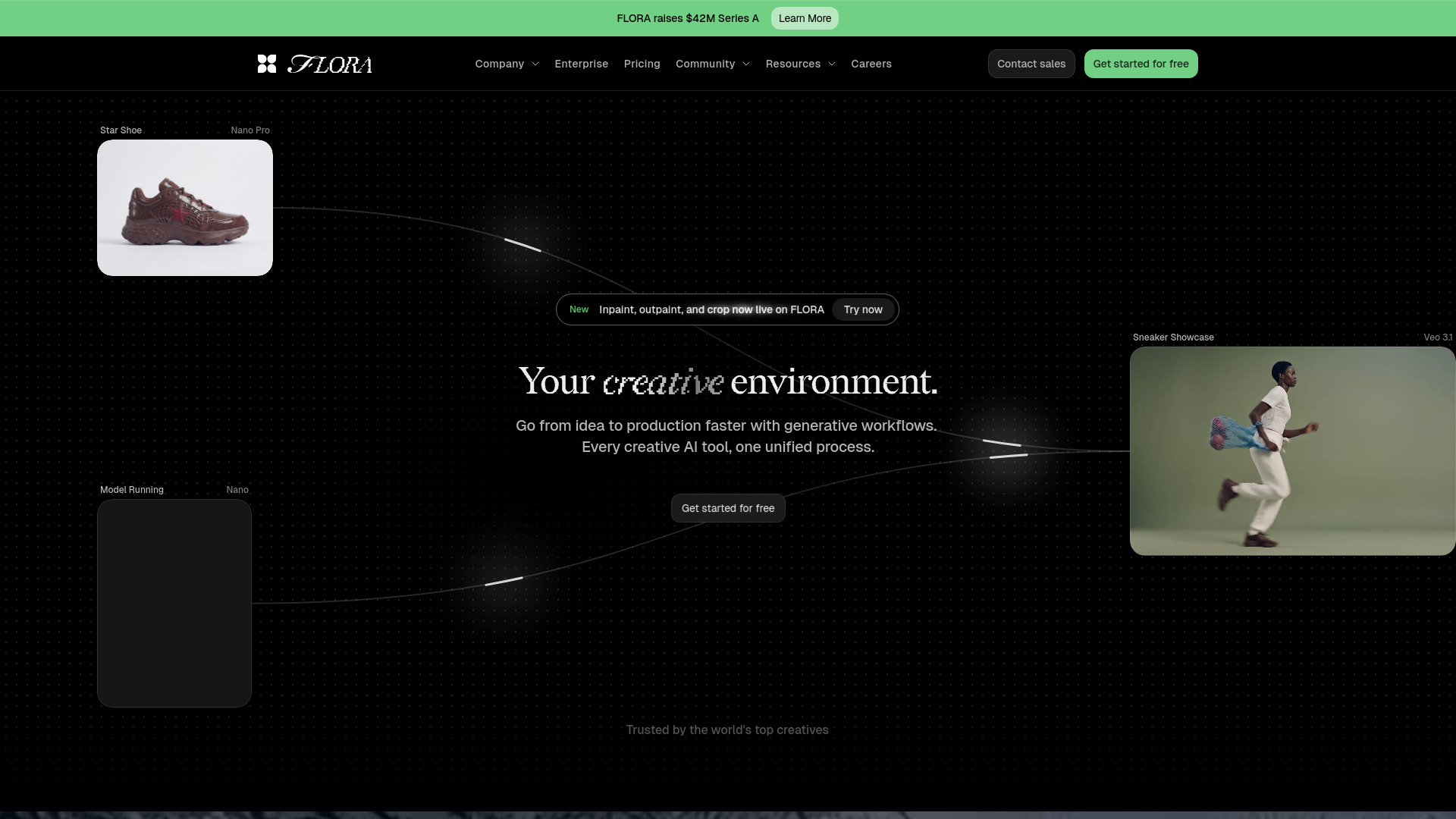
FLORA makes sense when logo exploration sits inside a larger creative production system. One subscription provides access to more than 50 image, video, and text models, with scalable generative workflows and unlimited team members and collaboration features on all plans.
This is a strong environment for a team comparing visual directions across several models. It is less attractive for a one-off logo because the credit model requires attention: different model generations can consume computational credits at different rates, and premium features require a paid subscription after the starter credits are used.
Best fit
Creative teams exploring identity concepts across multiple models.
Production groups that need image, video, and text in one workspace.
Teams that value unlimited seats and collaborative workflows.
Limitations
Credit usage requires monitoring across model generations.
Premium features require a paid subscription after free credits.
The broader platform may be excessive for a single logo brief.
SignatureGen

- Freelancers
- Free basic signature generation and PNG/SVG downloads
- Starts at Free: $0
- Usage signal: 122K
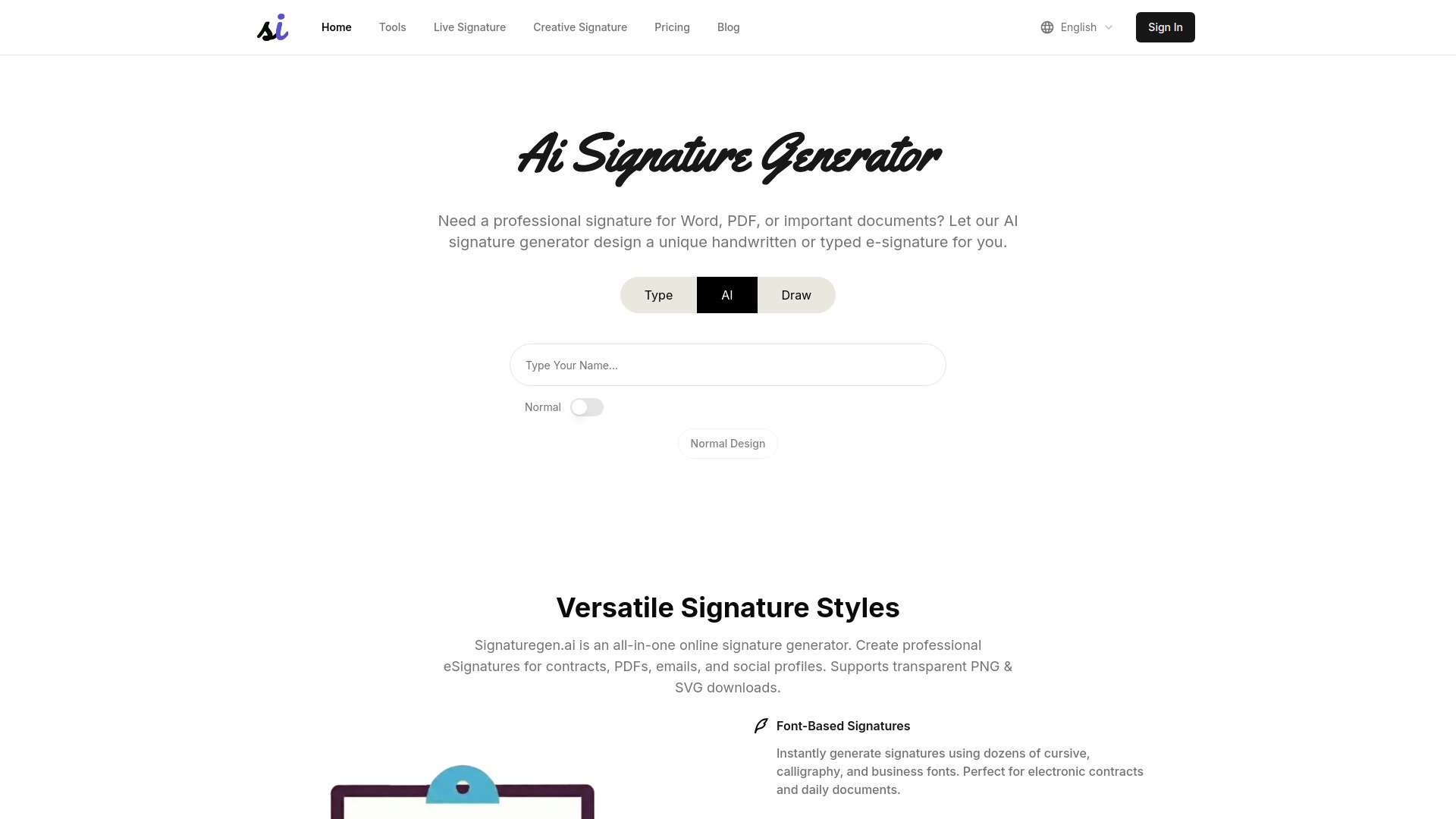
SignatureGen is a niche but useful option for freelancers who want a personal mark, signature-style wordmark, or supporting graphic. It offers font-based, AI-generated, and on-screen handwritten signatures, plus live stroke-by-stroke playback and creative signature designs with text and graphic elements.
It should not be confused with a complete corporate logo system. Its strength is personal branding and signature graphics. Basic generation and downloads are free, while AI generation is only partially free and transparent PNG downloads require the background-removal tool.
Best fit
Freelancers creating a personal signature mark.
Creators who want font, AI, or handwritten variations.
Users needing PNG or SVG signature graphics quickly.
Limitations
AI signature generation is only partially free.
Transparent PNG downloads require the background-removal tool.
It is designed around signatures rather than full identity systems.
More tools to compare
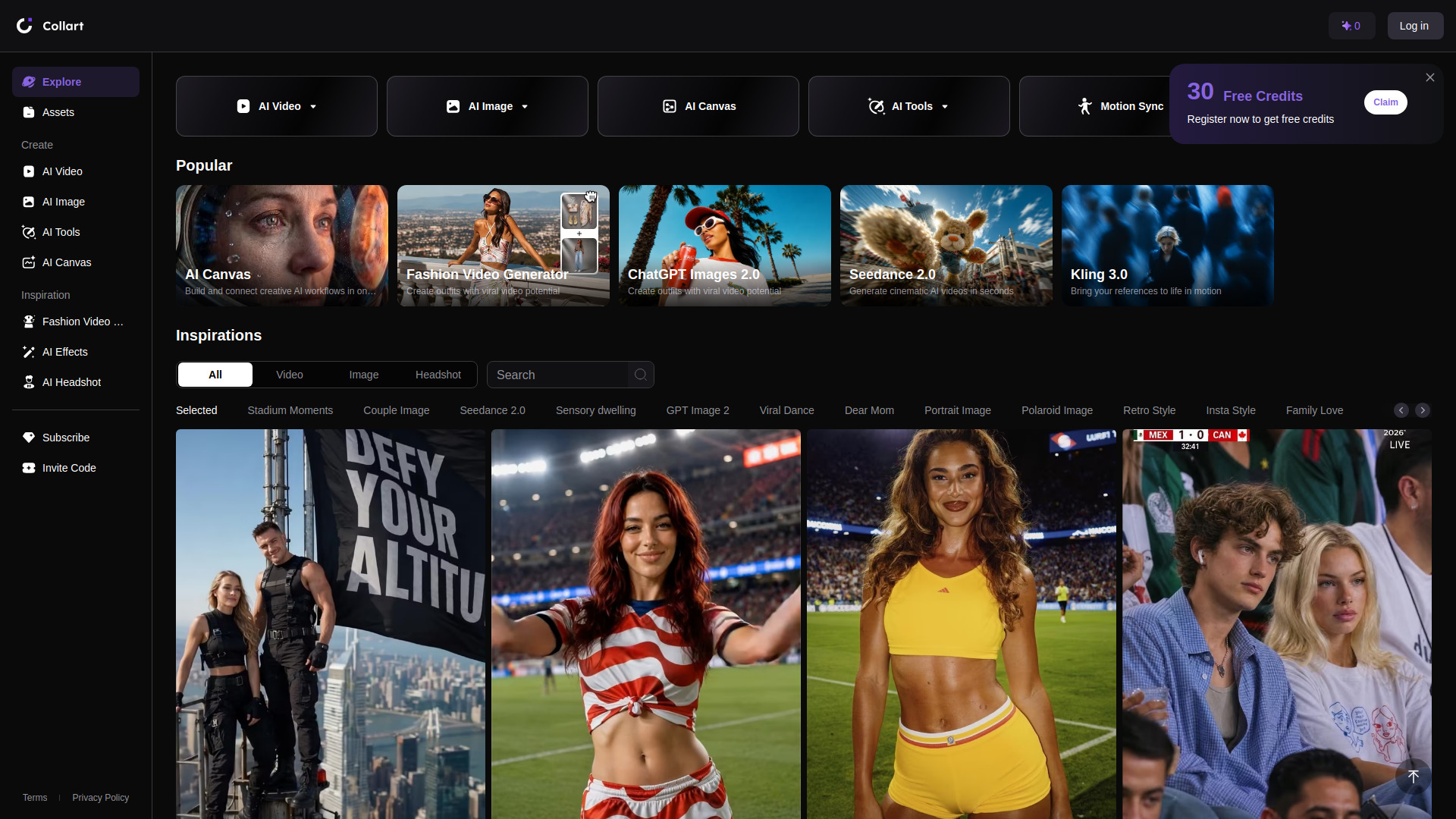
Collart AI

- AI image and video generation
- 30 daily credits
- Starts at $5.83/month (annual billing)
- Usage signal: 176.1K
kavel ai
- AI image and video generation
- 10 free credits, no sign-up
- Starts at From $19.90
- Usage signal: 57.7K
AI Inspo

- Creators needing image, video, and music generation
- 100 credits weekly
- Starts at $9.09/week
- Usage signal: 51.1K
ToolKK

- Creators and marketers needing many utility tools
- Free plan available
- Starts at From $1.99/month
- Usage signal: 376.1K
AI Photo Editor
- Prompt-based photo editing
- Free plan available
- Starts at $7.90/month
- Usage signal: 44K
YouArt
- All-in-one AI image and video creation
- Free plan available
- Starts at Check vendor pricing
- Usage signal: 315.5K
PikpikGo

- Multi-model AI image and video creation
- 100 free credits
- Starts at From US$8.33/month
- Usage signal: 35.8K
AI Web Maker
- Small businesses needing an all-in-one website
- Starts at Check vendor pricing
- Usage signal: 3.0K
Seedream 5.5 AI
- Product, campaign, and character concept visuals
- Free trial available
- Starts at Check vendor pricing
- Usage signal: 60.8K
ProtoPie

- High-fidelity interactive prototyping
- 2 prototypes free
- Starts at $25/mo
- Usage signal: 72.4K
UiChemy

- Figma-to-WordPress workflows
- 1,000 credits/month
- Starts at From $8/month (annual)
- Usage signal: 41.9K
Sitedrop

- No-code websites for small businesses
- Starts at $25/mo
- Usage signal: 78K
Animate Image AI

- One-click photo animation
- 10 images/day
- Starts at Check vendor pricing
- Usage signal: 5.1K
SpriteCook

- AI sprite art for game developers
- 40 free credits every 30 days
- Starts at Check vendor pricing
- Usage signal: 104.1K
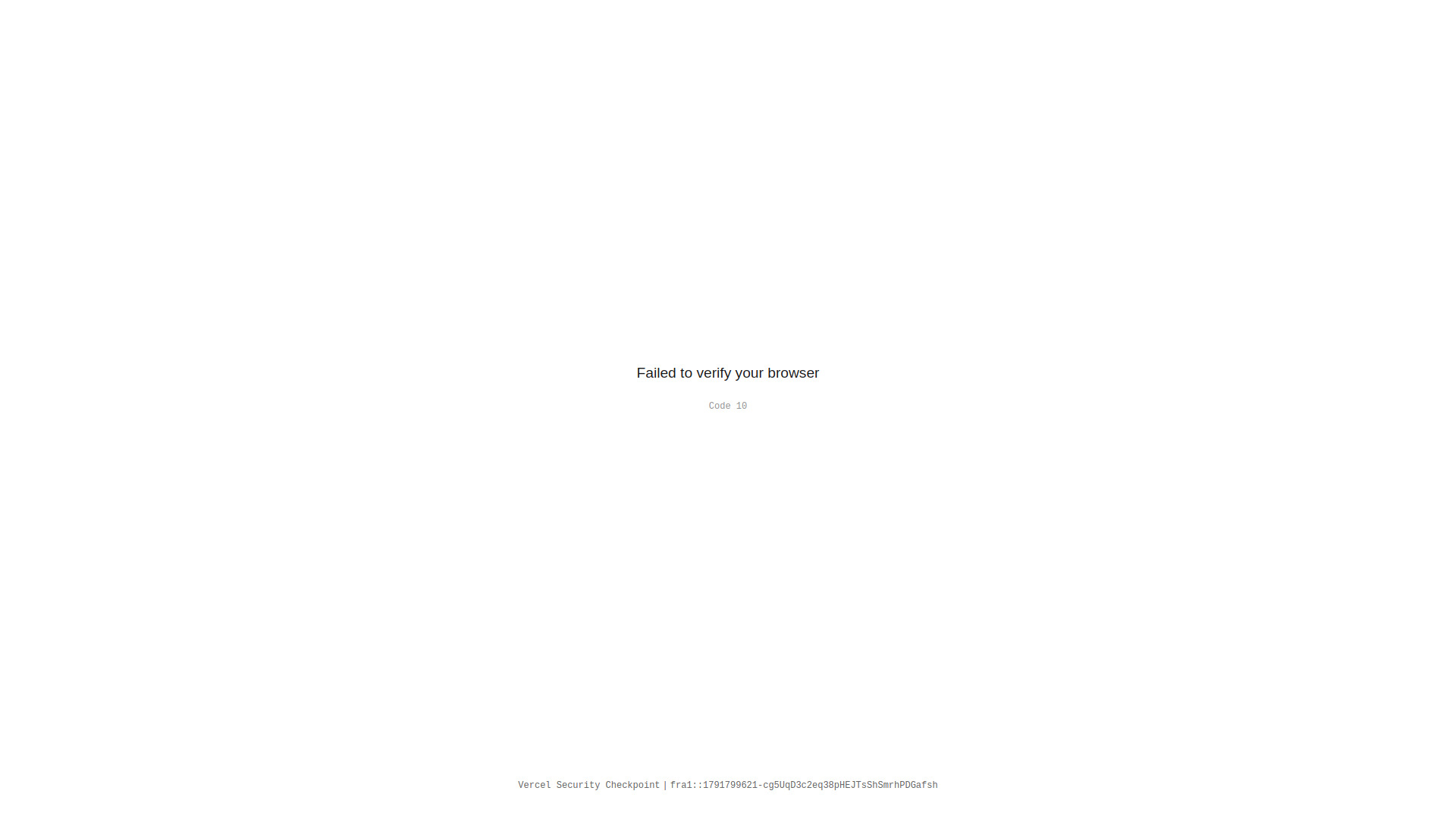
Designkit Free Background Remover

- E-commerce product image editing
- Up to 100 free exports/day
- Starts at $10/month
- Usage signal: 98.1K
Photogenerator AI

- Photorealistic AI photos and edits
- 10 free images/month
- Starts at From $8.3/mo billed annually
- Usage signal: 45.7K
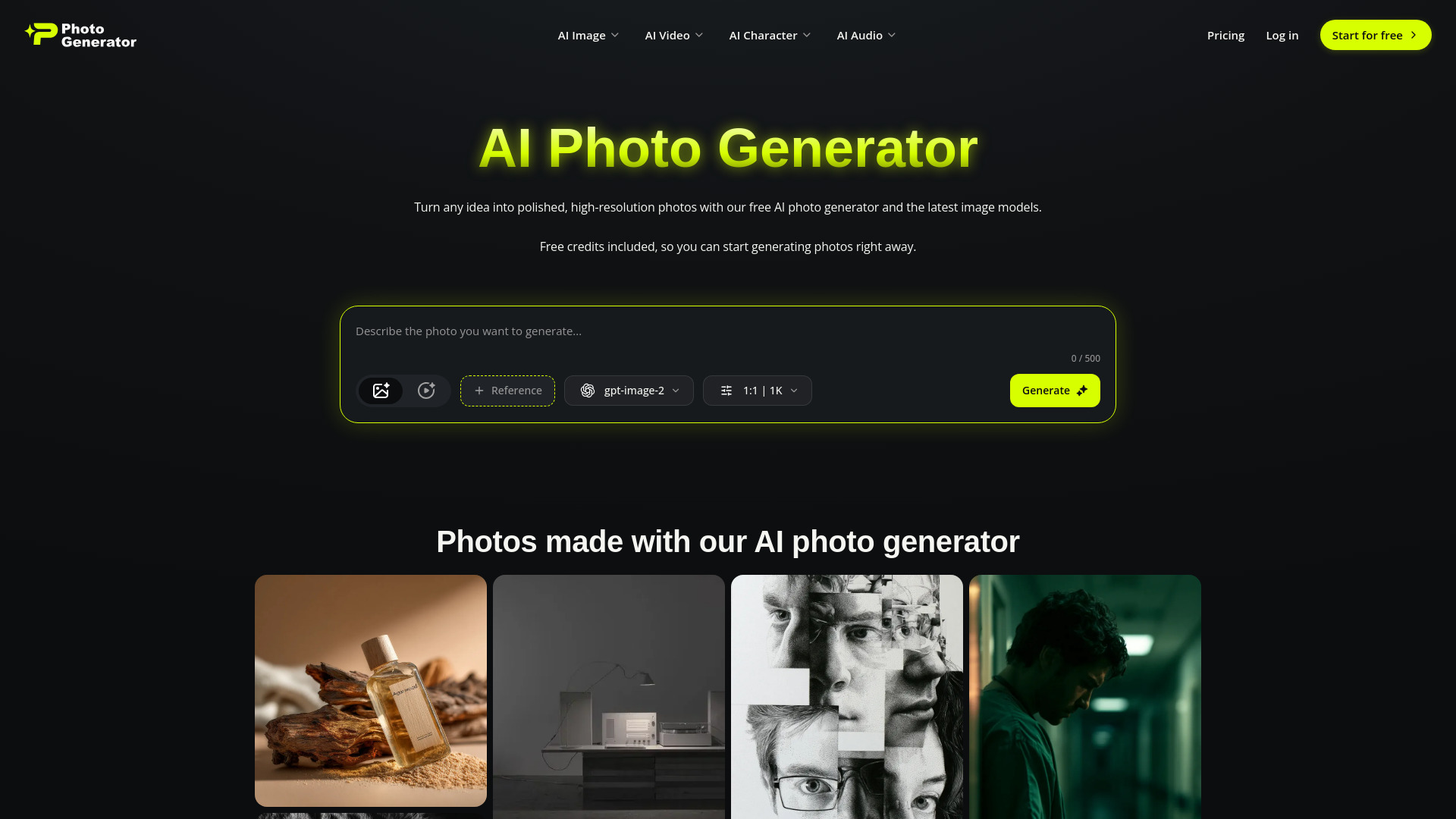
InteriorAID

- Interior designers and architects
- 20 free tokens (one-time)
- Starts at $10/month
- Usage signal: 1.2K
Slidely AI

- On-brand PowerPoint presentations
- Free plan available
- Starts at $16/month billed annually
- Usage signal: 20.2K
FloorAI

- Editable AI floor plans from sketches
- 4 free AI generations
- Starts at $9.99/month
- Usage signal: 2.2K
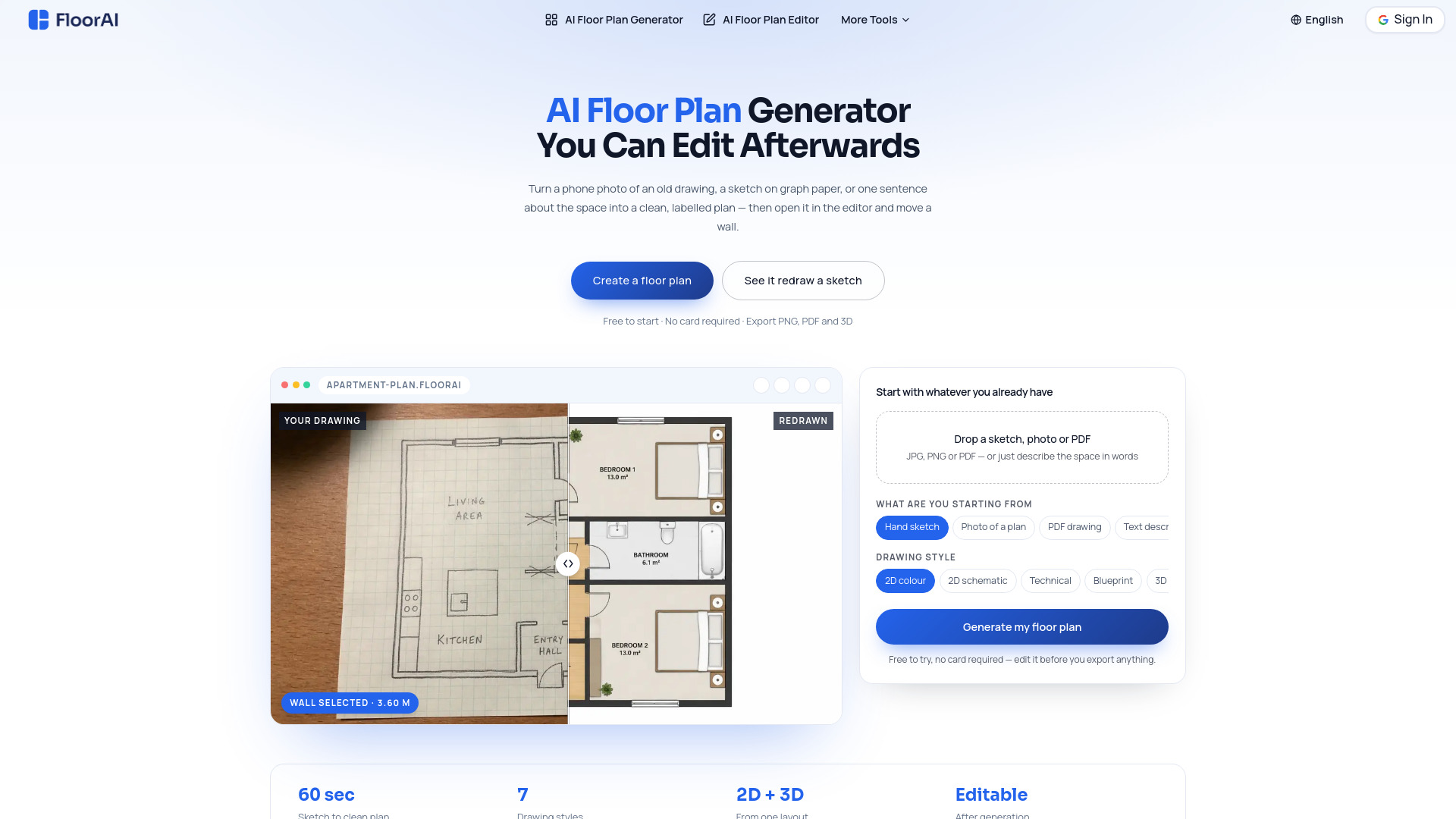
IMAI
- Brand and product teams
- Starts at $54/month billed annually
- Usage signal: 2.6K
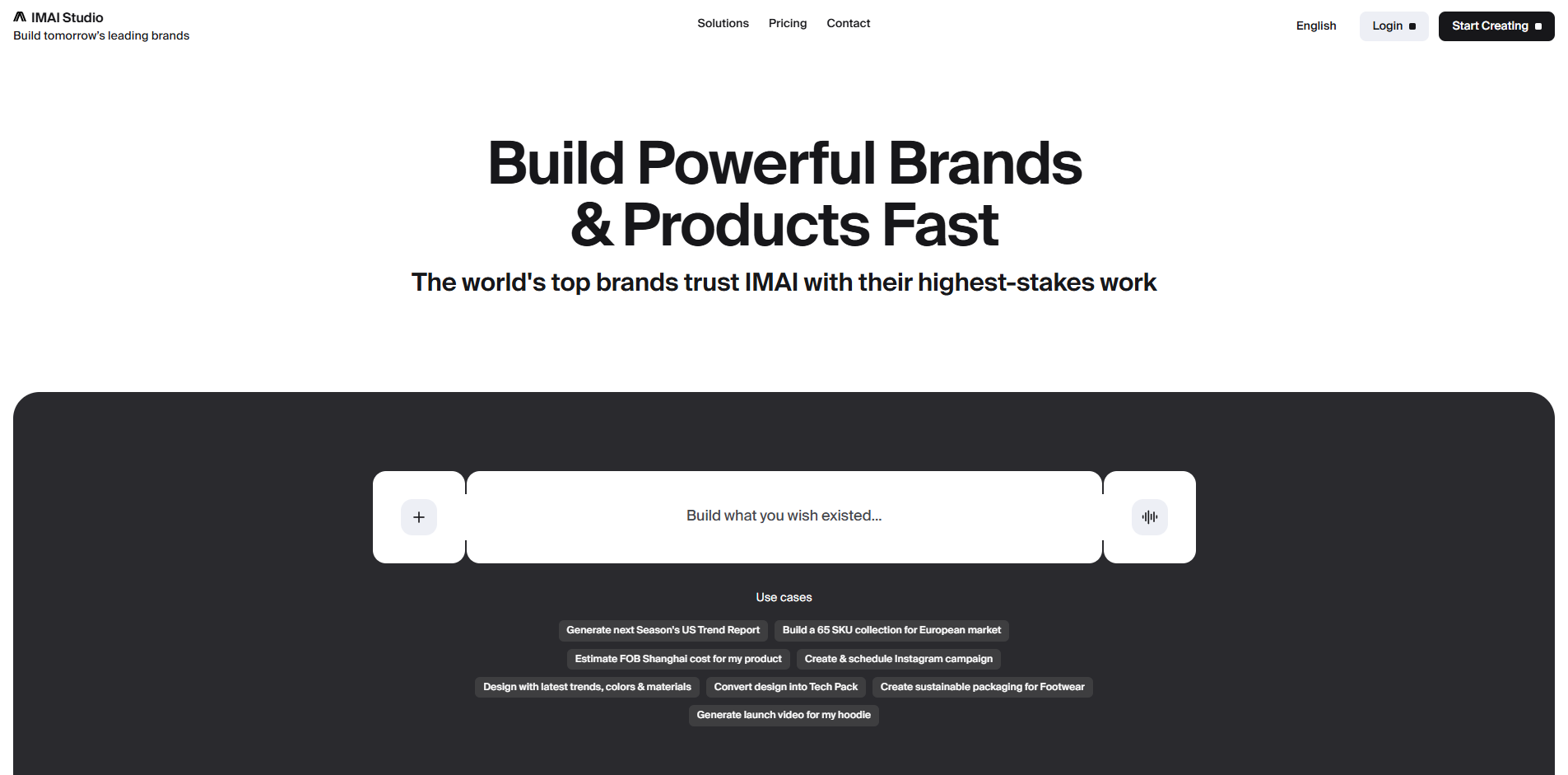
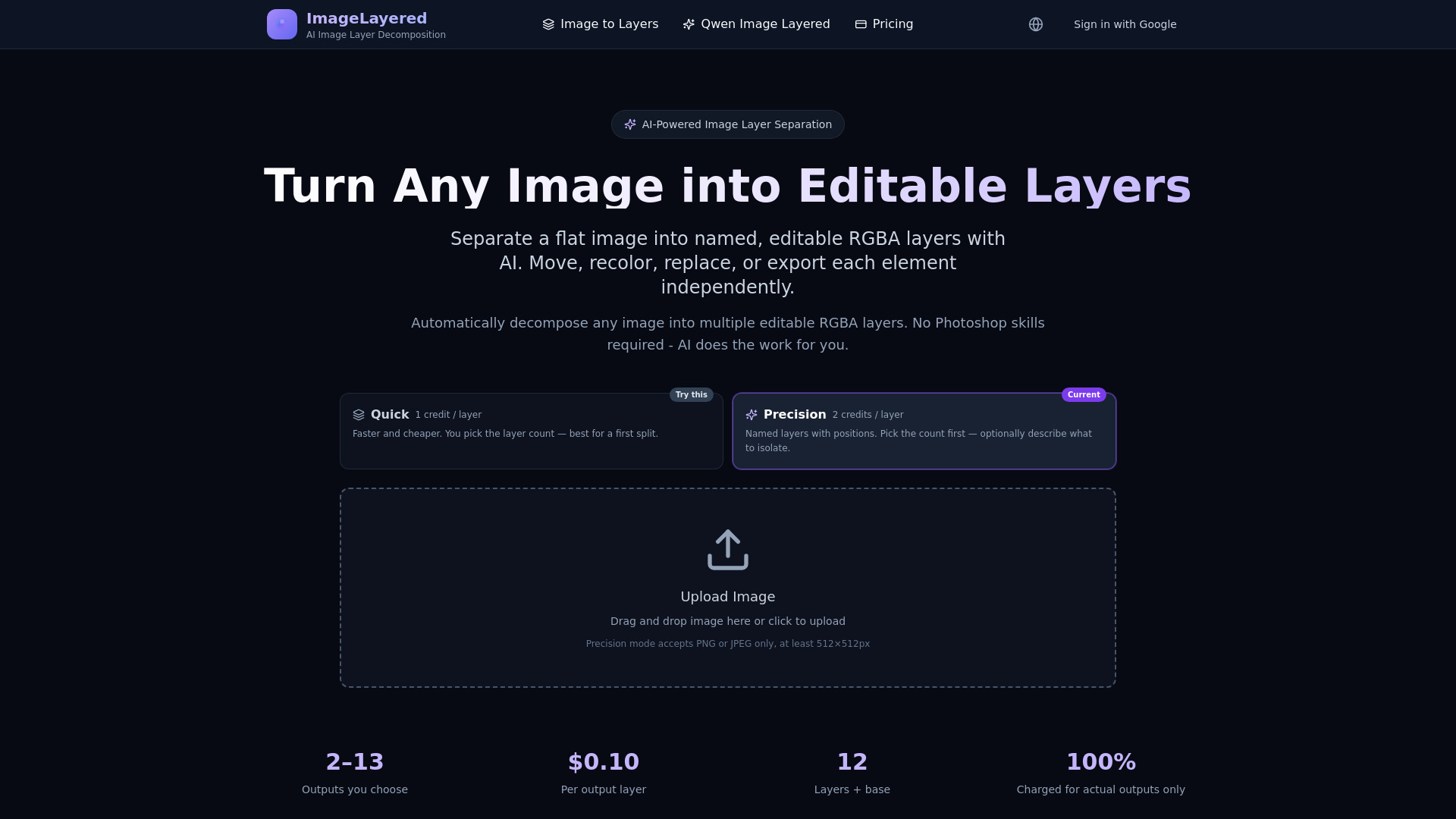
Image to Layers

- Editable image layer separation
- Free plan available
- Starts at From $0.05 per output layer
- Usage signal: 35.7K
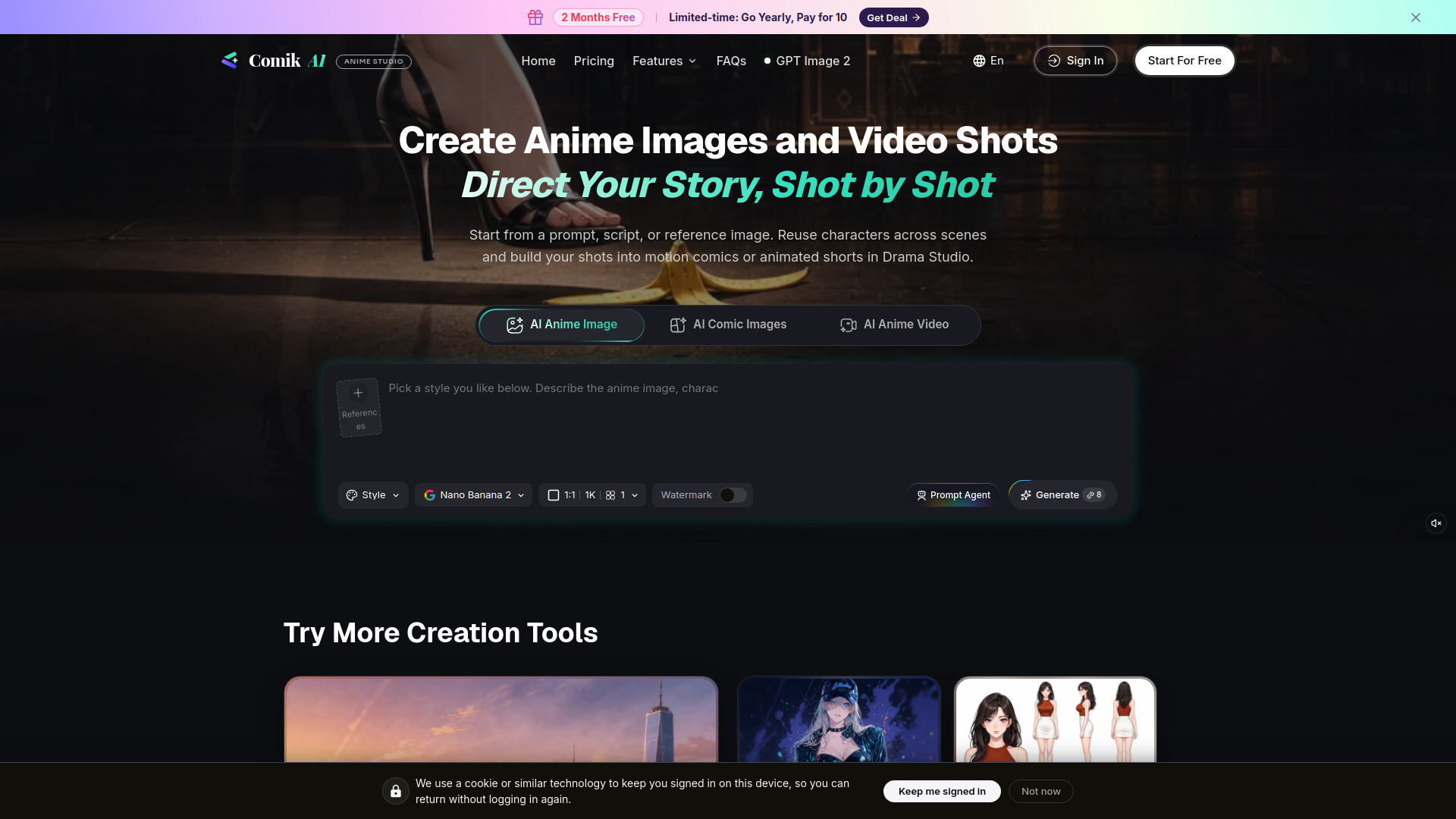
Comik AI

- Anime storyboards and motion comics
- 10 one-time credits
- Starts at $9.92/month
- Usage signal: 4.0K
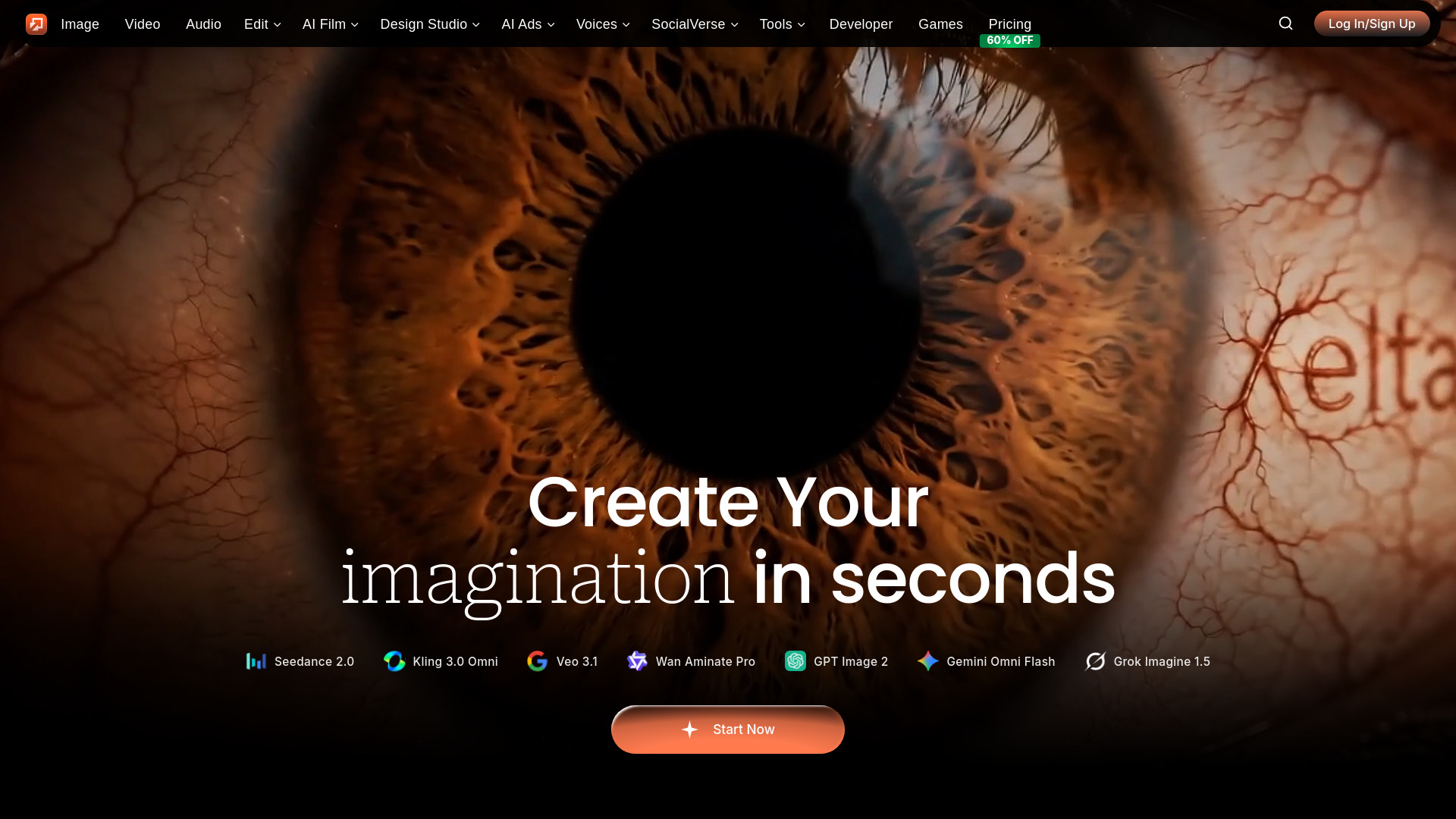
Xelta AI
- Multimedia content creation
- Starts at $2 pay-as-you-go
- Usage signal: 22.3K
Free AI Video Web

- AI video, image, and music creation
- Free plan available
- Starts at Starting at $19.99
- Usage signal: 10.2K
AI Marcus

- AI website creation for European businesses
- Free trial available
- Starts at From €5/page
- Usage signal: 1.8K
Ainna

- Product idea evaluation
- 7-day free trial
- Starts at $99/month
- Usage signal: 8.4K
Luo

- Teams building custom AI workflows
- Free plan available
- Starts at €0/month
- Usage signal: 24.1K
Aisa.to
- AI skills assessment and certification
- Free plan available
- Starts at Check vendor pricing
- Usage signal: 20.9K
aiOS

- Small-business marketing automation
- 5 free messages
- Starts at $20/mo
- Usage signal: 2.9K
AI 3D Model

- Game developers and 3D creators
- 65 credits/month, up to 6 assets
- Starts at From $15.90/month annually
- Usage signal: 4.1K
Open Maker AI

- AI image and video creation
- 60 free credits for new users
- Starts at $19.99 one-time
- Usage signal: 1.4K
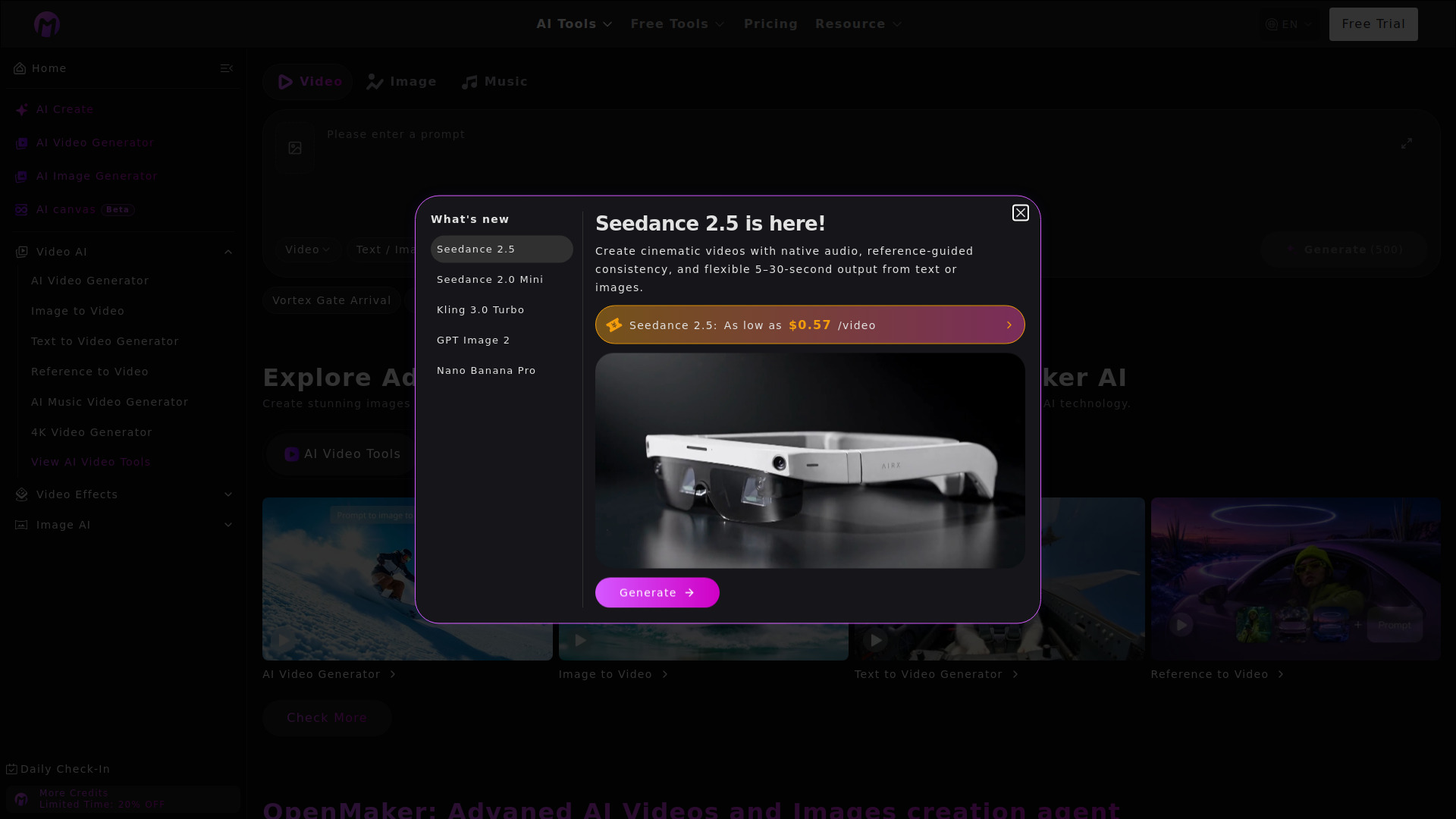
AppScreenStudio
- App store screenshot design for indie developers
- 1 export per day
- Starts at From $5 for 1 month
- Usage signal: 15.8K
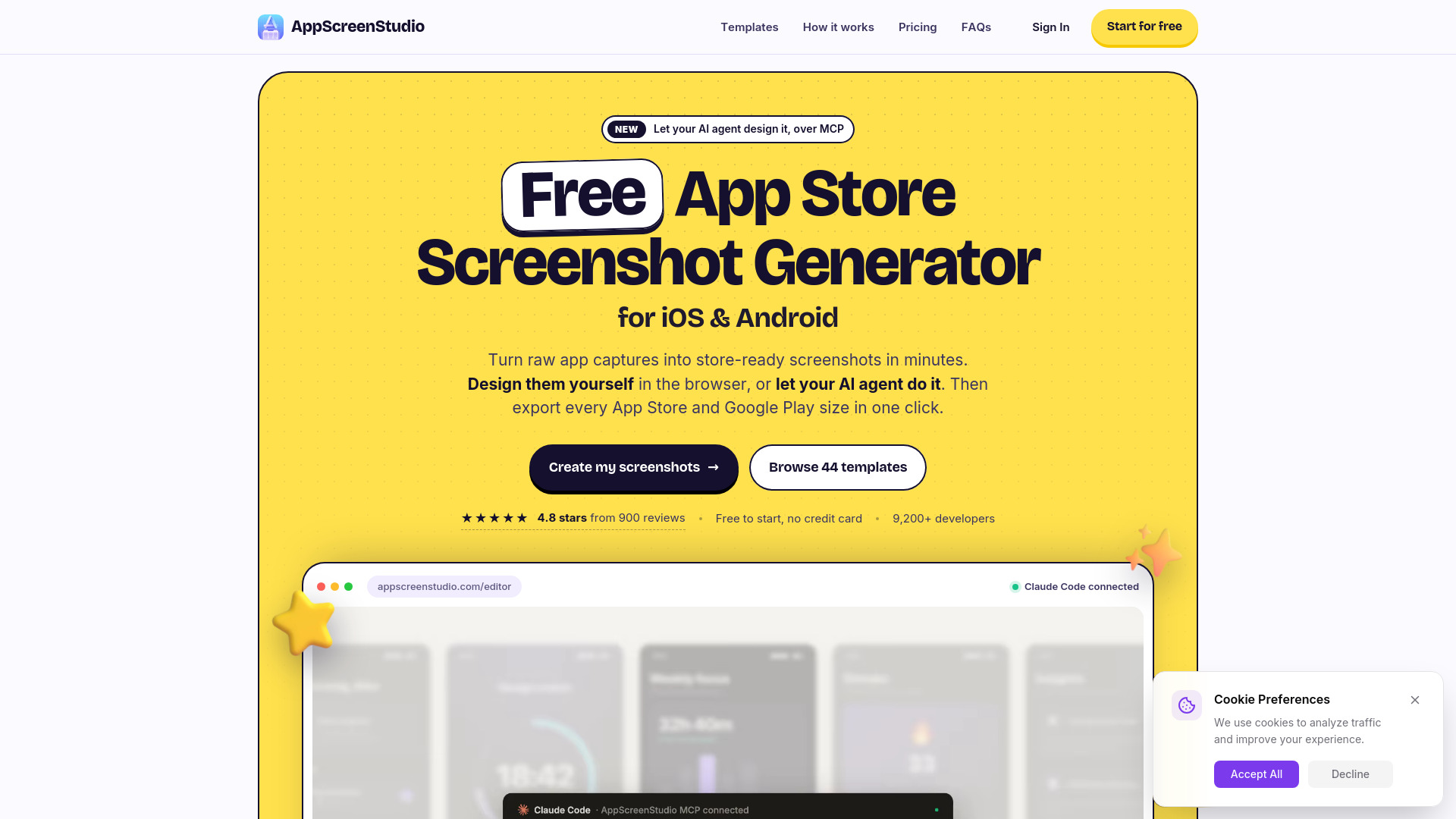
ArchOne AI

- Early-stage spatial design visualization
- 2 free credits after email verification
- Starts at From $15/month
- Usage signal: 3.3K
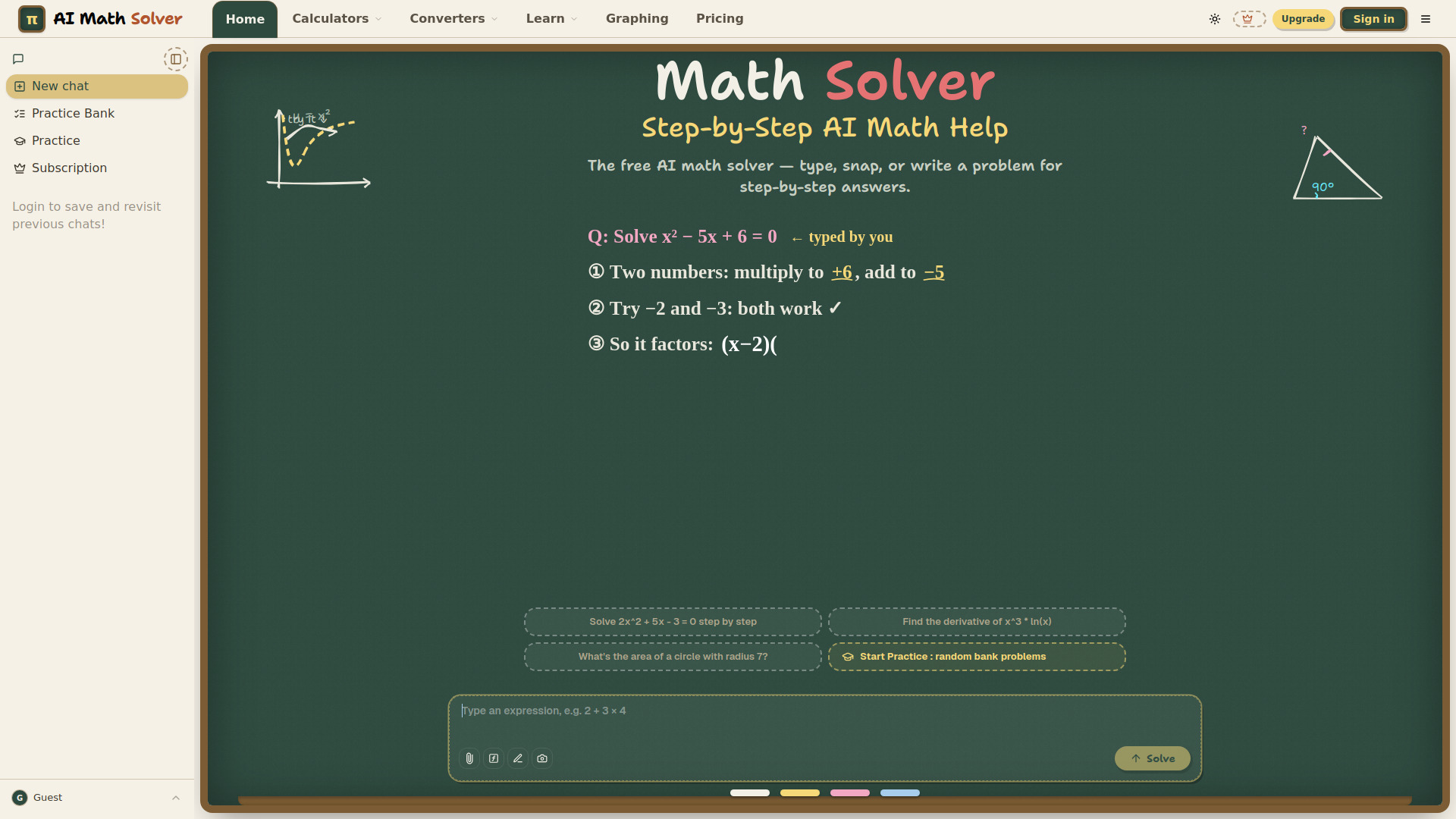
AI Math Solver

- Students needing step-by-step math help
- 50 free messages/hour
- Starts at From $9.90/mo
- Usage signal: 4.4K
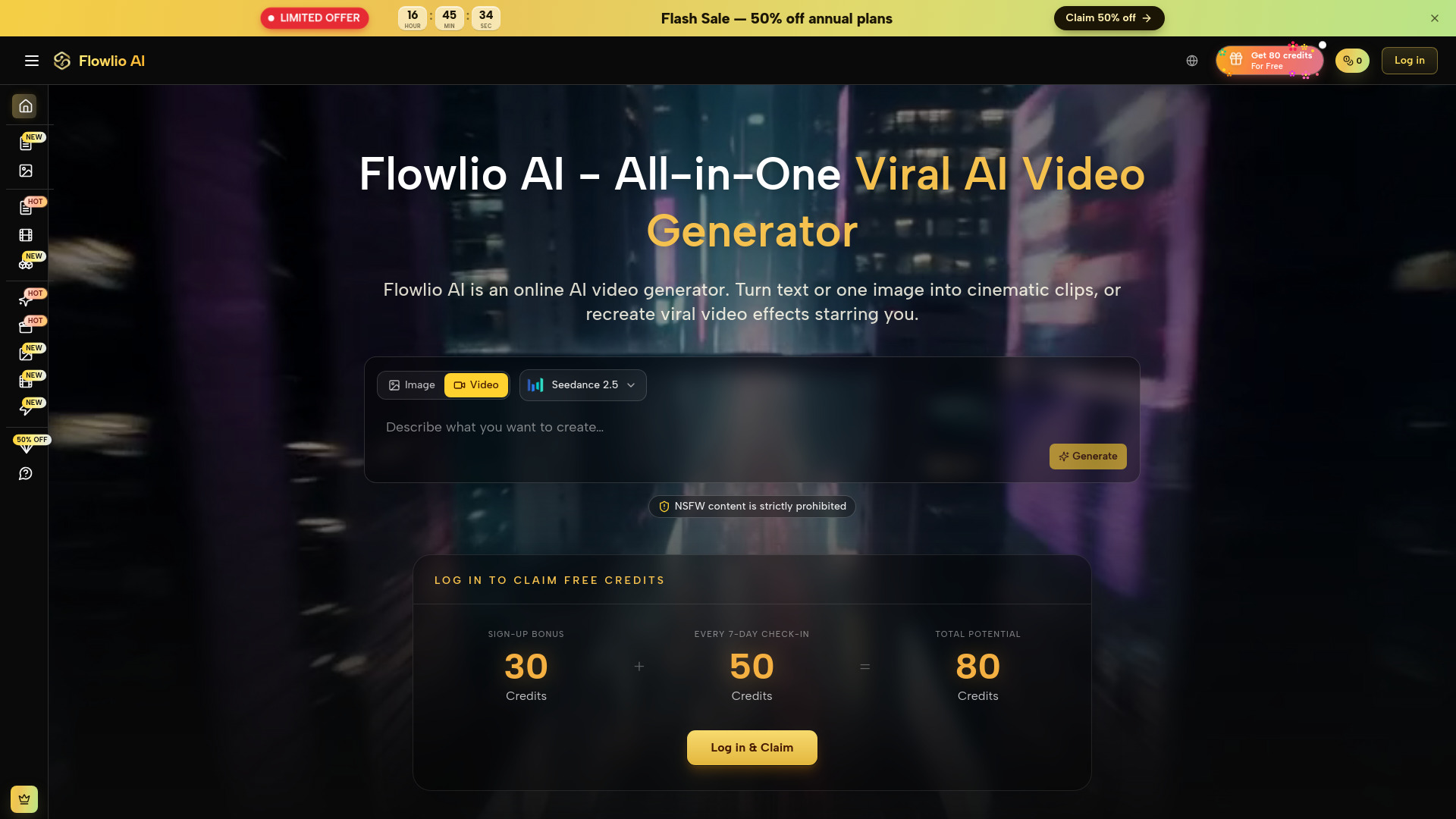
Flowlio AI

- Viral AI video effects
- 80 free credits
- Starts at $4.9 one-time
- Usage signal: 5.7K
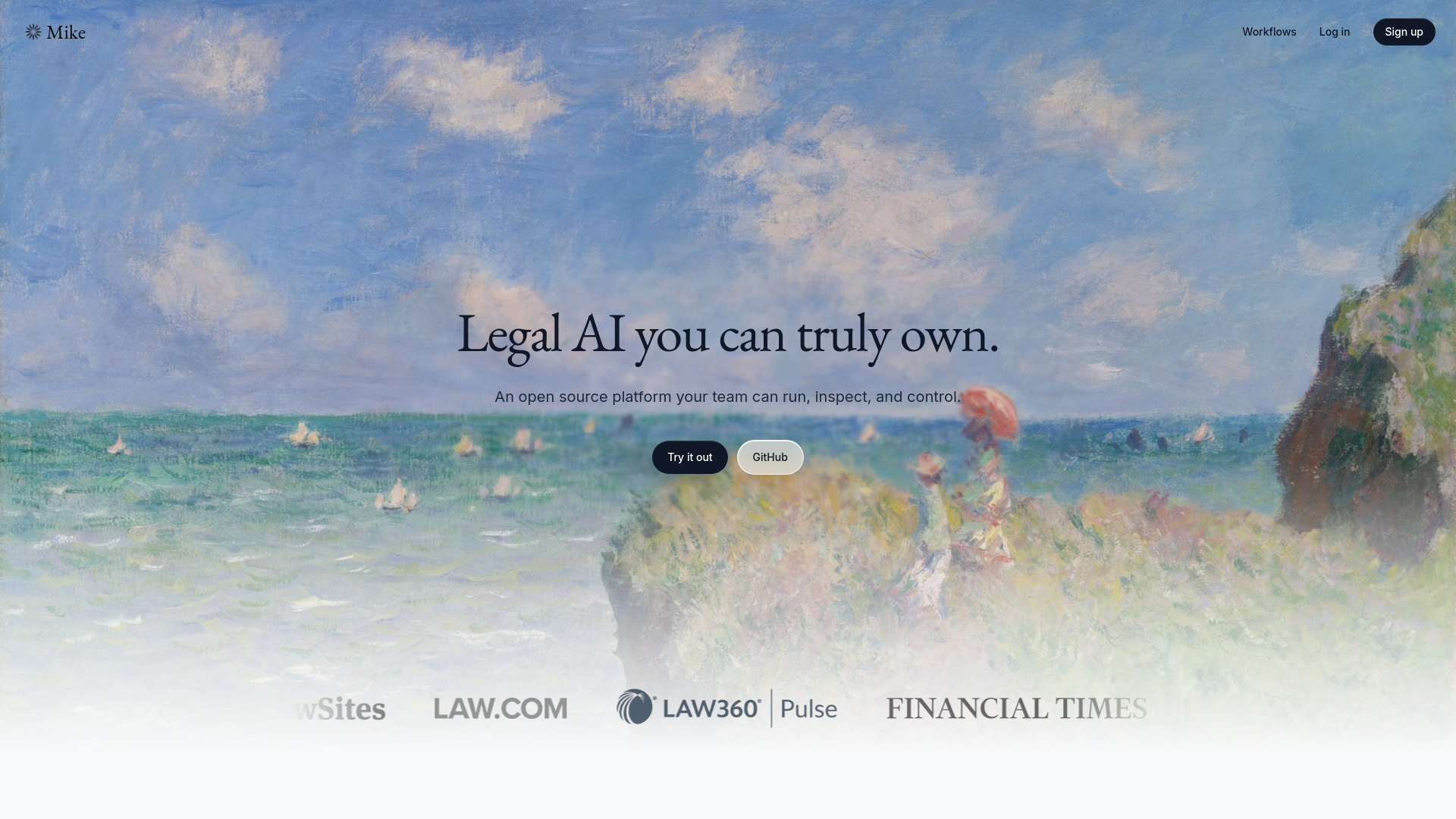
Mike

- Self-hosted legal document workflows
- Starts at Check vendor pricing
- Usage signal: 16.2K
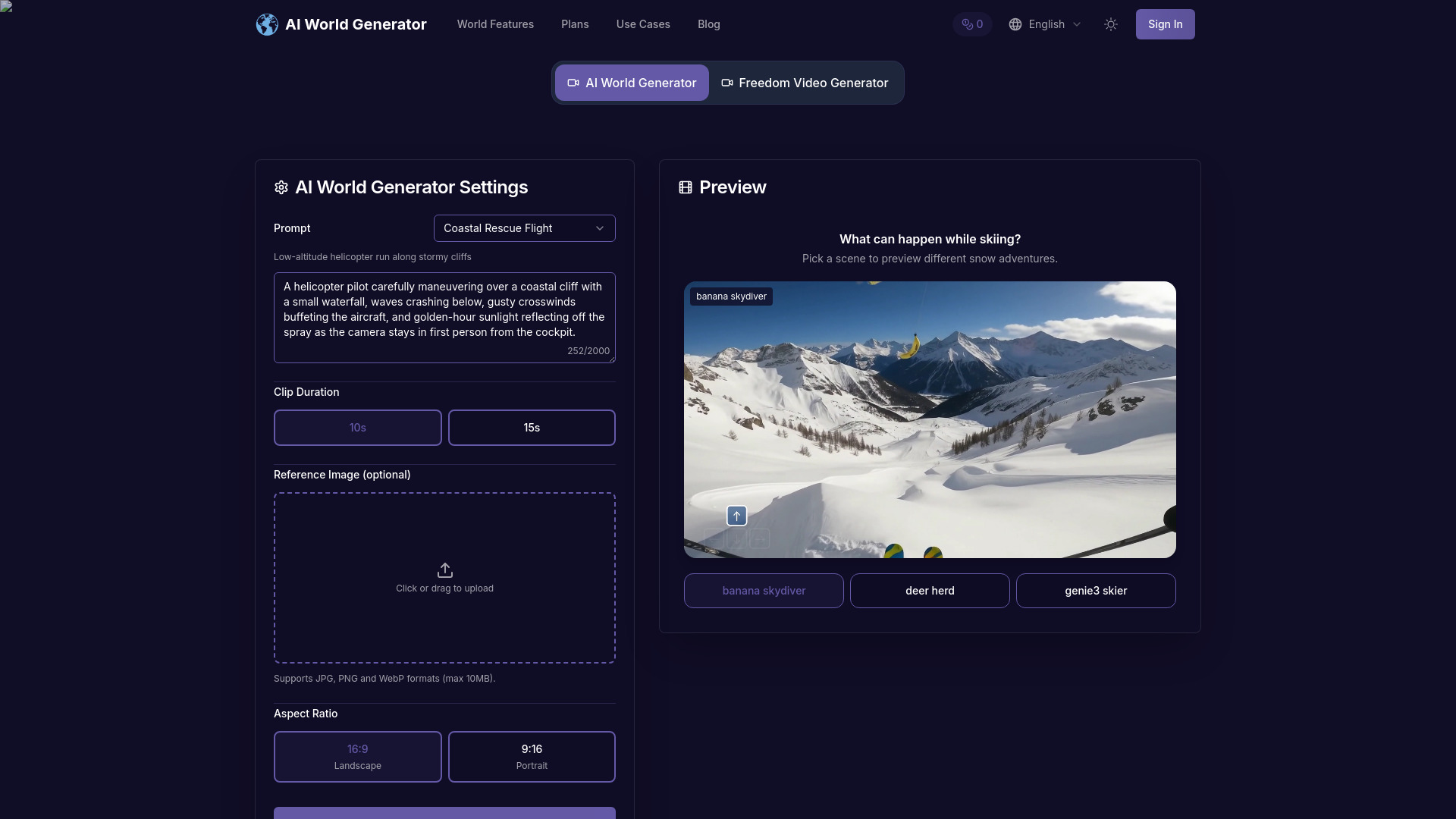
AI World Generator

- Interactive 3D world prototyping
- 6 world builder credits
- Starts at $9.90/month
- Usage signal: 5.3K
Free AI Image & Video Generator

- AI image concepts and visual drafts
- 3 free images/day
- Starts at $19/month
- Usage signal: 1.3K
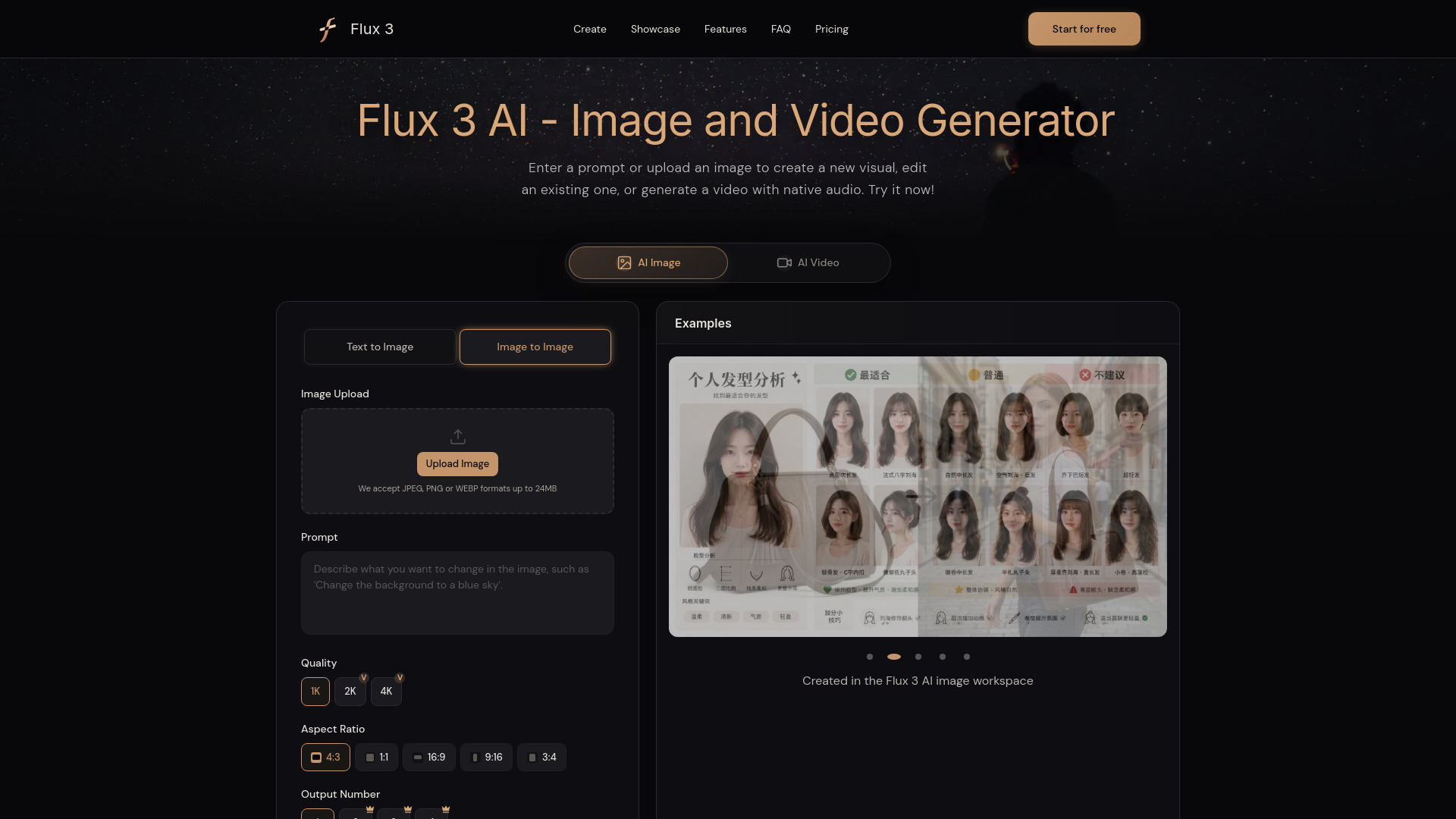
Flux 3 AI - Image and Video Generator
- Multimodal image and video creation
- Free trial available
- Starts at $13.9/month
- Usage signal: 6.5K
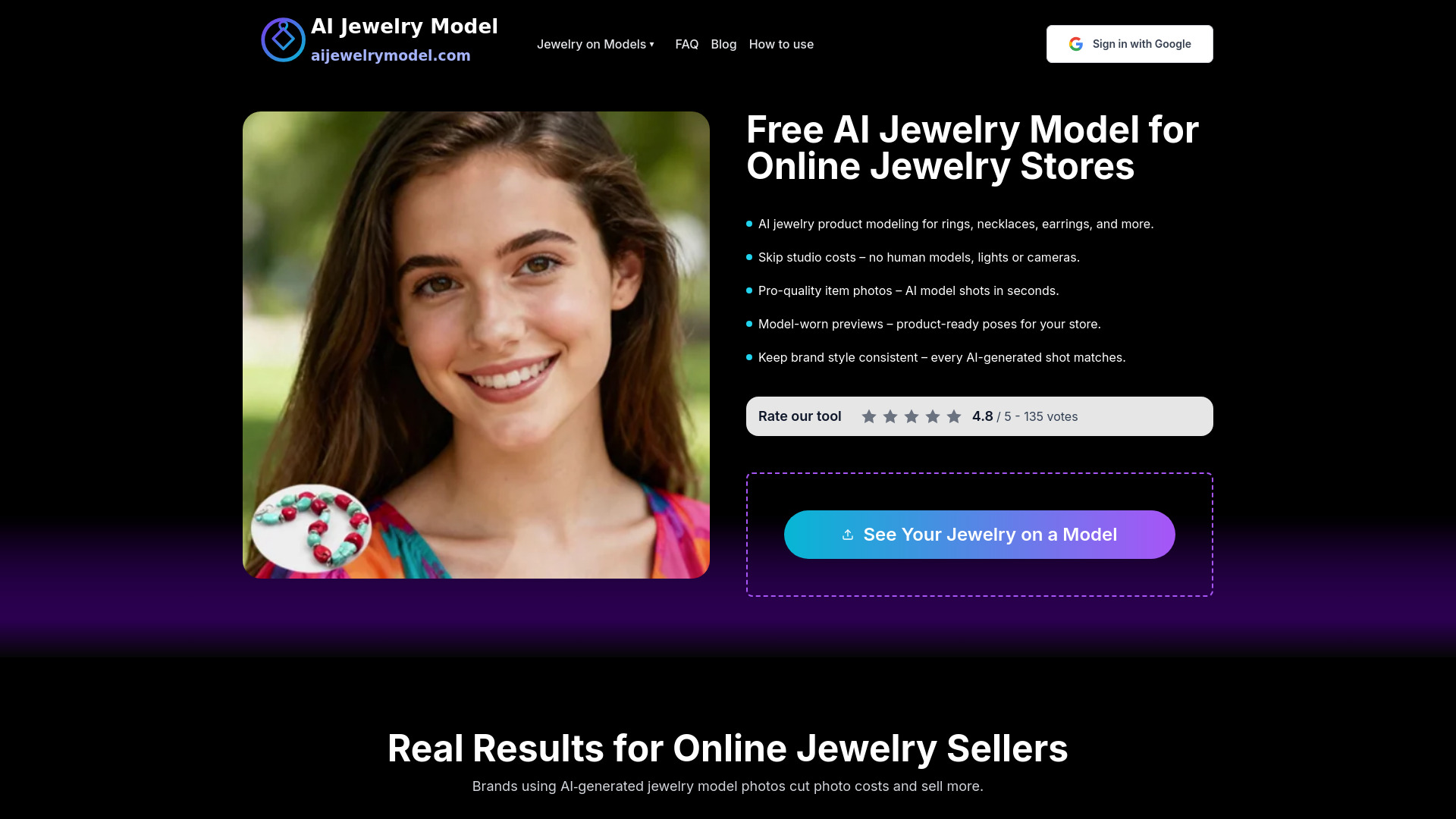
Jewelry AI Model

- Jewelry brands creating on-model product images
- 1 free image
- Starts at $9.99/month
- Usage signal: 2.7K
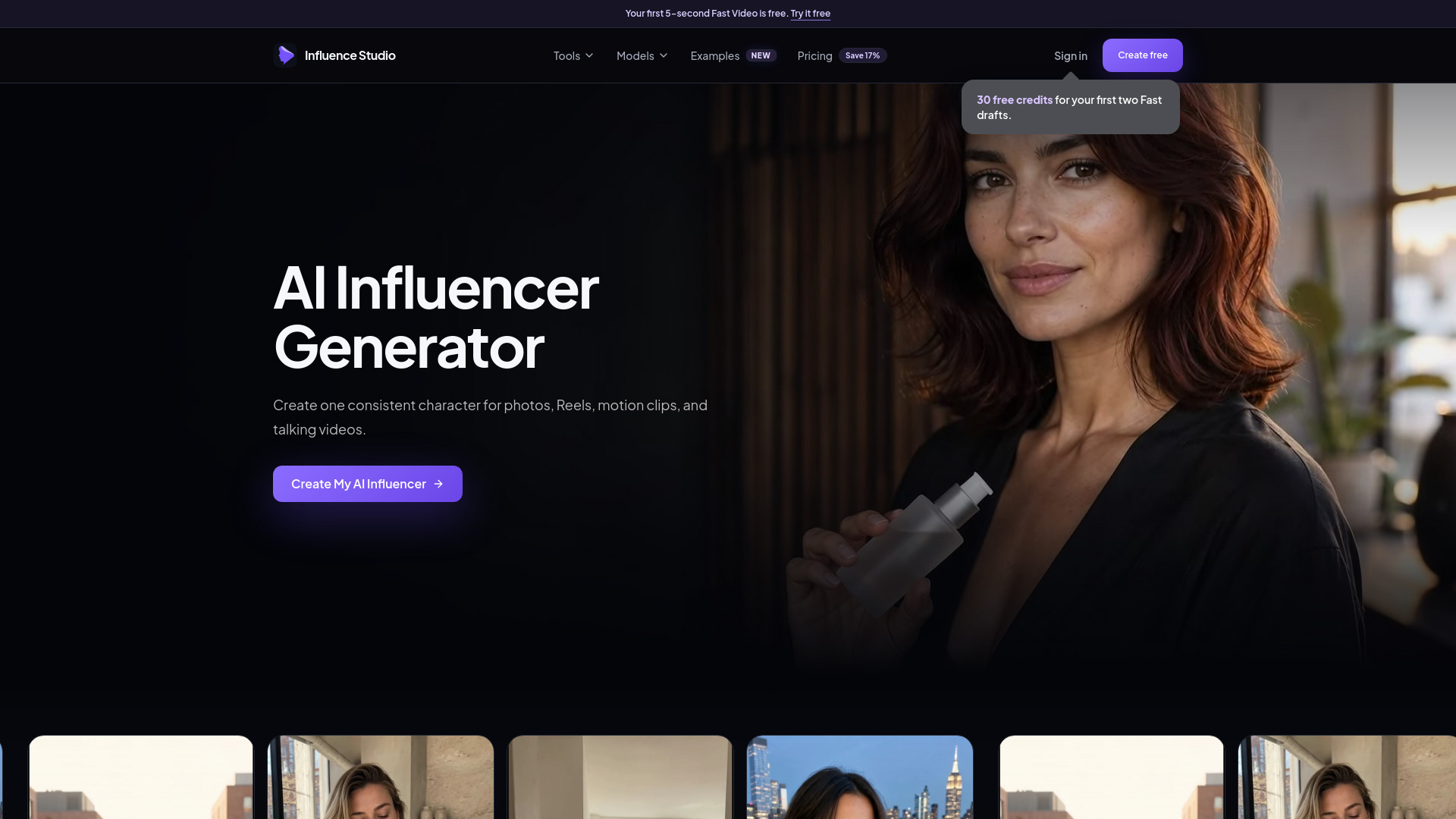
ai influencer generator

- Reusable AI influencer content
- 1 free 5-second Fast Video
- Starts at $15.83/month
- Usage signal: 3.3K
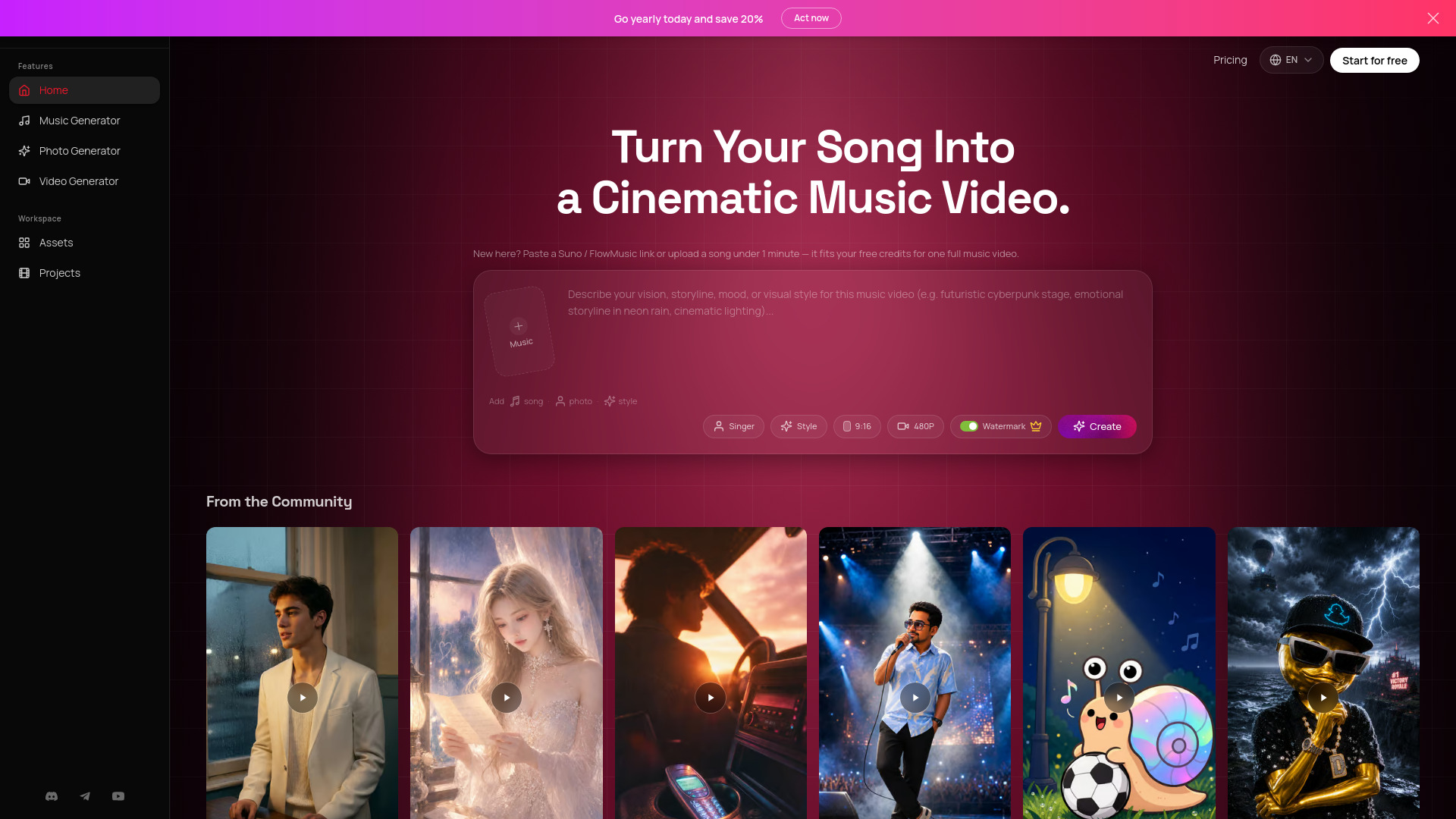
AI Music Video Generator

- AI music video creation
- 1,250 free credits
- Starts at $9.99/month
- Usage signal: 6.5K
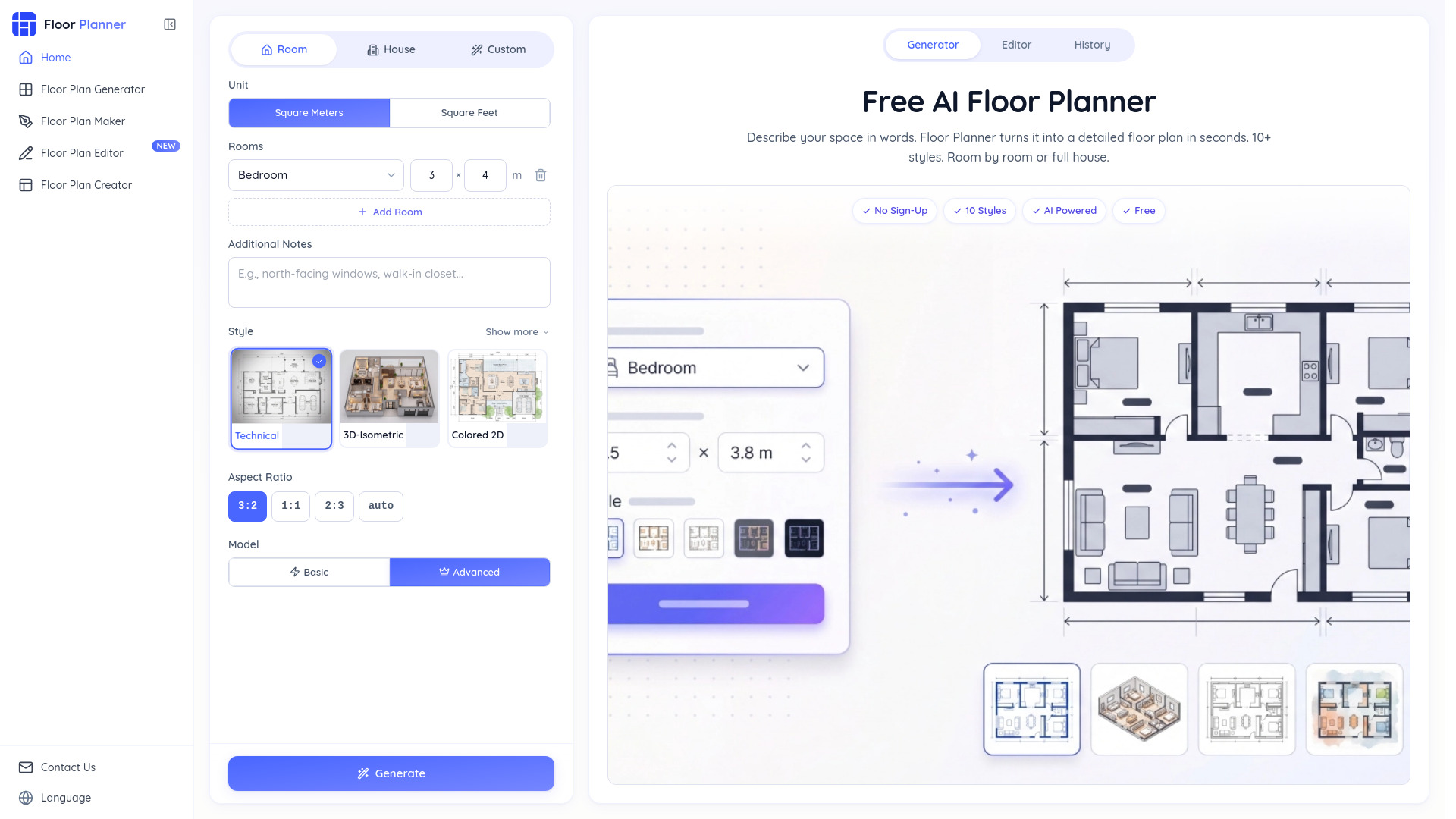
Floor Planner

- AI-generated room and house floor plans
- Free plan available
- Starts at Check vendor pricing
- Usage signal: 1.7K
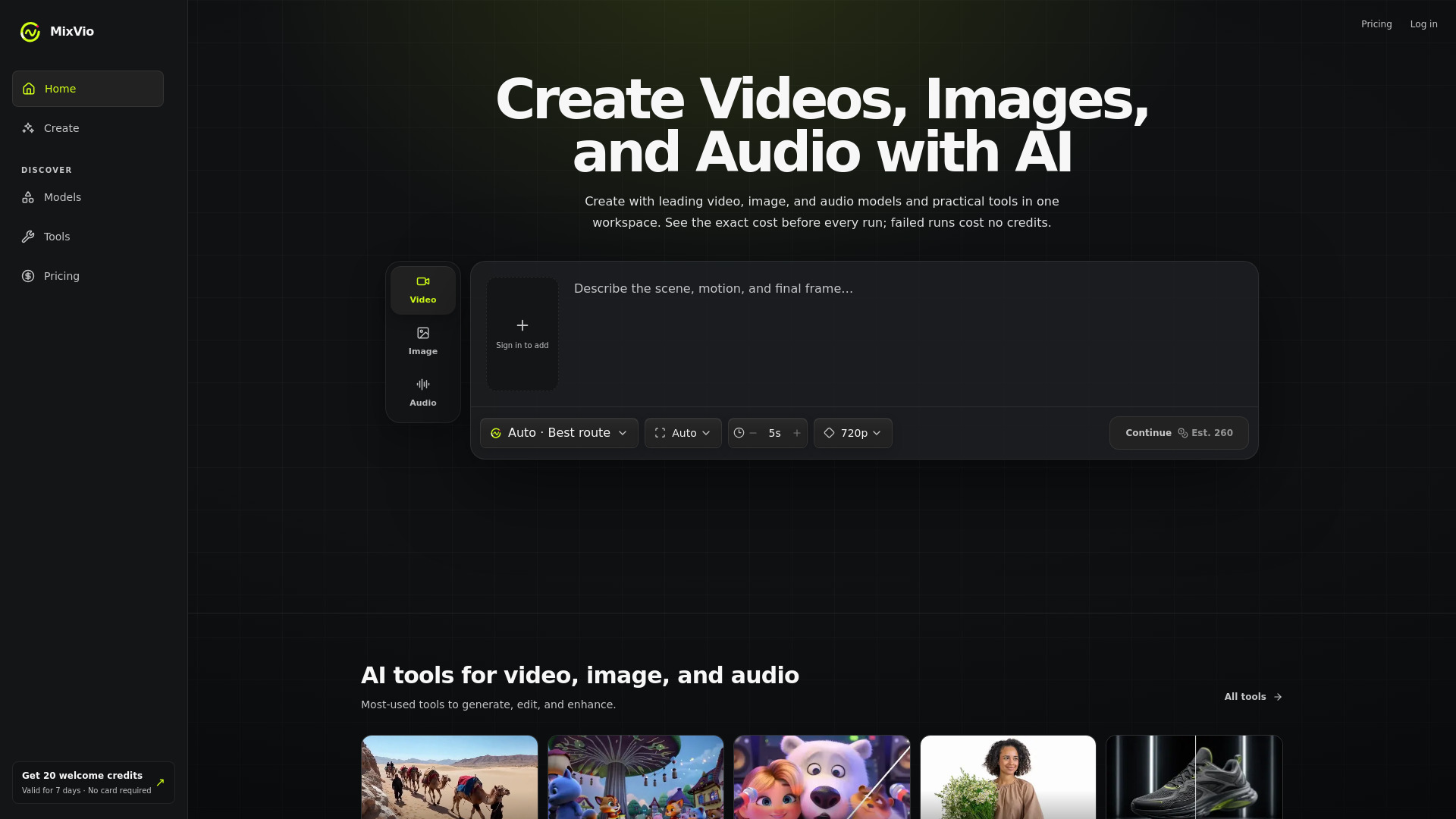
MixVio AI
- AI video, image, and audio creation
- 20 welcome credits for 7 days
- Starts at $10/month billed annually
- Usage signal: 2.8K
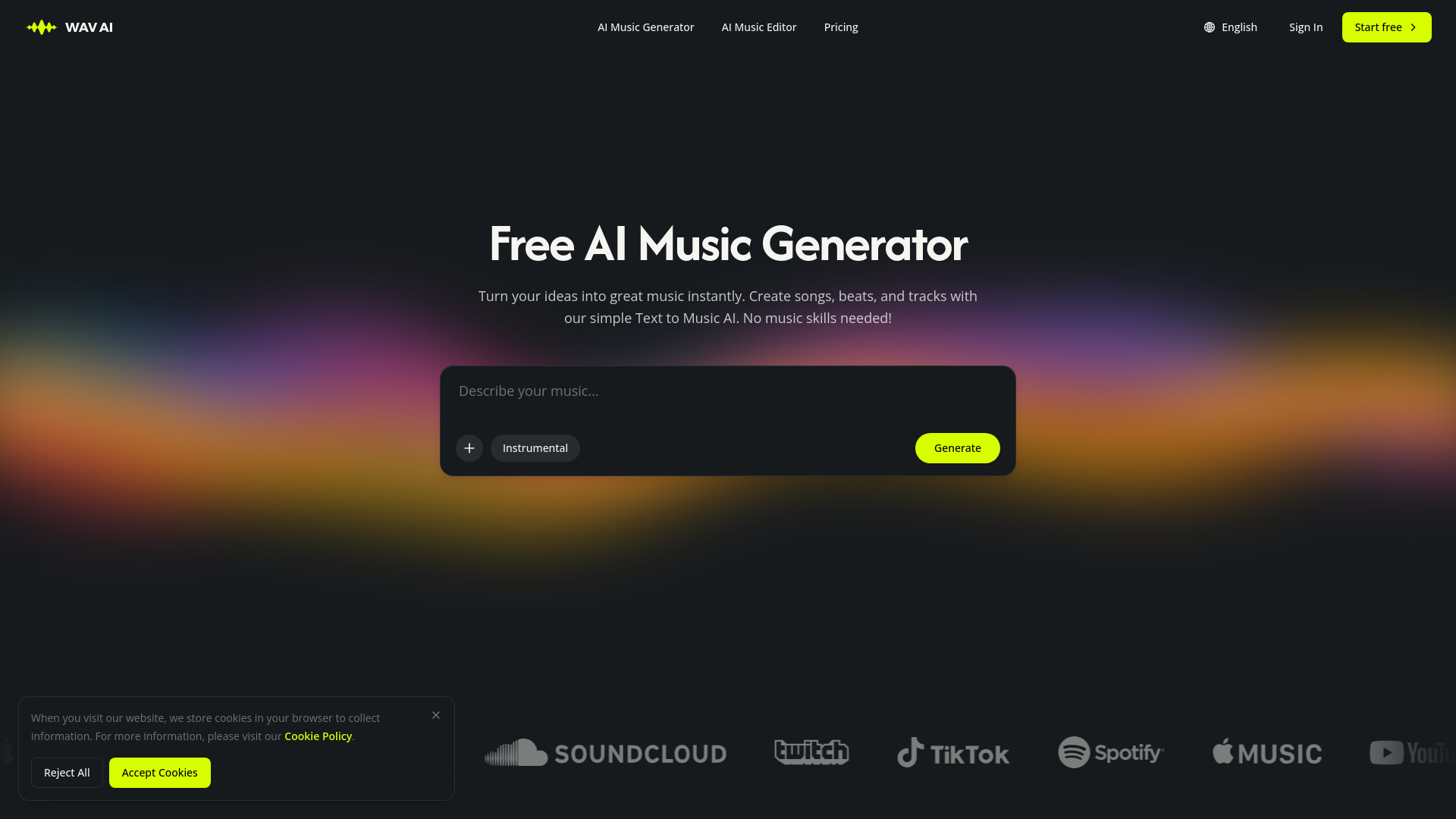
WAV AI

- AI music generation for video creators
- Free plan available
- Starts at Check vendor pricing
- Usage signal: 3.1K
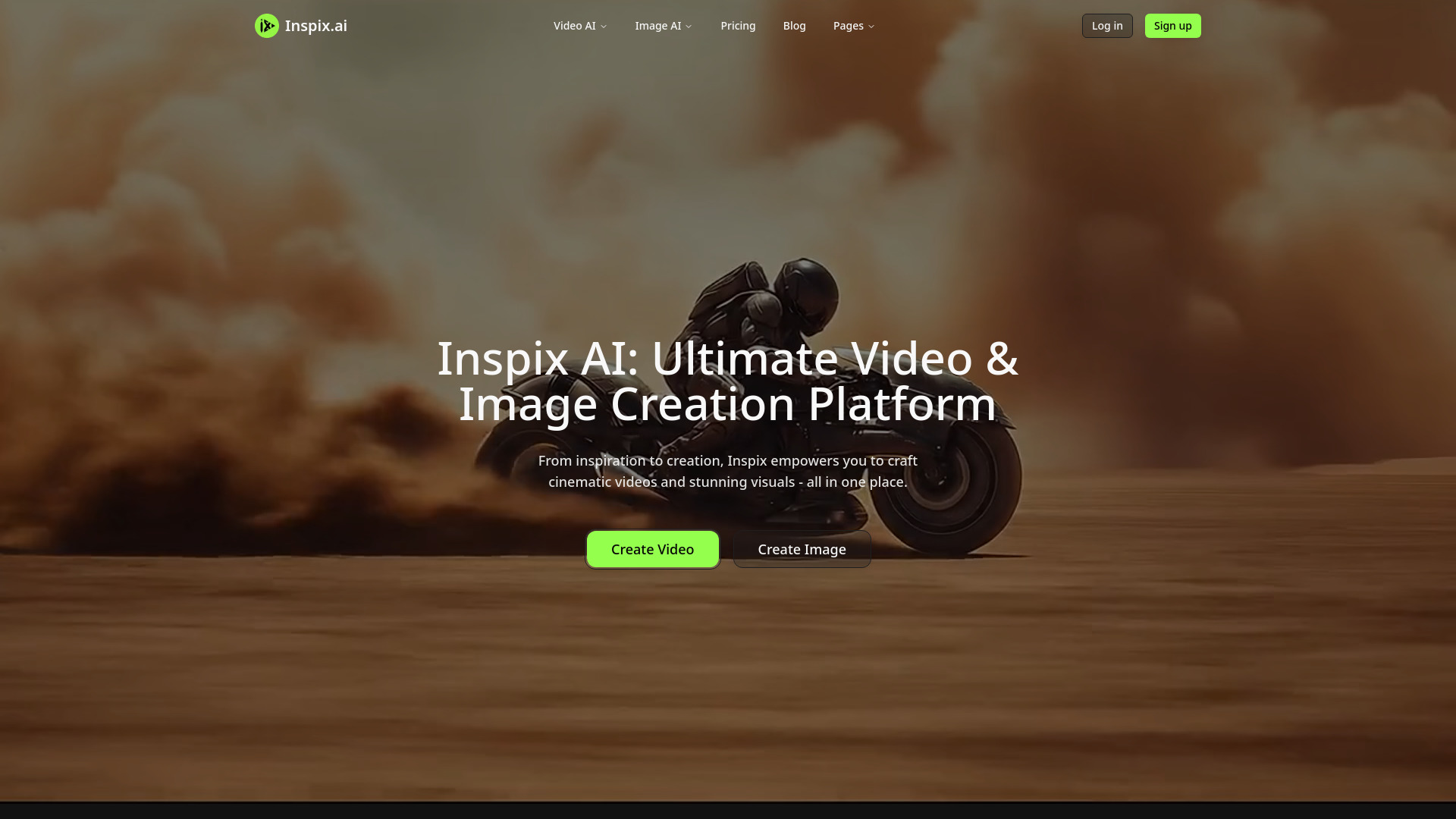
Inspix AI
- AI video and image creation
- Starts at From $19/month
- Usage signal: 1.4K
MagicRemover

- Removing logos and objects from photos
- 6 free erases/day
- Starts at $3.90/month
- Usage signal: 1.6K
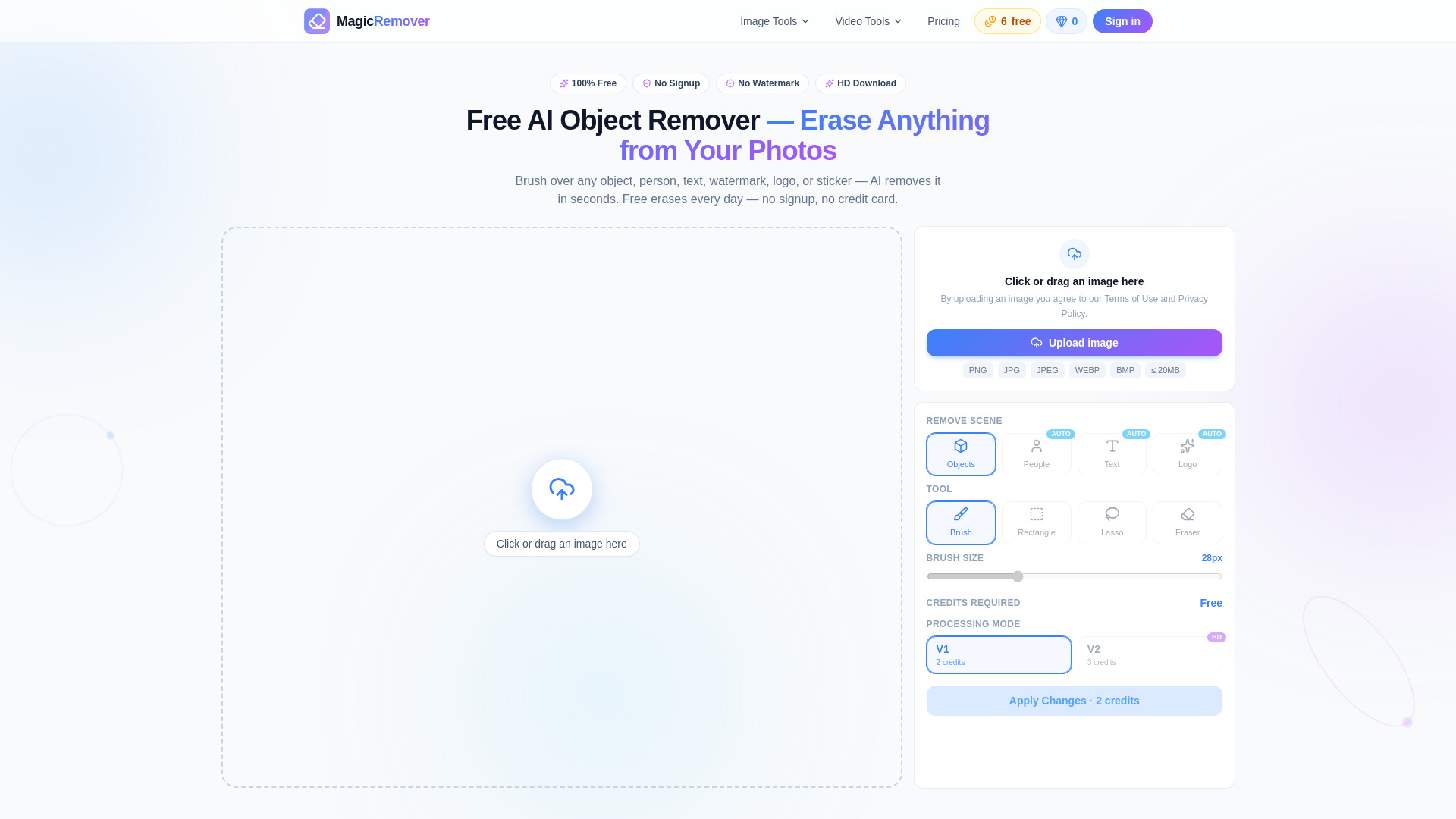
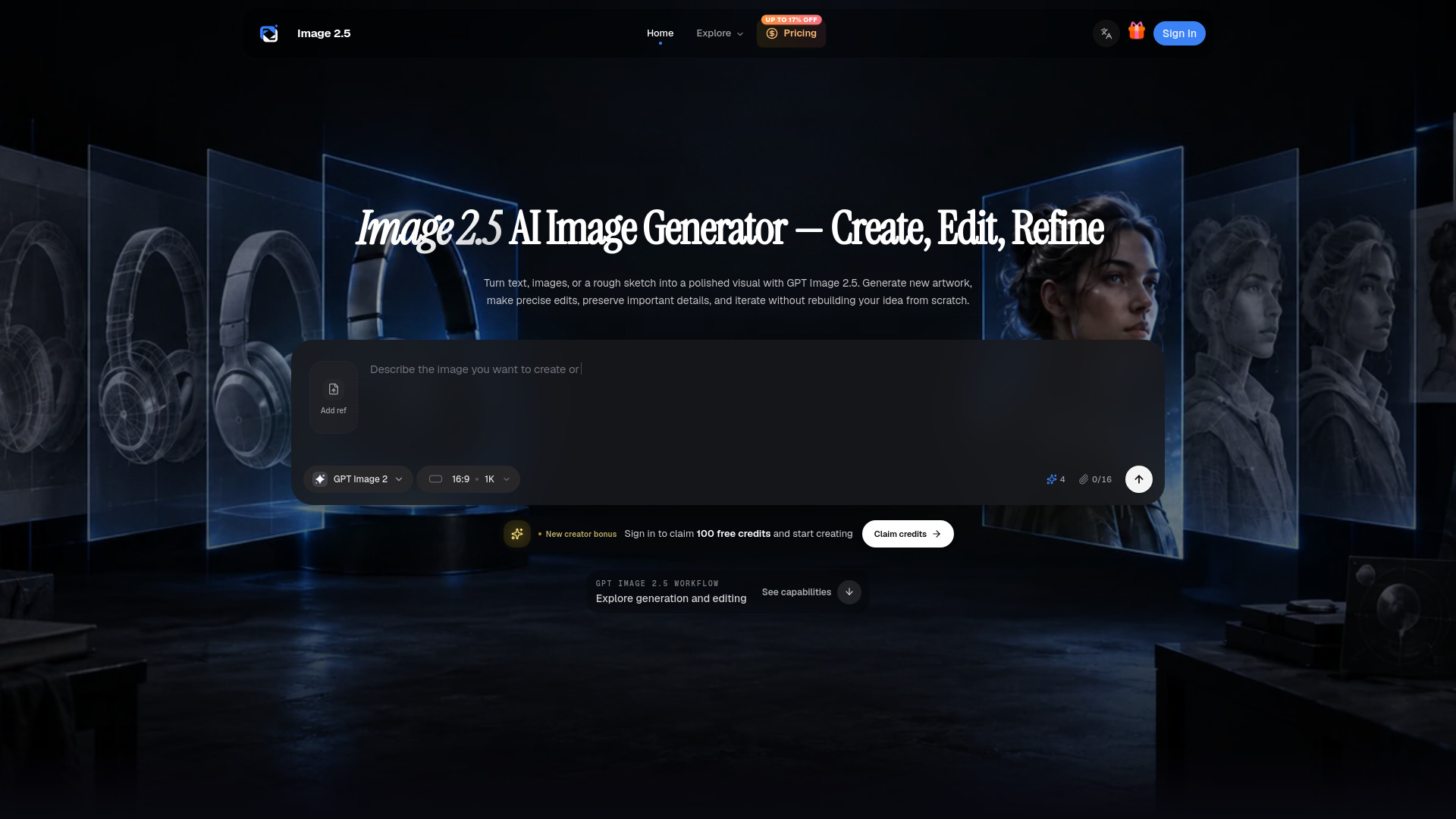
Image 2.5

- Product visuals and precise image edits
- 100 free credits
- Starts at $16.58/month
- Usage signal: 266
LYKN

- Multi-model desktop AI workflows
- $20 free usage
- Starts at $0
- Usage signal: 1.1K
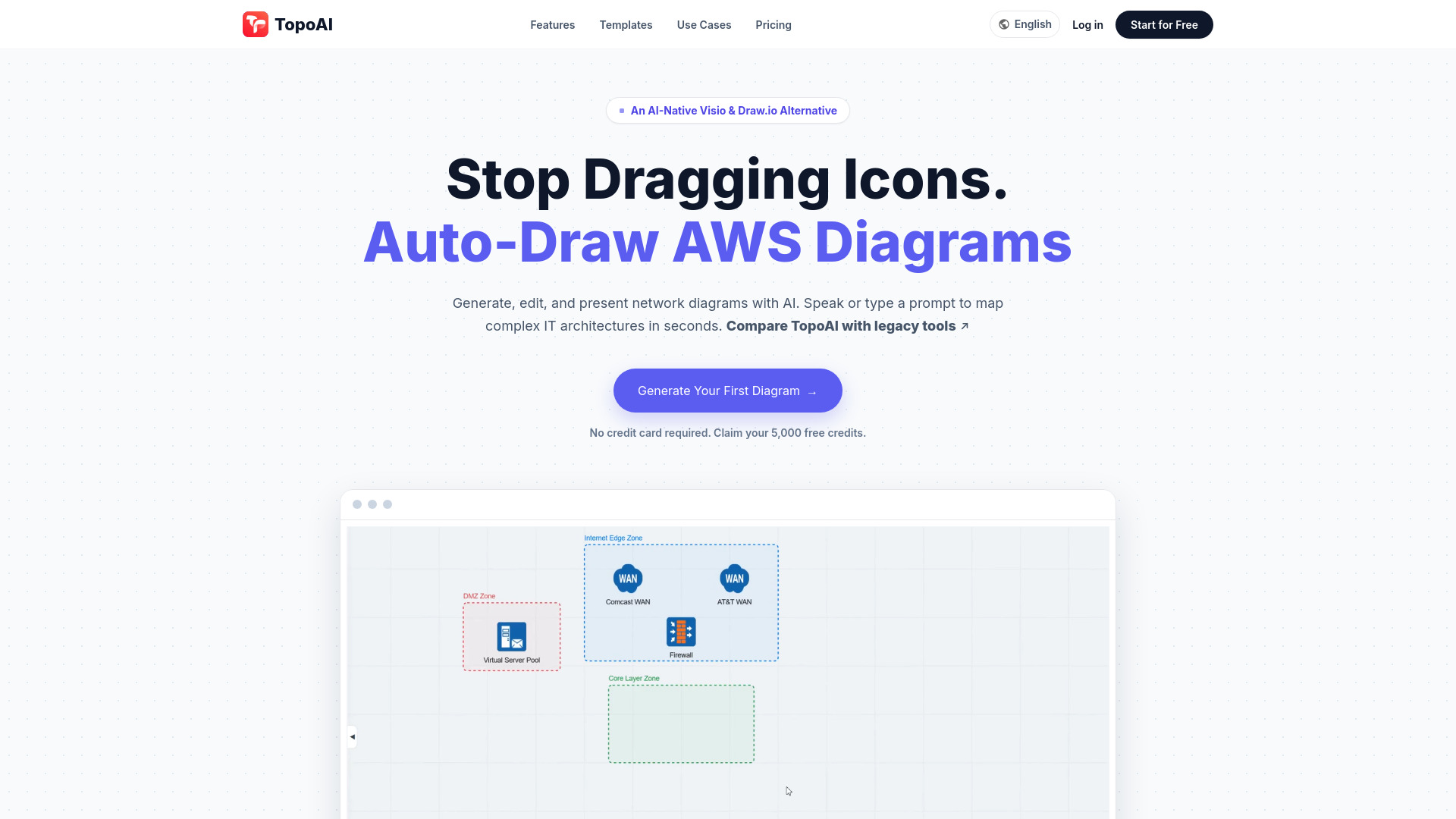
TopoAI
- AI network topology diagrams
- 3 free diagrams/day
- Starts at $5/mo
- Usage signal: 84
Tyndall AI

- AI image and video creators
- Starts at $10/month billed yearly
- Usage signal: 373
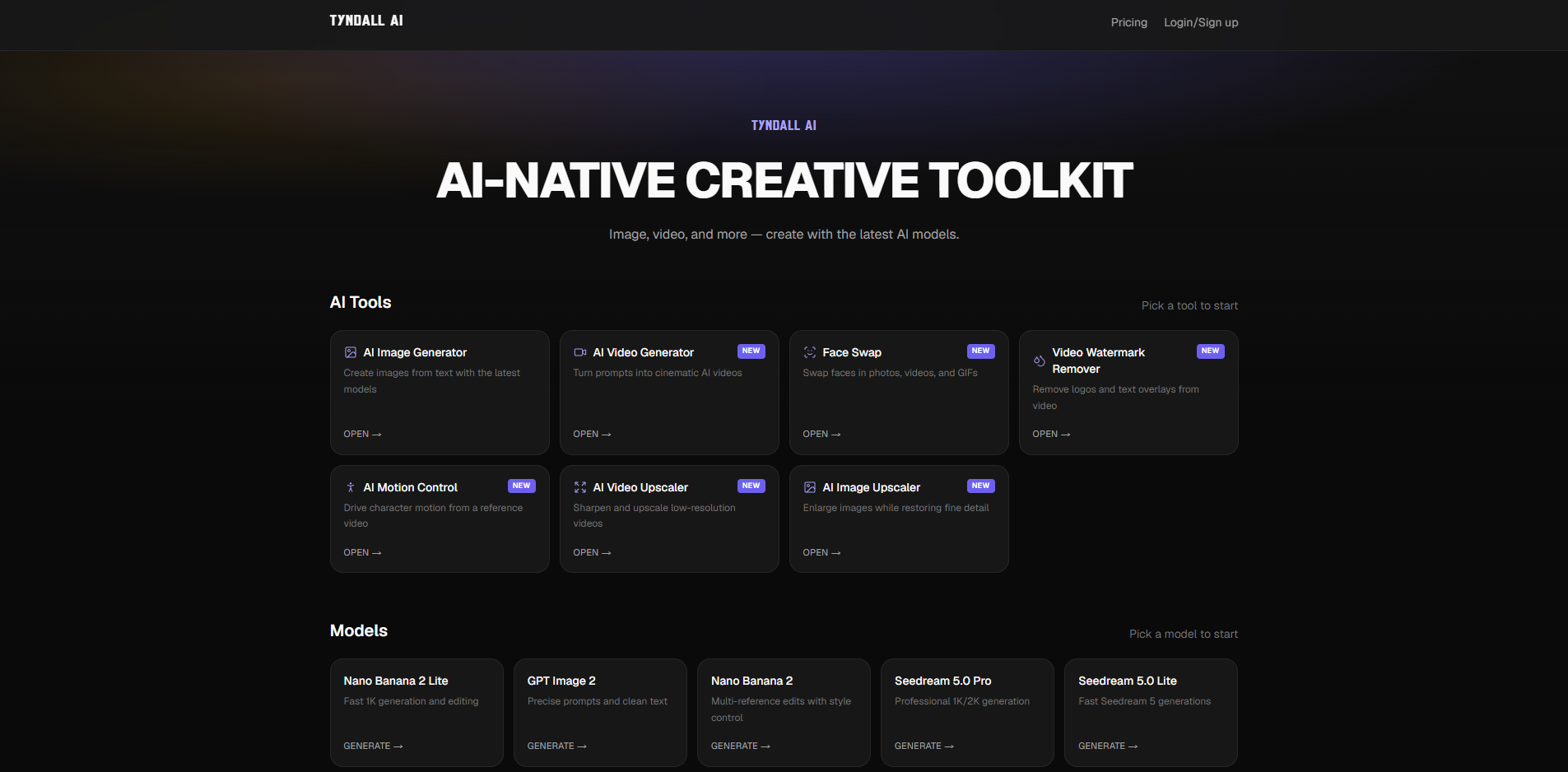
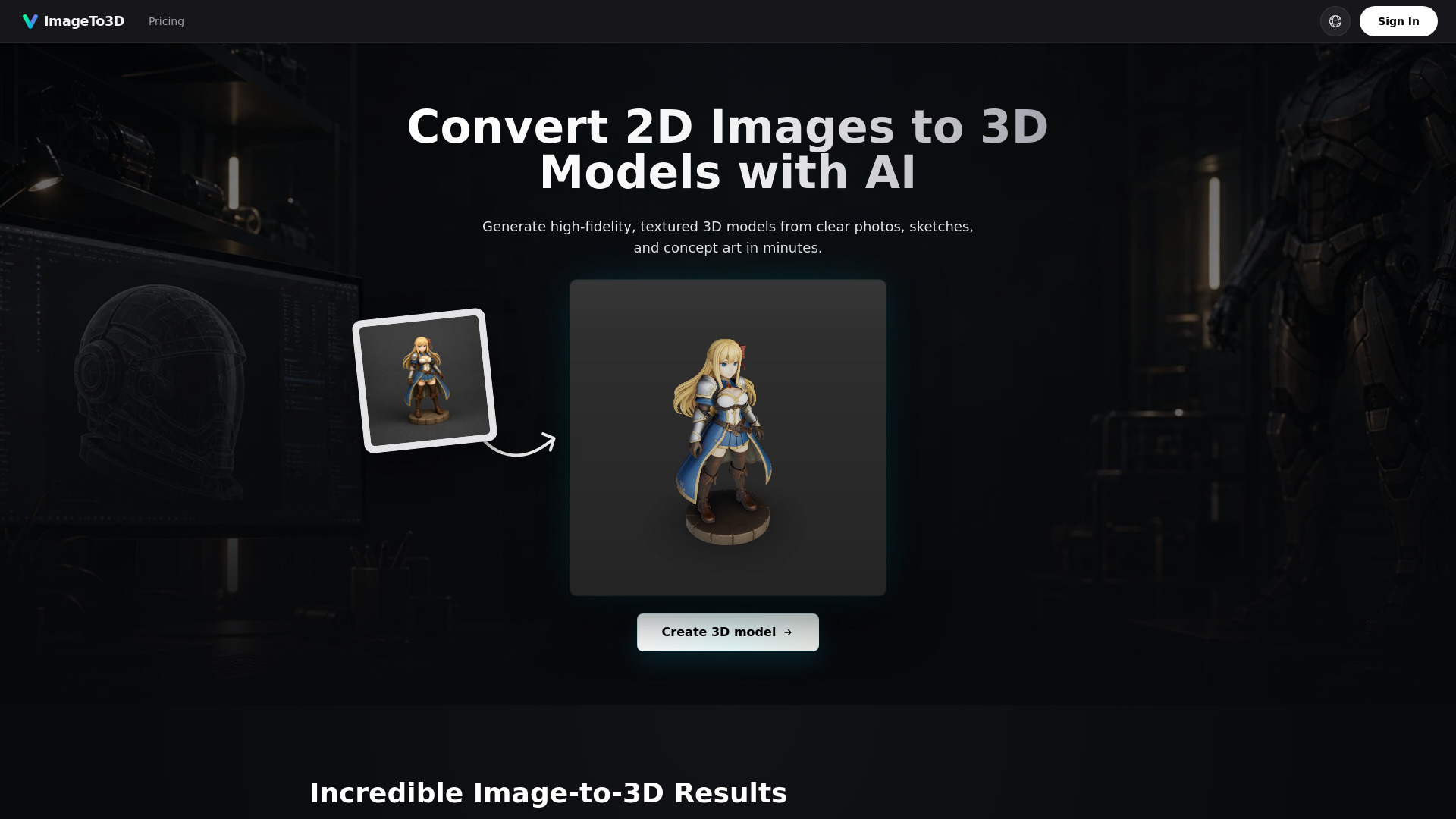
Image to 3D

- Image-to-3D assets for games and prototyping
- Starts at From $9.90
- Usage signal: 445
iMideo

- Image-to-video creators
- 6 free credits
- Starts at $5.95 one-time
- Usage signal: 238

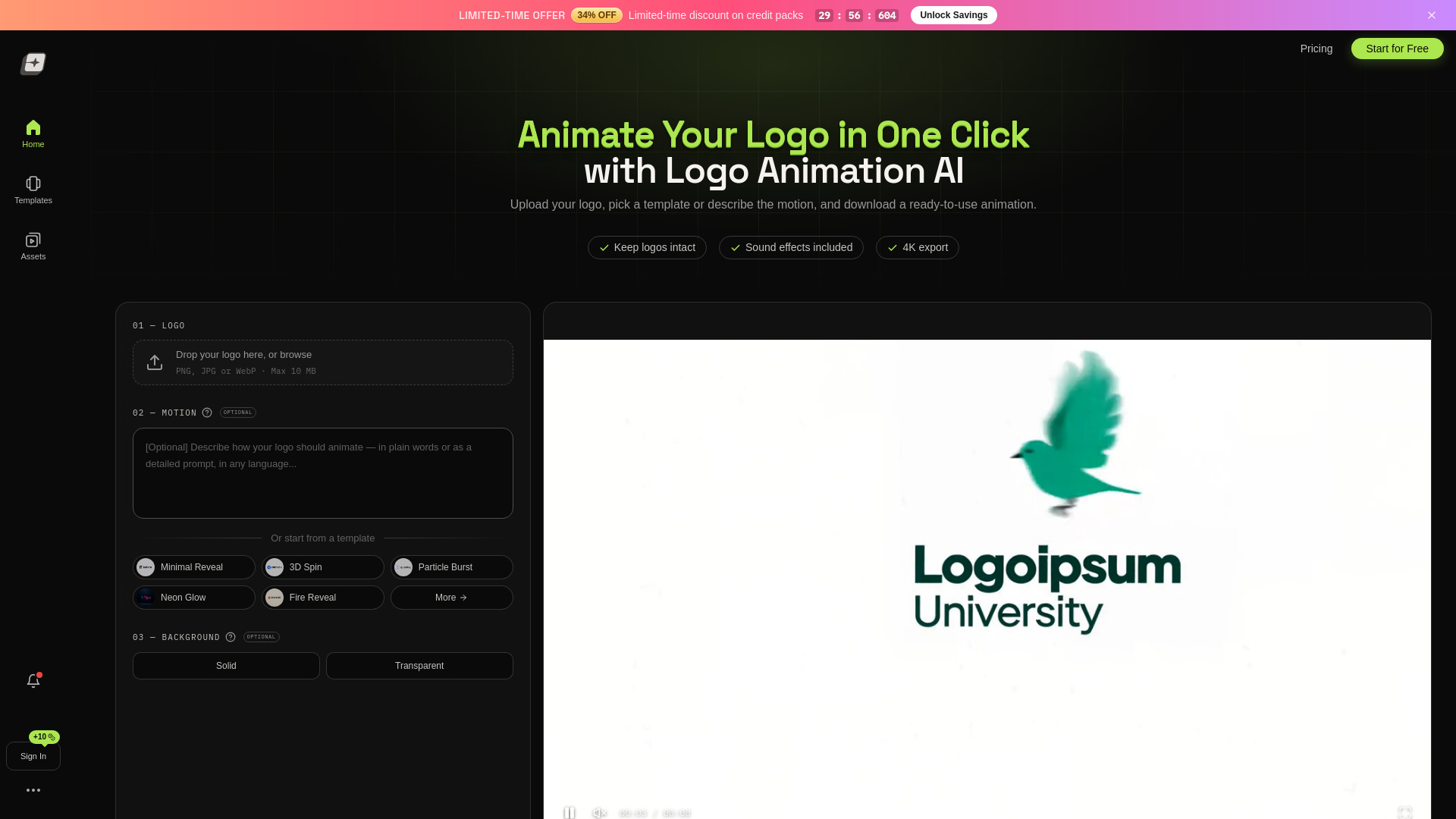
Logo Animation AI
- Animated logo reveals
- 10 free credits
- Starts at From $13 one-time
- Usage signal: 0
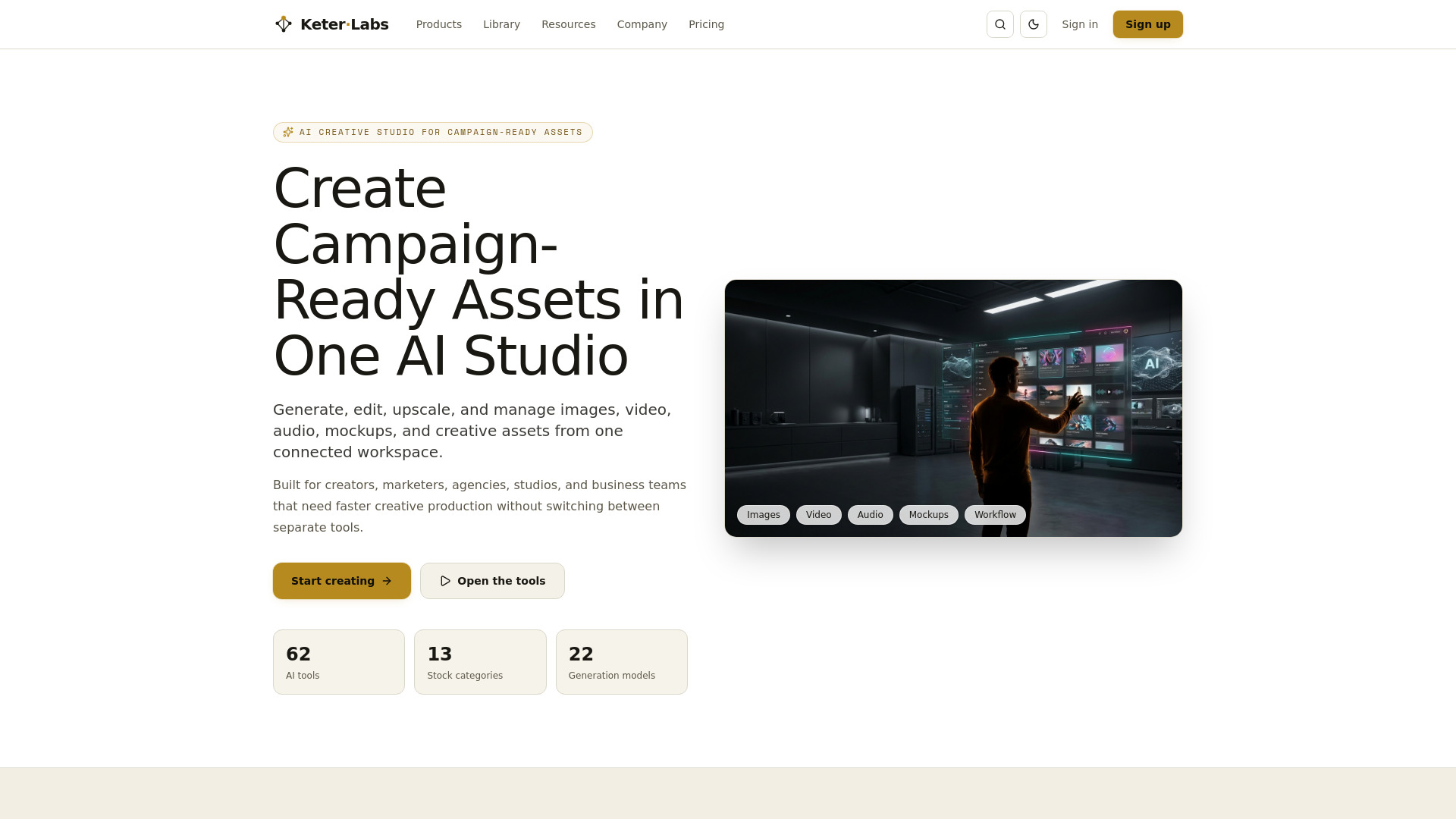
Keter Labs

- Campaign-ready asset creation
- Starts at Check vendor pricing
- Usage signal: 283
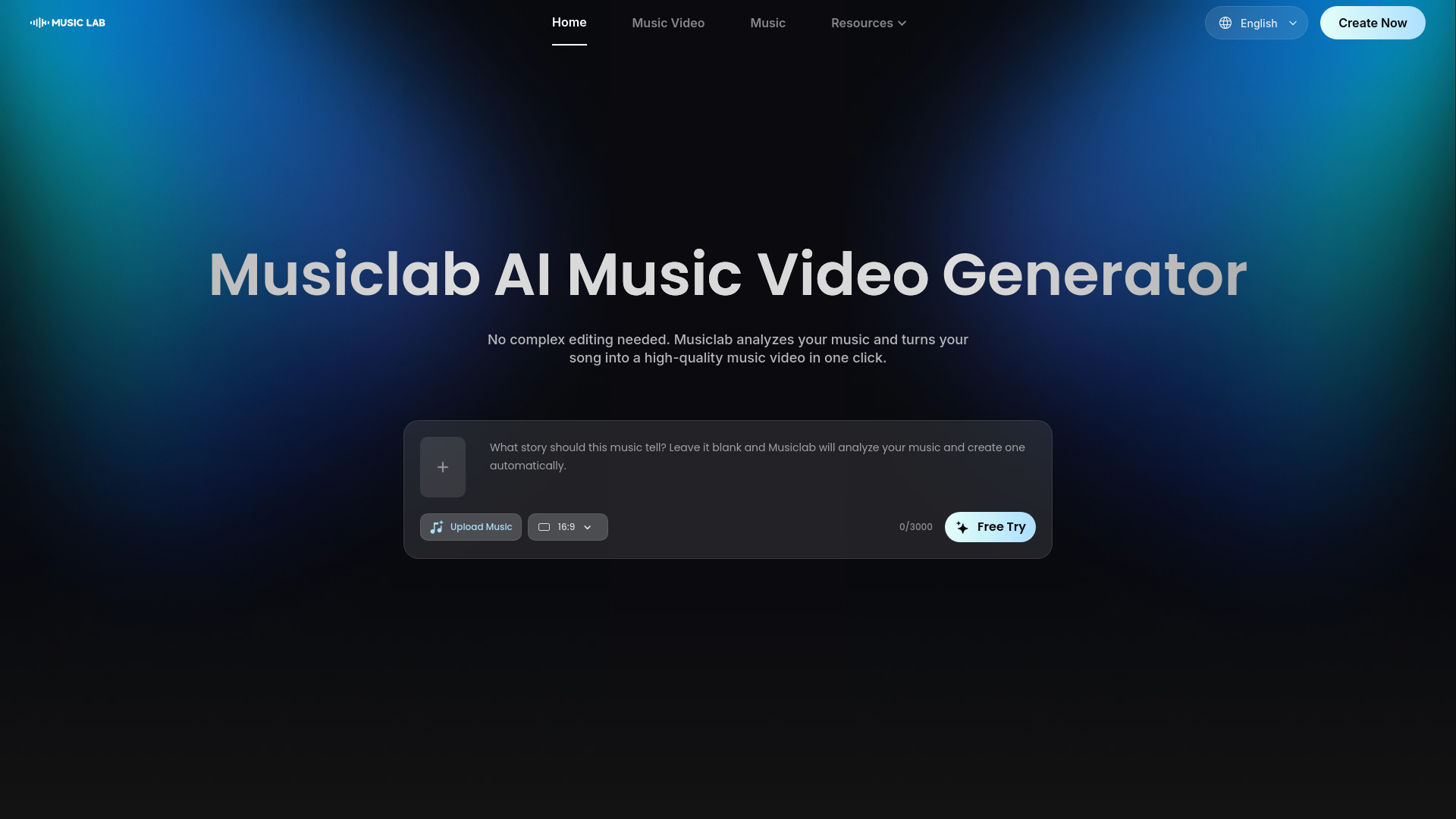
MusicLab
- AI music videos from songs
- Free trial available
- Starts at $4.90/week
- Usage signal: 181
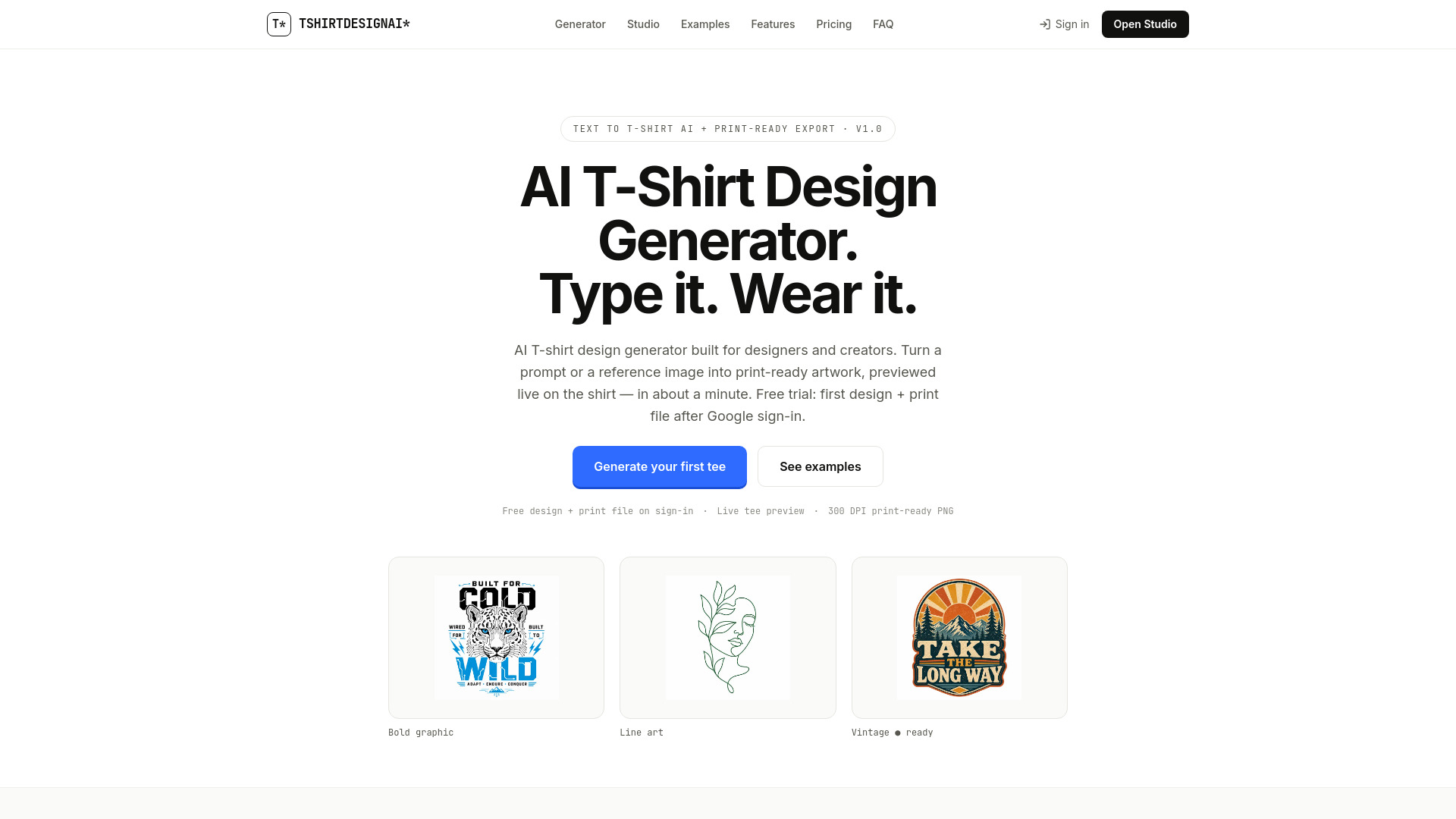
T-Shirt Design AI
- Print-on-demand sellers and merch creators
- 2 free credits
- Starts at $19/month
- Usage signal: 0
Seedream 5.5 AI
- Logo concepts and reference-based edits
- 20 welcome credits for 30 days
- Starts at From $2.99
- Usage signal: 0
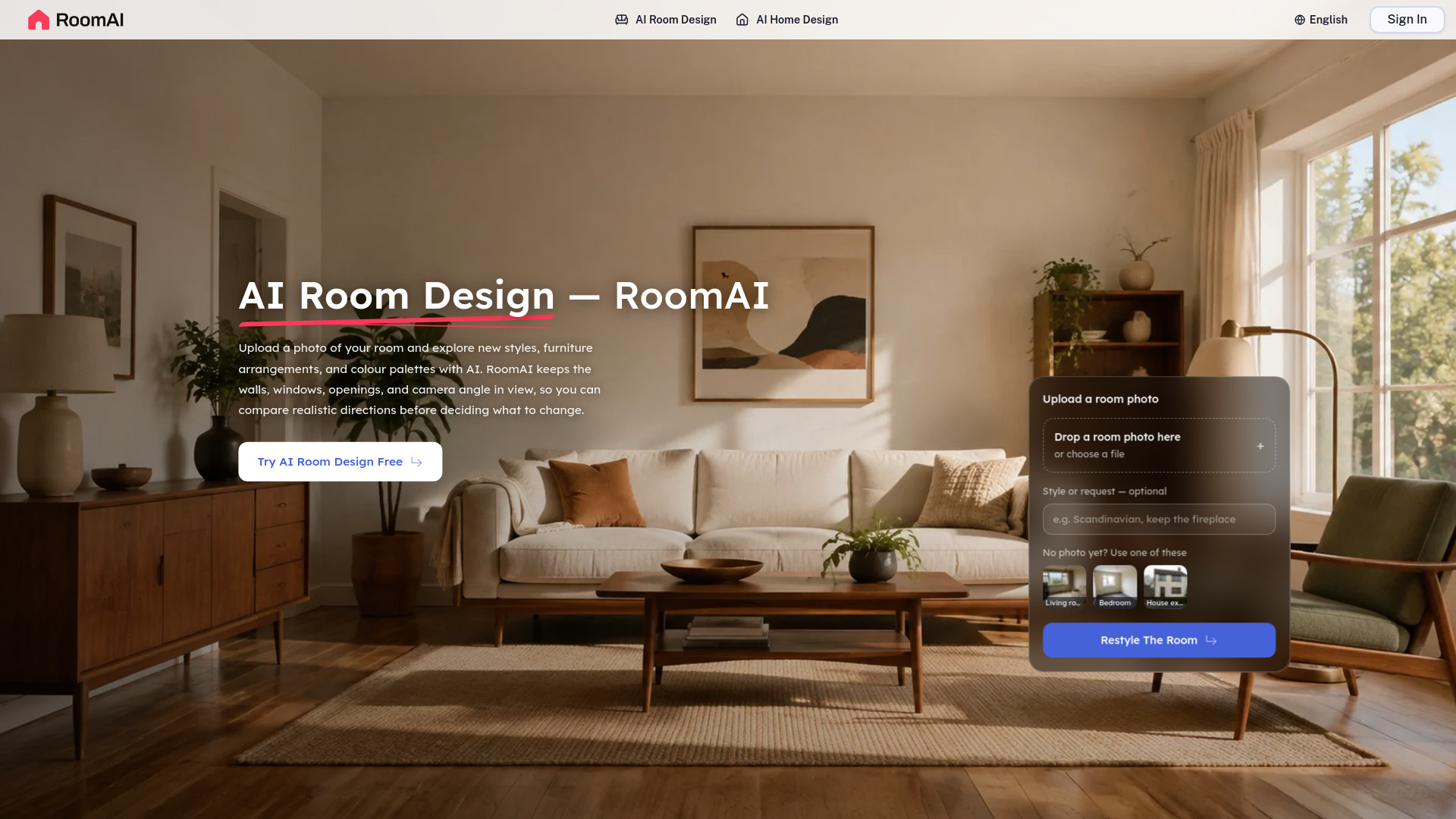
RoomAI

- Real-photo room redesign and virtual staging
- 4 free AI design generations
- Starts at $11.99/month
- Usage signal: 0
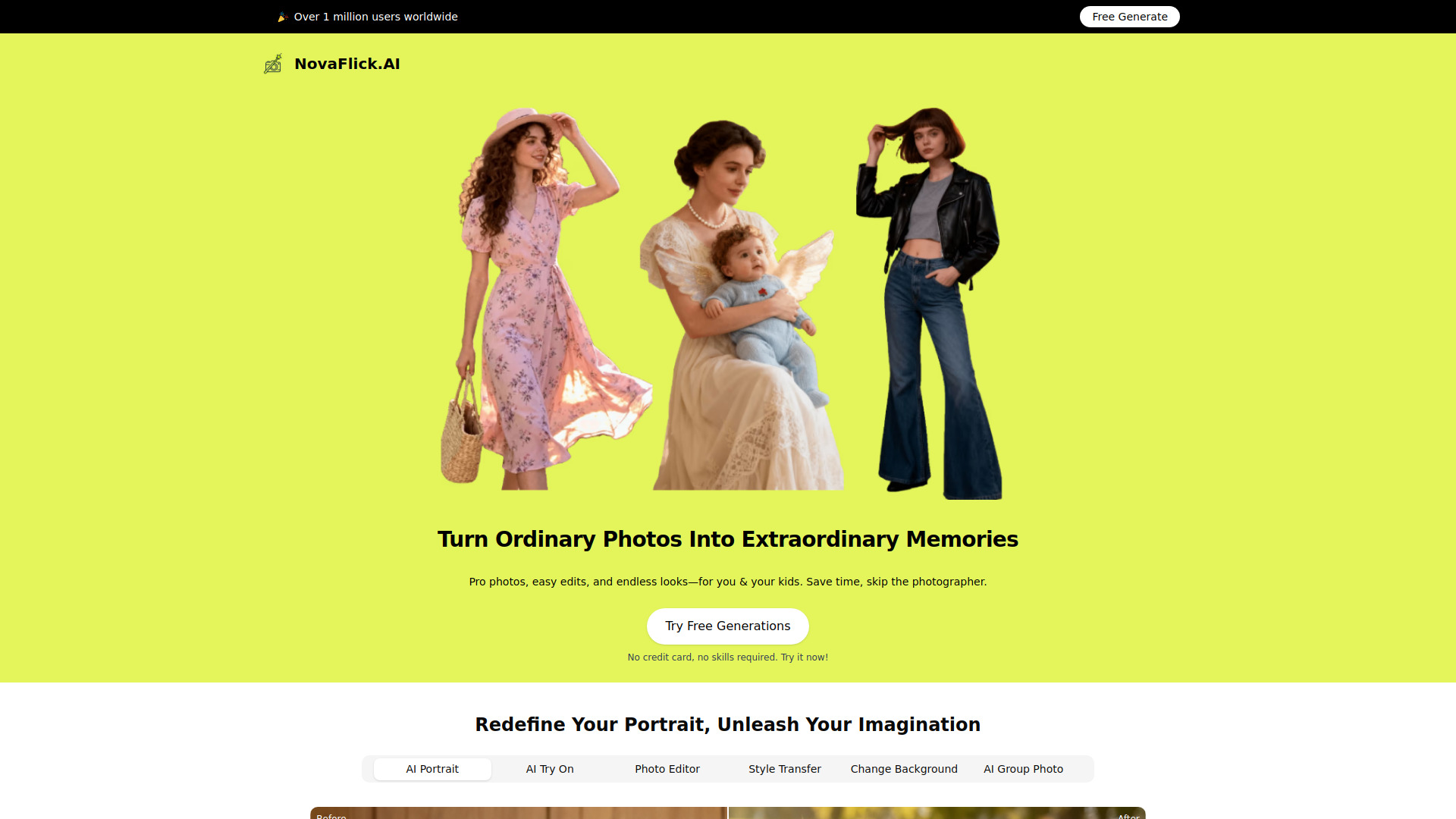
NovaFlick AI

- Quick AI photo edits
- Free plan available
- Starts at Check vendor pricing
- Usage signal: 0
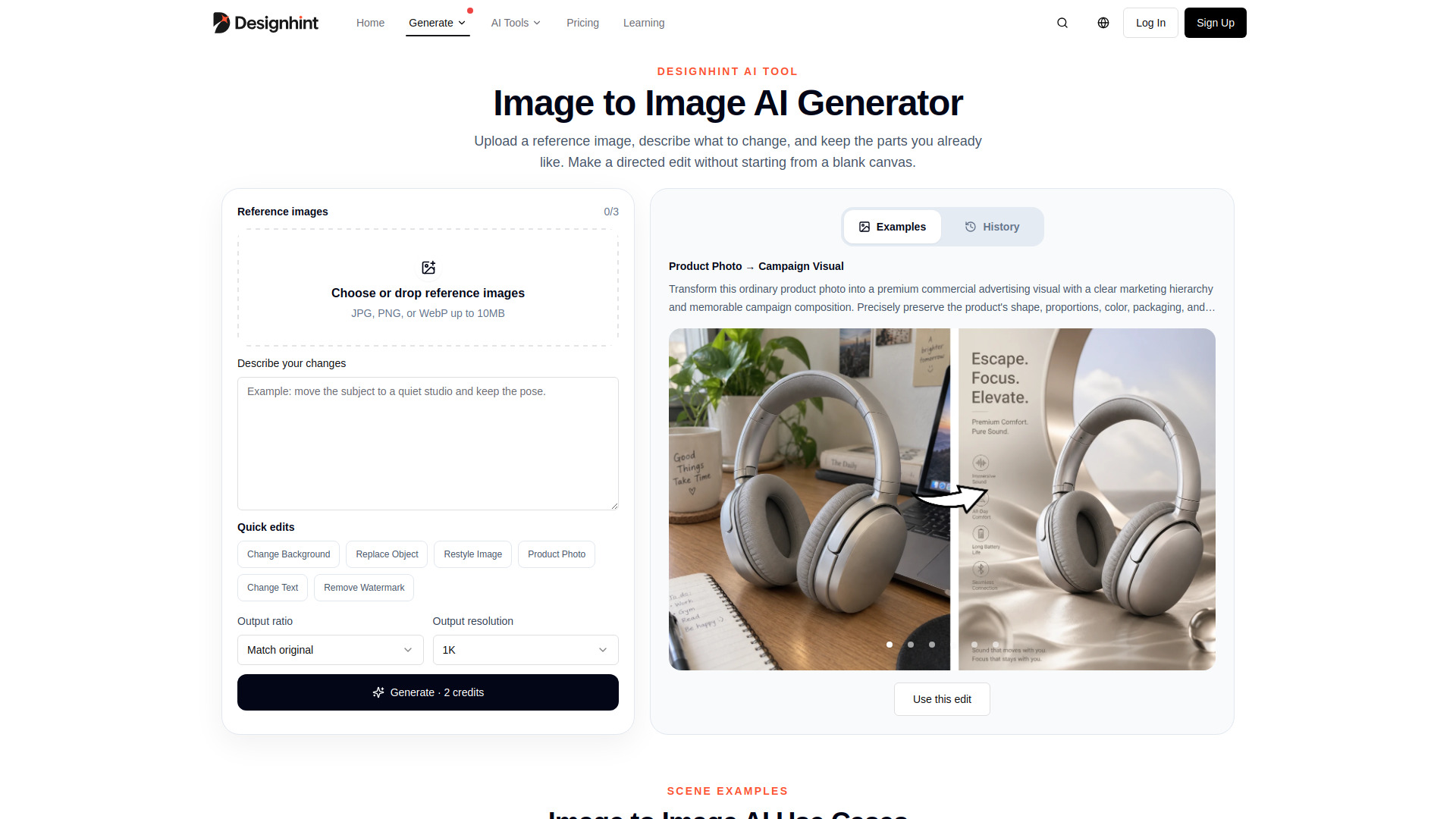
Plimo

- AI image and video creation
- 100 free credits once
- Starts at $15/month
- Usage signal: 0
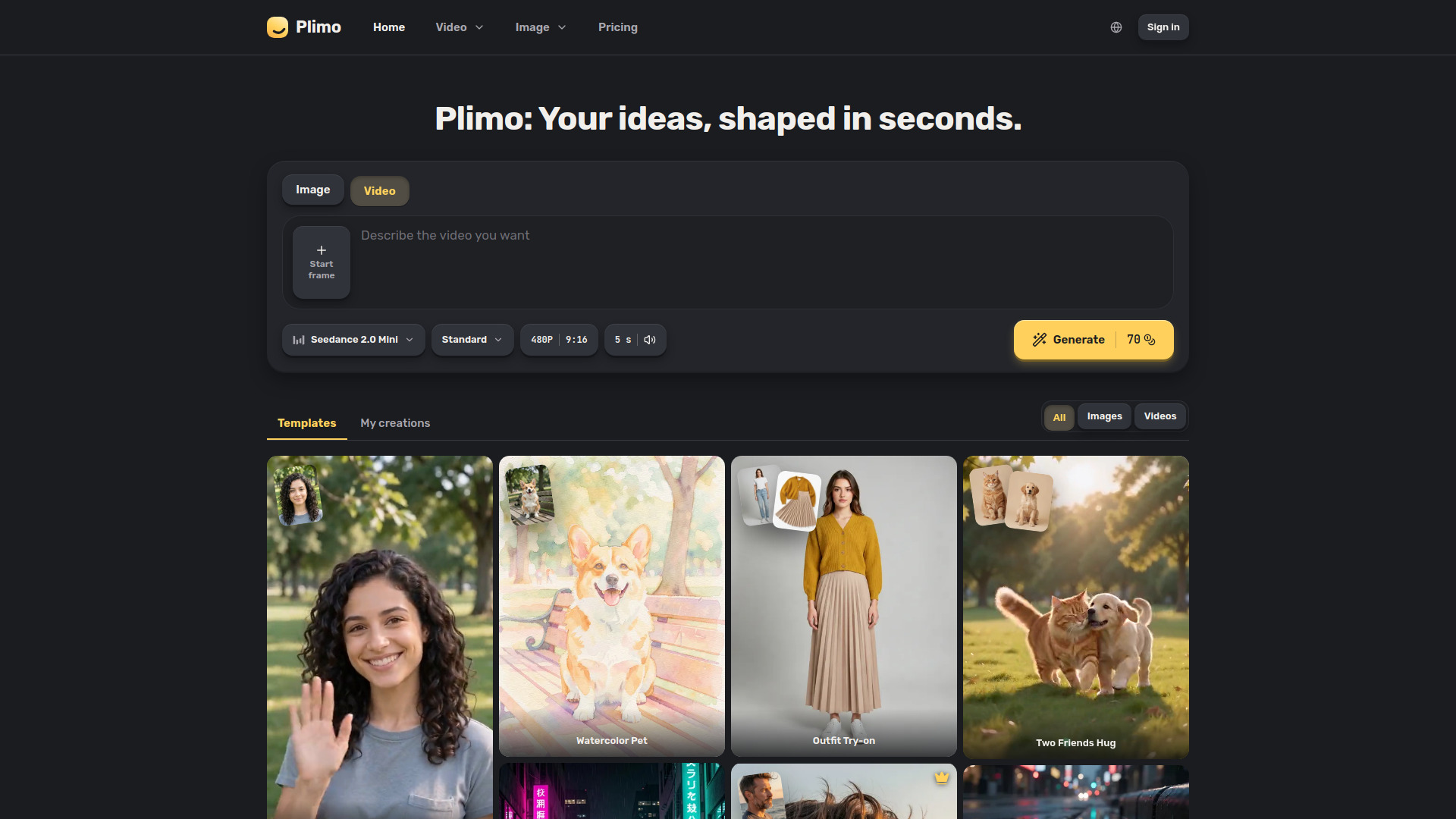
SVG Converter

- Logo vectorization and editable SVG artwork
- Free plan available
- Starts at Check vendor pricing
- Usage signal: 0
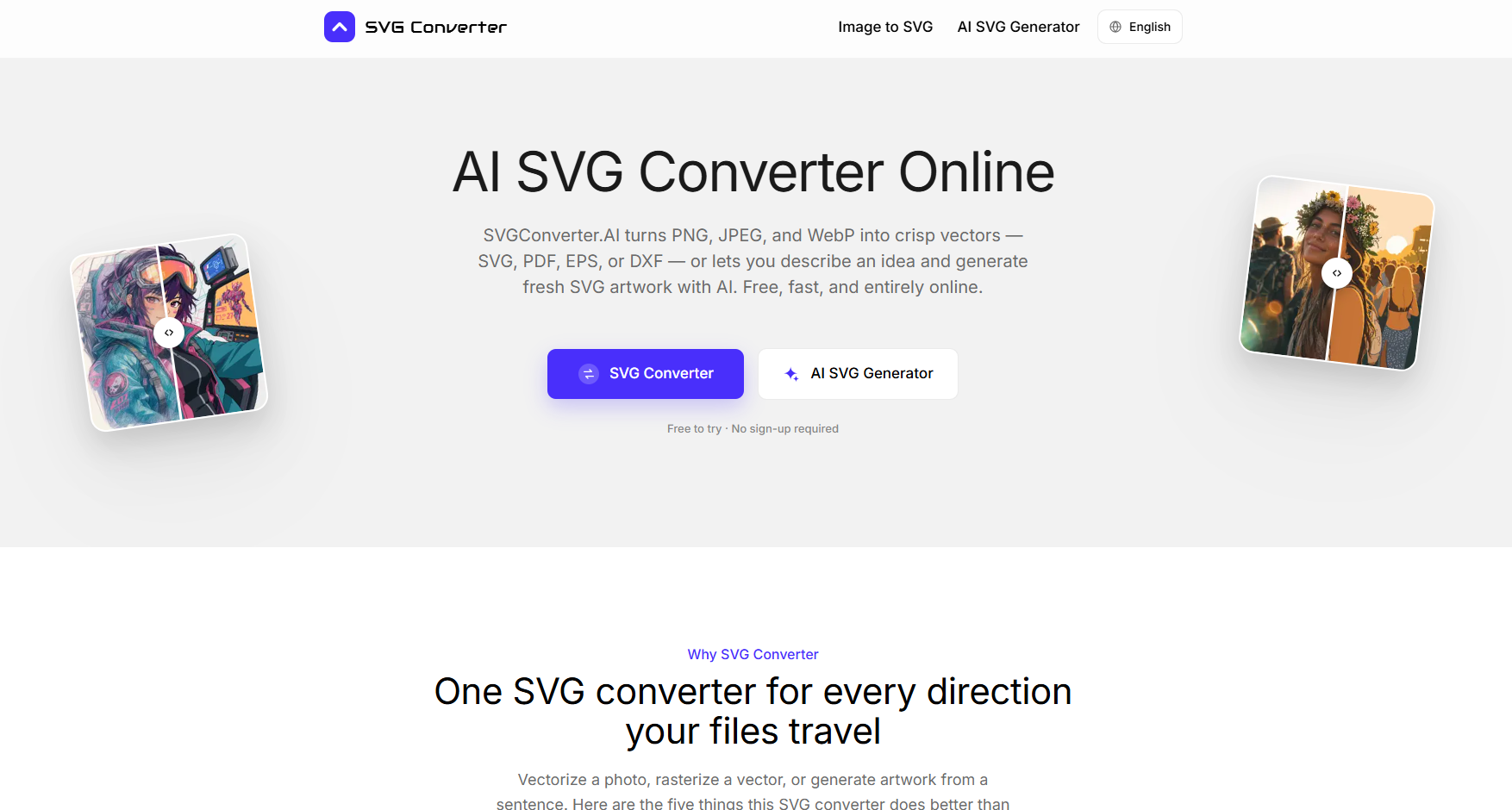
Kivo

- Pinterest-inspired presentation design
- 1,000 credits/month
- Starts at $0/month
- Usage signal: 0
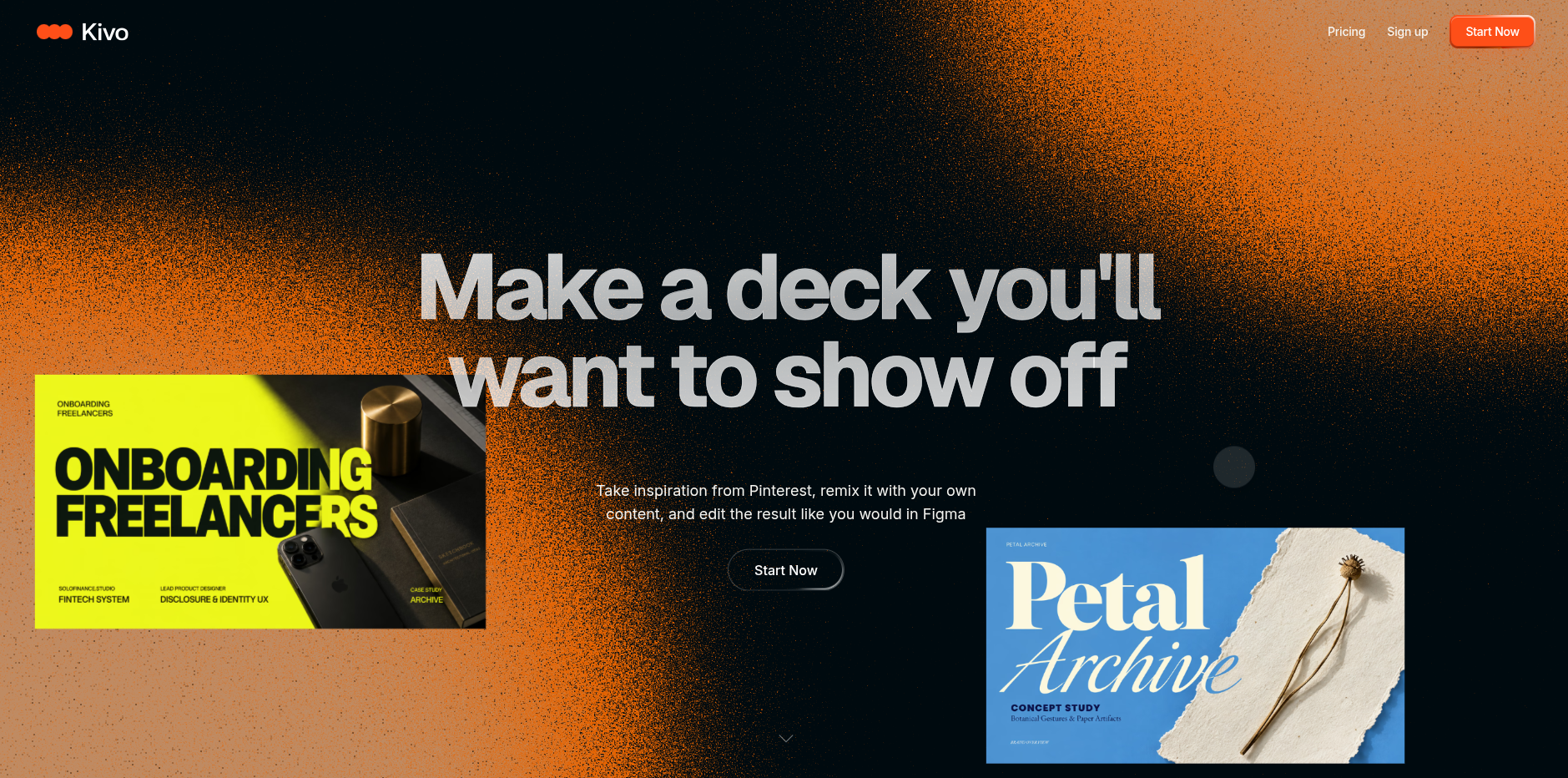
Designhint Image to Image AI

- Reference-based image editing
- 10 free credits
- Starts at $0/month
- Usage signal: 0
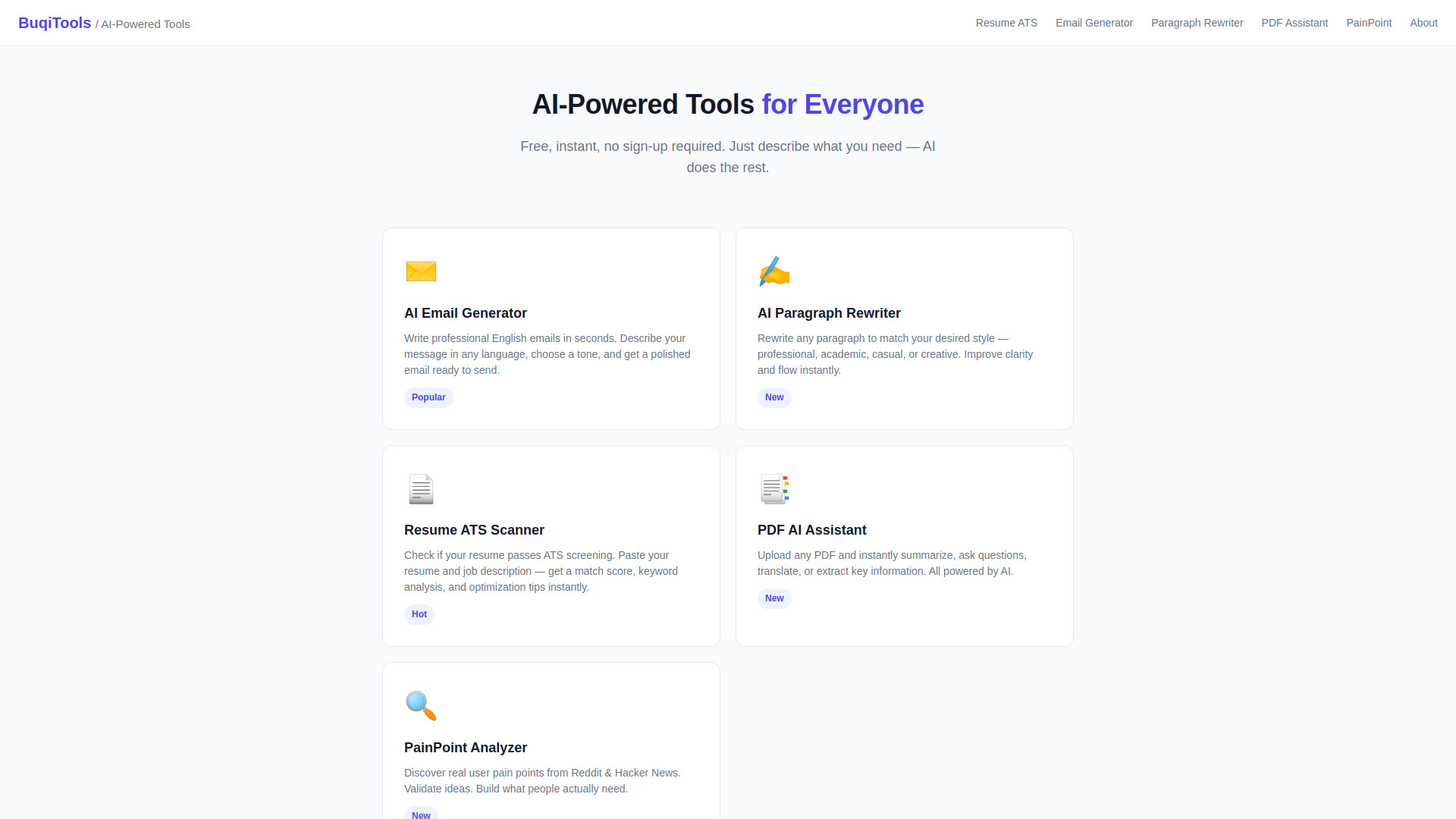
BukiTools
- Quick AI writing and PDF tasks
- Free plan available
- Starts at Check vendor pricing
- Usage signal: 0
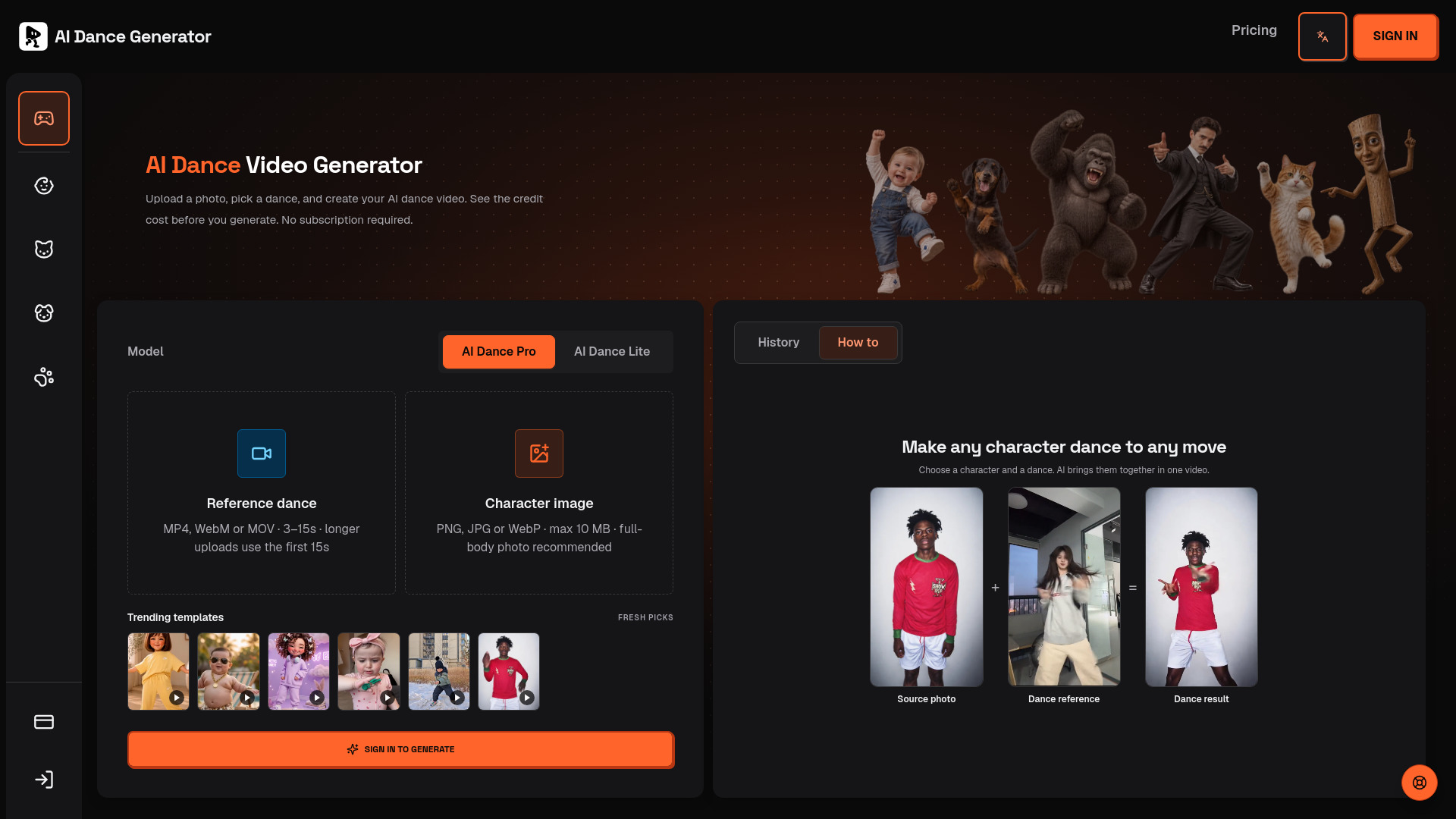
AI Dance Generator

- Photo-to-dance video creation
- Starts at $9.90 one-time
- Usage signal: 0
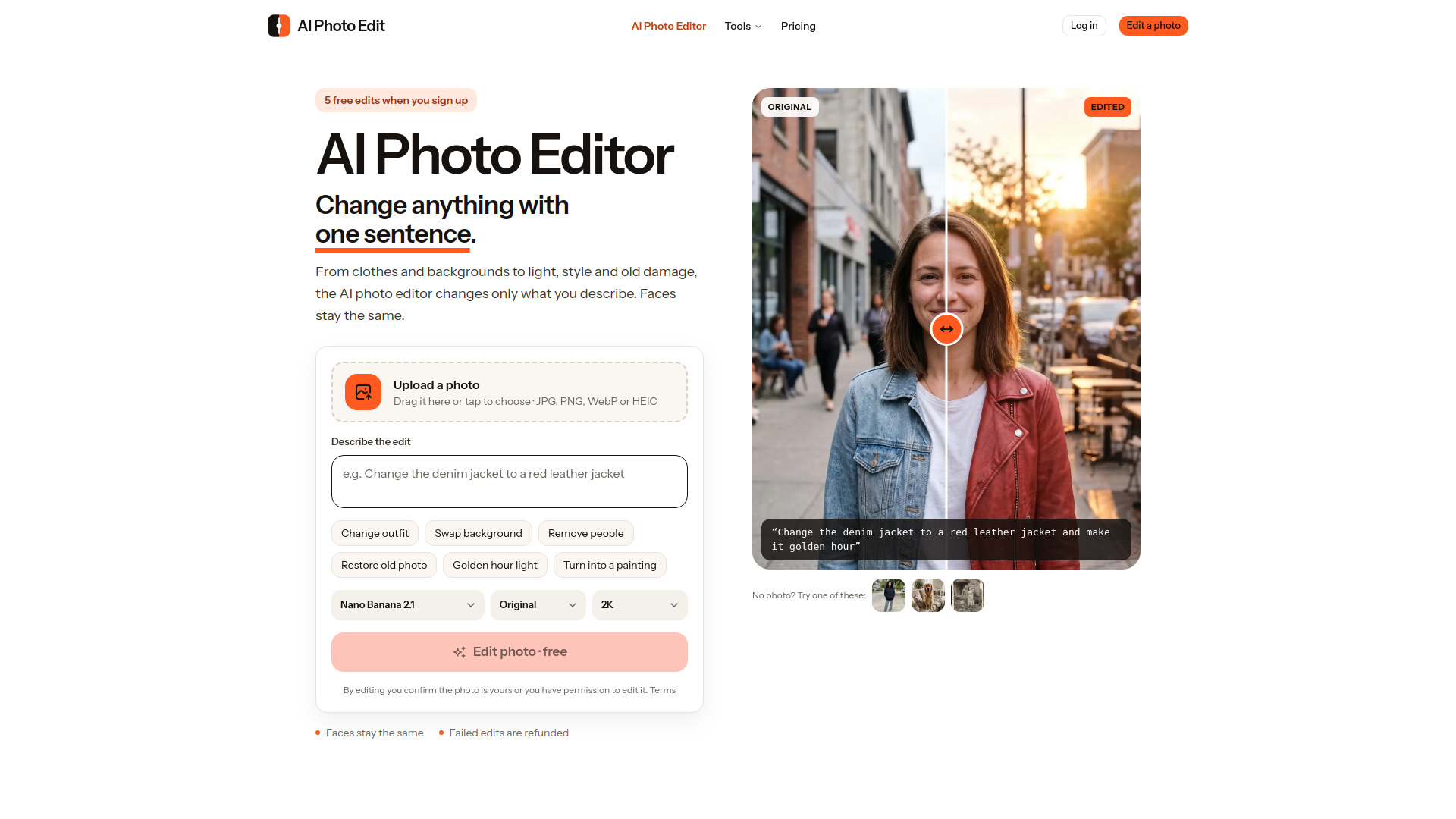
AI Photo Edit

- Text-based photo editing
- 5 free edits
- Starts at From $4.99
- Usage signal: 0
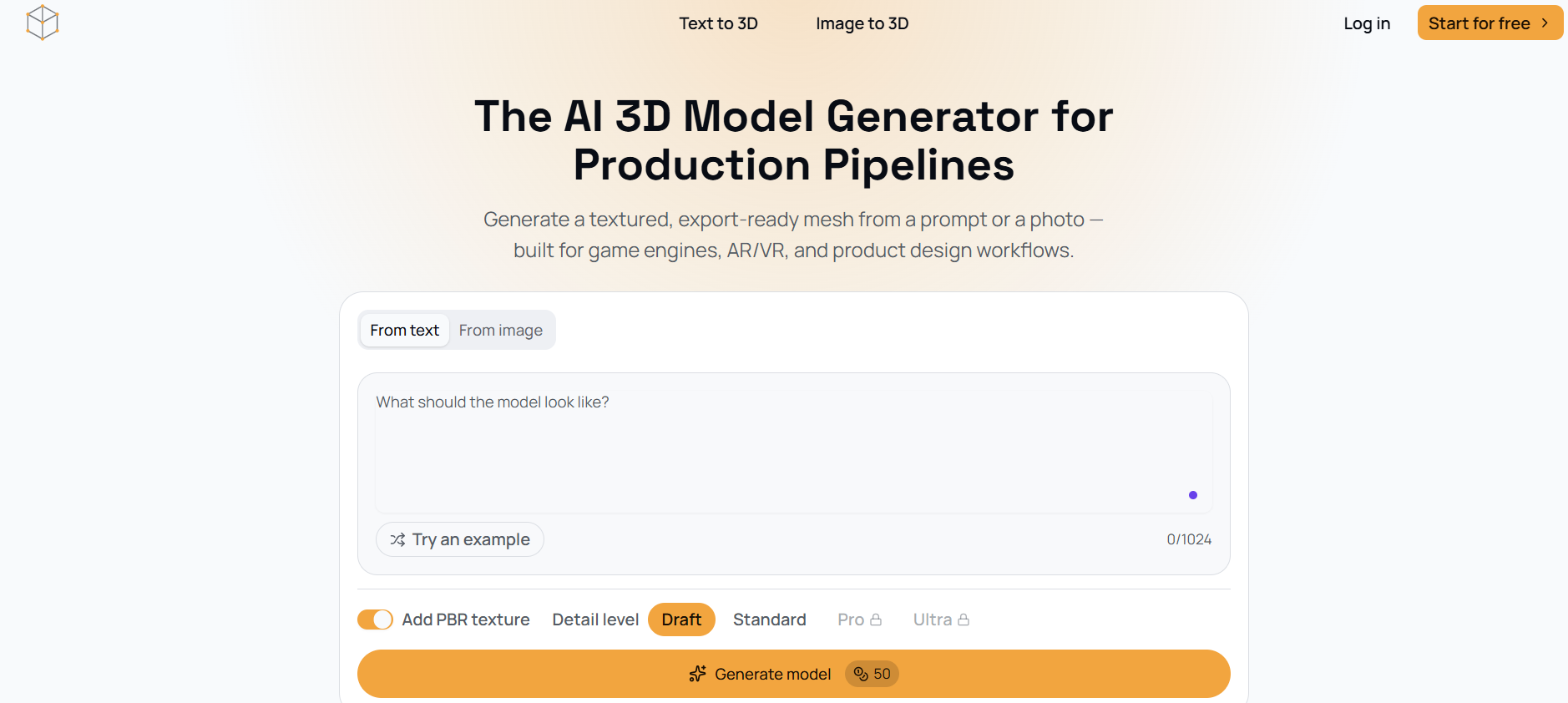
ModelGenerator

- Game-ready 3D asset generation
- Free plan available
- Starts at Check vendor pricing
- Usage signal: 0
Nano Banana Pro Image Tools

- Portraits, dolls, and photo retouching
- Starts at From $9.90/month
- Usage signal: 0
Nano Banana 2.1 AI

- Logo and visual design concepts
- 100 free credits
- Starts at $14.99/month
- Usage signal: 0
Nano Banana 2.5

- Prompt-based logo concepts
- Up to 5 requests per 10 minutes
- Starts at Check vendor pricing
- Usage signal: 0
Seedream 5.5

- Product visuals and campaign artwork
- 100 free credits
- Starts at $14.99/month
- Usage signal: 0
Flux 3 AI
- AI logo concepts and brand visuals
- 20 free credits
- Starts at $16.58/month
- Usage signal: 0
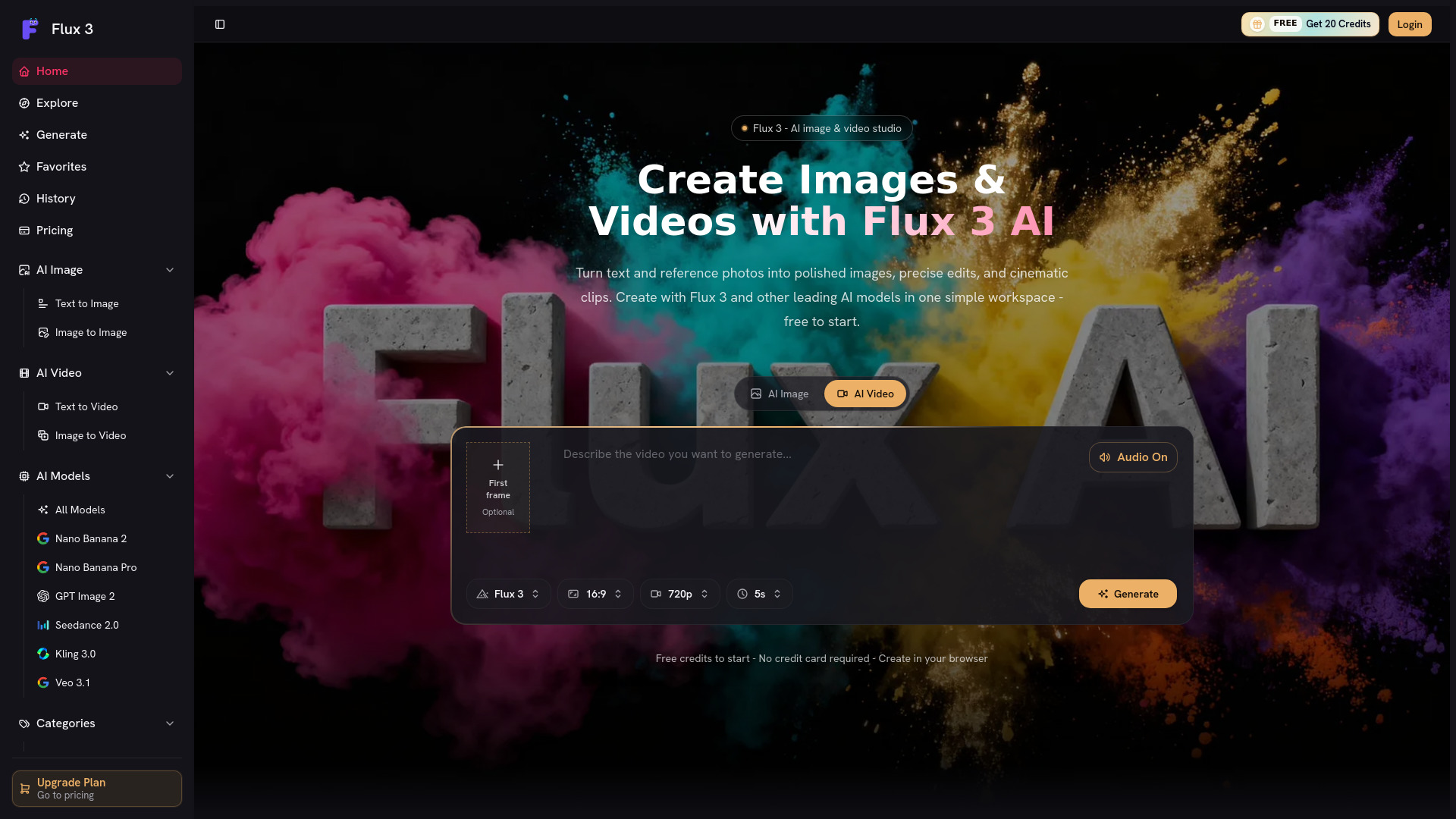
Image to 3D
- Image-to-3D asset drafts
- Free trial available
- Starts at $19/mo
- Usage signal: 0
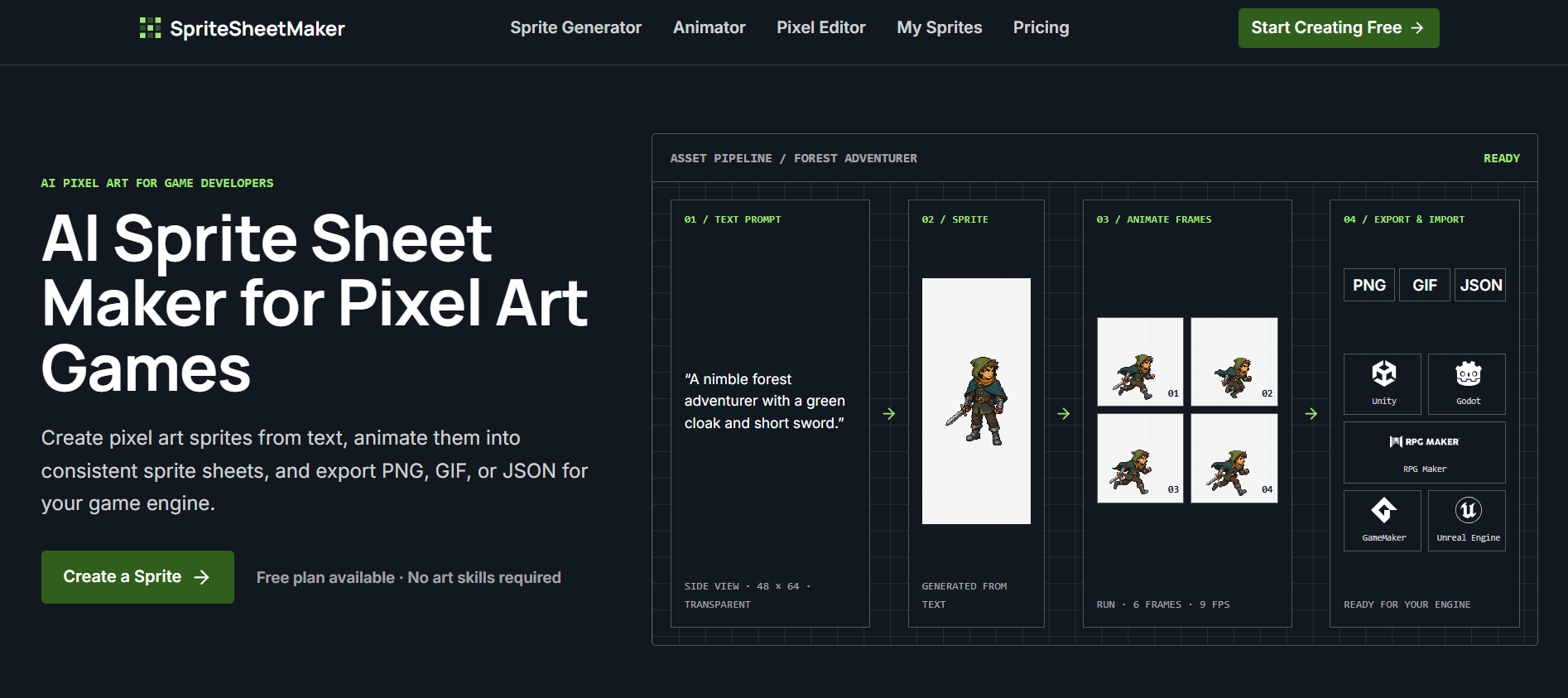
SpriteSheetMaker

- AI pixel-art sprites for game developers
- 200 credits/month
- Starts at $5.99/mo
- Usage signal: 0
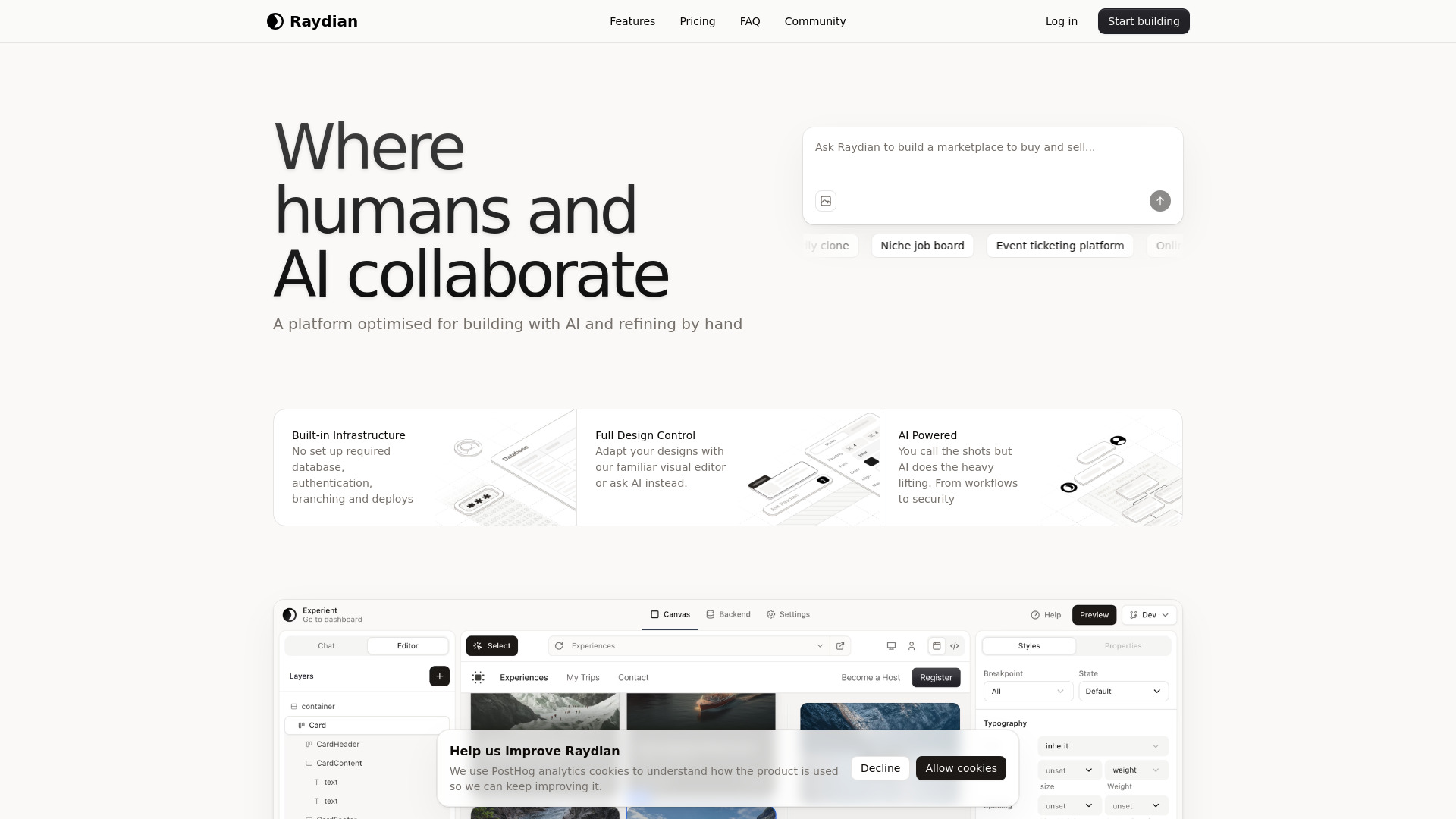
Raydian

- AI-assisted app development
- 500K AI tokens/month
- Starts at $0/month
- Usage signal: 0
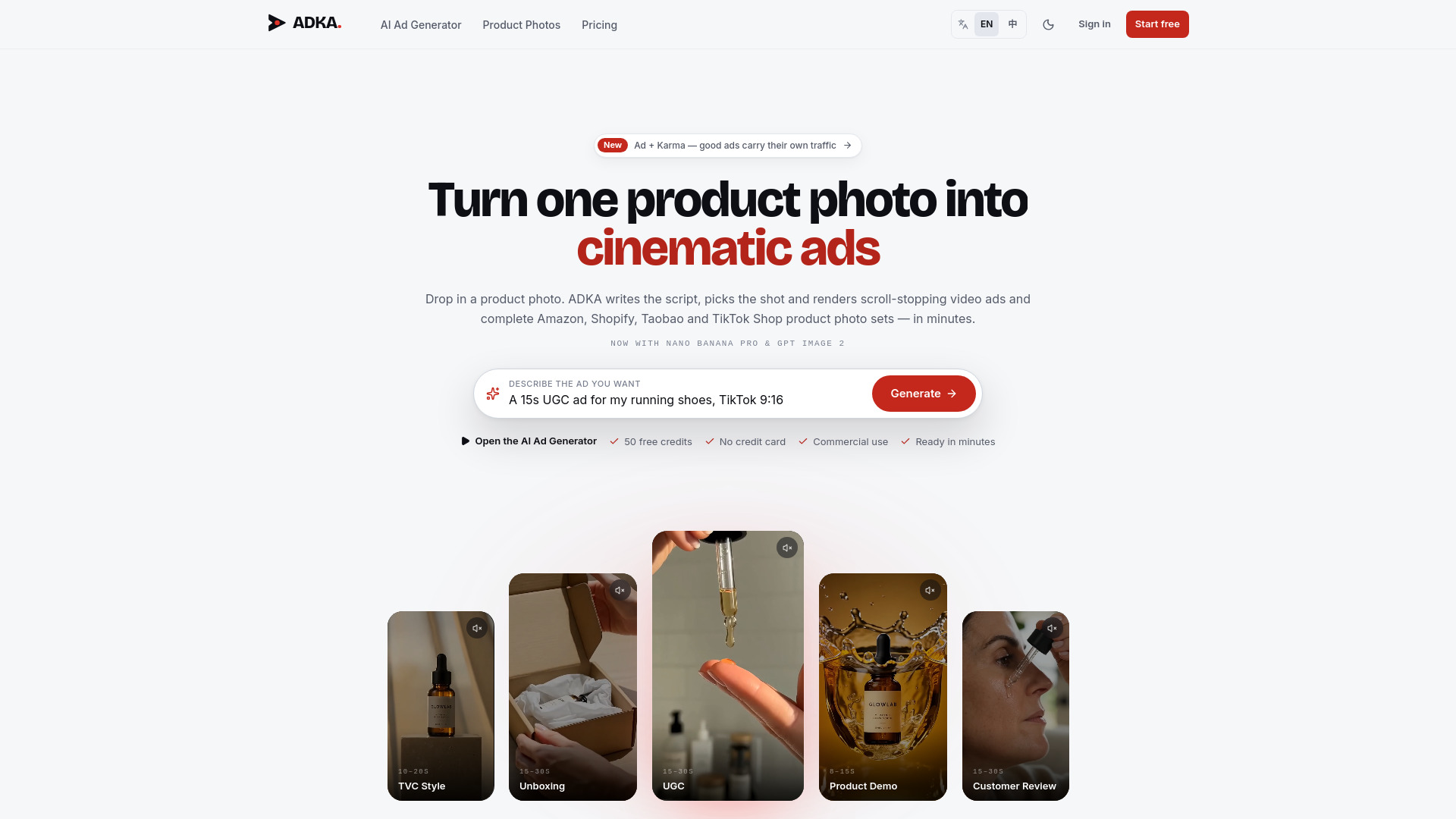
ADKA AI

- E-commerce ad videos and product images
- 50 free credits
- Starts at $19.90/month
- Usage signal: 0
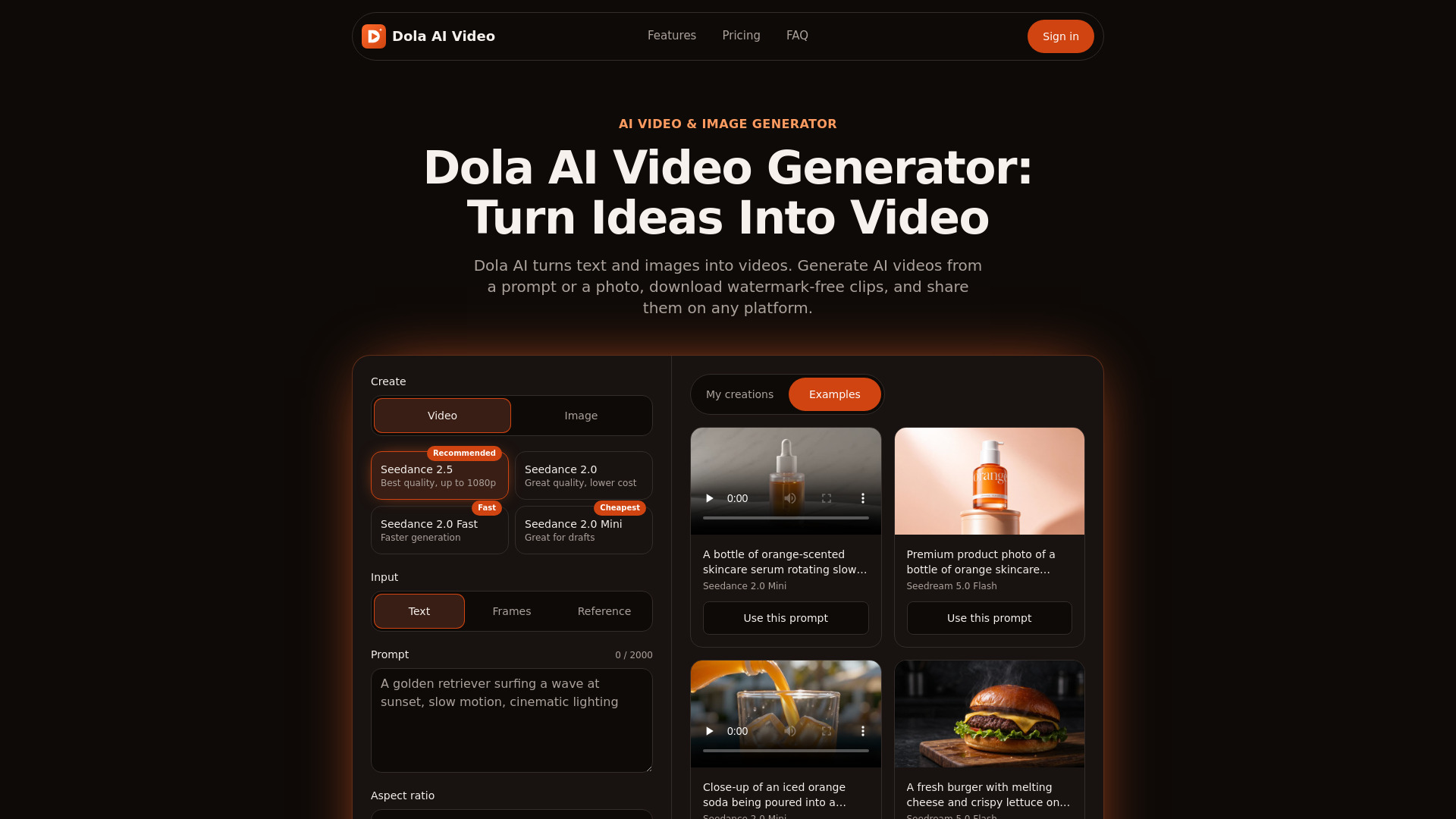
Dola AI Video

- AI video and image generation
- Starts at $5 credit pack
- Usage signal: 0
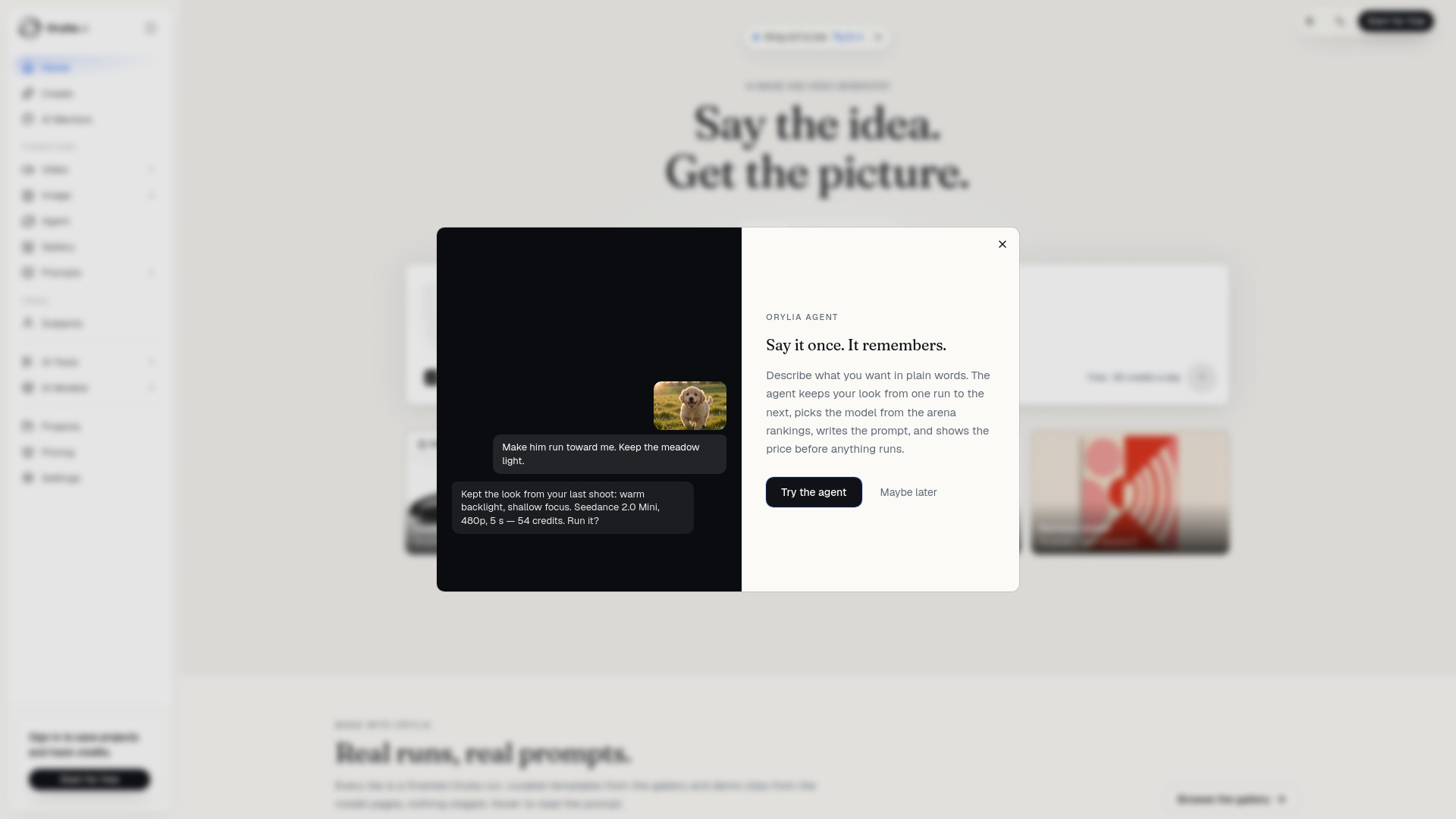
Orylia AI

- AI logo and brand concept generation
- 50 credits/day; 200 with Google
- Starts at $19/month
- Usage signal: 0
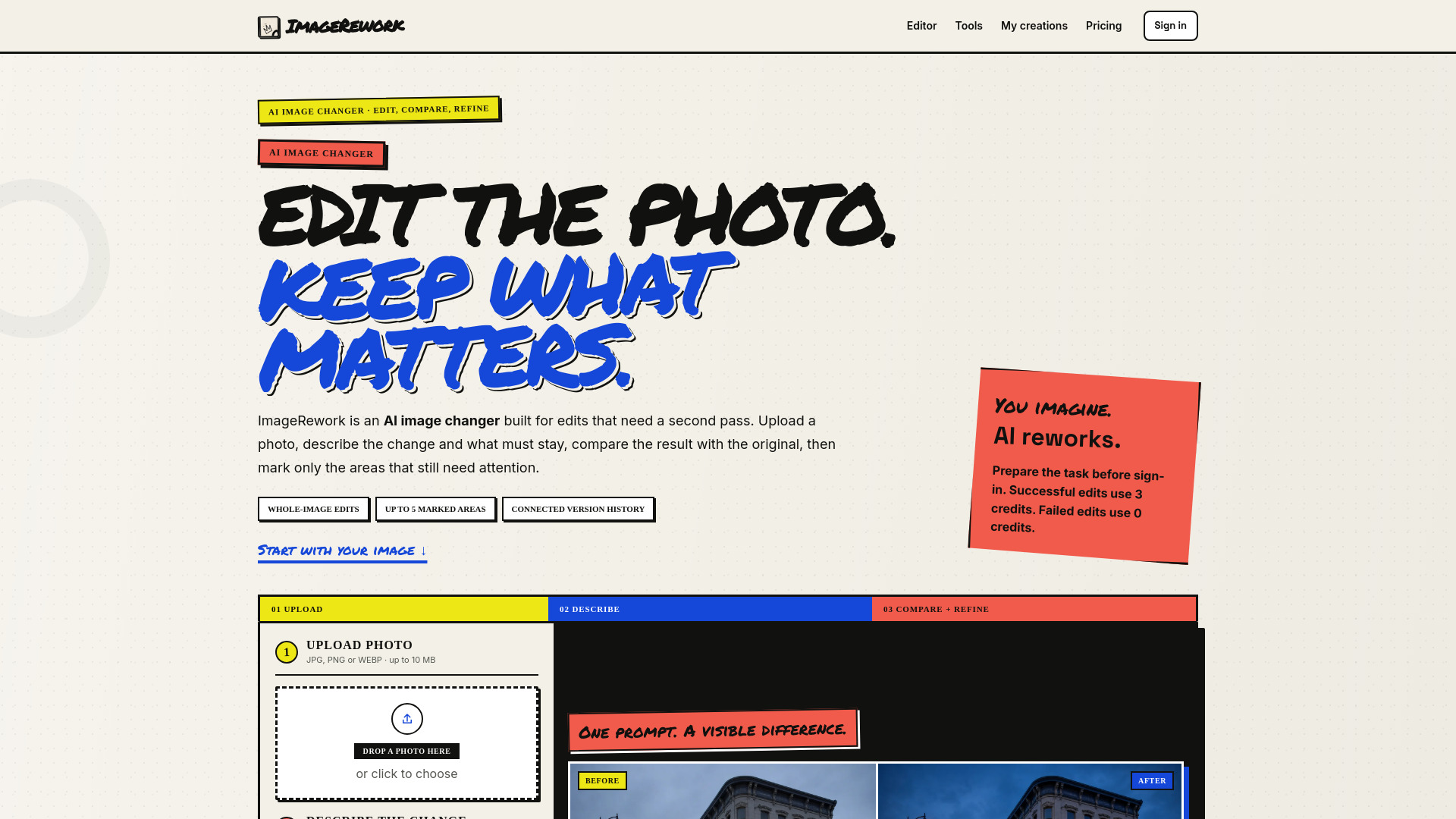
imagerework
- Refining AI-generated images
- 6 free credits
- Starts at $9.90/month
- Usage signal: 0
Kling 4.0

- AI video concepting
- Starts at $29.90/month
- Usage signal: 0
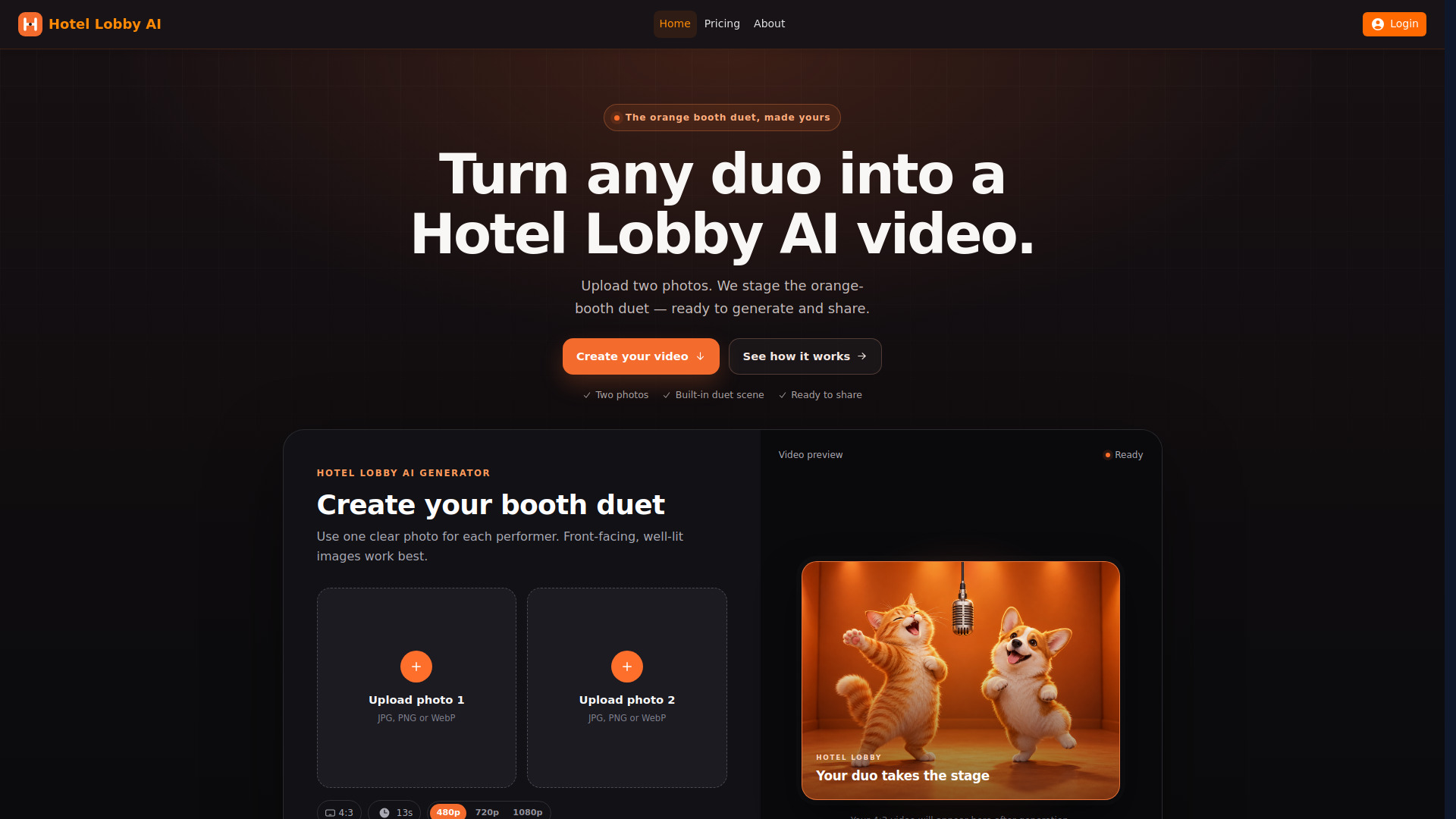
Hotel Lobby AI

- Two-photo duet videos
- Starts at $14.99 one-time
- Usage signal: 0
Which tool should you try first?
Start with ArtCraft if you need a logo concept to become editable, local creative work. Choose Designeer if the real challenge is finding the right design direction and surrounding system. Pick Media.io CLI when generation needs to happen inside an AI-agent workflow. For apparel, Syncraft is the more targeted choice; for quick free image cleanup, try ImageHub.
The rest of the list is intentionally broader. PixelDojo and FLORA suit multi-model creative exploration, AppLaunchFlow helps with app launches, Tapedit AI handles cleanup, and SignatureGen is the simplest route to a personal signature-style mark.
Full comparison table
| Rank | Tool | Score | Best for | Free access | Starting price |
|---|---|---|---|---|---|
| #1 | ArtCraft | 92 | Graphic designers | Free open-source apps | Free and Open Source: Free |
| #2 | Designeer | 91 | Design engineers | Free resource discovery | Check vendor pricing |
| #3 | Media.io CLI | 91 | AI agent users | Free unlimited AI image creation | Free AI Image Generation |
| #4 | Syncraft | 91 | Apparel designers | Tcreation and SVG tracing | Check vendor pricing |
| #5 | PixelDojo | 91 | Marketers | Free plan available | Free: $0 |
| #6 | AppLaunchFlow | 91 | Indie developers | Free 1 project, preview only | Free: EUR9/mo starter tier |
| #7 | ImageHub | 91 | Content creators | Free toolkit; no sign-up on tool pages | Free |
| #8 | Tapedit AI | 90 | Ecommerce sellers | Daily free credits | Creator 300: $15 one-time |
| #9 | FLORA | 90 | Creative teams | 1,000 starter credits | Plans from $18/month |
| #10 | SignatureGen | 90 | Freelancers | Free basic generation | Free: $0 |
Best by use case
| Need | Best pick | Why it fits |
|---|---|---|
| Editable, local design workflow | ArtCraft | Native image and vector applications with open-source access |
| Brand research and inspiration | Designeer | Galleries, curated resources, and design-system references |
| Apparel and printed artwork | Syncraft | Garment extraction, logo creation, tracing, and upscaling |
| Fast free image cleanup | ImageHub | Generation, background removal, object removal, and enhancement |
ArtCraft vs Designeer vs Media.io CLI
ArtCraft is the strongest production-oriented choice, Designeer is the strongest research and inspiration hub, and Media.io CLI is the most useful for developers automating visual generation. Choose based on where your logo work lives: desktop design, design discovery, or an AI-agent pipeline. None is a conventional one-click logo wizard, but each solves a deeper workflow problem.
| Tool | Core advantage | Main friction | Best starting point |
|---|---|---|---|
| ArtCraft | Native image and vector workflow | Some apps are early alpha | A designer building editable assets |
| Designeer | Curated design and component resources | Discovery can feel overwhelming | A team defining visual direction |
| Media.io CLI | Multiple models in agent workflows | Installation and authentication | A developer working in the CLI |
Best free AI logo design tool
ArtCraft is the strongest free-oriented choice because its creative applications are open source and free to use. ImageHub is the easiest quick browser toolkit, with free generation and editing and no sign-up on individual tool pages. Media.io CLI offers free unlimited AI image creation, but setup is more technical. Check the separation between free creative apps and paid AI generation before committing to a larger workflow.
Pricing: what you actually pay for
| Tool type | Pricing signal | What to watch |
|---|---|---|
| Open-source desktop tools | ArtCraft is free and open source | AI generation is a separate subscription |
| Broad AI studios | PixelDojo starts with a free plan; FLORA offers starter credits | Credits and premium model usage can increase costs |
| Free browser tools | ImageHub is free; Media.io CLI lists free image generation | Sign-in, model eligibility, or higher-quality usage may change the workflow |
| Specialized production tools | Syncraft requires a vendor pricing check | Confirm free trials, exports, and production limits |
Prices and allowances can change. Verify live vendor pricing before purchasing, especially when credits, limited spots, or separate AI subscriptions are involved.
When to skip these tools
Skip this list if you need a fully managed branding service, legal trademark clearance, or a guaranteed human-designed identity system. Several picks are broader visual studios or workflow tools rather than dedicated logo makers. Also look elsewhere if your process requires a specific export format or advanced brand-guideline controls that the vendor does not explicitly provide.
How we scored the list
We scored the 10 featured tools on workflow usefulness, relevance to logo and identity work, creative or vector depth, accessibility, free access, pricing clarity, audience fit, and practical limitations. Market usage signals informed the ranking but did not replace feature evaluation. The broader review covered 92 candidates, with the podium reserved for the clearest workflow value.
Who reviewed this guide
FAQ
Only some are logo-adjacent specialists. The list also includes broader visual studios, design-resource directories, image editors, and agent workflows that help with logo ideation, cleanup, production, or brand launches.