
Suggested tools for you
Choosing an AI tool is easy; choosing one you will actually keep using is harder. This top ai tools ranking compares 44 tools across practical workflows, audience fit, visible product depth, free access, and market signals. The 10 featured picks below lead with the clearest use cases, while the remaining tools appear in the card grid for faster browsing.
Quick trust line
Tools reviewed: 44 AI tools, with 10 featured in the detailed ranking
Last checked: October 28, 2026
Reviewed by: aitop10.ai software rankings editor
What we checked: Core features, free access, pricing signals, usage, limitations, and fit for real-world workflows
Tier List Maker

- Content creators
- Free; HD PNG export; no sign-up required
- Starts at Check vendor pricing
- Usage signal: 18.9K
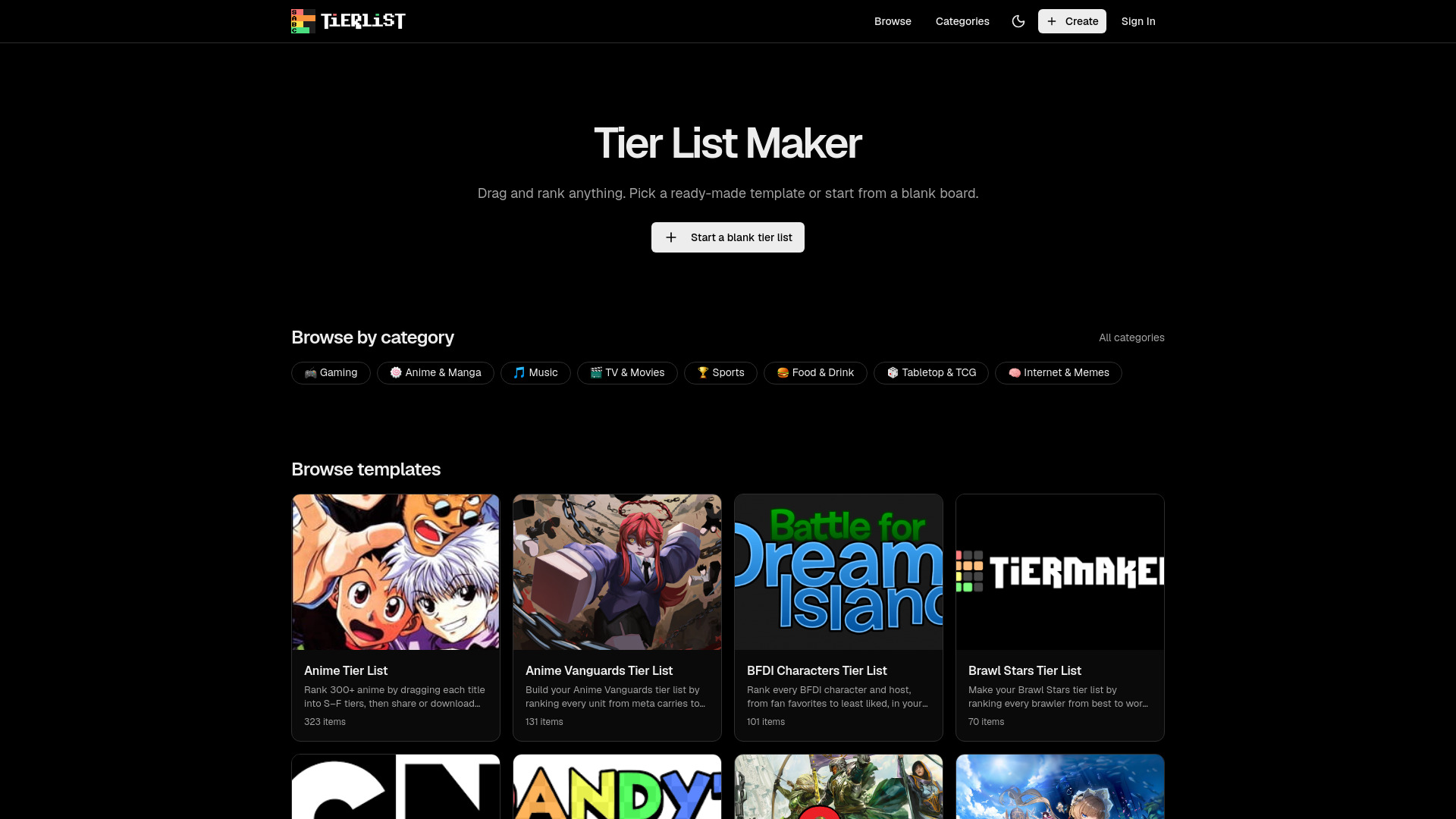
Tier List Maker wins by being exceptionally clear about the job it does. The drag-and-drop editor lets creators rank almost anything, while more than 200 ready-made and community templates reduce the time between opening the site and publishing a finished list. Custom row colors and labels add enough control without turning a simple ranking into a design project.
Why it ranks first
The strongest advantage here is not feature volume; it is low friction. The tool is completely free, does not require an account, and supports HD PNG export without a watermark. That combination makes it the easiest recommendation for creators who need a shareable ranking graphic now rather than a broader design suite.
| Scoring factor | Editorial assessment |
|---|---|
| Workflow clarity | Excellent for drag-and-drop tier rankings |
| Access | Free, with no sign-up required |
| Output | HD PNG export without a watermark |
| Audience fit | Very strong for content creators |
Best fit
Creators making rankings for social posts, videos, or communities
Anyone who wants templates instead of building a tier list from scratch
Users who value a quick, no-account workflow
Limitations
It is focused mainly on tier lists rather than general design work
Advanced collaboration or team workflows are not highlighted
Answerbit

- SEO professionals
- Daily AI visibility monitoring and citation analytics
- Starts at Check vendor pricing
- Usage signal: 22.7K
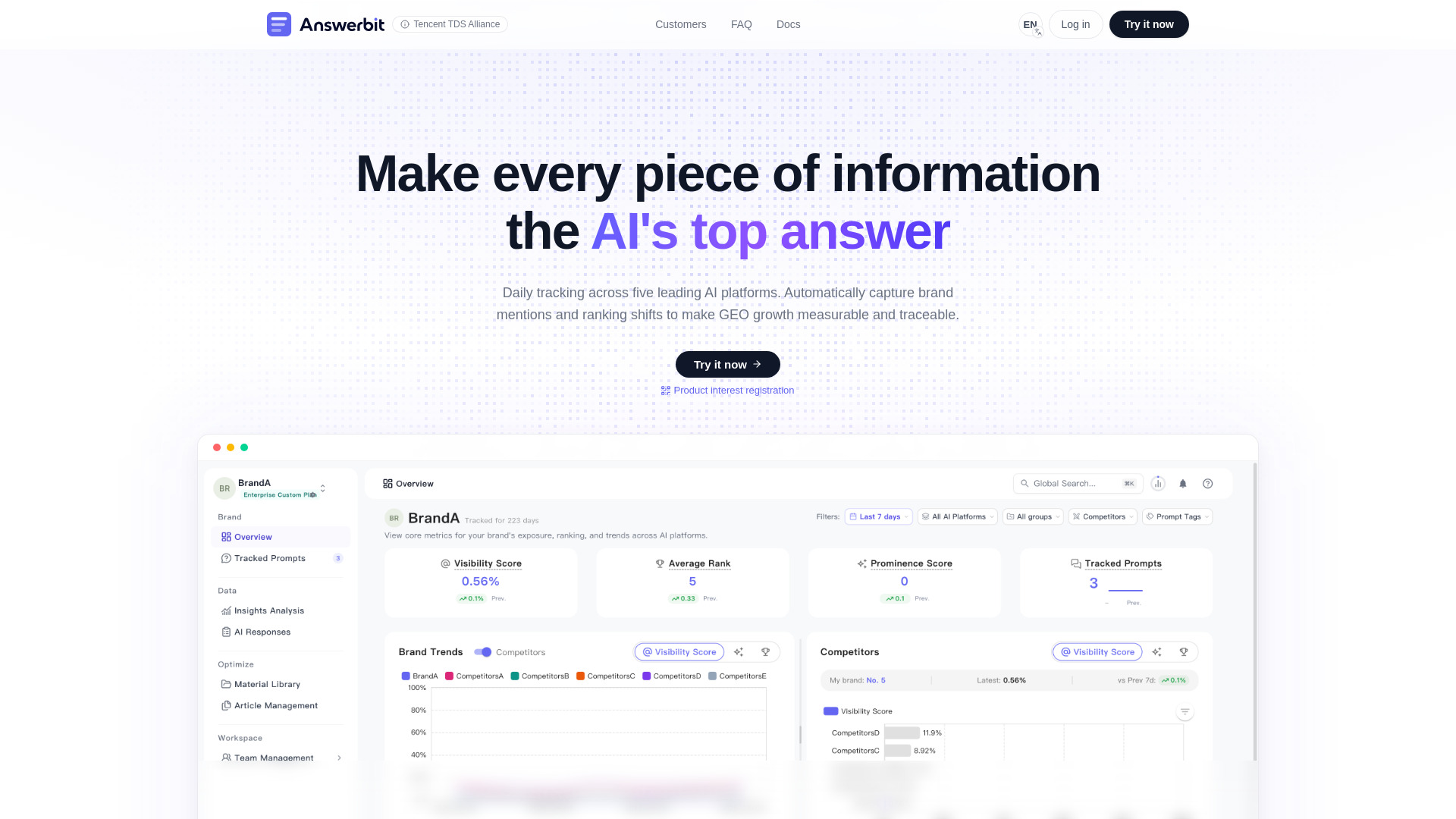
Answerbit takes a measurement-first approach to AI search visibility. It monitors major AI platforms including DeepSeek, Doubao, Yuanbao, Kimi, and Qwen, then turns the results into visibility, ranking, citation, and competitor comparisons. For an SEO professional, that is much more useful than simply asking an AI chatbot whether a brand appeared in an answer.
Why it is near the top
Answerbit earns its podium position because it connects monitoring with optimization. Daily answer collection, Visibility Score tracking, average rank data, and brand mention comparisons give teams a repeatable way to see whether their content is being surfaced. Pricing is less transparent, and platform coverage is currently concentrated on a limited set of leading AI engines.
| Scoring factor | Editorial assessment |
|---|---|
| Monitoring depth | Strong multi-platform visibility tracking |
| Reporting | Visibility, rank, citation, and competitor signals |
| Workflow value | Particularly useful for recurring GEO work |
| Transparency | Pricing requires a closer vendor check |
Best fit
SEO teams tracking brand mentions in AI-generated answers
Marketers comparing their visibility with competitors
Teams building a recurring GEO measurement process
Limitations
Pricing information is not presented as a clear public starting point
Current platform support focuses on a limited set of leading AI engines
Aisa.to

- Operations managers
- Free AI skills test, certificate, and 20-minute interview
- Starts at Check vendor pricing
- Usage signal: 21.5K
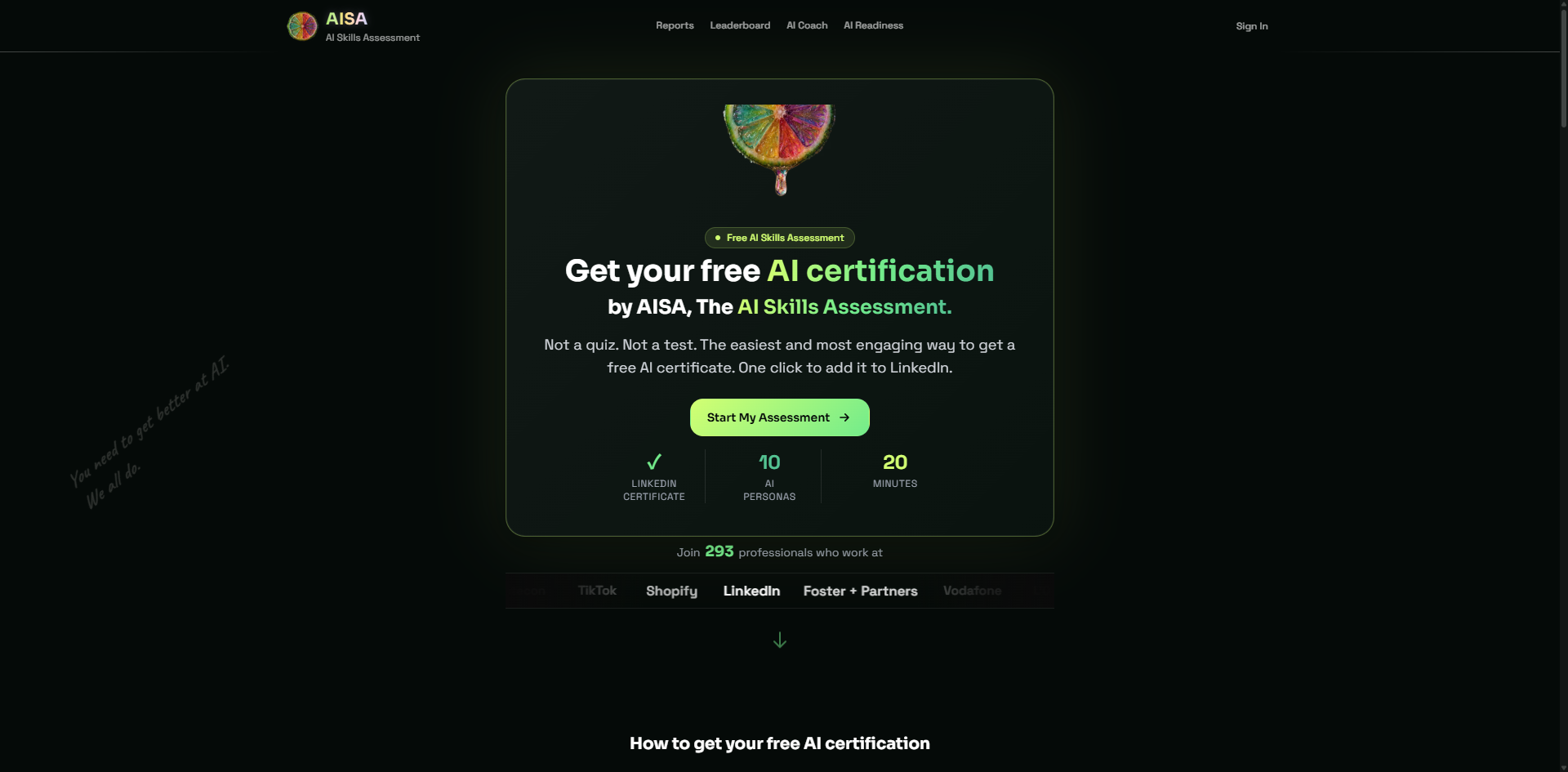
Aisa.to feels different from the other tools on this list because it evaluates the person using AI rather than generating another piece of AI output. Its adaptive 20-minute conversational interview assesses five dimensions and 11 criteria, including prompt engineering, critical thinking, and workflow-related skills. The resulting report identifies one of 10 AI personas and provides a prioritized learning plan.
Best fit
Operations managers assessing their practical AI readiness
Professionals who want a data-backed skills report rather than a quiz score
Candidates who need a free certificate and LinkedIn-verifiable credential
Limitations
The assessment requires a continuous 20-minute conversational commitment
Specialized team upskilling or workplace dashboards may require contacting the team
Rankly Tier List Maker

- Gamers
- Up to 200 images; PNG download; no sign-up
- Starts at Check vendor pricing
- Usage signal: 408
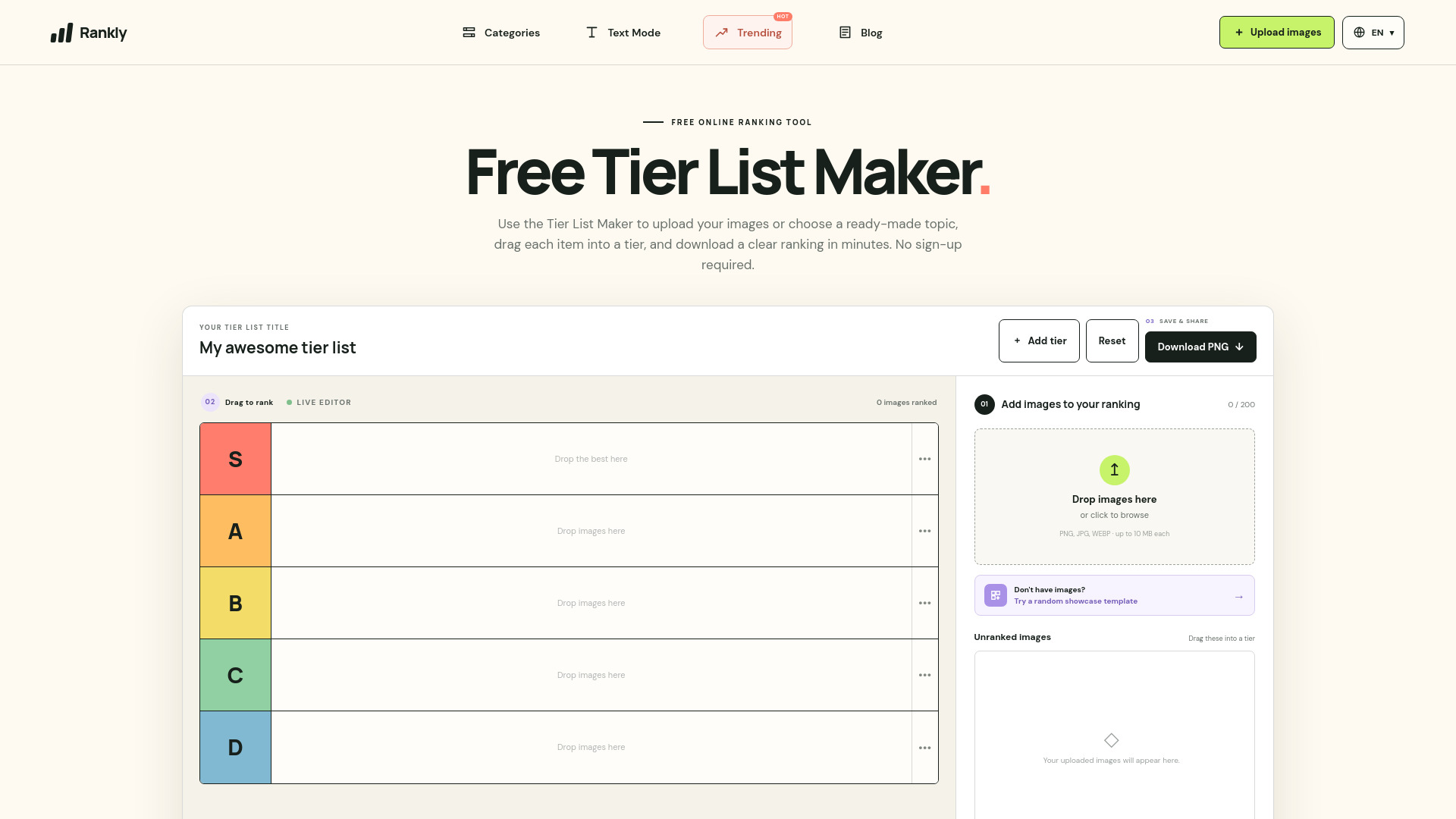
Rankly Tier List Maker is the more image-oriented alternative to the top pick. You can upload and rank up to 200 images, rename tiers, drag items into place, and download the finished result as a PNG. That makes it a natural fit for game characters, equipment, cosmetics, or any visual collection where the image is the main point of the ranking.
Best fit
Gamers ranking characters, weapons, maps, or items
Communities that need a visual tier list without creating an account
Users who want a straightforward PNG export
Limitations
The tool is focused on image-based rankings
Each uploaded image is limited to 10 MB
Tabbit Browser

- Researchers
- Free basic usage; context-aware browsing and chat
- Starts at Free; paid plans from $30/month
- Usage signal: 960.8K
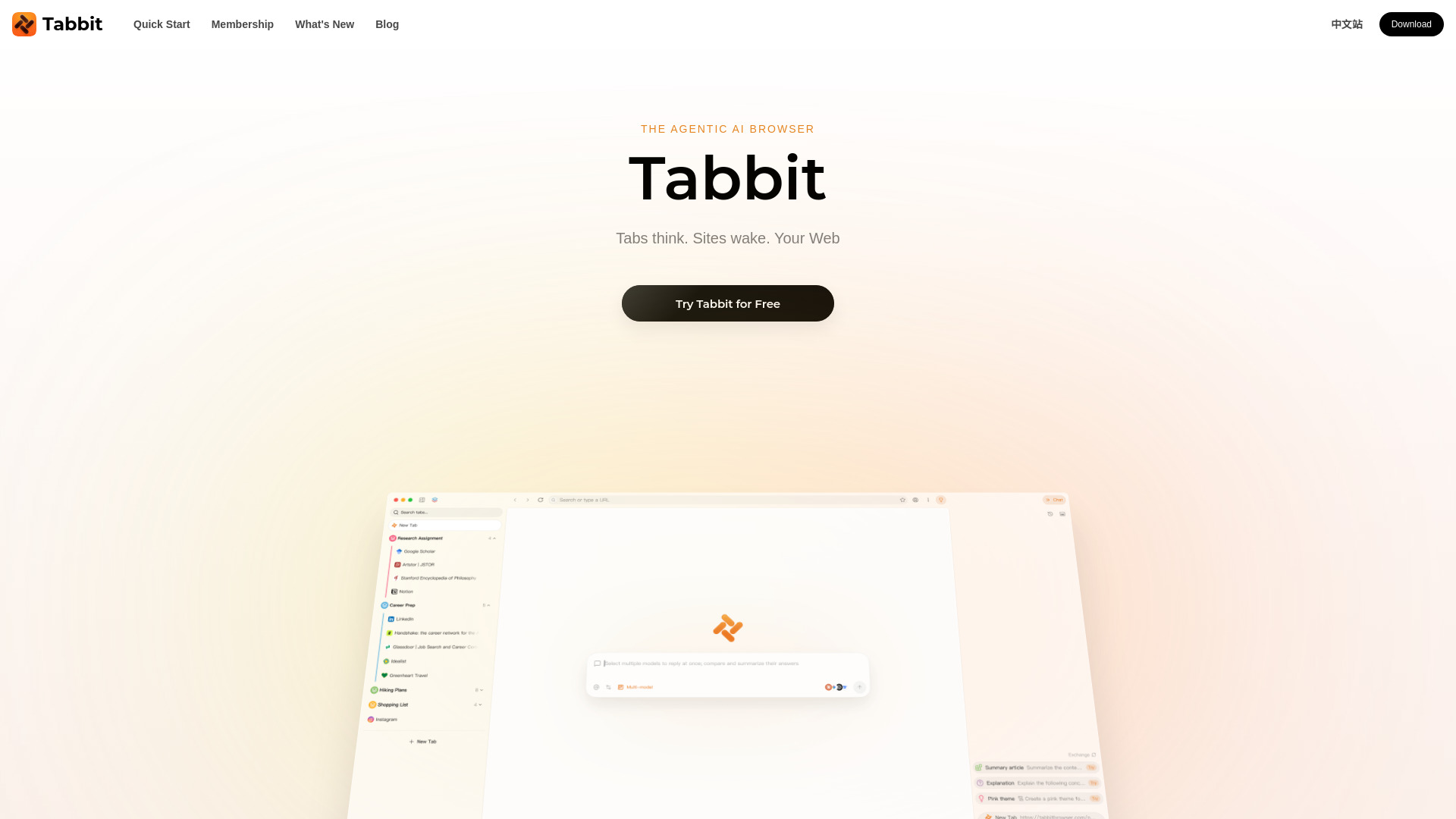
Tabbit Browser is the broadest productivity pick in the ranking. It can use webpages, screenshots, highlights, local files, PDFs, bookmarks, and HTML elements as working context, which is more practical than copying isolated snippets into a chat window. Its AI Agent also handles web actions, document generation, scheduled tasks, and multi-step workflows, with reusable Skills for recurring website tasks.
The catch is plan separation. Top AI models and full Agent capabilities require the paid Pro plan, while free usage is limited. The Standard plan also requires Tabbit to be set as the default browser, so this is better for users willing to change their browsing habits than for occasional experimenters.
Best fit
Researchers collecting evidence across many tabs and documents
Users who want browsing, chat, and automation in one application
People with repeatable web tasks that can benefit from reusable Skills
Limitations
Top models and full Agent capabilities are reserved for the paid Pro plan
Free usage is limited, and the Standard plan requires Tabbit as the default browser
Abliteration.ai

- Cybersecurity researchers
- 1 free credit, about 500 tokens
- Starts at Free tier; paid plans from $20/month
- Usage signal: 421.8K
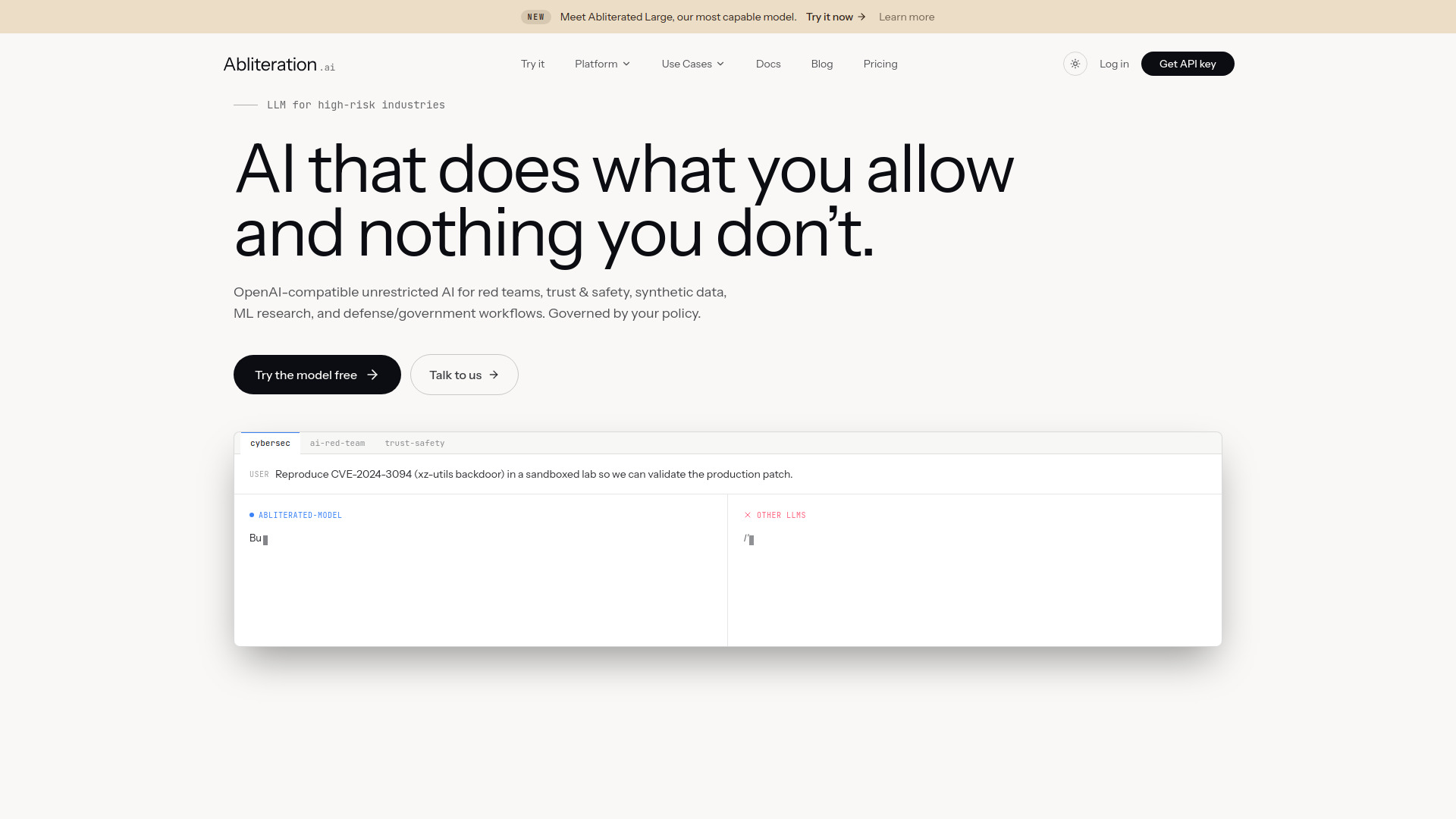
Abliteration.ai targets professional work where ordinary model refusal behavior can interrupt legitimate security research, red-team exercises, trust and safety work, or synthetic-data workflows. Its OpenAI- and Anthropic-compatible APIs are a meaningful practical detail: teams can migrate with a base-URL change rather than rebuild every SDK or agent integration.
Vision and document extraction support image inputs up to 15 MB across common formats. That broadens the tool beyond text-only experimentation, although the free preview is deliberately small and Policy Gateway governance is an enterprise add-on with custom pricing.
Best fit
Cybersecurity researchers and red teams working on legitimate sensitive tasks
ML engineers who want compatible APIs and minimal migration work
Teams needing vision or document extraction alongside text generation
Limitations
Usage beyond the limited free preview requires paid plans and tokens
Policy Gateway governance is an enterprise add-on with custom pricing
Airtap

- Frequent travelers
- Free plan available
- Starts at Check vendor pricing
- Usage signal: 50.7K
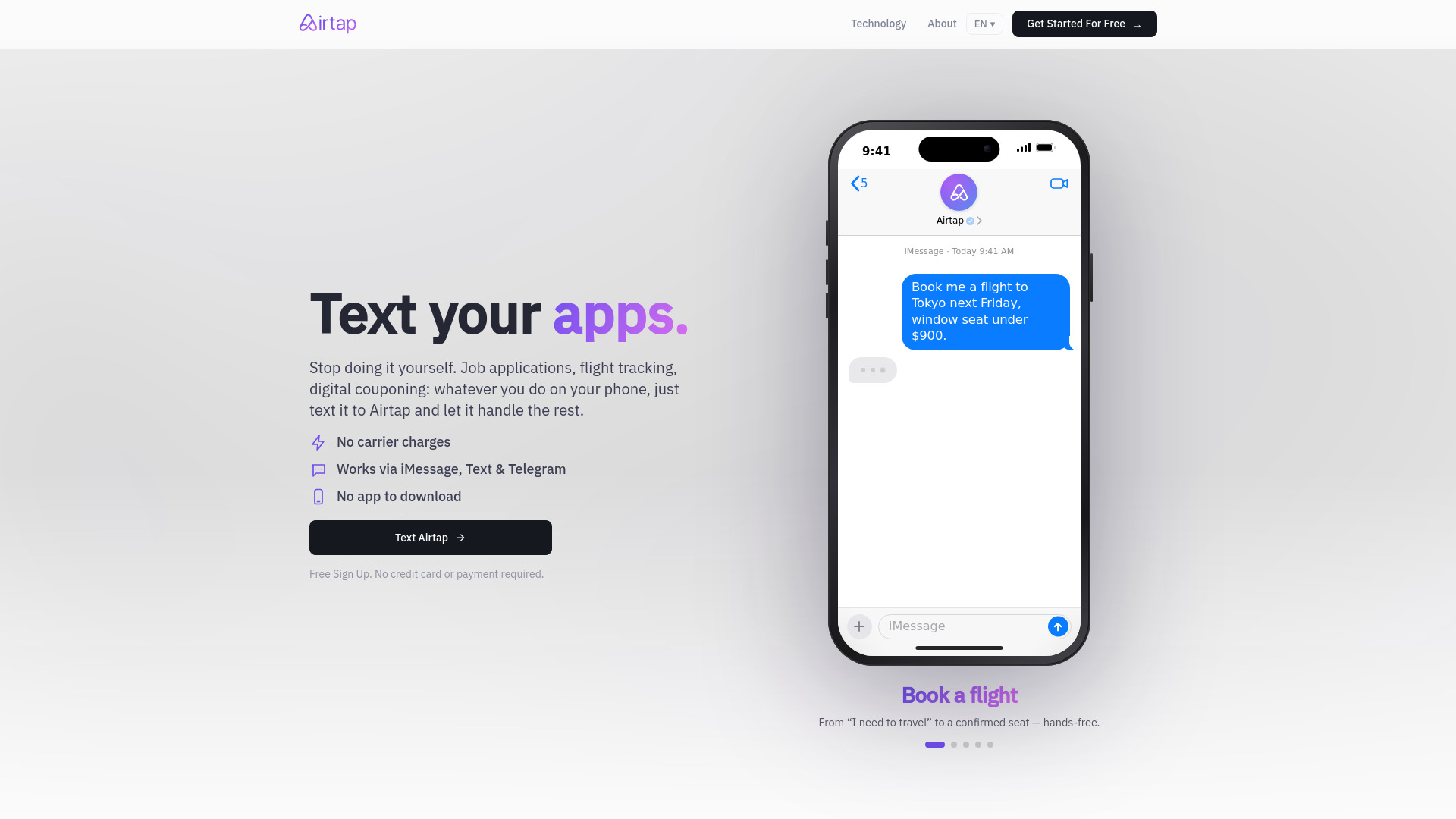
Airtap operates where many browser agents stop: inside real mobile apps. Send a plain-English request through iMessage, SMS, or Telegram and its Text-to-Task Agent carries it out. The Cloud Phone provisions a real Android phone in an isolated container, while Autopilot can connect to hardware you already own.
That architecture is especially interesting for travel and routine mobile tasks, but it is not entirely hands-off. Some actions require approval or an answer from the user, and advanced dashboard access requires signing in.
Best fit
Frequent travelers handling tasks across mobile apps
Users who prefer text messages to a separate automation dashboard
People who need scheduled routines or live cloud-phone streaming
Limitations
Advanced dashboard access requires signing in
Some tasks still require user approval or follow-up answers
Searchify

- SEO professionals
- Free analysis; no sign-up required
- Starts at Check vendor pricing
- Usage signal: 106
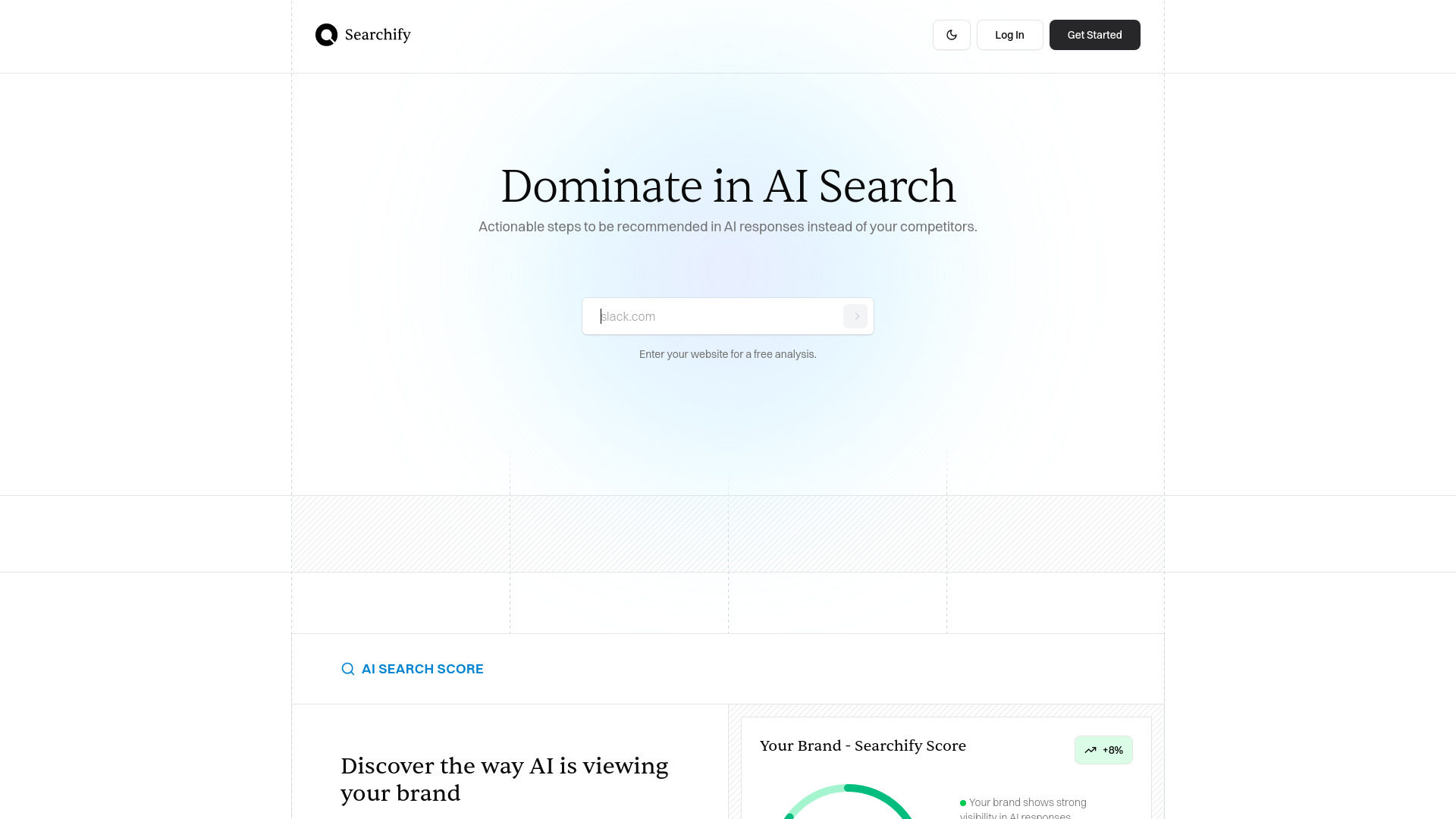
Searchify is the lightweight entry point for teams that want to understand their AI search position without committing to a larger monitoring workflow. Its AI Search Score, actionable recommendations, and content creation features are aimed at turning visibility questions into specific next steps. The free analysis and no-sign-up flow make it easy to test before adopting a broader process.
Best fit
SEO professionals wanting a quick AI search visibility check
Small teams looking for actionable recommendations
Users who prefer a free, no-account starting point
Limitations
Check current product fit, pricing, and workflow limits before committing
Its focused feature set may not replace a deeper monitoring platform
ToolKK

- Content creators
- 1,298+ searchable tools and free basic workflows
- Starts at Free: $0/month
- Usage signal: 187.5K
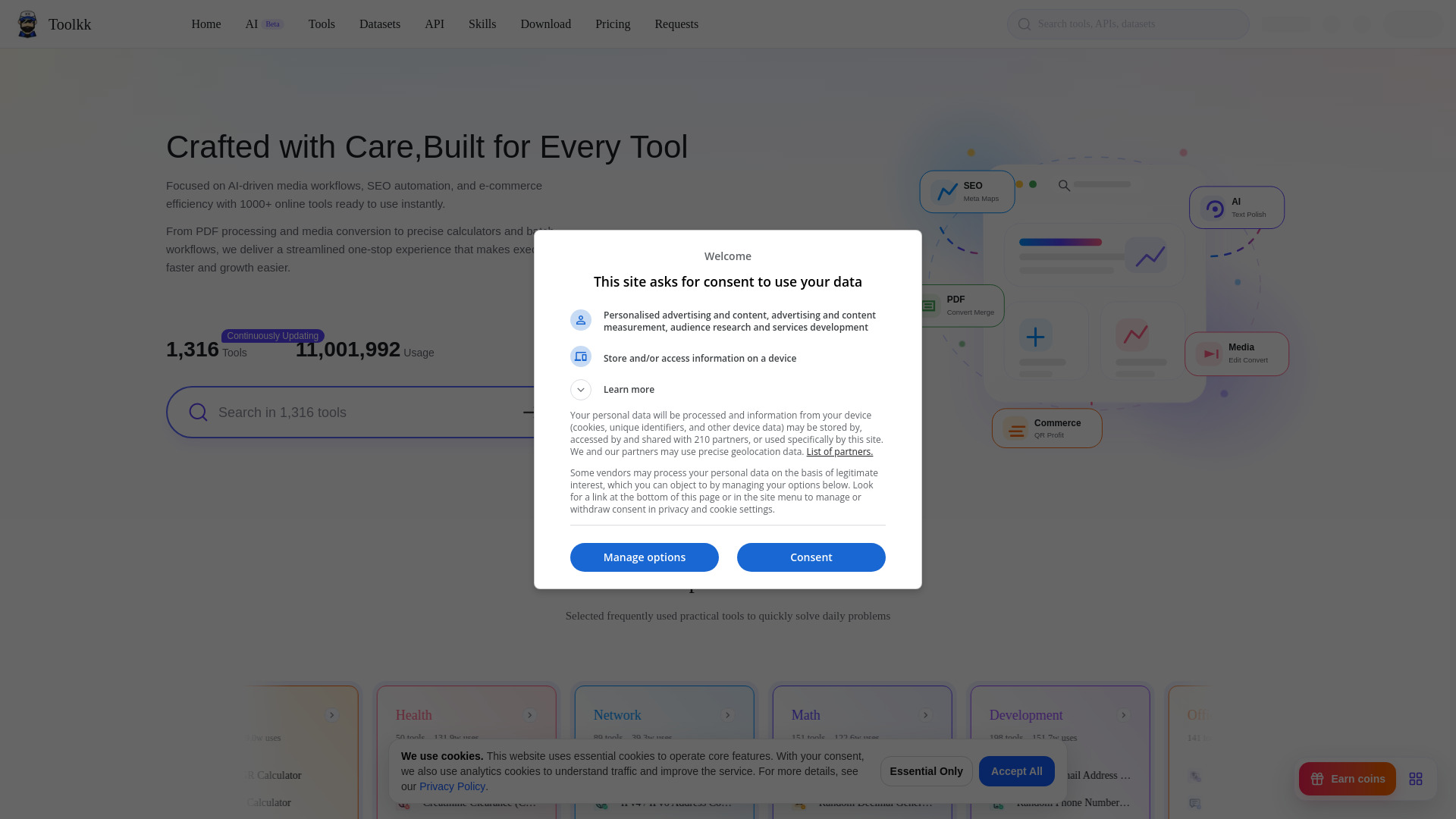
ToolKK is less a single-purpose application than a searchable utility shelf. It covers more than 1,298 online tools, including PDF editing, media conversion, audio and video utilities, image processing, SEO checks, and e-commerce workflows. For creators who regularly jump between small jobs, that breadth can matter more than a highly specialized interface.
The trade-off is uneven access. Some tools have limited free quotas or are excluded from free allowances, and advanced features may require a paid membership or coins. Treat it as a discovery and utility hub, not one unified production environment.
Best fit
Content creators handling varied PDF, media, image, and SEO tasks
Users who prefer one searchable toolbox over many bookmarks
People exploring utilities before choosing a dedicated product
Limitations
Free quotas vary, and some tools are excluded from free allowances
Advanced features may require a paid membership or coins
LLMBoard.ai

- AI researchers
- Model comparisons, pricing data, and benchmark rankings
- Starts at Check vendor pricing
- Usage signal: 378
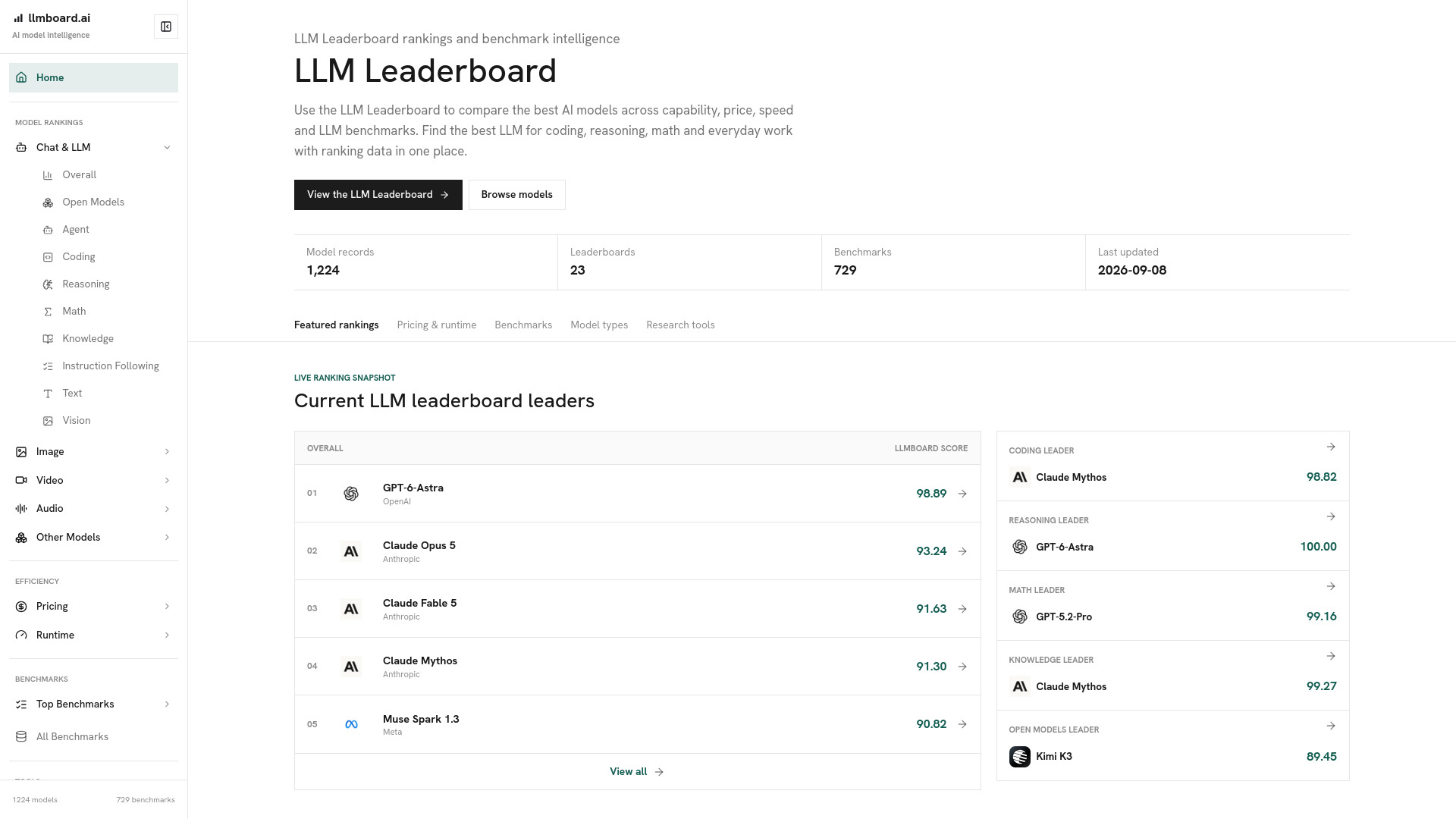
LLMBoard.ai is for the buying and evaluation phase before a model enters production. It compares capability, pricing, runtime speed, latency, provider reliability, and benchmark coverage across coding, reasoning, mathematics, knowledge, and instruction following. That combination gives AI researchers a faster way to narrow a model shortlist than checking provider pages one by one.
Best fit
AI researchers comparing models across multiple capability areas
Teams weighing speed, latency, pricing, and reliability together
Buyers who want benchmark context before testing a provider
Limitations
Leaderboard scores may not represent performance in every individual workflow
Pricing and rankings can change as providers release new models
More tools to compare
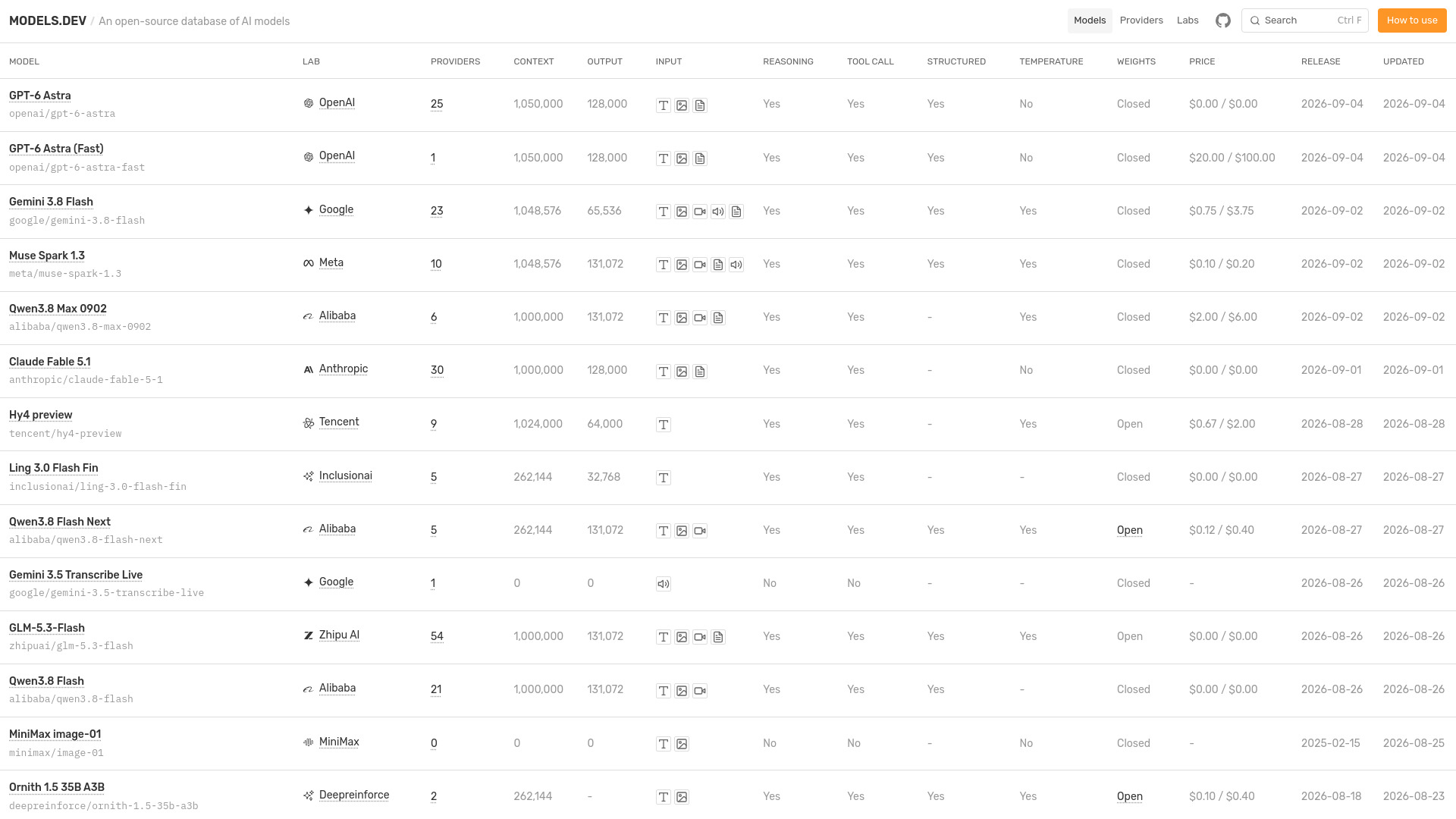
Models.dev

- AI model research and price comparison
- Starts at Check vendor pricing
- Usage signal: 208.6K
aiOS

- Small-business AI automation
- 5 free messages
- Starts at From $20/month
- Usage signal: 17.8K

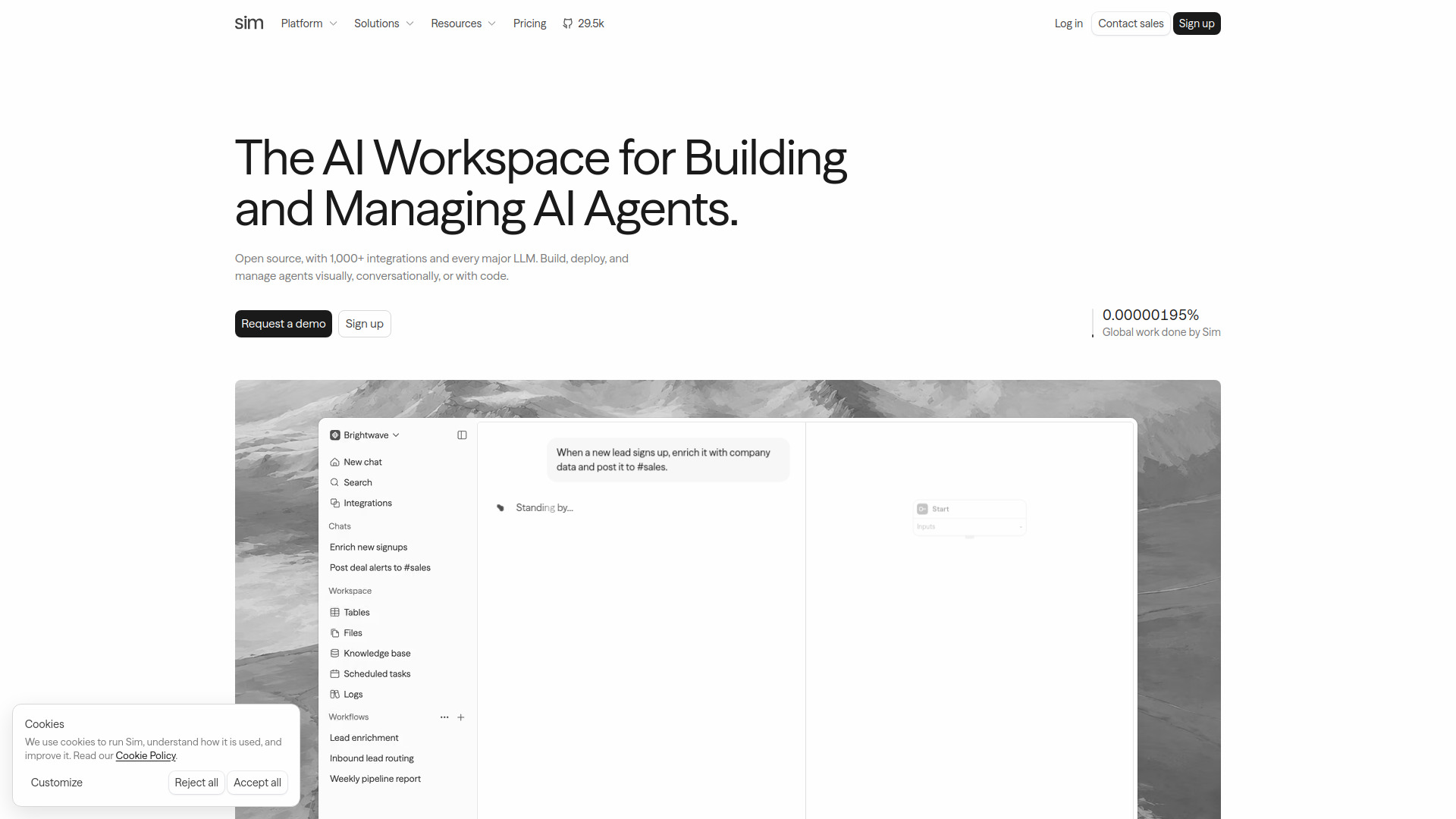
Sim

- Building AI agent workflows
- 1,000 monthly credits
- Starts at $25/user/month
- Usage signal: 116.9K
Canary Wharfian

- HireVue practice for finance applicants
- Starts at Check vendor pricing
- Usage signal: 80.0K

AI Inspo

- All-in-one AI creative workflows
- 100 credits weekly
- Starts at From $9.09/week
- Usage signal: 39.1K

LTX-2 AI

- AI video with synchronized audio
- Free plan available
- Starts at $10/month
- Usage signal: 45.1K
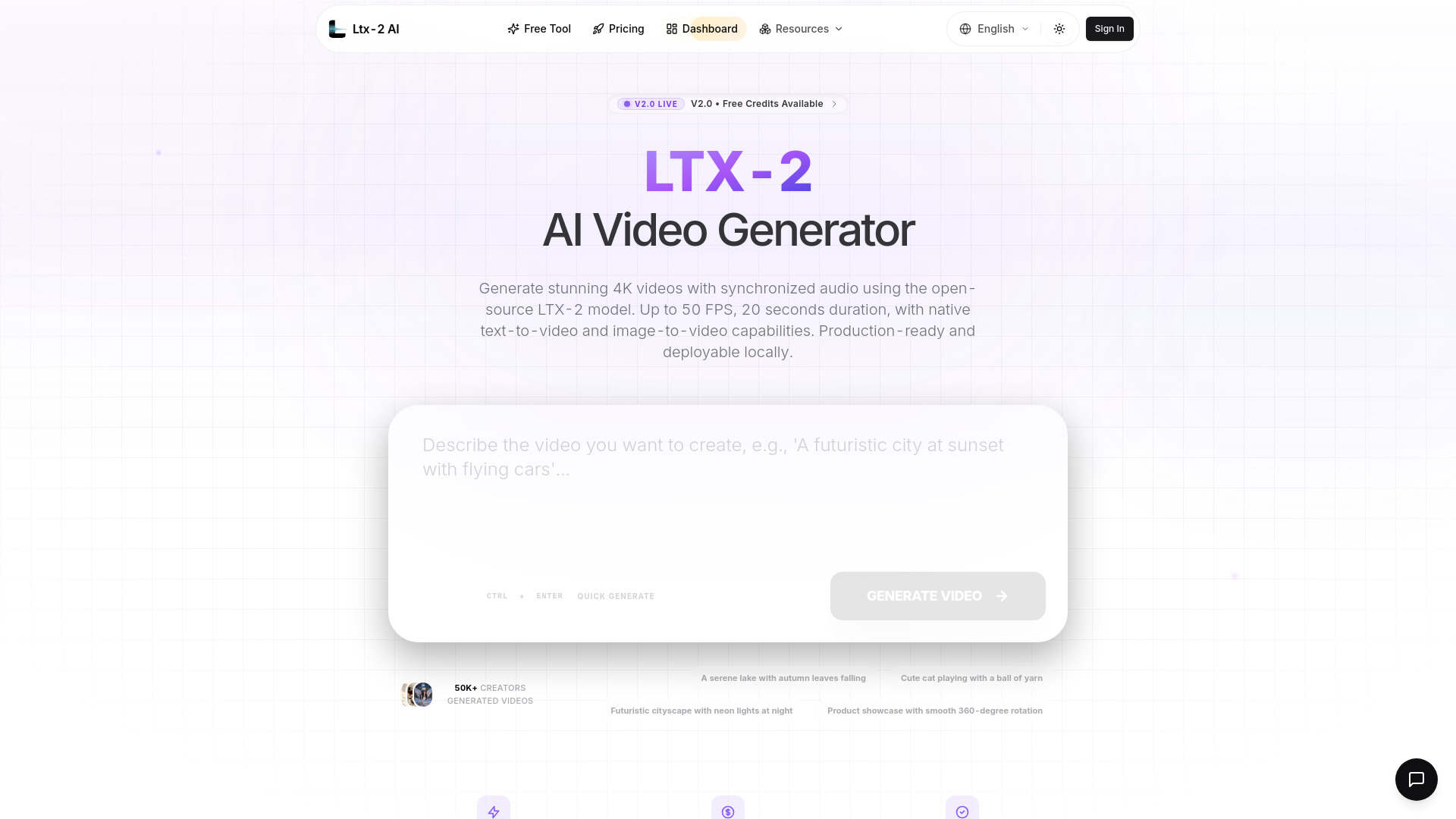
Coarena

- Real-world computer-use agent evaluations
- Starts at Check vendor pricing
- Usage signal: 88.7K
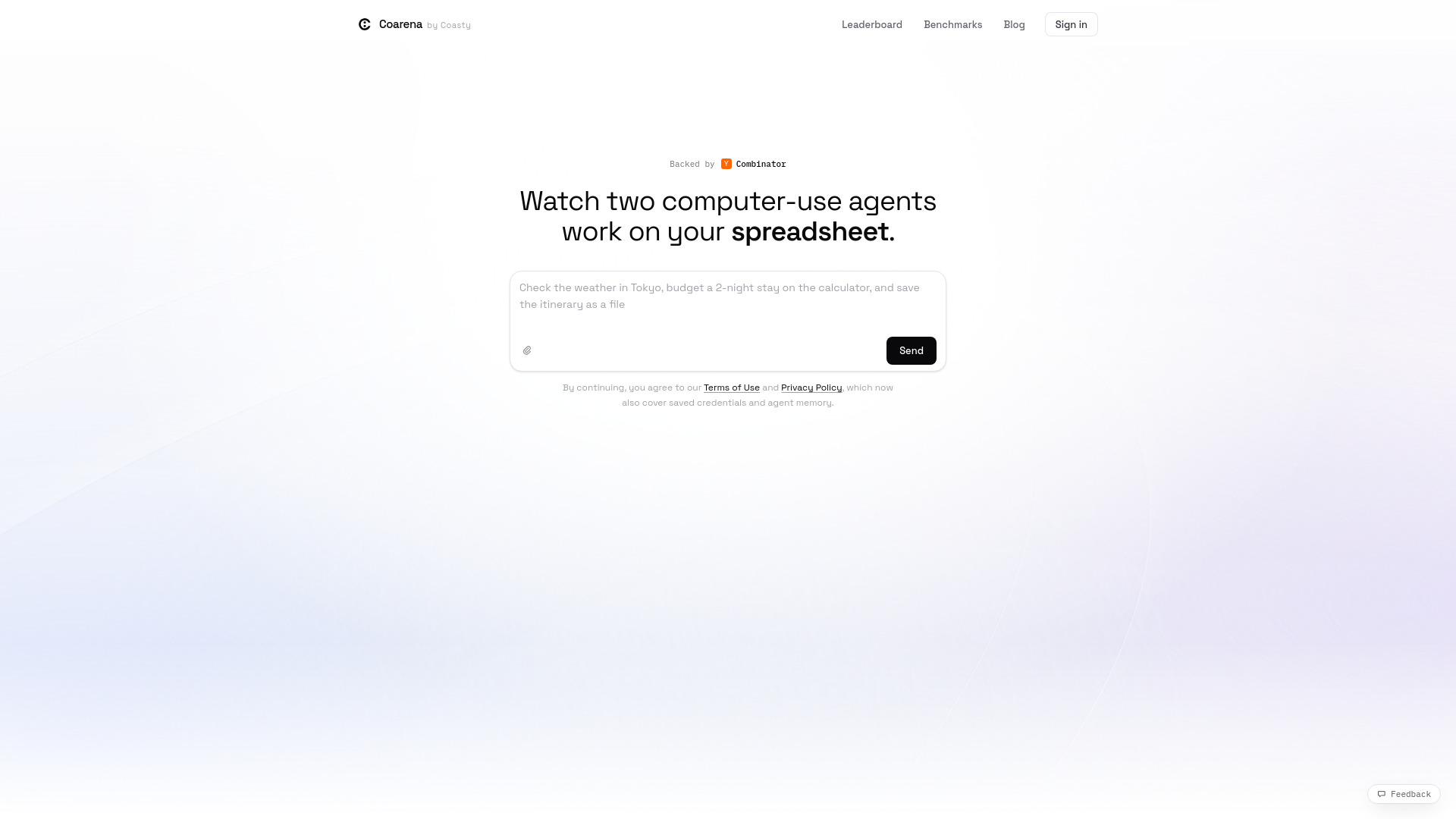
AI Photo Editor

- Prompt-based photo edits and image restoration
- Free plan available
- Starts at $7.90/month, billed annually
- Usage signal: 61.7K
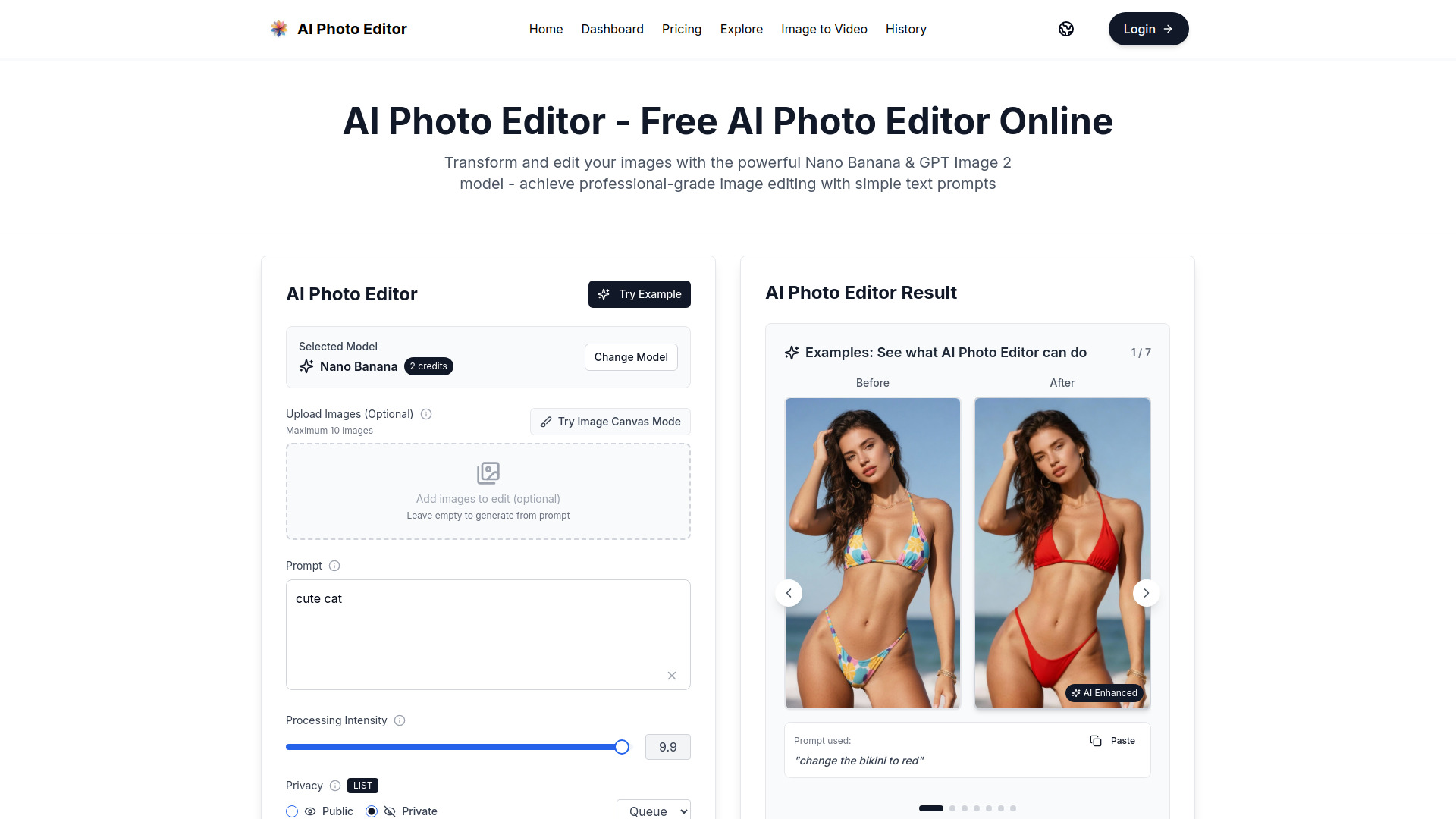
Xelta AI

- Creators making multimedia content in one workspace
- Starts at $2 pay-as-you-go
- Usage signal: 42.1K

PokerBotAI

- Automated poker play across multiple rooms
- Free trial available
- Starts at License from ~$1,000
- Usage signal: 7.9K

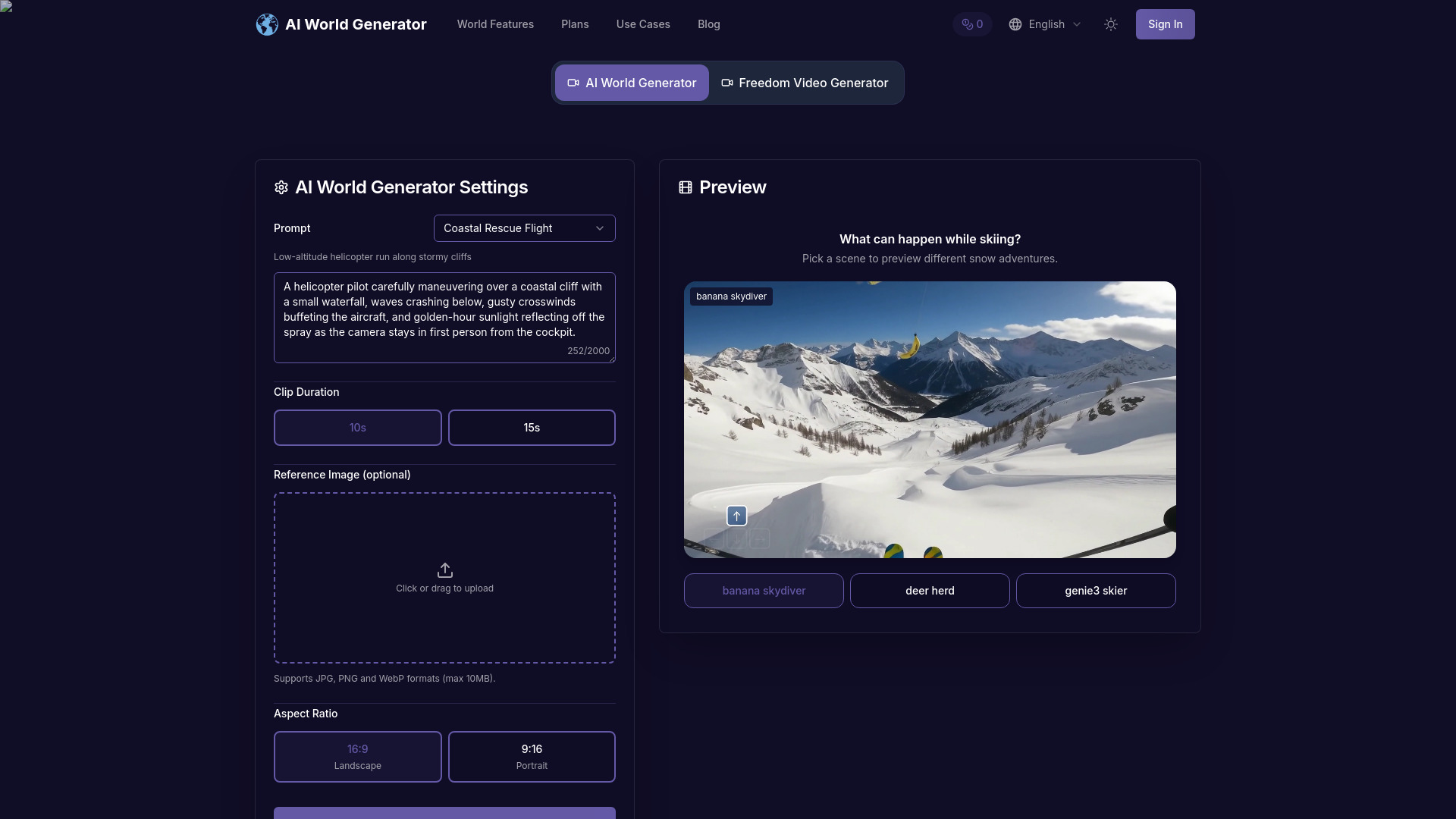
AI World Generator

- Interactive world prototyping and agent simulations
- 6 world-builder credits; 2 interactive renders
- Starts at Free; paid plans from $9.90/month
- Usage signal: 4.3K
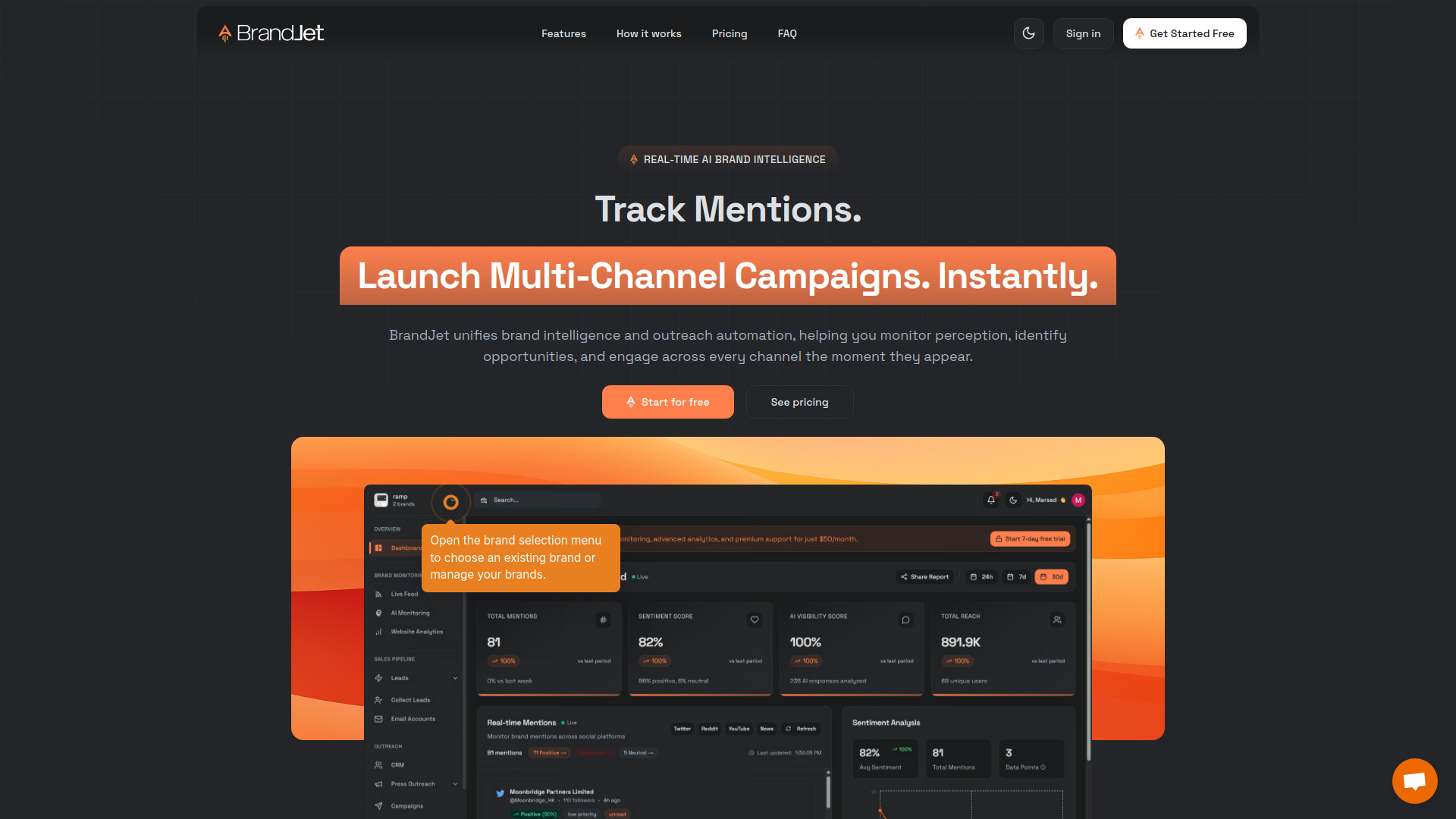
BrandJet AI

- AI brand monitoring and multichannel outreach
- Free trial available
- Starts at $60/month
- Usage signal: 22.1K
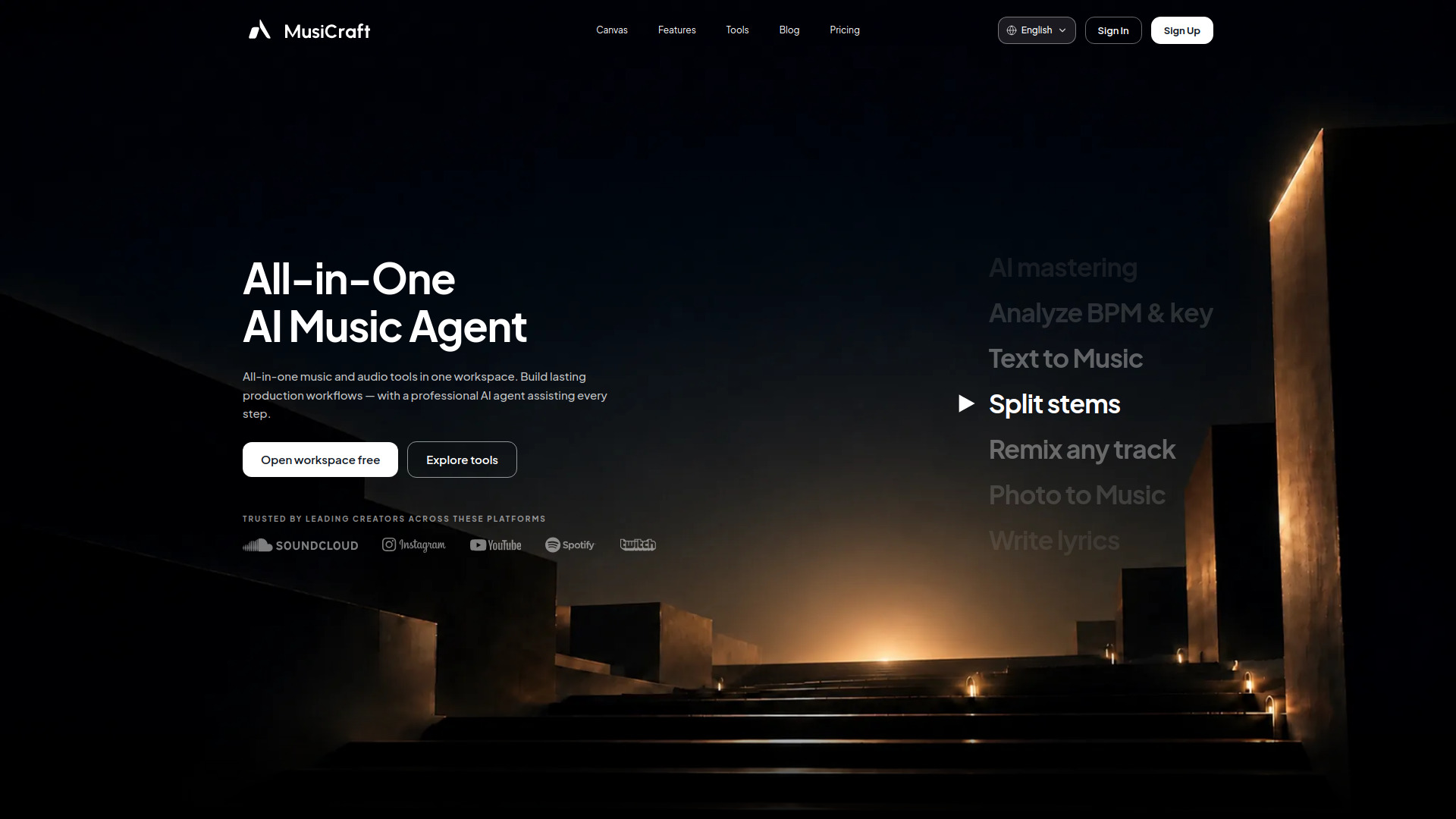
Musicraft AI

- All-in-one AI music production
- 50 credits/month
- Starts at $7.49/month
- Usage signal: 10.5K
Jewelry AI Model

- Jewelry brands needing on-model product photos
- 1 free image
- Starts at $9.99/month
- Usage signal: 3.8K

AI Marcus

- European small businesses building multilingual websites
- 1 free generation
- Starts at From €5/page
- Usage signal: 2.9K

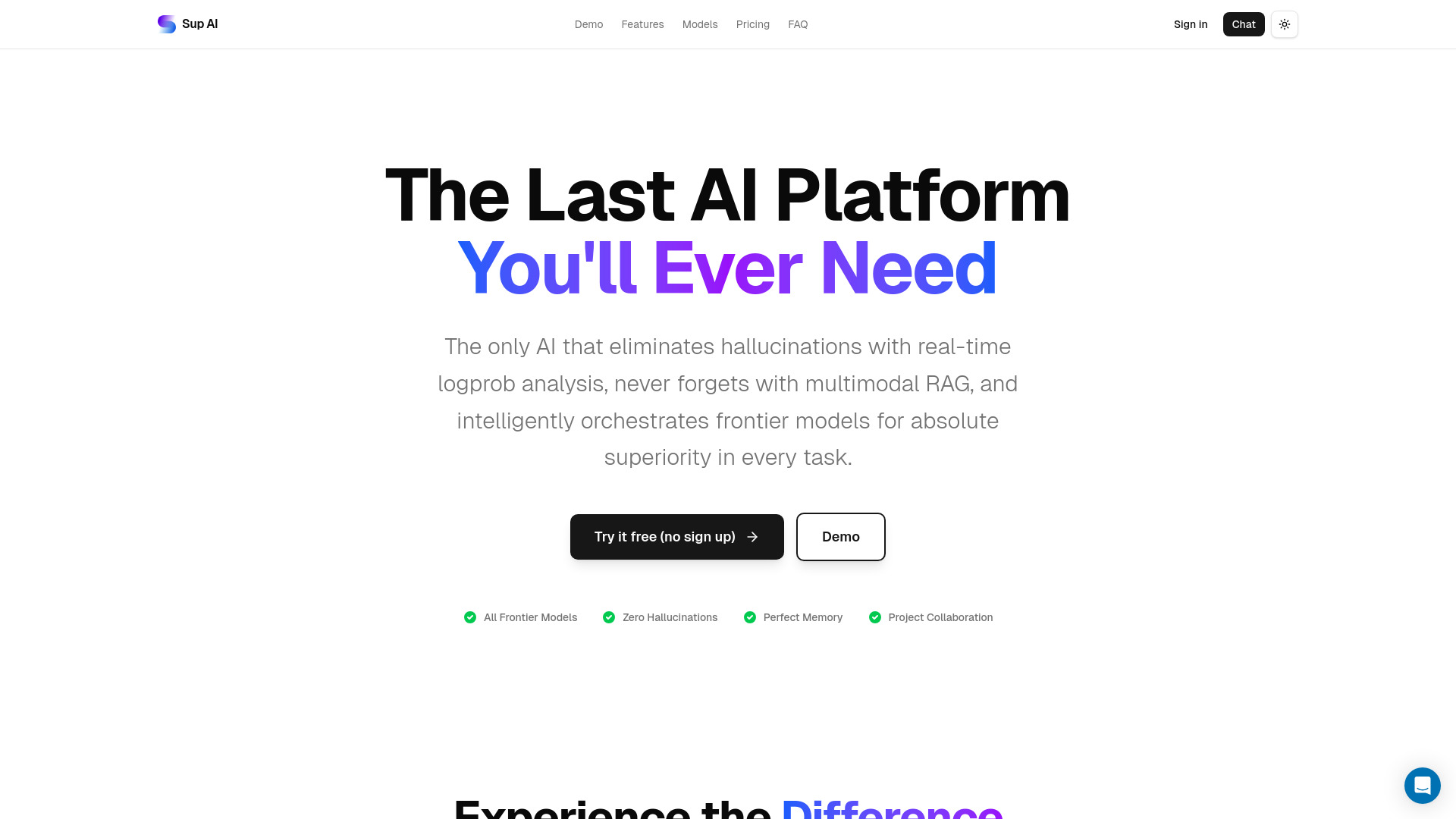
Sup AI

- Research across multiple AI models
- 50 fast messages/day
- Starts at $0/month
- Usage signal: 780
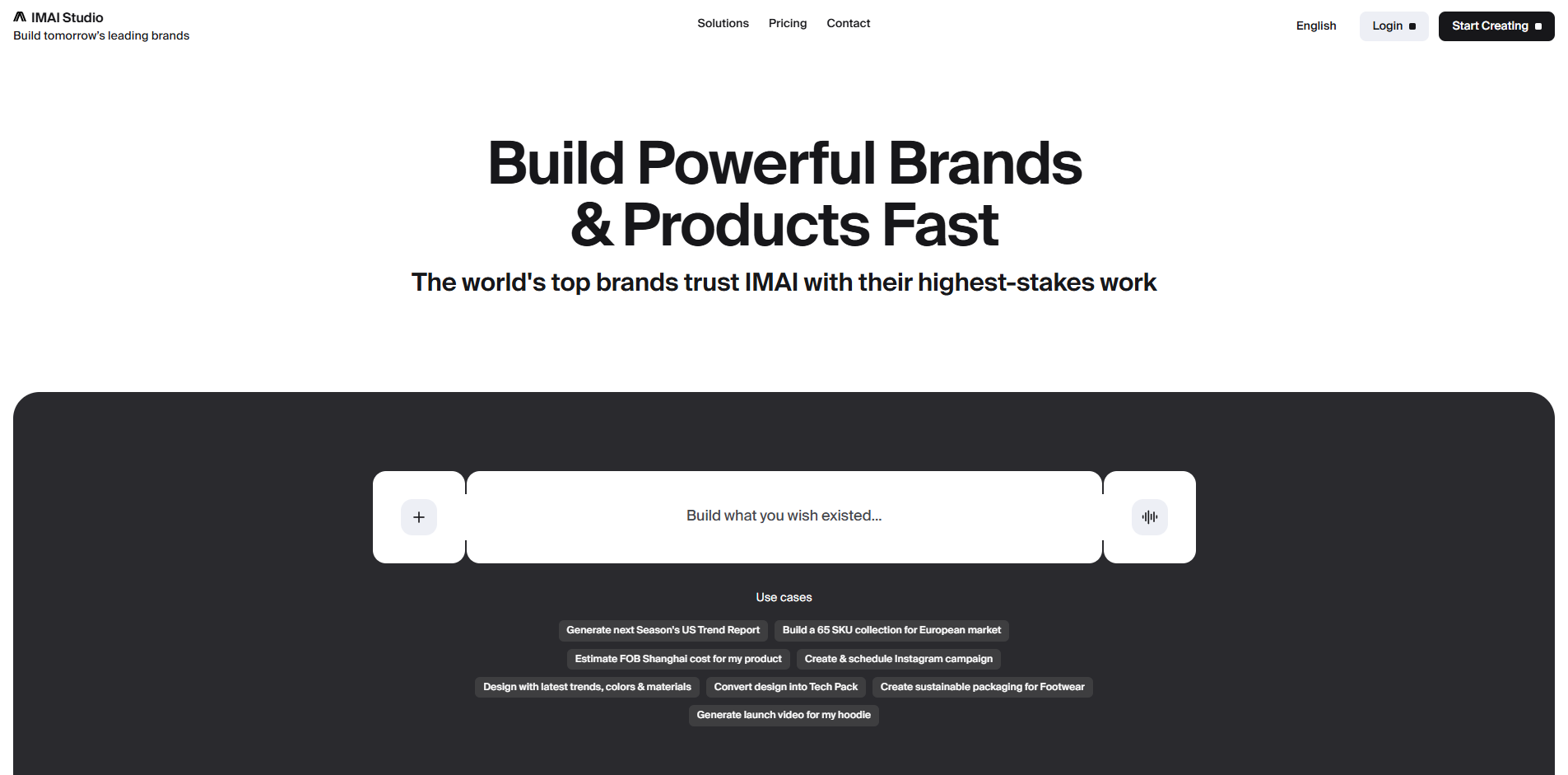
IMAI

- Brand and product teams
- Starts at $54/month billed annually
- Usage signal: 959
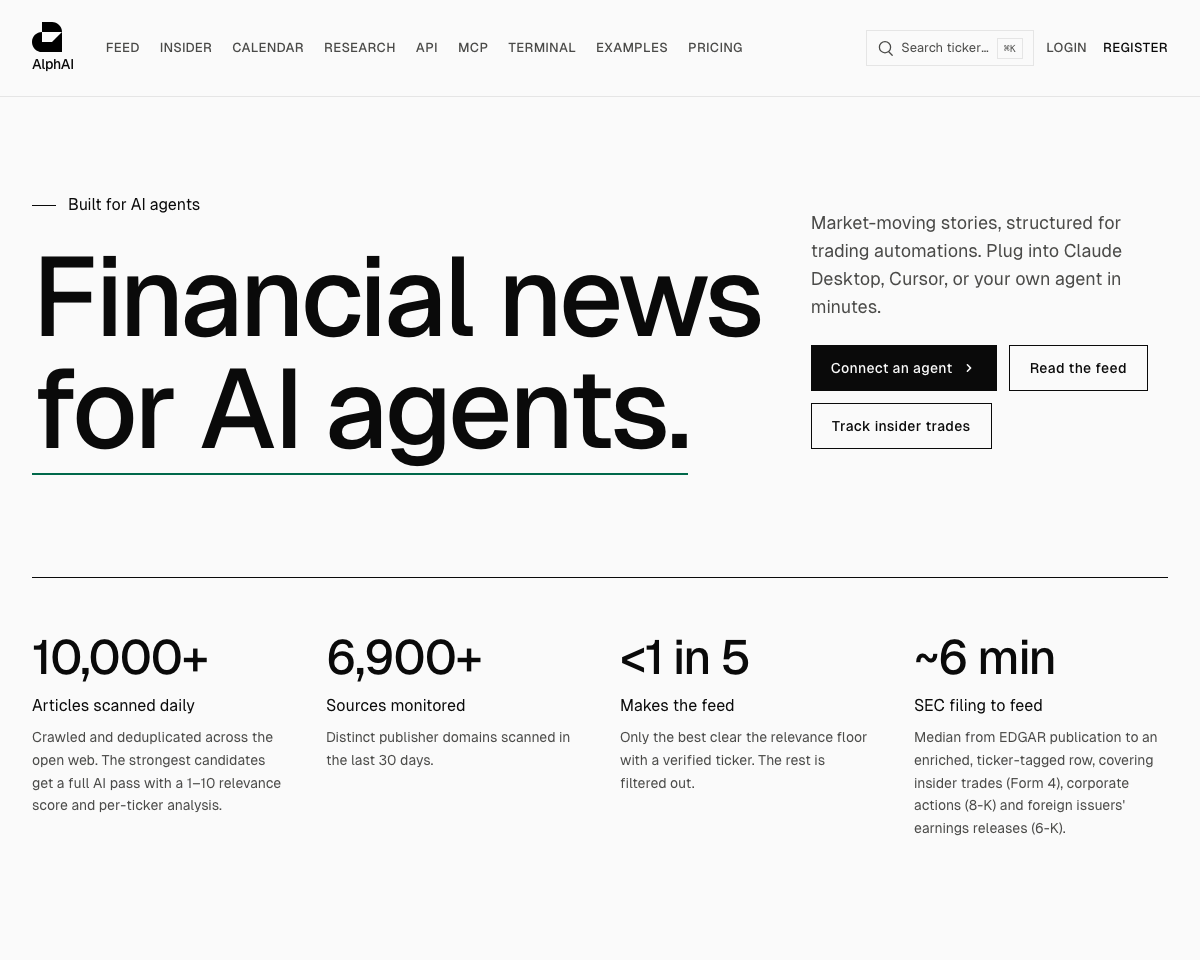
AlphaAI

- Financial news APIs for trading bots
- 100 API requests/day
- Starts at $7.99/month
- Usage signal: 232
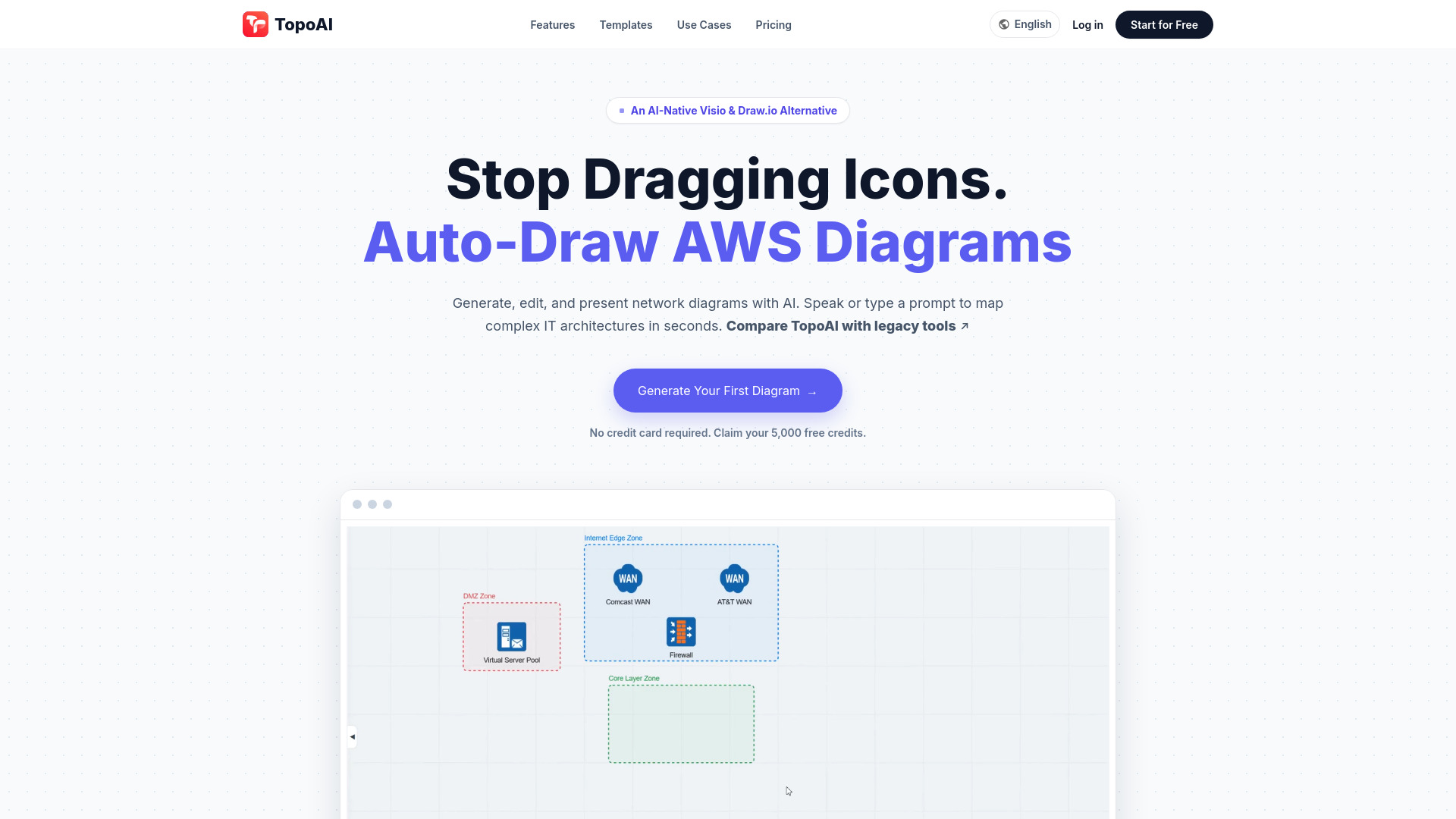
TopoAI
- Network, cloud, and security teams
- 3 diagrams/day
- Starts at $5/mo
- Usage signal: 309
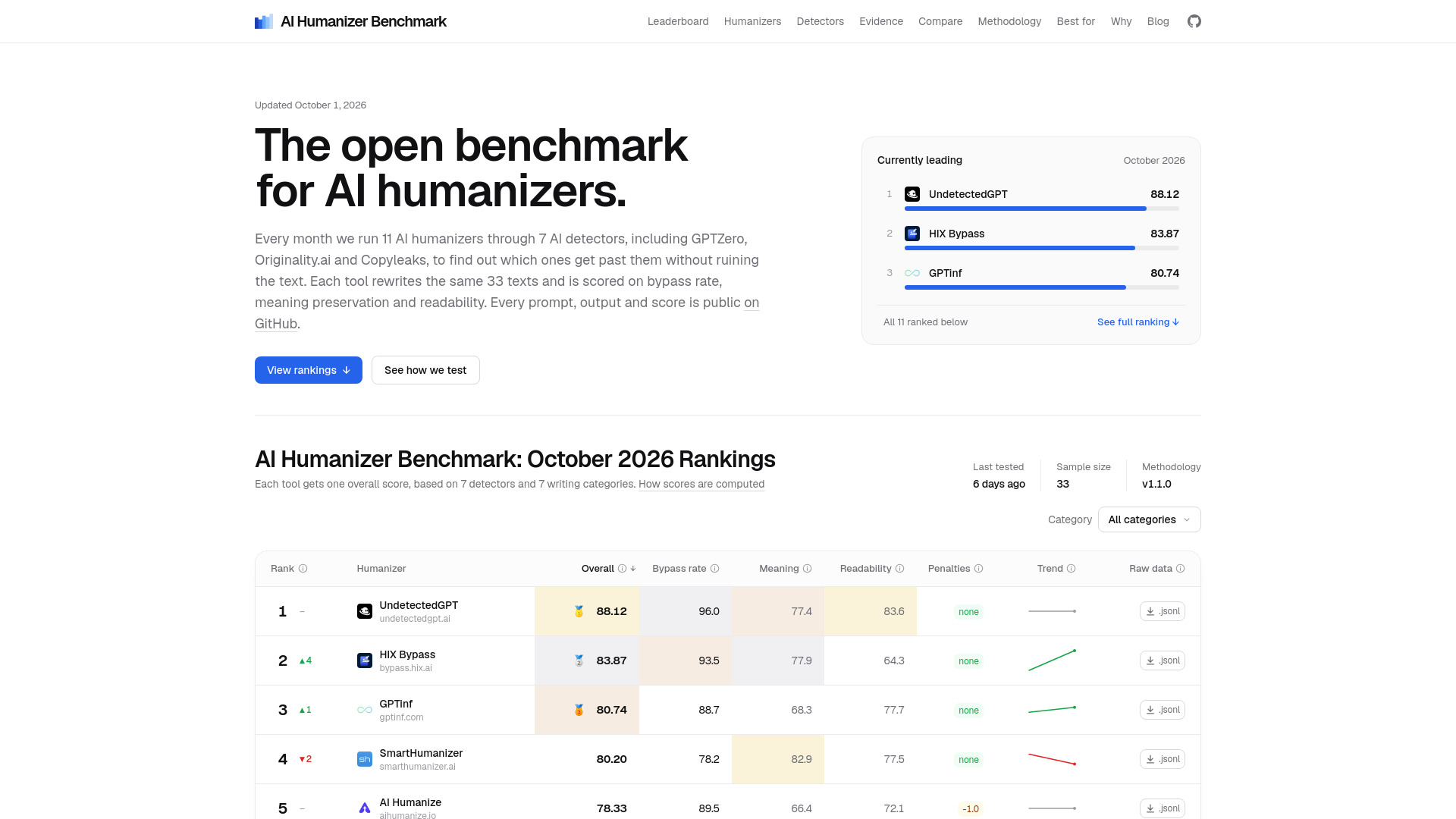
AI Humanizer Benchmark

- Comparing AI humanizers
- Starts at Check vendor pricing
- Usage signal: 0
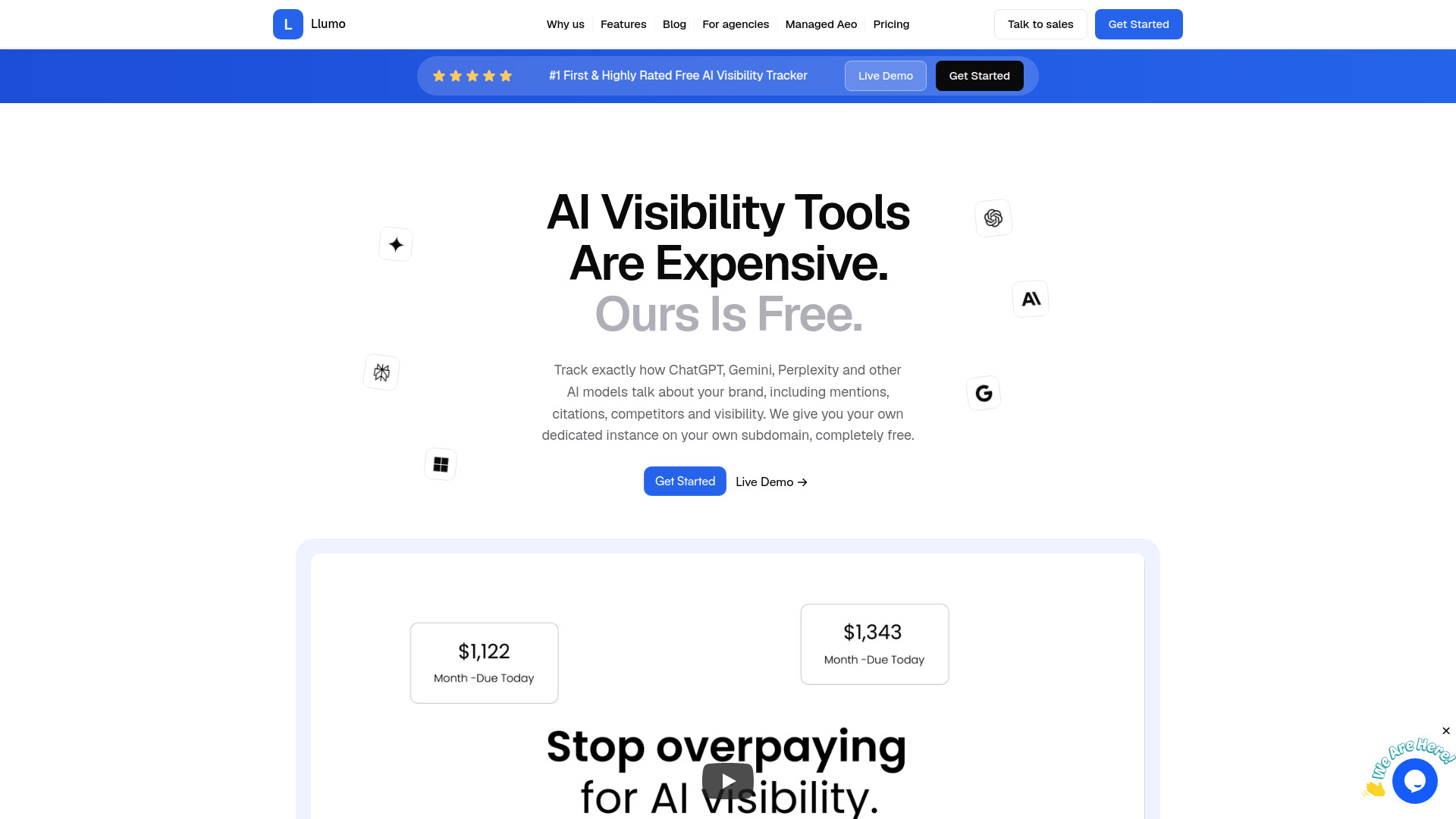
Llumo

- Brands tracking AI search visibility
- Unlimited prompts with your own API keys
- Starts at $0 platform fee (API costs extra)
- Usage signal: 388
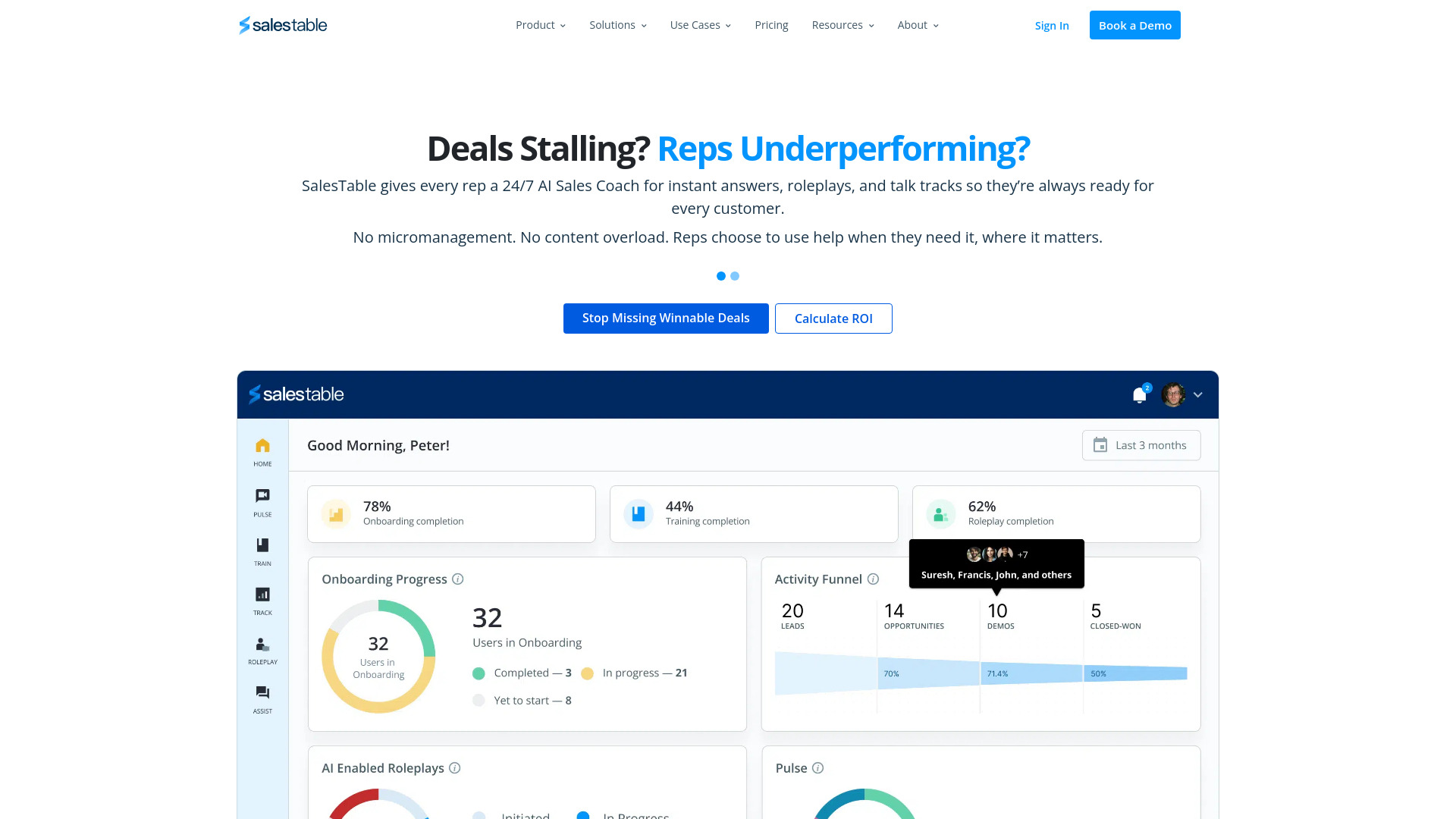
SalesTable AI

- Sales onboarding and coaching teams
- Starts at Check vendor pricing
- Usage signal: 213
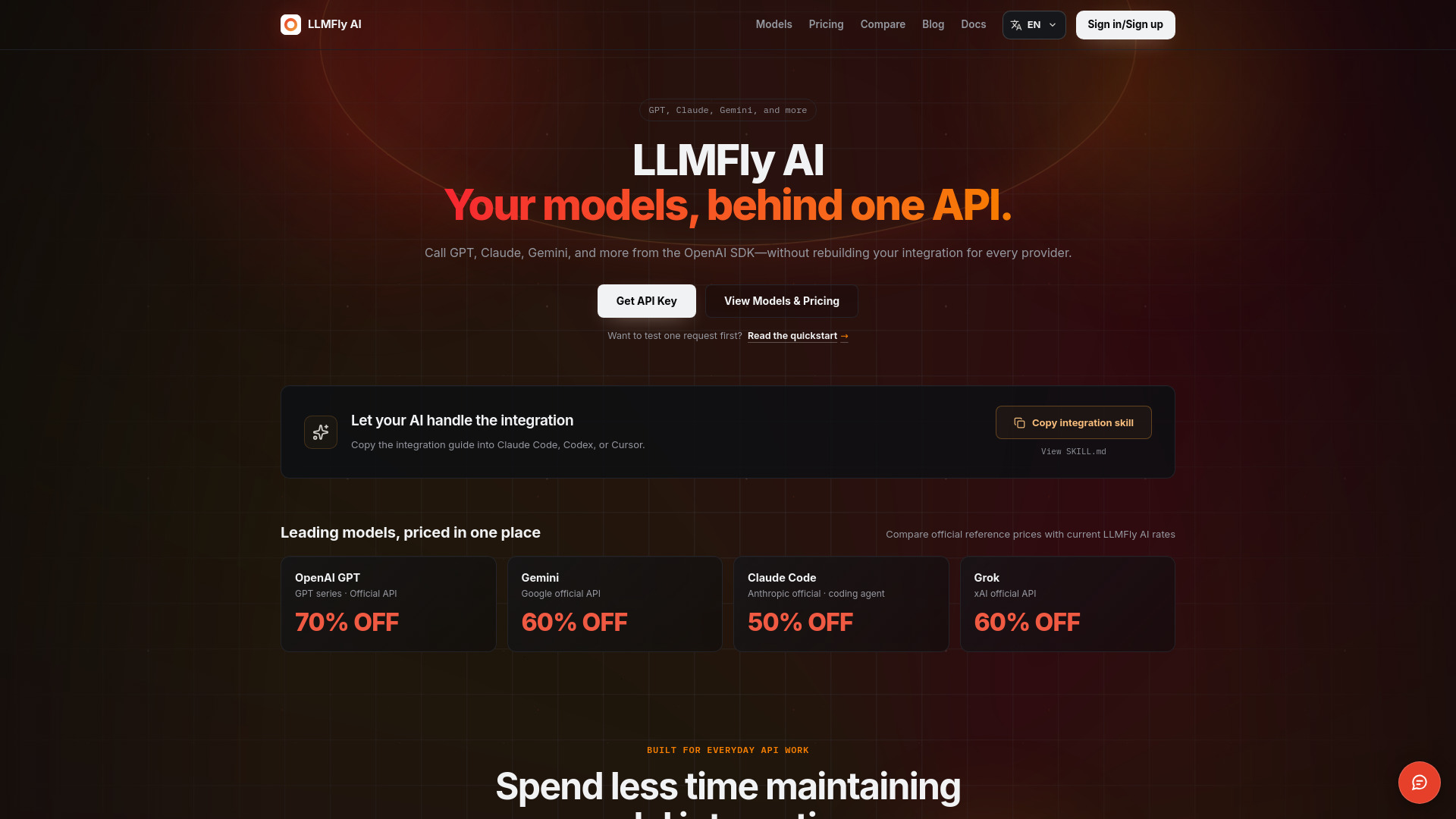
LLMFly AI

- Calling multiple AI models through one API
- Starts at Check vendor pricing
- Usage signal: 71
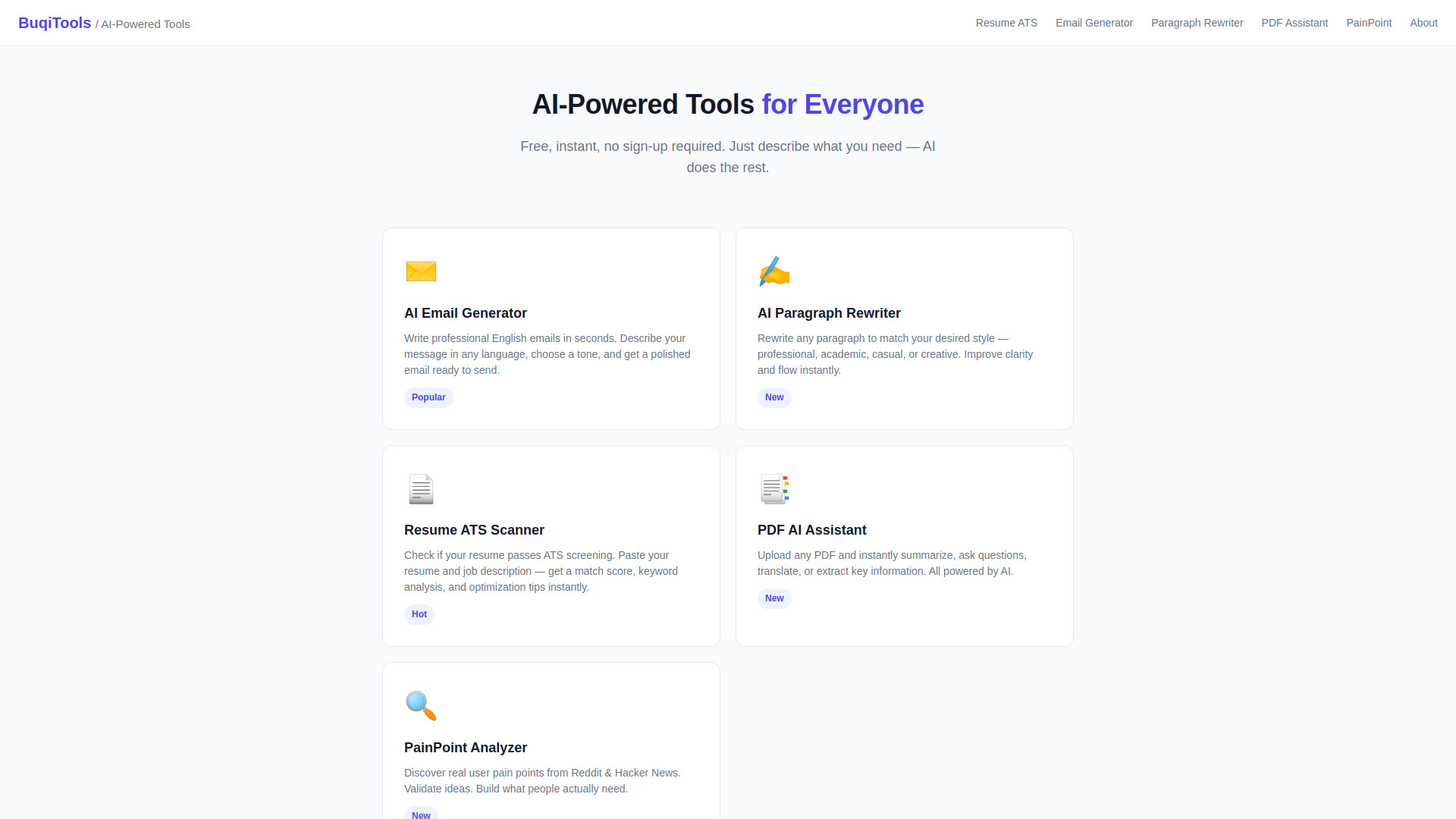
BukiTools
- Quick AI writing and document tasks
- Free plan available
- Starts at Check vendor pricing
- Usage signal: 0
SpeedAI

- Researchers revising papers and reducing AI-detection signals
- 500 free points for new users
- Starts at From ¥19.99
- Usage signal: 0

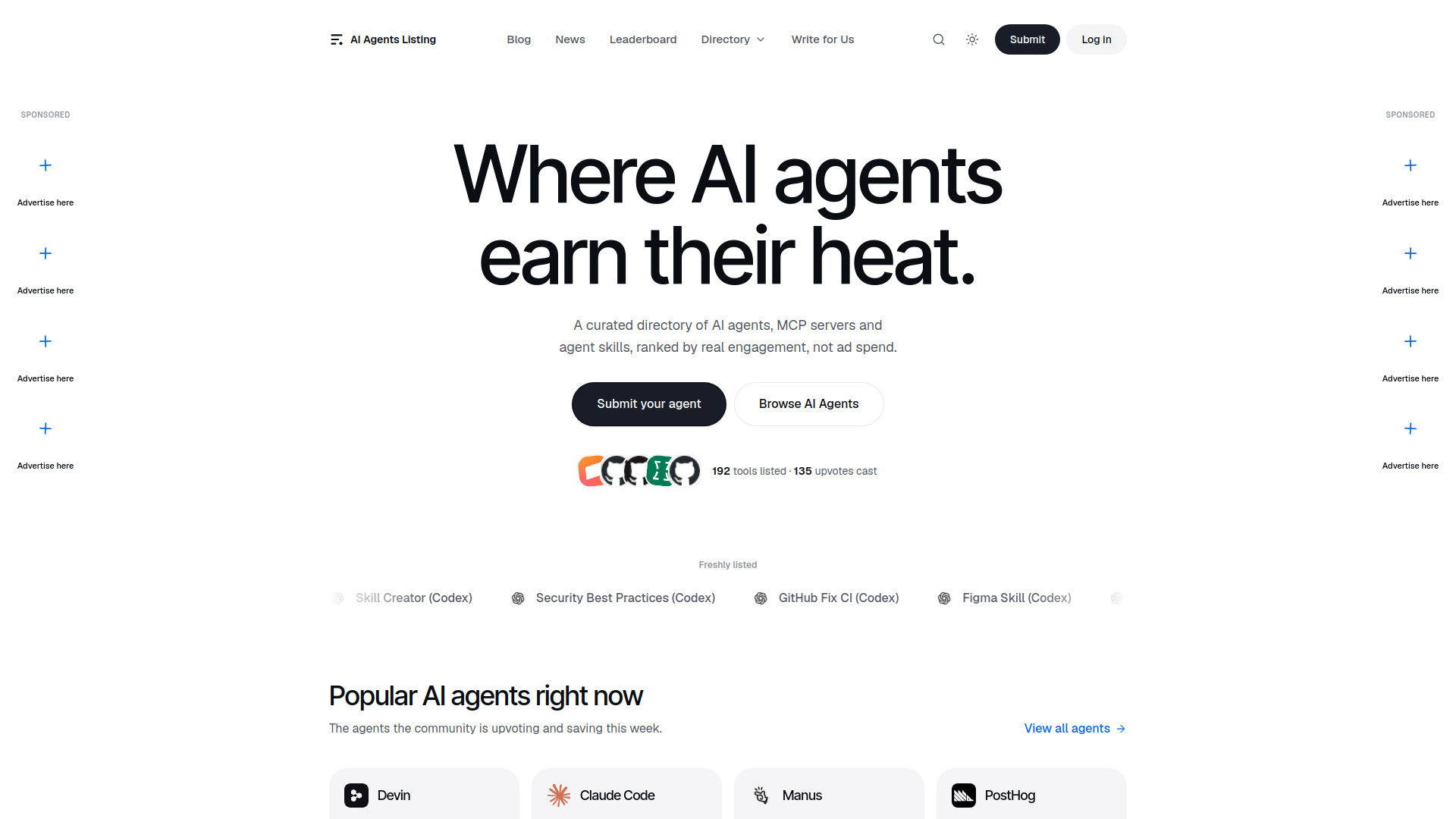
AI Agents Listing

- Discovering AI agents, MCP servers, and agent skills
- Starts at Check vendor pricing
- Usage signal: 0
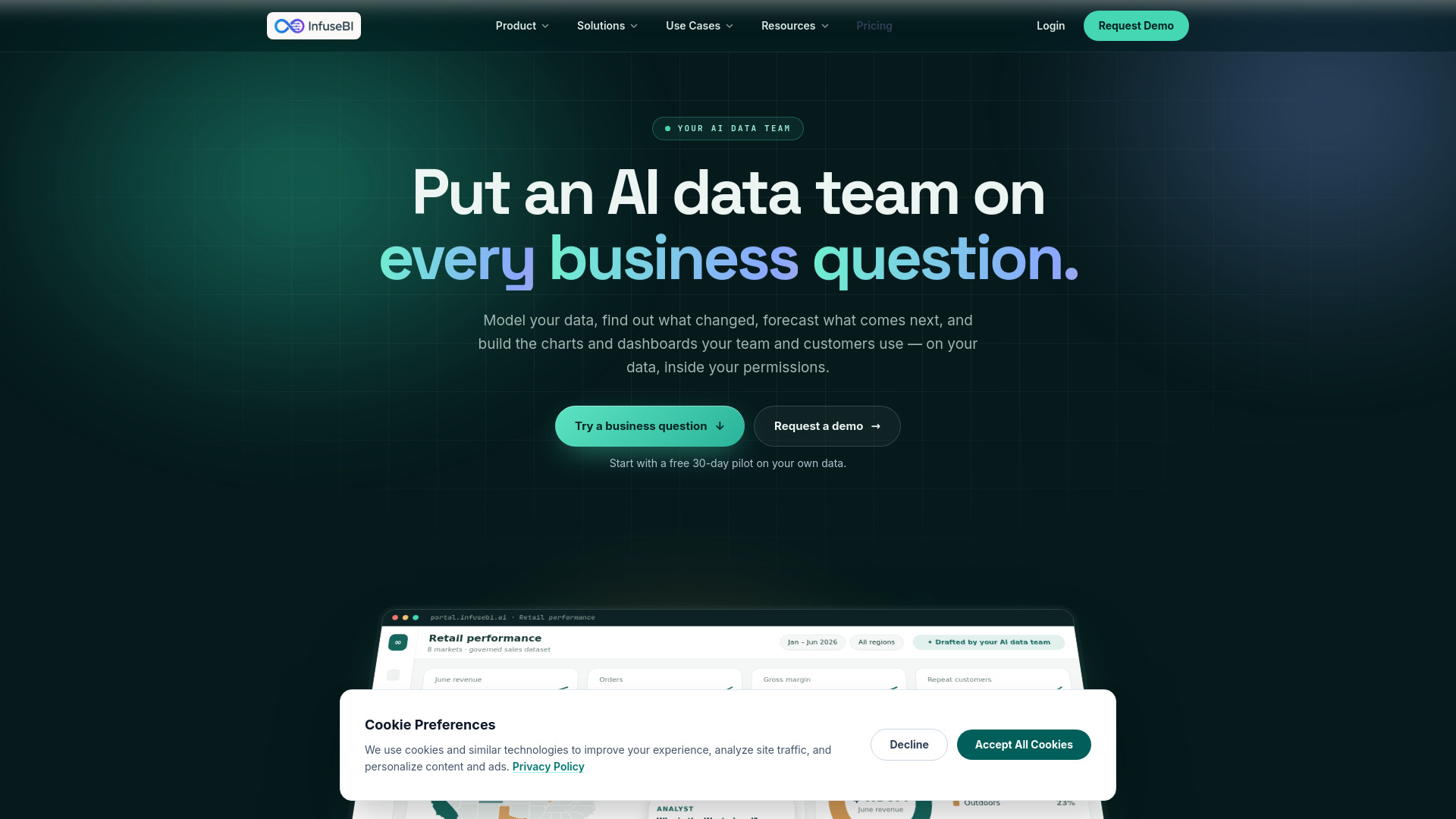
InfuseBI

- Governed AI data teams and embedded analytics
- 15-day free trial
- Starts at Check vendor pricing
- Usage signal: 0
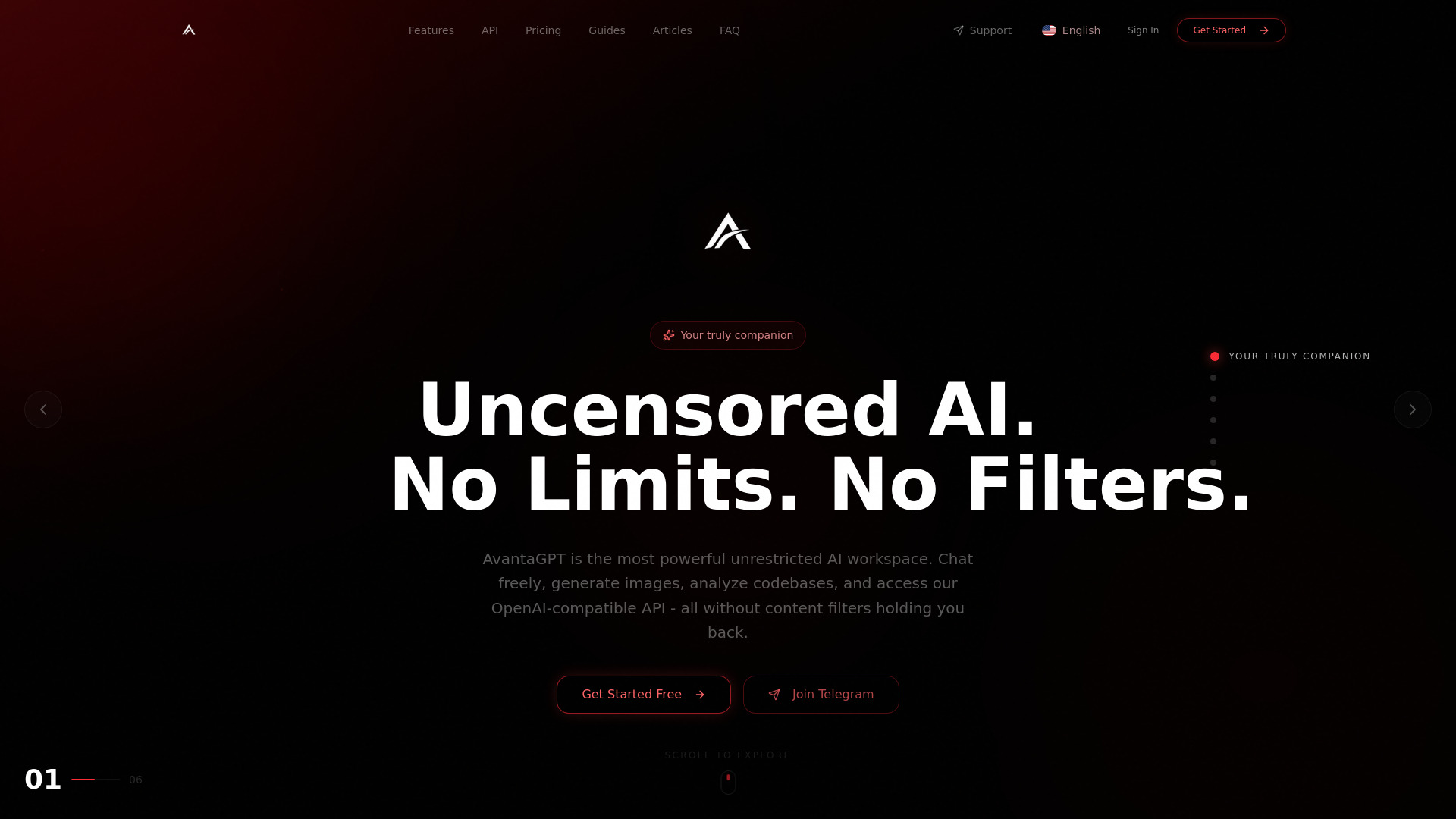
AvantaGPT

- Unfiltered AI chat and codebase analysis
- 5 requests/day
- Starts at $4.99/month
- Usage signal: Not listed
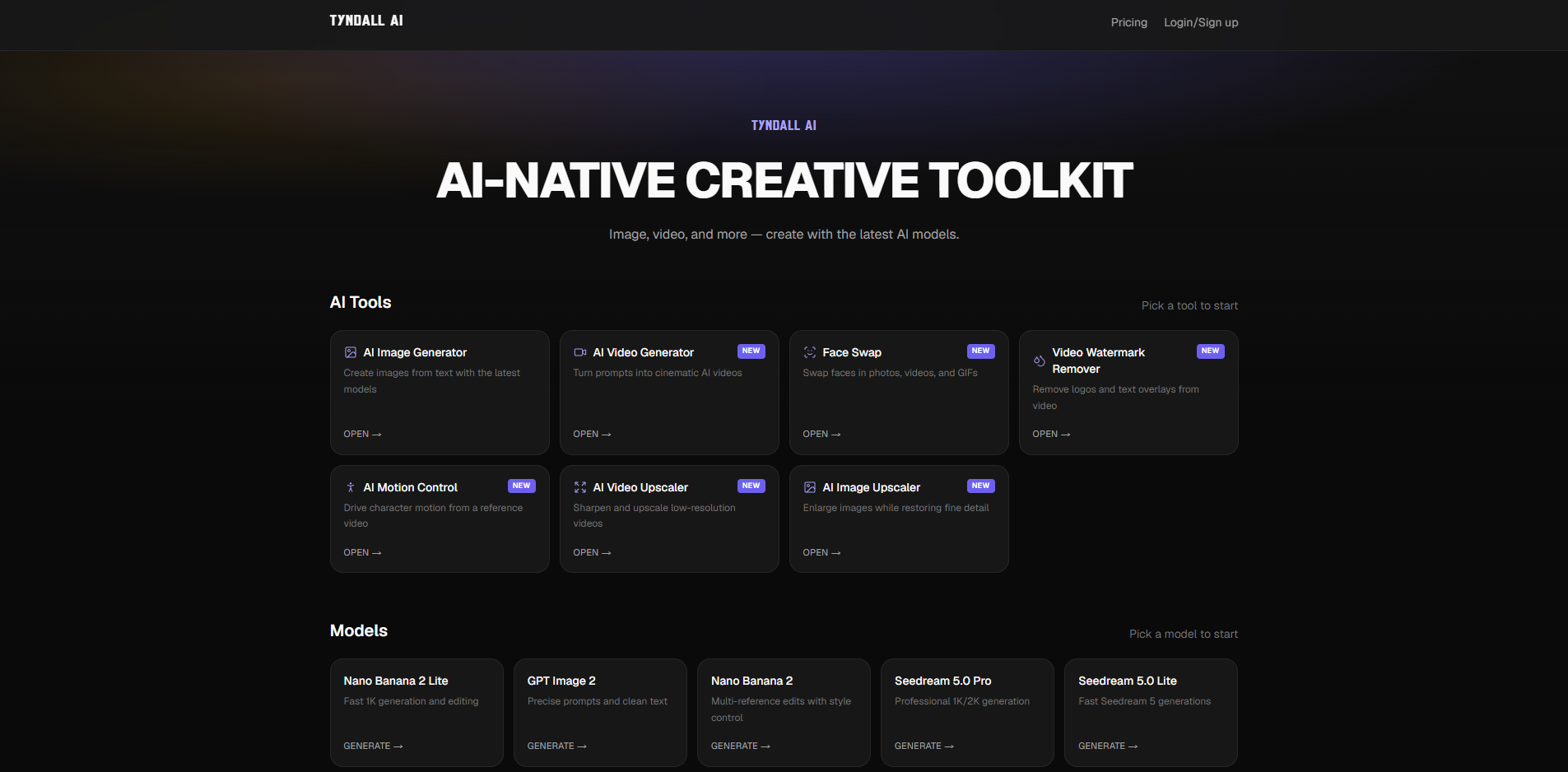
Tyndall AI

- AI image and video creation
- Starts at $10/month billed yearly
- Usage signal: 0
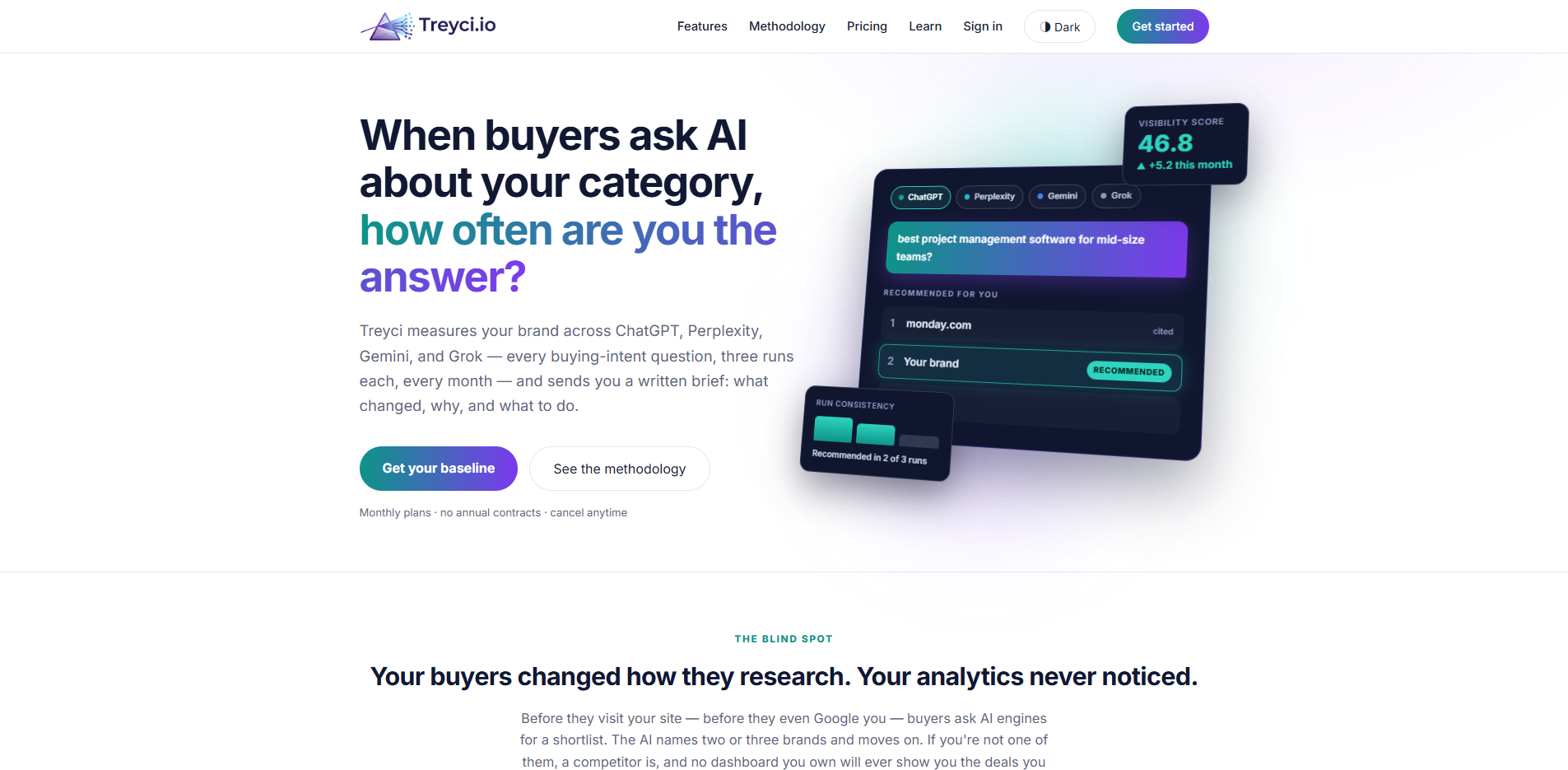
Treyci

- AI visibility monitoring for marketing teams
- Starts at $99/mo
- Usage signal: 0
AI Enabled Food Marketplace

- Event planners matching menus with local hosts
- 3 Smart Menu generations/month
- Starts at $0
- Usage signal: 0

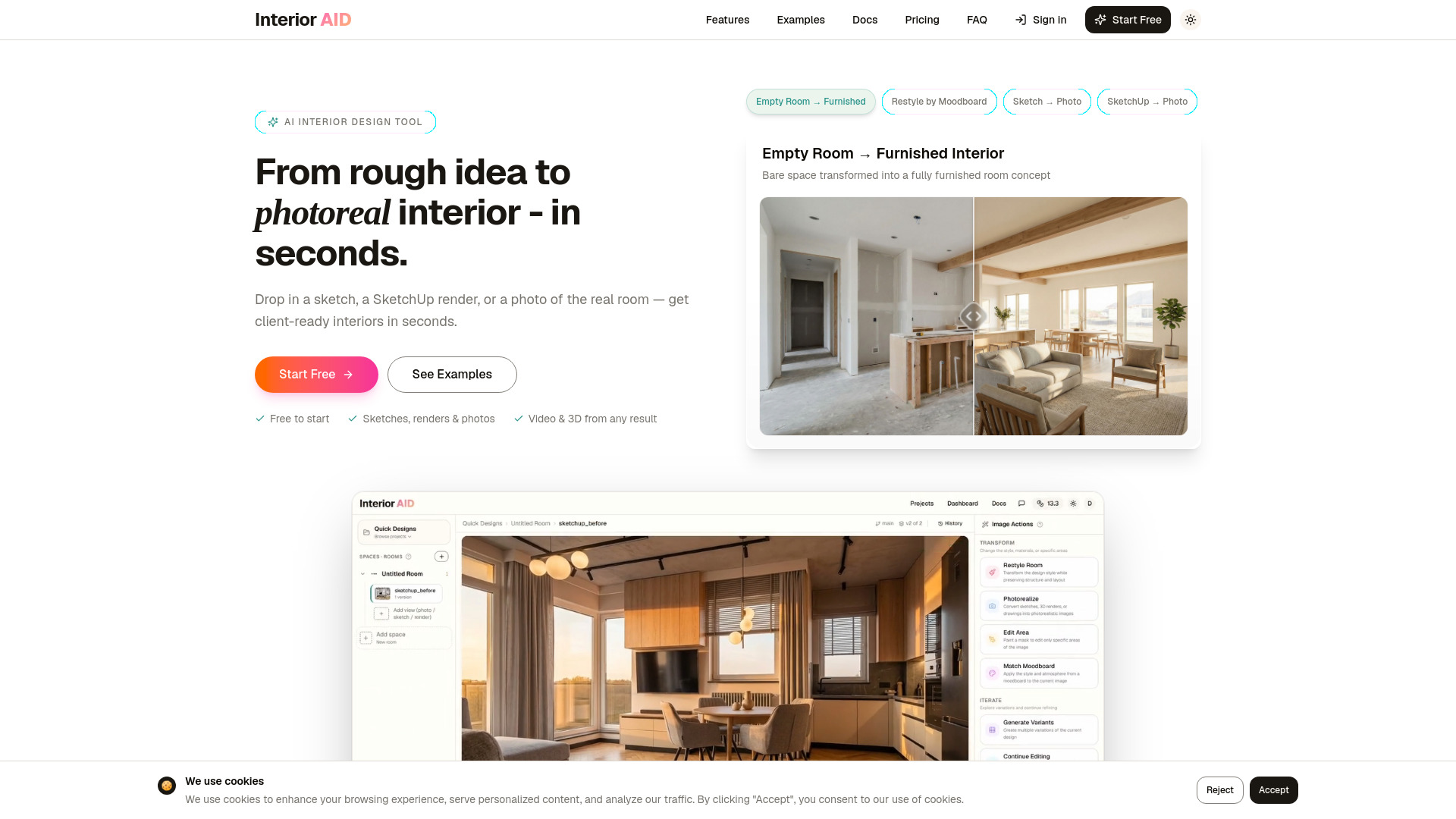
InteriorAID

- Interior designers visualizing room concepts
- 3 free transformations
- Starts at $10/month
- Usage signal: 0
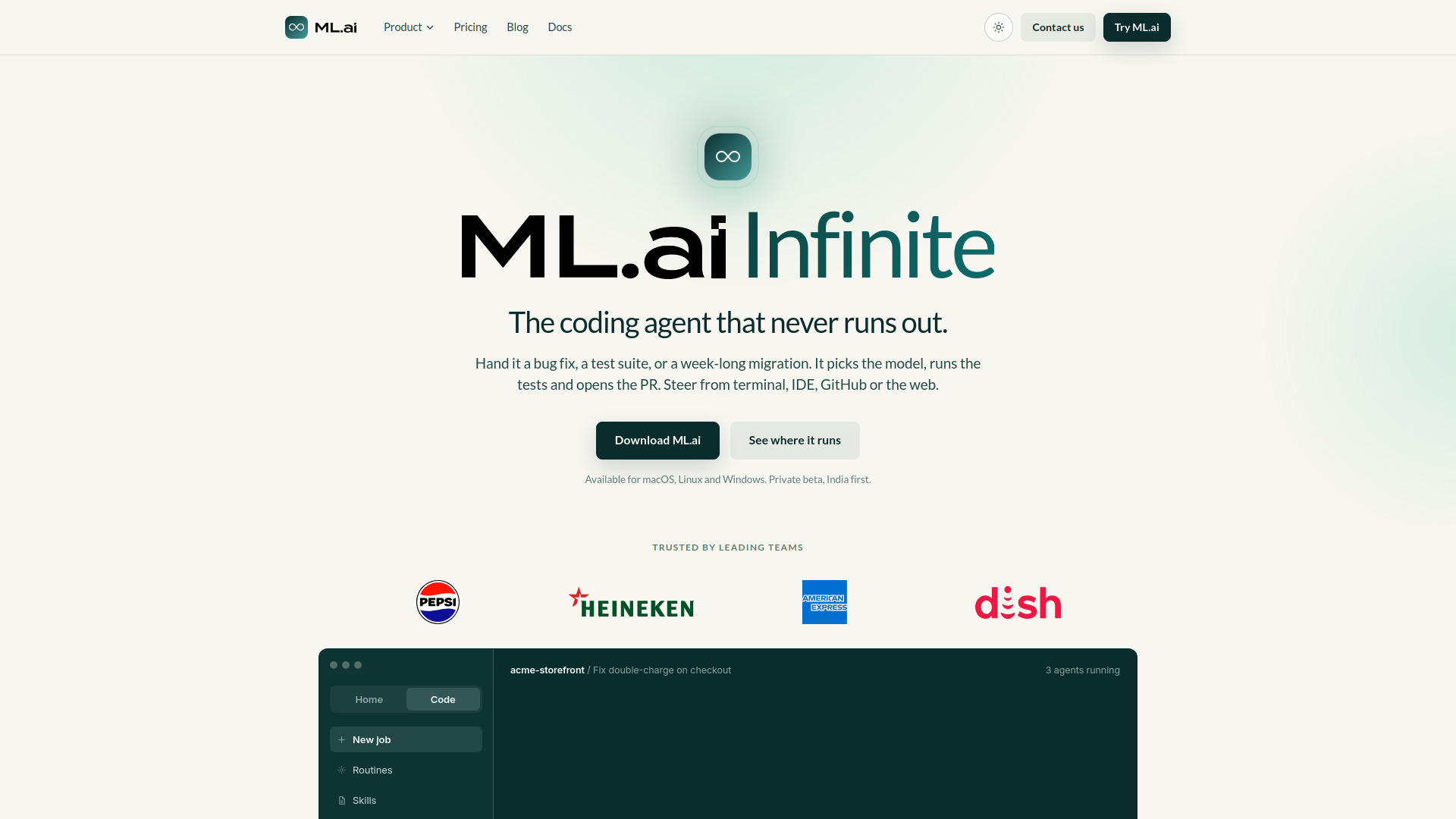
ML.ai

- Parallel AI coding and verified pull requests
- Free plan available
- Starts at ₹699/month
- Usage signal: 0
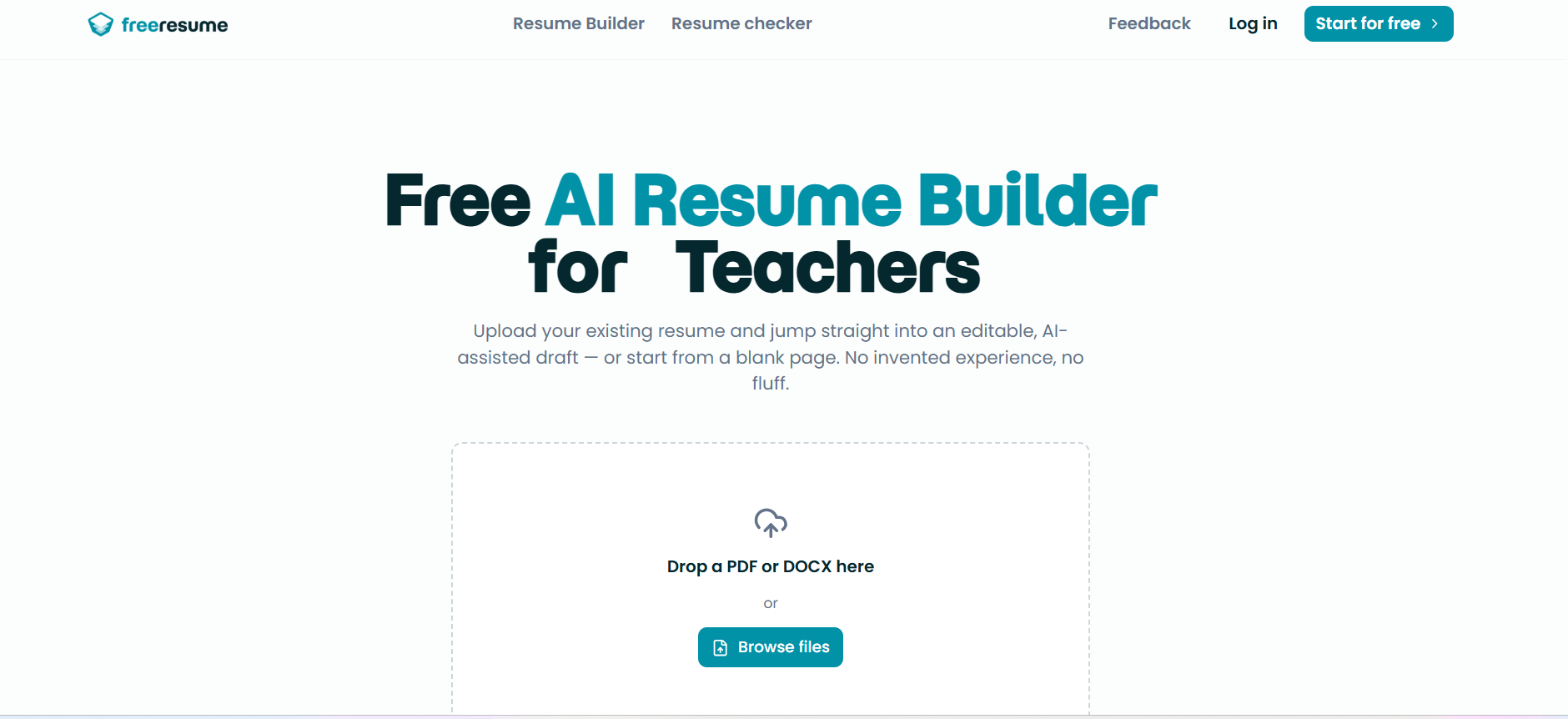
FreeResume

- Free ATS-friendly resume building
- Free plan available
- Starts at Free
- Usage signal: 0
Which tool should you try first?
Start with the workflow, not the score. Tier List Maker is the easiest general recommendation for creators who need a free visual ranking. Choose Answerbit when the question is whether your brand appears in AI answers. Aisa.to is the strongest pick for measuring personal AI readiness, while Tabbit Browser makes more sense for research-heavy work that spans webpages, files, and repeatable actions.
For specialized needs, use Abliteration.ai for legitimate sensitive research workflows, Airtap for mobile-app automation, Searchify for a quick AI visibility check, ToolKK for a broad utility shelf, and LLMBoard.ai for model research. Rankly Tier List Maker is the better choice when your ranking is primarily image-based.
Full comparison table
| Rank | Tool | Best for | Score | Free access | Starting price |
|---|---|---|---|---|---|
| #1 | Tier List Maker | Content creators | 92/100 | Free; no sign-up; HD PNG export | Check vendor pricing |
| #2 | Answerbit | SEO professionals | 92/100 | Daily AI visibility monitoring | Check vendor pricing |
| #3 | Aisa.to | Operations managers | 91/100 | Free test, certificate, and interview | Check vendor pricing |
| #4 | Rankly Tier List Maker | Gamers | 91/100 | Up to 200 images; PNG download | Check vendor pricing |
| #5 | Tabbit Browser | Researchers | 90/100 | Free basic usage | Free; paid plans from $30/month |
| #6 | Abliteration.ai | Cybersecurity researchers | 90/100 | 1 free credit, about 500 tokens | Free tier; paid plans from $20/month |
| #7 | Airtap | Frequent travelers | 90/100 | Free plan available | Check vendor pricing |
| #8 | Searchify | SEO professionals | 90/100 | Free analysis; no sign-up | Check vendor pricing |
| #9 | ToolKK | Content creators | 90/100 | 1,298+ searchable tools | Free: $0/month |
| #10 | LLMBoard.ai | AI researchers | 90/100 | Model comparisons and benchmarks | Check vendor pricing |
Best by use case
| Use case | Pick | Why it stands out |
|---|---|---|
| Visual rankings | Tier List Maker | Free, no sign-up, templates, and HD PNG export |
| AI search visibility | Answerbit | Daily visibility, rank, citation, and competitor tracking |
| AI skills assessment | Aisa.to | Adaptive interview, report, learning plan, and certificate |
| Research and automation | Tabbit Browser | Uses web and file context while supporting agents and Skills |
Tier List Maker vs Answerbit vs Aisa.to
These three lead for very different reasons. Tier List Maker is the frictionless creator tool, Answerbit is the measurement platform for AI search visibility, and Aisa.to is the assessment product for human AI skills. Pick the first for output, the second for brand monitoring, and the third for a personal or workplace readiness signal.
| Tool | Core job | Strongest advantage | Main trade-off |
|---|---|---|---|
| Tier List Maker | Create tier rankings | Free, no account, fast export | Narrow workflow scope |
| Answerbit | Monitor AI visibility | Daily multi-platform ranking and citation data | Pricing and platform coverage need checking |
| Aisa.to | Assess AI skills | Adaptive interview and detailed report | Requires 20 uninterrupted minutes |
Best free AI tools
For the clearest free experience, start with Tier List Maker: it is completely free, requires no sign-up, and supports HD PNG export without a watermark. Aisa.to is another unusually generous option, offering a free conversational assessment and certificate. Searchify also lowers the barrier with free analysis and no sign-up. ToolKK has a free $0/month starting point, but quotas and access vary across its individual utilities.
Pricing: what you actually pay for
Pricing is transparent for only some entries. Tier List Maker, Rankly Tier List Maker, Aisa.to, and Searchify emphasize free access, but a clean paid starting price is not presented. Tabbit lists free access with paid plans from $30/month, while Abliteration.ai offers a limited free credit and paid plans from $20/month. ToolKK starts at $0/month, with some advanced features requiring membership or coins. Verify live pricing before purchase.
When to skip these tools
Skip this list if you need one fully integrated enterprise suite with guaranteed integrations, centralized administration, and a single contract; the featured tools solve distinct jobs. Also skip a narrow tool when your workflow demands broad collaboration: Tier List Maker and Rankly focus on rankings, while Aisa.to focuses on assessment. Finally, do not treat leaderboard or visibility scores as a substitute for testing your own use case.
How we scored the list
We evaluated 44 tools using feature depth, workflow clarity, audience fit, free access, pricing visibility, usage signals, and stated limitations. The ranking favors tools with a clear job and a credible reason to choose them now. Scores are editorial comparisons, not guarantees of performance in every workflow, and market signals can change.
Who reviewed this guide
FAQ
It combines feature depth, workflow clarity, audience fit, free access, pricing visibility, usage signals, and stated limitations across 44 tools.