
Suggested tools for you
 AnyEnhancer
Video makers seeking automated enhancement and face restoration
 Any Video Converter AI Video Enhancer
Content creators restoring and upscaling varied footage
 AI Video Enhancer - UniConverter
Video creators needing quick restoration on desktop or in a browser
Choosing an AI video enhancer is less about chasing the biggest resolution number and more about matching the software to your footage, budget, and workflow. We compared 100 tools for the top AI video enhancer shortlist, then ranked the 10 strongest options for restoring blurry clips, reducing noise, and upscaling video. The first three are the fastest places to start; the rest include useful alternatives for specific needs.
Quick trust line
Tools reviewed: 100 candidates, with 10 featured reviews
Last checked: October 29, 2026
Reviewed by: aitop10.ai software rankings editor
What we checked: Enhancement and upscaling capabilities, workflow fit, free access, pricing signals, and stated limitations
Any Video Converter AI Video Enhancer
- Content creators restoring and upscaling varied footage
- Watermarked free video enhancement; 4K upscaling and one-click preview
- Starts at Free trial; paid option from $19.95
- Usage signal: 435.3K
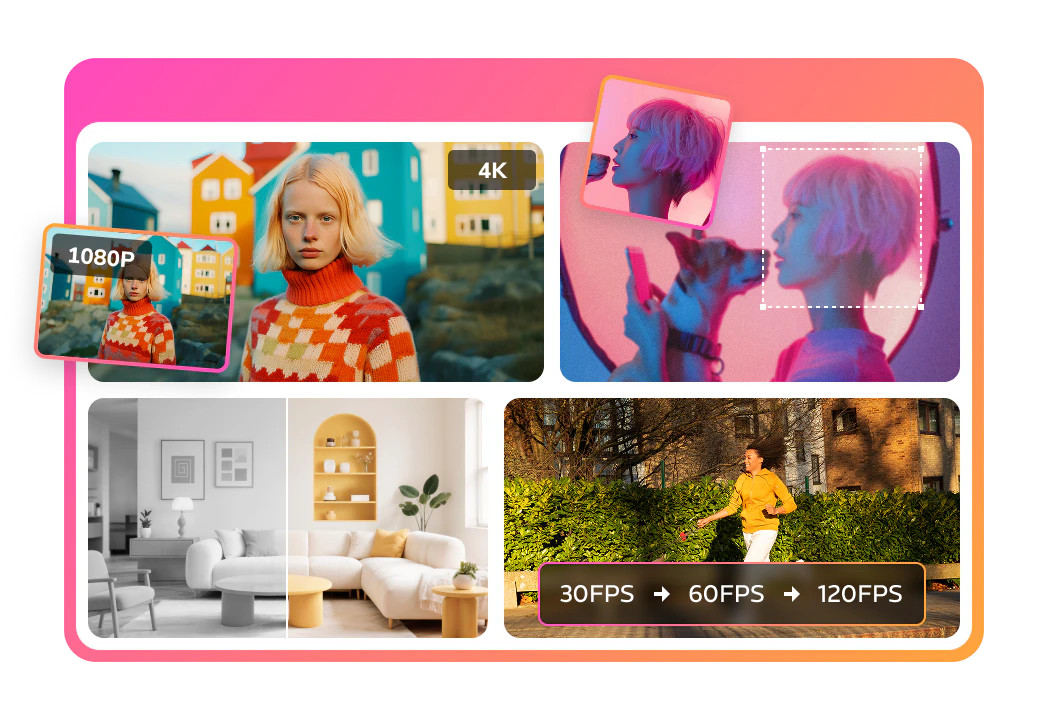
A practical advantage here is that enhancement lives inside a broader video toolkit. You can upscale footage to 4K, reduce noise and artifacts, and restore blurry, compressed, or older clips, then move into conversion or standard editing without switching apps. One-click activation keeps the workflow approachable when you want an improvement rather than a long settings session.
The trade-off is significant if the output is for clients or a polished public release: the free and professional versions are reported to add a watermark. It also has fewer specialized AI models than a dedicated enhancer such as AVCLabs. Still, for creators who want restoration alongside everyday video utilities, that breadth earns the top spot.
Why it ranks first
| Scoring factor | Score | Why it matters |
|---|---|---|
| Enhancement range | 25/25 | Upscaling, noise reduction, artifact removal, and restoration |
| Output potential | 24/25 | Upscaling up to 4K and 400% scale |
| Workflow fit | 24/25 | One-click enhancement inside a conversion and editing suite |
| Value and accessibility | 23/25 | Free trial access, offset by watermark concerns |
Best fit
Creators improving a mix of old, blurry, and compressed footage.
People who also need conversion and basic editing in the same suite.
Users who prefer a one-click starting point over selecting specialized models.
Limitations
Watermarks on enhanced output can rule it out for professional delivery.
It offers fewer specialized AI models than some dedicated desktop enhancers.
Check the live offer and export conditions before committing to a project.
AnyEnhancer
- Video makers seeking automated enhancement and face restoration
- Free enhancement preview; export requires a subscription
- Starts at S$117.47 for a 1-year subscription
- Usage signal: 460.7K
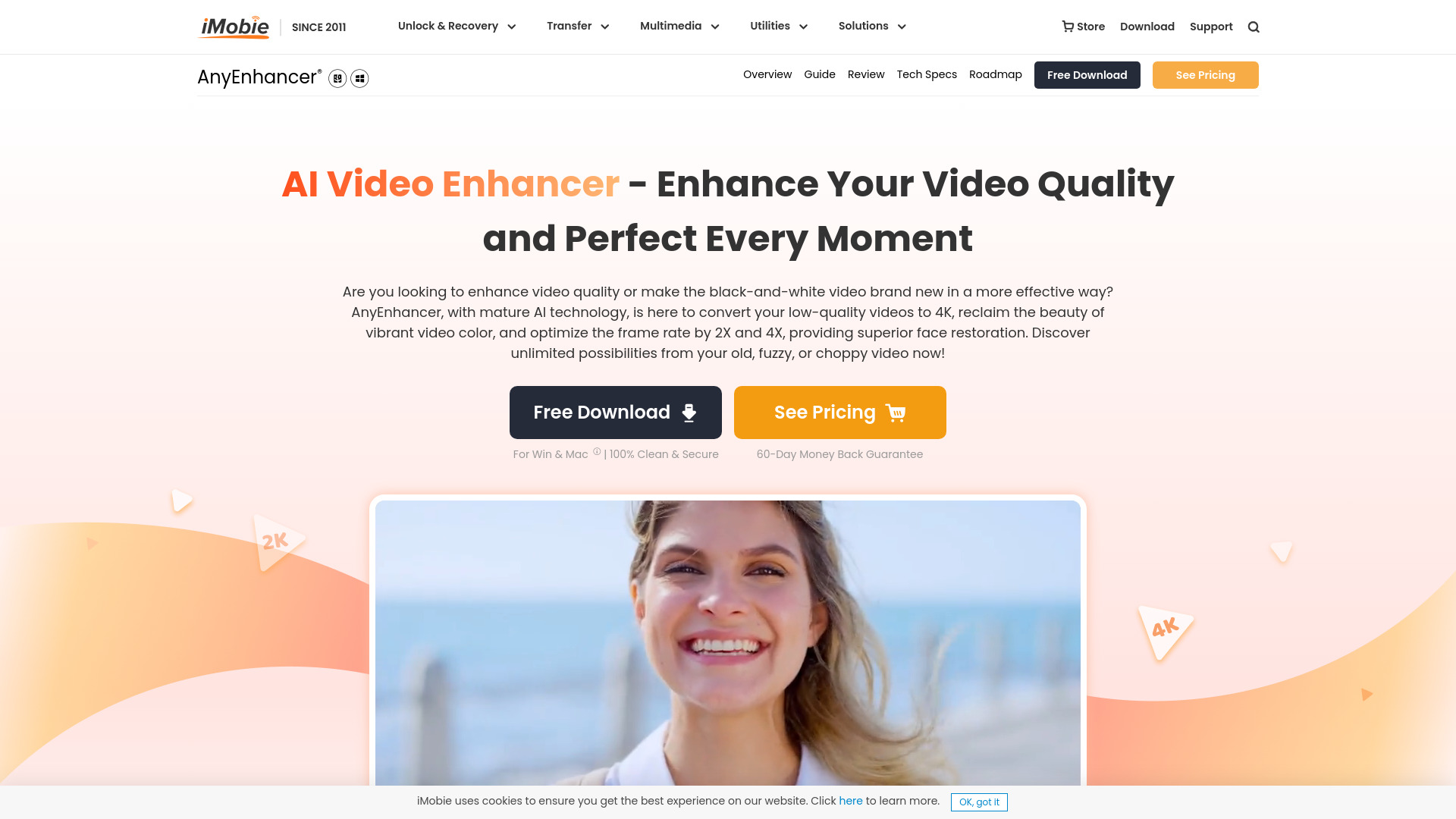
AnyEnhancer focuses on automating the improvement process rather than surrounding it with a large editing suite. Its feature set includes AI-powered enhancement, resolution upscaling to 4K, and face restoration, with multiple AI models intended for different enhancement scenarios. That makes it a sensible pick when the footage needs a targeted lift and you want the software to handle much of the decision-making.
There are two constraints to keep in view: exporting enhanced video requires a subscription, and the workflow handles one video at a time. That is fine for occasional restoration, but less attractive for a backlog of clips that needs batch throughput. The listed subscription price is in Singapore dollars, so verify your regional checkout price before buying.
Why it is near the top
| Scoring factor | Score | Why it matters |
|---|---|---|
| Enhancement range | 24/25 | General enhancement plus face restoration |
| Upscaling | 24/25 | Supports resolution upscaling to 4K |
| Ease of use | 25/25 | AI automation and multiple scenario-specific models |
| Workflow and value | 23/25 | Straightforward, but subscription export and one-at-a-time processing limit flexibility |
Best fit
Video makers improving individual clips rather than processing a large batch.
Users who want face restoration as part of an AI-led workflow.
Buyers comfortable subscribing to export finished enhancements.
Limitations
You cannot export enhanced videos without a subscription.
It processes one video at a time.
The displayed annual price is in Singapore dollars; confirm your local billing terms.
AI Video Enhancer - UniConverter
- Video creators needing quick restoration on desktop or in a browser
- Online restoration trial for MP4 files under 100MB
- Starts at Check vendor pricing
- Usage signal: 891.5K
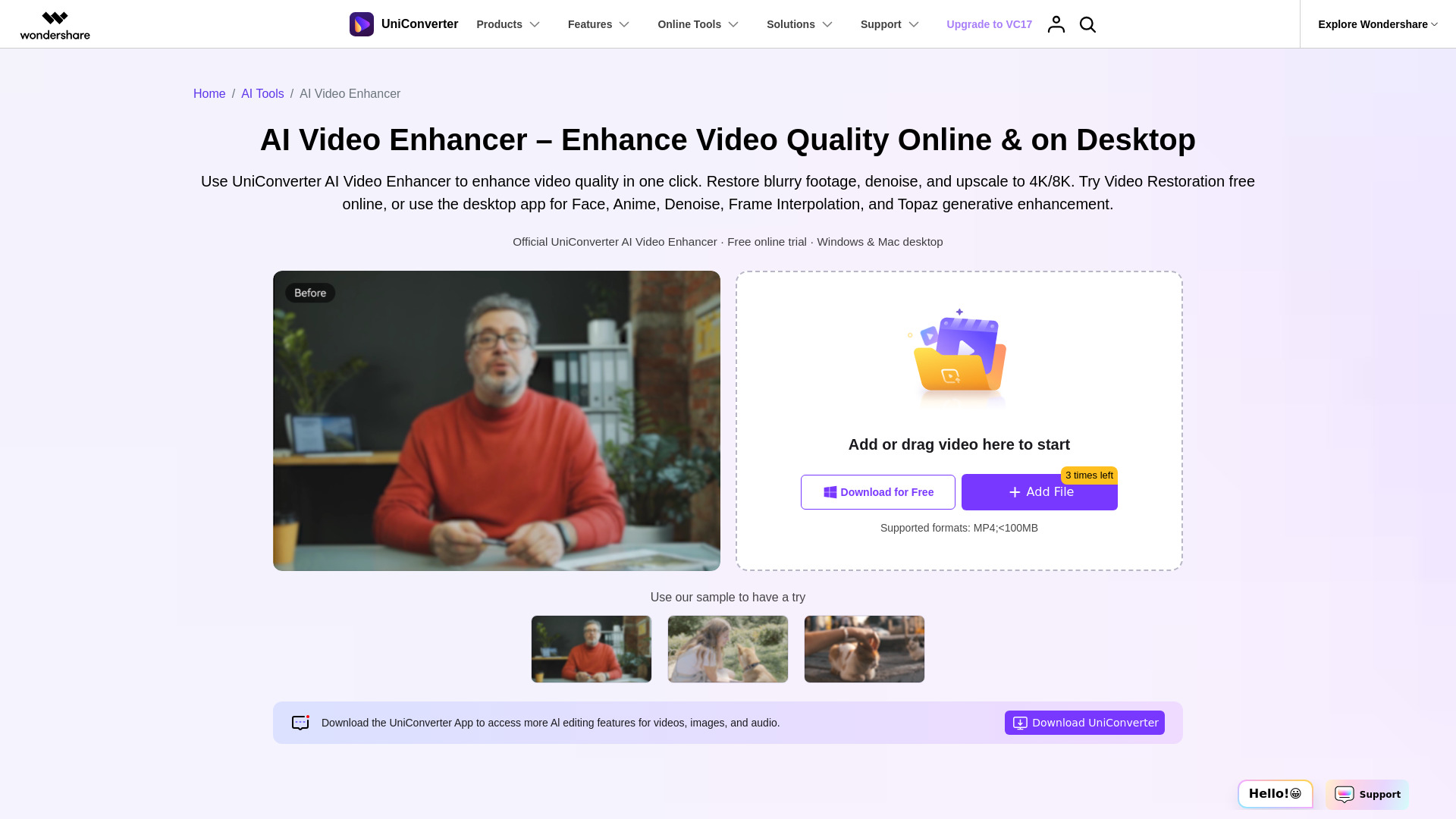
UniConverter earns its place on the podium by giving you a quick browser route for single-video restoration while also offering Windows and Mac desktop workflows. Its online Quality Restoration option is useful for a fast test, and the broader feature set targets blurry or compressed footage and grainy, low-light clips through video denoising.
The free online route is deliberately narrow: it is limited to the Video Restoration model, accepts MP4 files under 100MB, and processes one video at a time. If you have larger files or need a broader workflow, the desktop option may be more appropriate. Pricing is not clearly presented here, so check the vendor's current plans before building a paid workflow around it.
Best fit
Creators who want to test restoration in a browser before installing desktop software.
People working with blurry, compressed, grainy, or low-light video.
Windows and Mac users who want both online and desktop options.
Limitations
The free online tool only includes the Video Restoration model.
Browser uploads are restricted to MP4 files under 100MB and one video at a time.
Confirm current pricing and desktop plan details with the vendor.
Vmake Labs Video Enhancer

- Content creators who want browser-based enhancement up to 8K
- 10 enhancer files per day; no sign-up required
- Starts at Free plan; paid option from $9.99/month
- Usage signal: 2.4M
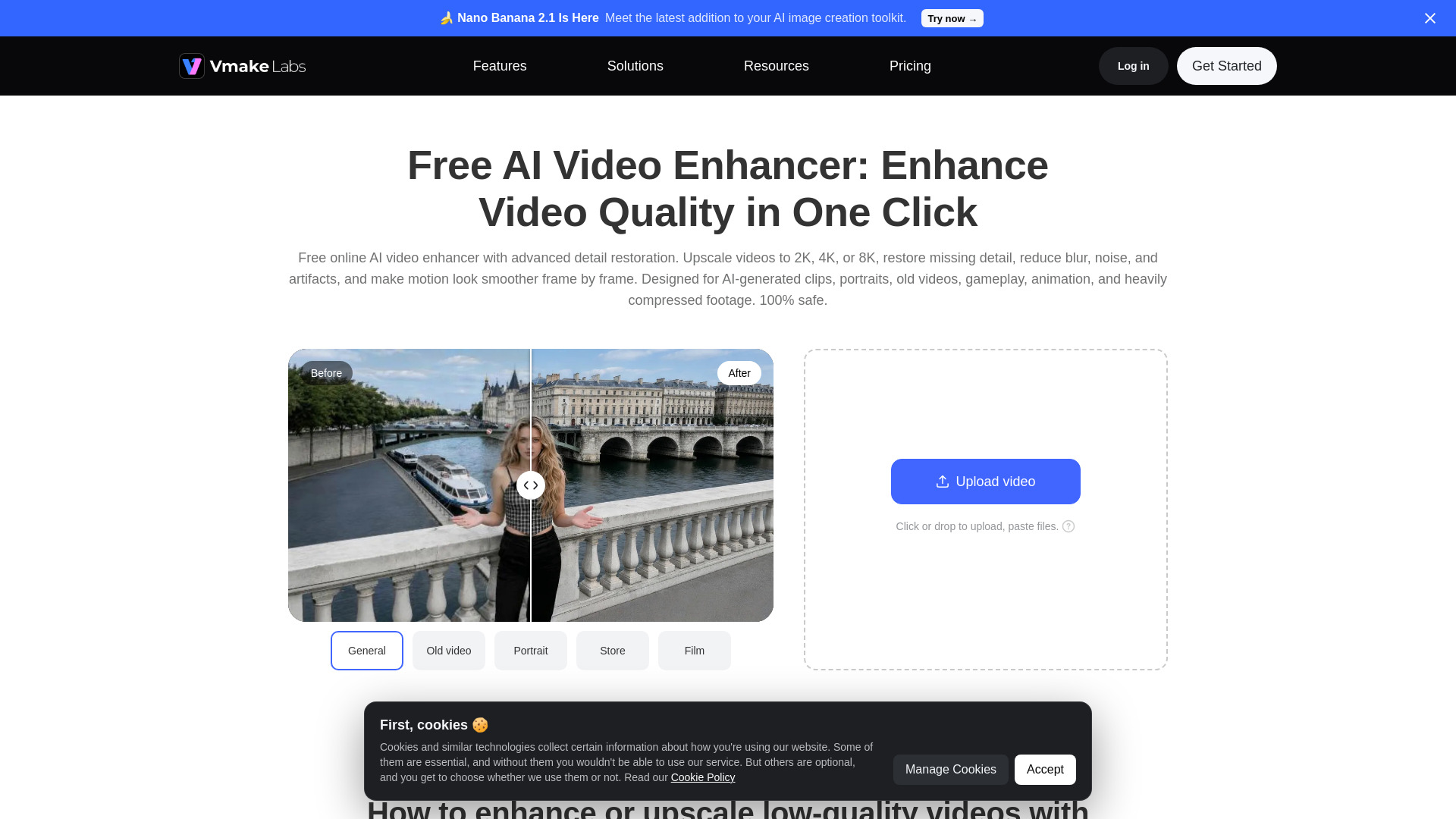
A browser-first workflow and support for formats including MP4, MOV, M4V, 3GP, and AVI make Vmake easy to try without installing desktop software. It offers multiple enhancement modes and scene-specific AI models, with upscaling advertised up to 8K. That breadth is appealing when your source material varies from clip to clip.
The free plan is not unlimited: features and models are restricted, some outputs include watermarks, and usage allowances vary by tool and subscription. Its headline resolution should not be the only buying criterion; test representative footage and check the export conditions you need.
Best fit
Creators who prefer a browser workflow and support for several common formats.
Users with different footage types who want more than one enhancement mode.
People who want to test a free allowance before considering a paid plan.
Limitations
Free access limits models and features, with watermarks on some outputs.
Usage limits vary across tools and plans.
Check output quality on your own footage rather than assuming an 8K label guarantees a better result.
HitPaw VikPea

- Video editors restoring, repairing, or colorizing footage
- Free preview; paid features include repair and upscaling
- Starts at $43.19/month
- Usage signal: 762.8K
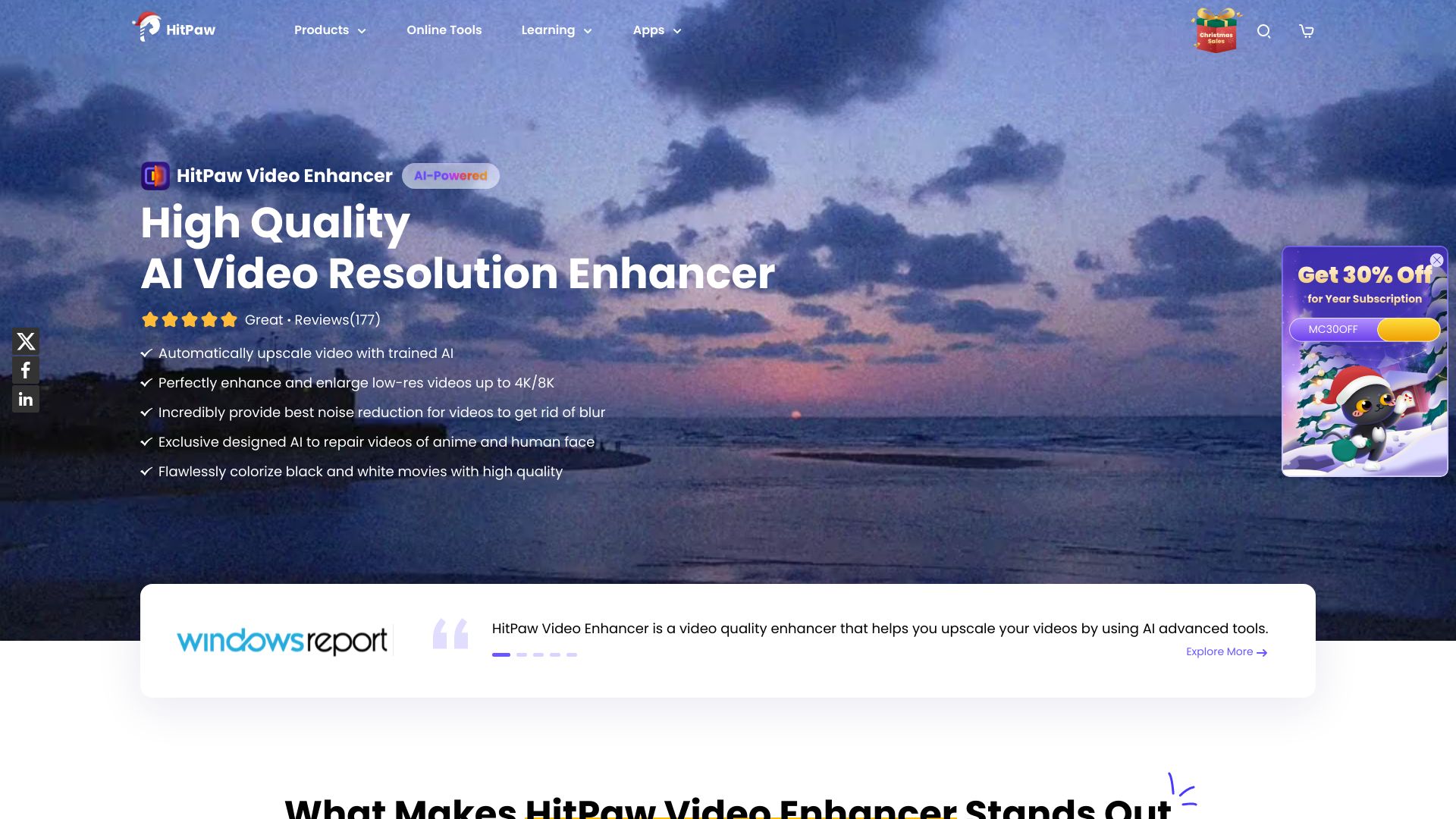
VikPea combines several jobs that often send editors looking for separate utilities: upscaling to 4K or 8K, repairing corrupted video, and colorizing footage. Multiple AI models help it address different video types, while its simple operation is a plus if you would rather select a task than tune a long list of settings.
The free preview is useful for judging a result, but advanced features require a paid subscription and the trial is limited. The listed monthly entry point is also substantial compared with the browser options in this ranking, so it makes most sense when repair or colorization is a real part of your workload.
Best fit
Editors who need video repair as well as enhancement.
Users restoring footage that could benefit from colorization.
People who want a simple interface with multiple AI models.
Limitations
Advanced features require payment, and the free trial has limits.
The listed monthly price is relatively high for occasional use.
Compare the vendor's current plans against the specific models you need.
AVCLabs

- Video editors using AI tools for video and photo enhancement
- Free access details not specified
- Starts at Video Enhancer AI: $39.95/month
- Usage signal: 127.8K
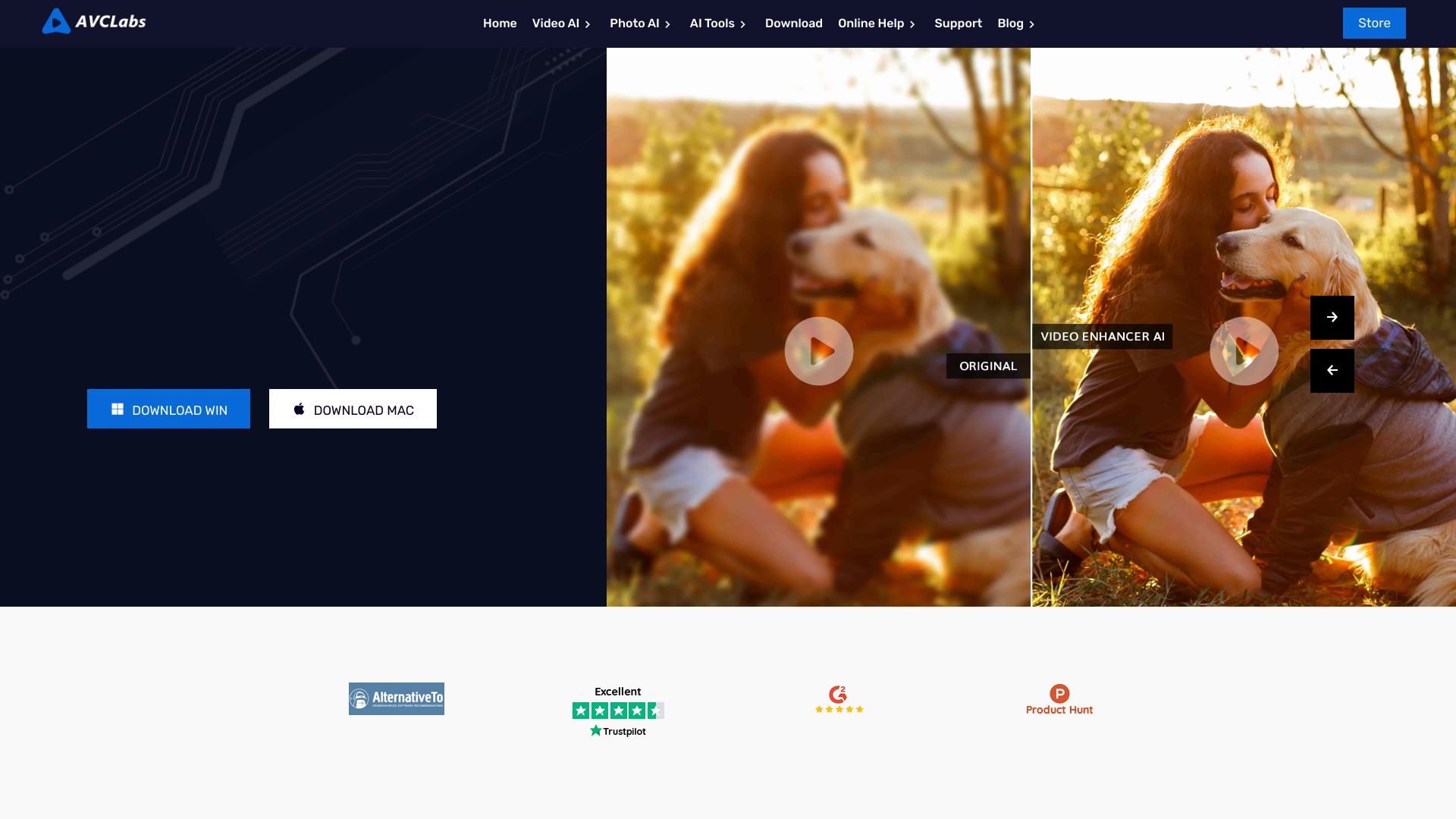
AVCLabs is a desktop-oriented option for people who want AI video enhancement and upscaling alongside photo enhancement and AI-powered video blurring. Automated processing is its strongest practical draw: it can save time when you want to improve material without manually handling every adjustment.
The software requires a compatible Windows or Mac system, and the pricing is subscription-based. At the listed $39.95 per month for Video Enhancer AI, it is worth comparing against other desktop tools before paying. Its wider photo-and-video scope may help if both jobs matter, but it is less compelling if you only need a fast online restoration.
Best fit
Editors who want desktop AI video processing and photo enhancement in one ecosystem.
Users looking for automated upscaling or video blurring tools.
People with a compatible Windows or Mac computer and recurring enhancement needs.
Limitations
A compatible Windows or Mac system is required.
Subscription pricing may not suit occasional projects.
Check the live plan details and supported workflow before purchasing.
Topaz Labs

- Photographers and video creators prioritizing local AI processing
- Free access details not specified
- Starts at Video AI listed at $249 (regular $299)
- Usage signal: 2.5M
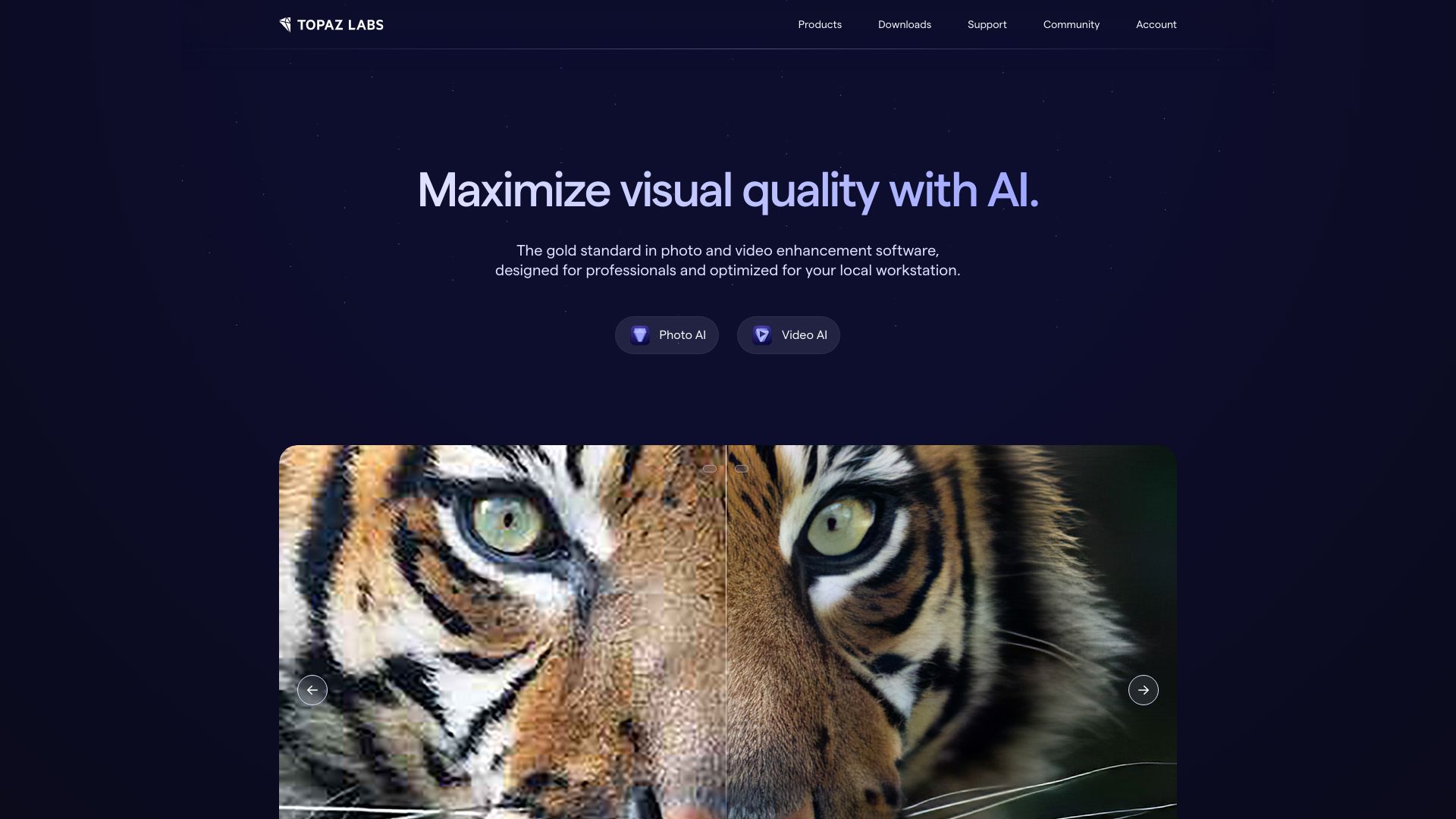
Topaz Labs stands out for local processing and a toolkit that covers both image and video enhancement. Its listed capabilities include AI-powered enhancement, noise reduction, and sharpening. Local processing can be valuable when you prefer to keep media on your own machine, and the combined photo/video focus makes it relevant to creators who work across both formats.
Cost is the catch. The listed Video AI price is $249, with a regular price of $299, and upgrade licenses require additional purchases. Treat this as a considered software investment, not a casual online utility; confirm what the current license includes and how future upgrades are handled.
Best fit
Creators who want local processing rather than a browser-only workflow.
Photographers who also need video enhancement tools.
Users with recurring needs for noise reduction and sharpening.
Limitations
The software can be expensive.
Upgrade licenses require additional purchases.
Verify current license terms and included upgrades at checkout.
EnhancePhoto AI

- Photographers focused on photo enhancement and upscaling
- Free photo enhancement; no sign-up or watermark required
- Starts at Free plan; paid option from $3.90/month
- Usage signal: 235.1K
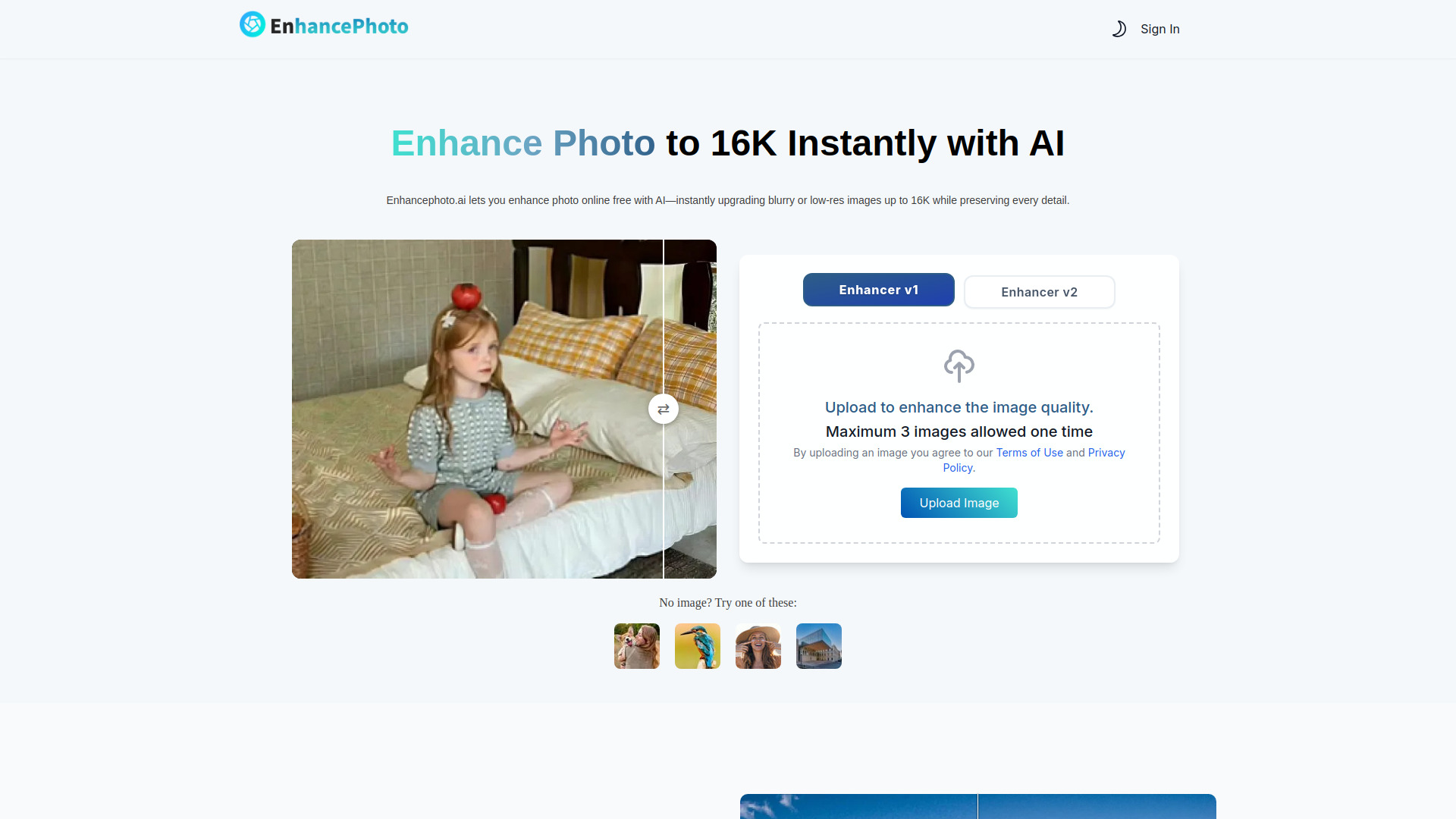
EnhancePhoto AI is primarily a photo enhancement choice, with photo upscaling advertised up to 16K and an emphasis on preserving original details, color, and texture. The main photo workflow is described as free, with no sign-up, installation, or watermark required. That makes it an appealing adjacent tool for photographers whose needs are still-image-first.
For video enhancement, this is not the strongest match in the shortlist: video processing appears among tools with specific free or paid limits, while its headline feature set is centered on photos. It also limits photo uploads to three at a time. Consider it for photo work, and verify the terms of any video feature separately.
Best fit
Photographers looking for accessible photo enhancement and upscaling.
Users who value a no-sign-up photo workflow.
People who also want to explore adjacent visual tools beyond video.
Limitations
Its core strengths are photo-focused, not video enhancement.
Photo uploads are limited to three at a time.
Video processing and other tools may have separate limits or pricing.
Remini

- Photographers wanting quick photo and video improvement
- Free access available; free version includes ads
- Starts at Check vendor pricing
- Usage signal: 675.5K

Remini keeps the workflow simple, with a one-button enhancement process and features spanning photo enhancement, video enhancement, unblurring, and sharpening. It is an approachable option when you want to improve a visual quickly rather than build a detailed restoration workflow around multiple settings.
The free version includes ads, and some features require a paid subscription. Pricing is not clearly listed here, so check the live offer before relying on it for regular work. If you need precise control over a larger video restoration project, compare it with desktop-focused options in the top half of the list.
Best fit
Users who want a straightforward enhancement process.
People working across both photos and video.
Casual creators seeking quick unblurring or sharpening.
Limitations
Ads appear in the free version.
Some features require a subscription.
Confirm current pricing and video-specific access before starting a recurring workflow.
VanceAI

- Photographers using a broad set of AI visual tools
- Free access available for selected AI tools
- Starts at Check vendor pricing
- Usage signal: 539.7K
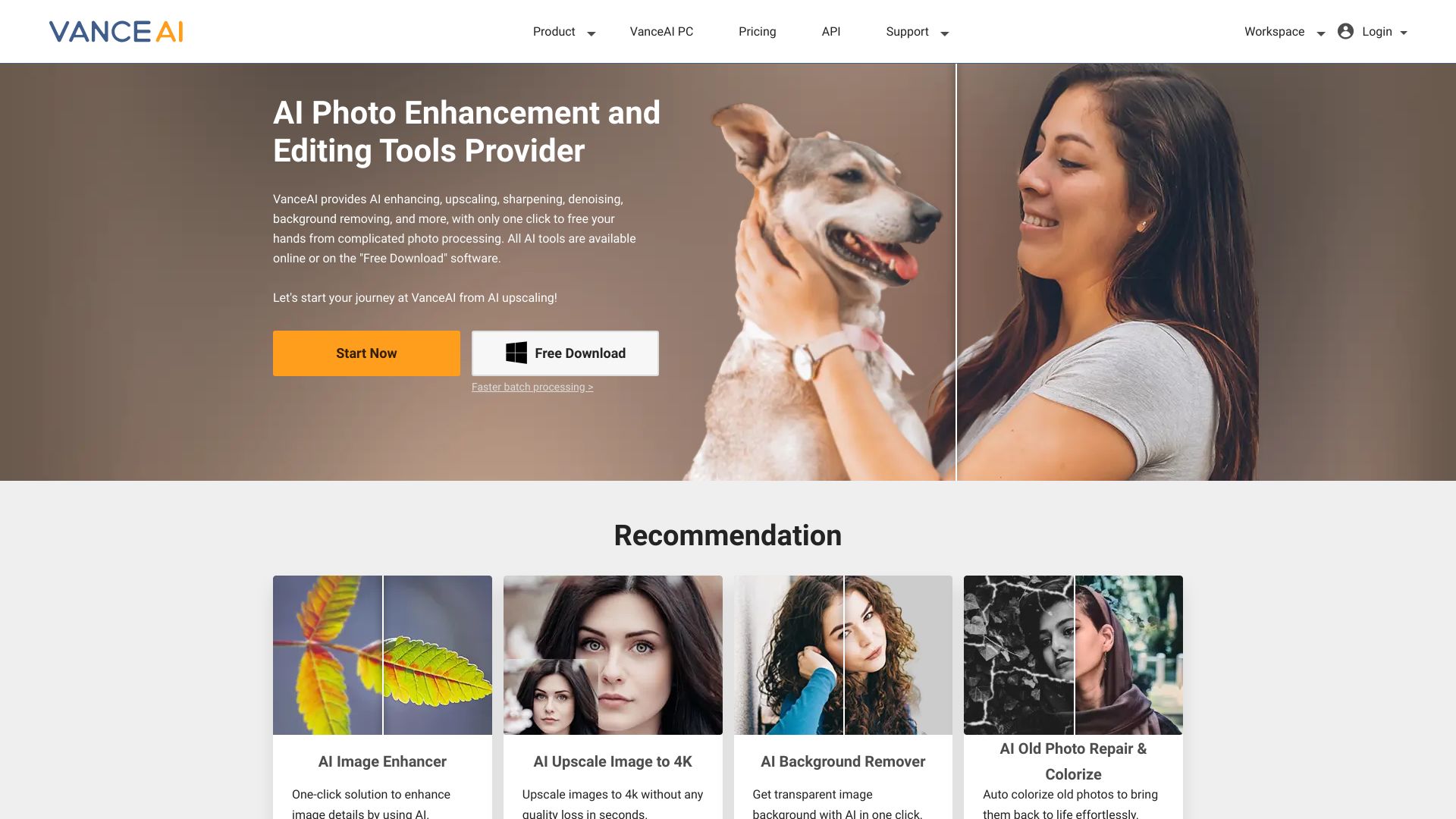
VanceAI offers a range of AI-powered visual tools, including image upscaling, sharpening, and denoising, alongside photo and video enhancement capabilities. Its interface is designed to be easy to use, which can help when you need a focused visual fix without adopting a full desktop editing suite.
This is a broad toolkit rather than a narrowly video-focused pick, and the listed examples lean heavily toward images. Full access requires a subscription, while processing speed can vary with the file and tool. Check that the specific video workflow you need is included in the plan before treating it as your main enhancer.
Best fit
Photographers who want several AI image tools in one place.
Users who need occasional visual enhancement across different media.
People comfortable checking individual tool and subscription limits.
Limitations
The strongest listed examples are image-oriented.
Full access requires a subscription.
Processing speed can vary depending on file size and tool.
More tools to compare
VidHex AI Video Enhancer

- Restoring and upscaling low-quality footage
- 3-second video previews
- Starts at $31.92/month
- Usage signal: 52.9K
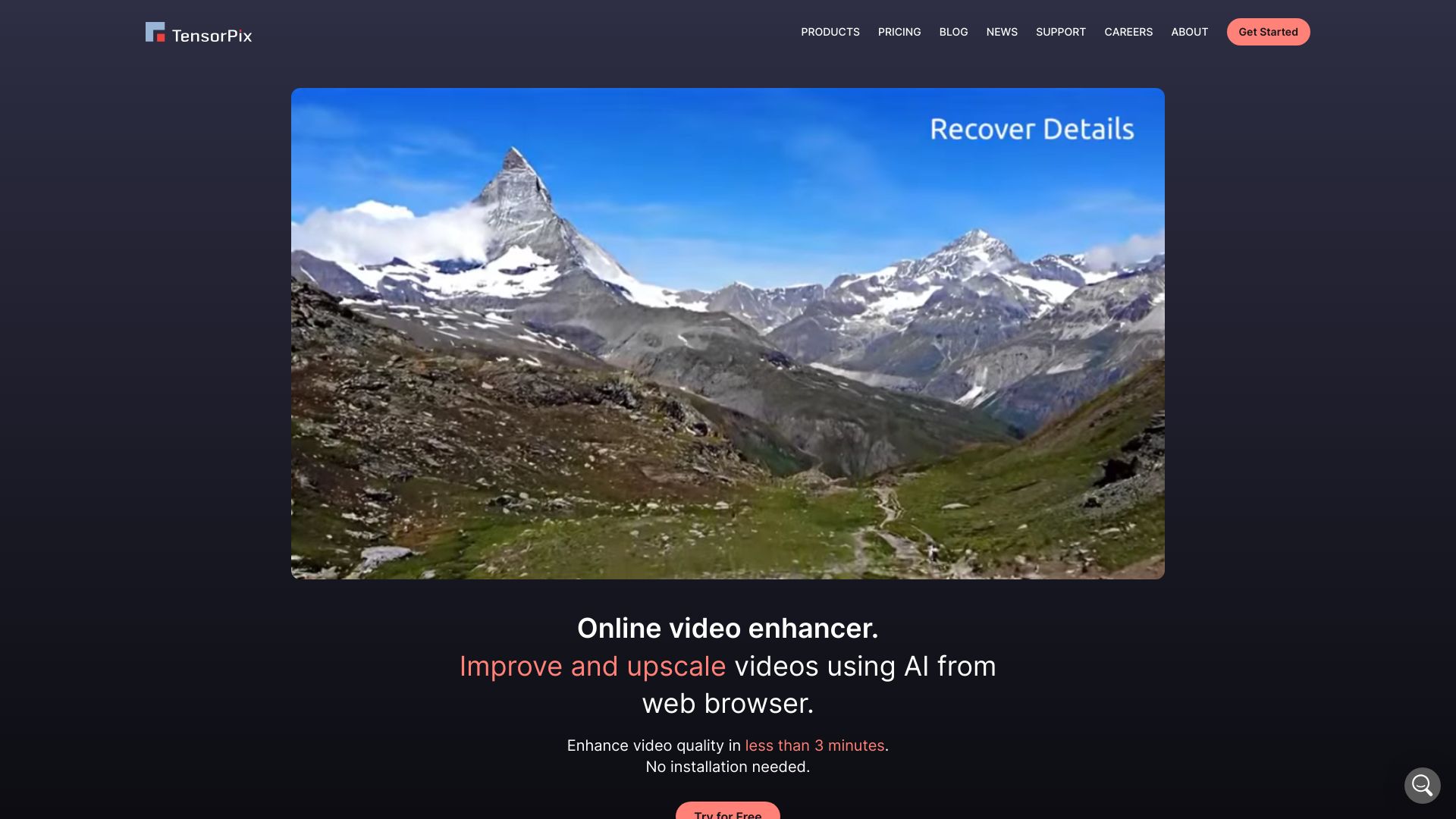
TensorPix

- Cloud-based video upscaling and restoration
- Free trial available
- Starts at Check vendor pricing
- Usage signal: 245.6K
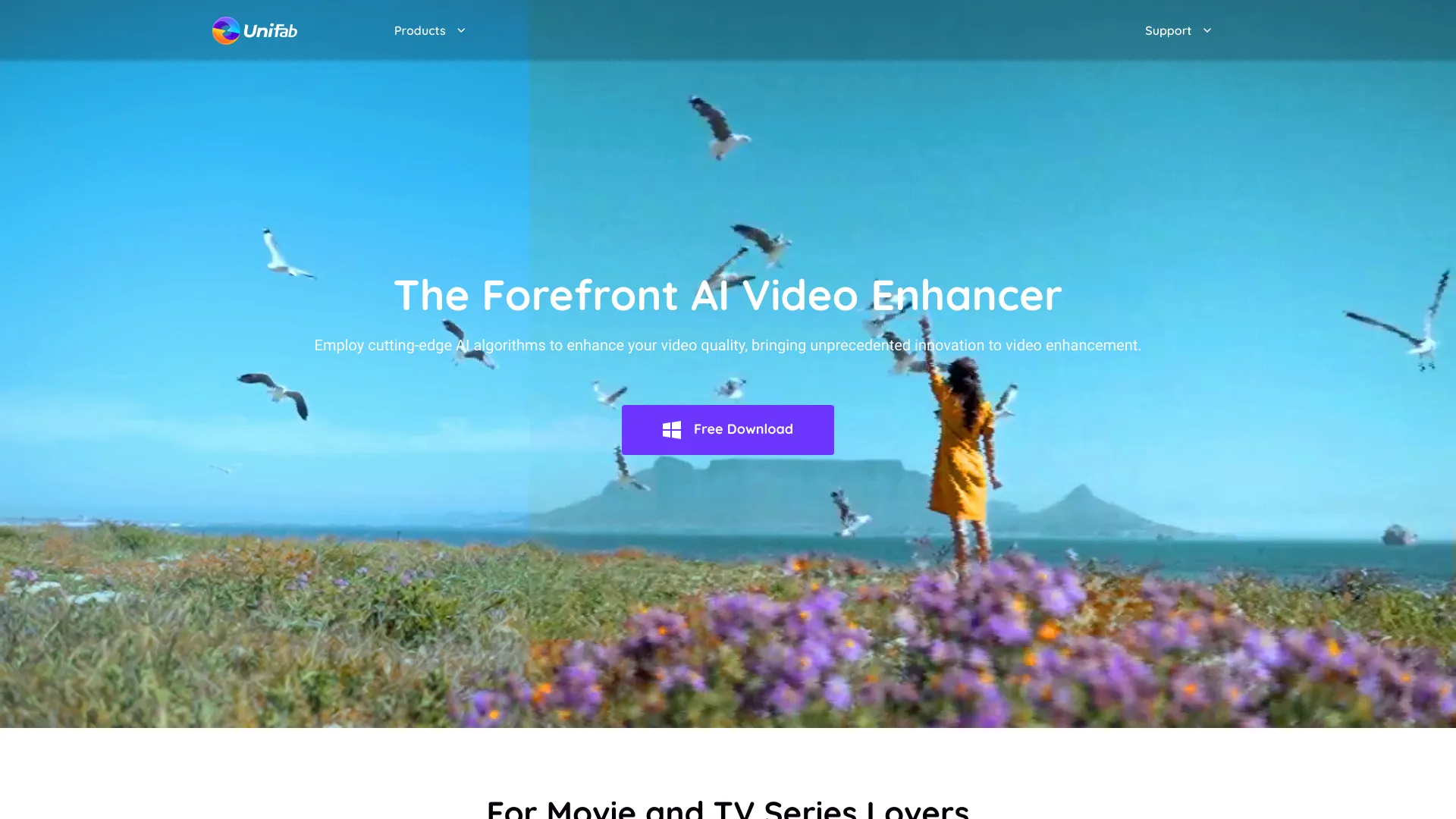
UniFab

- AI video upscaling and restoration
- 30-day trial; 3 trials per module
- Starts at Check vendor pricing
- Usage signal: 237.6K
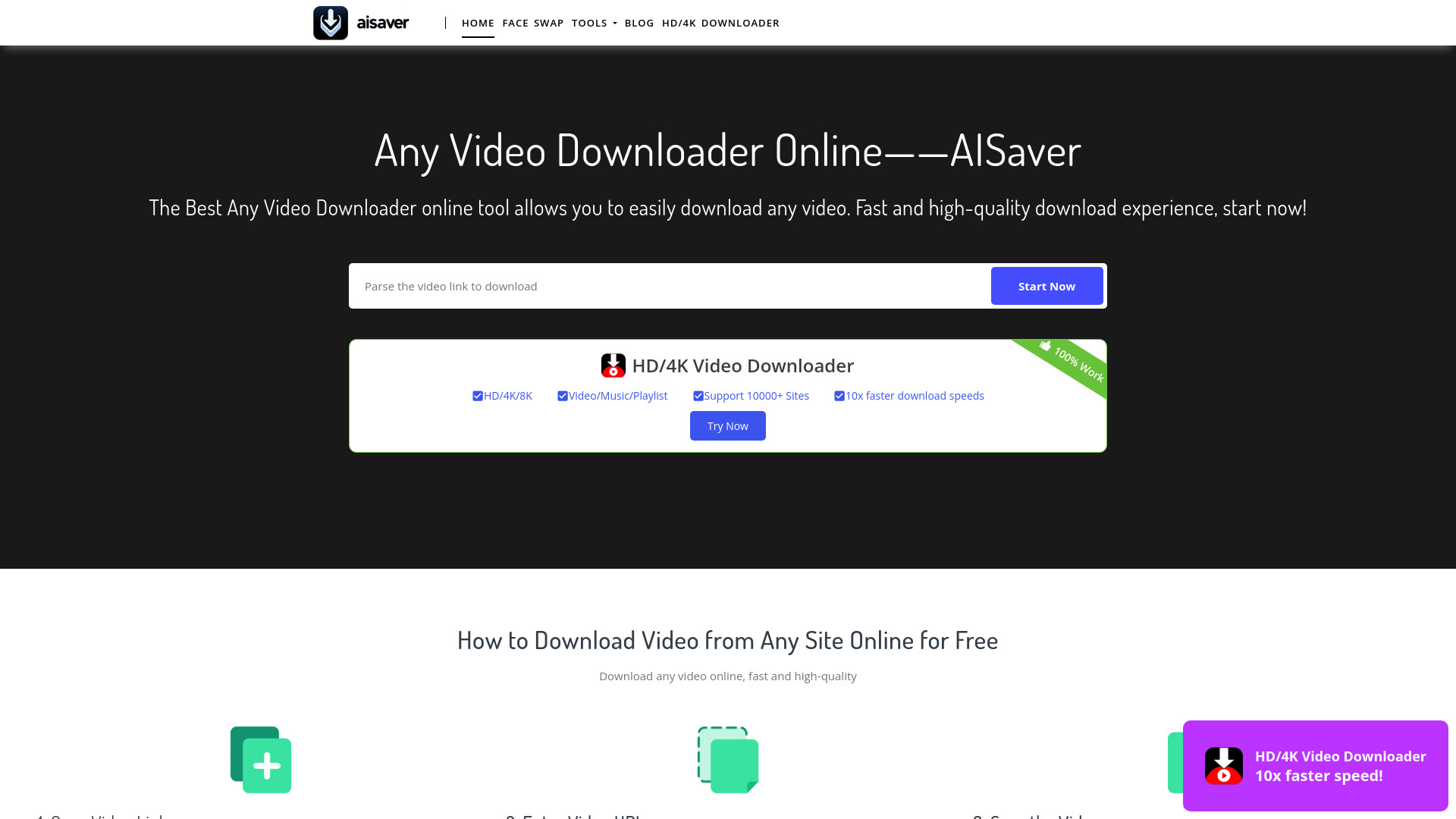
AISaver

- Quick online video enhancement and AI edits
- 50 free credits daily (claimed after login)
- Starts at Check vendor pricing
- Usage signal: 201.9K
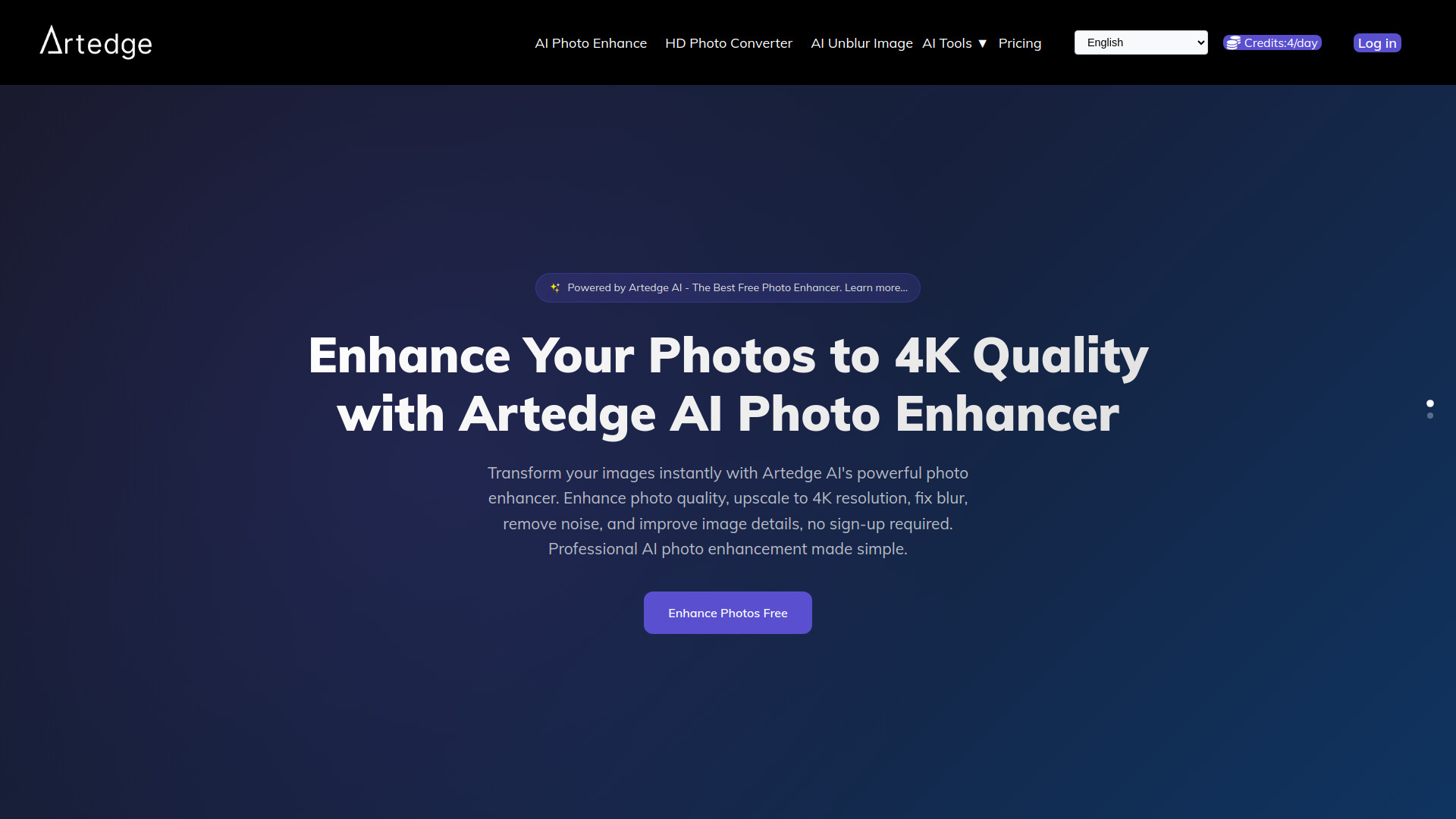
Artedge AI

- Enhancing and upscaling photos to 4K
- 4 credits/day
- Starts at $1.99/week
- Usage signal: 40.3K
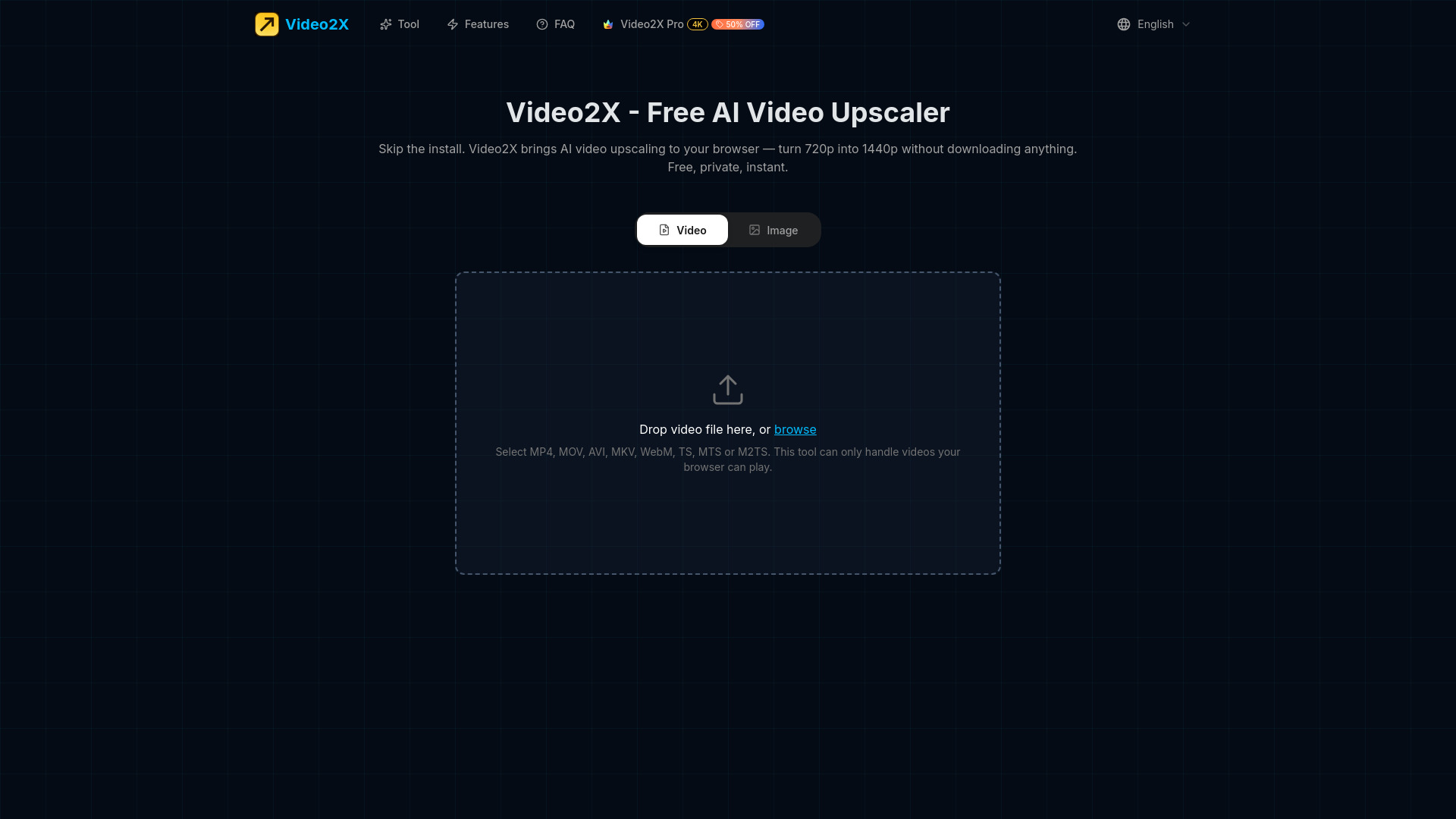
Video2X

- Browser-based video upscaling
- Free plan available
- Starts at Plans from $14.90/month
- Usage signal: 107.9K
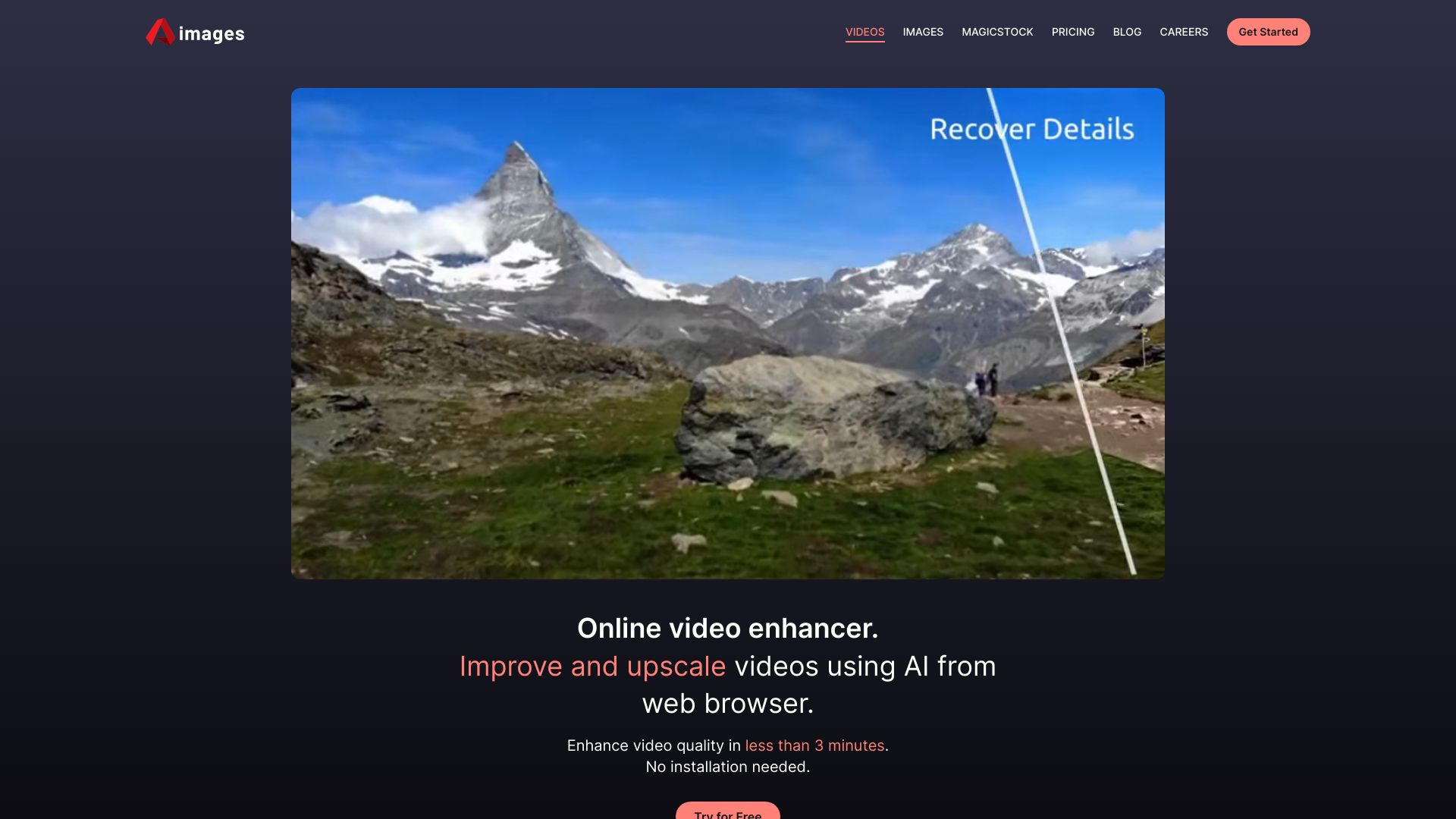
Aimages

- Enhancing and upscaling old or low-quality videos
- 1 free credit
- Starts at €11/mo
- Usage signal: 2.9K
AI Photo Enhancer

- Upscaling and sharpening photos
- 50 free credits
- Starts at $9.99/month
- Usage signal: 1.4K
AI Effect

- Viral photo-to-video effects
- Starts at From $5 for credits
- Usage signal: 7.8K
Veo Ai

- Cinematic AI video generation
- Free plan available
- Starts at $4.99/week
- Usage signal: 2.9K
Vidux AI

- AI video upscaling and enhancement
- Free plan available
- Starts at $99.90/year
- Usage signal: 3.3K
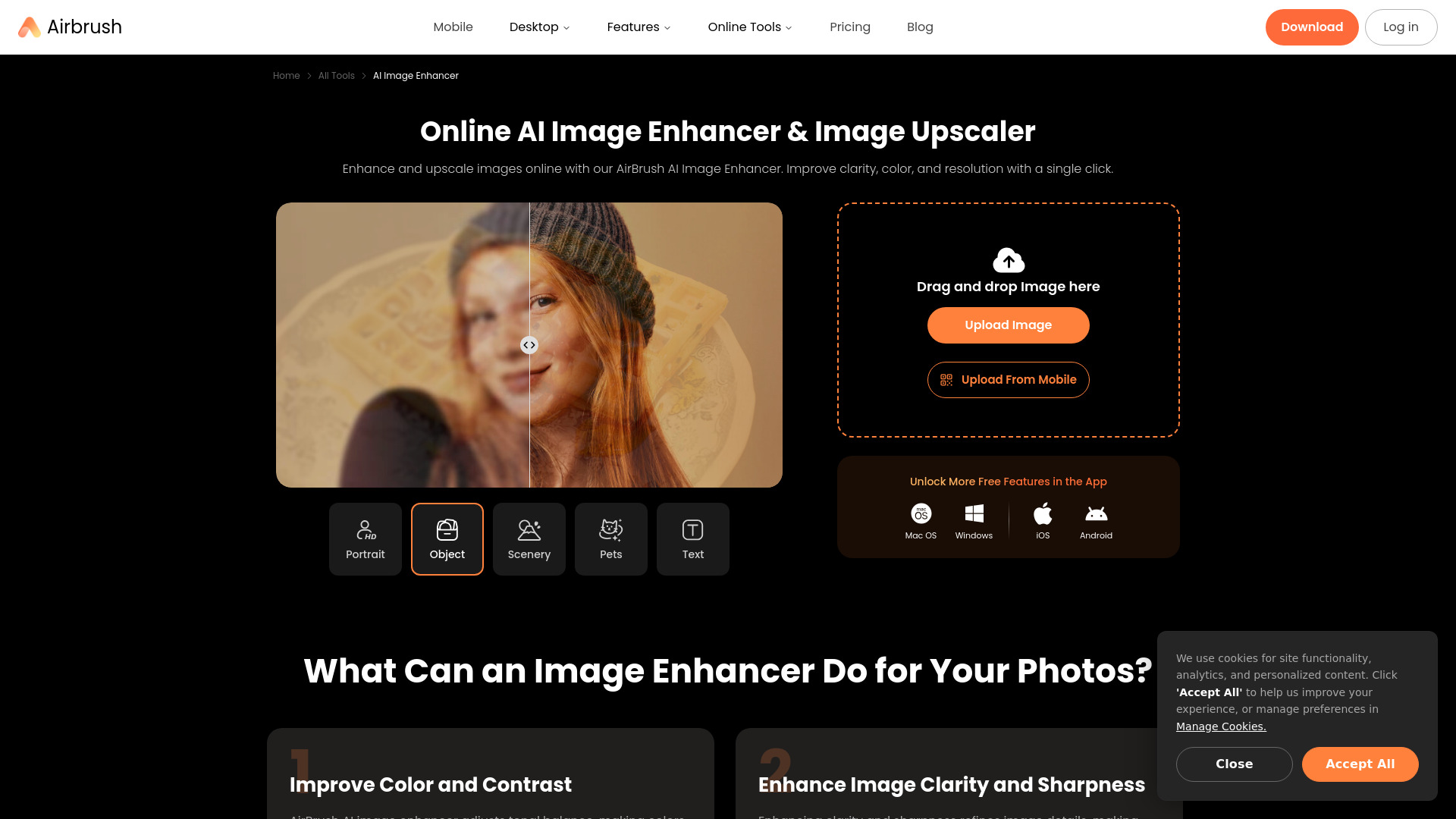
AirBrush

- Everyday photo and video enhancement
- Free plan available
- Starts at $9.95/month
- Usage signal: 2.1M
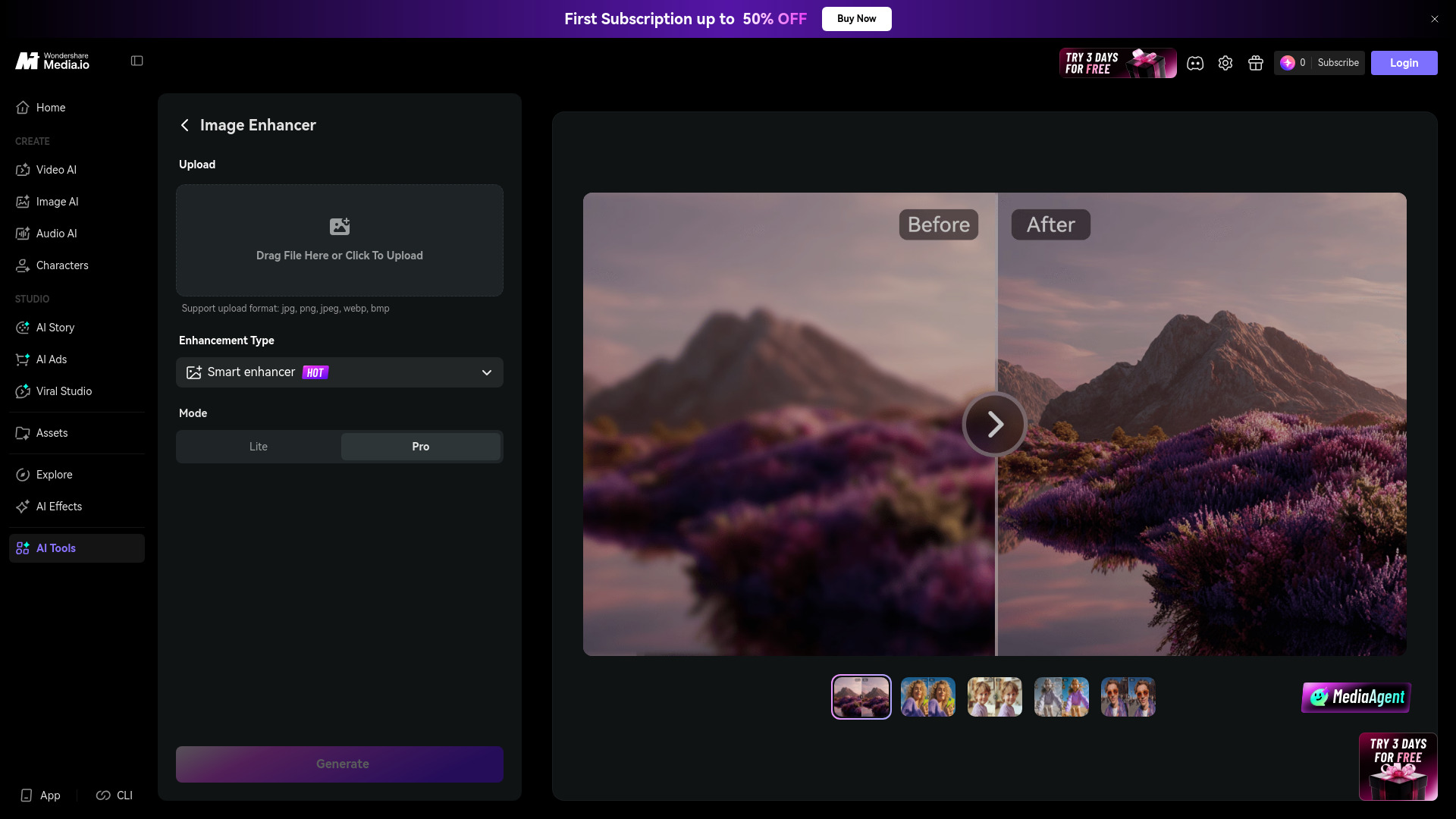
Media.io AI Image Enhancer

- Restoring and upscaling photos
- Free trial available
- Starts at Check vendor pricing
- Usage signal: 3.4M
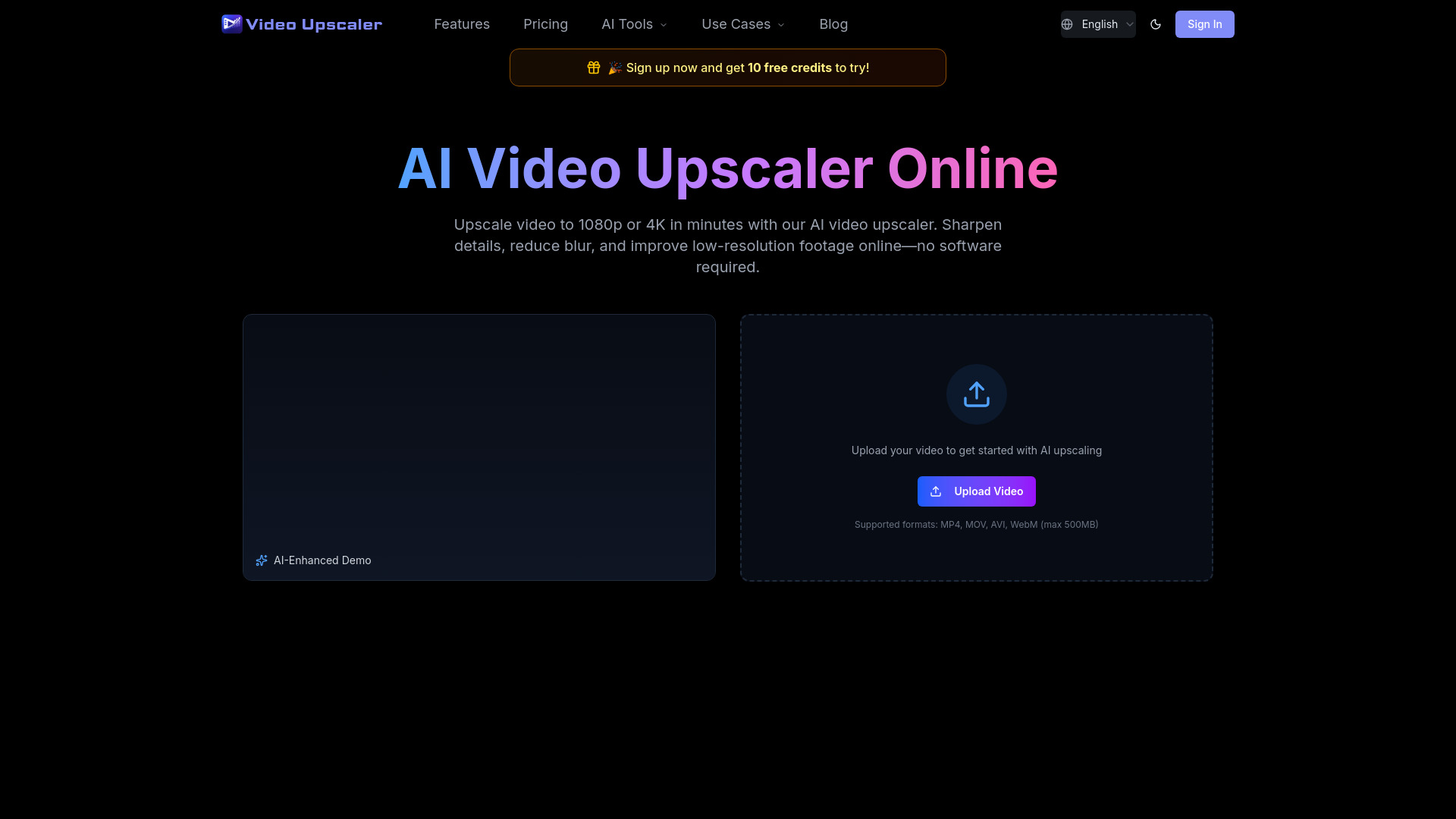
Video Upscaler

- Upscaling and restoring video to 4K
- 10 free credits
- Starts at $21.90/month
- Usage signal: 2.2K
AIShowX

- Enhancing blurry and shaky video footage
- Free plan available
- Starts at Check vendor pricing
- Usage signal: 1.8K
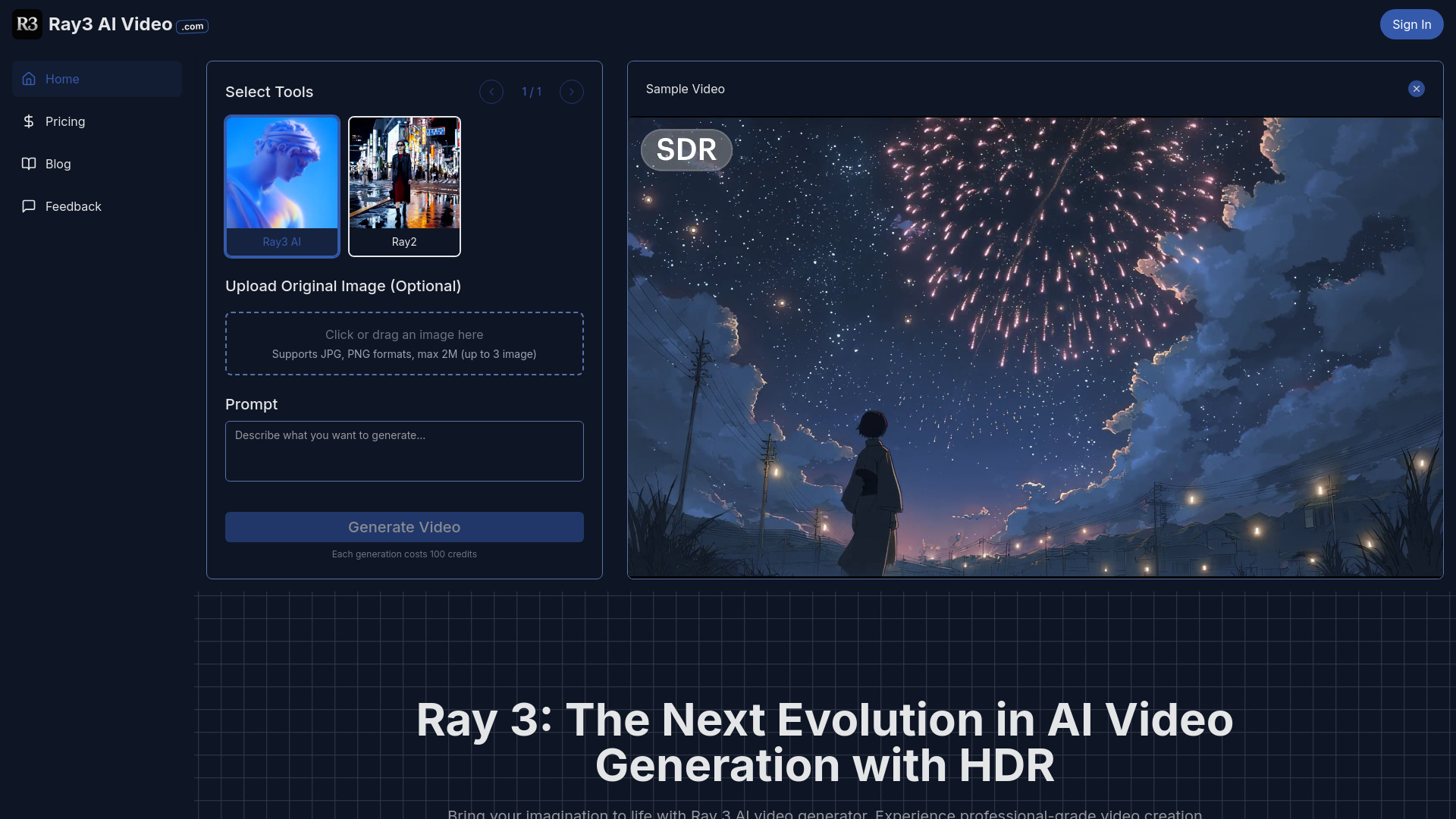
Ray 3 AI Video

- Cinematic HDR video creation
- Free plan available
- Starts at $9.99 one-time
- Usage signal: 1.3K
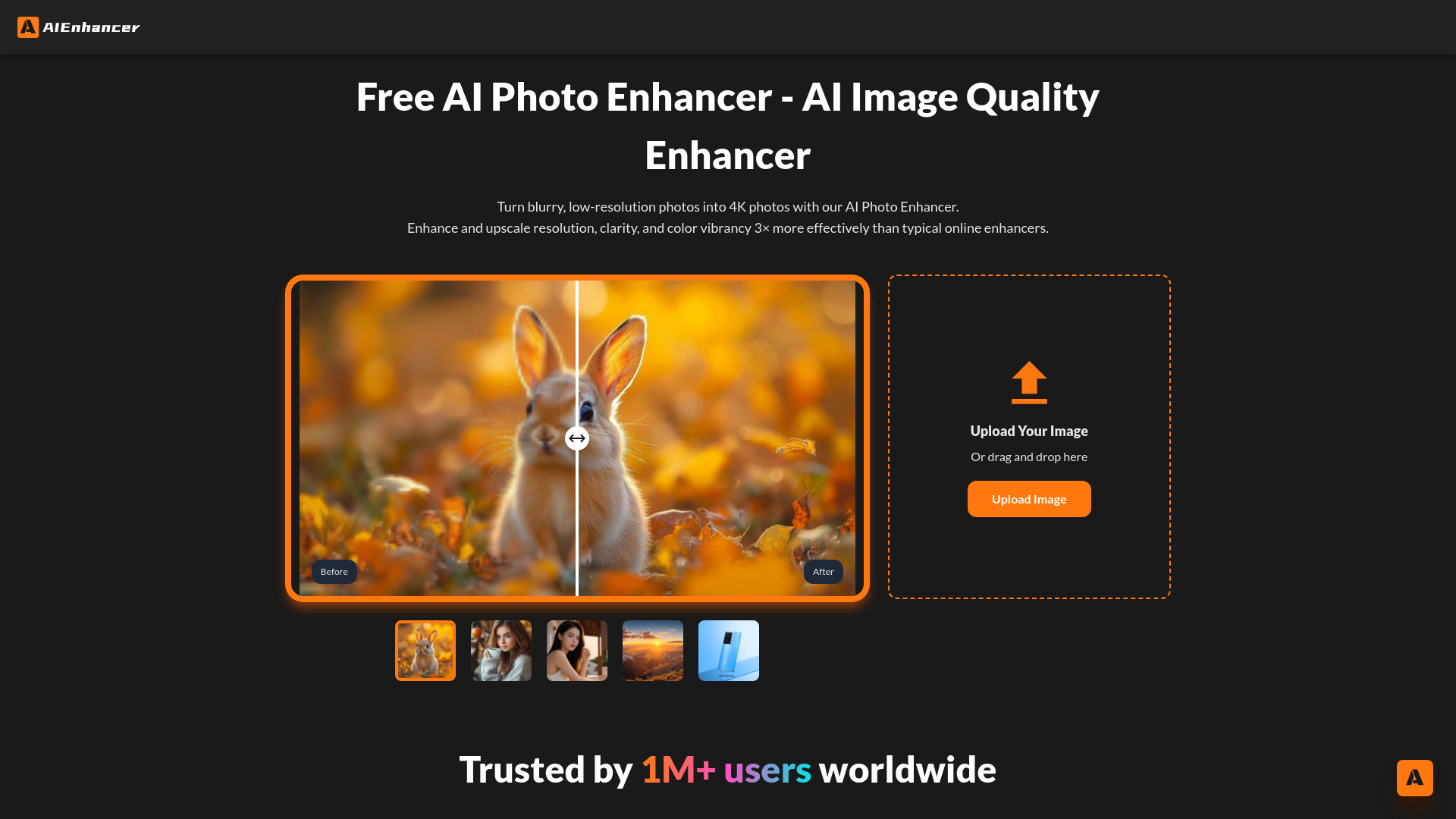
AIEnhancer - Free AI Photo Enhancer
- Upscaling and restoring photos
- Free plan available
- Starts at Check vendor pricing
- Usage signal: 353.9K
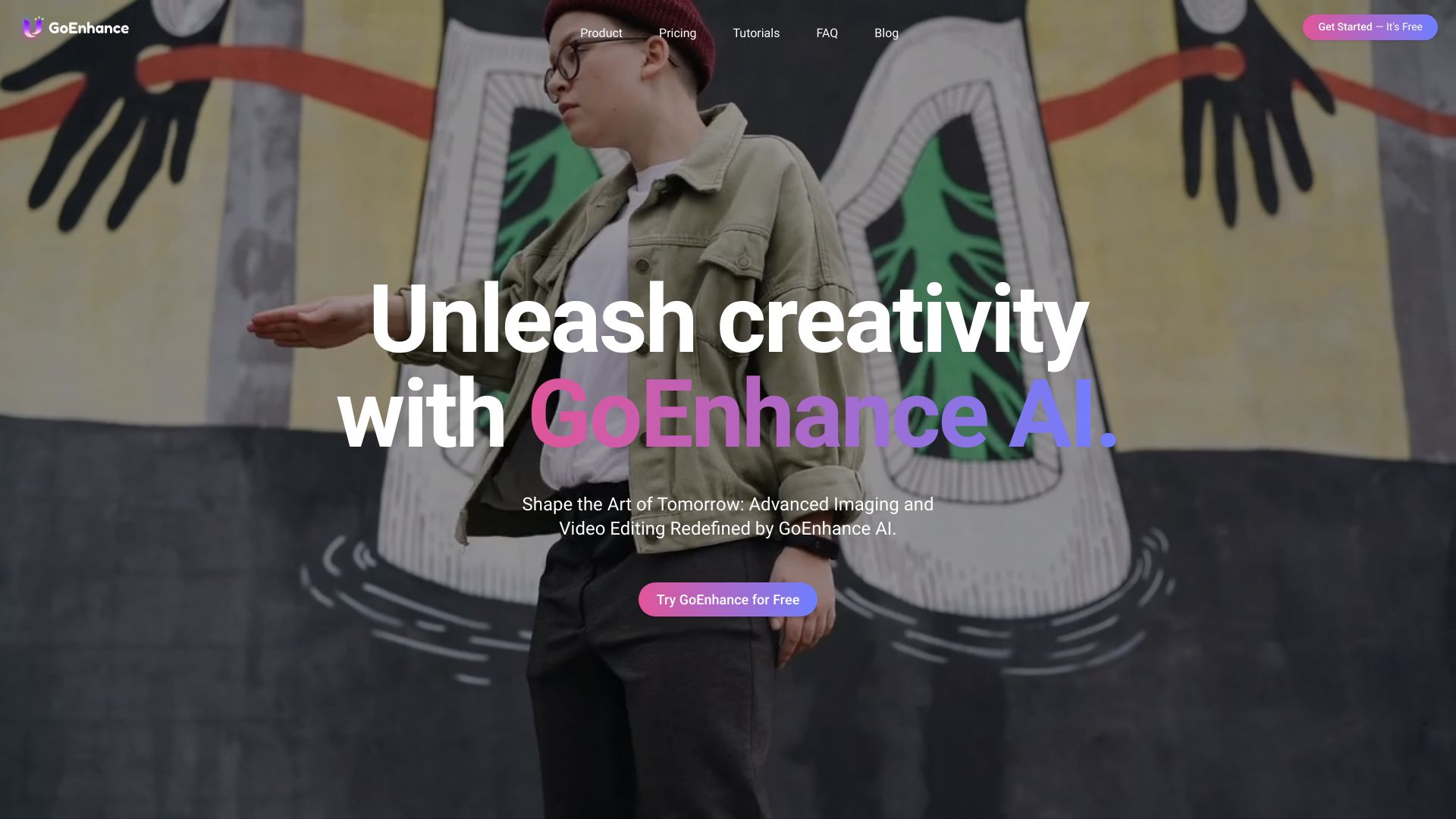
GoEnhance AI

- Creators turning videos into animated clips
- 30 free tokens
- Starts at $8/month, billed yearly
- Usage signal: 486.9K
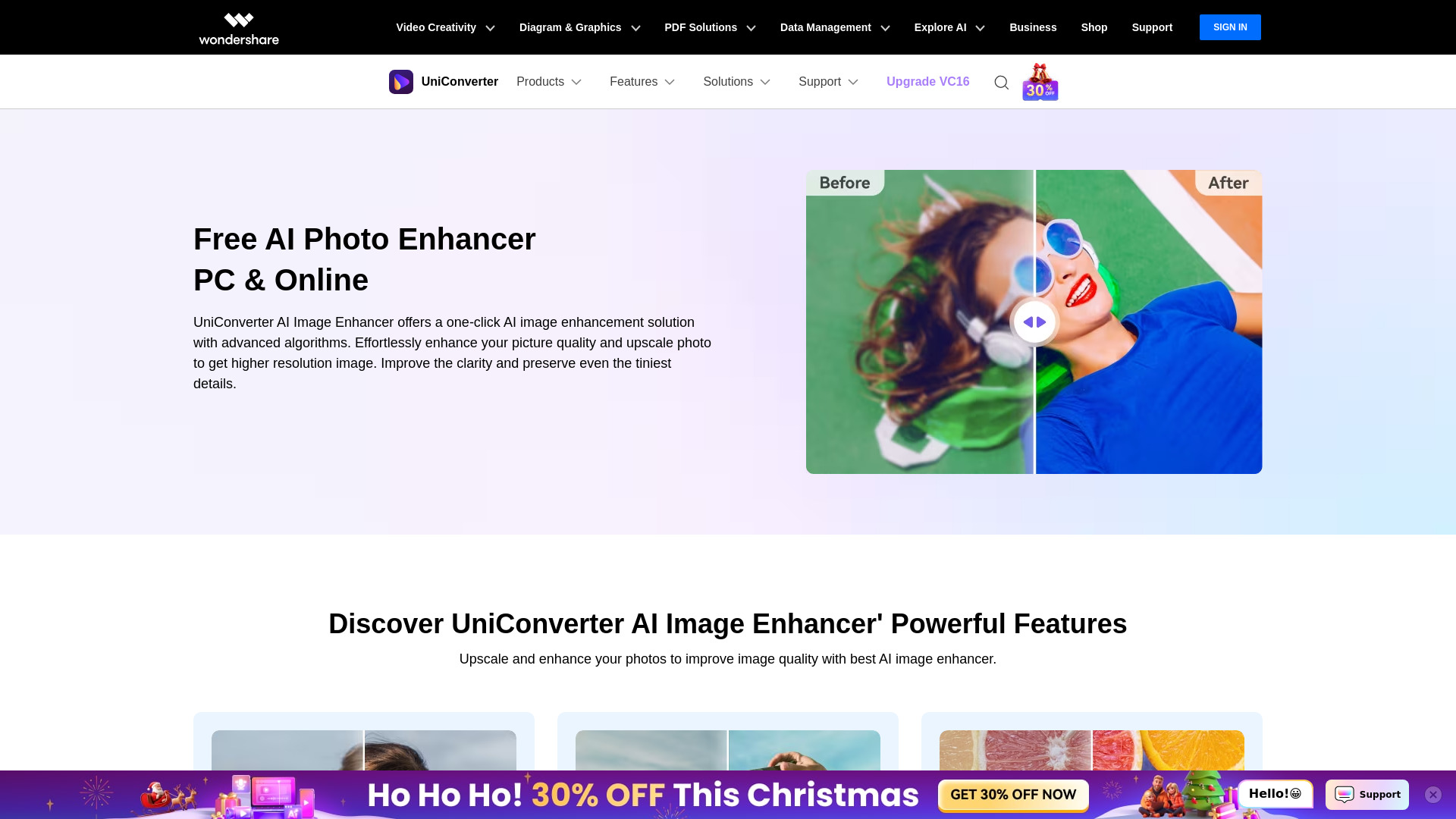
Wondershare UniConverter

- Upscaling and restoring photos
- 7-day free trial
- Starts at $49.99/year
- Usage signal: 891.5K
Imgupscaler AI

- Upscaling and sharpening images
- Free plan available
- Starts at Check vendor pricing
- Usage signal: 1.9M
Icons8 Smart Upscaler

- Batch image upscaling
- Starts at Check vendor pricing
- Usage signal: 2.3M
AI Video Editor

- Resizing, compressing, and converting videos online
- Free plan available
- Starts at From $5
- Usage signal: 41
Evoto AI

- Photographers needing fast AI retouching
- Free trial available
- Starts at Check vendor pricing
- Usage signal: 1.3M
ImgLarger

- Upscaling and enhancing photos
- Free plan available
- Starts at Check vendor pricing
- Usage signal: 377.6K
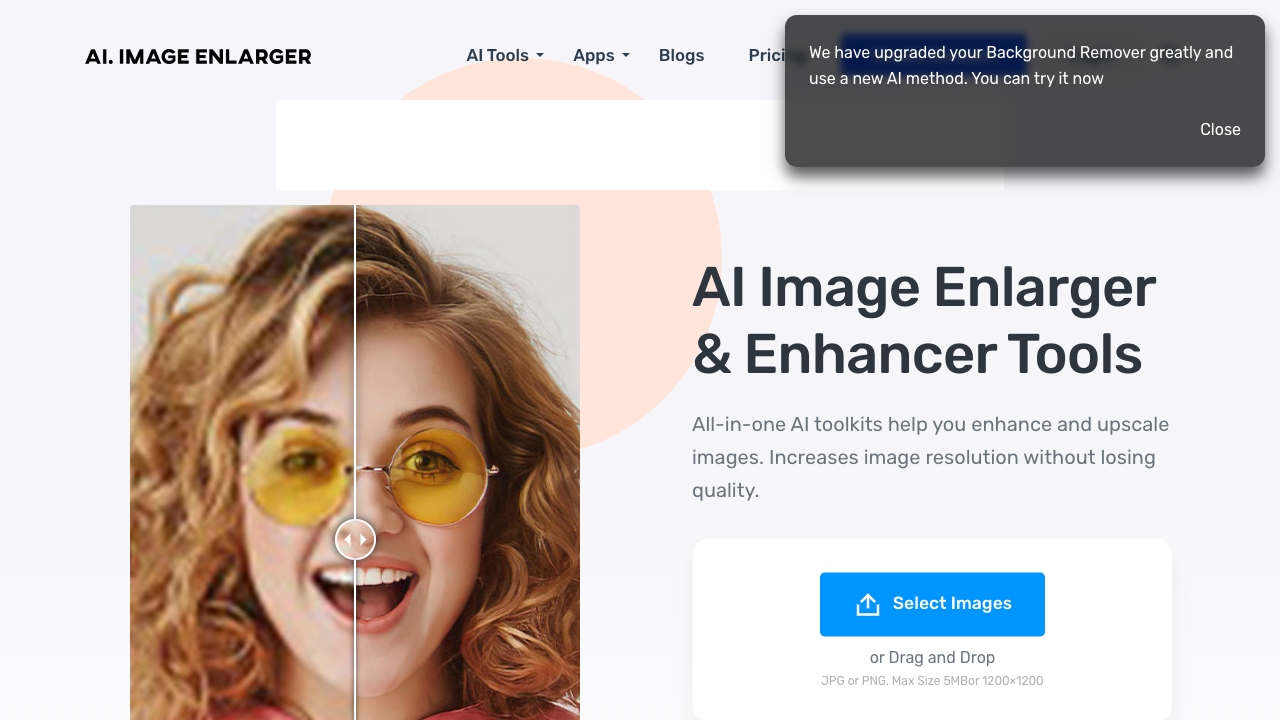
insMind AI Image Enhancer

- Batch photo upscaling and cleanup
- Free plan available
- Starts at $5.83/month billed yearly
- Usage signal: 593.8K
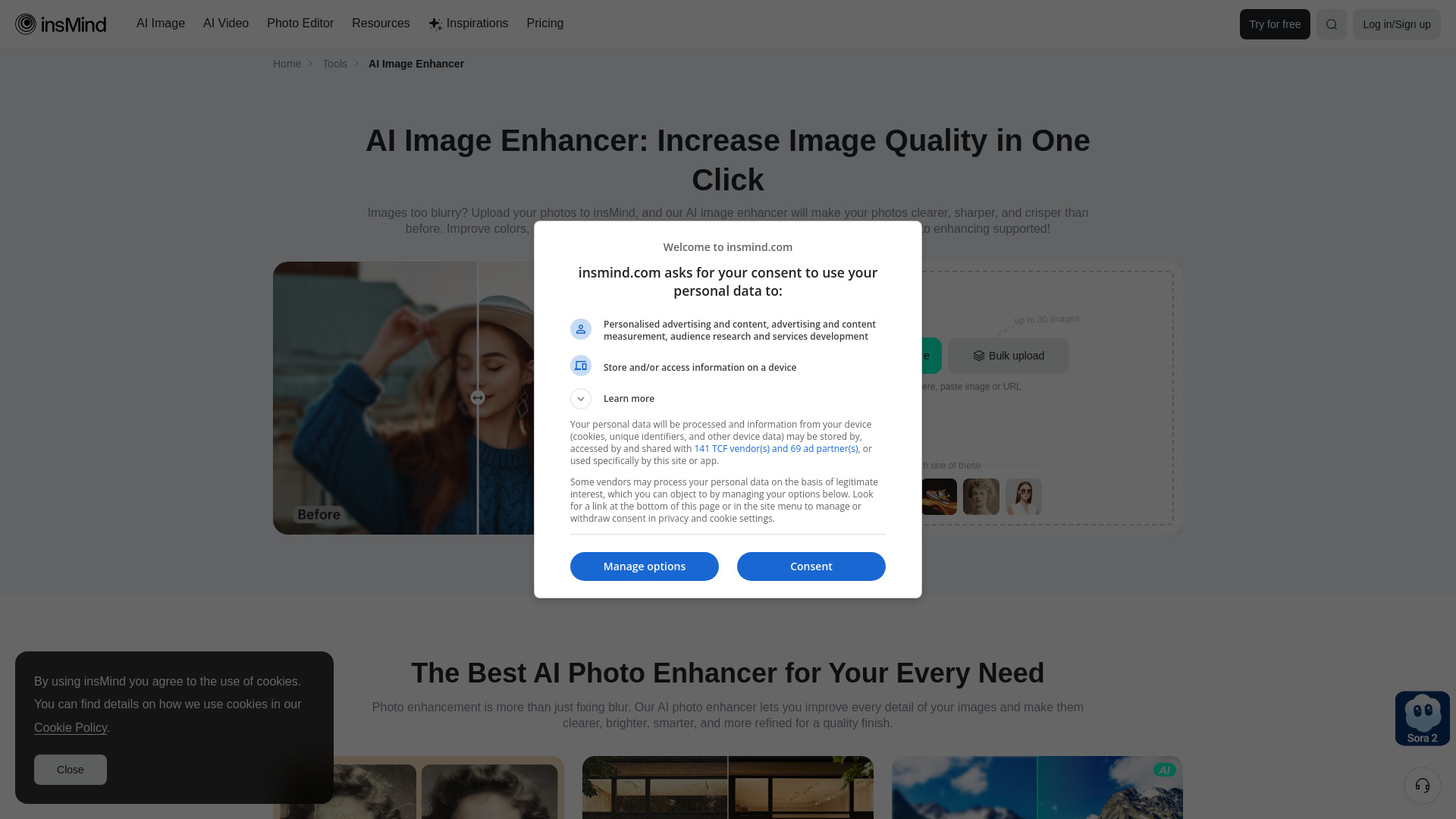
Aiarty

- Upscaling and restoring images
- Free trial available
- Starts at $99
- Usage signal: 332.2K
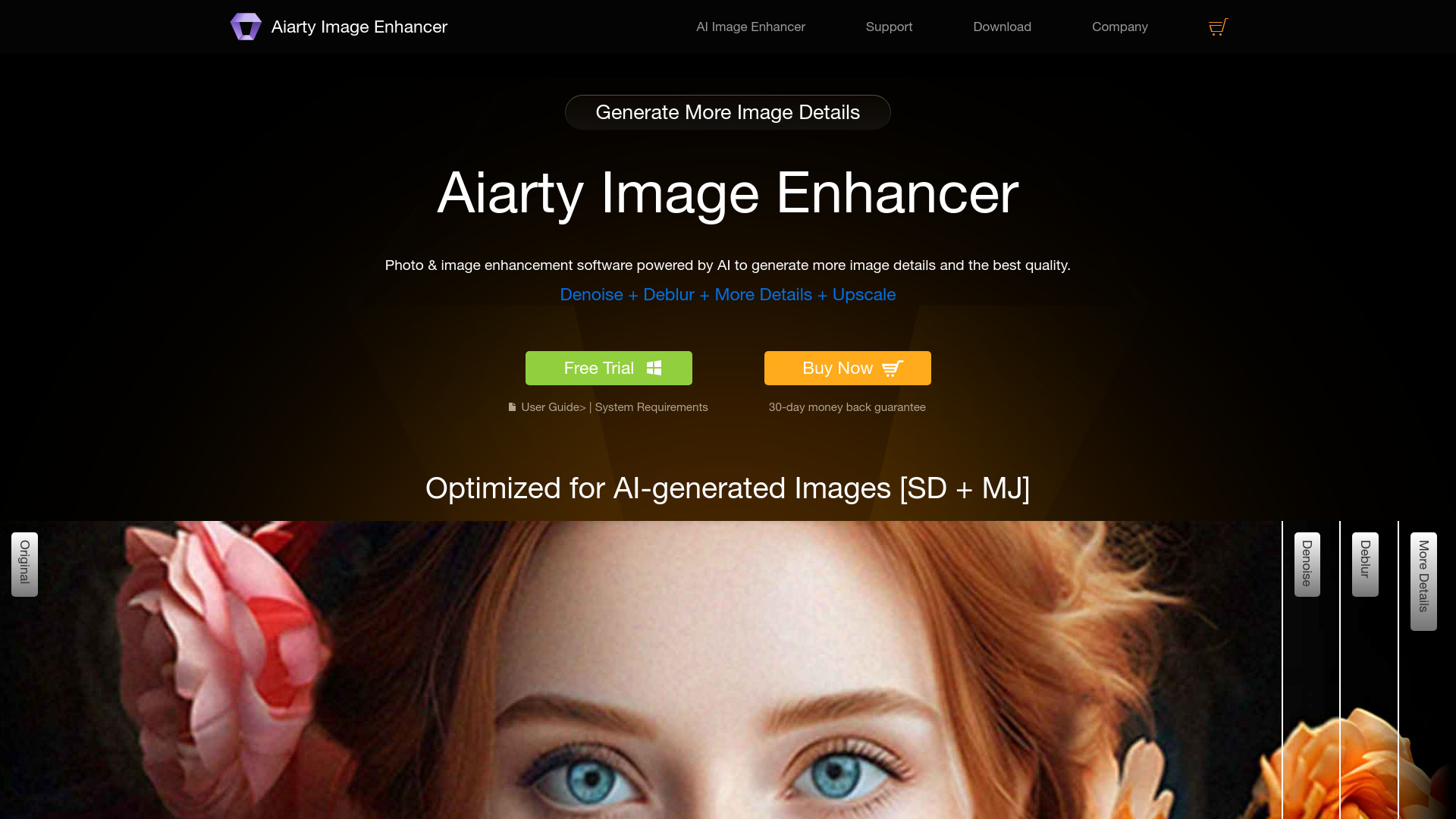
AI Ease

- Free AI photo enhancement and editing
- Free plan available
- Starts at Check vendor pricing
- Usage signal: 638.6K

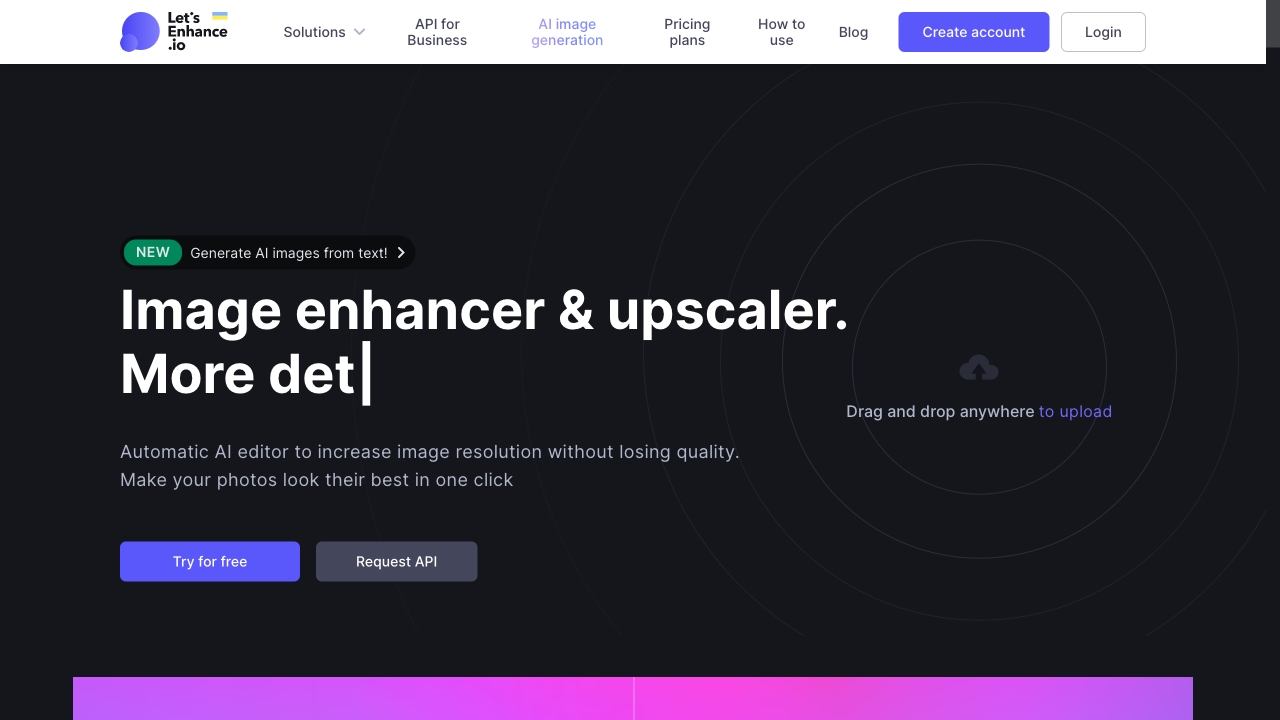
LetsEnhance.io

- AI image upscaling and restoration
- 10 free credits for new users
- Starts at Check vendor pricing
- Usage signal: 837.9K
Audio Enhancer

- Cleaning up speech and reducing background noise
- Free plan available
- Starts at Check vendor pricing
- Usage signal: 114.5K
insMind

- AI-enhanced product photos
- Free plan available
- Starts at Check vendor pricing
- Usage signal: 593.8K
AI Image Editor

- Prompt-based photo editing and enhancement
- Free daily computing power
- Starts at From $16.33/mo
- Usage signal: 174K
VanceAI Video AI

- Upscaling and restoring video footage
- 3 free trials/month
- Starts at Check vendor pricing
- Usage signal: 0
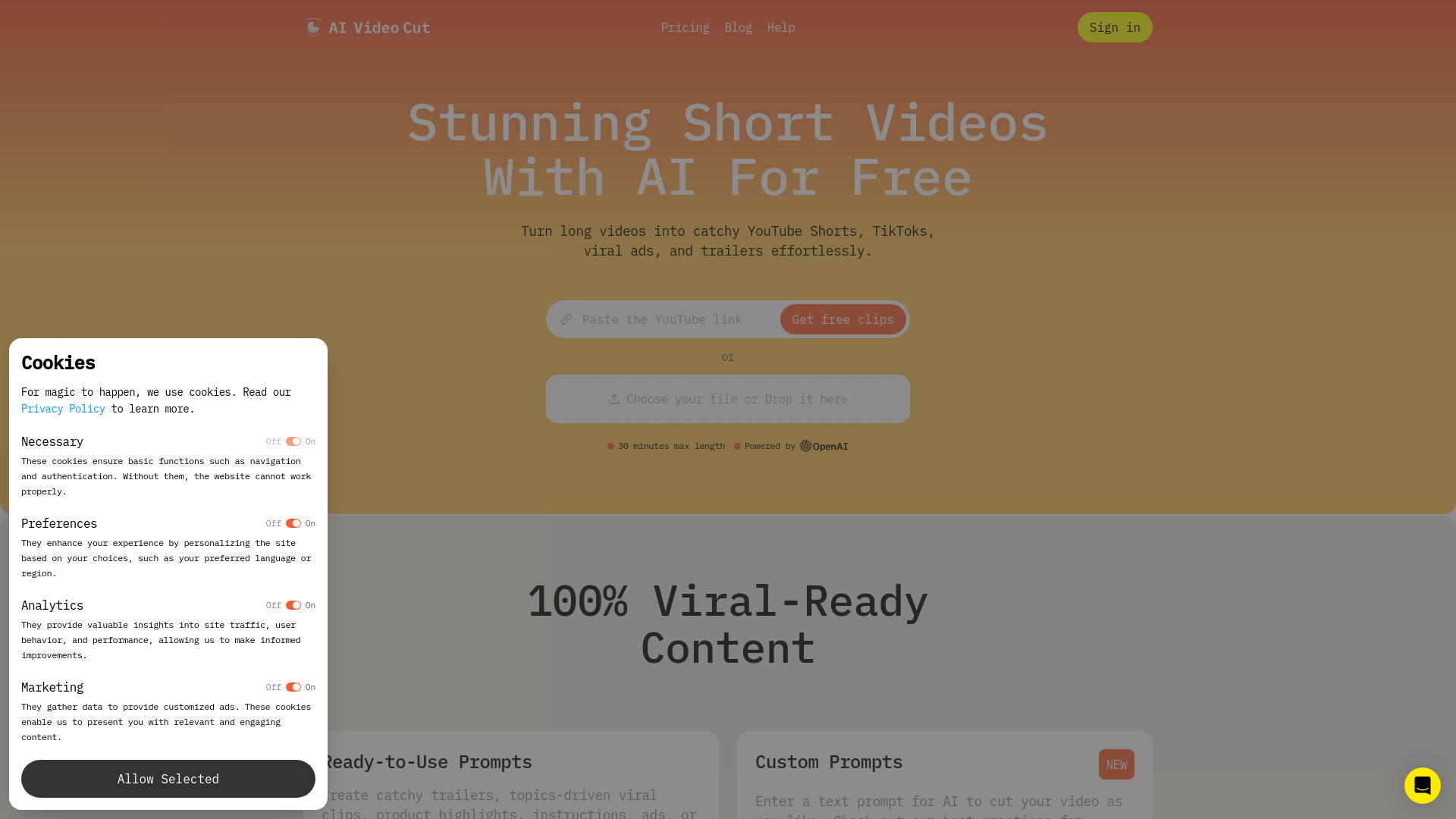
AI Video Cut

- Repurposing long videos into captioned social clips
- 50 minutes one-time
- Starts at $9/month
- Usage signal: 142K
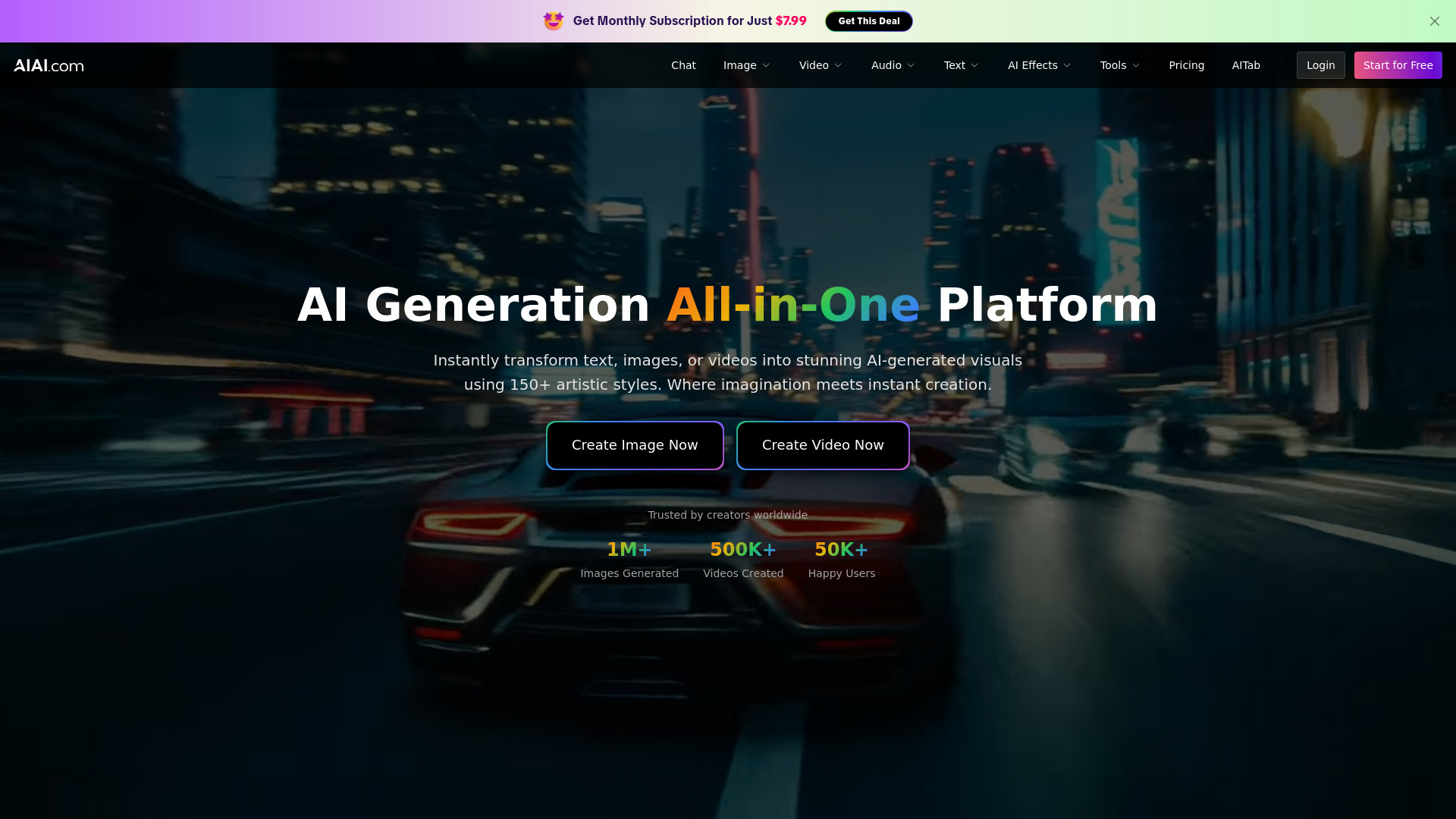
AIAI.com

- AI video and image generation
- 20 generation credits
- Starts at $7.99/month
- Usage signal: 118.8K
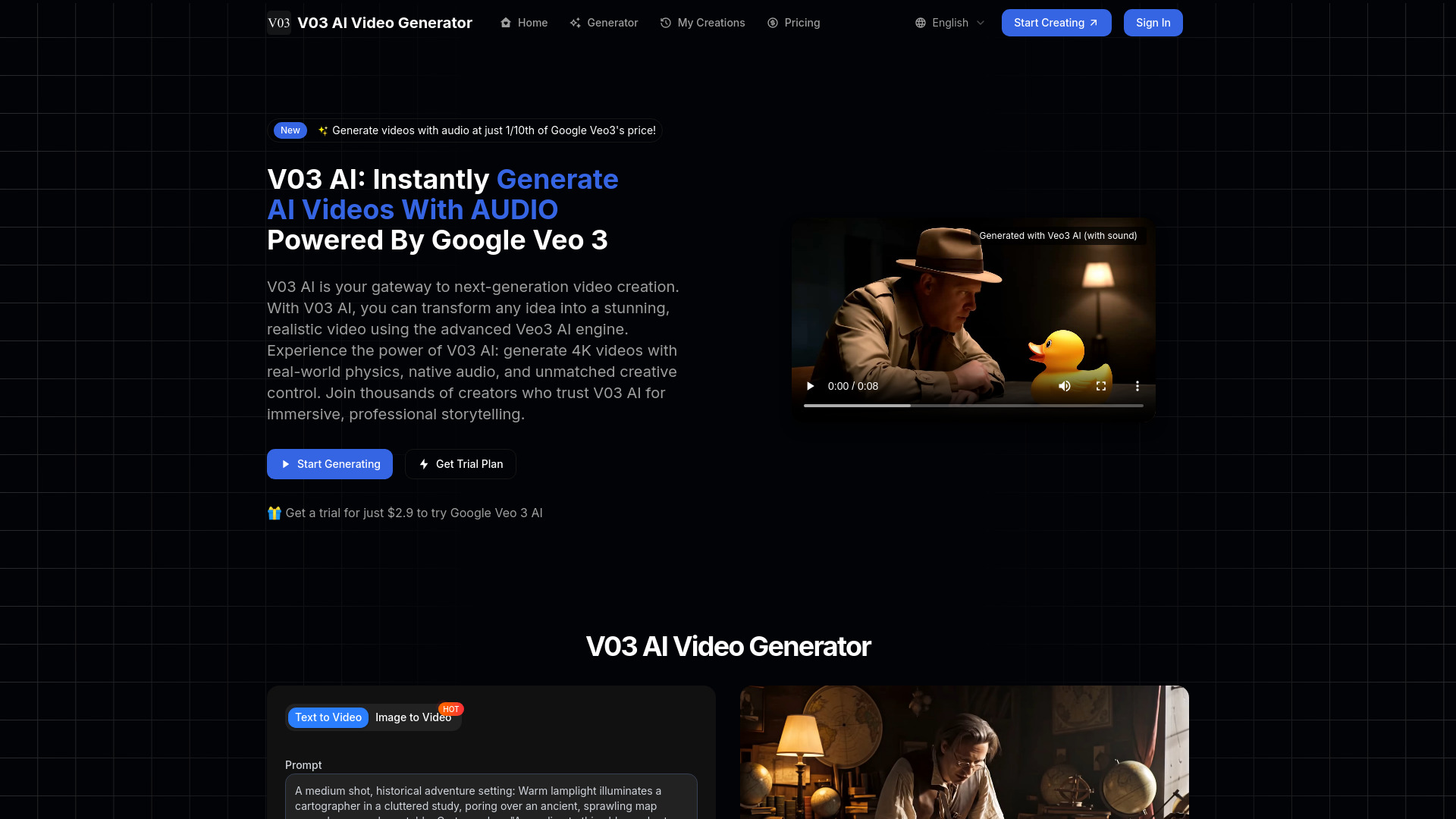
V03AI

- Veo 3 videos with native audio
- 50 credits one-time trial
- Starts at $2.90 trial
- Usage signal: 64.4K
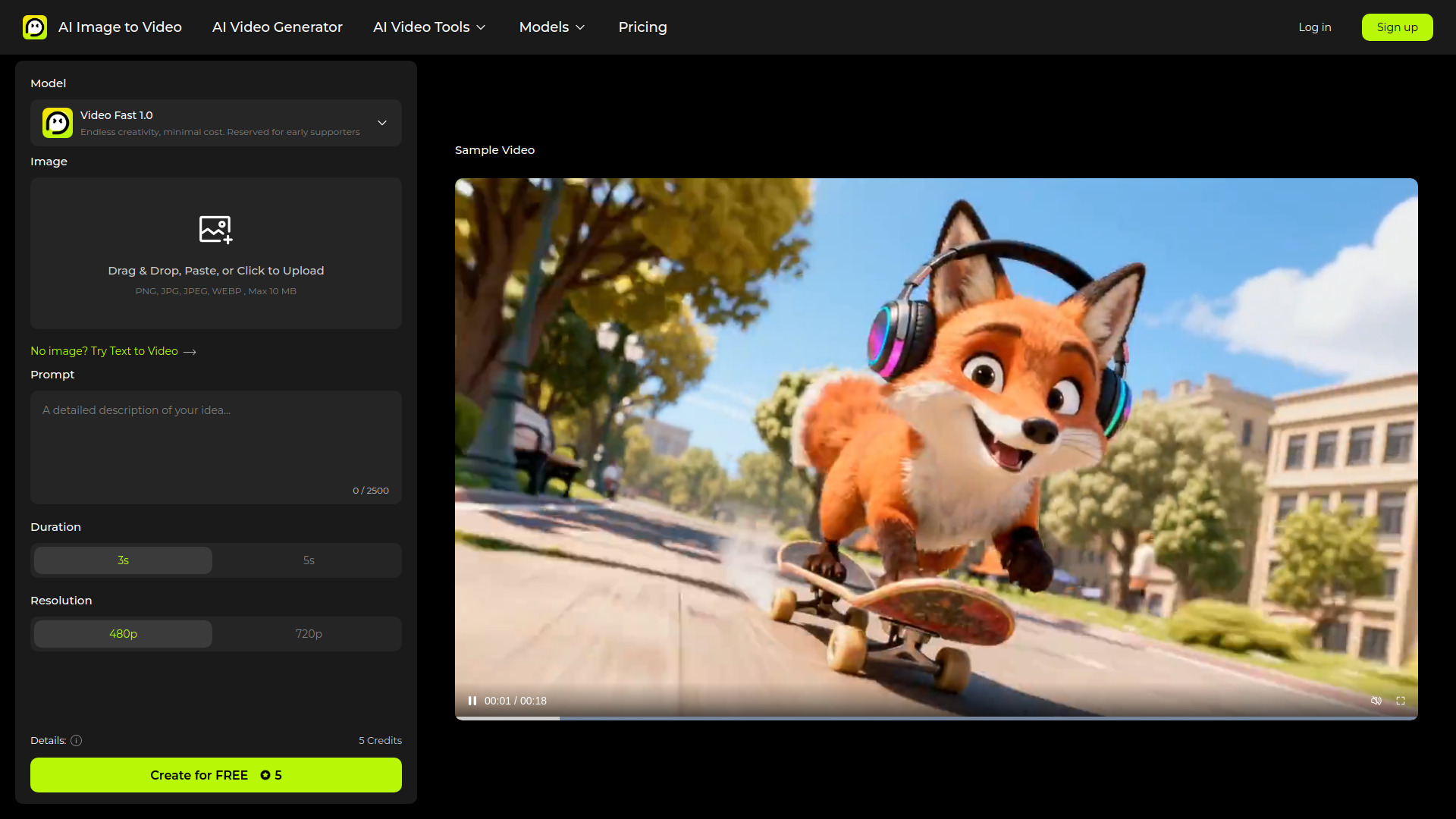
AI Image to Video

- Turning still images into short AI videos
- Free plan available
- Starts at $5.99/month
- Usage signal: 96.7K
Enhance AI

- AI image generation and upscaling
- Free trial available
- Starts at From $9/month
- Usage signal: 30.4K
VIDEOAI.ME

- AI spokesperson videos and marketing ads
- Free plan available
- Starts at Check vendor pricing
- Usage signal: 70.5K

AIVideo.com

- AI-assisted video production
- Starts at Check vendor pricing
- Usage signal: 53.0K
AIVideoFree

- Text- and image-to-video creation
- Free credits for new accounts
- Starts at $6.90 one-time
- Usage signal: 53.6K
Wan 2.7 AI Video Generator

- Turning photos into short AI videos
- Free plan available
- Starts at $6.75/month
- Usage signal: 71.7K
VO3 AI

- Creators making short cinematic AI videos
- Starts at $2.99 for 3 videos
- Usage signal: 73.0K
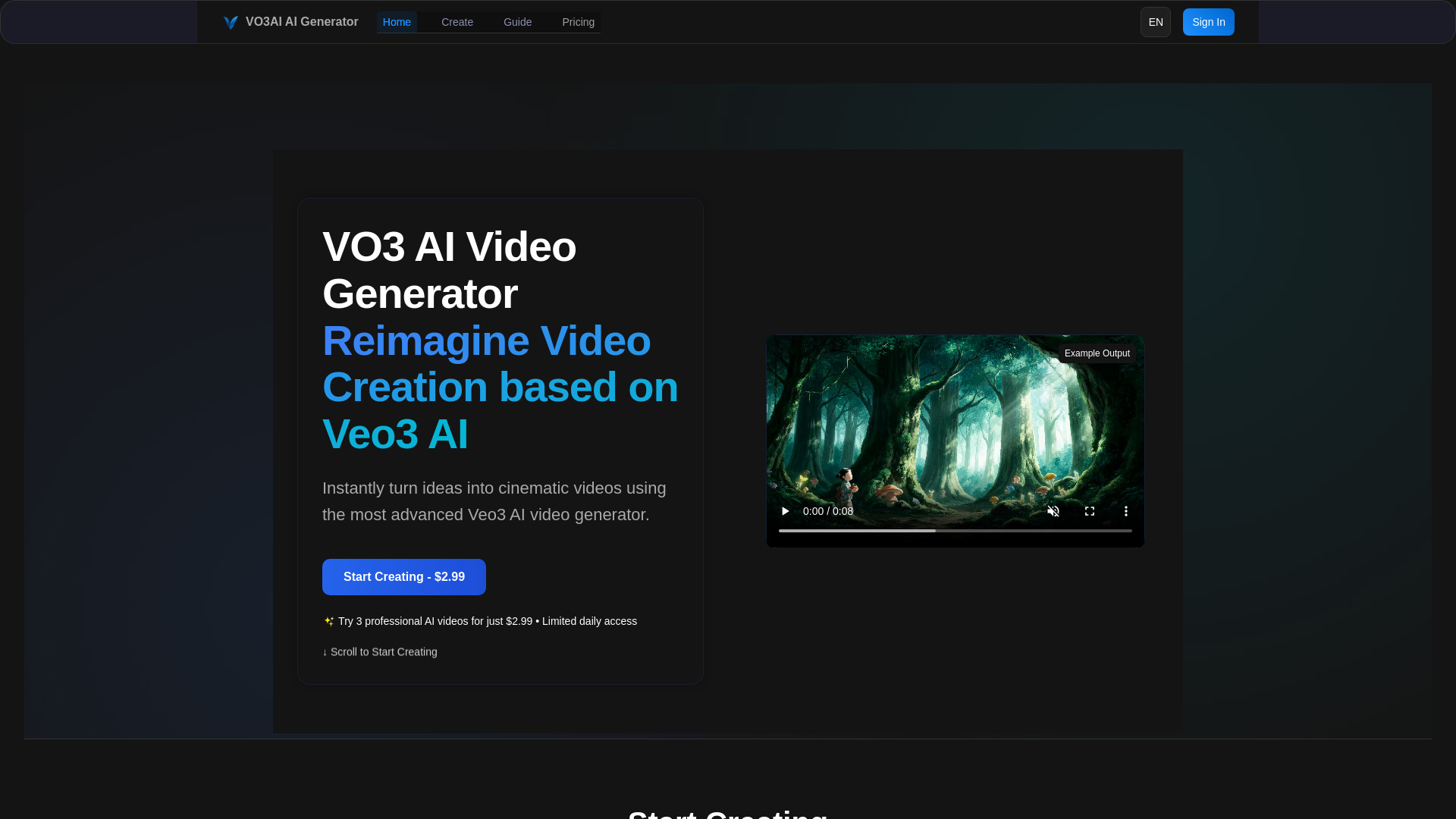
Vidgo AI

- AI video upscaling and effects
- Free plan available
- Starts at Check vendor pricing
- Usage signal: 43.4K
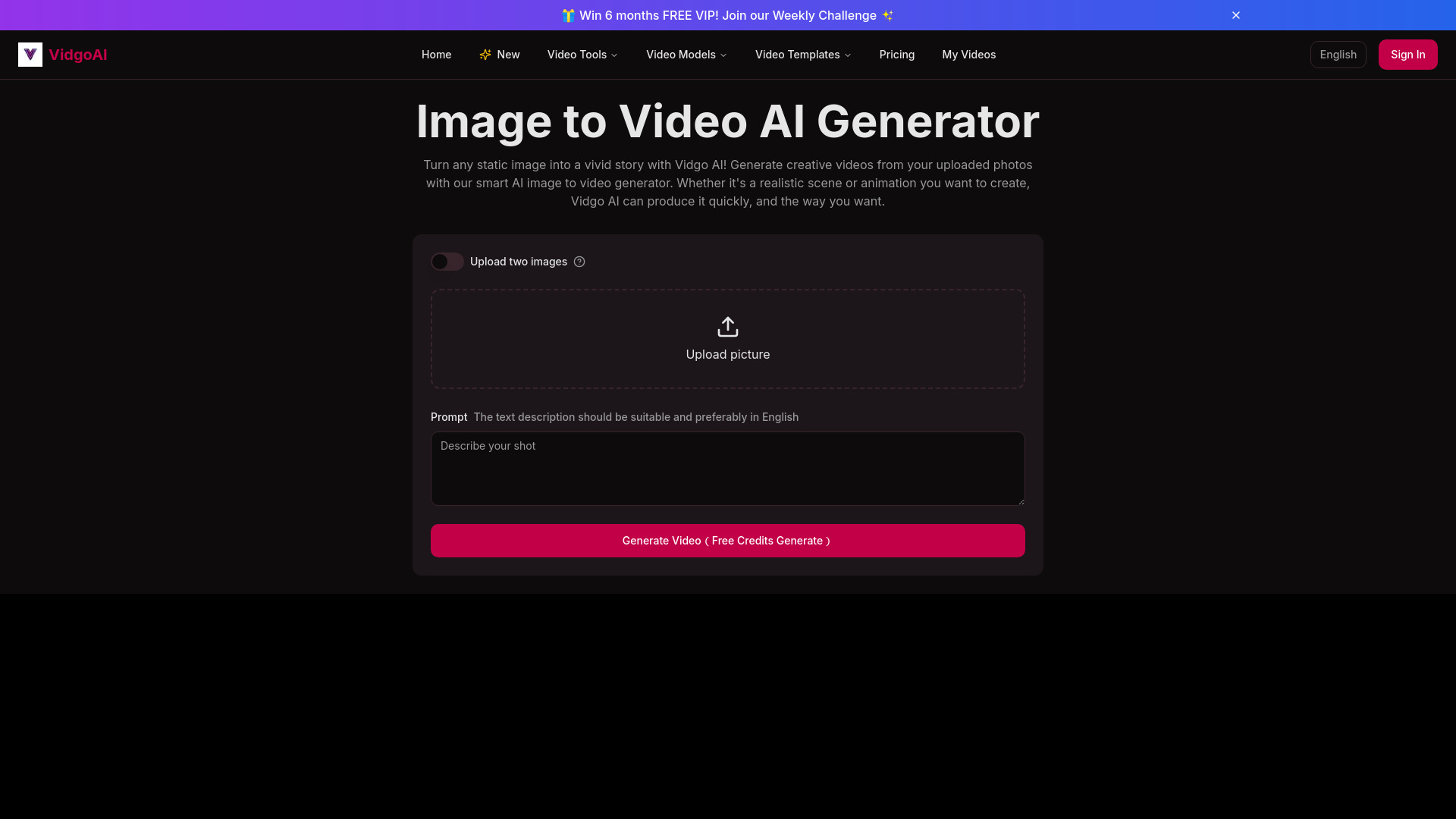
Enhencer AI Ads

- AI-powered e-commerce ad campaigns
- Free plan available
- Starts at Check vendor pricing
- Usage signal: 18.6K
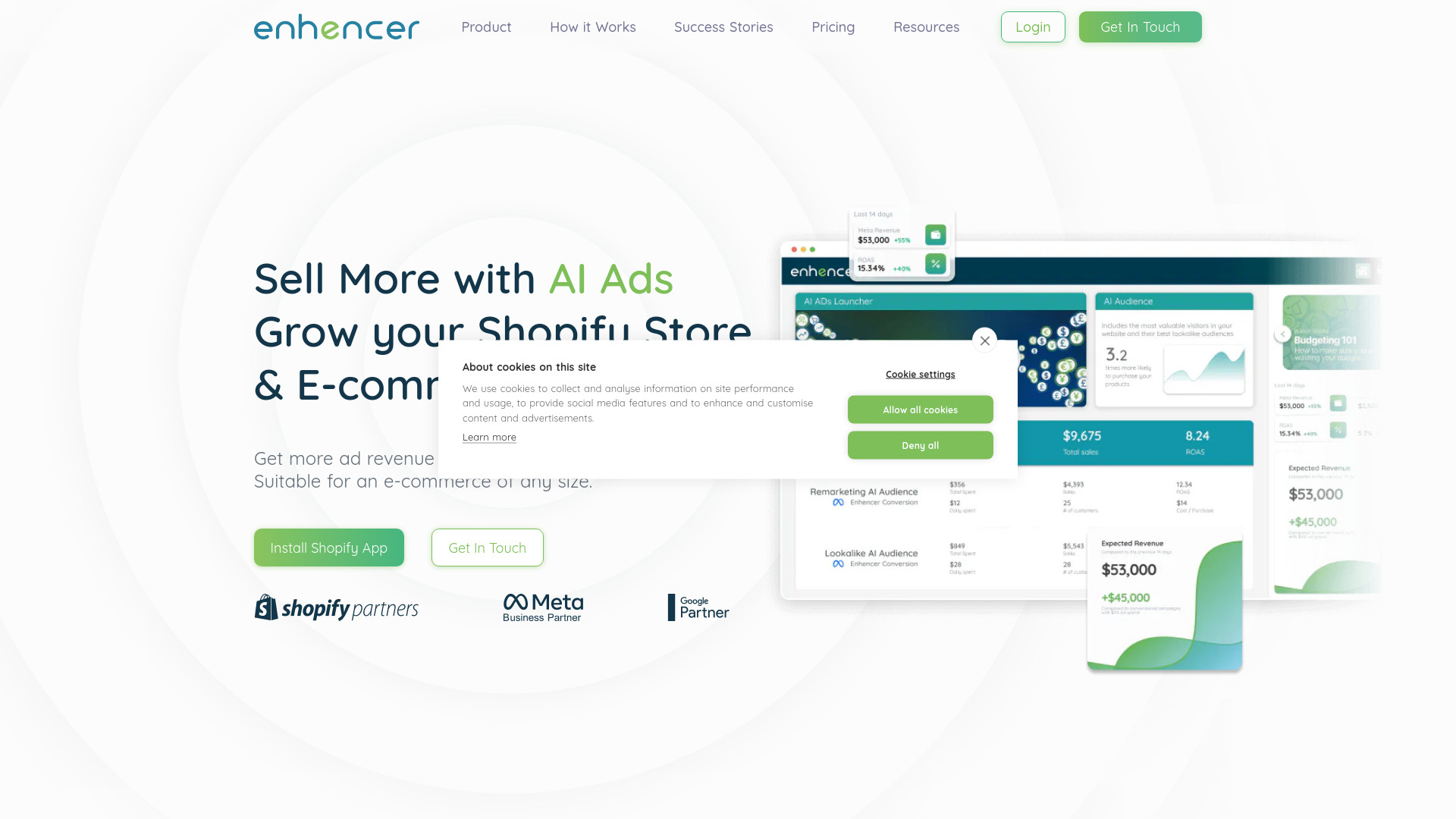
FancyAI

- E-commerce product visuals
- Free plan available
- Starts at Check vendor pricing
- Usage signal: 34.2K
AIUpscaler - Image Enhangcer

- Quick online video upscaling
- 5 free generations/day; 5 free downloads/day
- Starts at $4.99 one-time
- Usage signal: 25.2K
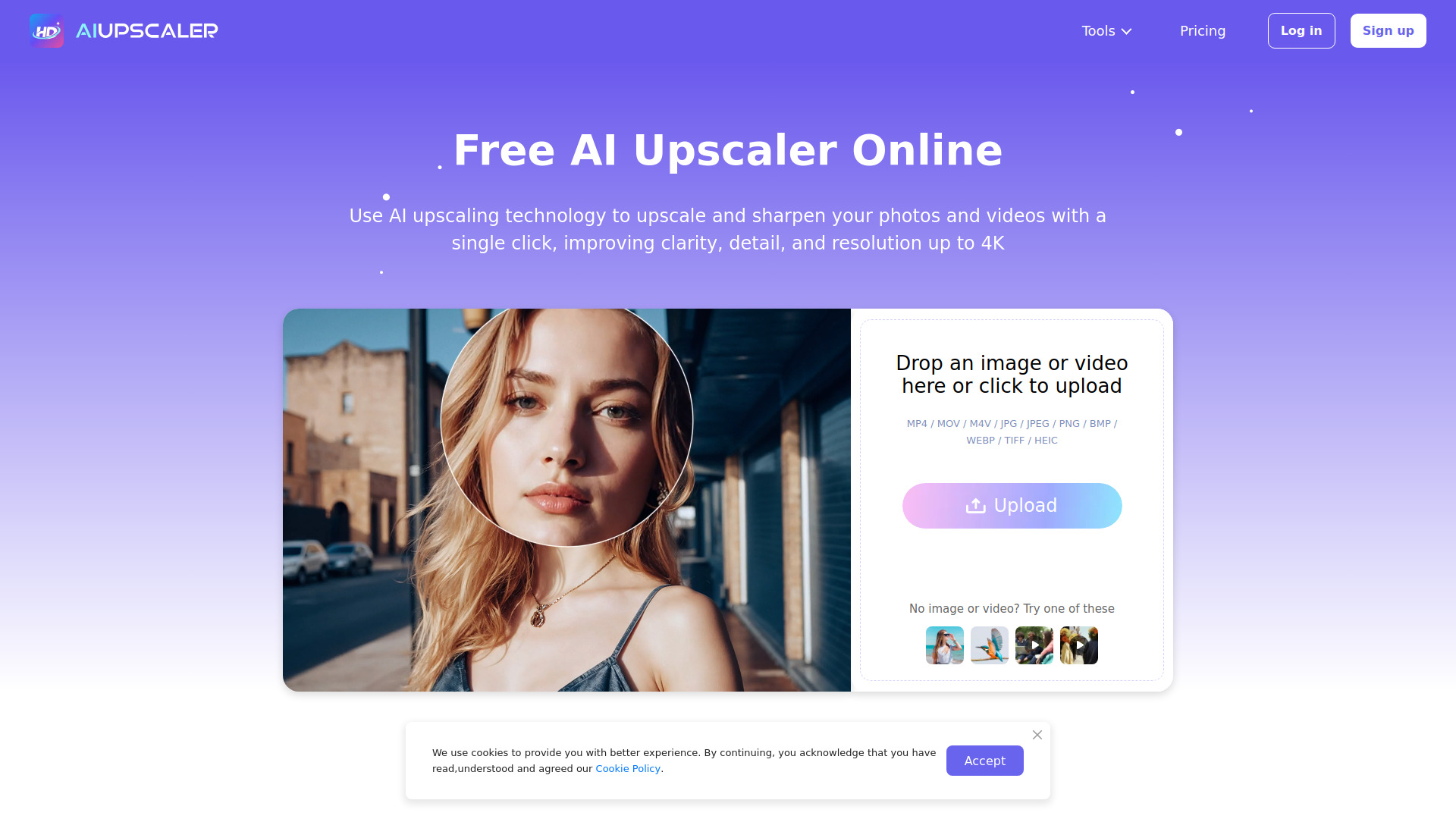
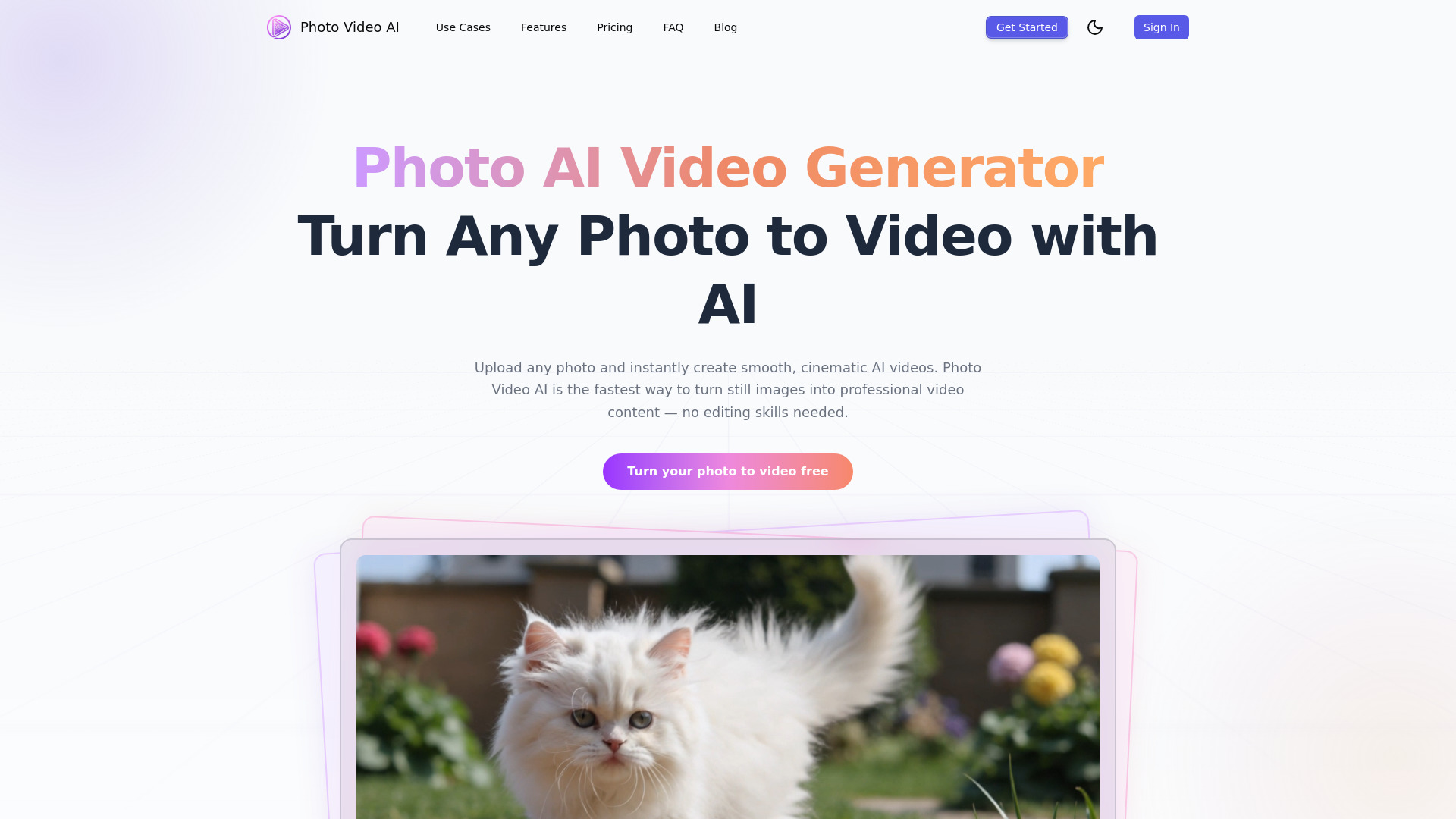
Photo Video AI

- Turning still photos into cinematic videos
- 20 free credits
- Starts at $16.58/month, billed annually
- Usage signal: 19.5K
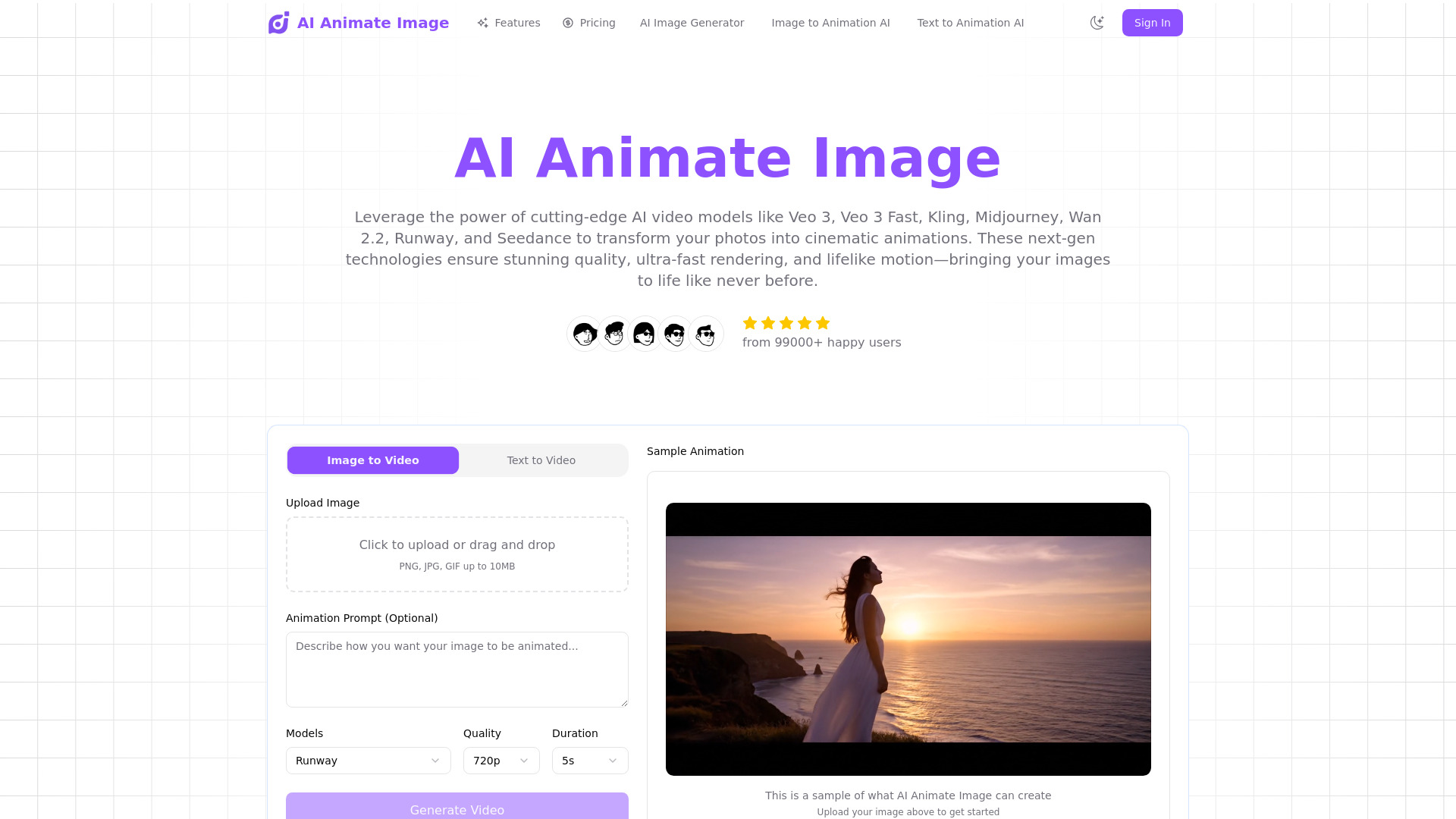
AI Animate Image

- Turning still photos into short animated videos
- 30 free credits (one photo-to-video animation)
- Starts at $4.90 one-time
- Usage signal: 17.7K
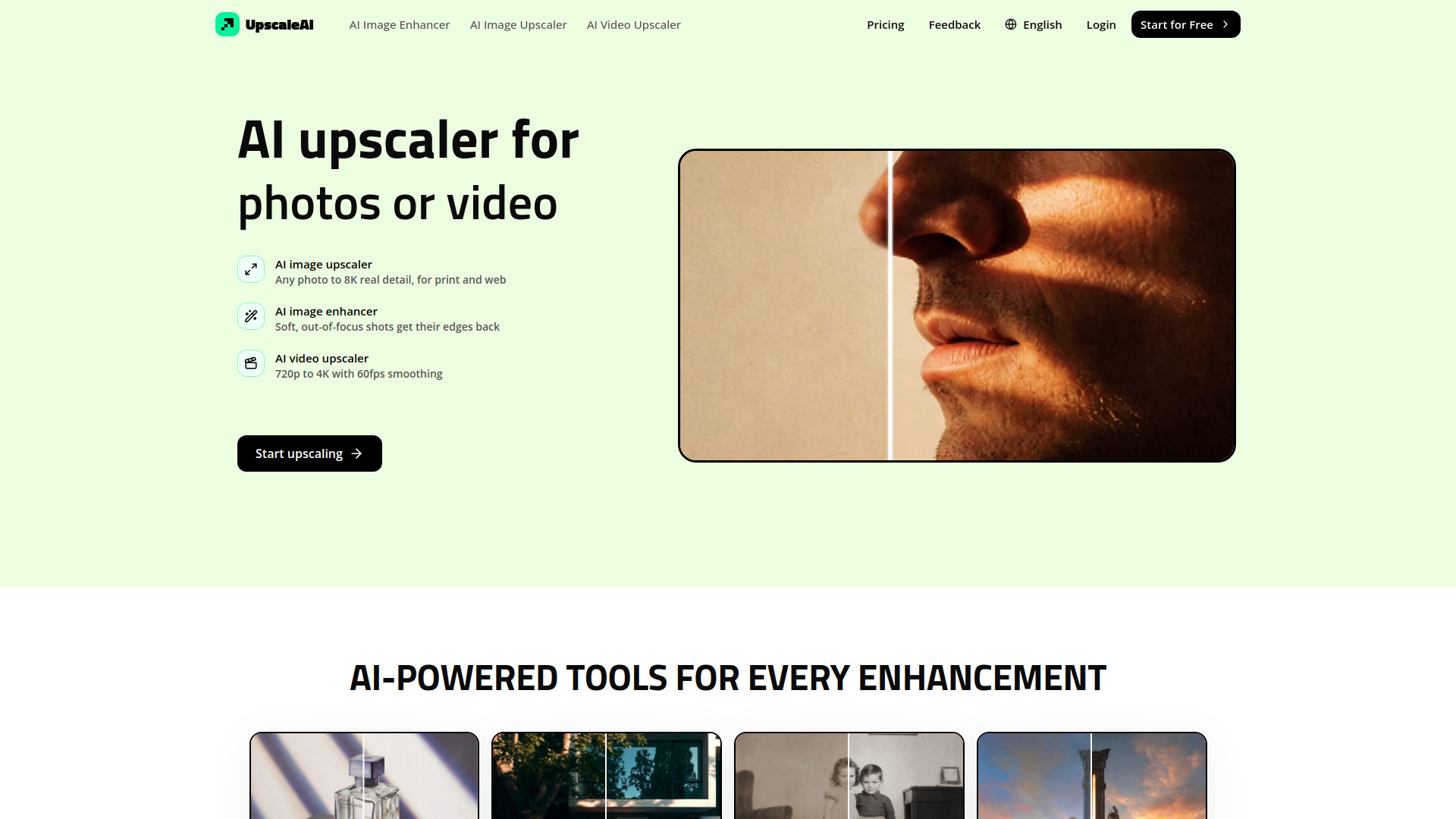
UpscaleAI

- Image and video upscaling
- 10 credits per month
- Starts at $7.99/month
- Usage signal: 0
AI Image Upscaler Pro

- Upscaling photos to 4K
- 5 free credits
- Starts at $89/year
- Usage signal: 7.3K
Ezier AI
- AI video enhancement and multi-model creation
- Starts at Check vendor pricing
- Usage signal: 10.1K
Photo Enhance AI

- AI photo enhancement and restoration
- Free plan available
- Starts at Check vendor pricing
- Usage signal: 2.6K
ai image editor
- Photo enhancement and image editing
- 5 free edits per month
- Starts at From $19.99/month
- Usage signal: 2.6K
Video AIditor

- API-based video creation platforms
- Unlimited renders
- Starts at Check vendor pricing
- Usage signal: 0
Webcam Effects

- Real-time webcam effects for video calls
- Free plan available
- Starts at $0
- Usage signal: 0

Video Upscaler
- Upscaling MP4 videos up to 4×
- 30 cloud credits/month
- Starts at $8.33/month, billed yearly
- Usage signal: 0
AI Video API

- Developers building video apps
- Starts at Check vendor pricing
- Usage signal: 4.6K
Image to Image AI

- Quick photo enhancement and restoration
- Free plan available
- Starts at $9.90/month (annual)
- Usage signal: 3.6K
ZEnhancer

- Quick AI photo enhancement
- 10 free credits per day
- Starts at $8/month
- Usage signal: 2.8K
AIVLOG

- Automatic highlight editing for vlogs
- Starts at Check vendor pricing
- Usage signal: 1.6K
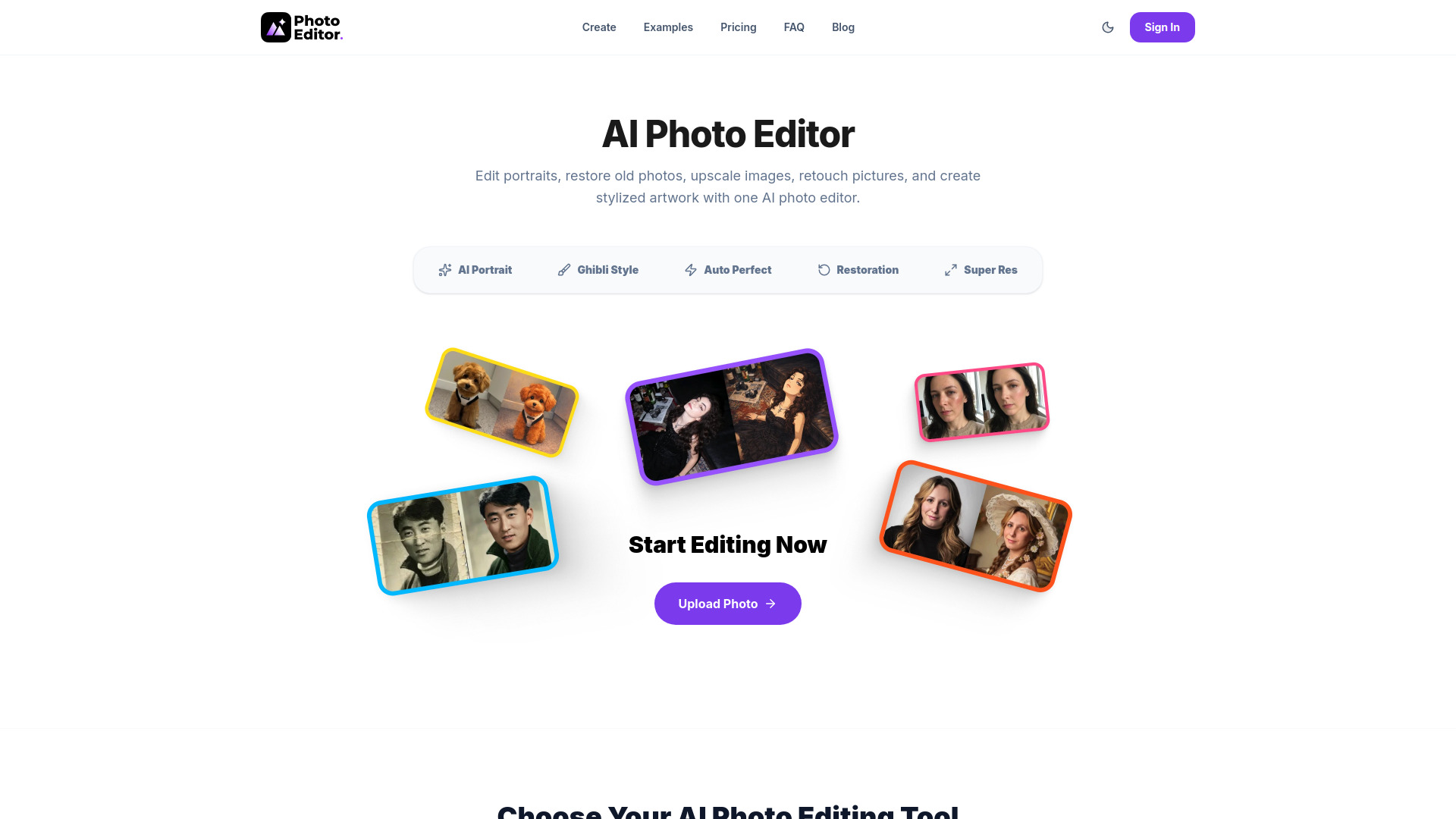
Photo Editor AI

- AI photo restoration and upscaling
- Free plan available
- Starts at $9
- Usage signal: 1.6K
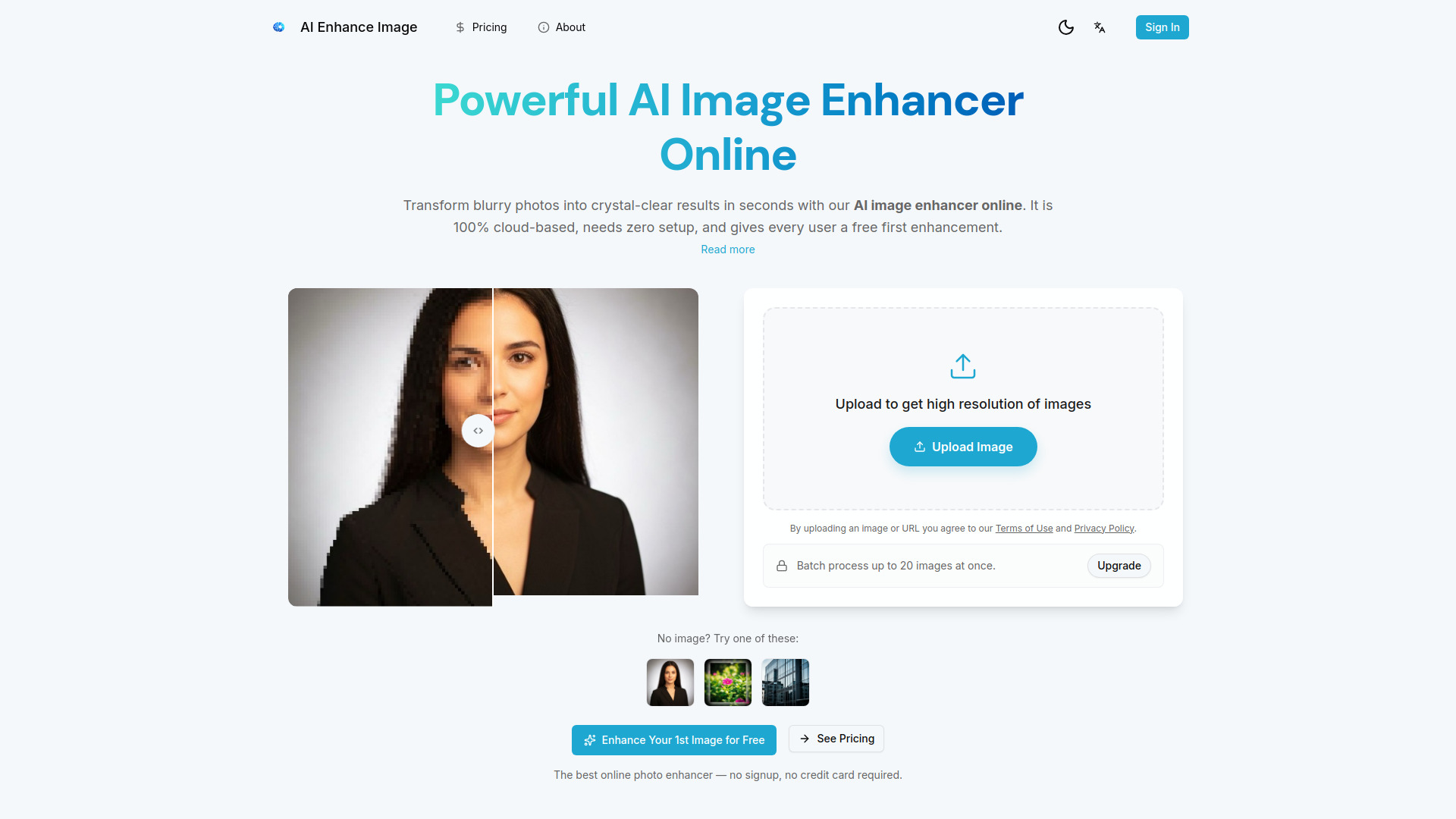
ai enhance image

- Online photo upscaling and restoration
- 1 free image enhancement
- Starts at $99/year
- Usage signal: 633
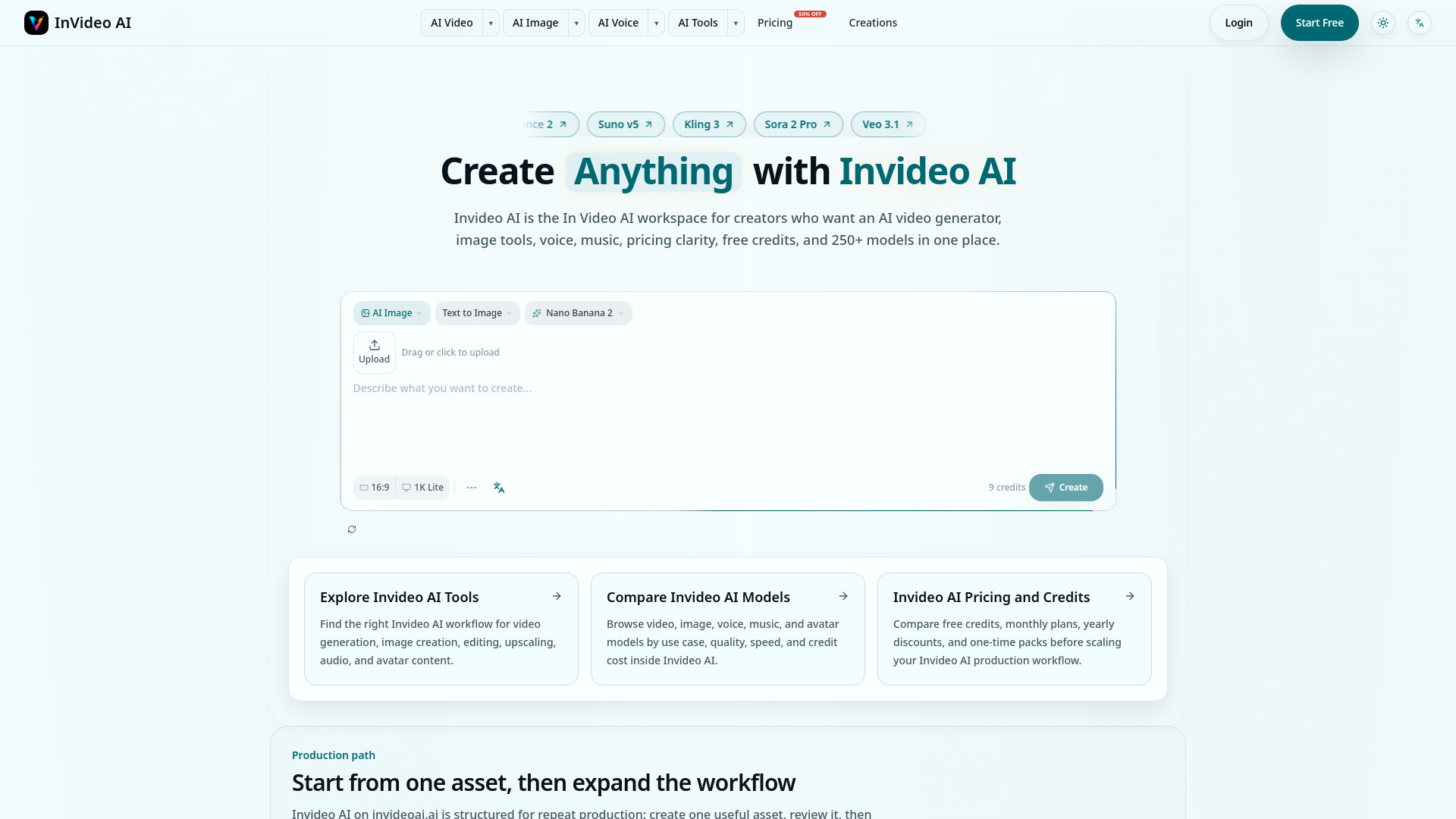
Invideo AI

- Multimodel video production
- 300 free credits forever
- Starts at $15/mo
- Usage signal: 1.1K
Veo 3.1

- Cinematic AI video creation
- Free trial available
- Starts at $24.90/month
- Usage signal: 643
AI HD Anime

- Upscaling anime images
- Free plan available
- Starts at Check vendor pricing
- Usage signal: 189

AI Photo Enhancer
- Upscaling and restoring photos
- 5 free credits/day
- Starts at $7.90/month
- Usage signal: 0
Imageenhan

- Upscaling and sharpening low-resolution photos
- Free plan available
- Starts at Check vendor pricing
- Usage signal: 0
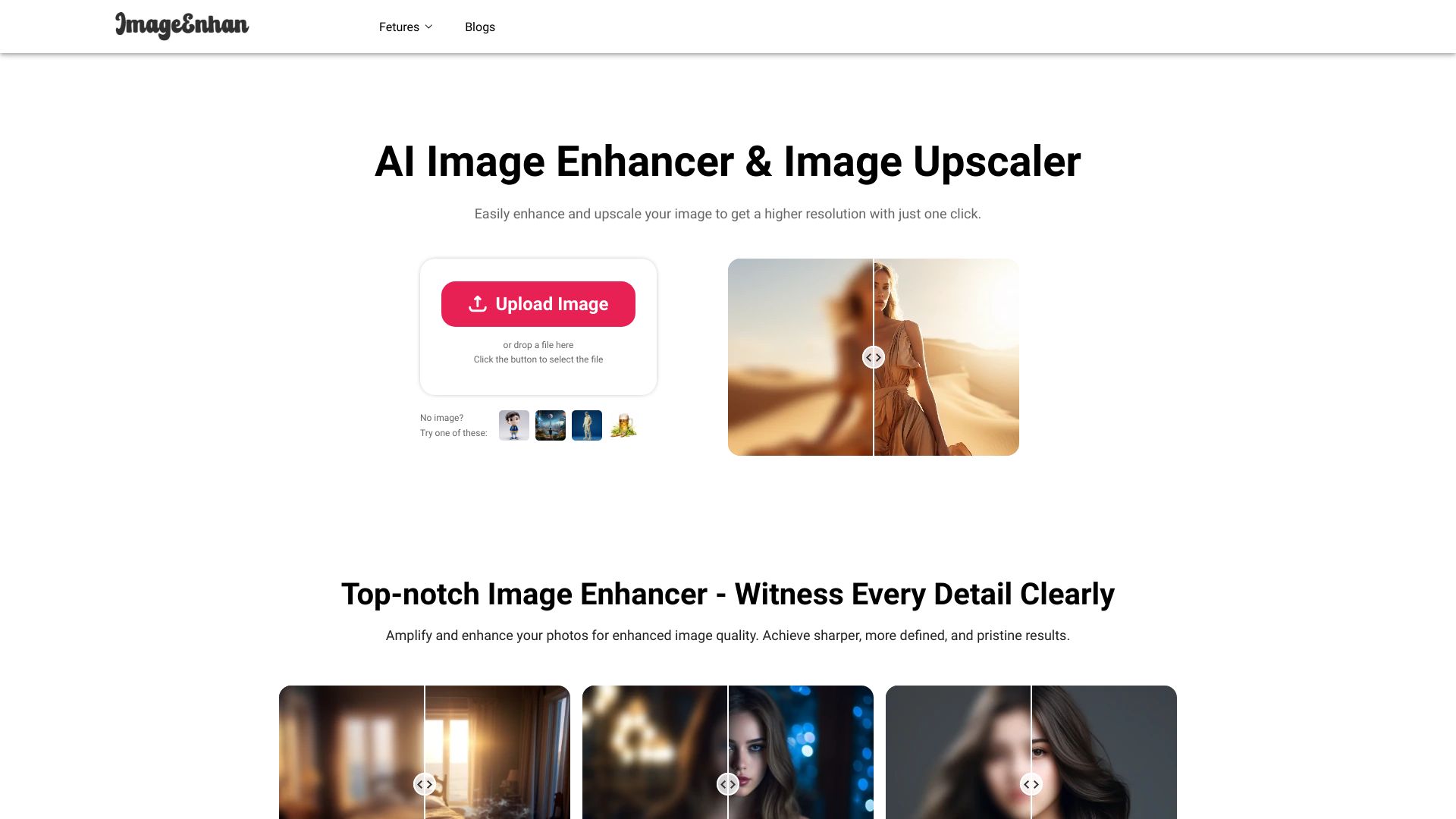
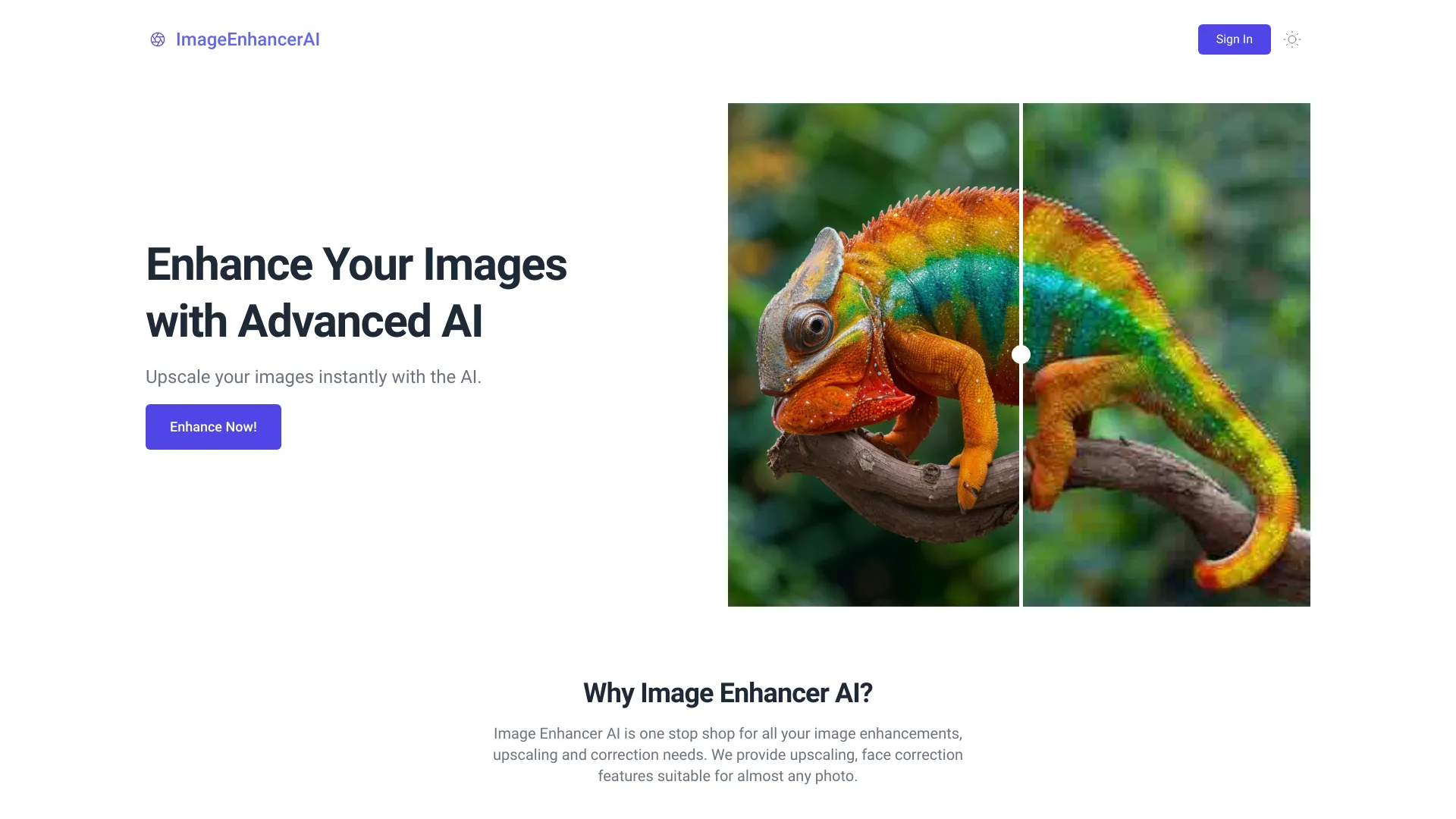
Image Enhancer AI
- Upscaling and sharpening blurry photos
- Starts at $5 for 10 image enhancements
- Usage signal: 0
Enhance Images AI
- AI image upscaling and vintage photo restoration
- Starts at Check vendor pricing
- Usage signal: 0

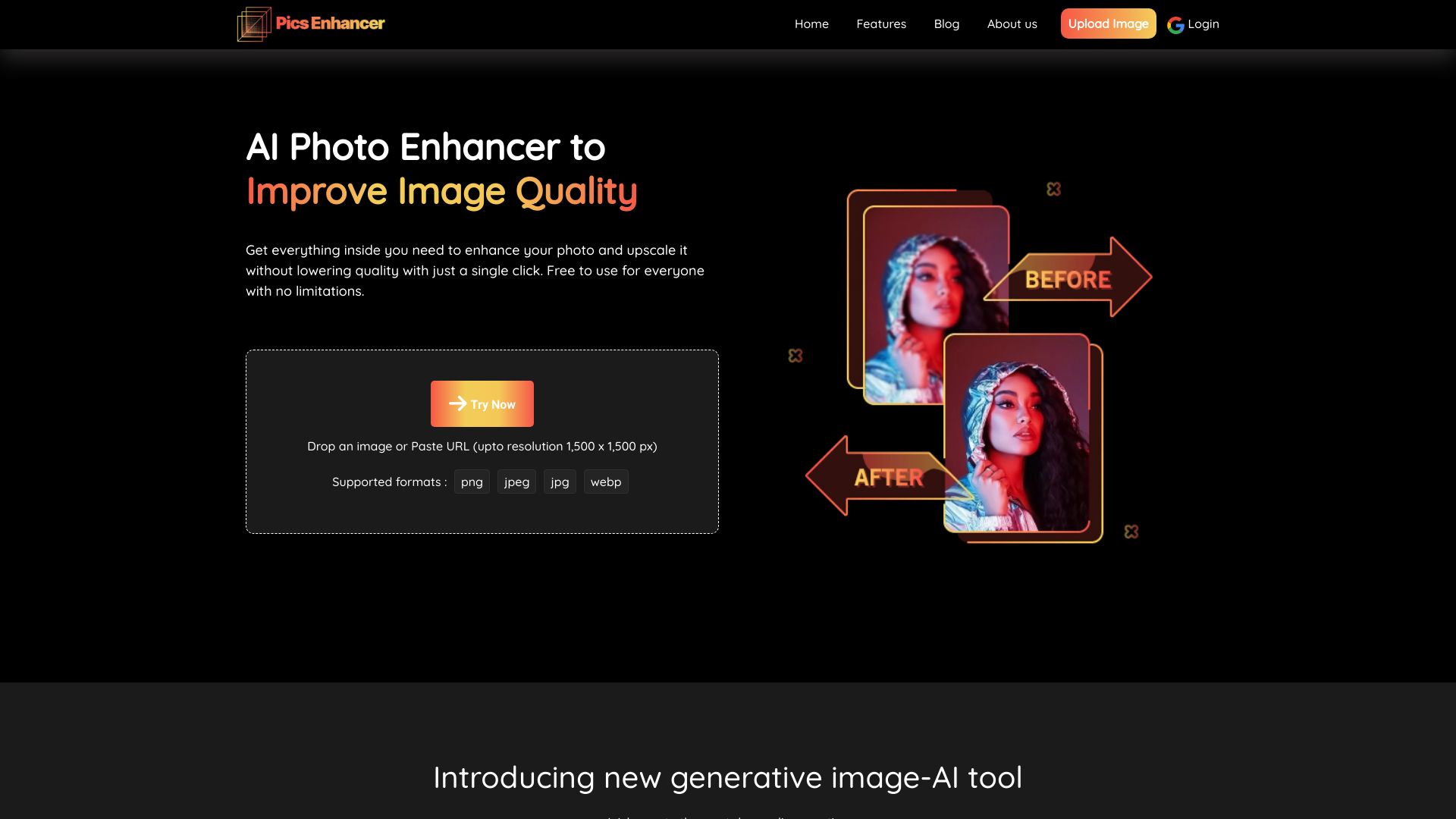
Pics Enhancer
- Upscaling and restoring blurry photos
- Free plan available
- Starts at Check vendor pricing
- Usage signal: 0
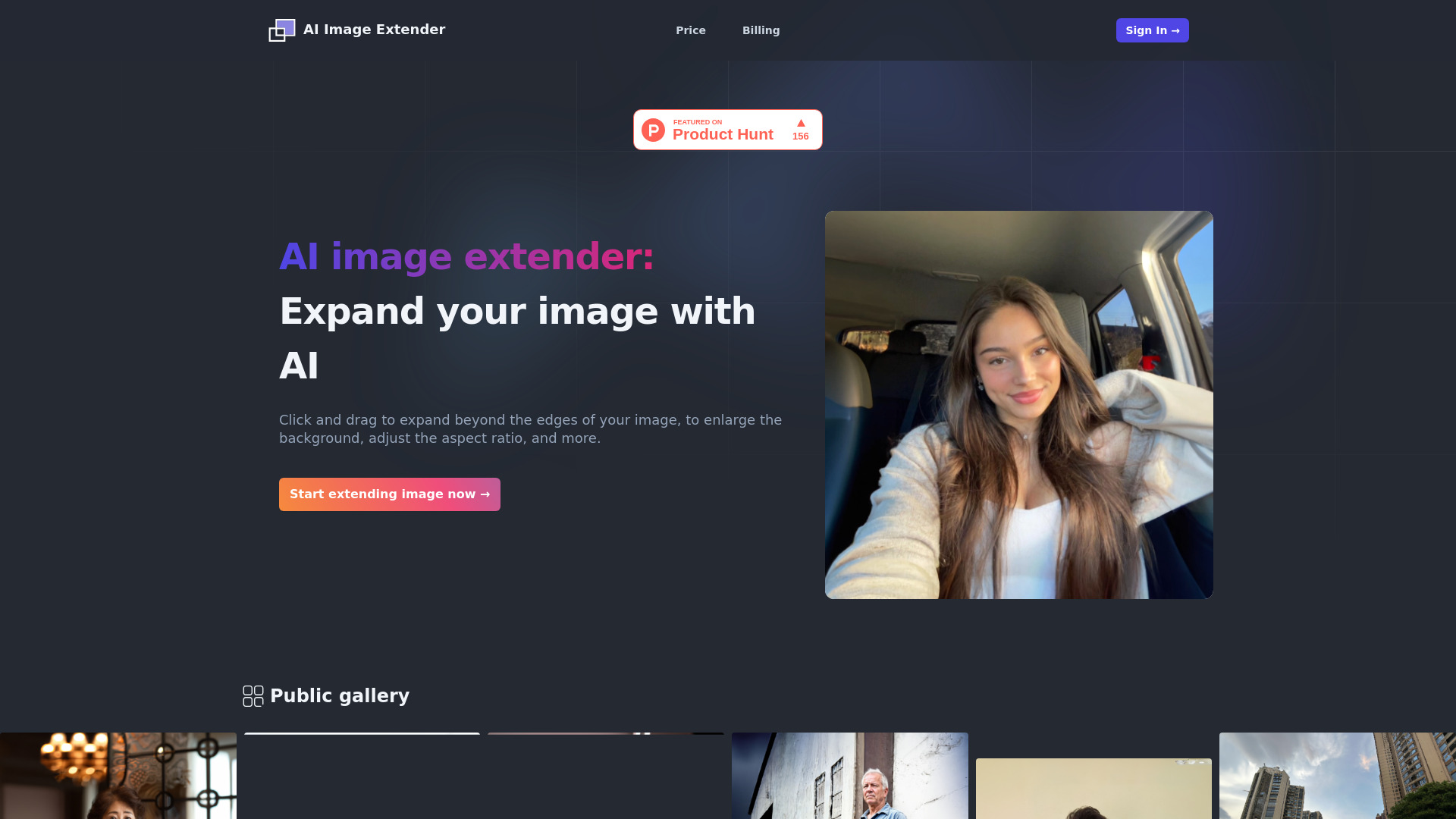
AI Image Extender

- Expanding image backgrounds
- Starts at Check vendor pricing
- Usage signal: 0
VideoEditorAI.com

- Prompt-based video creation and editing
- Starts at $12 per user/month
- Usage signal: 0
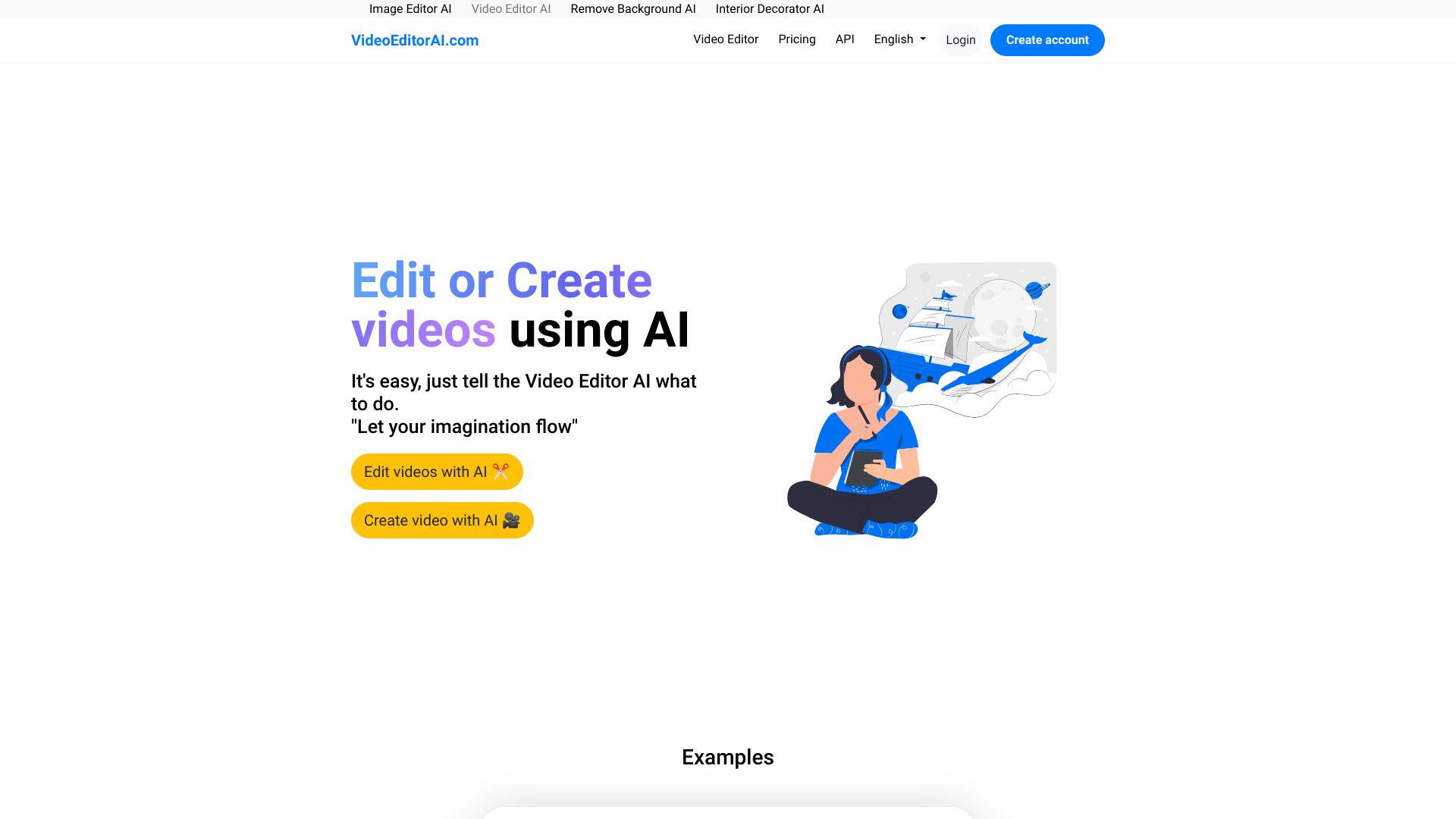
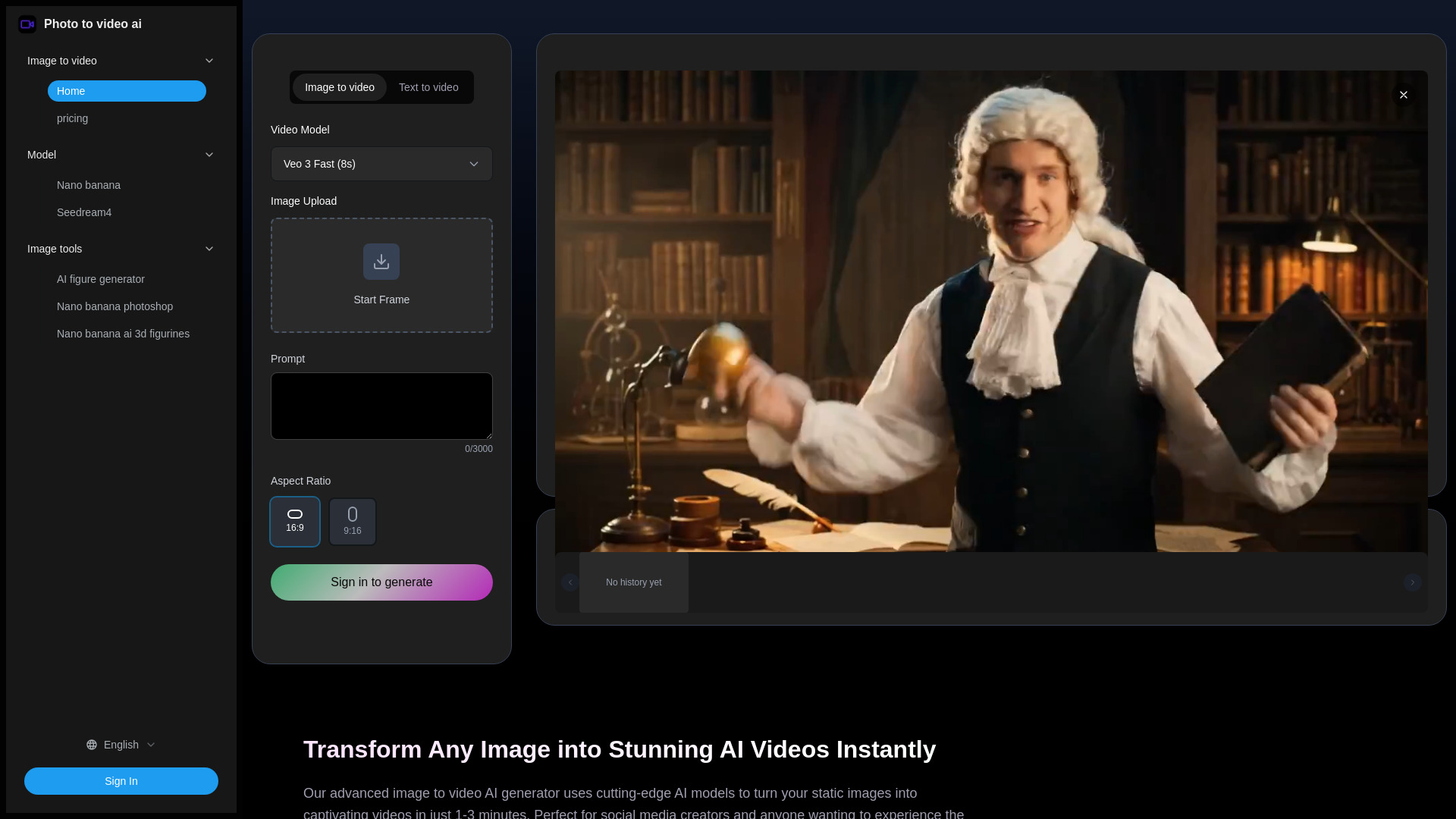
Photo to video ai

- Turning photos into short social videos
- Free trial available
- Starts at $9.90 for Basic
- Usage signal: 0
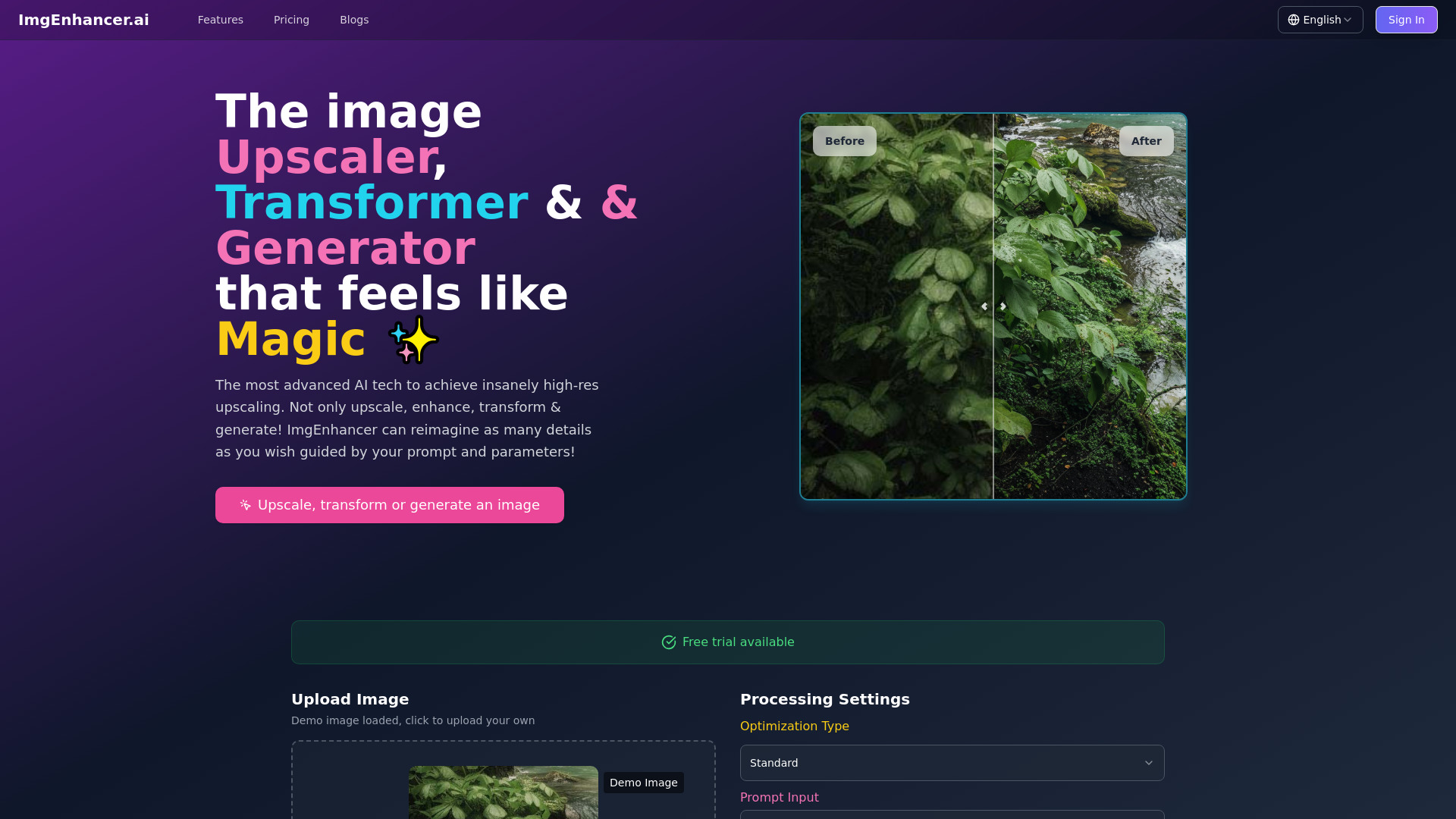
imgenhancer

- Photographers and digital artists
- Free trial available
- Starts at $99/year
- Usage signal: 0
CoEvo-AI

- Anime-style video conversion
- Free trial available
- Starts at Check vendor pricing
- Usage signal: 0
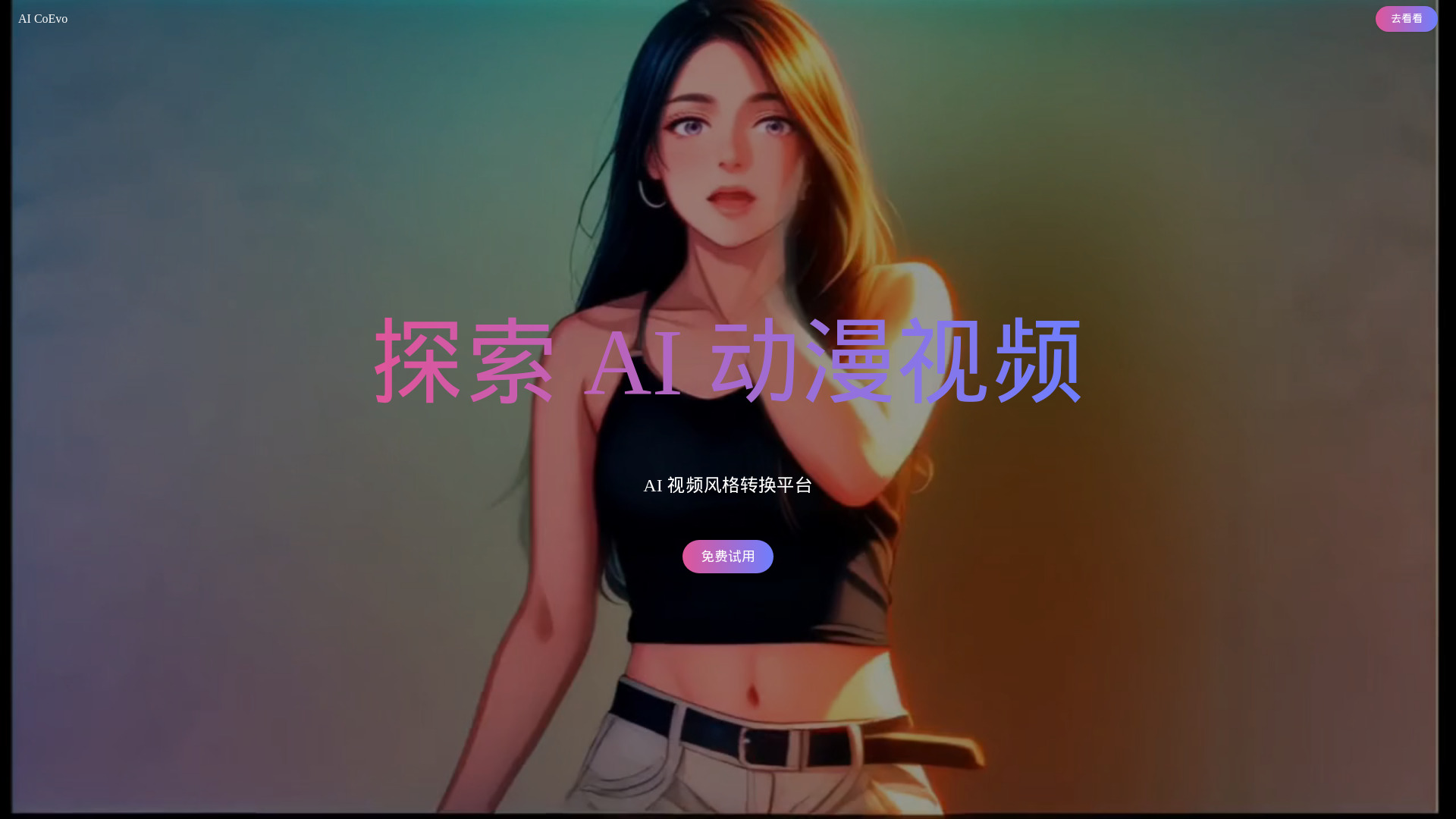
image to video ai

- Creators animating still images
- Starts at From $13.90
- Usage signal: 0
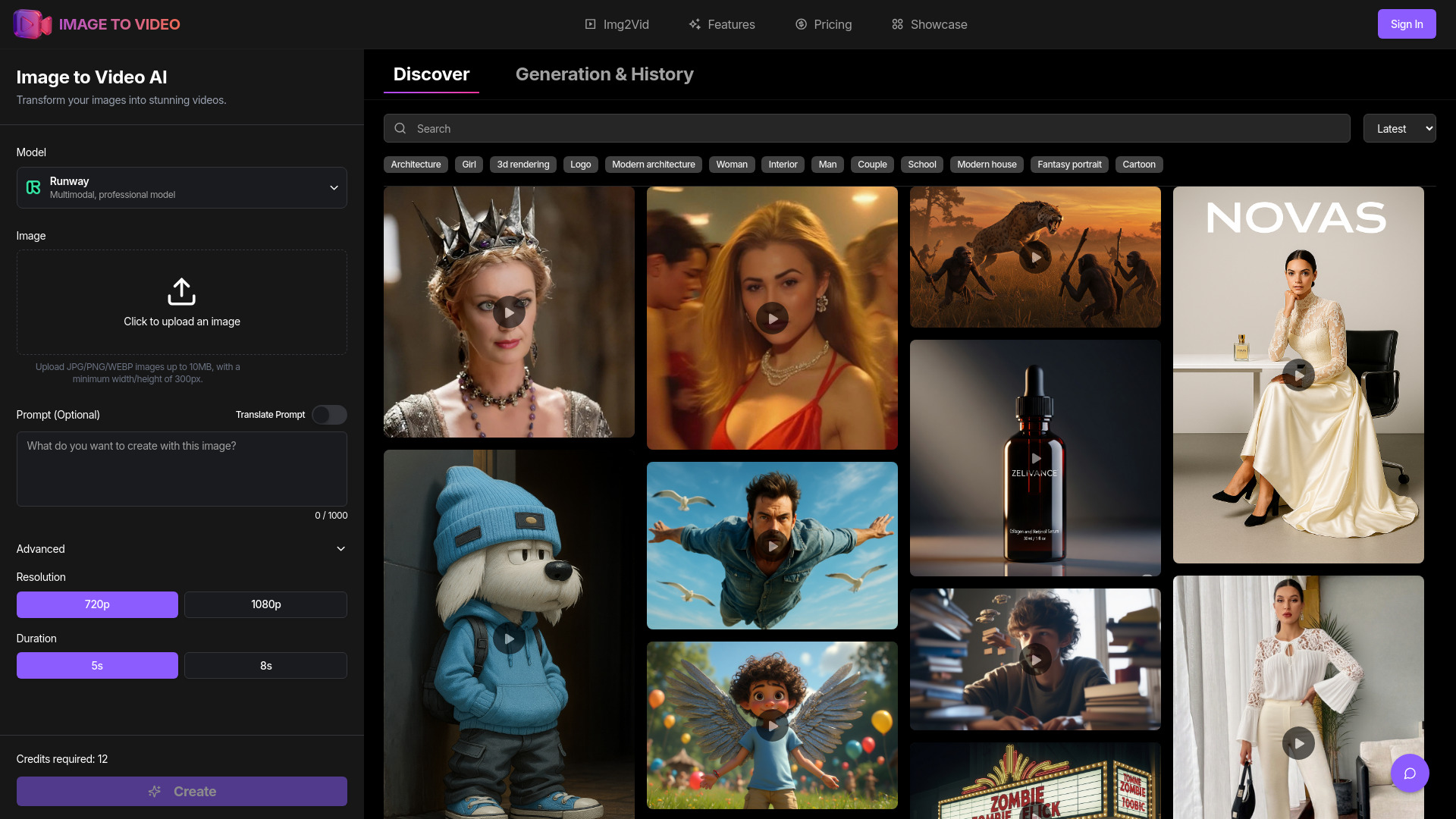
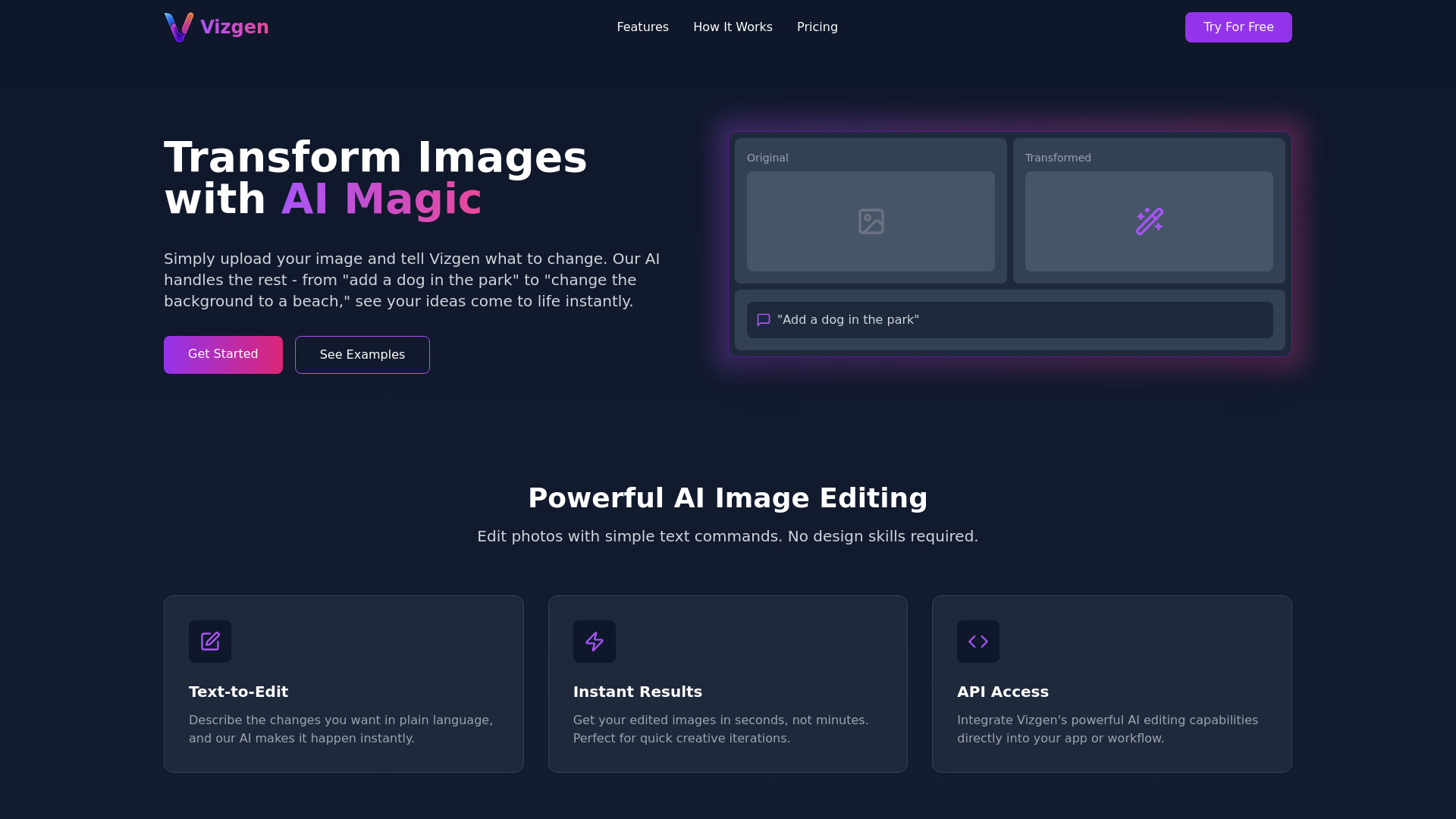
VizgenAI
- AI-powered image editing
- Starts at Check vendor pricing
- Usage signal: 0
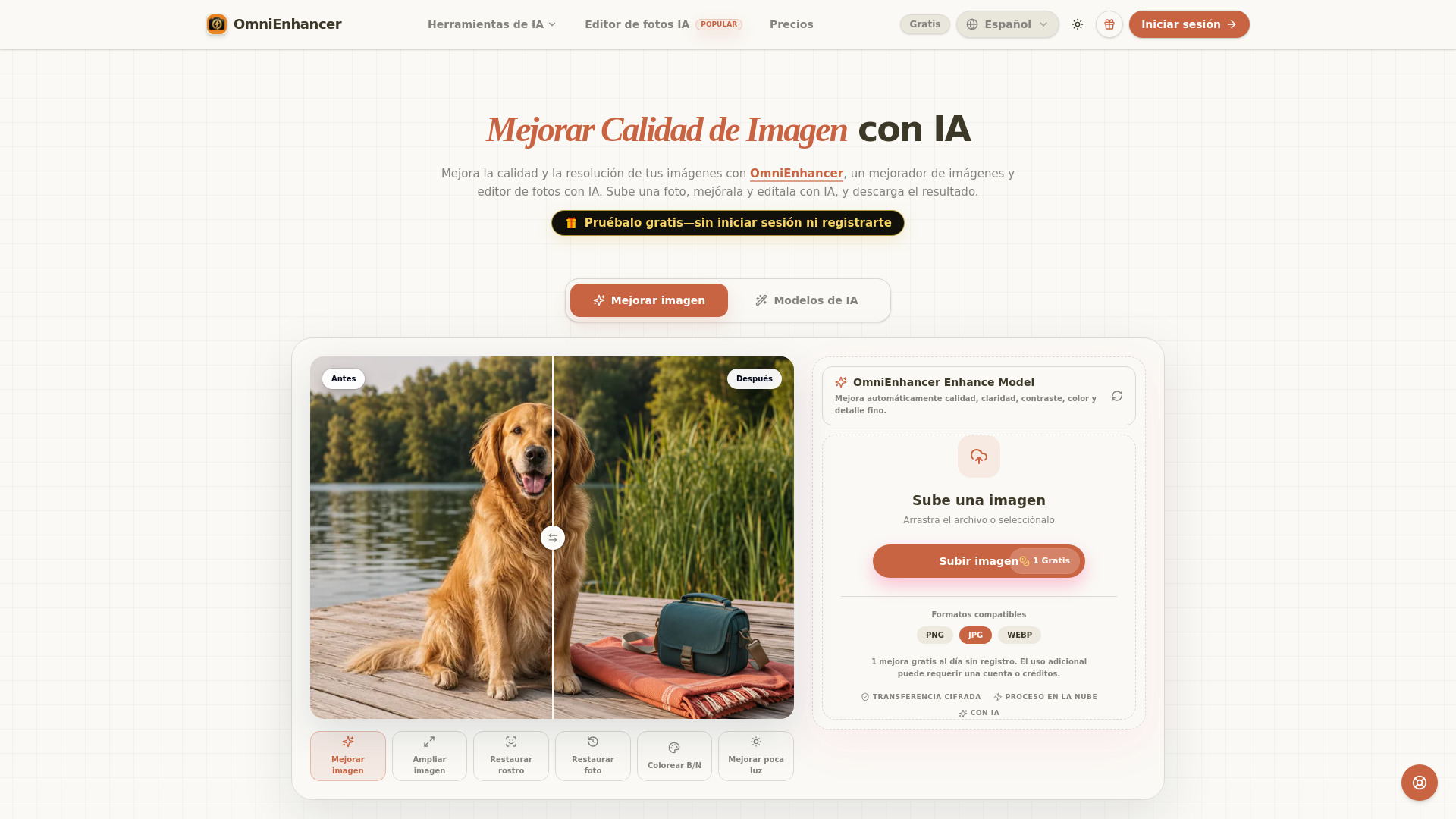
OmniEnhancer

- AI image quality enhancement
- 1 free enhancement per day
- Starts at $9.99/month
- Usage signal: 0
AI Filter

- Applying creative AI styles to photos
- 20 free credits for new users
- Starts at $4.99 one-time
- Usage signal: 0

Veo3 AI

- Short-form AI video creation
- Videos up to 5 seconds at 360p
- Starts at Check vendor pricing
- Usage signal: 0
VideoAI

- AI video generation from images and prompts
- 1 free credit
- Starts at Check vendor pricing
- Usage signal: 0
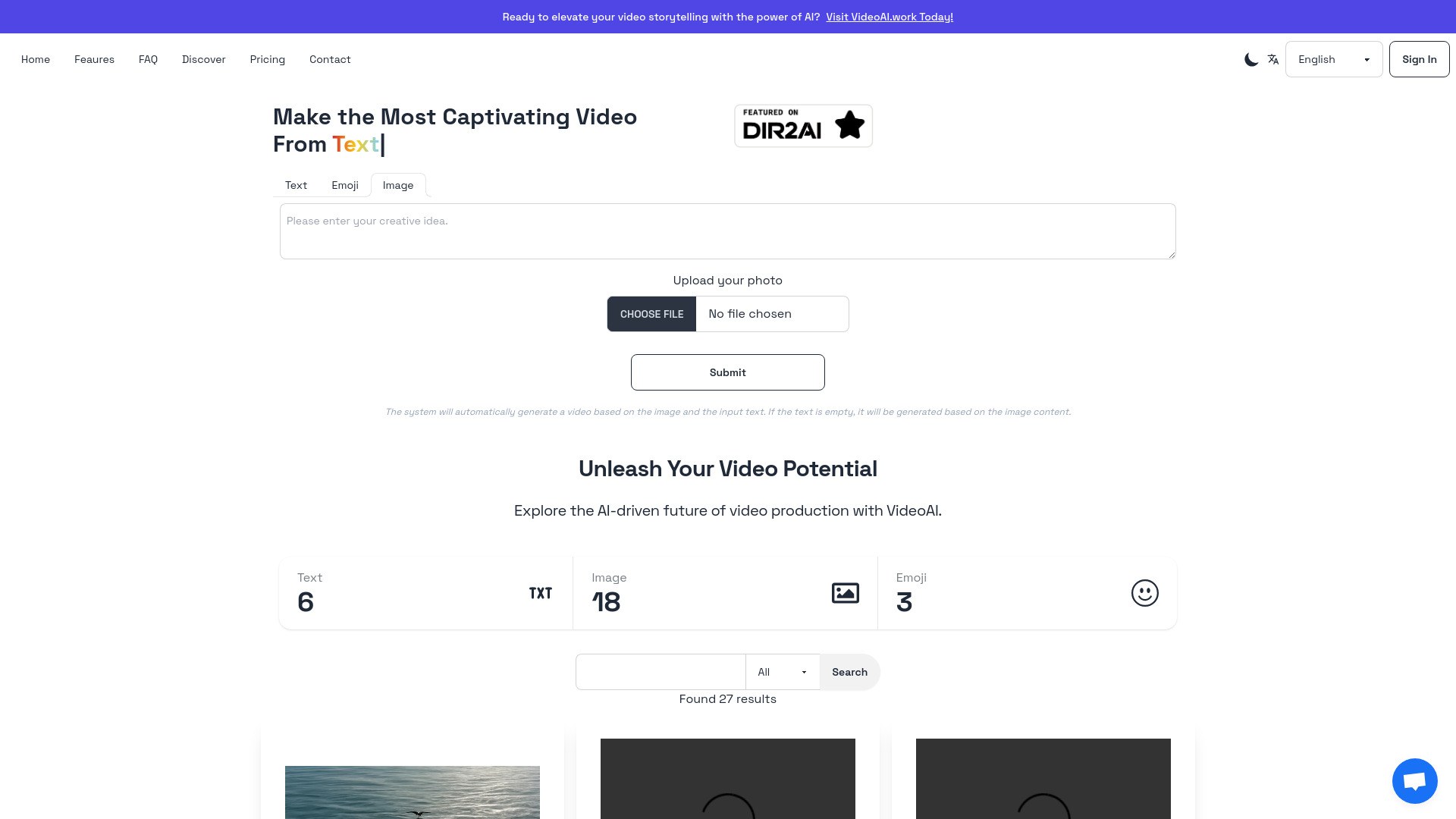
Veo 4 AI Video

- Cinematic AI video creation
- Free plan available
- Starts at $7.90/month (yearly billing)
- Usage signal: Not listed
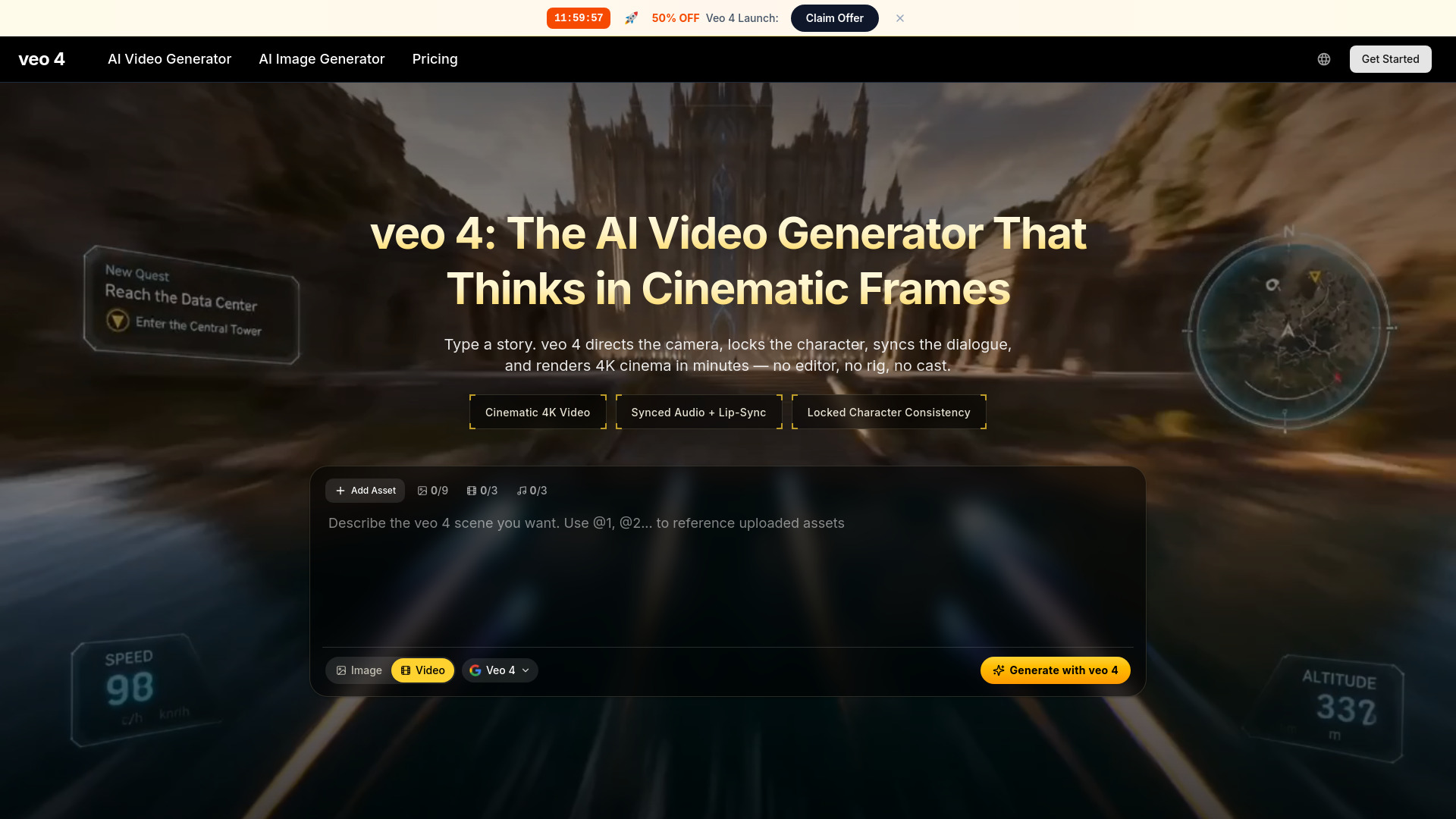
Aivvid AI

- Creators making videos with multi-model AI workflows
- 5 free credits to start
- Starts at $6.90/month
- Usage signal: 0
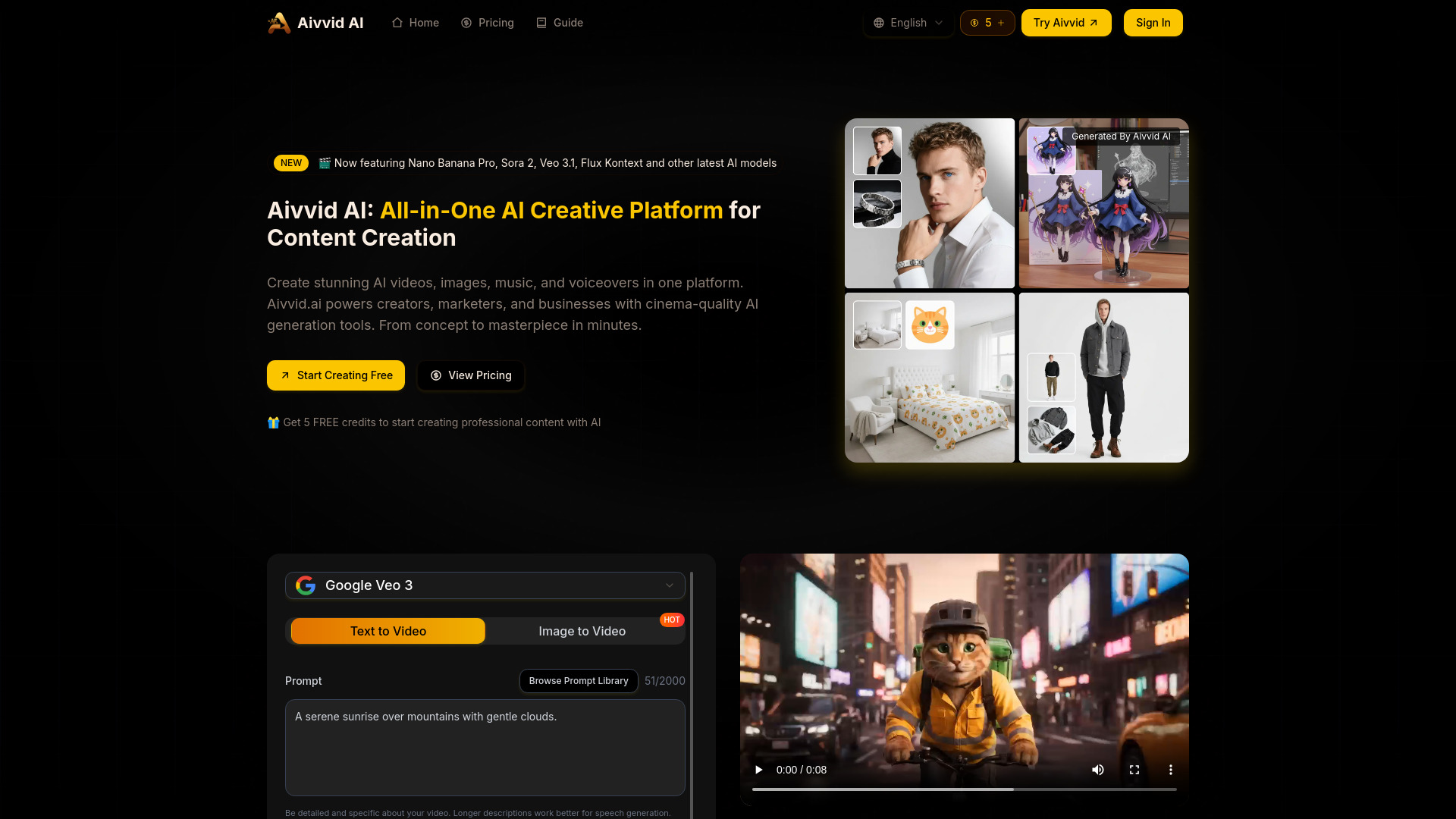
Vidthis: All In One AI Video Generator

- Creators using video and image AI models
- Free trial available
- Starts at $14.07/month, billed annually
- Usage signal: 0
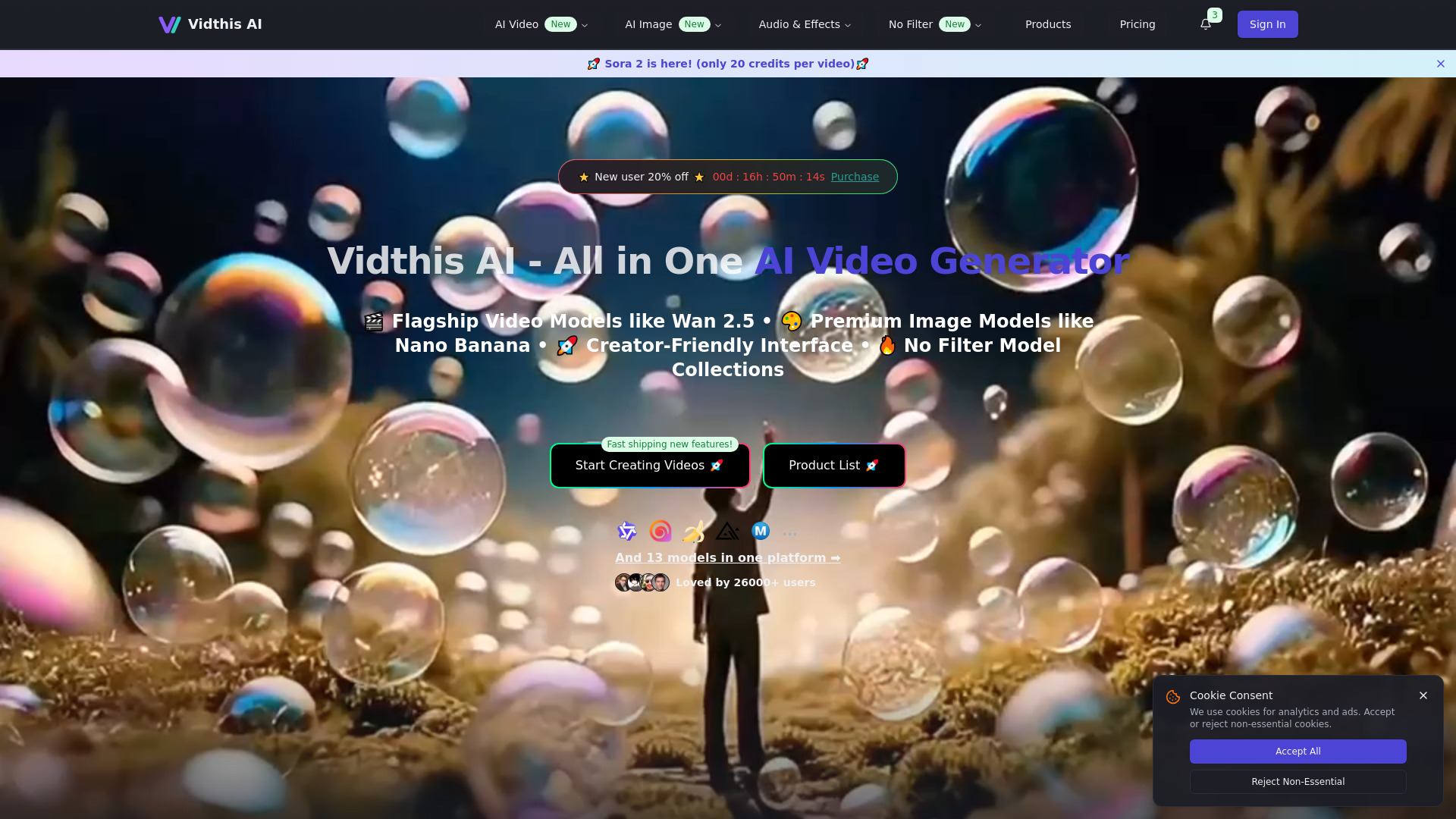
AI Video Maker

- Image-to-video creation
- 5-second videos at lowest resolution
- Starts at $29.9/month
- Usage signal: 0
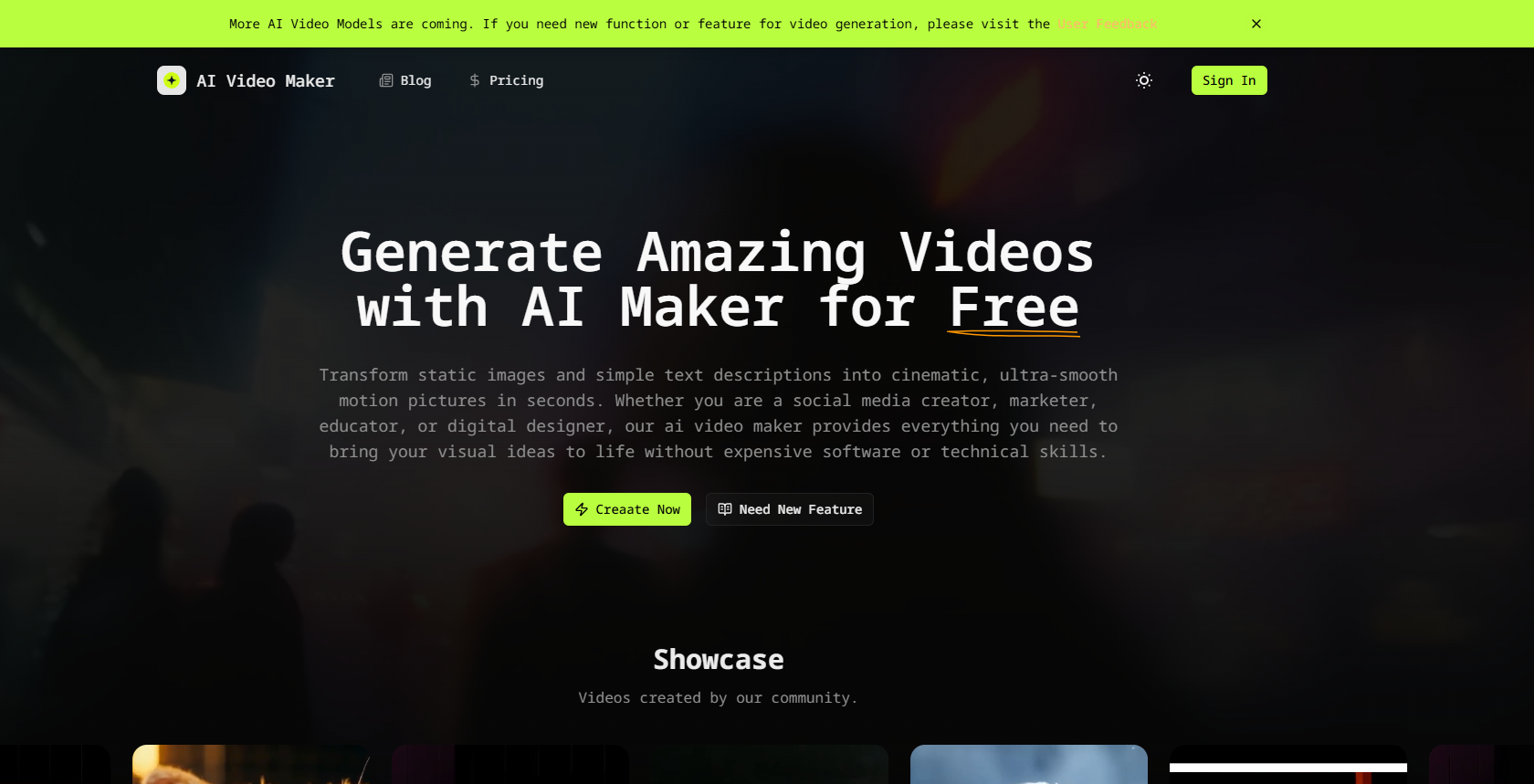
Veo2.ai

- AI video creation and generation
- Free plan available
- Starts at Free
- Usage signal: 0
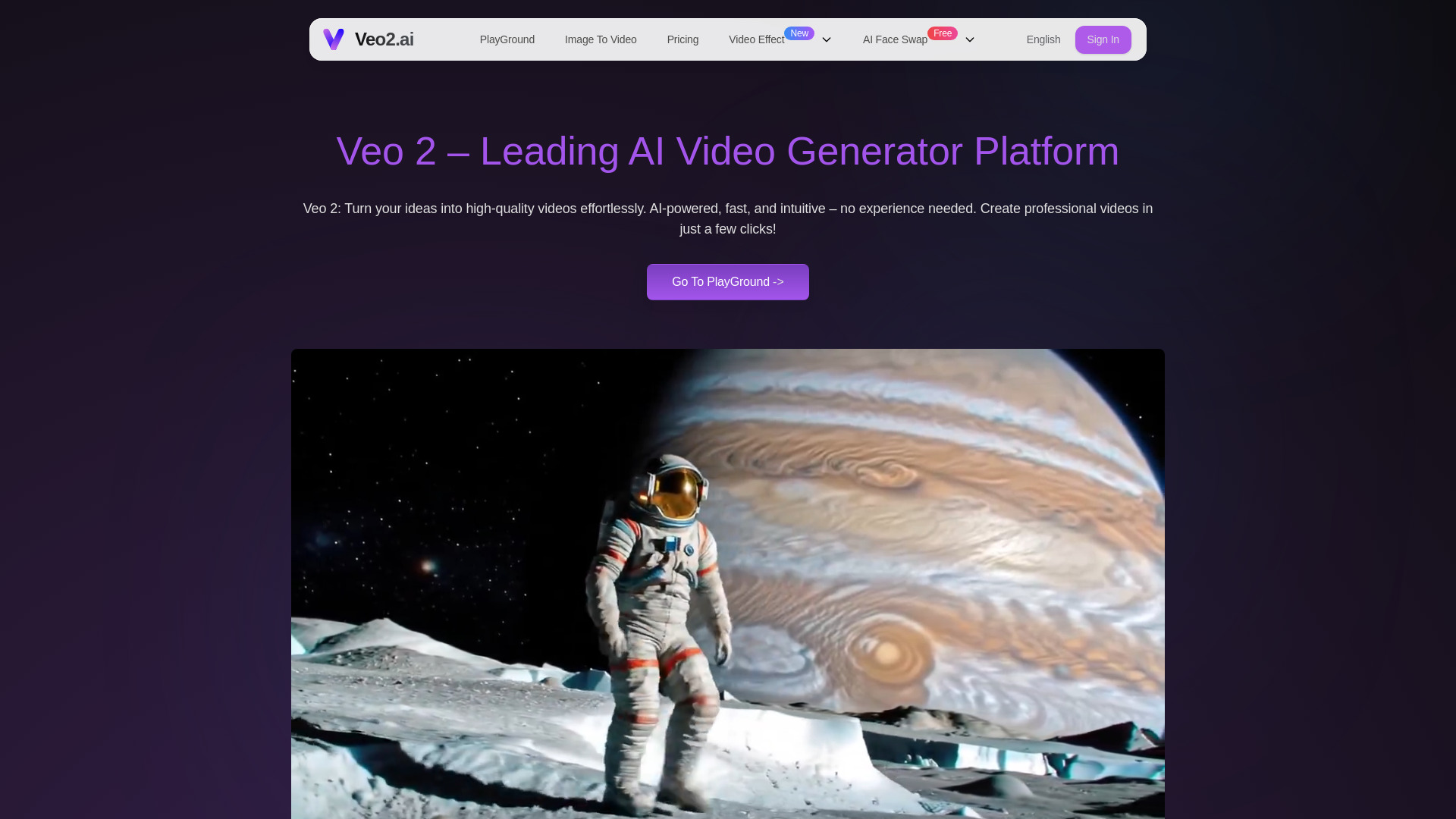
AI Photo Editor Pro

- Prompt-based photo edits and restoration
- Free plan available
- Starts at $9.99/month
- Usage signal: 0
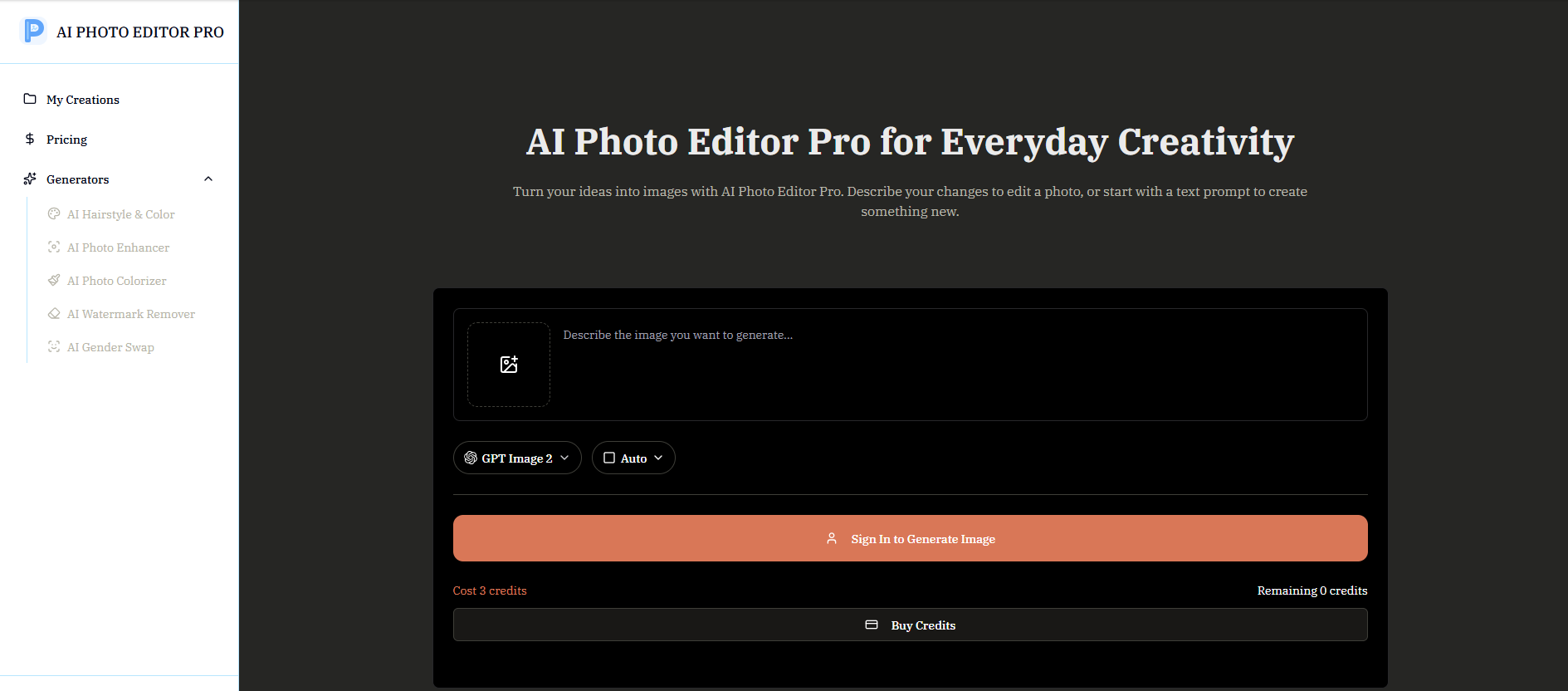
PictureEditorAI
- AI photo upscaling and restoration
- Starts at Check vendor pricing
- Usage signal: 0
Fotol AI

- AI-powered image enhancement and restoration
- Starts at Check vendor pricing
- Usage signal: 0
Vidu AI

- Text-and-image video generation
- Starts at Check vendor pricing
- Usage signal: 0
Which tool should you try first?
Start with Any Video Converter AI Video Enhancer if you want the most balanced combination of restoration, 4K upscaling, and familiar video utilities. Choose AnyEnhancer if face restoration and an automated model-based workflow matter more than batch processing. For a quick browser test on a small MP4, UniConverter is the easiest podium pick to try, provided your file is under 100MB.
If you mainly work online, Vmake is worth testing for its format support and multiple modes. Need repair or colorization? Look at HitPaw VikPea. For local processing, compare Topaz Labs and AVCLabs, but weigh their desktop requirements and pricing against how often you enhance footage. Photo-first tools such as EnhancePhoto AI and VanceAI are adjacent options, not direct substitutes for a dedicated video workflow.
Full comparison table
| Rank | Tool | Score | Best for | Standout capability | Free access | Starting price |
|---|---|---|---|---|---|---|
| #1 | Any Video Converter AI Video Enhancer | 96/100 | Content creators | 4K upscaling, denoising, restoration | Watermarked free enhancement | Free trial; paid option from $19.95 |
| #2 | AnyEnhancer | 96/100 | Video makers | 4K upscaling and face restoration | Preview; subscription required to export | S$117.47/year |
| #3 | AI Video Enhancer - UniConverter | 96/100 | Video creators | Browser restoration and denoising | MP4 under 100MB; one video at a time | Check vendor pricing |
| #4 | Vmake Labs Video Enhancer | 96/100 | Content creators | Browser enhancement up to 8K | 10 enhancer files per day | Free; paid option from $9.99/month |
| #5 | HitPaw VikPea | 96/100 | Video editors | Repair, colorization, and upscaling | Limited free preview | $43.19/month |
| #6 | AVCLabs | 95/100 | Video editors | AI video and photo enhancement | Free access details not specified | $39.95/month for Video Enhancer AI |
| #7 | Topaz Labs | 95/100 | Photographers | Local processing, denoising, sharpening | Free access details not specified | Video AI listed at $249 (regular $299) |
| #8 | EnhancePhoto AI | 95/100 | Photographers | Photo enhancement up to 16K | Free photo enhancement | Free; paid option from $3.90/month |
| #9 | Remini | 95/100 | Photographers | Simple photo and video enhancement | Free version includes ads | Check vendor pricing |
| #10 | VanceAI | 95/100 | Photographers | Broad image enhancement toolkit | Selected tools available | Check vendor pricing |
Best by use case
| Need | Pick | Why it fits |
|---|---|---|
| All-around restoration and video utilities | Any Video Converter AI Video Enhancer | Combines 4K upscaling, noise reduction, artifact removal, conversion, and editing. |
| Quick online restoration | AI Video Enhancer - UniConverter | Offers a browser-based restoration trial, with clear file-size and format limits. |
| Repair and colorization | HitPaw VikPea | Pairs AI upscaling with video repair and colorization. |
| Local processing | Topaz Labs | Processes locally and includes noise reduction and sharpening. |
Any Video Converter vs AnyEnhancer vs UniConverter
Any Video Converter is the most balanced starting point, especially if conversion and editing belong in the same workflow, though its watermarks deserve careful attention. AnyEnhancer focuses on automated 4K and face restoration but requires a subscription to export and works one video at a time. UniConverter is easiest to test in a browser, but its free route is limited to small MP4 restoration. Choose based on workflow, not just resolution claims.
Best free AI video enhancer
For a no-cost test, compare Any Video Converter's watermarked enhancement, UniConverter's browser restoration for MP4s under 100MB, and Vmake's daily allowance. Each has meaningful limits, so check whether a watermark, file cap, or restricted model blocks your intended export. A preview is useful for judging quality, but it is not proof that a free tier will support a full production workflow.
Pricing: what you actually pay for
Pricing ranges from free trials and limited browser use to subscriptions and higher-cost desktop software. AnyEnhancer's listed annual price is in Singapore dollars; VikPea and AVCLabs have substantial monthly starting prices, while Topaz Labs lists Video AI at $249 (regular $299). Some products do not show clear pricing here, so confirm regional prices, export restrictions, and upgrade terms directly with the vendor.
When to skip these tools
Skip a paid enhancer if you only need a one-time improvement and a limited browser preview already answers the question. Avoid relying on free exports when watermarks or file caps conflict with client delivery. If your work depends on batch processing, confirm support before buying: AnyEnhancer processes one video at a time. Photo-first options should not replace a video-focused workflow without testing their video tools first.
How we scored the list
We compared 100 candidate tools and selected 10 featured picks, weighing enhancement depth, upscaling and restoration capabilities, practical workflow fit, free access, pricing signals, and stated limits. Scores help organize a shortlist; they do not guarantee identical results on every source file. Test a representative clip and verify current plan details before purchase.
Who reviewed this guide
FAQ
AI video enhancers use automated models to improve footage through tasks such as upscaling, denoising, sharpening, restoration, or colorization. Which controls are available depends on the tool.